
Brackish Brewing Co
Brackish Brewing — a small Coalridge taproom — runs a Flask website the head brewer's partner wrote over a few rainy weekends. After they moved off their old reverse proxy in early 2025, nobody revisited the assumptions the staff section was quietly making about where traffic comes from.
Room Description
https://dashboard.webverselabs-pro.com/challenges/walk-in
Scenario
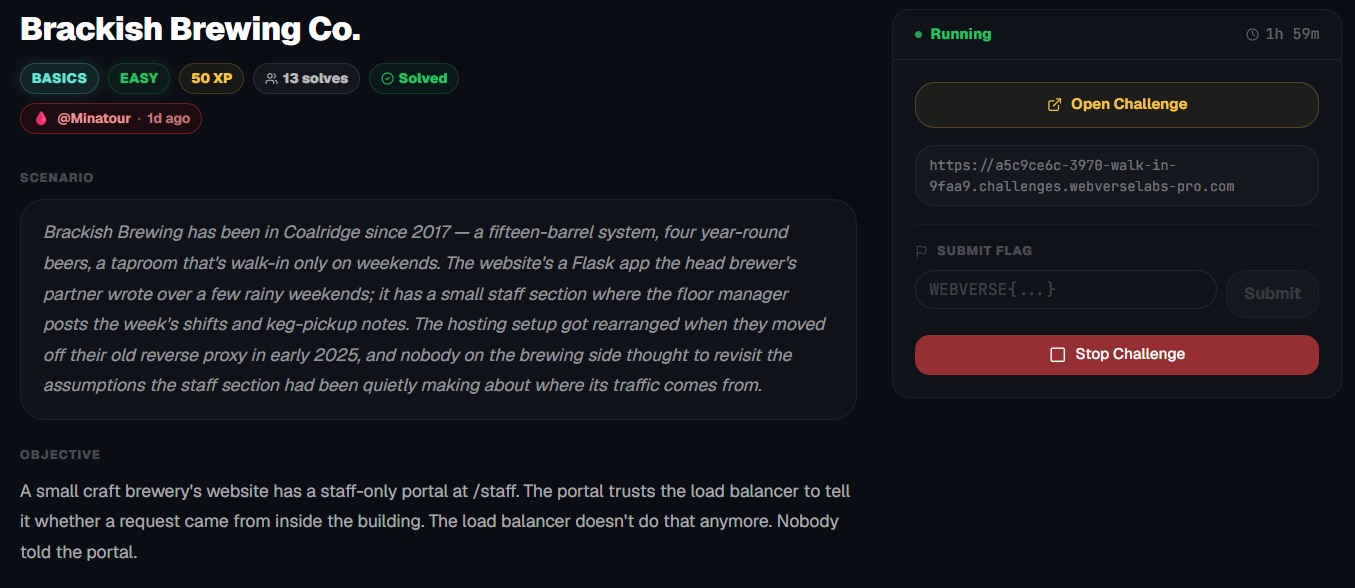
Brackish Brewing has been in Coalridge since 2017 — a fifteen-barrel system, four year-round beers, a taproom that's walk-in only on weekends. The website's a Flask app the head brewer's partner wrote over a few rainy weekends; it has a small staff section where the floor manager posts the week's shifts and keg-pickup notes. The hosting setup got rearranged when they moved off their old reverse proxy in early 2025, and nobody on the brewing side thought to revisit the assumptions the staff section had been quietly making about where its traffic comes from.
Objective
A small craft brewery's website has a staff-only portal at /staff. The portal trusts the load balancer to tell it whether a request came from inside the building. The load balancer doesn't do that anymore. Nobody told the portal.
Initial Analysis
We have a beer brewing company on our hands, things are getting interesting already!
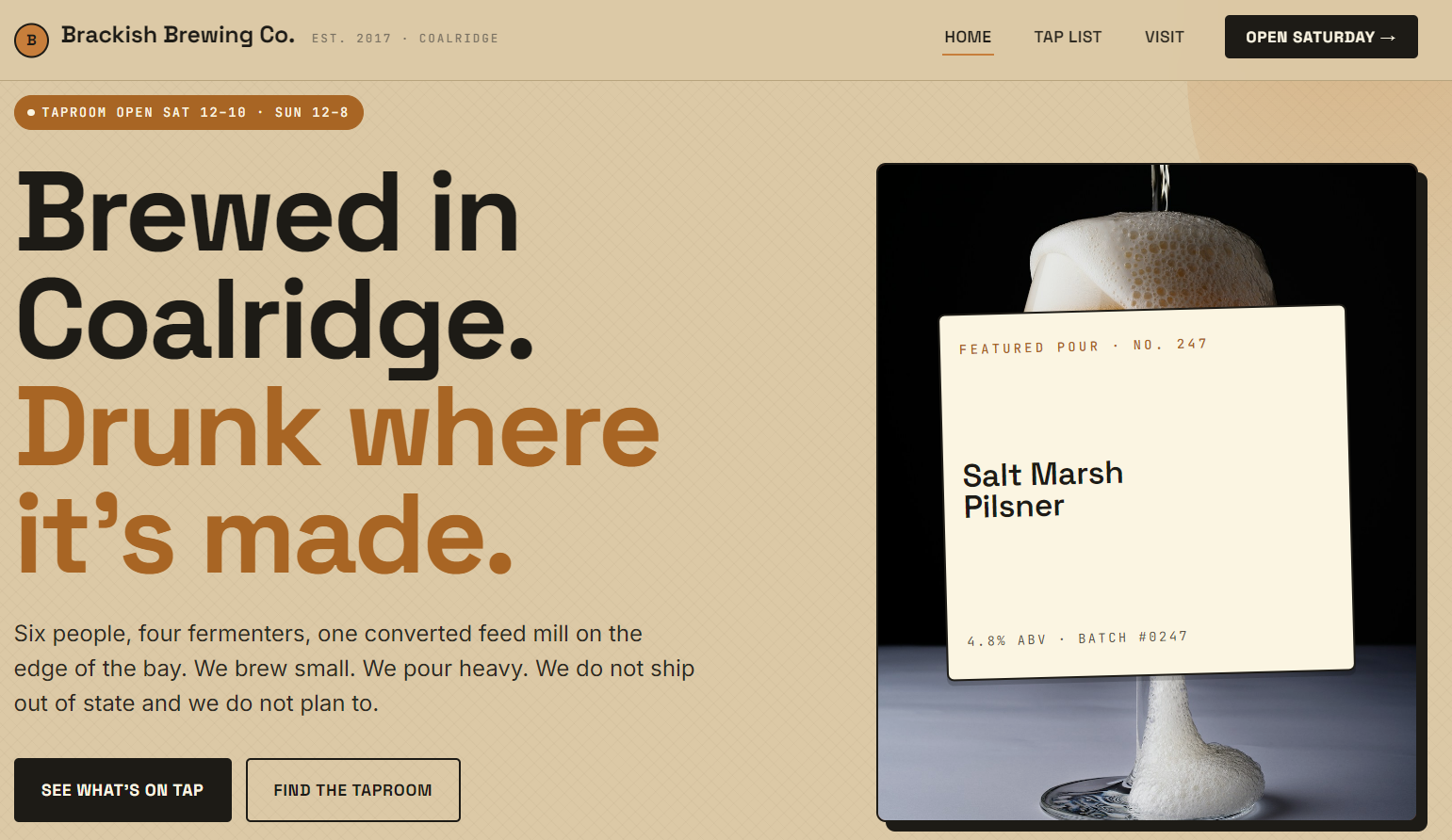
Hm, from the list of endpoints available through the navigation menu, we don't really see /staff mentioned despite it being pointed out in the challenge description.
    <ul class="nav__menu">
      <li><a href="/" class="nav__link nav__link--active">Home</a></li>
      <li><a href="/tap-list" class="nav__link ">Tap List</a></li>
      <li><a href="/visit" class="nav__link ">Visit</a></li>
      <li><a href="/visit" class="nav__cta">Open Saturday →</a></li>
    </ul>
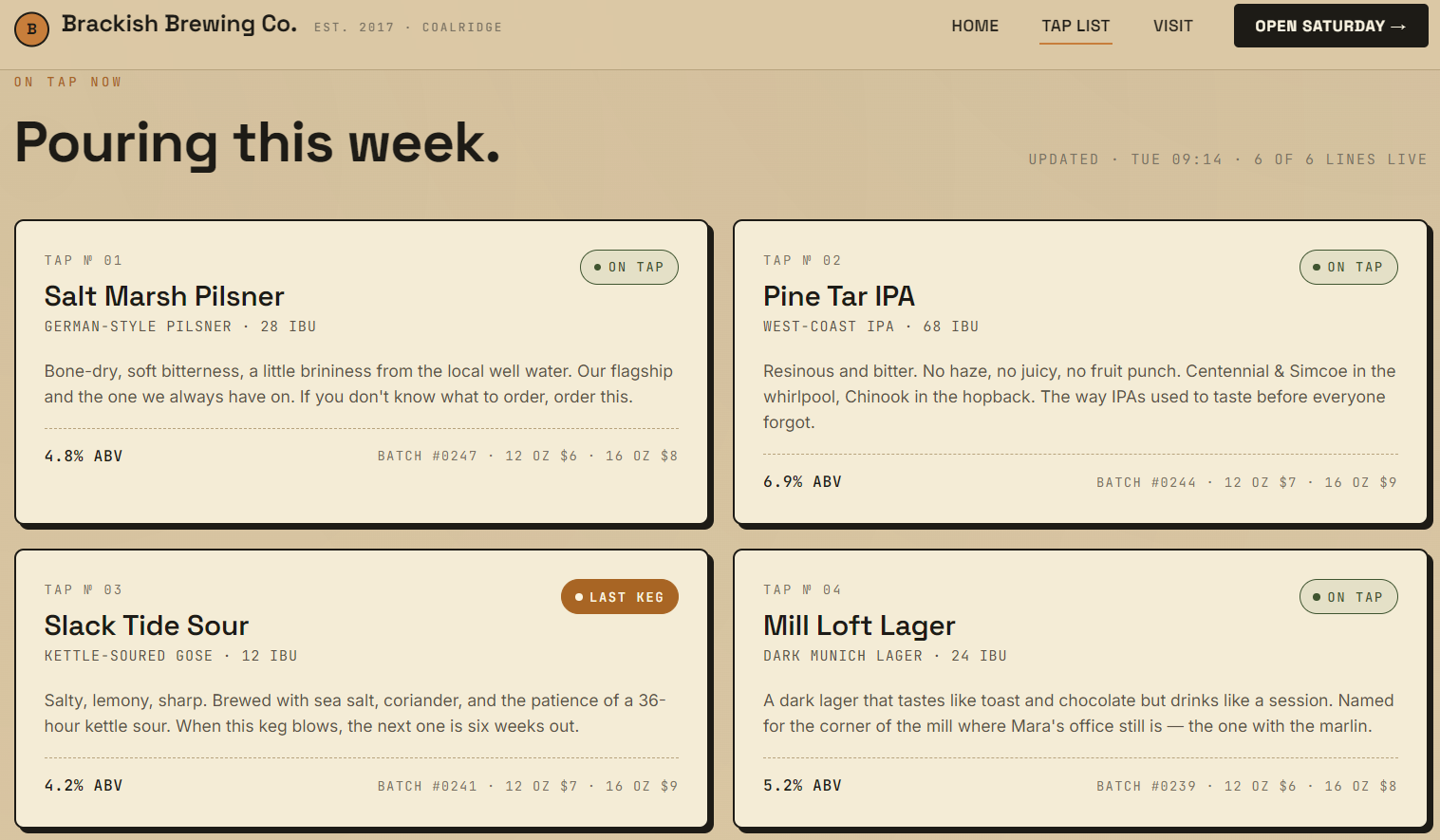
We can see the list of available beers from /tap-list:
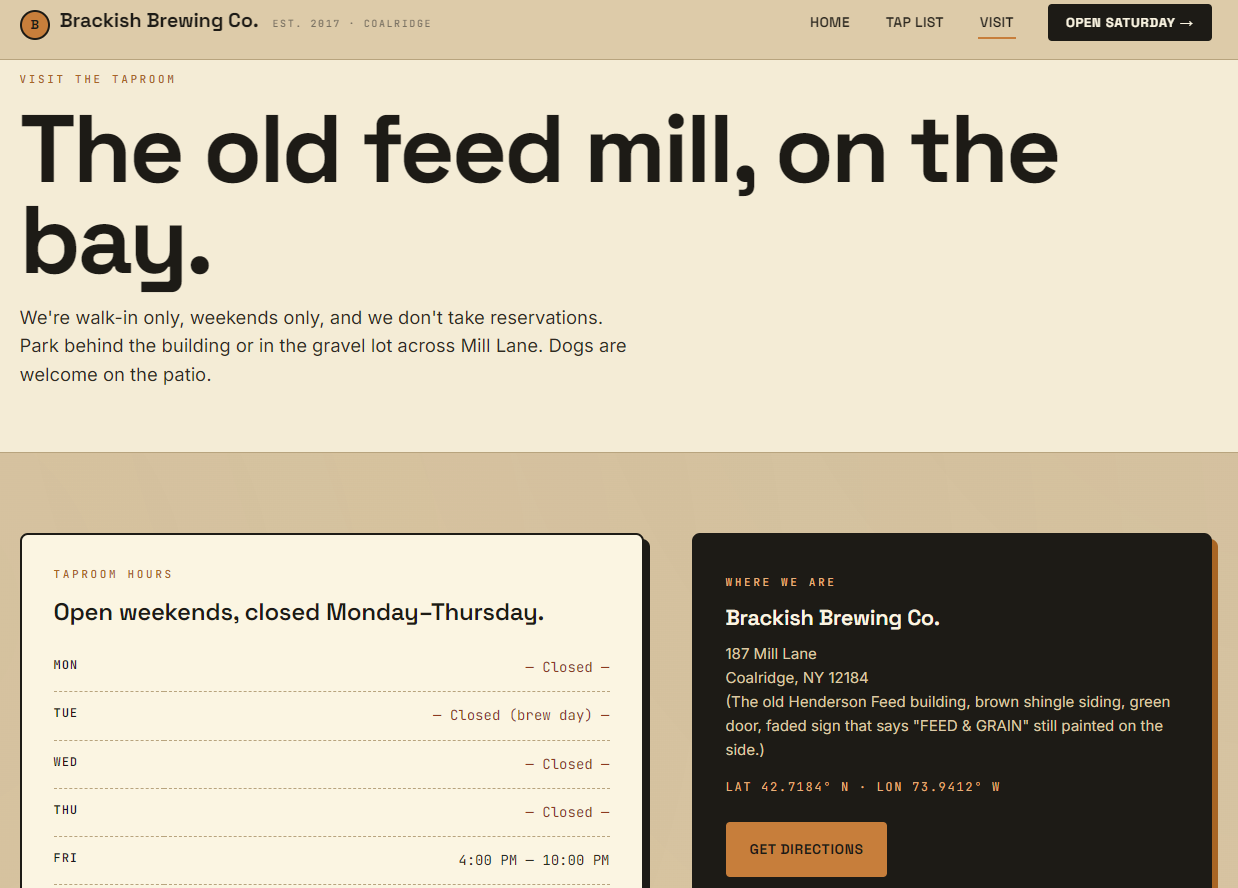
and we can see an explanation on how to visit the company and where it's located through /visit .
Finding the bug
Well, we can't pretend that we didn't hear about /staff, now can we? Let's try and navigate there through the URL, in the case that this endpoint wasn't mentioned in the challenge description, we could have fuzzed with seclists or just common.txt would surely find this from dirb.
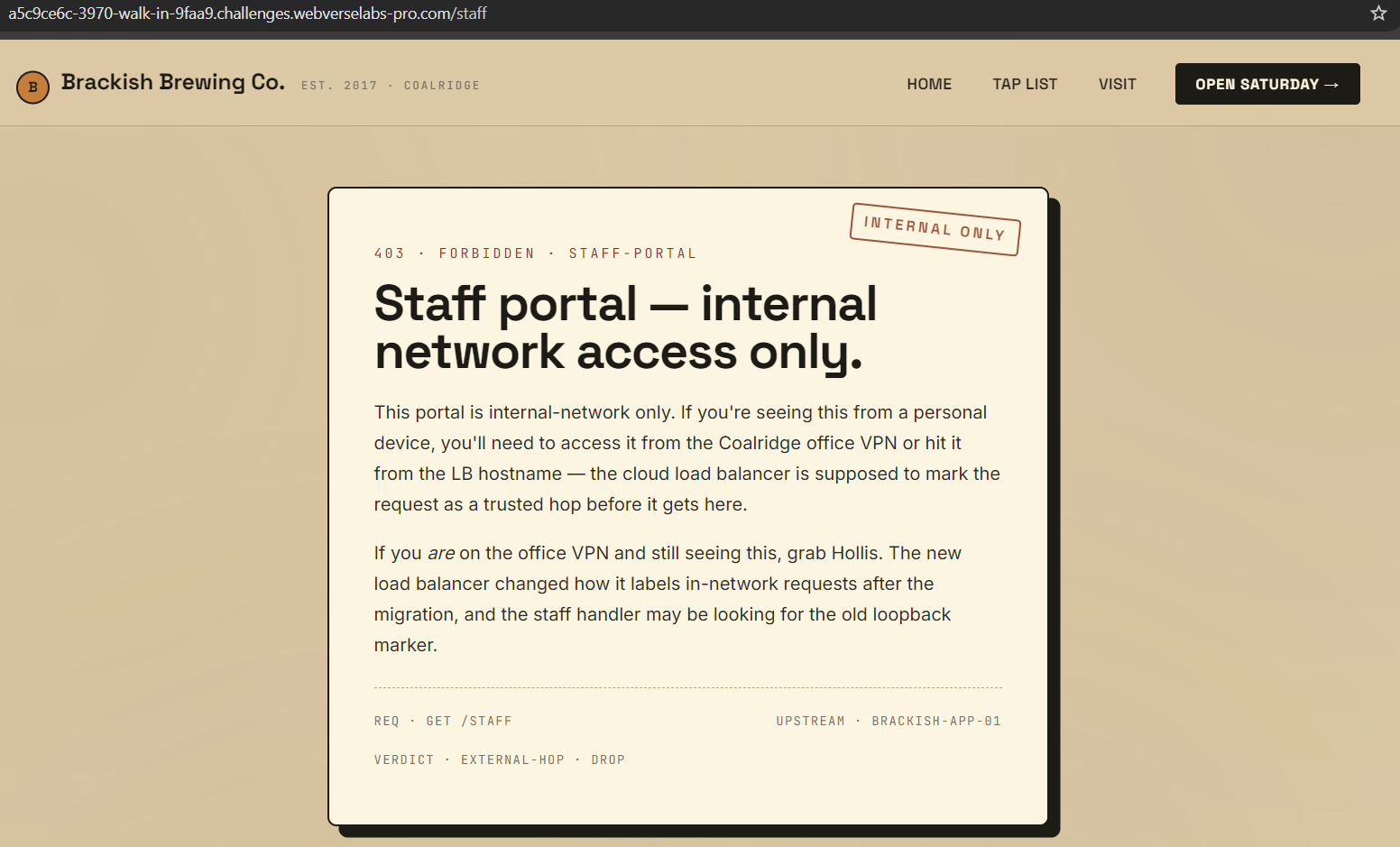
Okay, so the 403 forbidden error message is basically telling us what the issue is, the staff portal doesn't trust us because we aren't on the local network, so what ways to we have to fool the system that we are?
https://owasp.org/www-community/pages/attacks/ip_spoofing_via_http_headers
Exploitation
Alrighty, we know what we have to do, we have to set an X-Forwarded-For header to mimic a local IP address / localhost, to do that we can set the Request header to 127.0.0.1 using either ModHeader, cURL, Burp or anything really.
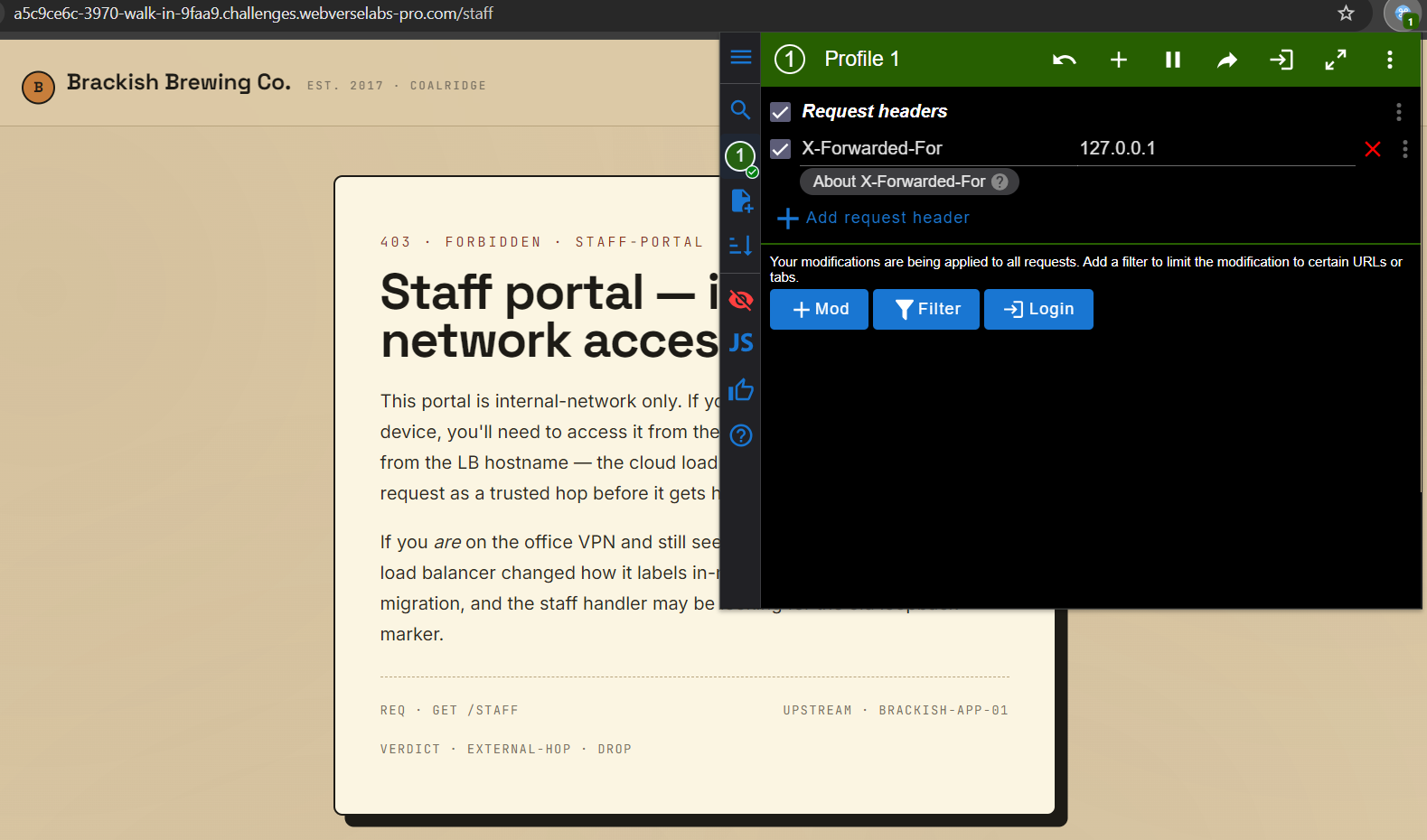
Then we just refresh the page and:
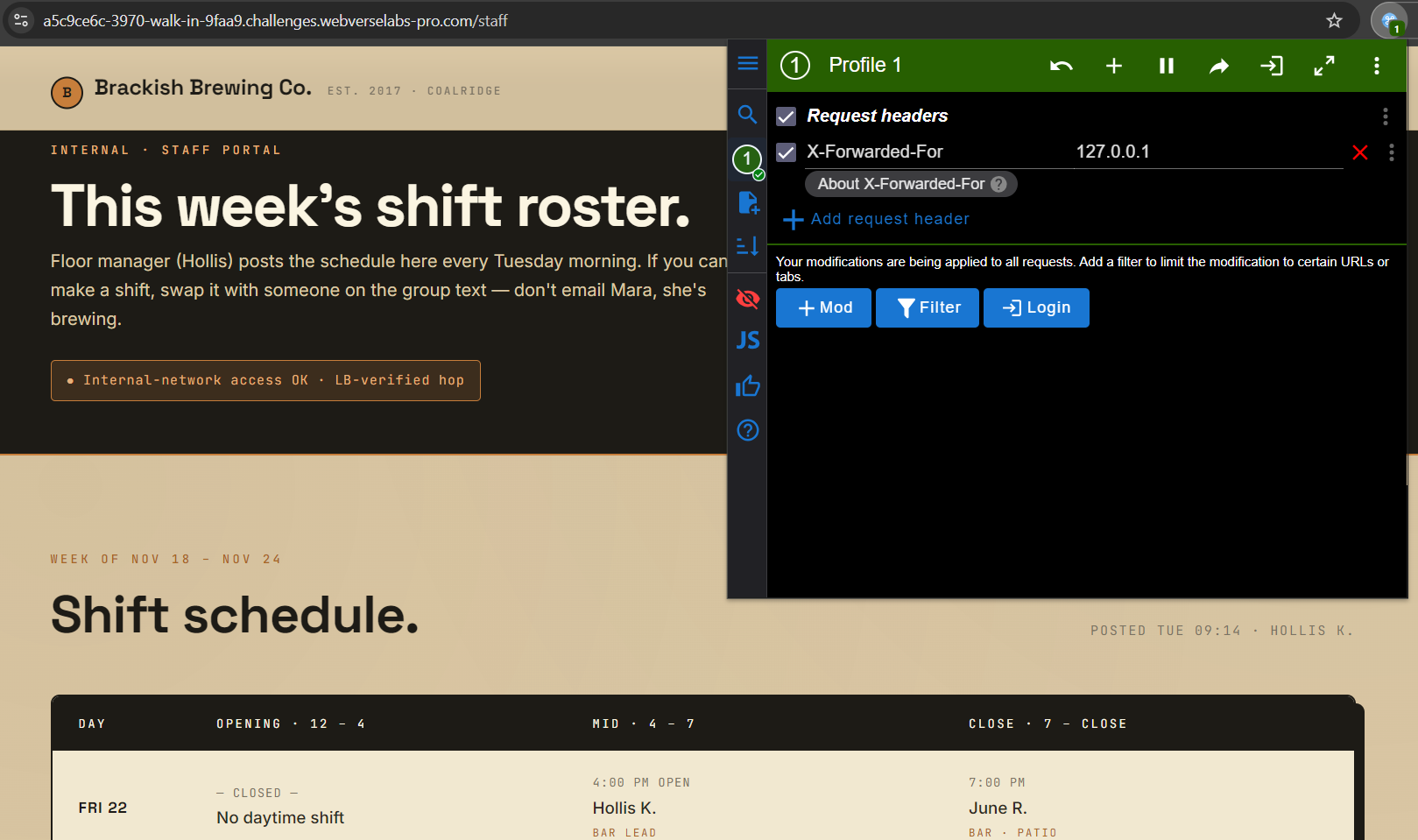
Great! We have access to the staff portal, if you scroll down you can find the flag.
To do the same with cURL you just have to supply an additional header with the -H switch.
curl -i https://a5c9ce6c-3970-walk-in-9faa9.challenges.webverselabs-pro.com/staff -H "X-Forwarded-For: 127.0.0.1"