
ScanPortal
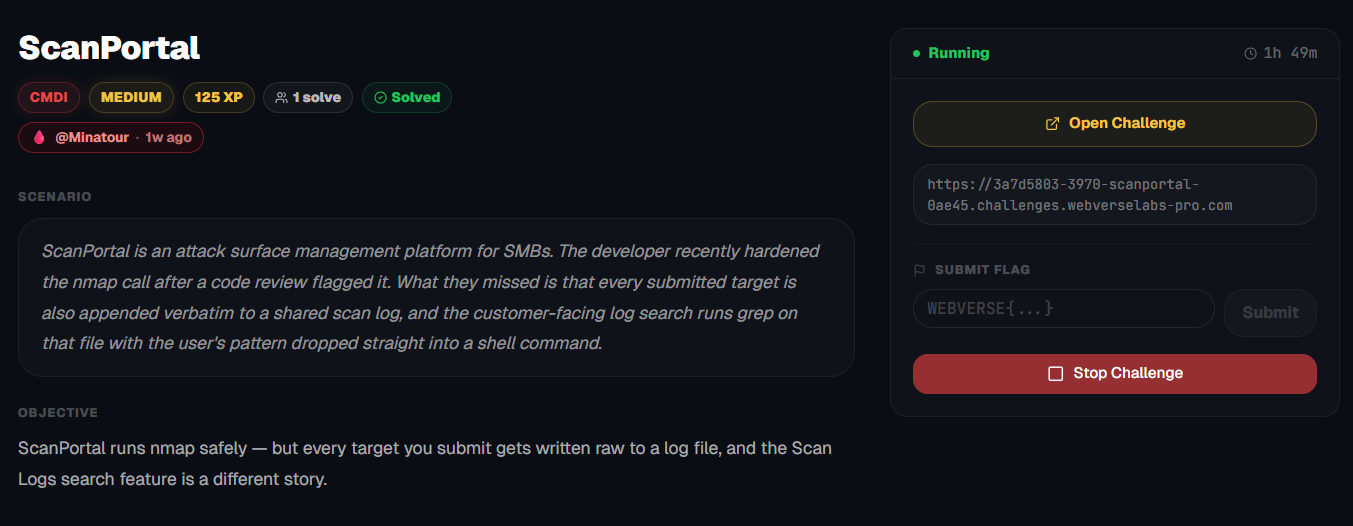
ScanPortal runs nmap safely — but every target you submit gets written raw to a log file, and the Scan Logs search feature is a different story.
Room Description
https://dashboard.webverselabs-pro.com/challenges/scanportal
Scenario
ScanPortal is an attack surface management platform for SMBs. The developer recently hardened the nmap call after a code review flagged it. What they missed is that every submitted target is also appended verbatim to a shared scan log, and the customer-facing log search runs grep on that file with the user's pattern dropped straight into a shell command.
Objective
ScanPortal runs nmap safely — but every target you submit gets written raw to a log file, and the Scan Logs search feature is a different story.
Initial Analysis
We have a security scanner on our hands!
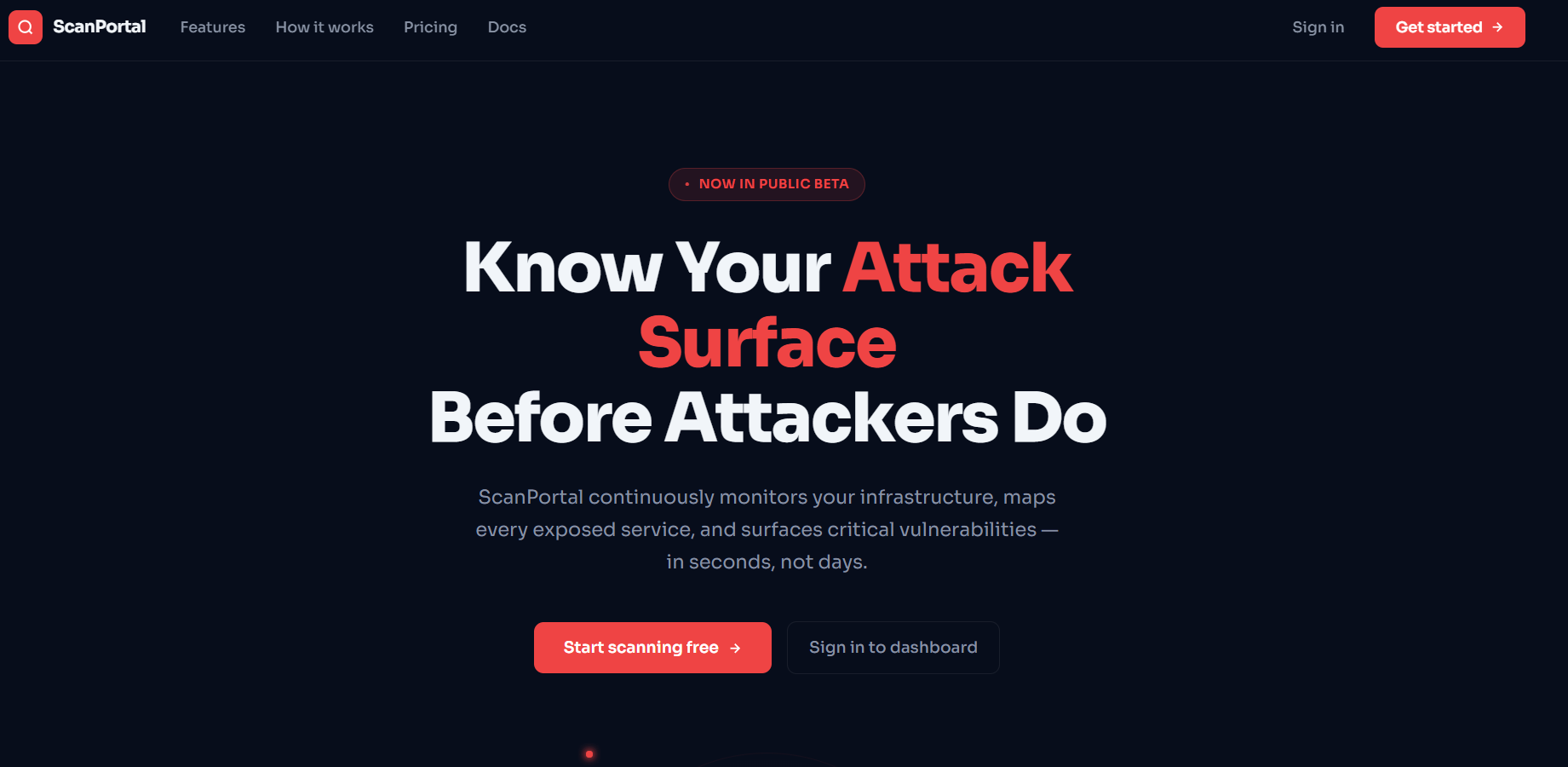
From the navigation menu we have the following endpoints:
 <div class="nav-links">
    <a href="#features">Features</a>
    <a href="#how">How it works</a>
    <a href="#pricing">Pricing</a>
    <a href="#docs">Docs</a>
  </div>
  <div class="nav-actions">
    <a href="/login" class="nav-signin">Sign in</a>
    <a href="/register" class="nav-cta">
      Get started
      <svg width="14" height="14" fill="none" stroke="currentColor" stroke-width="2.5" viewBox="0 0 24 24"><line x1="5" y1="12" x2="19" y2="12"/><polyline points="12 5 19 12 12 19"/></svg>
    </a>
  </div>
So we can scroll down to see what this product offers, and after that we create an account.
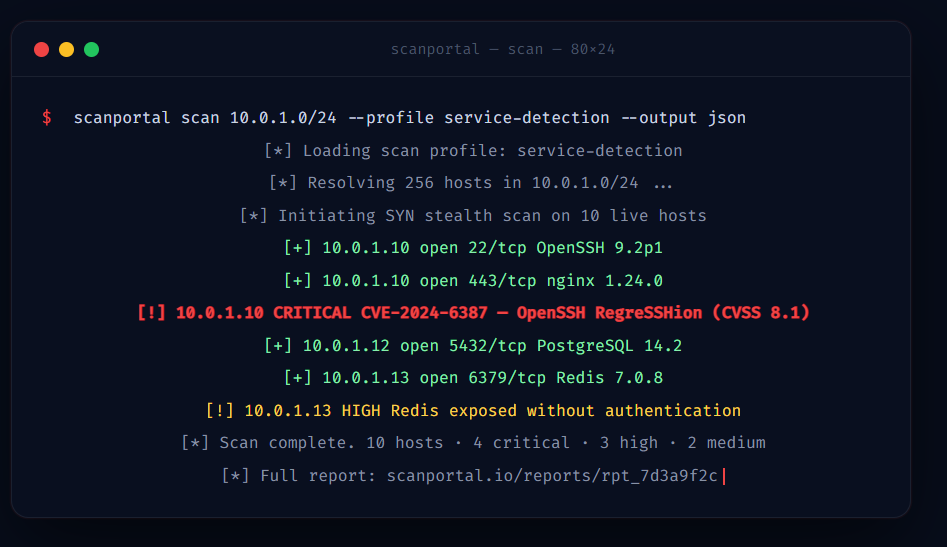
The landing page is pretty fleshed out, there is a lot of fun information here and there, not related to the vulnerability or anything, just that it's a fully fleshed out landing page.
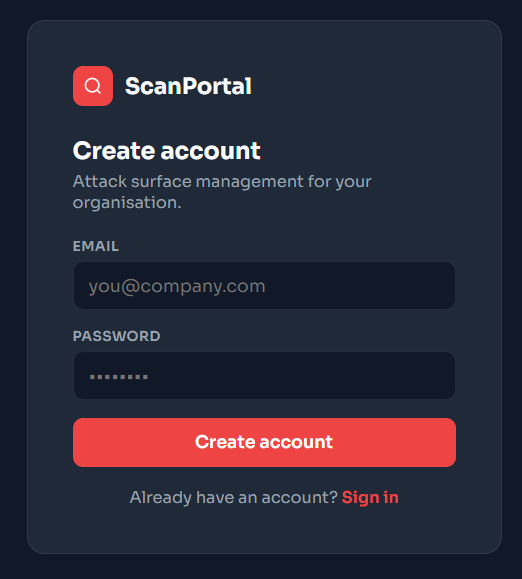
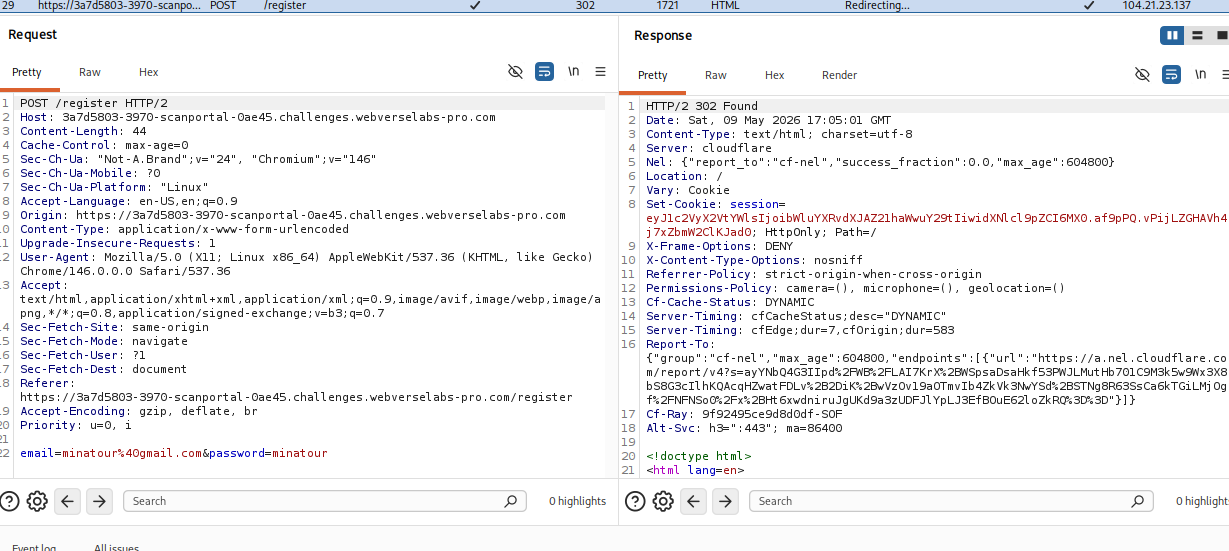
Nothing fishy with the registration, we don't send role parameters or anything.
Finding the bug
After registration, the application offered up several new endpoints:
    <a href="/"        class="nav-item "><svg width="18" height="18" fill="none" stroke="currentColor" stroke-width="2" viewBox="0 0 24 24"><rect x="3" y="3" width="7" height="7" rx="1"/><rect x="14" y="3" width="7" height="7" rx="1"/><rect x="3" y="14" width="7" height="7" rx="1"/><rect x="14" y="14" width="7" height="7" rx="1"/></svg><span class="nav-label">Dashboard</span></a>
    <a href="/assets"  class="nav-item "><svg width="18" height="18" fill="none" stroke="currentColor" stroke-width="2" viewBox="0 0 24 24"><rect x="2" y="3" width="20" height="14" rx="2"/><line x1="8" y1="21" x2="16" y2="21"/><line x1="12" y1="17" x2="12" y2="21"/></svg><span class="nav-label">Assets</span></a>
    <a href="/vulns"   class="nav-item "><svg width="18" height="18" fill="none" stroke="currentColor" stroke-width="2" viewBox="0 0 24 24"><path d="M10.29 3.86L1.82 18a2 2 0 0 0 1.71 3h16.94a2 2 0 0 0 1.71-3L13.71 3.86a2 2 0 0 0-3.42 0z"/><line x1="12" y1="9" x2="12" y2="13"/><line x1="12" y1="17" x2="12.01" y2="17"/></svg><span class="nav-label">Vulns</span></a>
    <a href="/scans"   class="nav-item "><svg width="18" height="18" fill="none" stroke="currentColor" stroke-width="2" viewBox="0 0 24 24"><polyline points="22 12 18 12 15 21 9 3 6 12 2 12"/></svg><span class="nav-label">Scans</span></a>
    <a href="/logs"    class="nav-item active"><svg width="18" height="18" fill="none" stroke="currentColor" stroke-width="2" viewBox="0 0 24 24"><path d="M14 2H6a2 2 0 0 0-2 2v16a2 2 0 0 0 2 2h12a2 2 0 0 0 2-2V8z"/><polyline points="14 2 14 8 20 8"/><line x1="16" y1="13" x2="8" y2="13"/><line x1="16" y1="17" x2="8" y2="17"/><line x1="12" y1="9" x2="8" y2="9"/></svg><span class="nav-label">Scan Logs</span></a>
    <a href="/settings" class="nav-item "><svg width="18" height="18" fill="none" stroke="currentColor" stroke-width="2" viewBox="0 0 24 24"><circle cx="12" cy="12" r="3"/><path d="M19.4 1....snip..."/></svg><span class="nav-label">Settings</span></a>
- Dashboard
- Assets
- Vulns
- Scans
- Scan Logs
- Settings
The most interesting functionality appeared to be:
- Submitting scans
- Searching scan logs
The challenge description already hinted that:
- the
nmapexecution itself had been secured, - but the log search functionality remained vulnerable.
Looking through all of the content we gathered that by reviewing the page source we found several important implementation details.
- The “New Scan” form submitted data to:
<form method="POST" action="/scan/submit">
- with the user-controlled parameter:
<input type="text" name="target">
This confirmed that arbitrary scan targets could be submitted.

We also can see that simple injection techniques don't work with providing a target.

- The source also contained a dedicated “Scan Logs” section and a search interface:
<div class="log-search-row">
Combined with the challenge description, this strongly suggested that:
- submitted targets were written into a log file,
- and the log viewer executed a shell command involving
grep.


We have our logs saved from our scans.
The critical sentence in this scenario description is:
“the customer-facing log search runs grep on that file with the user's pattern dropped straight into a shell command”
This implies backend logic similar to:
grep "<user_input>" logs
If user input is inserted directly into a shell command without sanitization, command injection becomes possible.
Exploitation
Knowing that grep is being used, and knowing how we ourselves would use grep in a terminal, we can assume how we would need to escape the syntax. So when we try to search for google, the backend is doing something like:
grep "google" logs
Now, similarly to XSS attacks, we would need to escape where we are inputting, which in this case is inside quotes. We can do that by closing the quotes early, and providing our command with ; to close the previous command, then commenting out the rest of the syntax.
So, we send a payload like:
"; id #
and the payload being processed in the backend will be:
grep ""; id # " logs
"	- closes the original quoted grep argument
;	- terminates the grep command
id - executes a new command
#	- comments out the remaining original syntax

All that's left is to find the flag. We can try cat /flag.txt or use find to find the flag if it isn't in the obvious spots.

