
Overdue
A small-town library moved its catalog online last week. Sign in and have a look around.


Room Description
There is a new feature on WebVerse called Foundational labs, there are meant to be easier than Easy and build some basic web exploitation skills.
This is information directly grabbed from the main page and description of the lab.
https://dashboard.webverselabs-pro.com/labs/overdue
Maple Hollow Public Library just switched from index cards to an online catalog. Librarian Emma was doing most of it herself between front-desk shifts, and the whole thing went live a week ago without anyone reviewing the code. Patrons can browse the stacks, sign in, and see their own checkouts. Everything looks clean on the surface — but libraries have always had privacy expectations quietly baked into how they work, and it's worth checking whether those expectations survived the move.
Synopsis
A friendly-looking patron portal where the login check is working, but something else isn't.
What is Overdue
A beginner-friendly Ruby + SQLite library web app. Login works, signups are paused, and the catalog is perfectly ordinary — the interesting part is what a logged-in patron can see.
Who is Overdue for?
Newcomers who've solved one injection lab and are ready for a different mental model: authorization, not input parsing.
Skills / Knowledge
- Reading URLs as data structures
- Comparing what the UI gives you against what the server is willing to give you
- Basic checkout-style request manipulation
What will you gain?
- Notice when a URL parameter doubles as both an identifier and an access decision
- Tell the difference between authentication (are you logged in?) and authorization (are you allowed?)
- Walk a predictable ID range to discover data the UI never intended to show you
Initial Analysis
Okay, let's try to take a look at this lab from scratch. We are given an IP address, let's put it in our browser to see where it tries to send us.
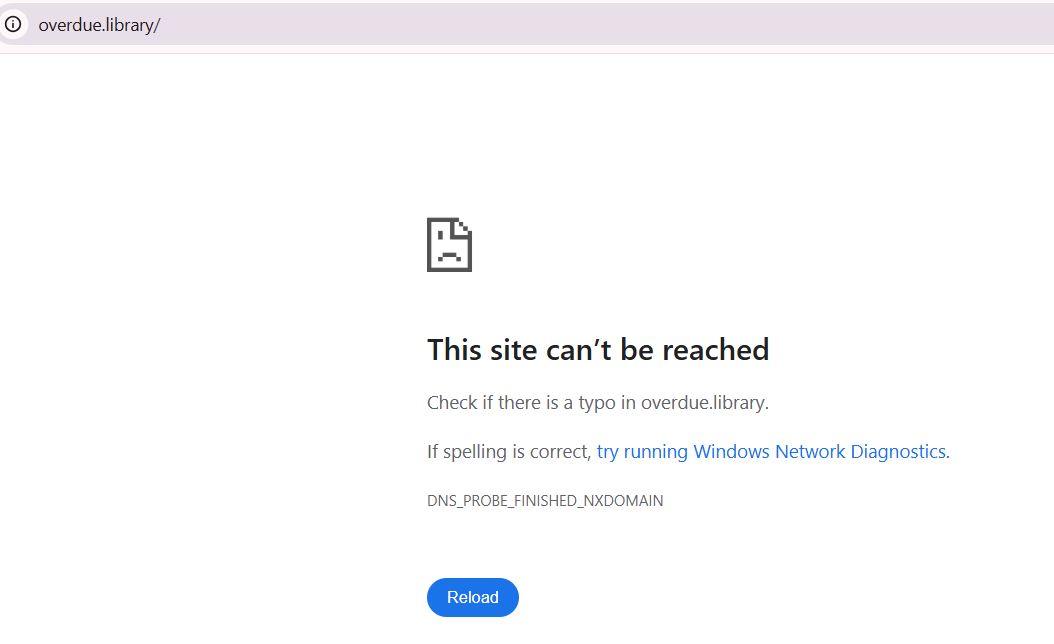
We can't resolve this domain, to fix this, we need to add the IP address given to us, and the domain name we're attempting to resolve to /etc/hosts.
On Windows the file is located at C:\Windows\System32\drivers\etc\hosts , on Linux it's just /etc/hosts. If you have issues editing the file on Windows, just create a new text file wherever, edit it there, then copy and paste it to the location to override the old one. To do so, you do need Local Admin or sudo permissions.
After doing so, we can try to refresh and we can see that we now have access to the web app.
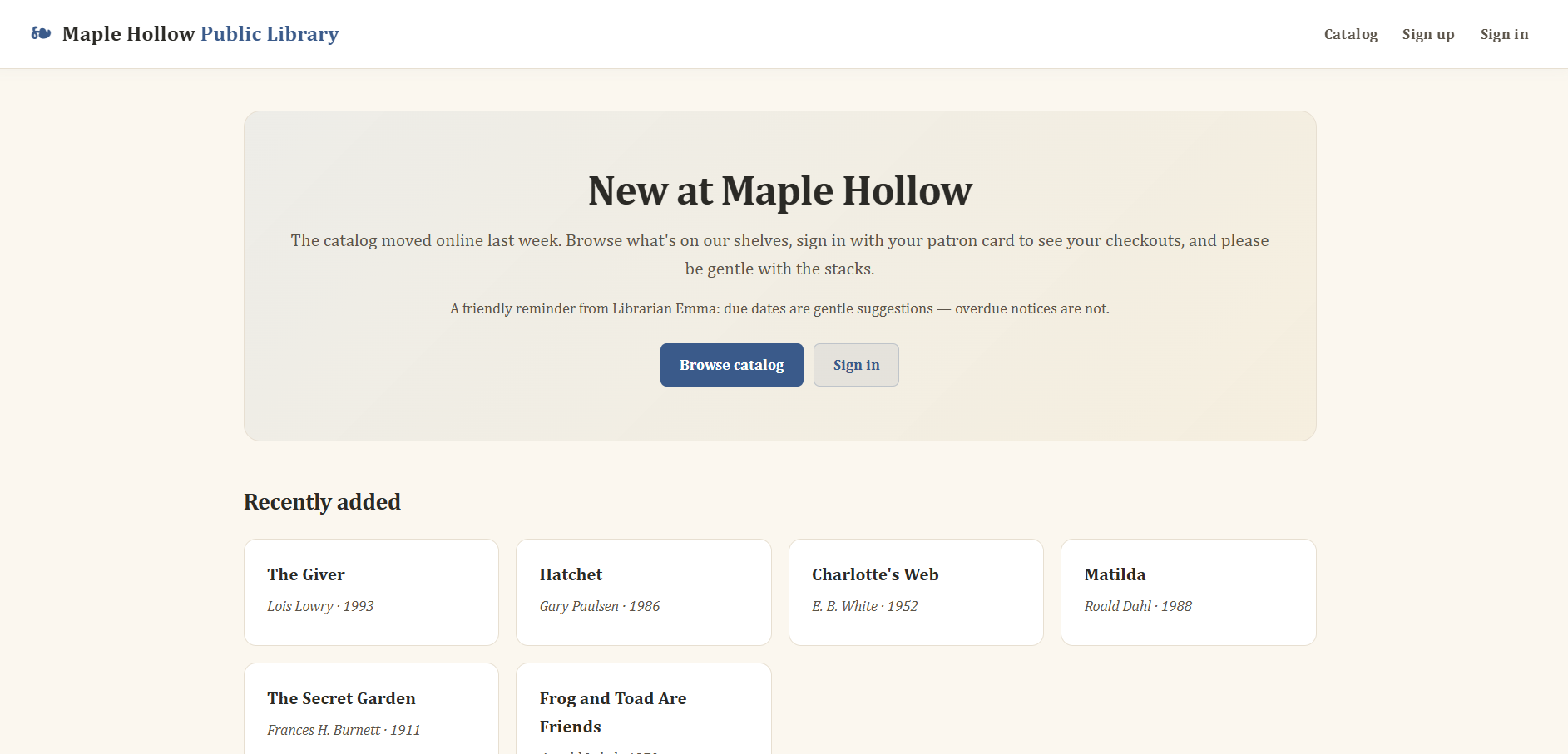
From the frontend we can see the following endpoints:
<ul>
      <li><a href="/catalog">Catalog</a></li>
        <li><a href="/signup">Sign up</a></li>
        <li><a href="/login">Sign in</a></li>
    </ul>
We also have /checkouts:
      <a class="od-card od-card-link" href="/checkouts/6">
        <h3>The Giver</h3>
        <p class="od-author">Lois Lowry</p>
        <p class="od-small">Checkout #6 · view details →</p>
      </a>
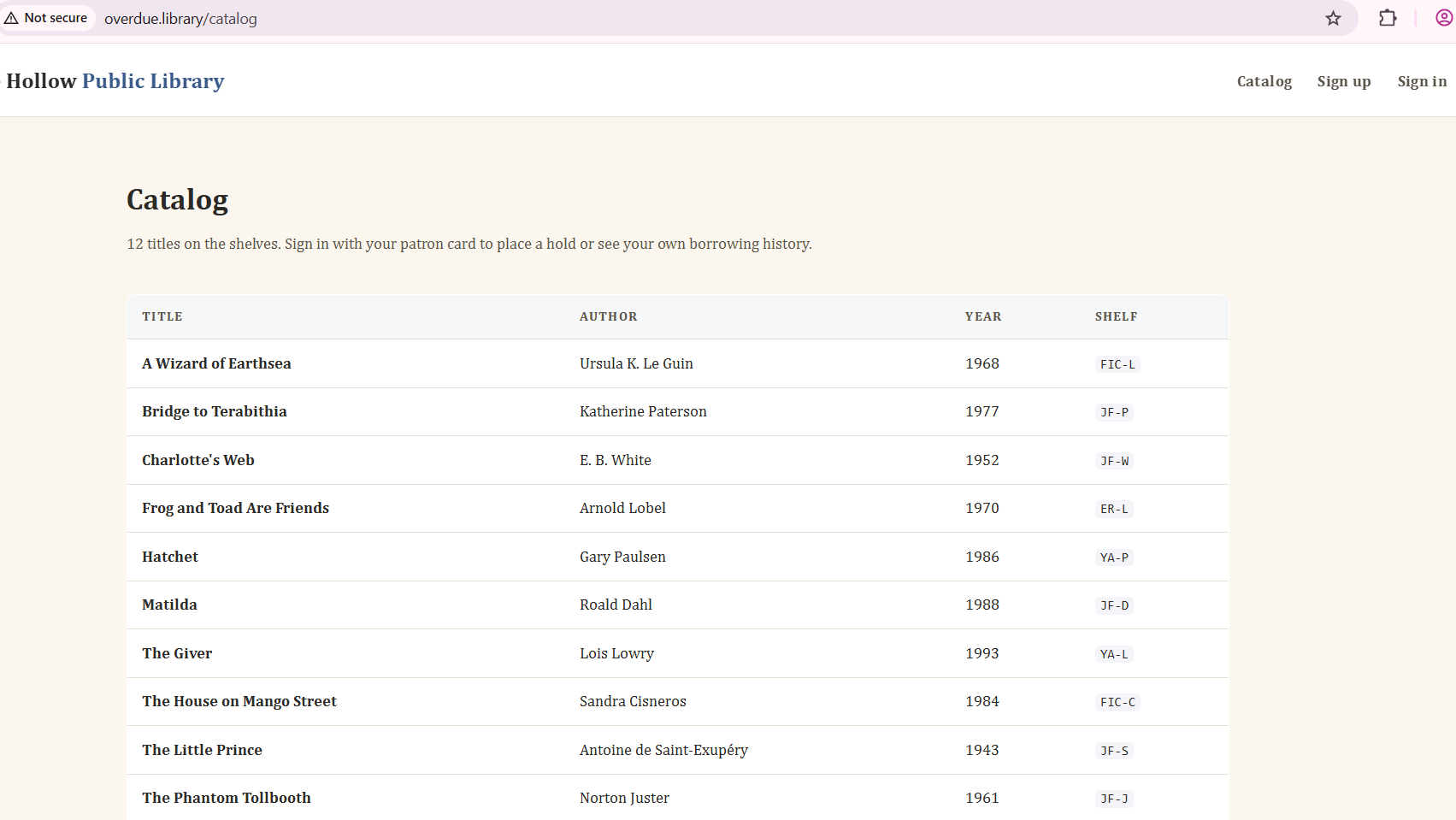
Going through the catalog is just a list of books.
Finding the bug
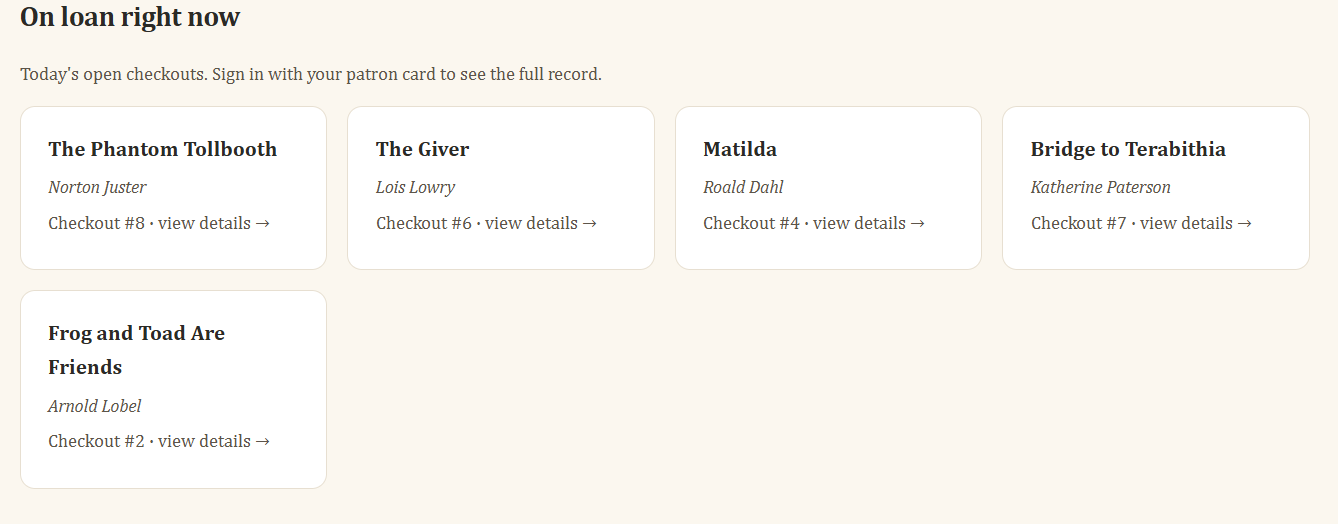
The lab heavily implies that we need to create an account to access the feature, but let's look through this checkouts feature that is available to us.
<section class="od-section">
  <h2>On loan right now</h2>
  <p class="od-subtle" style="margin-bottom:14px">
    Today's open checkouts. Sign in with your patron card to see the full record.
  </p>
  <div class="od-grid">

      <a class="od-card od-card-link" href="/checkouts/8">
        <h3>The Phantom Tollbooth</h3>
        <p class="od-author">Norton Juster</p>
        <p class="od-small">Checkout #8 · view details →</p>
      </a>

      <a class="od-card od-card-link" href="/checkouts/6">
        <h3>The Giver</h3>
        <p class="od-author">Lois Lowry</p>
        <p class="od-small">Checkout #6 · view details →</p>
      </a>

      <a class="od-card od-card-link" href="/checkouts/4">
        <h3>Matilda</h3>
        <p class="od-author">Roald Dahl</p>
        <p class="od-small">Checkout #4 · view details →</p>
      </a>

      <a class="od-card od-card-link" href="/checkouts/7">
        <h3>Bridge to Terabithia</h3>
        <p class="od-author">Katherine Paterson</p>
        <p class="od-small">Checkout #7 · view details →</p>
      </a>

      <a class="od-card od-card-link" href="/checkouts/2">
        <h3>Frog and Toad Are Friends</h3>
        <p class="od-author">Arnold Lobel</p>
        <p class="od-small">Checkout #2 · view details →</p>
      </a>

  </div>
</section>
We can obviously see that /checkouts/1, /checkouts/3 and /checkouts/5 are missing from the list.
When we try to open any of the checkouts we get sent to the login page.
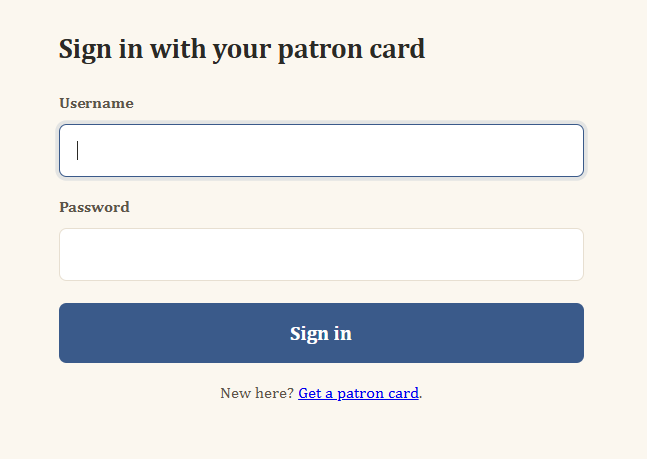
Maybe we should try Blind SQLi to bypass login?
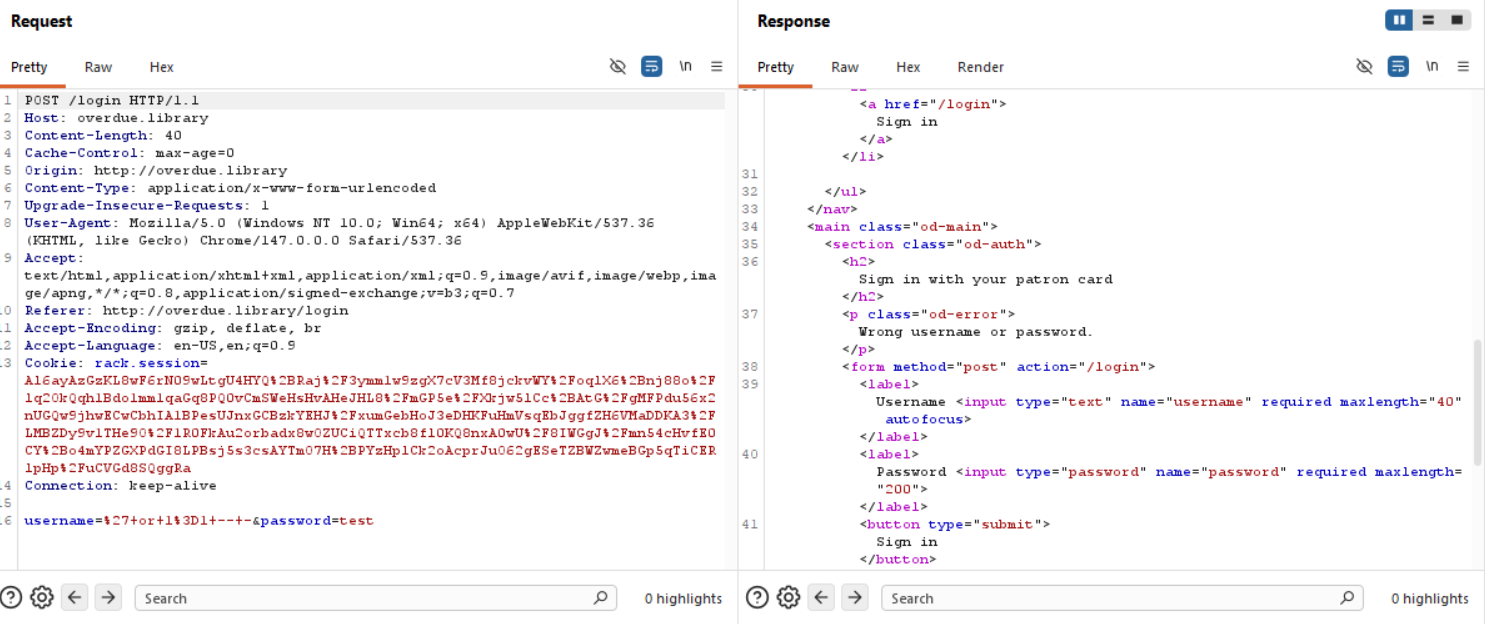
Welp, no need, doesn't work + we can create an account ourselves.
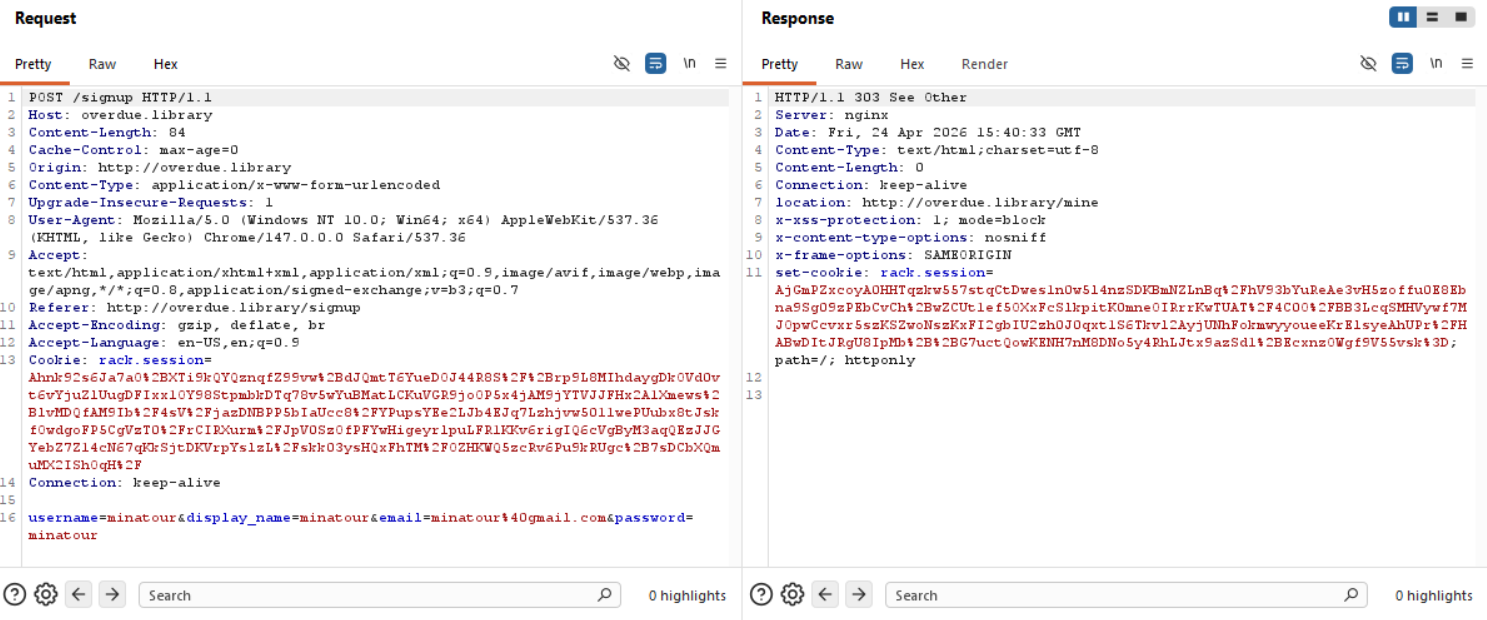
From the request we can see that we don't send a role in the backend when we register, so no manipulation can happen there.
After logging in we get sent to /mine.
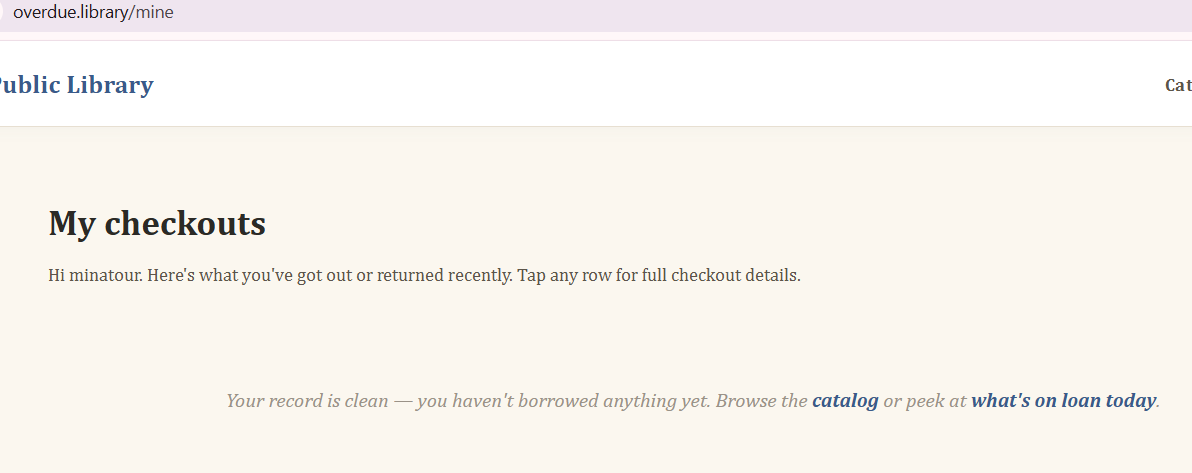
Everything is leading towards the checkout feature.
So the application doesn't really let me select a book from the catalog to add it to our checkout, neither from there or from the dashboard, so our only option is to open someone else's checkout.
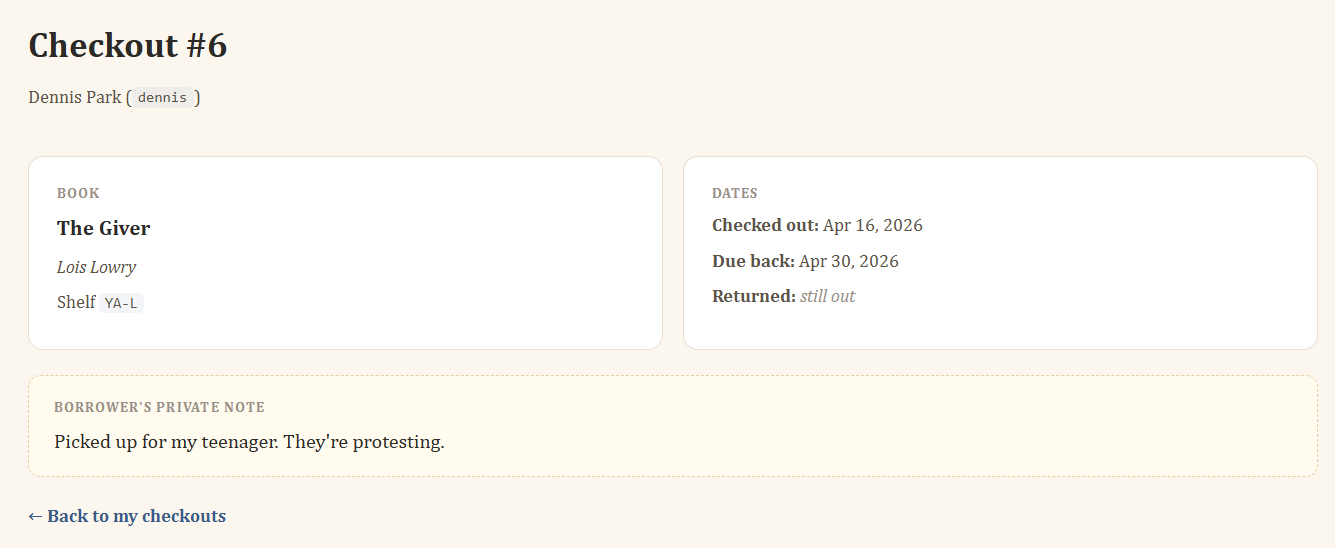
Seems like there are private notes throughout these checkouts.
Exploitation
As we saw from even before being authenticated, we know 1, 3 and 5 are missing, what if we try those IDs in our Browser URL?
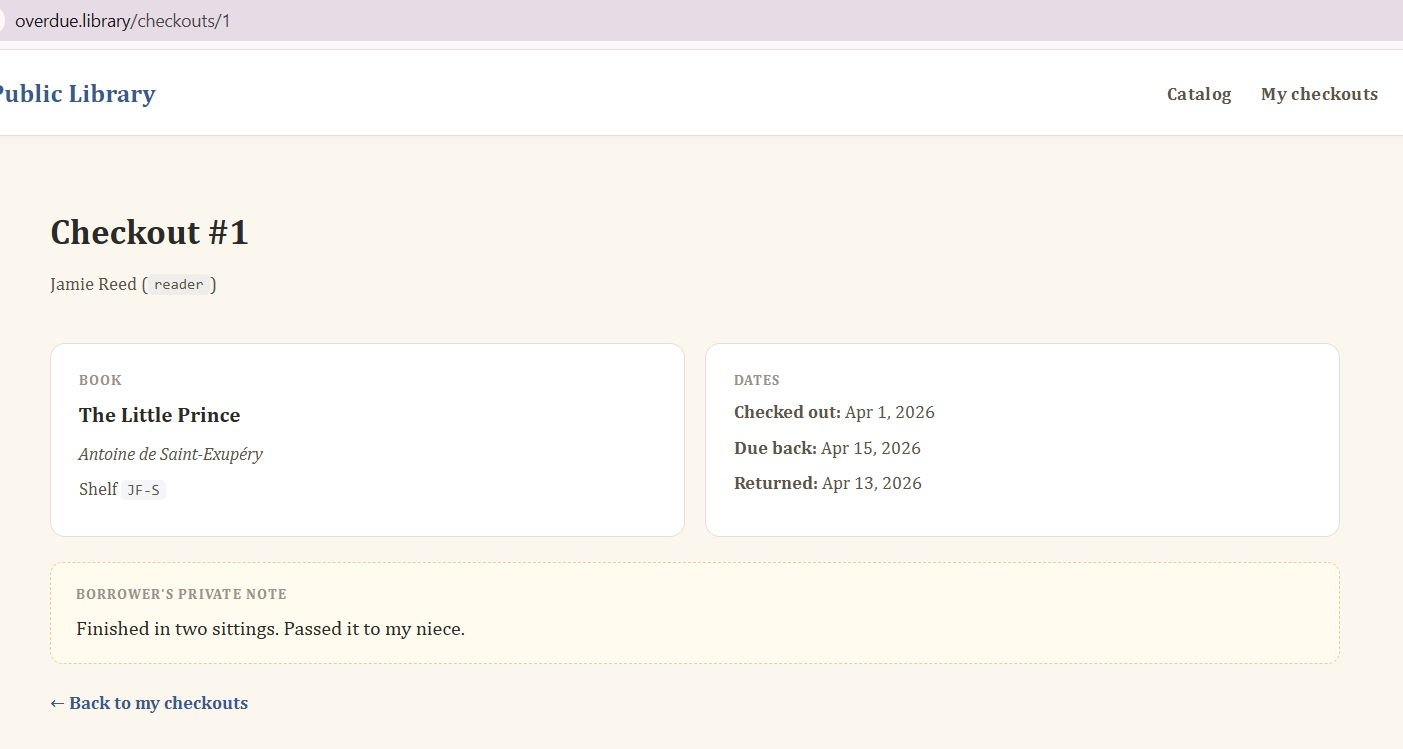
Aha, so this checkout is already returned! That's why it's missing from that list previously, those are only open checkouts. Since we can access things that aren't available to us through the UI, we can assume that our user shouldn't have access to these closed checkouts, this is a classic case of IDOR and luckily the IDs are incremental values.
https://portswigger.net/web-security/access-control/idor
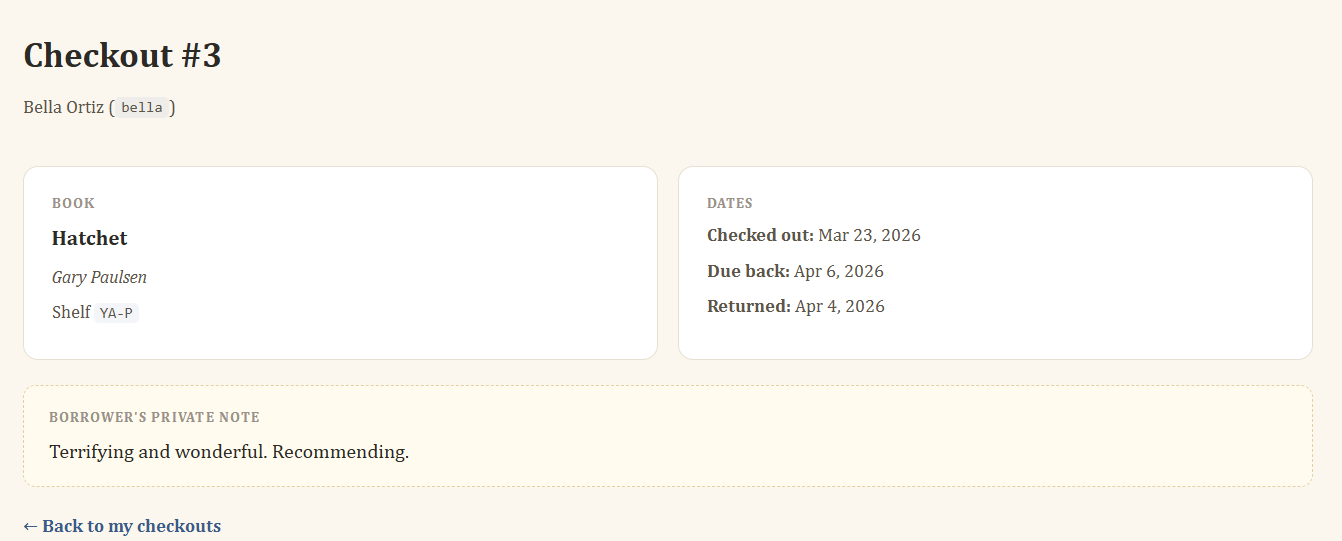
As we can see, the third one is also returned.
Same thing for #5:
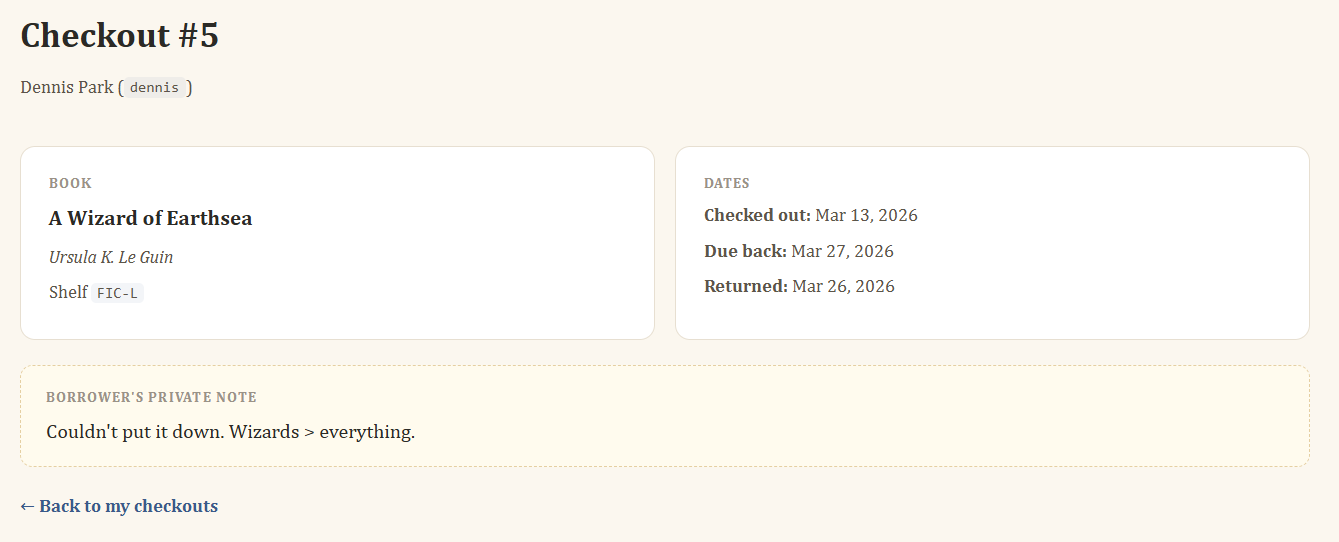
Weird? We now have information on every checkout from 1 to 8, maybe the ones we can't see go further up? Since we know that the IDs are incremented, the next checkout would be 9, 10, 11 etc.
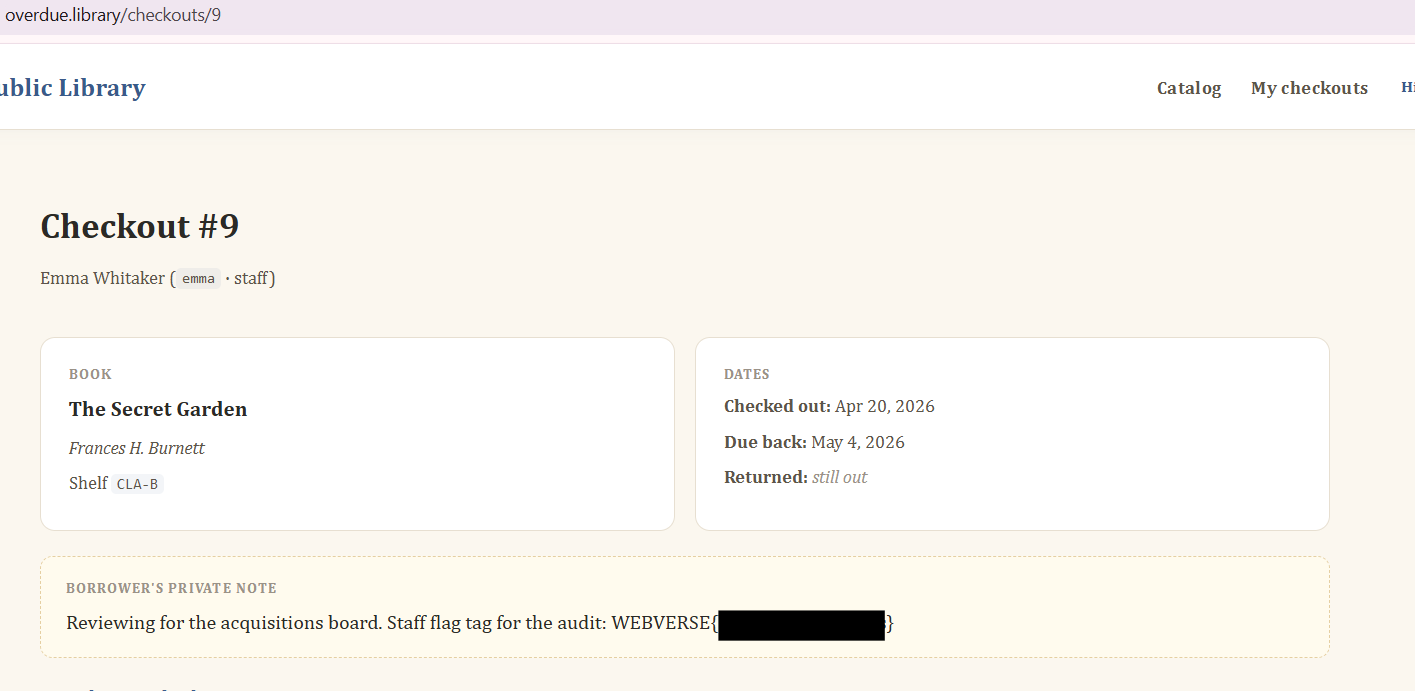
There is also a result for #10:
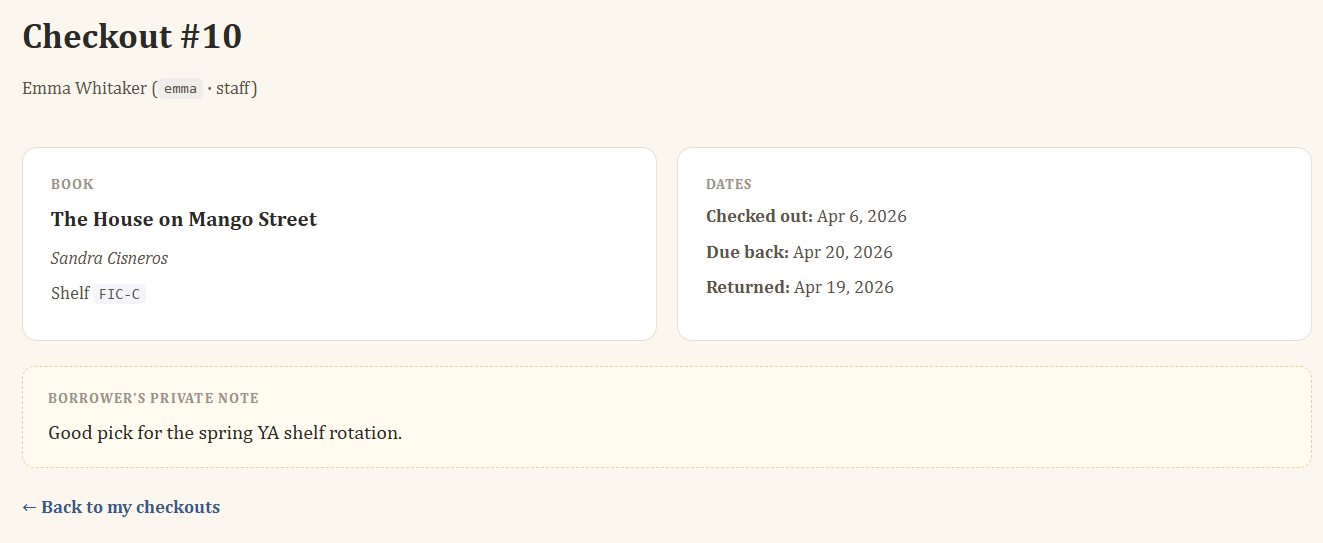
This could be automated with Burp Intruder and just going through the responses to find the information, as well as just a cURL command, python script, ffuf or anything that would just go through all the options from 1 to # whichever number you want, that way we would enumerate all valid checkouts and go through them manually if we don't know what we're looking for but we would know which checkouts return a 200 response.
Great introductory lab for IDORs.